































Article Contents:
- Why decorative elements should be chosen before furniture manufacturing
- A typical mistake: making the facade first, then looking for decor
- The correct production sequence: from the furniture idea to an APPROVED SKU
- Production gates: when decor stops being a candidate
- Which elements have the greatest impact on furniture construction
- The coordinate base for the handle and the overlay must be equally clear
- Beech, oak, and finish: know the material before starting the finish
- What to Check
- Calculated Qty and Order Qty must be separated even for one-off decor
- What happens when a SKU is replaced after approval
- First Article Inspection: the first item of the series is checked as the reference
- Handover kit to the workshop
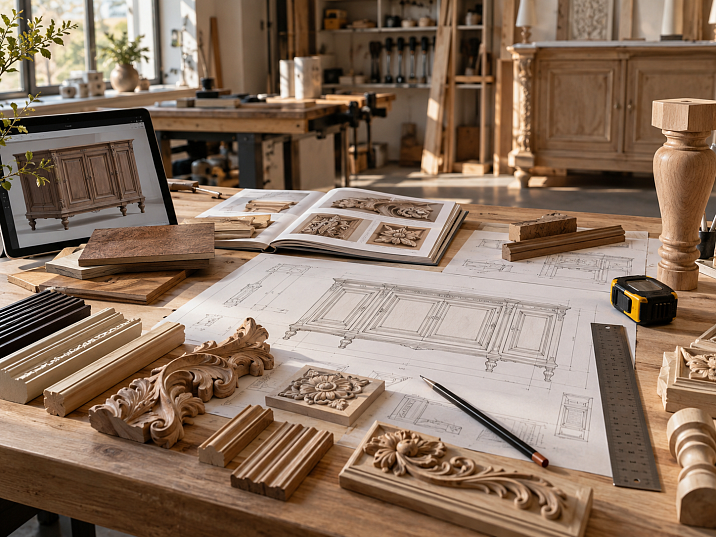
The front has already been cut, the frame calculated, the handle holes drilled. And only then does a real carved overlay appear in the project — 40 mm wider than the provisional model used in the sketch. Visually, the difference seems small. In production, it changes everything: the free field of the front shrinks, the handle ends up too close to the relief, the frame has to be moved, and sometimes an already finished part has to be redone.
That is why decorative elements for furniture manufacturing must be selected before cutting, drilling, and launching the fronts into production.
Work sequence:
furniture model → function of the decorative element → real SKU → actual dimensions → material → drawing → frame / drilling / free field → BOM → trial part → APPROVED → cutting → production → purchasing.
The main principle is simple: if a finished element affects the geometry of the furniture, it stops being a "decoration for later." It becomes an initial production part of the project — as real as a handle, leg, front, or profile.
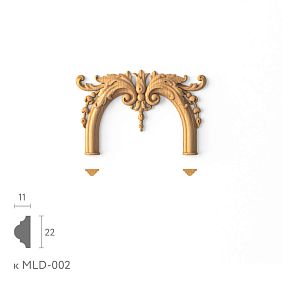
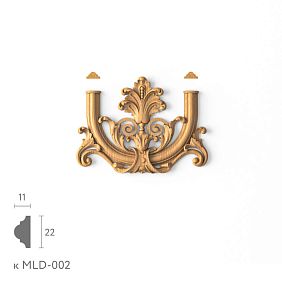
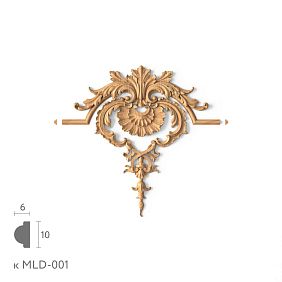
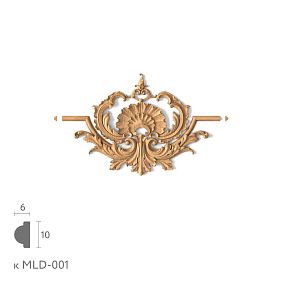

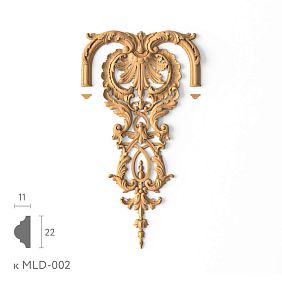
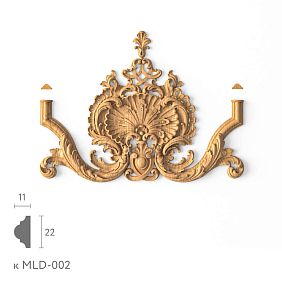
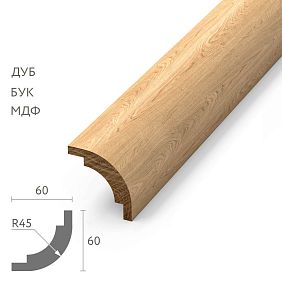
Why decorative elements must be selected before manufacturing furniture
A finished decorative element has physical geometry.
An overlay has width, height, and depth.
A leg has height and a mounting plate.
A handle has overall dimensions and a mounting pattern.
Molding has a real cross-section.
A rosette has a diameter or overall dimensions.
A bracket has height, depth, and mounting planes.
All these parameters can change the furniture before the machine even starts.
What exactly changes.
A finished element can affect:
- overall dimensions of the product;
- the height of the body;
- front size;
- inner frame field;
- the position of the handle;
- the drilling;
- drilling;
- milling;
- position of the panel;
- distance between adjacent elements;
- number of parts in the BOM.
Therefore, the question of "which decor to use" should be resolved not at the final finishing stage, but at the design stage.
Decor becomes part of the input data.
If the project uses a real wooden overlay, the drawing must be built around its actual size.
If a standard leg is used, the product height is calculated based on its actual height.
If the handle has a specific center-to-center distance or mounting pattern, the holes are specified for it.
If the frame is formed by wooden molding, the free field is calculated after selecting the actual profile.
This way, furniture is designed around existing products, not around a hypothetical image.
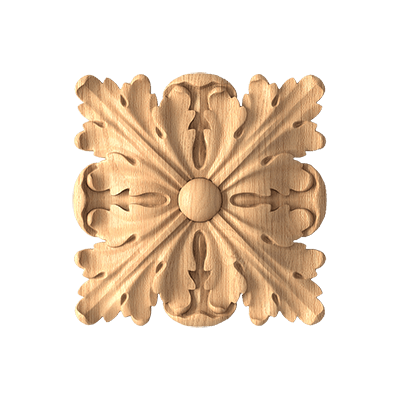
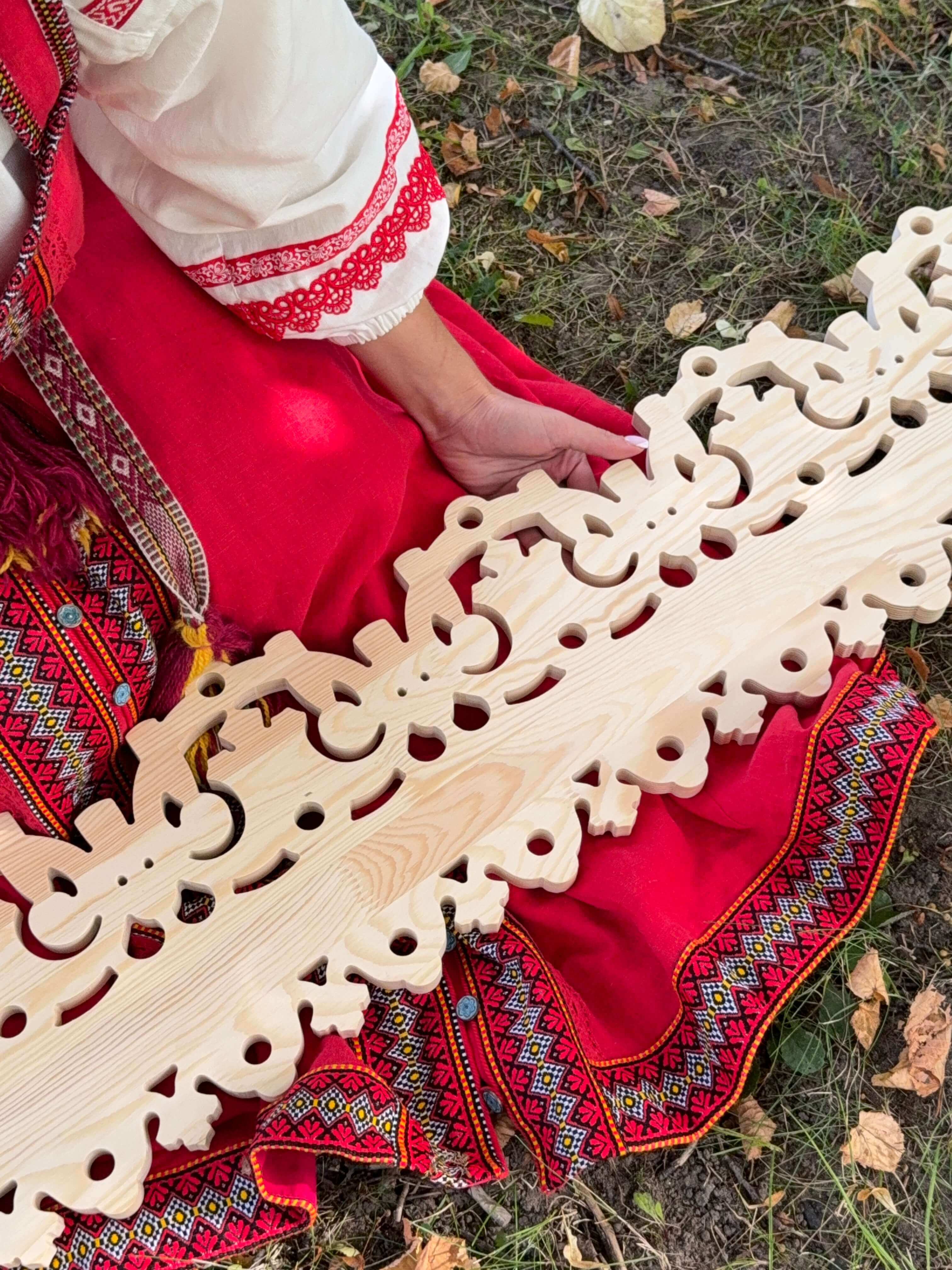
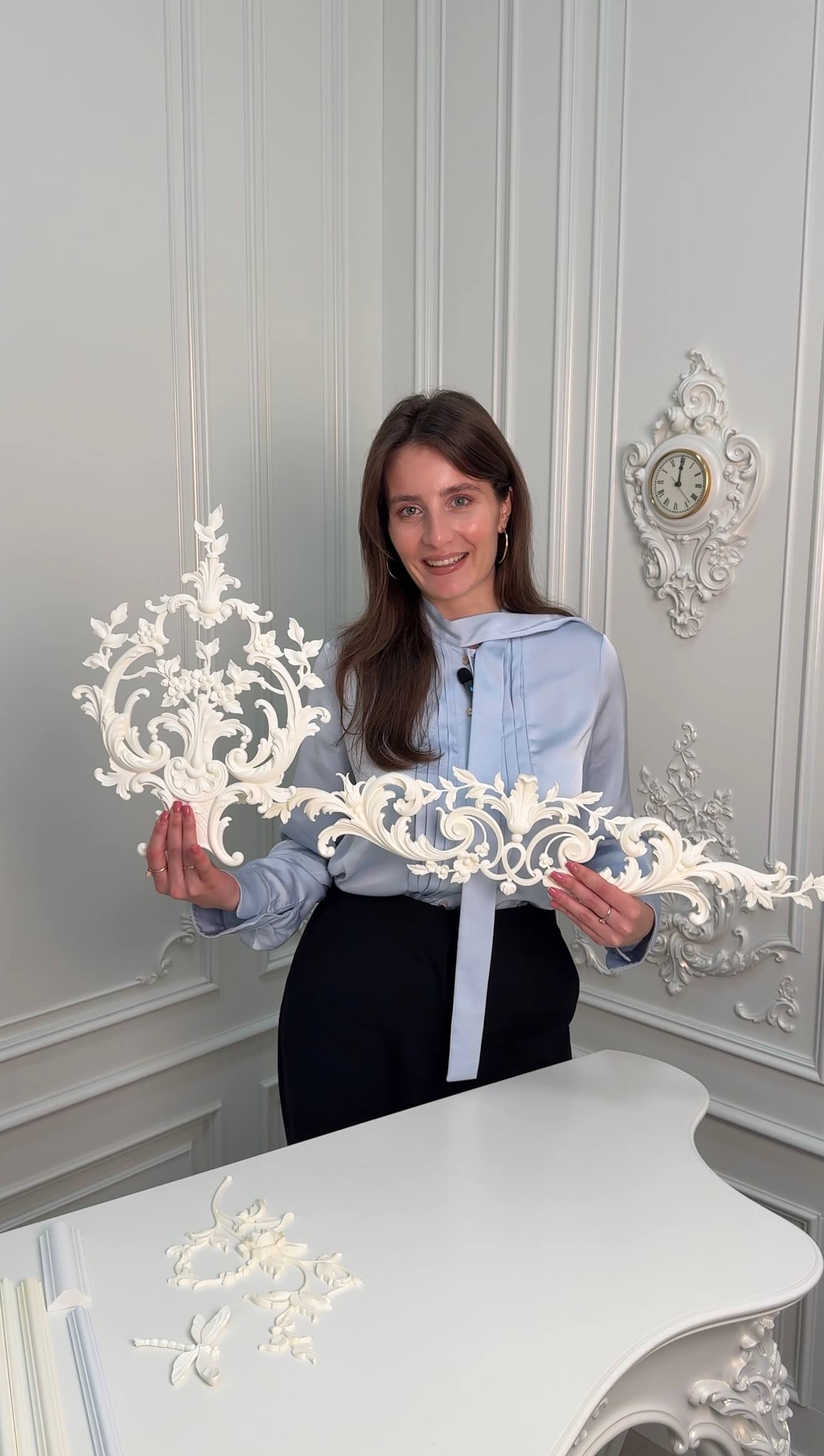
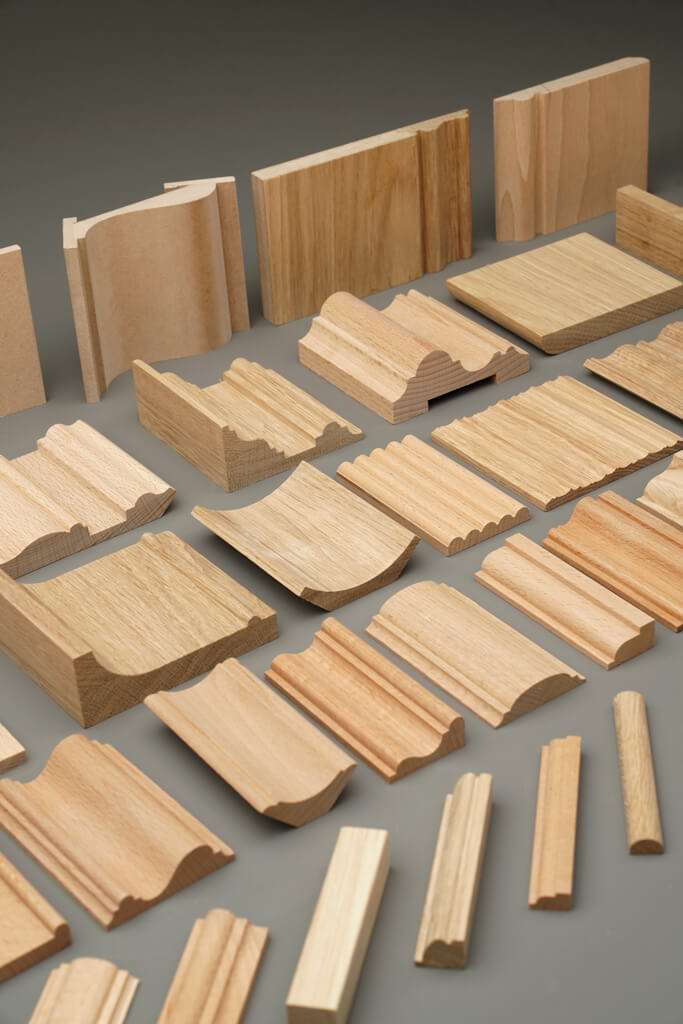
For an initial selection, you can use decorative elements for furniture manufacturing и Carved furniture decor.
A typical mistake: making the facade first, then looking for decor
The most unpleasant situation arises when the facade is already "finished" at the production level, but the decorative system has not yet been determined.
The facade already has:
- panel;
- molding frame;
- handle;
- holes;
- technological fields;
- a specified offset from the edge.
Then the actual overlay appears.
And it turns out that it physically does not fit into the available field.
Conditional example.
Facade:
W = 420 mm.
Internal free space after the frame:
W_free = 260 mm.
The designer used a conditional overlay:
A = 180 mm.
Free space on the sides:
(260 − 180) / 2 = 40 mm.
The composition looks fine.
But the actual SKU has a width of:
A = 230 mm.
Now:
(260 − 230) / 2 = 15 mm.
The overlay almost touches the frame.
If a handle also needs to be nearby, the project becomes even tighter.
What must not be done.
You cannot simply scale down the real 3D model to 180 mm and keep the original SKU.
After scaling, the serial product no longer matches the project.
Correct options:
- choose another SKU;
- change the frame;
- change the facade size;
- drop the overlay;
- switch to custom.
Why late replacement is especially costly.
Before cutting, a change is just a few minutes in the drawing.
After cutting — a new part.
After drilling — redoing the hardware too.
After finishing — sometimes a full restart of the facade.
That's why the real SKU must appear before the machine.
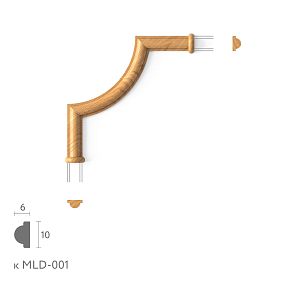
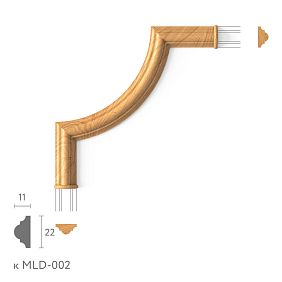
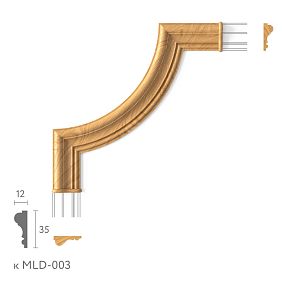
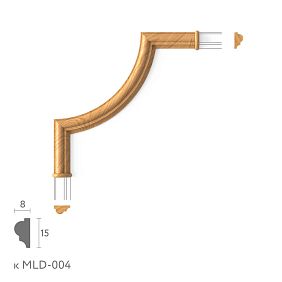
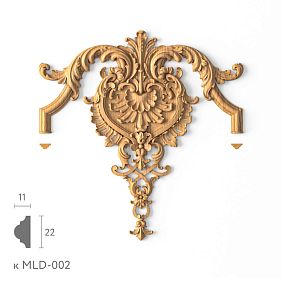
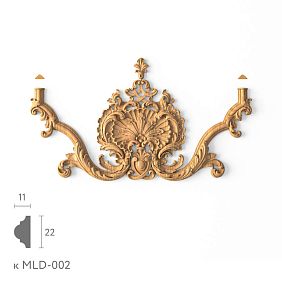
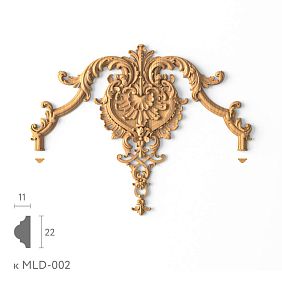
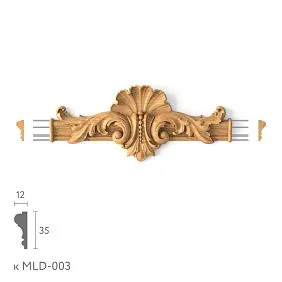
Our factory also produces:
The correct production sequence: from furniture idea to APPROVED SKU
It's better to build the workflow in one direction.
1. Define the function.
What should the element do?
- support the furniture;
- form a grip;
- create a central accent;
- build a frame;
- complete the body;
- form a vertical;
- close the joint;
- repeat the ornament.
2. Select a category.
For example:
- leg;
- handle;
- overlay;
- rosette;
- molding;
- bracket;
- molding.
3. Find the actual product.
Not a conditional asset.
A Manufacturer + SKU.
4. Check physical dimensions.
A/B/C, length, depth, mounting area, overhang.
5. Embed the element into the drawing.
Not on top of an already finished facade, but as an initial part of the geometry.
6. Check for structural conflicts.
the handle.
Hinge.
Panel.
frame.
Fasteners.
adjacent facade.
7. Create BOM.
Each decorative element is a separate line item.
8. Order a sample part if the SKU is new.
This is especially useful for:
- legs;
- large overlay;
- handles;
- Outlets;
- bracket.
9. Set to APPROVED.
Only after verification.
10. Release to production.
Cutting and drilling are launched based on the actual dimensions.
This way, the decor doesn't "catch up" with the furniture but is involved in its design from the very beginning.
Get Consultation
Production gates: when decor stops being a candidate
It is useful to use several statuses.
CANDIDATE
The item has been found, but not yet verified.
SELECTED
Geometrically suitable for the project.
SAMPLE APPROVED
Physical part verified, if a sample is needed.
APPROVED
SKU, material, and finish are aligned.
RELEASED FOR PRODUCTION
Drawing and BOM issued for this item.
ORDERED
Item ordered.
This makes it clear whether cutting can already be started.
Facade with CANDIDATE should not yet go into production.
What must be frozen before cutting.
For each element that affects the geometry:
- Project Code;
- SKU;
- A/B/C;
- the material;
- location;
- orientation;
- status;
- revision.
For the handle, additionally — the mounting.
For the molding — the profile.
For the leg — the height and mounting area.
What can be left after cutting.
Only parameters that do not require changing the manufactured geometry.
For example, approval of the shade of the clear coating — if it does not change the technology and it has already been confirmed that the material itself is chosen correctly.
Gate before drilling.
Even if the facade has already been cut, it is useful to check separately before drilling:
HND status = APPROVED.
Because replacing a handle after cutting can still be simple.
After machining — it no longer is.
Project Code and SKU: how to link a drawing to a real product
A long article number is inconvenient on a furniture drawing.
That is why a project code is used.
For example:
DEC-01
LEG-01
HND-01
MLD-01.
But the code alone tells the supplier nothing.
Working link:
DEC-01 → STAVROS → specific SKU → material → size.
Why both identifiers are needed.
The project needs a Project Code.
SKU is needed for procurement.
If only SKU is used, the drawing becomes overloaded.
If only DEC-01, reordering becomes dependent on a separate table or memory.
Minimal master row.
| Field | Value |
|---|---|
| Code | DEC-01 |
| Manufacturer | STAVROS |
| SKU | real |
| Type | Overlay |
| Material | Beech / Oak |
| Size | actual |
| Status | SELECTED / APPROVED |
| URL | Product |
One code — one item within one revision.
If DEC-01 in one sheet means SKU A, and in another — SKU B, the project is already corrupted.
When replacing:
DEC-01 REV01 = SKU A
DEC-01 REV02 = SKU B.
This way the history remains clear.
Which elements most strongly influence furniture construction
Not every decorative part is equally critical for the drawing.
| Element | What it affects |
|---|---|
| Leg | overall height, installation zone, proportions |
| Handle | drilling, dowel holes, ergonomics |
| Central overlay | free facade field, composition |
| Corner overlay | frame corners, L/R, symmetry |
| Rosette | facade center, scale |
| Molding | inner frame field, outer dimensions |
| Cornice | body height / width |
| Molding | cutting, joints, length |
| bracket | assembly dimensions, installation plane |
Early selection criterion.
If an element changes:
- size;
- holes;
- milling;
- height;
- width;
- the landing;
it must be selected before production.
What can be left to a later stage.
Only what truly does not affect the construction.
For example, the design shade of lacquer with unchanged geometry can be refined later.
But the material itself and the type of finish must be clear early enough if they affect the technology.
Carved overlays: the facade must be built around the actual size
Carved decorative inserts for furniture — one of the most obvious examples.
The overlay occupies physical space on the facade.
Central overlay.
Need to check:
- width;
- height;
- the depth;
- X axis;
- Y axis;
- free field;
- the position of the handle;
- the frame;
- the panel.
Conditional calculation.
Free facade field:
W = 300 mm.
Overlay:
A = 200 mm.
Free space:
(300 − 200) / 2 = 50 mm
on each side.
If the handle is in the same field, its zone must be considered separately.
Corner overlays.
They are anchored not to the center, but to the corners of the frame or field.
Checked:
- whether all four are identical;
- whether there is L/R;
- distance from the edges;
- compatibility with molding;
- symmetry.
L/R cannot be combined.
If the item exists in left and right versions:
L ≠ R.
In the BOM:
DEC-02-L × 2
DEC-02-R × 2.
Items cannot be combined into one line:
DEC-02 × 4.
Why the overlay must be selected before cutting.
It can change:
- field width;
- frame position;
- the handle;
- the size of the facade itself.
If the overlay is large, designing "facade first — decor later" is especially risky.
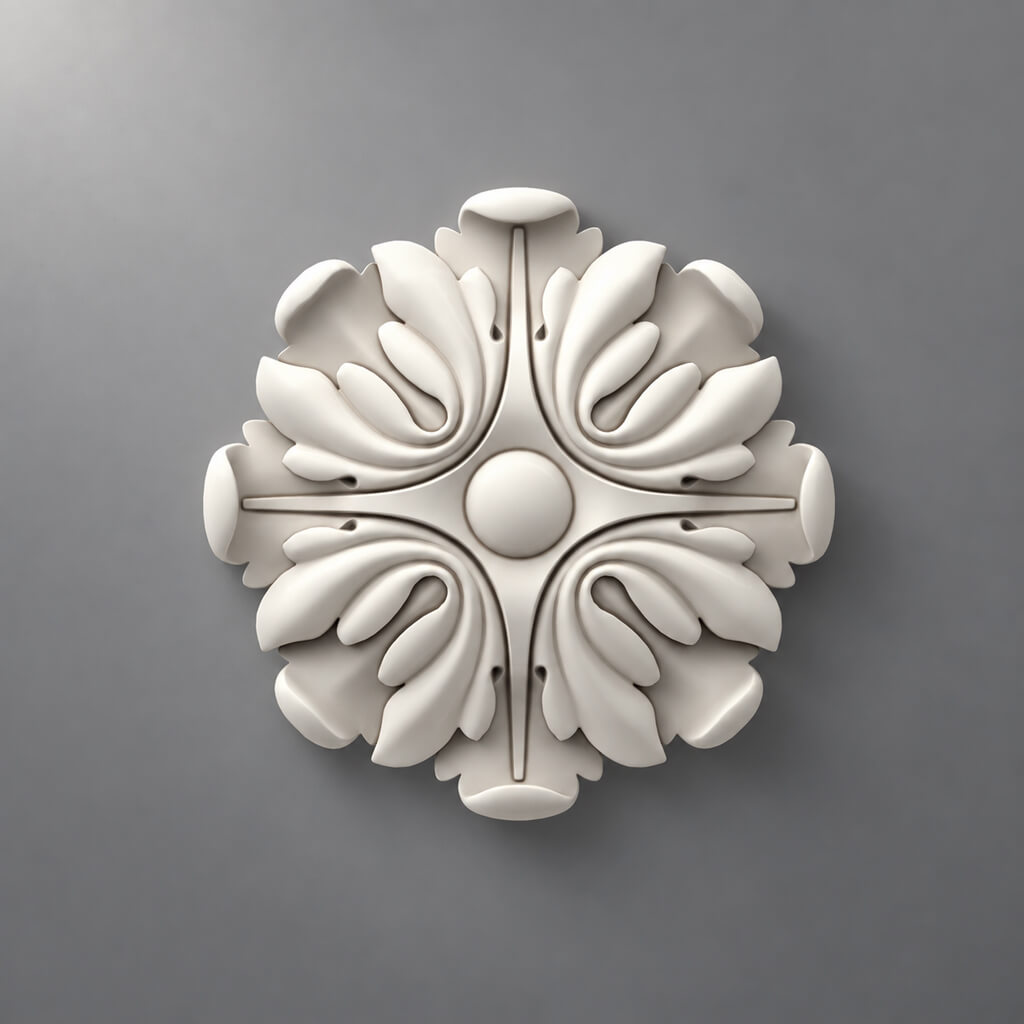
Wooden rosettes: the central element must have real dimensions
Wooden sockets are used as:
- center of the facade;
- intersection of frames;
- repeating accent;
- decorative dot on the stile;
- portal element.
A rosette seems simple because it is often symmetrical.
But it is its size that determines the visual field around it.
Don't choose "from a photo."
A photograph without scale poorly shows how large the rosette will be on a 350 mm wide door.
Check the actual dimensions.
Conditional example.
Facade:
350 × 700 mm.
Rose:
D = 140 mm.
In terms of width, it occupies:
140 / 350 × 100 = 40%.
This is already a strong visual accent.
An 80 mm socket in the same facade will work differently.
The center must be aligned with the geometry of the facade.
For the central position:
X = W / 2.
For Y, the following can be used:
- geometric center;
- center of the panel;
- a separate design axis.
The main thing is to fix the rule in the drawing.
Repeating socket.
If sockets go on several identical facades, one master facade is approved first.
Then the geometry is repeated.
This reduces the risk that the center "drifts" by a few millimeters on different doors.
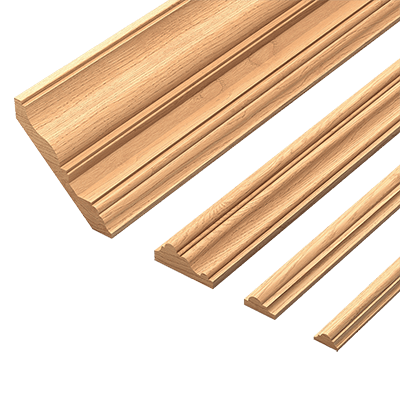
Moldings and wooden trim: first the section, then the frame
For furniture, the profile is especially important.
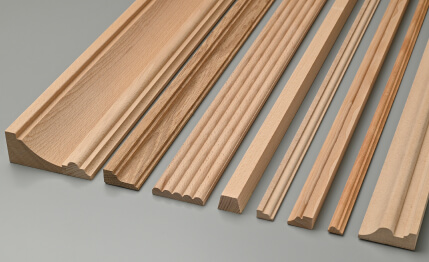
Wooden trim и Wooden moldings for furniture cannot be designed as an abstract line.
The profile has:
- width;
- depth;
- cross-section shape;
- product length;
- Material.
Why the profile width changes the frame.
Conventionally:
Outer frame size:
W_out = 400 mm.
Profile width:
b = 30 mm.
With simple geometry, the inner field is approximately:
W_in = 400 − 2 × 30 = 340 mm.
If you choose a 50 mm profile:
W_in = 400 − 2 × 50 = 300 mm.
The difference is 40 mm.
This is exactly the field where the overlay, handle, or panel must fit.
The profile cannot be stretched.
If the actual SKU has a width of 30 mm, you cannot make it 38 mm in 3D or DWG and keep the same item code.
That is already a different product.
Cutting of linear moldings.
Linear meters are not yet an order.
A sequence is needed:
profile → individual segment lengths → commercial length → cutting map → whole strips → offcuts.
For example, four frames with the same perimeter can result in different consumption if the segment lengths do not fit well into the commercial format.
What to record in the BOM.
MLD-01
SKU
Material
Stock Length
Calculated Length
Order Qty.
If linear moldings are used in different fronts, their quantity is best calculated after all front types have been approved.
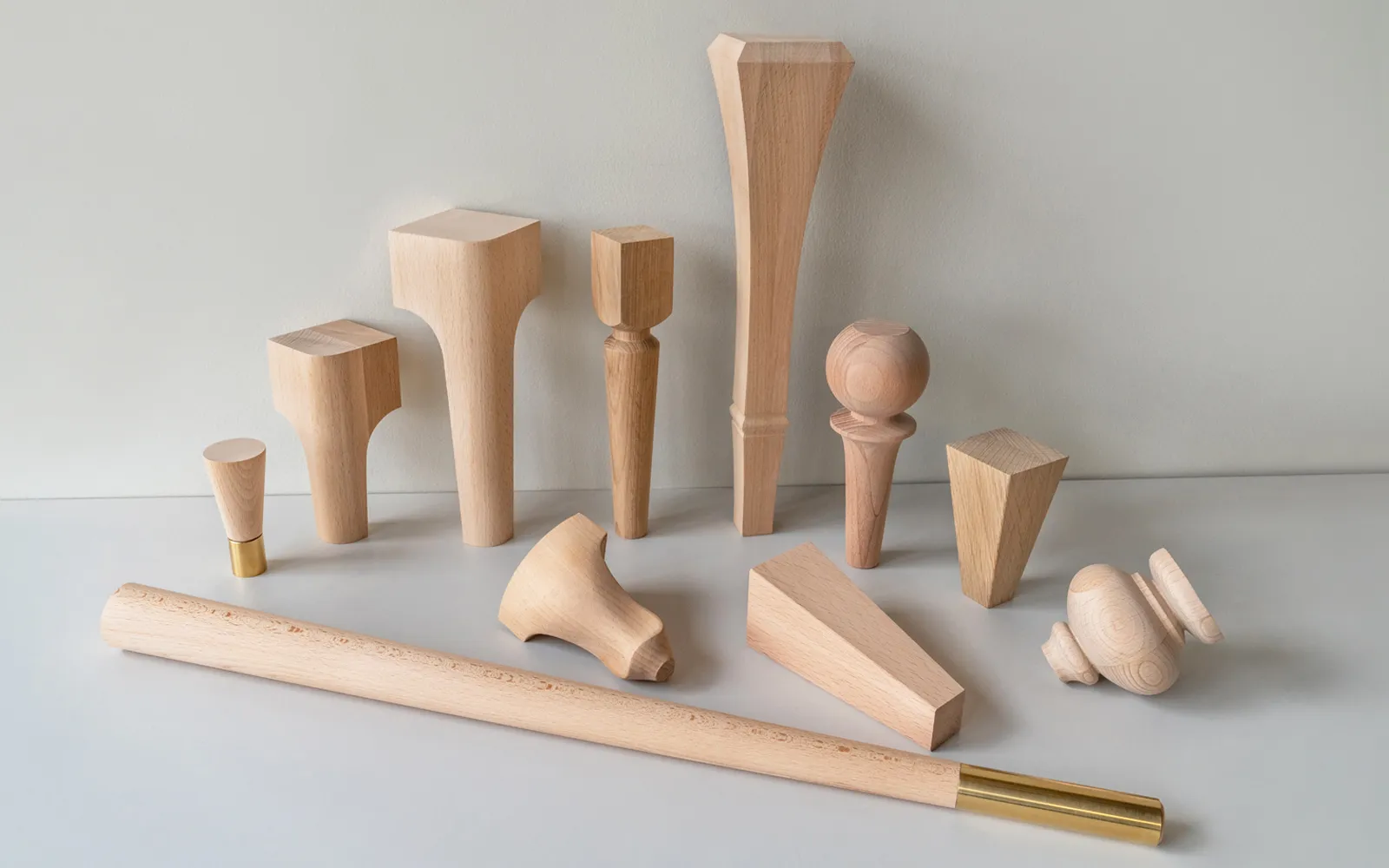
Furniture legs and supports: body height is calculated together with the finished part
Furniture legs cannot be selected once the furniture height has already been fixed.
The formula is simple:
leg height + body height + countertop / cover = final product height.
If the leg changes from 120 to 180 mm, the overall height changes by 60 mm.
This is no longer a decorative adjustment.
What to check before designing the body.
- actual height;
- maximum width;
- the upper mounting platform;
- the material;
- mounting method;
- position relative to the apron;
- availability of free space for fasteners.
Conditional example.
Desired final cabinet height:
H_total = 700 mm.
Cover:
T = 20 mm.
Leg:
H_leg = 150 mm.
Then the body height:
H_body = 700 − 20 − 150 = 530 mm.
If you later choose a 180 mm leg:
H_body = 700 − 20 − 180 = 500 mm.
If the body has already been cut to 530 mm, replacing the leg without changing the overall height is impossible.
The mounting plate is also critical.
A leg may look suitable but have a top part that is too wide.
It may intersect:
- edge;
- the side rail;
- drawer;
- slide;
- internal fastener.
Therefore, the project must store not only the total height of the leg.
Trial leg.
For a new SKU, one physical part allows checking:
- height;
- scale;
- installation;
- the material;
- finish.
This is especially useful if the furniture is custom-made and the body geometry adapts to the element.
Unpainted leg as a semi-finished product.
If the workshop does its own finishing, you can use from STAVROS open boundless possibilities for designers, furniture makers, and anyone striving to create unique high-quality furniture..
Working scheme:
finished form → own finishing → installation.
Thus the SKU determines the geometry, while the workshop retains control over the color.
Wooden furniture handles: choose before drilling, not after
Wooden furniture handles simultaneously decorative and functional.
They affect:
- holes;
- axis;
- position on the facade;
- ergonomics;
- relationship with the overlay and molding.
Why the handle must be known before drilling.
For a two-point handle, the actual mounting pattern is especially important.
If the holes have already been drilled, the handle can only be replaced with a compatible option or by reworking the front.
For a mortise or profile construction, the dependency is even stricter: the mounting seat is part of the facade component itself.
What to specify in the drawing.
Minimum:
HND-01
and a link to the specification.
In the specification:
- Manufacturer;
- SKU;
- overall size;
- installation parameters;
- the material;
- quantity.
Handle and decorative cover plate.
They must be checked together.
Conventionally:
the central cover plate occupies most of the area.
The handle is positioned lower.
If visually too little space remains between them, the solution must be changed before drilling.
Ergonomic conflict.
The handle may not physically intersect with the overlay, but the user's hand will touch the deep relief when opening.
Therefore, it is useful to check:
- front view;
- oblique angle;
- actual grip on a test front panel.
Unpainted handles.
For custom finishing, you can use unpainted wooden handles.
This is convenient if the cabinet, handle, leg, and overlay must receive the same Finish Code.
The coordinate base for the handle and overlay must be equally clear
In the working drawing, it is not enough to specify:
handle on the right.
You need to select a base.
For example:
X — from the right edge of the front.
Y — from the bottom edge.
Or:
X — along the front axis.
Y — from the center of the panel.
The main thing is not to mix several coordinate systems on one front type.
Conditional drilling example.
Facade:
W = 500 mm.
Handle axis:
X = 430 mm from the left edge.
If the new handle has a different center-to-center distance, the center position may remain the same, but the holes will change.
Therefore, the drawing must distinguish between:
- the center of the handle;
- hole centers;
- the boundaries of the handle itself.
You cannot invent universal clearances.
The distance to the edge, frame, or overlay depends on:
- the specific handle;
- the facade;
- mounting method;
- the design;
- ergonomics.
There is no single safe number for all projects.
You need to check the specific assembly.
The center of the overlay and the insertion point are not always the same.
A 3D model may have a pivot that is not at the geometric center.
Therefore, it is better to set coordinates based on the actual dimensions of the product or an explicit installation axis.
Otherwise, the visualization and DWG may diverge when the model is replaced.
Brackets, capitals, and vertical decor: the dimensions of the assembly are more important than the photo
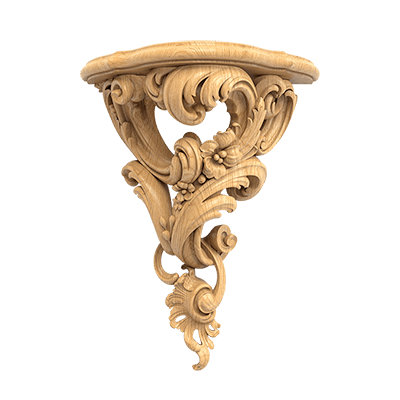
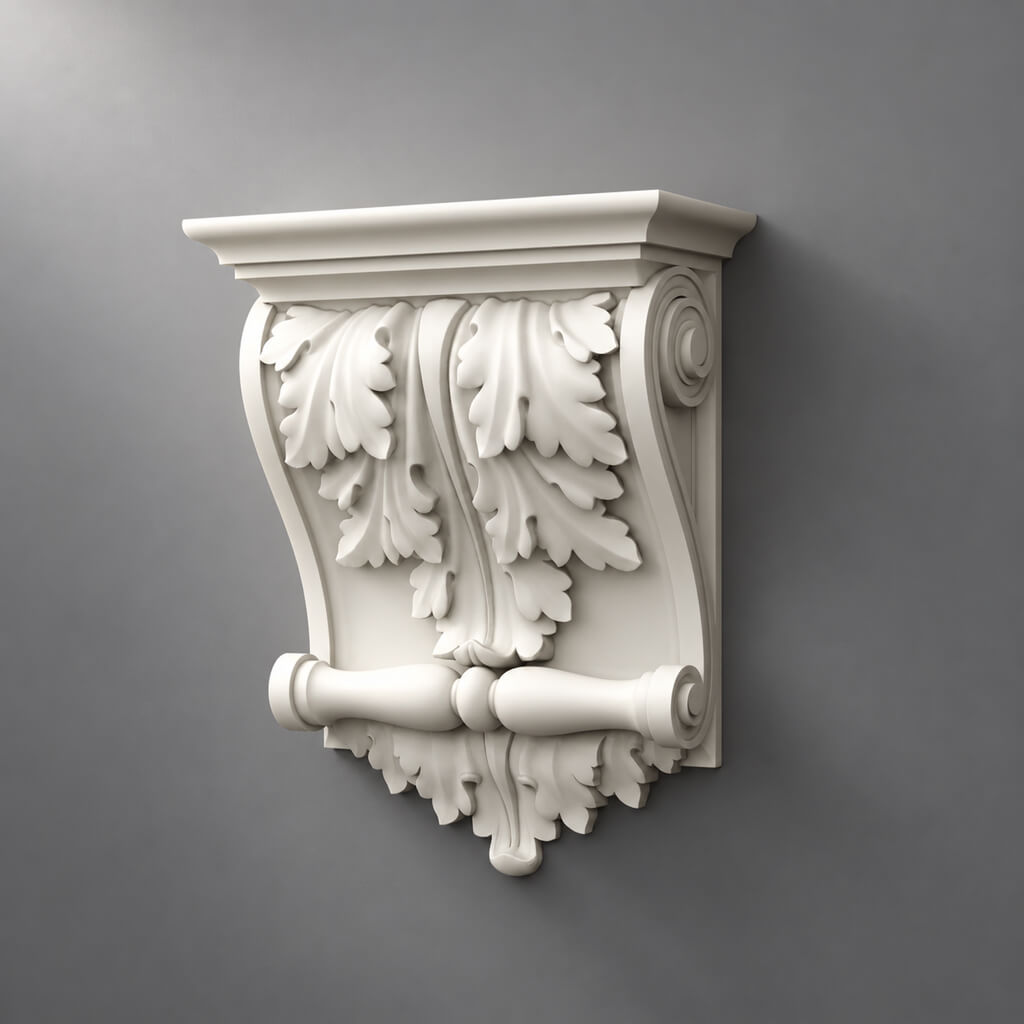
Wooden Brackets can be used:
- under the shelf;
- in a library;
- in the console;
- under the furniture cornice;
- in the decorative superstructure.
But they cannot be selected based only on the front image.
What to check.
- width;
- height;
- the depth;
- rear mounting plane;
- the top plane;
- interaction with the shelf;
- adjacent profiles.
Structural function.
A decorative bracket should not automatically be considered load-bearing based on its shape alone.
If a part is actually intended to bear a load, this must be confirmed by its actual purpose and the assembly design.
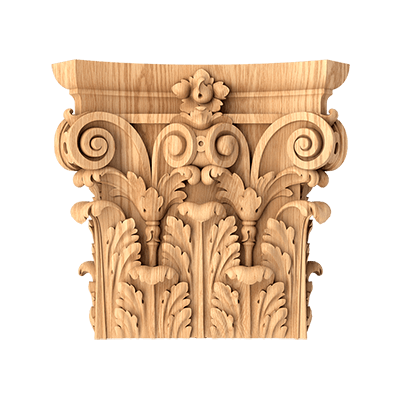
Capital.
The capital affects:
- the width of the vertical element;
- the top height;
- the transition to the cornice;
- the internal size of the opening.
That is why it is also selected before the final geometry of the cabinet or bookcase.
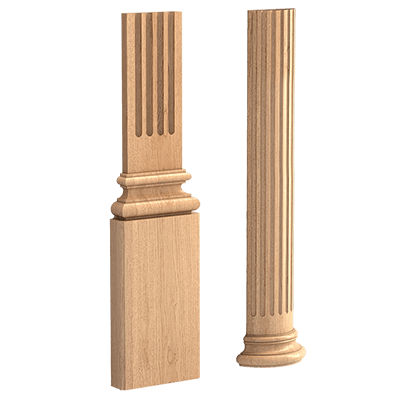
Composite vertical.
Conditional system:
BASE-01 + SHAFT-01 + CAP-01.
Each part gets its own SKU.
you cannot write in the BOM:
decorative stand — 2 sets,
if in fact these are three independent products.
Beech, oak, and finishing: the material must be known before the finish is applied
There is no need to choose a winner between beech and oak.
For a furniture maker, the specific scenario matters more.
Beech
It can be considered where:
- opaque finishing is planned;
- clean surface preparation is important;
- the material must be consistent with the other furniture parts.
Oak.
Most often of interest where:
- a natural texture is important;
- a transparent finish is used;
- the wood grain is part of the design.
But the specific material must always be verified against the product page of the specific item.
The same type of decor in different species means different items.
The specification must not leave out:
DEC-01 / wood.
You need to:
DEC-01 / SKU / beech
Or:
DEC-01 / SKU / oak.
Under enamel.
If the part is fully concealed, the following are especially important:
- geometry;
- surface;
- preparation;
- compatibility with the selected finish.
Under a clear finish.
Additional Items:
- tone;
- pattern;
- grain direction;
- matching with the main furniture.
Finish Code.
It is useful to separate the SKU from its own finish.
For example:
DEC-01 / SKU / beech / F-02.
Where:
F-02 = workshop finish.
This way, the craftsman can repurchase the same unfinished part and reproduce the finish using their own code.
Test part before launching a series: physical verification is cheaper than redoing facades
A new SKU that affects the construction is better verified physically.
Especially if it is:
- a large overlay;
- leg;
- new handle;
- rosette;
- bracket;
- complex molding.
What to check
- actual size;
- the mounting plane;
- visual scale;
- actual depth;
- surface;
- the material;
- the landing;
- own finish;
- interaction with adjacent parts.
Test Card.
| Check | Result |
|---|---|
| SKU confirmed | yes/no |
| Dimensions | approved/reject |
| Material | confirmed |
| Mounting | approved/rework |
| Finish Test | approved/reject |
| Visual Scale | approved/reject |
| Production Use | approved/reject |
One test facade.
If the furniture has eight identical doors, it is wiser to first assemble one master facade.
It is used to check:
- overlay;
- molding;
- handle;
- drilling;
- finish.
After the status:
APPROVED
the geometry repeats.
When a trial part is not needed.
If the SKU has already been used by the workshop, its size and behavior are known, and the design is standard.
Then you can proceed directly to the BOM.
BOM: a decorative element must be a separate line, not a "decor set"
The Bill of Materials links the project and procurement.
Each product SKU must be visible separately.
Example:
| Code | SKU | Element | Material | Qty | Unit |
|---|---|---|---|---|---|
| LEG-01 | … | Leg | Beech | 4 | pcs |
| HND-01 | … | Handle | Oak | 4 | pcs |
| DEC-01 | … | Overlay | Beech | 2 | pcs |
| RST-01 | … | Rosette | Oak | 1 | pcs |
| MLD-01 | … | Profile | Beech | By cutting | lengths |
Why "decor as a set" is bad.
Line:
DECOR SET — 1
hides the actual products.
it is impossible:
- recalculate the quantity;
- replace one item;
- reorder a single part;
- view L/R;
- calculate cost by SKU.
Assembly Code.
If the furniture contains a stable composition, you can create:
FACADE-A.
But it must still contain individual components inside.
For example:
FACADE-A
Contains:
DEC-01 × 1
DEC-02-L × 2
DEC-02-R × 2
MLD-01 × cut plan.
Assembly helps replicate the solution.
But it must not hide its composition.
Quantity per facade.
For repeating furniture, it is useful to store:
Qty per facade
and:
Number of facades.
For example:
DEC-01 = 1 × 6 = 6 pcs.
For L/R:
L = 1 × 6 = 6
R = 1 × 6 = 6.
Linear footage is calculated separately.
It cannot be considered a formula:
1 × number of facades.
Cutting is needed.
Calculated Qty and Order Qty must be separated even for one-off decor
Calculated Qty
responsible:
how much the furniture requires.
Order Qty
responsible:
how much to actually purchase.
For six fronts:
Calculated Qty DEC-01 = 6.
If the workshop decides to take one spare part:
Spare Qty = 1.
Then:
Order Qty = 7.
The reserve must not disappear inside the main quantity.
For L/R, three numbers are counted separately.
For example:
Calculated L = 6
Calculated R = 6
Spare L = 1
Spare R = 1
Order L = 7
Order R = 7.
You cannot write:
14 pcs. corners.
For linear stock.
Calculated Length — sum of geometric segments.
Order Qty — number of product strips after cut plan.
Conditional example:
Segments:
1800
1800
620
620
620
620.
The total length alone does not show how many actual strips will be required.
First, the segments are laid out by the stock length of the selected SKU.
The BOM must show the unit.
pcs
и
lengths
they must not be mixed.
If the carpenter sees:
Qty = 8
they must understand: eight of what?
Physical parts?
Strips?
Kits?
The DRAWING → BOM → PURCHASE chain must use a single code
The production code must pass through all documents.
For example:
DEC-01.
On the drawing:
DEC-01.
In the BOM:
DEC-01 → STAVROS SKU.
In purchasing:
DEC-01 → SKU → Qty.
Why this matters.
If the drawing shows:
DEC-01,
and the purchase order contains only:
carved overlay,
the kit assembler has to guess.
Source of Truth.
It is useful to separate the sources:
| Data | Main source |
|---|---|
| Location | Drawing |
| furniture dimensions | Drawing |
| SKU | BOM / Specification |
| Quantity | BOM |
| Current price | Procurement |
| Finish | Finish Schedule |
| Revision | Issue Register |
This way, each document is responsible for its own level.
Revision Lock.
Before launching into production, it is useful to record:
DRAWING REV03
BOM REV03.
If the numbers do not match, production is blocked until verification.
This is especially important if a decorative element was changed at a late stage.
What happens when an SKU is replaced after approval
Phrase:
“we'll install a similar overlay”
may hide a major rework.
A new SKU can change:
- width;
- height;
- the depth;
- the landing;
- L/R;
- the material;
- the handle;
- the frame;
- quantity.
Replacement workflow.
- find a new item;
- verify dimensions;
- check the material;
- insert into the drawing;
- check for conflicts;
- update the BOM;
- if necessary, order a trial part;
- release a new revision;
- only then allow production.
You can't change only the Excel file.
If the buyer replaced the SKU in the table but the facade was still calculated for the old one, the documents describe different products.
When the replacement is simple.
If only the finish changes while the physical SKU and geometry remain the same, a revision finish schedule may be sufficient.
But if the product changes, a full check is required.
Small batch: after the first APPROVED item, the SKU needs to be "frozen"
Let's imagine that the workshop is making five identical chests of drawers.
First, the first one is produced.
It is used to check:
- legs;
- handles;
- Plates;
- molding;
- finish;
- drilling.
After approval, the following is created:
COMMODE-A REV02 / APPROVED.
What must be repeated.
- SKU;
- location;
- size;
- the material;
- quantity;
- finish code.
Why freeze the SKU.
If the second dresser got a different handle, the third a different molding, and the fourth a similar overlay, the series ceases to be a series.
Reorder Card.
| Field | Value |
|---|---|
| Assembly | COMMODE-A |
| Code | LEG-01 |
| SKU | real |
| Material | beech |
| Finish | F-01 |
| Qty per unit | 4 |
| Test | APPROVED |
| URL | clean |
The next batch is assembled according to this map.
Checking current availability.
APPROVED does not mean the item is available forever.
Before a new order, you need to check:
- SKU;
- the material;
- execution;
- availability;
- delivery time.
If the SKU is replaced, the series gets a new revision.
First Article Inspection: the first item of the series is checked as the reference
Before launching the remaining four dressers or ten fronts, it is useful to consider the first instance as the control one.
Checked:
- actual SKUs;
- position of the decor;
- drilling;
- frame;
- finish;
- installation;
- general view.
If the first unit fails inspection, the batch must not automatically continue.
What to retain after the first item.
- photo;
- drawing revision;
- BOM revision;
- Finish Code;
- the SKU list;
- installation comments;
- Golden Sample, if needed.
Golden Sample.
This could be:
- one approved handle;
- one leg;
- one overlay;
- painted fragment.
It is needed for comparison with a new batch.
Why this is especially useful for natural wood.
The same SKU ensures geometry, but wood has natural variability.
Before finishing, it is useful to lay out the parts of one set together and evaluate:
- tone;
- pattern;
- visible sides.
A production series must reference a single release.
For example:
COMMODE-A REV04 / RELEASED.
Each subsequent unit of the series is produced according to this version.
If the SKU changes in the middle of a series, the following appears:
REV05.
The change must not be "verbal."
Practical scenario: a wardrobe with six fronts from SKU to production launch
Below is a conditional example. The dimensions are provided only to explain the method and do not relate to specific STAVROS products.
Project: a tall wardrobe with six hinged fronts.
Each front must have:
- molding frame;
- central wooden overlay;
- handle;
- custom finish to match the cabinet body.
At the concept stage, everything looks simple. But the production sequence must be strict.
Step 1. Determine the facade type.
Created:
F-01.
Approximate facade dimensions:
500 × 2100 mm.
Before choosing the decor, this is not yet the final geometry.
Step 2. Choose the actual molding.
Let the selected profile have an actual width of:
b = 35 mm.
The frame is built not by a line, but by a real profile.
Let's fix:
MLD-01 → SKU.
Step 3. Determine the inner field.
Conventionally, the outer width of the frame:
W_out = 420 mm.
Then approximately:
W_in = 420 − 2 × 35 = 350 mm.
This field already limits the overlay.
Step 4. Choose the central overlay.
Let's assume the actual SKU has a width of:
A = 220 mm.
Free field:
(350 − 220) / 2 = 65 mm.
This size still needs to be checked visually and relative to the handle.
If you later replace the overlay with a 300 mm one:
(350 − 300) / 2 = 25 mm.
This is already a different front.
Step 5. Add the handle.
The handle is installed before drilling.
Checked:
- a vertical axis;
- grip area;
- offset from the molding;
- offset from the overlay;
- fasteners.
If the handle visually intersects with the overlay, the composition changes.
No drilling.
Step 6. Verify one master facade.
Physically or in an exact 3D/DWG model.
The following must be agreed upon for one type:
F-01
MLD-01
DEC-01
HND-01.
Step 7. Issue the BOM for one facade.
| Code | Qty per F-01 |
|---|---|
| DEC-01 | 1 |
| HND-01 | 1 |
| MLD-01 | By cutting |
Step 8. Multiply only after APPROVED.
Six facades:
DEC-01 = 1 × 6 = 6 pcs.
HND-01 = 1 × 6 = 6 pcs.
Linear footage is calculated based on the total cut plan.
Step 9. Launch the drilling.
Only after the handle and decor are frozen.
Step 10. Launch the finishing.
Finish Code is the same for:
- the facade;
- Plates;
- molding;
- handles,
if the project is designed exactly that way.
Step 11. Order.
The supplier is not given:
"decor for six fronts".
But the actual SKU lines and quantities.
This scenario illustrates the main idea: decorative elements participate in the product's geometry before the finished facade appears.
If one facade differs.
For example, the two central doors are wider.
Created:
F-02.
No need to stretch F-01.
У F-02 can be:
- a different frame size;
- another overlay SKU;
- the same handle;
- a different molding length.
The BOM is calculated separately.
Handover package to the workshop
Before launch, the furniture maker should receive not a set of links, but a small production package.
Minimum:
- assembly drawing;
- facade drawings;
- Project Codes;
- BOM;
- SKU;
- dimensions;
- drilling;
- finish codes;
- revision.
For moulding:
- cut plan.
For a complex assembly:
- detail / section.
What should not live only in chat.
- "the handle was moved by 20 mm";
- "the overlay is different now";
- “the left corners were replaced”;
- "the leg became taller";
- "the finish was changed".
If the solution