






























Article Contents:
- When an architectural element really needs to be manufactured from a drawing
- Why a beautiful sketch is not enough for production
- What a production-ready drawing of a decorative element is
- Which views a drawing should include
- Front view
- Side view
- Section
- Cross-section
- Functional Sizes
- Decorative dimensions
- Front view only
- No cross-section of the profile
- Dimensions contradict each other
- Unknown scale or units
- Mounting plane not specified
- L/R not separated
- No quantity
- DWG and 3D of different versions
- File is named final

The manufacturer opens the file, sees a beautiful front projection of the decorative overlay — and still cannot put it into production. The overall width is specified. The height too. But the maximum relief depth is unknown, the plane of contact with the wall is not indicated, it is unclear whether the pattern is symmetrical, and there is no side view at all. Visually, the idea is clear. From a production standpoint — it is not.
This is exactly where the boundary between a sketch and a working drawing lies.
A sketch answers the question of what the image should be. A production-ready DWG answers another: what geometry needs to be manufactured, of what size, in what orientation, from what material, in what quantity, and how to verify the result.
The working chain looks like this:
architectural idea → working drawing → technical check → 3D if needed → material → prototype → APPROVED → specification → production.
Before starting custom development, it is useful to check the STAVROS catalog. If the required geometry already exists as a ready-made SKU, the project gets a shorter path from visualization to procurement. If standard products do not solve the task, then the drawing becomes the basis for custom production.


When an architectural element really needs to be manufactured from a drawing
Not every solution that looks non-standard requires a new part.
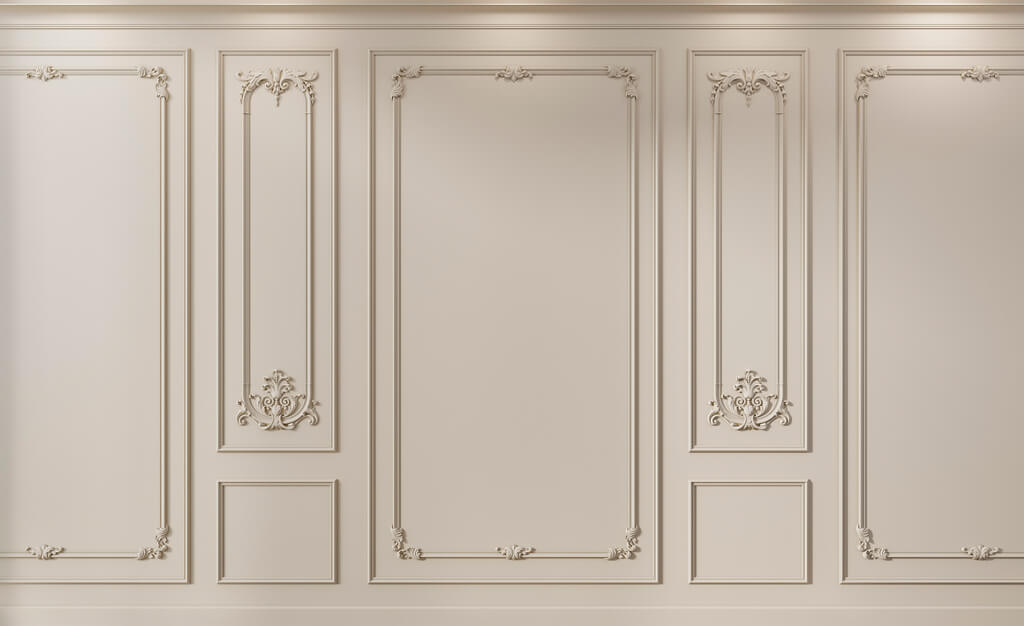
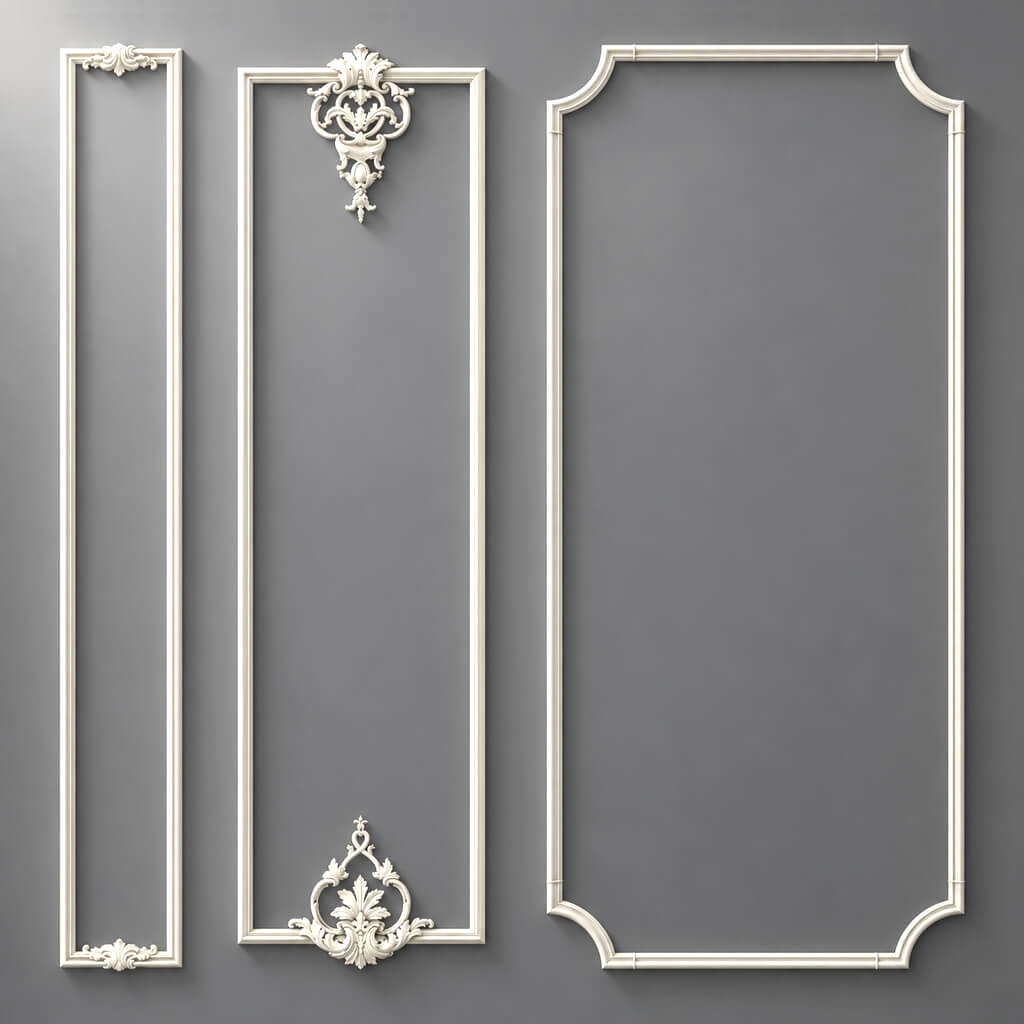
This is especially noticeable in interiors with classical or neoclassical decor. In a visualization, the composition may look custom, although in fact it is assembled from several standard moldings, overlays, and pilasters. What is individual is not the product itself, but the scheme of their application.
Before developing a new item, it is useful to go through three levels:
- Ready-made SKU. Check whether a product of the required type and size exists.
- Combination of standard elements. See whether the desired composition can be assembled from ready-made parts.
- Layout adaptation. Sometimes the problem can be solved by changing the rhythm, the width of the margin, or the junction point without changing the product itself.
Only after that does it make sense to move on to custom manufacturing.
A new element is justified if you need a custom profile, a non-standard size, an original ornament, an exact reproduction of a historical detail, a special junction, or a series of products with a single motif that is not available in the catalog.
For professional work, STAVROS combines materials for designers and architects with a database of 3D models and DWG files of finished products.
Why a beautiful sketch is not enough for production
A sketch can be visually very precise and still remain unsuitable for manufacturing.
Let's imagine a decorative overlay. In the front view, the ornament is drawn perfectly. The contour is clear, the symmetry reads well, the center is marked. But the manufacturer still doesn't know:
- how many millimeters the relief protrudes from the base;
- whether there is a flat mounting surface;
- whether the depth is uniform along the entire contour;
- which zones are functional;
- where technological adjustment is permissible;
- what should be considered the front plane;
- whether the part should be a mirrored pair.
The front drawing does not contain this information.
For molding, the problem is different. A beautiful ornament can be drawn in the facade, but the product is defined by its cross-section. Without a profile, it is impossible to unambiguously understand its projection, steps, radii, and method of adjoining to the wall.
Therefore, a sketch is a CONCEPT. A production file begins where the geometry can be reconstructed without guesswork.
Our factory also produces:



What is a production-ready drawing of a decorative element
The most practical criterion sounds simple:
another specialist should understand the product without the author's verbal explanation.
If, after opening the DWG, you need to call the architect and clarify what was meant here, the file is not yet ready for production.
A production-ready drawing must unambiguously specify:
- shape;
- dimensions;
- the depth;
- sections;
- mounting surfaces;
- orientation;
- repeatability;
- junctions;
- material or requirements for it;
- quantity;
- the current revision.
Not every element requires the same set of projections. A flat simple applique may only need a front view, a side view, and one section. A complex capital will need several characteristic sections and 3D. For mouldings, the cross-section is almost always critical.
The goal is not to produce as many sheets as possible. The goal is to eliminate ambiguity.
Get Consultation
Which views should be in the drawing
Front view
The front view shows the composition. It is convenient for fixing the outer contour, axes, symmetry, the position of the ornament, repeating modules, main dimensions, and junction zones.
If the decorative applique is symmetrical, the axis of symmetry should be shown explicitly. This reduces the risk that a slight asymmetry from the original sketch will be perceived as intentional.
Side view
The side view shows what the facade hides: the actual depth.
Two appliques with the same front contour can differ in projection by a factor of two. On the wall, this will change the shadow, the junction with the adjacent moulding, and the overall mass of the composition.
Section
A section is needed where the outer contour no longer explains the structure of the form. It is especially useful for deep relief, complex modeling, capitals, brackets, multi-level appliques, and complex assembly units.
If the shape changes along its length, a single cut may not be enough. In that case, several characteristic sections are defined, each with a clear cut line on the main view.
Cross-section
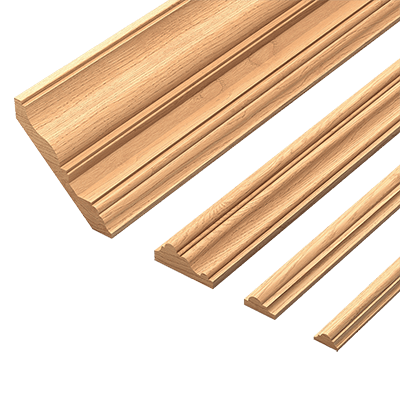
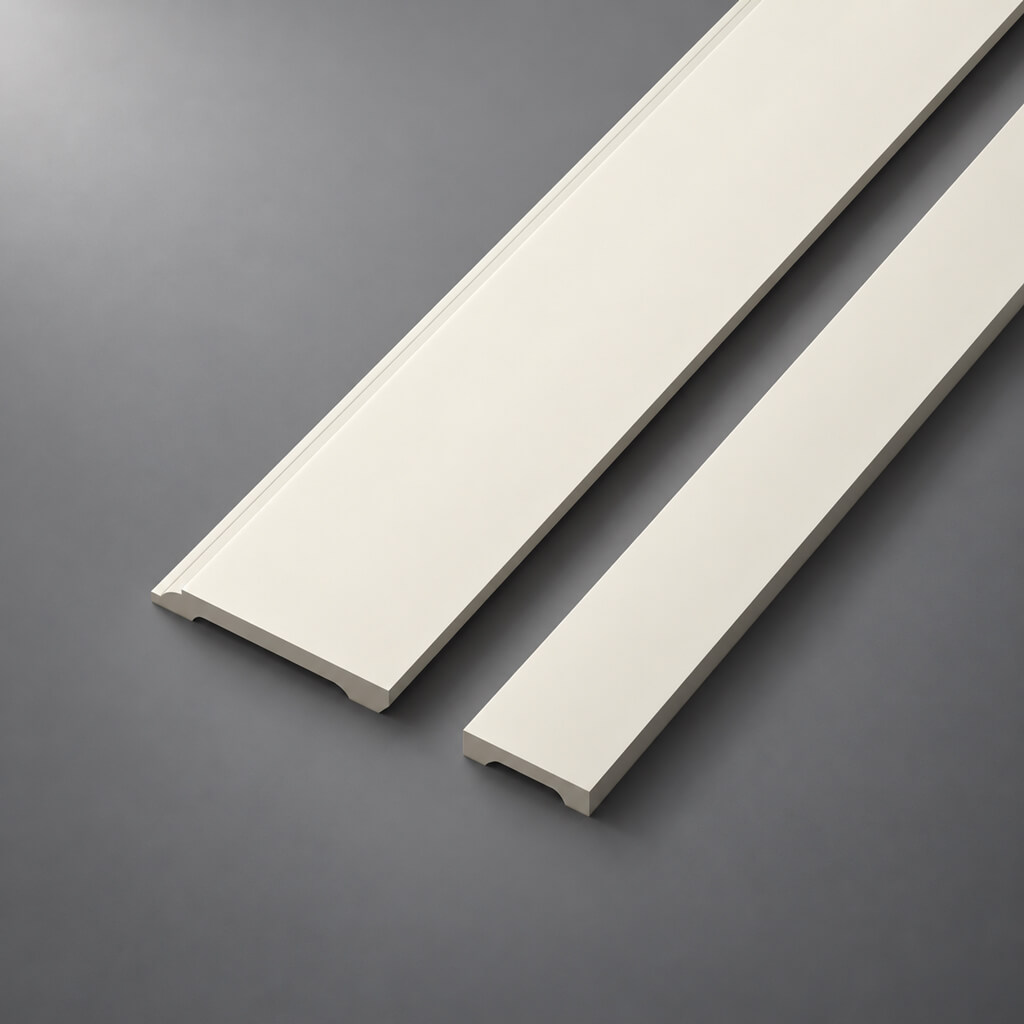
For moldings, cornices, skirting boards, and other linear trim, this is the main production view.
The section specifies:
- total width;
- overall depth;
- steps;
- radii;
- grooves;
- bevels;
- seating surface;
- critical thicknesses.
If the profile is ornamental, information about the repeat along the length is added separately.
Overall dimensions — the first, but not the only measurement
Entry 600 × 300 mm convenient for specification. For a complex decorative overlay, it says almost nothing about the relief.
Therefore, the overall dimensions should be supplemented with the maximum depth, depth at characteristic points, the contact plane, the central axis, the base point, protruding zones, and junction points.
If the relief is complex and poorly described by standard dimensions, it makes sense to delegate this task to a 3D model. But the control dimensions still remain in the DWG.
Which dimensions should be considered critical
Not all dimensions on a production drawing are equally important.
Functional dimensions
These include overall dimensions, installation width, fit, profile size, distance between installation points, width or depth of the junction zone, alignment with the adjacent part, axis position, and overhang.
Such dimensions cannot be changed without checking the project.
Decorative dimensions
This is the sheet size, medallion diameter, repeat step, width of the ornamental field, distance between motifs, and position of the decorative axis.
They can also be critical if they define the designer's pattern. If certain dimensions cannot be adjusted under any conditions, they must be highlighted in the documentation.
How to specify relief depth
Depth is one of the parameters that is most often lost between the visualization and the production file.
For a simple applique, an overall depth, a side view, and one central section may be enough. For a complex relief, it is better to add several sections.
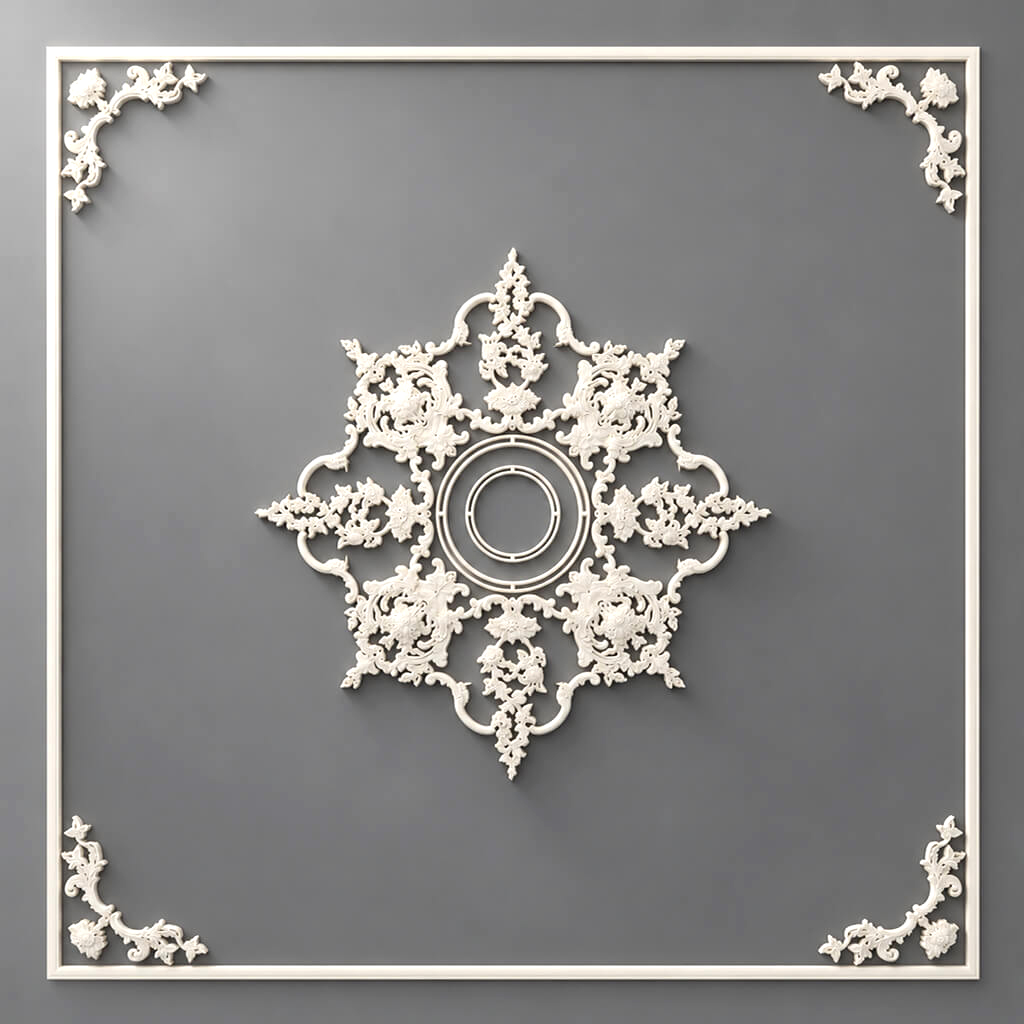
For example, in a decorative rosette, the center may protrude by 55 mm, the intermediate ornament by 32 mm, and the edge by 18 mm. If only the maximum value is specified 55, the shape will remain ambiguous.
Sections should pass through characteristic locations, not randomly.
How to indicate the mounting plane
The manufacturer needs to understand which part of the product is in contact with the base.
For different parts, this can be a wall, ceiling, furniture facade, column, end face, or another decorative element.
For an overlay, this can be a flat back surface. For a cornice, there are two adjoining planes: to the wall and to the ceiling. For a bracket, it is a vertical or horizontal base. For a capital, it is the mounting area on a pilaster or column.
If the plane is not defined, the model may look visually correct and still fit poorly onto the object.
How to design a molding from a drawing
A non-standard molding has two independent layers: the profile and the length.
First, the cross-section is fixed. It specifies the width, depth, radii, steps, protrusions, recesses, and the contact plane.
If the profile is smooth, this may be sufficient. If there is an ornament along the length, a second level appears — the repeat.
It is necessary to specify the length of the repeating module, the position of the start and end, the joining rule, the orientation, and the behavior of the pattern at the corners.
Suppose the repeat is 240 mm, and the design line is 1220 mm. Five full modules give 1200 mm and a remainder of 20 mm. What should be done with the remainder? Trim the pattern, stretch the repeat, center the modules, or change the field? This is not a production trifle, but part of the architectural solution.
How to design a cornice
A cornice is defined by at least two dimensions:
wall length + ceiling projection.
If the cornice runs next to a curtain niche, show the distance to the niche. If it is part of concealed lighting, a separate detail is required. If it touches a tall cabinet, the physical projection must be checked.
In a visualization, a cornice is perceived as a line. In production, it is a three-dimensional section.
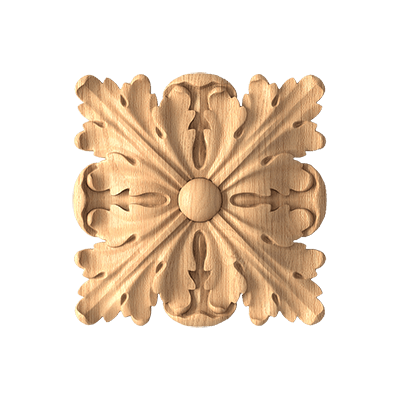
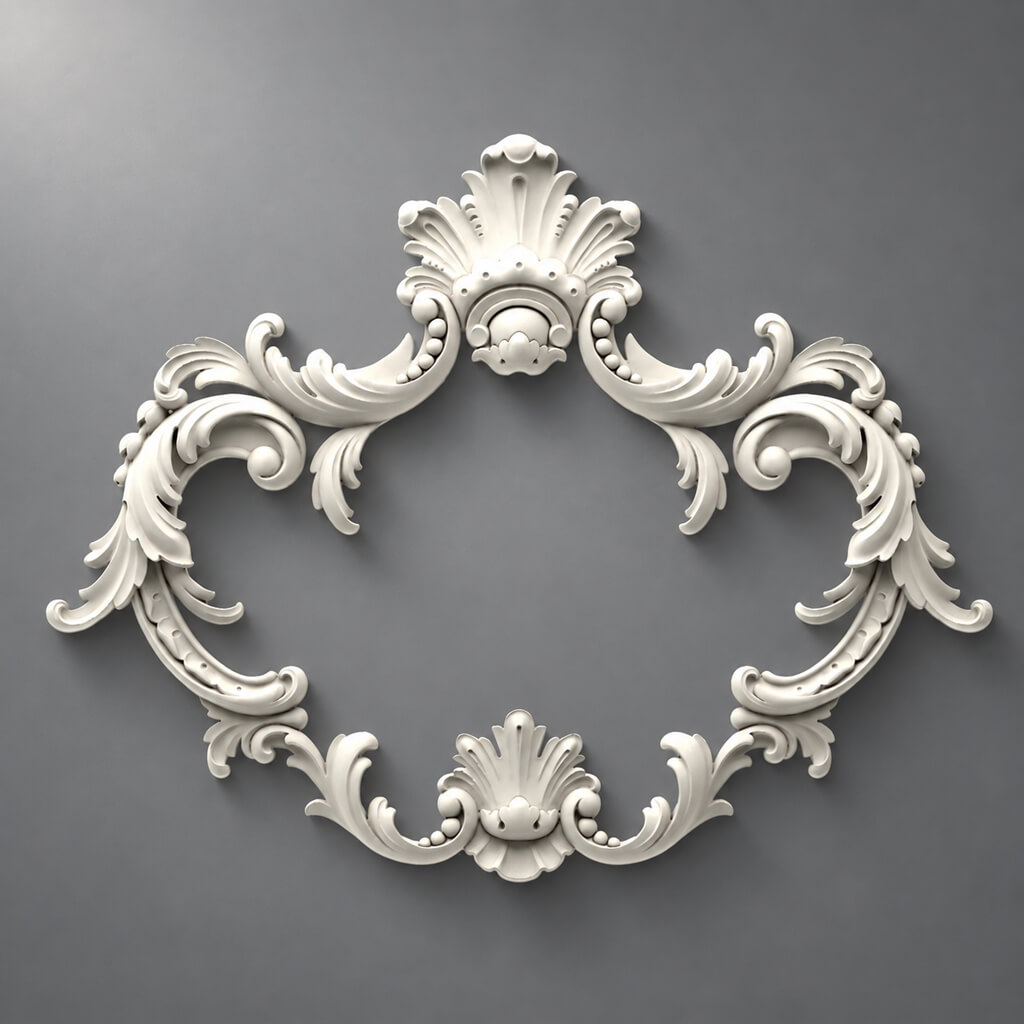
How to design a decorative overlay
For an overlay, four groups of data are usually important: frontal geometry, depth, axis or axis system, and mounting surface.
If the element is symmetrical, mark the axis. If it is asymmetrical, record the orientation.
If the overlay is mounted on a furniture facade, show its position relative to the facade edges. If it is part of a wall composition, provide references to moldings or other elements.
Left and right elements
Mirrored pairs should be counted as separate production items if orientation affects the shape.
Do not write a single line in the specification:
Mirror overlay — 2 pcs.
Much clearer:
DEC-03L — 1 pc.
DEC-03R — 1 pc.
The drawings must also include two versions or an unambiguous mirroring rule.
Repeating ornament and pattern repeat
A pattern repeat is not just the distance between identical points of the design. In architectural decor, what matters is how the module begins, ends, and passes through the joint.
For an ornamental frieze, specify the repeat length, module start, end, center, axis, permissible cut locations, and joining rule.
On a long straight run, repetition usually raises no questions. Problems begin near the corner.
How to set the inner corner
For smooth moulding, the inner corner is often resolved with a simple mitre cut. For ornamental trim, this may not be enough.
On the assembly, it is necessary to determine the cut line, the position of the ornament, the joint point, the allowable seam, and the method of continuing the pattern.
Sometimes it is better not to try to "bend" the repeat around the corner, but to develop a separate corner element.
How to set the outer corner
The outer corner is more noticeable than the inner one and usually reveals errors more strongly.
If the profile protrudes strongly from the wall, even a small shift in depth creates a step. With carved ornament, the additional question arises of how the pattern wraps around the edge.
For the outer corner, it is useful to provide a plan, front view, section, and enlarged junction detail.
Architectural system made of several parts
Individual elements may be manufactured flawlessly and still fail to come together into a single composition.
Classic example:
base → pilaster → capital → cornice.
Each element has its own dimensions. But the project also needs the points where they connect.
That is why a complex system requires not only a drawing of each part, but also an assembly view with axes, levels, mutual references, fitting dimensions, and overlap zones.
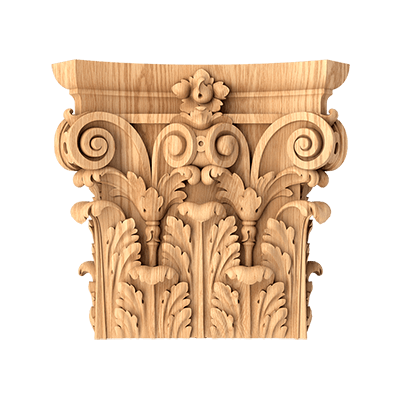
How to prepare a capital drawing
For a capital, the main question is compatibility with the vertical element.
Record the overall width, height, depth, fitting size, maximum projection, axis, and junction with the column or pilaster.
If the capital is round, diameters are needed. If it is rectangular, dimensions in two directions.
Pay special attention to the fitting. The capital may project beyond the column shaft, but the size of the area by which it rests on the vertical element must be clear to the manufacturer.
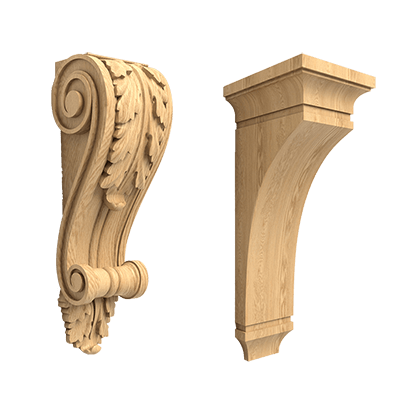
Drawing of a bracket or corbel
A bracket often looks like an almost sculptural object. That is why one 3D image seems sufficient.
For production, this is not the case.
At minimum, you need a front view, side view, overall depth, mating plane, reference dimension, and, for complex shapes, sections.
If the bracket is part of a structural assembly, an artistic drawing is not enough: structural requirements must be developed separately by a specialized engineer.
When DWG is not enough and a 3D model is needed
There is a shape that is inconvenient to describe with a set of flat projections.
This includes complex sculpting, deep irregular relief, a sculptural detail, a capital, a bracket, a volumetric overlay, or an ornament that develops in several planes at once.
In such cases, 3D removes a huge amount of ambiguity.
But 3D should not exist separately from the drawing.
If the DWG refers to REV03, and the model refers to REV02, production gets two truths.
For finished STAVROS products, the combination is already in use DWG and 3D models of the decor. In a custom project, the principle is the same: different formats must describe the same geometry.
When 3D is not enough and DWG is needed
3D shows the shape well, but answers production questions less effectively if it lacks formalized dimensions and datums.
DWG is needed to capture axes, dimensions, mounting planes, references, sections, codes, joints, and versions.
Therefore, for a complex element, the working combination looks like this:
DWG + 3D + specification.
3D explains the volume. DWG captures the geometry and control parameters. The specification states what this item is, how many are needed, and the status of the version.
How to choose a material after checking the geometry
There is a temptation to start a custom order with a statement like: “I need a polyurethane overlay like this” or “make this cornice out of wood.”
Sometimes the material is indeed specified by the project in advance. But with complex geometry, it is useful to first check how well the chosen manufacturing method suits the shape.
The candidates may be polyurethane, solid wood, MDF, and other materials, if the production offers them for the specific task.
The material affects the method of producing the relief, thicknesses, repeatability, processing, finish, and the economics of the series.
If the material is essential — for example, the element must continue a wooden furniture composition — this is recorded as a mandatory condition.
Polyurethane decor according to a drawing
Custom polyurethane decor makes sense where a series of repeating elements and stable geometry are required.
To check ready-made options, you can start with the section Architectural decoration from polyurethane and separately view molded decoration made of polyurethane.
But the material does not remove the requirements for the drawing: each product still needs dimensions, depth, mounting surface, orientation, and quantity.
Wooden decor according to the drawing
For wood, material is added to geometry as a visually significant part of the product.
For the project, the grain direction, species, tinting requirements, finish, and connection with furniture, doors, and other trim may be important.
To select standard solutions, it is useful to check wooden decorative elements и Carved wooden decoration.
Why quantity must be provided before development begins
One unit and a batch of one hundred identical parts are not the same production task.
Quantity affects the approach to the prototype, production preparation, economics, repeatability requirements, and the acceptability of manual finishing.
Therefore, the field Quantity should appear not at the very end, before shipment, but already in the initial technical specification.
Even a preliminary value is better than no information:
1 prototype + approximately 48 pcs. series.
Prototype before the main batch
A prototype is not needed just to see whether it turned out beautiful.
On a real sample, they check the size, depth, relief, edge, fit, junction, visual scale, and installation.
There are things that look neutral in CAD but become immediately noticeable in a physical object.
A prototype brings the project back from the digital environment to physical scale.
How to arrange prototype acceptance
The phrase "seems to fit" is not acceptance.
The check must be performed against the parameters recorded in the documentation:
- measure the overall dimensions;
- check the reference dimensions;
- compare the profile;
- check the maximum depth;
- apply to a real or test mounting surface;
- check the fit with adjacent elements;
- evaluate the texture and appearance;
- confirm the material and finish if they are part of the approval scope.
If everything is approved, the version receives the status:
APPROVED
If a change is required, a new revision is created.
Drawing versions: why REV is needed
A custom product rarely goes from the first sketch to production without a single adjustment.
If all versions are named final, final2, final_new, the team quickly stops understanding which file is current.
It is much more reliable:
DEC-014_REV01
After the change:
DEC-014_REV02
After approval:
DEC-014_REV02_APPROVED
If a new edit appears later, this is already DEC-014_REV03.
What to do when changing after approval
Any change to a geometrically significant parameter creates a new revision.
This applies to size, profile, depth, material if it affects the product, ornament, mounting surface, and interface.
The old file is not deleted or overwritten. A revision archive is needed at least so that a week later you can understand which version the prototype was manufactured from or a part of the order was sent according to.
How to create a production specification
The drawing describes the geometry. The specification links it to the order.
| Field | Example |
|---|---|
| Code | DEC-014 |
| Revision | 02 |
| Name | architectural overlay |
| Size | W × H × D |
| Material | Approved |
| Quantity | 24 |
| DWG | DEC-014_REV02.dwg |
| 3D | DEC-014_REV02 |
| Status | APPROVED |
If necessary, add the room, installation location, L/R, finish, comment, link to the assembly unit, and approval date to the table.
How to check the catalog before launching custom production
Before developing something new, check the ready-made overlays, sockets, brackets, moldings, pilasters, and capitals.
Sometimes only one of the five elements in a composition is non-standard.
For verification, you can use the STAVROS catalog, pilasters and columns и Capitals.
When a ready-made SKU is more cost-effective
A finished product is usually easier to include in the project system.
It already has a stable SKU, known geometry, a clear category, and the option to reorder.
If a suitable SKU exists and the difference comes down to a minor shift in the composition, it is often more sensible to change the layout.
But if a ready-made profile changes the proportions, breaks the junction, or does not reproduce the required motif, then a custom drawing is justified.
What to send the manufacturer in one package
Assemble one current revision.
Minimum set:
- A general-view PDF — to quickly understand the product without CAD.
- DWG — working geometry and dimensions.
- A 3D model if the shape requires a volumetric description.
- Control dimensions — clearly highlighted.
- Material or acceptable options.
- Quantity — prototype and planned series.
- Installation location — with a project fragment if necessary.
- Project timeline — if it affects planning.
- Designer contact — who is responsible for technical questions.
- REV number — the same for all related files.
If the package contains a PDF REV04, DWG REV03 and 3D without a version number, the package cannot be considered approved.
What errors make a drawing unsuitable for manufacturing
Front view only
The shape seems clear, but the depth is unknown.
Consequence: the manufacturer has to interpret the relief.
Fix: add a side view and characteristic sections.
No cross-section of the molding profile
The molding is shown only in the front view.
Consequence: the profile cannot be reproduced unambiguously.
Fix: provide a real cross-section with dimensions and radii.
Dimensions contradict each other
The overall dimension on one sheet is 600 mm, while the sum of the dimension chain is 598 mm.
Consequence: it is unclear which value should be considered the main one.
Fix: before sending, check dimension chains and highlight control dimensions.
Unknown scale or units
The geometry exists in the DWG, but it is unclear whether it is in millimeters or centimeters.
Consequence: risk of a multiplicity error.
Fix: lock the units and verify the control dimension after opening the file.
Mounting plane not specified
A beautiful 3D object does not show which surface should sit against the wall.
Consequence: the rear geometry may be interpreted incorrectly.
Fix: define the base explicitly.
L/R not separated
The specification has one line item: "mirror overlay".
Consequence: two identical orientations may be supplied.
Fix: separate codes L и R.
No quantity
The drawing is technically sound, but the manufacturer does not understand whether a single unit or a series is being developed.
Fix: specify at least an approximate quantity.
DWG and 3D of different versions
The most dangerous mistake: each file looks correct on its own.
Fix: a single REV and status.
The file is named final
Today it is final. Tomorrow it appears final2.
Correction: item code + revision number + status.
Example: custom overlay for a wall composition
Suppose an architect has developed an overlay for the center of a molding frame.
Initial Data:
- width — 420 mm;
- height — 260 mm;
- maximum depth — 38 mm;
- symmetry along the vertical axis;
- flat mounting surface;
- quantity — 12 pcs.
The package should be supplemented with a frontal DWG, side view, central section, two additional sections through the deepest zones, a 3D model, axis mark, code DEC-021 and version REV01.
After receiving the prototype, the actual overall dimensions and depth are measured, and the shadow inside the frame is checked.
If it turns out that the 38 mm protrusion is too large and 30 mm is needed, the old REV01 is not edited silently. A REV02, the DWG and 3D are updated.
Example: a non-standard molding with a repeat
Let the profile width be 72 mm, the maximum depth be 24 mm, and the repeat length be 180 mm.
Exactly 20 modules fit on a straight wall 3600 mm long.
But the adjacent wall is 3470 mm long.
If the repeat is mechanically repeated, 50 mm remains. You can change the length of the decorative field, center a whole number of repeats, allow an incomplete motif at the end, or develop a separate end element.
The manufacturer does not decide on their own which option is correct. It is part of the project.
Example: capital for a ready-made pilaster
A custom capital can be bespoke, while the pilaster can be standard.
In this case, the starting point is not the capital design, but the mounting dimension of the actual vertical element.
The capital drawing shows the mounting, overall width, height, maximum projection, axis, junction points, front, side, and 3D for complex molding.
Then the bespoke part is integrated into the existing product system.
How to store the project package
Convenient structure:
01_PDF
02_DWG
03_3D
04_SPEC
05_REFERENCES
06_PROTOTYPE
07_APPROVED
08_ARCHIVE
Inside each folder — the product code and REV.
For example:
DEC-021_REV02.pdf
DEC-021_REV02.dwg
DEC-021_REV02.step
DEC-021_REV02_SPEC.xlsx
The main thing is not to mix current and outdated files in one folder without statuses.
How to check DWG and 3D consistency
Before handing off to the manufacturer:
- open the DWG;
- measure the overall dimensions;
- open the 3D;
- measure the same dimension;
- compare the depth;
- check the axis;
- match the mounting surface;
- make sure the names contain a single REV.
If at least one control parameter differs, you need to stop and find out which file is current.
How to order architectural elements from drawings
By the time of ordering, the manufacturer must receive not an abstract request to "produce decorative elements," but a specific package: item code, current revision, DWG, 3D if needed, material, quantity, installation location, approval status, and prototype data.
If part of the composition can be covered by standard items, it is better to separate them from custom ones right away. For ready-made polyurethane solutions, there are Polyurethane architectural decoration, Moldings made of polyurethane и molded decoration made of polyurethane. For wood — Solid wood decorative elements, carved appliqués, pilasters and columns, Capitals и Wooden Brackets.
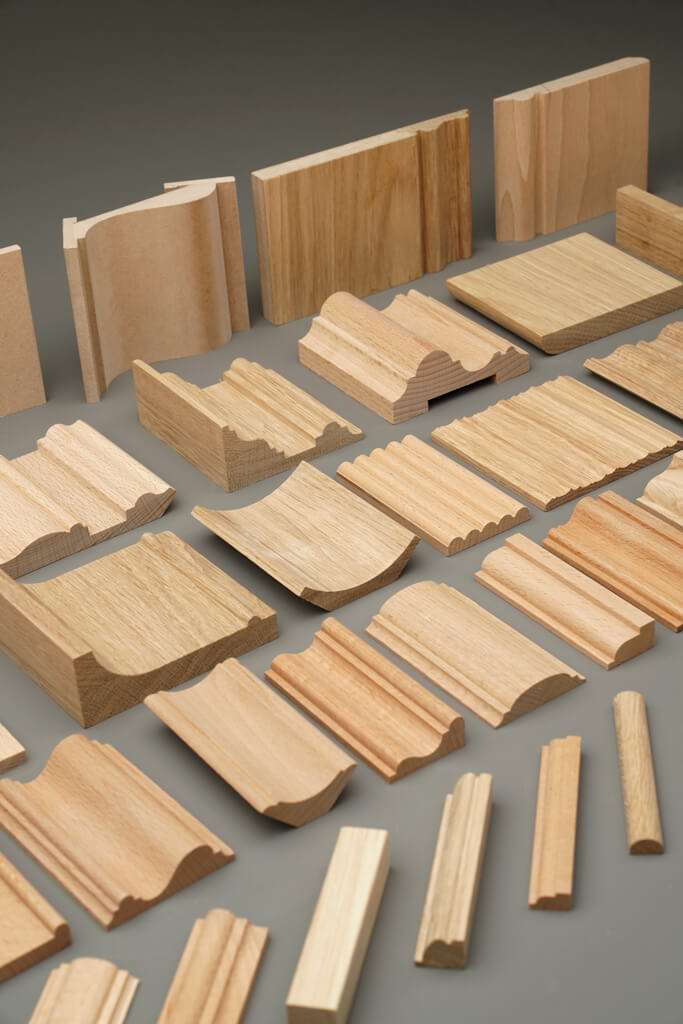
If a physical check of the scale of the finished product is required, you can look at Product samples.
Final check of the production-ready package
Before sending to the manufacturer, check:
- the element truly requires custom manufacturing;
- the current code is selected;
- overall dimensions are specified;
- depth is fixed;
- the mounting plane is indicated;
- for linear profiles, a cross-section is provided;
- for complex relief, characteristic sections are provided;
- axes and datums are clear;
- L/R are separated;
- the repeat is described;
- corner joints are defined;
- quantity is specified;
- material is fixed or marked as subject to approval;
- DWG and 3D refer to the same REV;
- the specification references the same version;
- the prototype, if needed, has clear acceptance criteria;
- after approval, the version received the status
APPROVED.
The last control question is the most useful:
can a specialist who did not participate in the discussions open the package and unambiguously understand what needs to be manufactured?
If yes — the drawing has ceased to be an illustration of an idea and has become a working production document.
This is exactly the quality required for the manufacture of architectural elements from drawings: not more lines, not more labels, and not more complex CAD graphics in themselves, but less uncertainty at every transition — from the architectural idea to the prototype, from the prototype to the approved version, from the APPROVED file to the specification and production.