







































Article Contents:
- What does “selecting products for a specification” mean
- Why the entry “40 mm molding” is not yet a specification
- What happens if a line is left tentative
- Why so many fields
- Why you cannot use only SKU
- Why you cannot use only the project code
- Trim
- Piece decor
- Architectural elements
- Panels
- One SKU across all sources
- Why a cornice cannot be replaced with a "similar" one
- Thickness is a critical parameter
- Why one diameter is not enough
- Why material as a separate field
- Why this is important
- Example with two portals
- Why the module matters more than total area
- What is stored for a candidate
- Additional statuses
- Shortlist may contain
- The final specification must contain
- What matters more when there is a discrepancy
- When it is no longer just a link update
- Rule
- A dangerous mistake
- What to do
- Quick check
- Example
- Why the old SKU must not be deleted
- Frame example
- Practical meaning
- Central overlay
- L/R
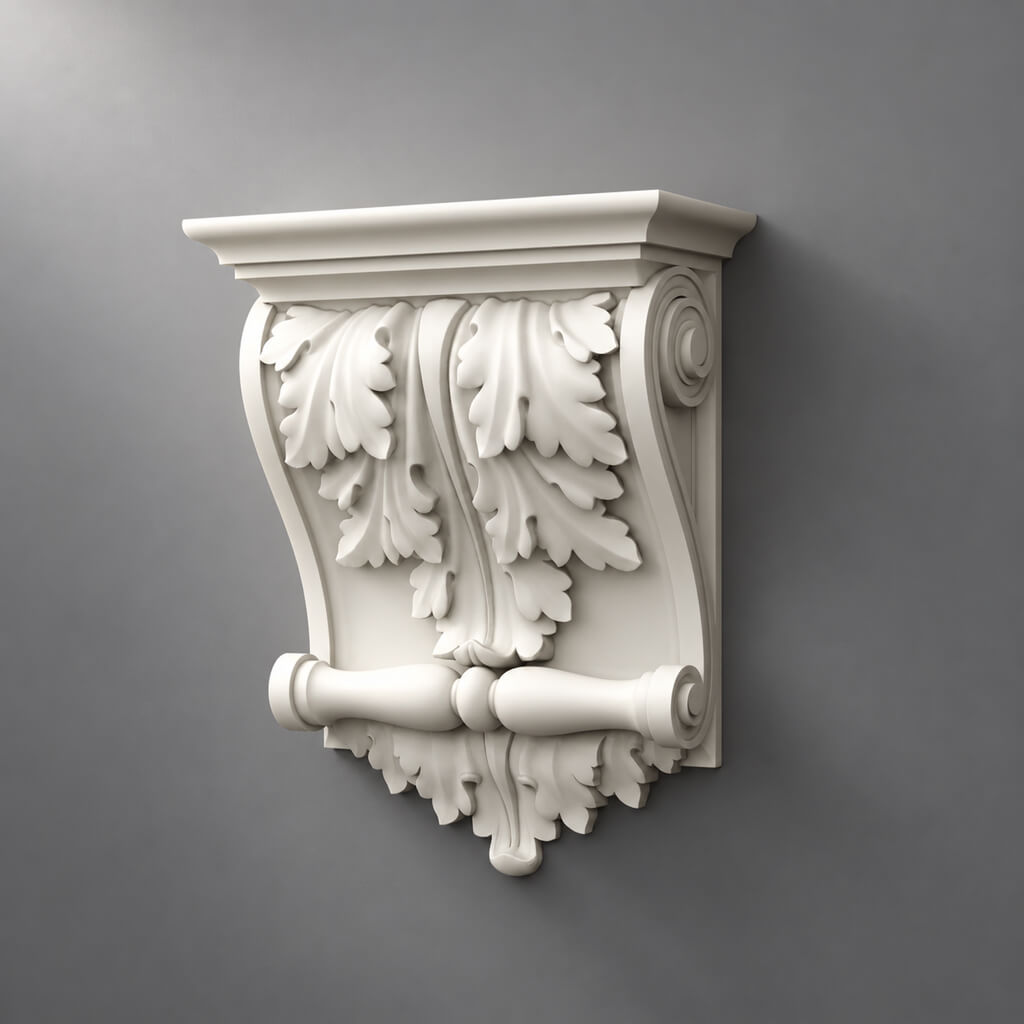
- Brackets
- System decor for moldings
- Why you can't trust style alone
- Polyurethane system
- Wooden system
- Separate
- Why sample status is needed in the table
- What should not be left
- Check before payment
- Why commerce comes last
- What happens when a SKU is changed
- Why a second person is needed
- Advantage
- But
- Before reuse
- Mistake 1. Too literal a search
- Error 2. One URL without SKU
- Error 3. One SKU without a project
- Error 4. Quantity is counted before the final SKU
- Error 5. Shortlist goes to the specifier
- Error 6. Adjacent elements are not updated
- How does selecting items for a specification differ from regular decor selection?
- Can several options be left in the final table?
- Which is more important: SKU or URL?
- When should quantity be counted?
- Should DWG and 3D be stored?
- How to work with an analogue?
- What to do with left and right parts?
- How to specify a portal or pilaster?
- When is a sample needed?

A design project often already contains lines like "molding 40 mm", "ceiling rose for chandelier", "MDF panel", "wooden overlay" or "classic cornice". For visualization, this may be enough. For purchasing — it is not. The specifier should not guess which product the designer had in mind, select an analogue from a picture, or independently decide which profile to put in place of a conditional object.
Therefore selection of products into the specification — this is a separate project stage:
conditional position → function → real candidates → shortlist → SKU → verification of dimensions and material → 3D/DWG → APPROVED → quantity → URL → purchasing line.
The main result — every conditional line of the project turns into an unambiguous product item that can be verified, calculated and ordered without re-designing.



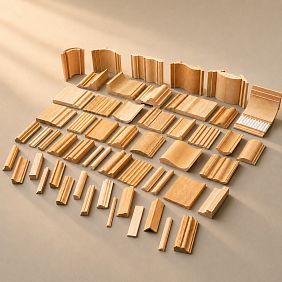
What "selecting products into the specification" means
An ordinary choice of decor answers the question "what is liked and fits the style".
Selection for the specification answers a different question:
exactly which product must be purchased to implement an already approved design decision.
For example, the line:
ML-01 — molding 40–50 mm
is not yet ready for purchase.
It must turn into:
ML-01 → STAVROS → specific SKU → actual size → material → linear meters → number of strips → URL → APPROVED.
To find real items, it is convenient to use product catalog for the specification, but the final purchasing list should not contain dozens of options. It keeps one approved product per design function.


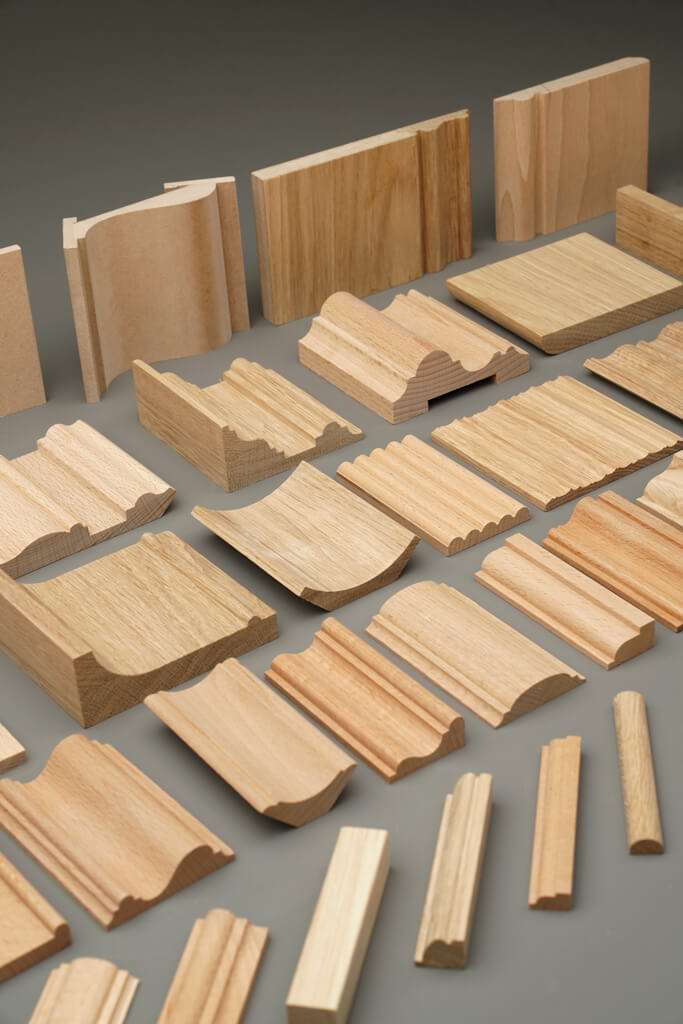
Why the entry “molding 40 mm” is not yet a specification
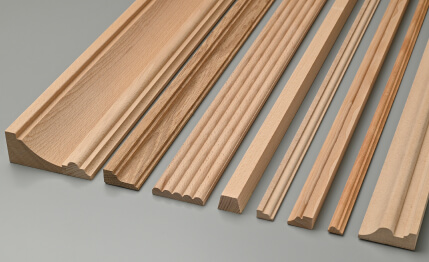
Two moldings of the same width can differ:
- depth;
- cross-section;
- ornament;
- length;
- by material;
- mounting plane;
- compatible decorative elements.
Therefore, the wording “40 mm molding” describes only one filter.
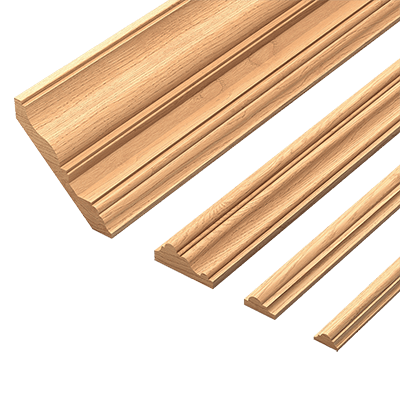
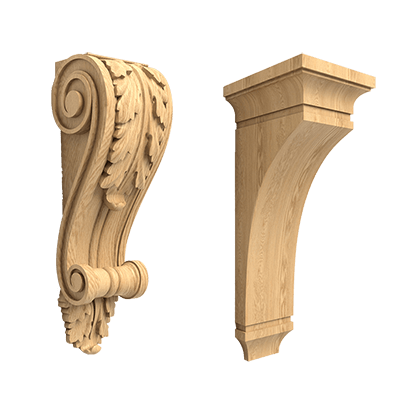
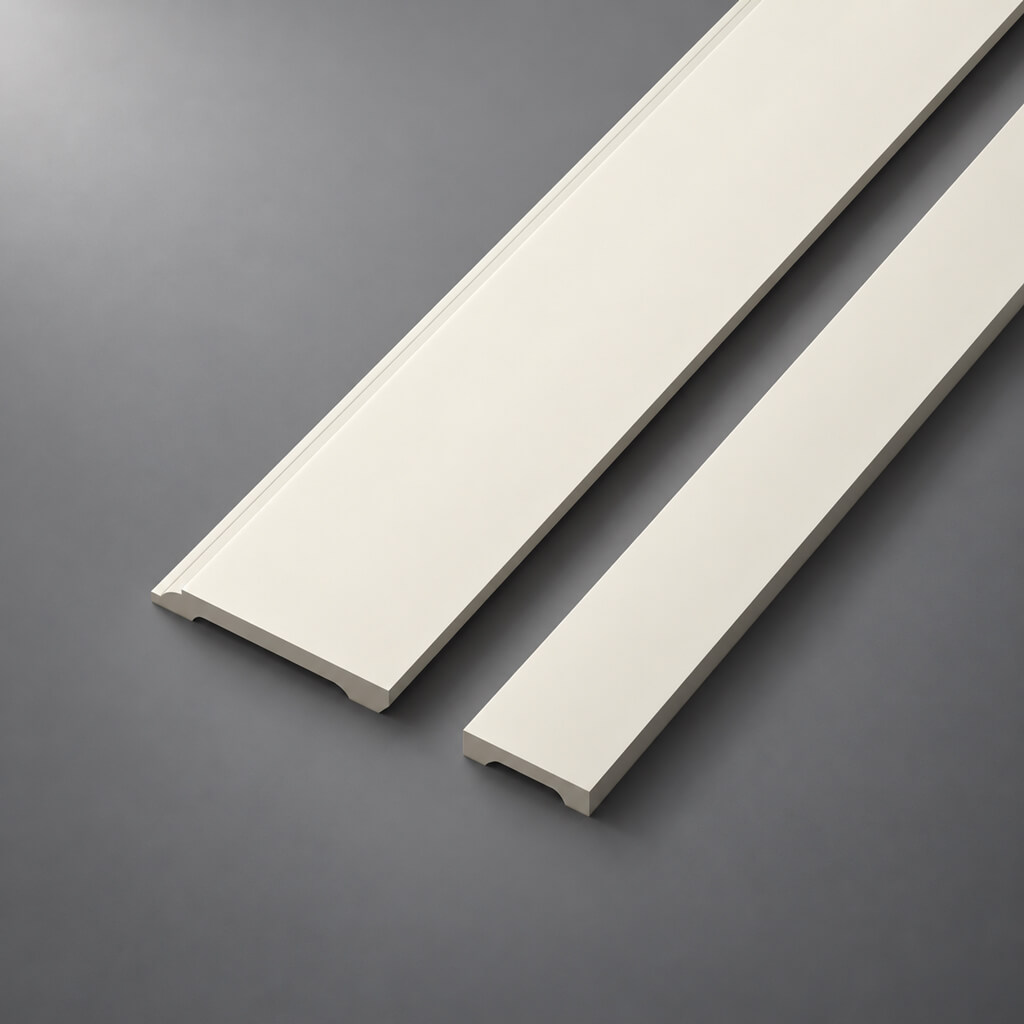
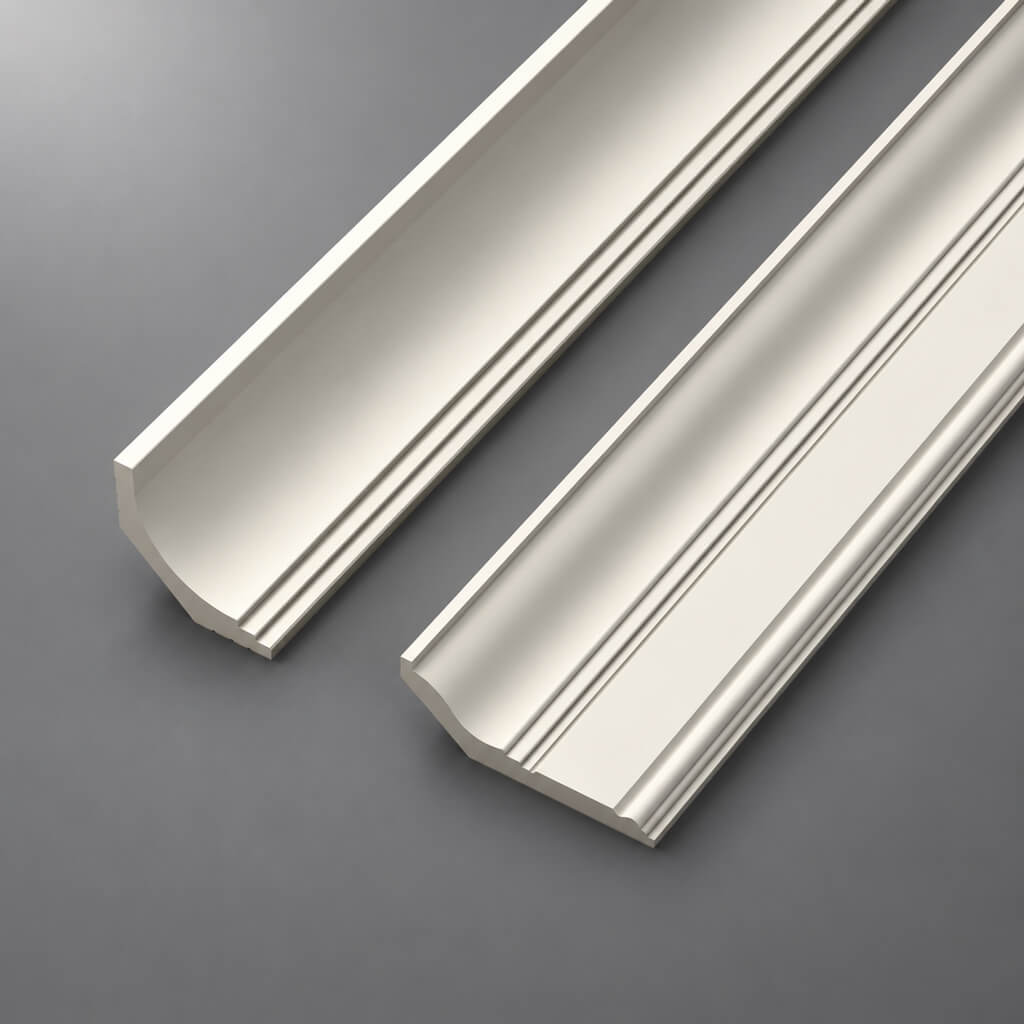
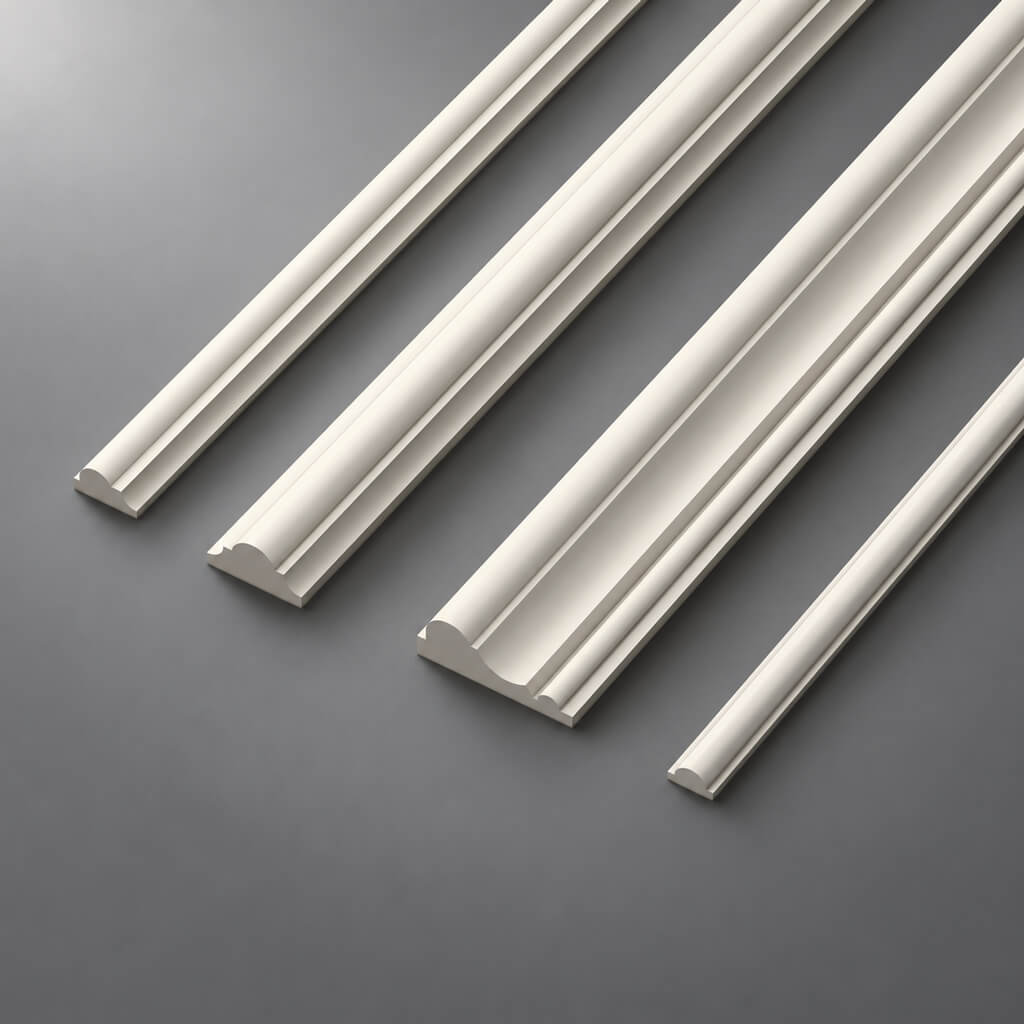
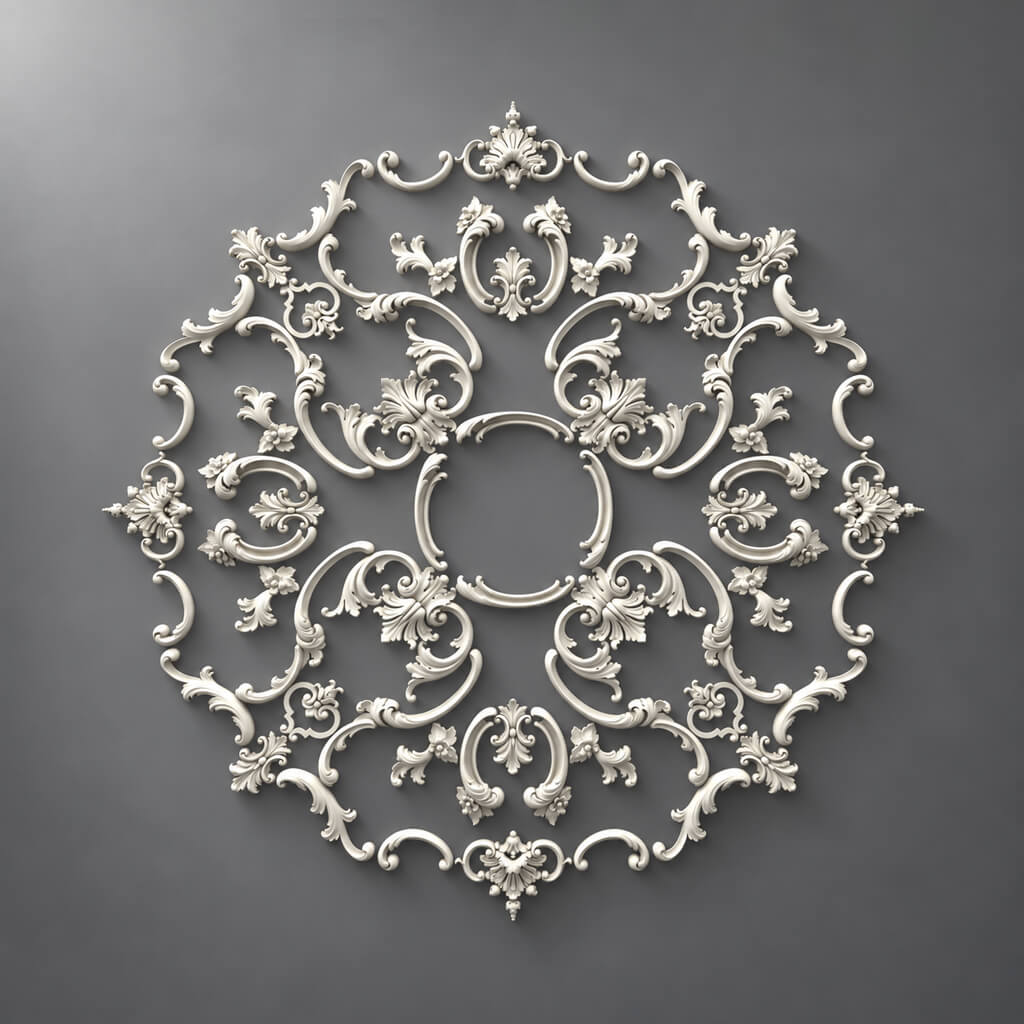
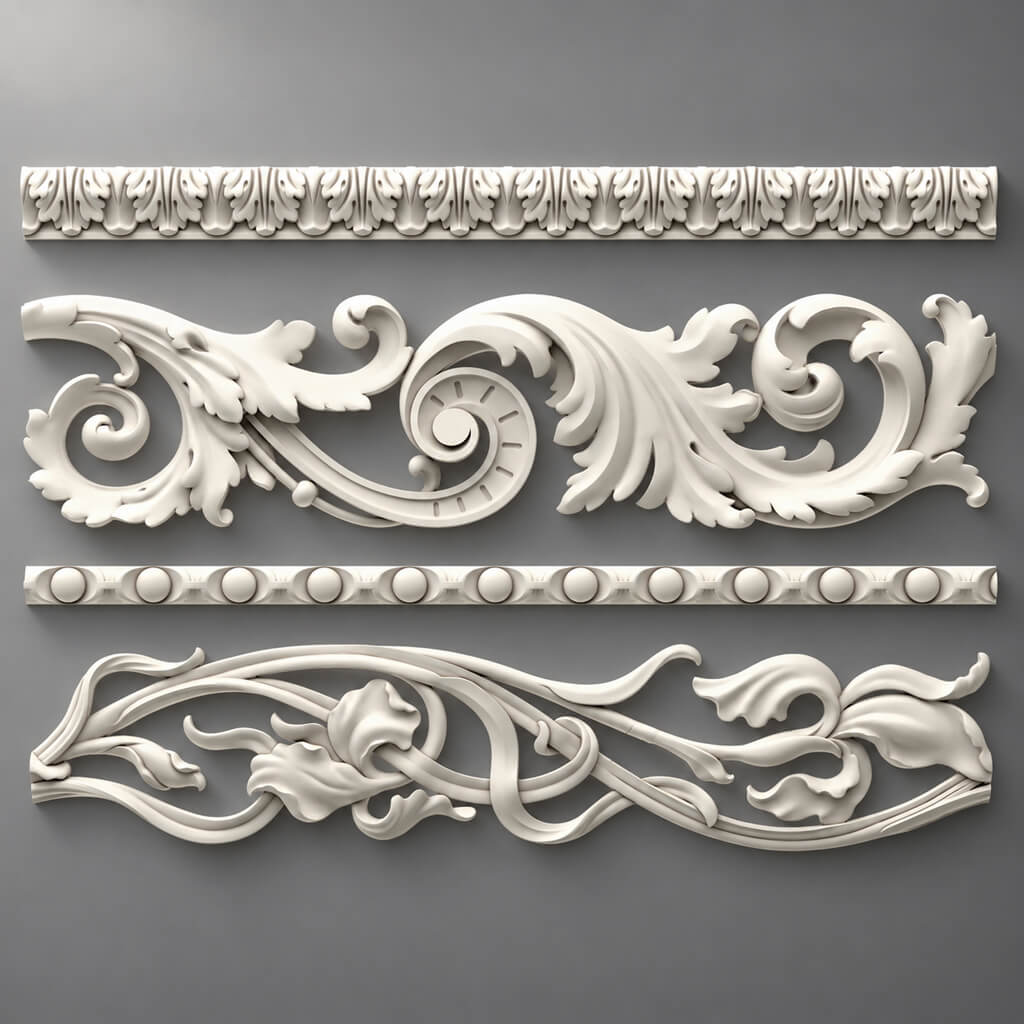
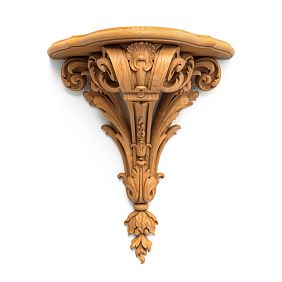
Our factory also produces:



What happens if you leave the line conditional
The order assembler will open the catalog and find several similar products.
He will have to decide for himself:
- which profile is closer to the visualization;
- which material to use;
- whether the depth is suitable;
- what length to order;
- are the corners and overlays compatible?
This is already design work, which should not be carried over to purchasing.
Get Consultation
What fields are needed for each item
Minimum structure:
| Field | What to fix |
|---|---|
| Project code | ML-01 |
| Manufacturer | STAVROS |
| SKU | Exact SKU |
| Category | Molding |
| Size | actual |
| Material | PU / wood / MDF |
| Quantity | pcs. / linear m |
| Room | Living room |
| URL | product page |
| Status | CANDIDATE / APPROVED |
| REV | revision number |
Additionally useful:
- DWG;
- 3D;
- sample status;
- finish;
- comment on the assembly;
- product length;
- number of strips.
Why so many fields
Each field addresses a separate risk.
SKU protects against product substitution.
Size — against incorrect scale.
Material — against incorrect execution.
Quantity — from under-ordering.
REV — from mixing old and new versions.
First the project code, then the SKU
ML-01 and SKU are different entities.
ML-01 denotes the function of an element within a specific project.
SKU denotes a specific manufacturer's product.
One project code can go through several candidates:
ML-01A
ML-01B
ML-01C
After approval, one link remains:
ML-01 → SKU → APPROVED.
Why you can't use only SKU
On a complex layout, long article numbers reduce readability.
Why you can't use only the project code
The assembler won't be able to purchase ML-01, if they don't know which actual product it represents.
How to break down the specification into categories
Before searching for SKUs, it's better to split conditional lines by calculation type.
Linear trim
- Moldings;
- cornices;
- skirting boards.
They are calculated by lengths, then converted into product planks.
Piece decor
- Outlets;
- Plates;
- Brackets;
- corner elements.
Counted per piece.
Architectural elements
- pilasters;
- columns;
- capitals;
- bases.
May consist of multiple SKUs.
Panels
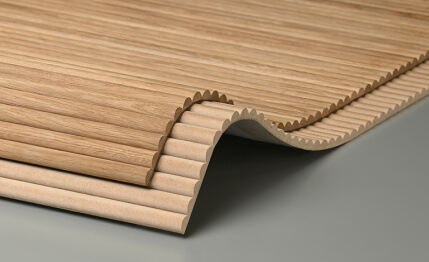
- MDF;
- solid wood;
- slatted systems.
Calculated by modules and layout.
One universal formula does not work for all categories.
How to select a real molding for a specification line
If the project specifies:
molding 40–50 mm
candidates are first filtered by:
- width;
- depth;
- material;
- profile character;
- ornament;
- product length.
Next, a shortlist of 3–5 options is formed.
After verification, one SKU remains in the project.
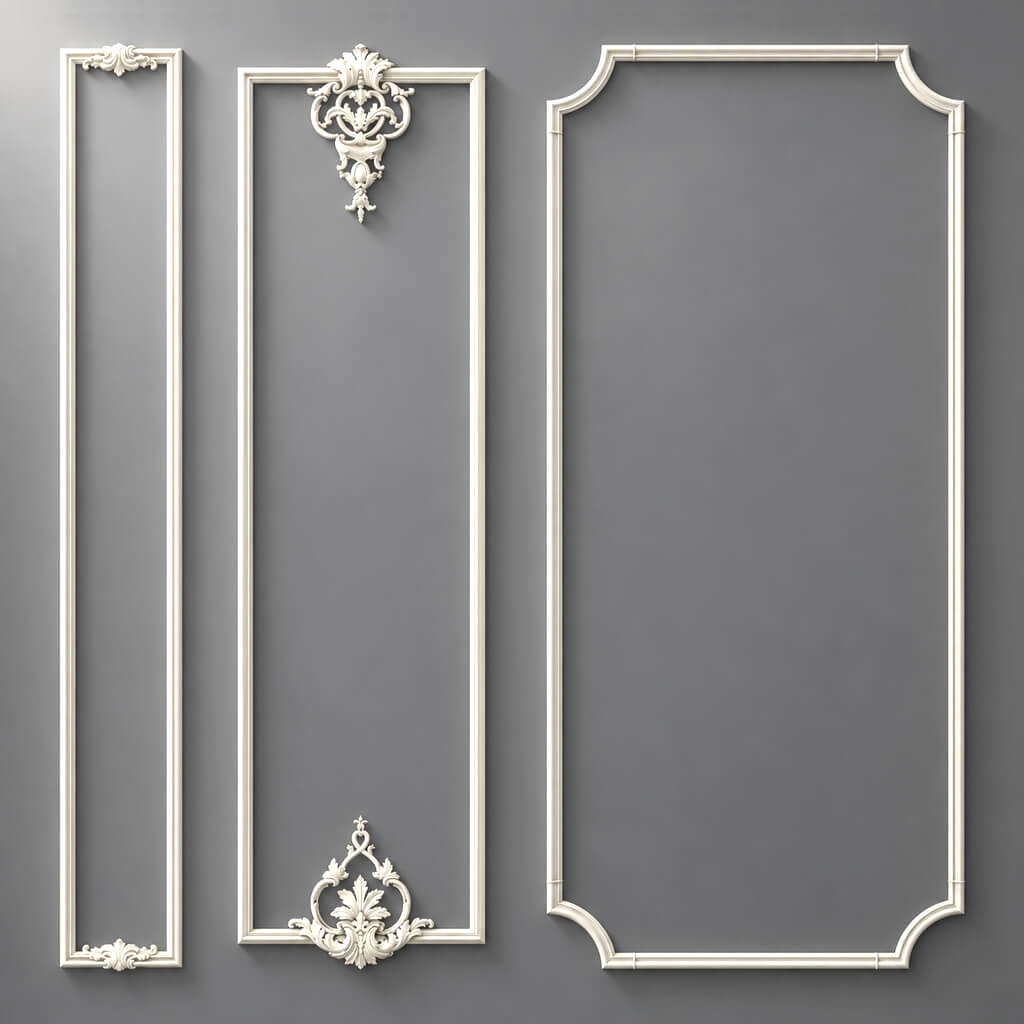
Moldings made of polyurethane it is useful to compare not only by the frontal view, but also by the actual cross-section.
Why the profile matters more than the general name
The line “classic molding 40 mm” may correspond to several products.
With the same width, profiles may have different projection.
If the molding is next to a casing, panel, or furniture, it is the depth that becomes critical.
Therefore, after selecting the SKU, you need to open 3D models and DWG and check whether the working geometry matches the visual solution.
One SKU across all sources
The correct combination:
catalog = SKU = 3D = DWG = visualization = specification.
If at least one link refers to a different product, a design error occurs.
How to choose a ceiling cornice
A cornice of a single width is not enough.
It is necessary to record:
- height along the wall;
- ceiling projection;
- actual cross-section;
- the material;
- SKU.
After that, check:
- the curtain niche;
- wardrobe;
- tall door portal;
- ceiling;
- ventilation;
- lighting.
Why a cornice cannot be replaced with a "similar" one
The new profile may be taller along the wall or protrude more along the ceiling.
This changes the assembly and sometimes requires revising the curtain niche or furniture.
How to choose a skirting board
For the skirting board, the following are fixed:
- height;
- thickness;
- the material;
- SKU;
- length.
And the following must be checked:
- platband;
- built-in furniture;
- wall panel;
- pilaster base.
The critical parameter is thickness
If the skirting board protrudes beyond the architrave, the joint looks accidental.
If the panel is thicker than the skirting board, a separate junction detail is needed.
Until this geometry is resolved, the position is not ready for APPROVED.
How to choose a ceiling rose
For the SKU, the following are fixed:
- A;
- B;
- C;
- shape;
- the material;
- SKU.
ceiling rosettes must be checked relative to:
- chandeliers;
- ceiling plan;
- cornice;
- ceiling frames;
- room height.
Why one diameter is not enough
Two sockets of the same size can have different relief depths.
On the RCP they look almost identical.
In 3D, they produce different light and shadow and visual mass.
How to choose a wooden overlay
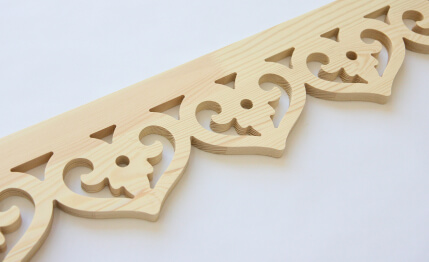
Wooden Inlays they need to be specified as specific piece items.
Checked:
- A × B × C;
- the material;
- orientation;
- quantity;
- installation location;
- finish.
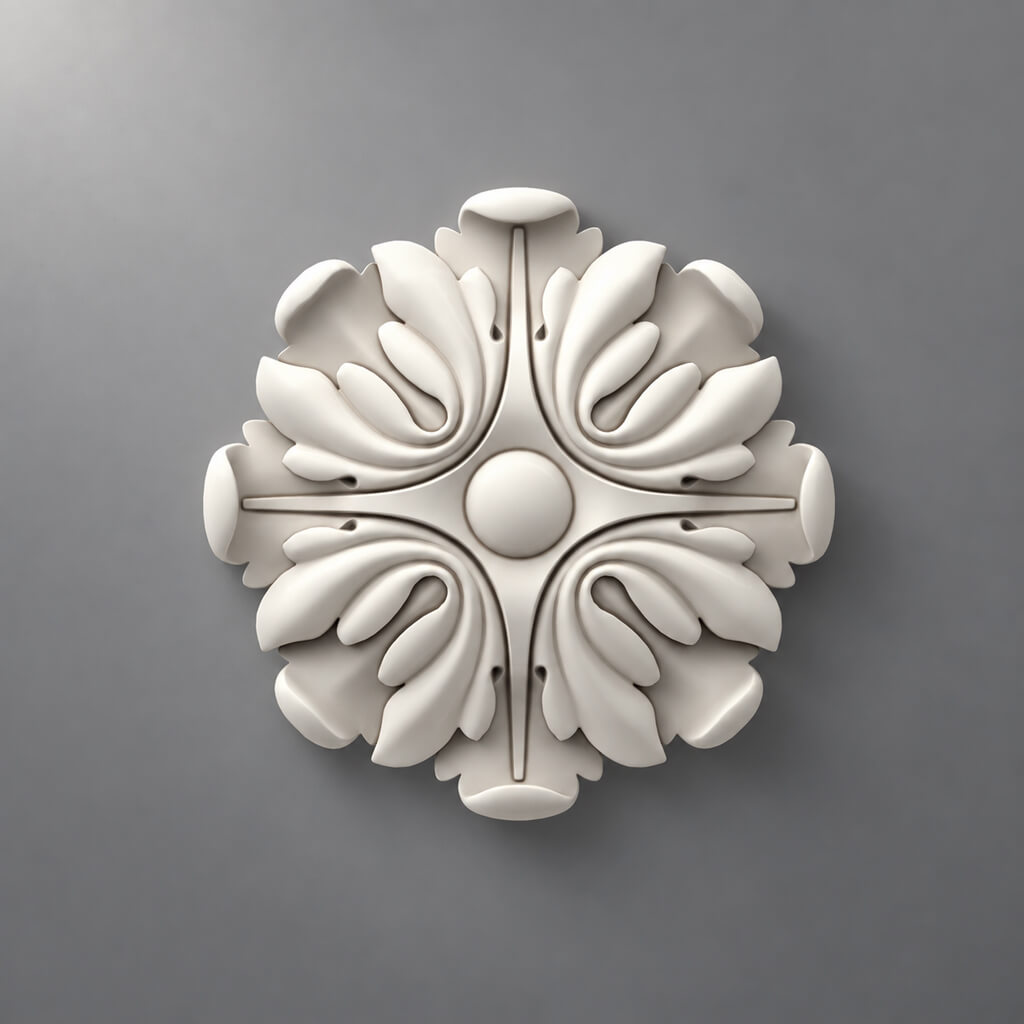
If the project requires complex carving, they are checked separately carved wooden inlays.
Why the material should be a separate field
The same geometry in beech and oak — different product variants.
This distinction must not be hidden inside a single text name.
The left and right parts must be separate lines
If a product exists in L and R versions, they must not be combined.
Bad:
D-04 — decorative overlay — 8 pcs.
Better:
D-04L — SKU-L — 4 pcs.
D-04R — SKU-R — 4 pcs.
Why this is important
A total quantity of 8 pcs. does not guarantee that the buyer will order four left and four right.
Orientation is part of the product specification.
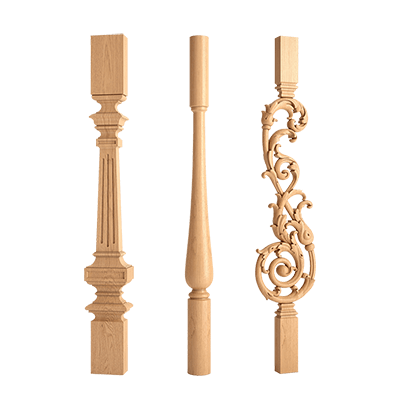
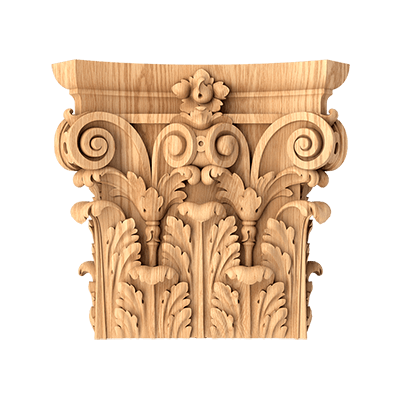
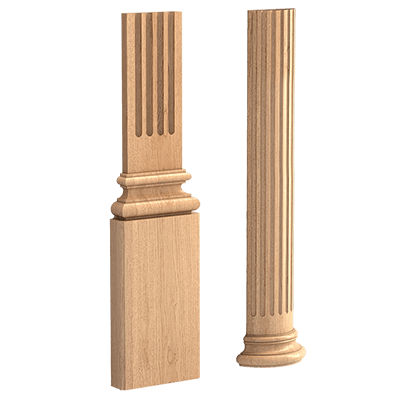
A pilaster in a specification is not always a single SKU
Line:
pilaster — 2 pcs.
may be insufficient.
An architectural assembly often consists of:
base → shaft → capital → additional decor.
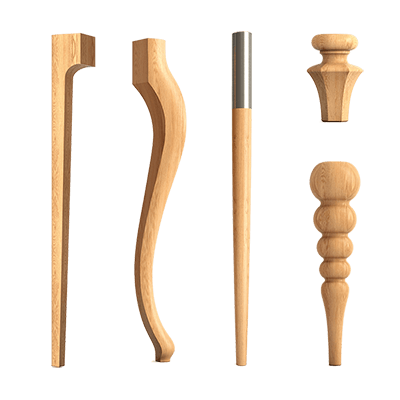
Therefore pilasters and columns must be broken down by components.
Capitals must also have a separate SKU and quantity.
Example with two portals
If one portal requires:
- 2 bases;
- 2 pilasters;
- 2 capitals;
then two portals require:
- 4 bases;
- 4 pilasters;
- 4 capitals.
The line "pilasters — 4 pcs." does not describe the full order.
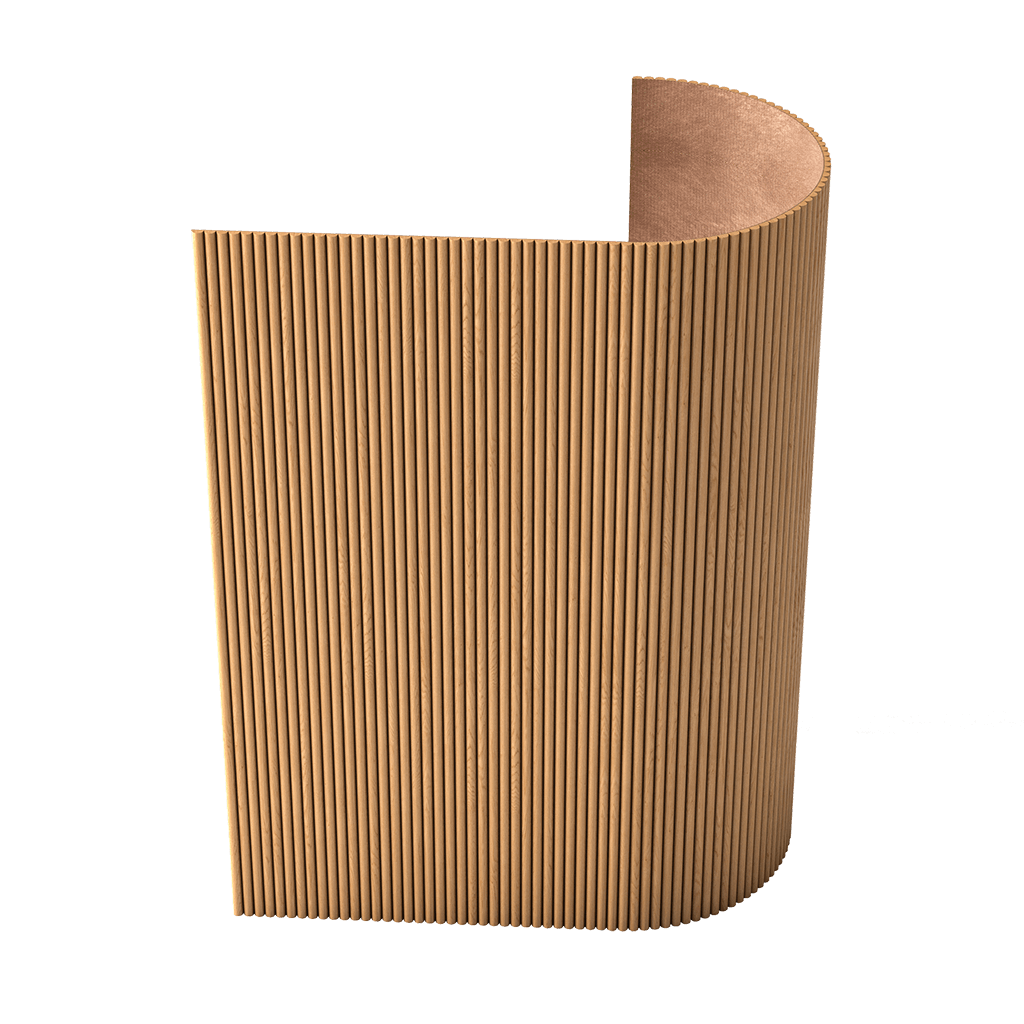
How to specify wall panels
Bad:
MDF panels — 16 m².
This format does not show the actual layout.
for MDF wall panels It is necessary to record:
- specific system;
- type / SKU;
- module;
- size;
- quantity;
- direction;
- edge cuts.
Why the module matters more than the total area
Field 3650 mm and module 300 mm:
3650 / 300 = 12,17.
So we need to decide where the remainder will appear.
Until then, the quantity cannot be considered final.
What is CANDIDATE
CANDIDATE — a position that is under consideration but not approved.
For example:
ML-01A
ML-01B
ML-01C
All three may be technically acceptable.
But all three cannot be sent to procurement.
What is stored for a candidate
- SKU;
- size;
- the material;
- URL;
- 3D;
- DWG;
- the reason for inclusion in the shortlist.
What is APPROVED
after checking:
- size;
- visualizations;
- drawing;
- sample, if needed;
- compatibility;
- budget;
one SKU gets the status:
APPROVED.
It is the one that remains in the procurement version.
Additional statuses
You can use:
SPECIFIED
ORDERED
INSTALLED
But only an unambiguously approved item should go into the commercial calculation.
Do not mix the shortlist and the final specification
The shortlist and the procurement list serve different purposes.
The shortlist is for the designer to make a selection.
The final specification is needed by the assembler for purchasing.
The shortlist may contain
- multiple SKUs for one function;
- comments;
- pros and limitations;
- CANDIDATE status;
- visual comparisons.
The final specification must contain
- one APPROVED SKU;
- an unambiguous size;
- the material;
- quantity;
- URL;
- the current REV.
If the procurement table still has three mouldings "to choose from", the specification is not yet complete.
Why store the URL
A URL does not replace the SKU, but it speeds up verification.
It allows you to:
- open the product card;
- verify the dimensions;
- view the current technical information;
- proceed to order;
- check the availability of configuration options.
Therefore, a useful line contains:
SKU + URL
and not one of the two.
What matters more in case of a discrepancy
The SKU remains the primary identifier.
A link may change, a page may be moved, but the SKU is needed for product identification.
What to do if the URL has changed
You shouldn't build a project around a hyperlink alone.
If the link has stopped working:
- take the SKU from the specification;
- find the current product page;
- check the dimensions and material;
- update the URL;
- record a revision if the product data has changed.
When it's no longer just a link update
If a different size or a different configuration is found under the old SKU, a project review is required.
You cannot silently replace a product just because the new card seems similar.
How to use DWG after selecting a SKU
DWG confirms:
- cross-section;
- the depth;
- actual dimensions;
- the mounting plane;
- junctions.
This is especially important for linear trim.
For example, a molding may match a nominal object in width but protrude further from the wall. Then the detail at the door casing changes.
Rule
SKU first.
Then the DWG for the same SKU.
Not the other way around: “we found a suitable drawing, then we look for a similar product.”
How to use 3D
3D is needed to check:
- scale;
- relief;
- light and shadow;
- composition;
- adjacency with furniture.
The 3D must use the same SKU as in the specification.
Dangerous mistake
The visualization keeps a proxy that the designer stretched to width.
The order assembler orders the real product with a different profile.
The client receives a result that differs from the approved render.
What to do
All proxies must have an explicit status and be replaced before APPROVED.
One SKU across all sources
Key formula:
catalog = SKU = 3D = DWG = visualization = specification.
If one item in the chain differs, purchasing must be stopped and the reason investigated.
Quick check
for ML-01:
- SKU in the table;
- SKU in the 3D name;
- SKU in DWG;
- SKU on the unfolded view;
- SKU in the commercial request.
All values must match.
What happens when the SKU is replaced
You can't just change an Excel cell.
Replacing the SKU means revising:
- dimensions;
- DWG;
- 3D;
- unfoldings;
- nodes;
- the calculation;
- quantities;
- URL.
Example
The old molding — 35 mm.
The new one — 55 mm.
With the same outer frame, the inner field is reduced by 40 mm in width and height.
If there is a sconce, overlay, or picture inside, their position must be checked again.
How to manage revisions
You can use:
REV01
REV02
REV03
In the replacement log, store:
| REV | Code | OLD SKU | NEW SKU | Reason | Date |
|---|---|---|---|---|---|
| REV02 | ML-01 | ... | ... | profile replacement | ... |
Why the old SKU cannot be deleted
A month later, you may need to understand:
- what was agreed earlier;
- why the geometry changed;
- which version was sent to the assembler;
- which render belongs to the old product.
Change history reduces the risk of confusion.
How to count linear products
For moldings, cornices, and skirting boards, linear meters are calculated first.
But purchasing requires the next step:
linear meters → product length → cutting → number of strips.
Frame example
Frame 1200 × 800 mm:
2 × 1.2 + 2 × 0.8 = 4 m.
Five frames:
4 × 5 = 20 m.
This is the geometric linear footage.
Next, the actual segments need to be distributed across the product strips.
Why 28 meters of molding is not a finished order
Suppose the calculation gives 28 m.
If the product is supplied in fixed strips, you cannot simply write “28 m”.
Need to consider:
- product length;
- the number of whole strips;
- remainders;
- corners;
- ornament;
- the inability to use some short offcuts.
Practical meaning
The math says: 28 m are needed.
Cutting optimization may show that more is actually required due to long verticals or pattern repeat.
How to count piece decor
For appliques, rosettes, brackets, and capitals, the main formula is:
SKU + orientation + quantity.
Central overlay
One for each of the four frames:
4 pcs.
L/R
Four frames:
- L — 4 pcs.;
- R — 4 pcs.
Brackets
They are calculated based on actual installation locations, not wall area.
How to work with sets
Some architectural compositions consist of several SKUs.
You cannot write:
decorative frame — set of 1
if the manufacturer does not sell it as a ready-made set.
Need to specify:
- molding;
- corner elements;
- central decor;
- end elements;
- quantity of each component.
System decor for moldings
Decor for Molding compatibility with a specific profile must be checked.
The phrase "corner element classic" is insufficient.
An SKU and a verified combination are needed.
How to check the compatibility of items in a single composition
For example:
molding + corner decor + center overlay.
Checked:
- profile;
- depth;
- width;
- fit;
- ornament;
- orientation.
Why you can't trust style alone
Two elements may share the same style but physically not fit each other in cross-section.
Compatibility is a technical parameter.
Material must be a separate field
There's no need to hide the material inside a long product name.
Use a separate field:
- PU;
- Oak;
- Beech;
- MDF.
This is especially important for items available in multiple materials.
Polyurethane system
Polyurethane moldings и molded decoration made of polyurethane must have the PU material explicitly in the specification.
Wooden system
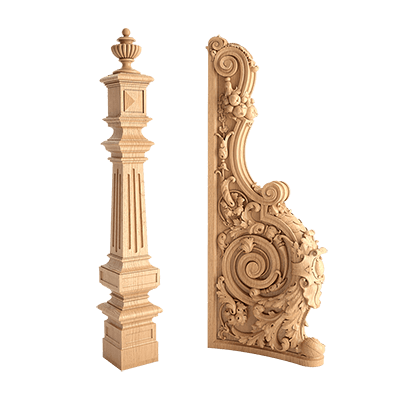
wooden decorative elements и Carved wooden decoration require a separate specification of the wood species.
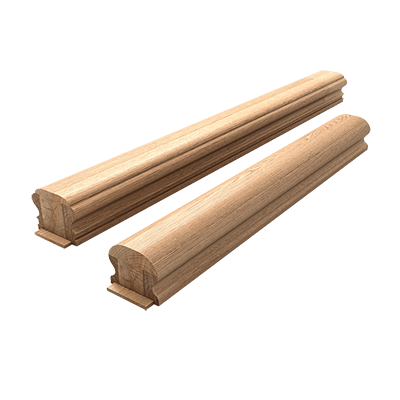
For long wooden profiles, the following is used Wooden trim, where material and finish are especially important for coordination with furniture and doors.
The finish also needs to be listed separately
Examples:
- under enamel;
- natural wood;
- Tinting;
- painting according to the project.
A project finish cannot be recorded as a factory product property if it is still only planned.
Keep separate
the product material and the project finish.
These are different fields.
Sample and specification
For physical verification, this field is useful:
Sample status
Options:
- NOT REQUIRED;
- REQUESTED;
- RECEIVED;
- APPROVED.
Product samples they are especially useful for wood, large profiles, complex reliefs, and color-sensitive solutions.
Why sample status is needed in the table
The procurement specialist immediately sees whether the item can be purchased or physical approval has not yet been completed.
How to prepare a specification for a commercial estimate
After APPROVED, the line should retain:
- SKU;
- size;
- the material;
- quantity;
- URL;
- unit of measurement;
- REV.
This is sufficient to request a commercial quote without re-selection.
What should not remain
- multiple candidates;
- “approximately”;
- “analog” without approval;
- nominal size;
- proxy SKU.
What must not be left for the kit assembler
Bad lines:
- “something similar”;
- “your choice”;
- “as in the visualization”;
- “molding about 40 mm”;
- “classic decorative element”;
- “panel approximately this color”.
The specifier should purchase, not redesign from scratch.
Final check before purchase
Checklist:
- All items have a project code.
- All items have SKU.
- Dimensions verified.
- Material specified.
- Finish separated from material.
- Quantity calculated.
- URL recorded.
- APPROVED status.
- CANDIDATE removed from procurement sheet.
- DWG matches SKU.
- 3D matches SKU.
- Sample status closed, if needed.
- REV specified.
- L/R positions are separated.
- Sets are broken down by components.
If at least one item is not completed, the specification should not be considered a procurement one.
How to purchase items from the final specification
Only after approval does it make sense to move to the commercial stage.
Workflow:
APPROVED SKU → quantity → commercial calculation → availability/lead time check → order.
Here you can already purchase stucco, moldings, panels, wooden decor, and architectural elements without searching for alternatives again.
Check before payment
- article number;
- size;
- the material;
- quantity;
- unit of measurement;
- current price;
- availability;
- the deadline;
- Project REV.
Why commerce comes last
If you first request a price for a conventional "40 mm molding," the commercial estimate is not tied to a specific design solution.
After APPROVED, the request is already unambiguous.
How to link a specification to a finish schedule
In large projects, the same item may appear in several documents:
- finish schedule;
- decor specification;
- unfolded view;
- 3D;
- purchasing list.
It is useful to use a single code.
For example:
ML-01
It must designate the same item everywhere.
What happens when the SKU changes
Code ML-01 may be retained as a project function, but the product part is updated via REV.
This allows avoiding changes to the entire architectural labeling with each commercial adjustment.
How to conduct an internal audit of a design studio specification
Before handing over to the procurement specialist, it is useful to perform an independent check.
One employee prepares the table.
Another verifies:
- project code;
- SKU;
- size;
- the material;
- quantity;
- URL;
- 3D;
- DWG;
- REV.
Why a second person
Most errors in specifications are not complex design issues, but unsynchronized data.
For example:
- the table has a new SKU;
- the DWG has the old one;
- old render;
- quantity recalculated based on the old length.
A short audit catches such discrepancies before ordering.
How to maintain a specification across multiple rooms
A single SKU can be used in different rooms.
There is no need to duplicate the full product card dozens of times.
You can use a master product row and a separate application schedule.
Example:
| Code | SKU | Room | Quantity |
|---|---|---|---|
| ML-01 | ... | Living room | ... |
| ML-01 | ... | Bedroom | ... |
| ML-01 | ... | Hall | ... |
Advantage
If the SKU changes, you can quickly see all affected rooms.
But
Quantity and cutting must still be calculated based on the actual geometry of each room.
How to store master product data
For frequently used items, it is convenient to create a library:
- SKU;
- category;
- the material;
- size;
- product length;
- URL;
- 3D;
- DWG;
- sample status;
- date of verification.
The project specification then does not reinvent the product, but references a verified master card.
Before reuse
Even a master position needs to be updated.
Check:
- card;
- dimensions;
- availability;
- files;
- Material.
When a position cannot be moved to APPROVED
The status must remain CANDIDATE if:
- the size is not confirmed;
- there is no clear compatibility;
- the material has not been determined;
- node not verified;
- 3D refers to a different SKU;
- DWG does not match;
- sample is required but not approved;
- quantity cannot be calculated.
APPROVED is not a decorative mark in the table. It is permission to use the item in final documentation and procurement.
What mistakes most often occur when replacing placeholders
Mistake 1. Too literal search
They look for a product that most closely resembles the render, but do not check the dimensions.
Result: a visually similar profile does not fit the actual node.
Error 2. One URL without SKU
Result: when the page changes, the product is difficult to restore.
Error 3. One SKU without a project
Result: it is unclear where exactly it is used and what function it performs.
Error 4. Quantity is calculated before the final SKU
Result: the product length or module changes, and the calculation becomes outdated.
Error 5. The shortlist goes to the order assembler
Result: the purchaser starts choosing between options on their own.
Error 6. Adjacent elements are not updated
Result: a new capital does not fit the old pilaster, a new molding changes the inner field of the frame, a new panel conflicts with the baseboard.
FAQ
How does selecting items for a specification differ from regular decor selection?
Regular selection helps you choose a suitable design. Selection for a specification must bring the solution down to a specific SKU, size, material, quantity, and URL.
Can several options be left in the final table?
No. Several options are acceptable in a shortlist. A procurement specification must be unambiguous.
What is more important: SKU or URL?
SKU. The URL speeds up verification and ordering, but the article number remains the main product identifier.
When should quantity be counted?
After the SKU is approved. Until then, the product length, size, or module may still change.
Should DWG and 3D be stored?
If they are available and affect the project, yes. They help verify that the visualization and working documentation refer to the same product.
How to work with an analogue?
Do not silently replace the item. An analogue goes through the same path: CANDIDATE → verification → new REV → APPROVED.
What to do with left and right parts?
Keep them as separate lines and count them separately.
How to specify a portal or pilaster?
Break down by actual components: base, shaft, capital, and additional elements.
When is a sample needed?
When natural texture, color, finish, or large relief matter. Until then, the position can remain CANDIDATE.
Final workflow
1. Collect all provisional positions of the project.
2. Assign project codes to them.
3. Divide by categories and calculation type.
4. Find real candidates.
5. Create a shortlist.
6. Record the SKU of each candidate.
7. Check dimensions, material, and geometry.
8. Verify 3D and DWG.
9. Check components and compatibility.
10. Obtain a sample if needed.
11. Move one option to APPROVED.
12. Calculate linear meters, modules, or units.
13. Add the URL and current REV.
14. Remove CANDIDATE from the procurement version.
15. Provide the specifier with an unambiguous specification and place the order.