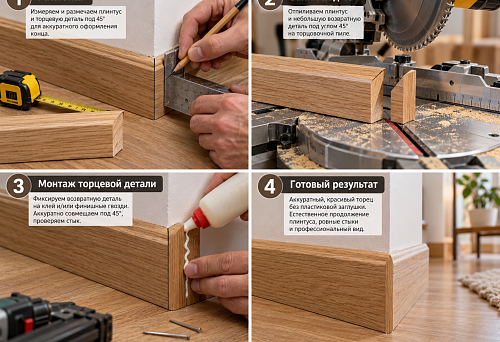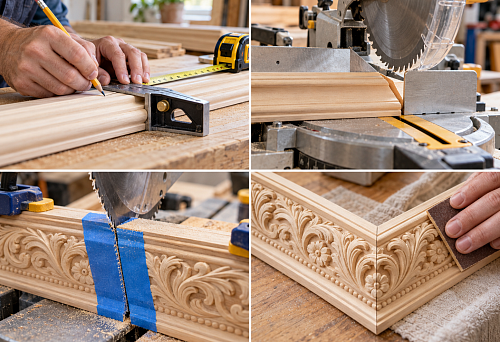















































Article Contents:
- Start with the document version and delivery scope
- Check the table itself before doing the arithmetic
- Separate product approval from purchasing status
- Check the purchasing passport for each line
- Send the provisional name for selection
- Verify the item code, size and link at the same time
- Separate calculation, ordering and packaging units
- Convert meters of molding into actual strips
- Why a ten percent reserve does not replace cutting
- Keep the calculated and ordered quantities separate
- Check the linear molding geometry and cornice units
- Verify piece decor against installation locations
- Keep left and right elements as separate lines
- Check compatibility and kit composition
- Use the drawing, model, and sample for their intended purpose
- Move an unavailable item to replacement approval
- Check the schedule by room, then by product
- Exclude reordering of already purchased parts
- Check availability for the full quantity and the required date
- Compare the supplier's offer against the verified schedule
- Prepare the acceptance list in advance
- What to send for calculating stucco according to the specification
- Release only verified items to the order

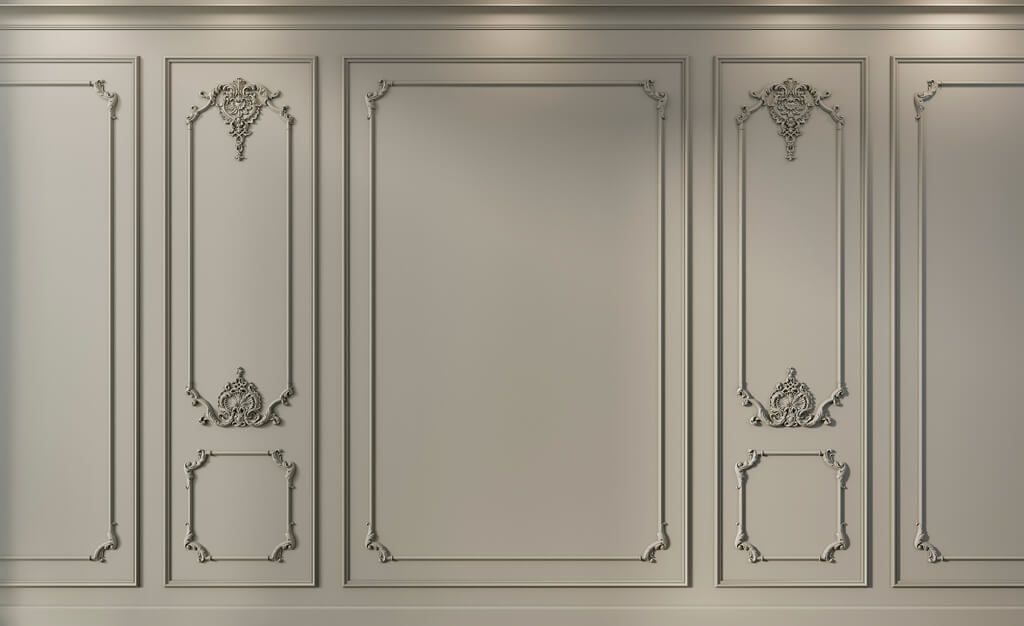
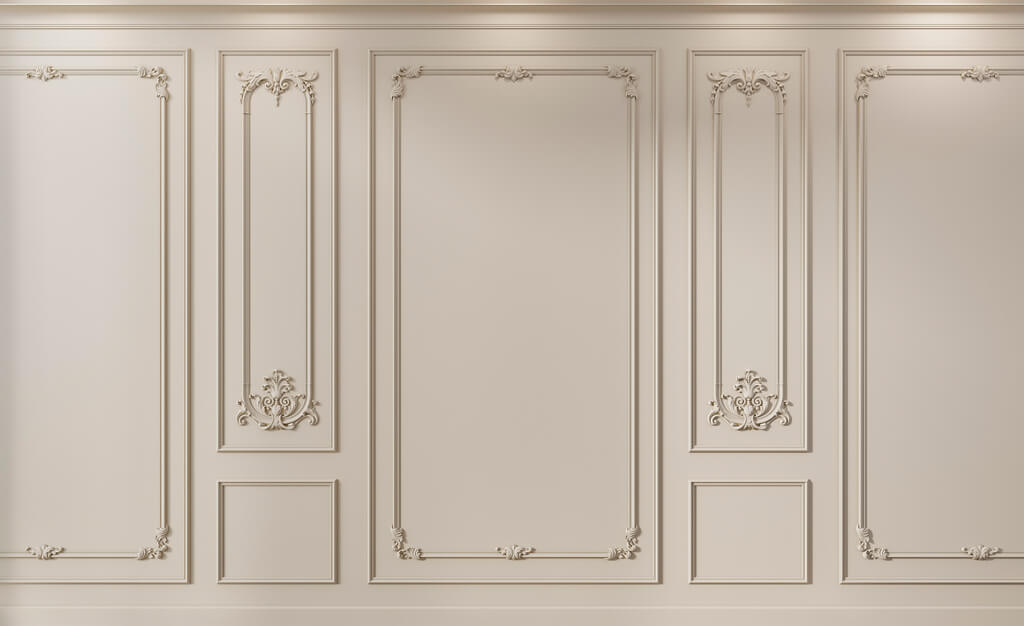
The received table states: “ML-01, moulding, 37.6 linear m”. Next to it is a link to the catalogue, and the note says “approved”. This information is insufficient to place an order. It is unclear which product was selected, how many whole strips will be required, and what exactly was approved: the profile pattern, the sample colour, or the entire purchasing item.
Stucco according to the specification is checked between handing the project over to procurement and placing the order. At this stage, conventional designations are linked to actual products, calculated values are converted into order values, compatibility is clarified, and new requirements are separated from already placed supplies.
The result of the check is a schedule that can be used to order specific versions without guesswork. For each line, the origin of the quantity, the current revision, and the purchasing authorization must be clear. If data is missing, the procurement specialist formulates a precise question to the project author rather than choosing the missing parameters independently.


Start with the document version and the scope of supply
Before opening product cards, establish which revision of the specification is in effect. Compare it with the drawings, details, and the latest approved changes. A later email forwarding date does not prove that it contains a new version of the table.
Clarify the scope of the task: the entire property, a single floor, or one finishing phase. A single master schedule may simultaneously contain items purchased by the client, the contractor, and the furniture manufacturer. Without assigning responsibility, one item risks ending up in two orders at once.
Save the resulting source file and carry out checks in a working copy with a revision number. Link questions to the item code and the room. The note "clarify moldings" is of little help; the note "ML-01, living room, wall 02: no commercial length available" immediately shows which decision is required.


Check the table itself before the arithmetic
When transferring data from a document with pre-made pages, the endings of item codes may be lost, columns may shift, and two adjacent rows may merge. Select several items of different types and match them against the source. Pay especially close attention to size, side, and the unit next to the number: a transfer error is not always visible in the grand total.
In the editable table, check for hidden rows, active filters, and summation ranges. A room total must not be added again to the same components within that room. New rows must be included in the calculation, and excluded items must actually be excluded from the purchasing total.
Convert the lengths being compared to a single unit: 2600 mm and 2.6 m denote the same value. Do not treat an empty field as zero demand. Distinguish between "not required", "not yet calculated", and "no data": in the first case there is no purchase, while in the other two a question remains. Verified arithmetic is only useful after this clarification of what the cells mean.
Our factory also produces:


Separate item approval from purchasing status
A single "status" column is often not enough. A product may be approved by the designer but not yet ordered. Or it may already be partially ordered while the additional volume remains under review. This information relates to different processes.
The following system can be used for design solution readiness:
| Item status | What this means | Action for the specification coordinator |
|---|---|---|
| Conditional item | Concept exists, no exact product yet | Send for selection |
| Product selected | SKU identified, checks still in progress | Gather missing confirmations |
| Sample approved | Specific component or finish accepted | Verify dimensions, quantity and scope of application |
| Ready for order | Configuration, volume and required approvals completed | Include in purchase |
| ON HOLD | There is an unresolved issue | Specify the reason and the responsible person |
Replacing the original item is a separate attribute with an approval history, not a standalone readiness status. Delivery status is tracked alongside it: request sent, order placed, partially received, fully received. This way, the word "approved" will not mistakenly mean "already purchased".
Get Consultation
Check the procurement passport for each line
The received specification of decorative elements must allow the product and its purpose to be identified unambiguously. If the table is short, some information can be stored in linked sheets, but the link must be explicit.
| Data | What to Check |
|---|---|
| Project code | Matches the designation on the drawing |
| Manufacturer and item code | Provided in full, without abbreviating meaningful symbols |
| Category and material | Correspond to the design brief and the product card |
| Dimensional version | Width, depth, length and other required dimensions match |
| Finishing | Delivery status and design finish are clear |
| Units and quantities | Calculated requirement and order are separated |
| Link | Opens the required product and lets you check the option |
| Room and assembly | There is a link to the installation location |
| Approval and revision | It is clear what may be purchased now |
The code “ML-01” designates a project item but does not replace the factory article number. And vice versa: one product may be used under several project codes. Both designations are retained to trace the path from the wall to the order line.
Send the descriptive name for selection
Lines such as “classic 30 mm moulding”, “ceiling rose for a chandelier” or “cover as in the image” describe an intent. They cannot be used to order an unambiguous product. The specifier must receive the category, required dimensions, material, image and assembly constraints.
Selecting decor according to the specification begins with clarifying this data. Then candidates are selected, checked in the project and the specific version is recorded. For an initial search, the section is suitable moldings from polyurethane, but after selection the general link is replaced with the product card.
If the schedule includes fabrication of elements per specification, separate such lines from serial products. A custom part requires approved drawings and manufacturing conditions. It cannot be assigned the SKU of a visually similar product: this would create false certainty for the purchaser.
Verify the SKU, size and link at the same time
A working link does not yet prove the line item is correct. A product card may contain several sizes and, when opened, show the variant selected by default. Match the manufacturer, full SKU, material and size variant against the schedule data.
Check the meaningful endings of the code: side, pattern variant, size series. Do not correct them automatically as "typos" and do not remove them when shortening the name. If the text and the link do not match, the line is returned for clarification.
A link to a category, search results or an interior photo is acceptable for finding an idea. For an approved serial item, a card for the specific product is required. If fabrication is custom, use an approved drawing and an unambiguous product designation in the supplier's quotation instead.
Separate calculation, ordering and packaging units
Mouldings per specification are often calculated in linear metres but purchased in whole lengths. Piece decor is counted by individual items. A number in the "quantity" column without a unit does not state what exactly is to be supplied.
| Line item type | Project calculation | What to specify for the order |
|---|---|---|
| Linear profile | Segment lengths, linear meters | Number of strips of a specific length |
| Decorative overlay | Number of installation locations | Units of the selected finish |
| Ceiling rosette | Number of placement points | Units of a specific size |
| Paired decor | Left and right sides of the composition | Quantity of each SKU separately |
| kit | Project team composition | Is it sold as a complete set or as individual parts? |
The packaging unit is also not automatically equal to the product unit. If an offer is made up of boxes or sets, ask for the number of items inside. Both quantities must match in the order. For moulding, it is advisable to clarify the designation "pcs.": one piece means one whole strip of the specified length.
Convert metres of moulding into actual strips
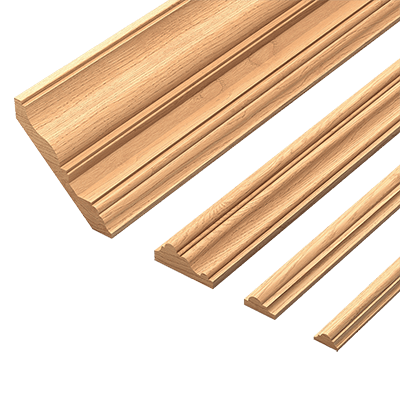
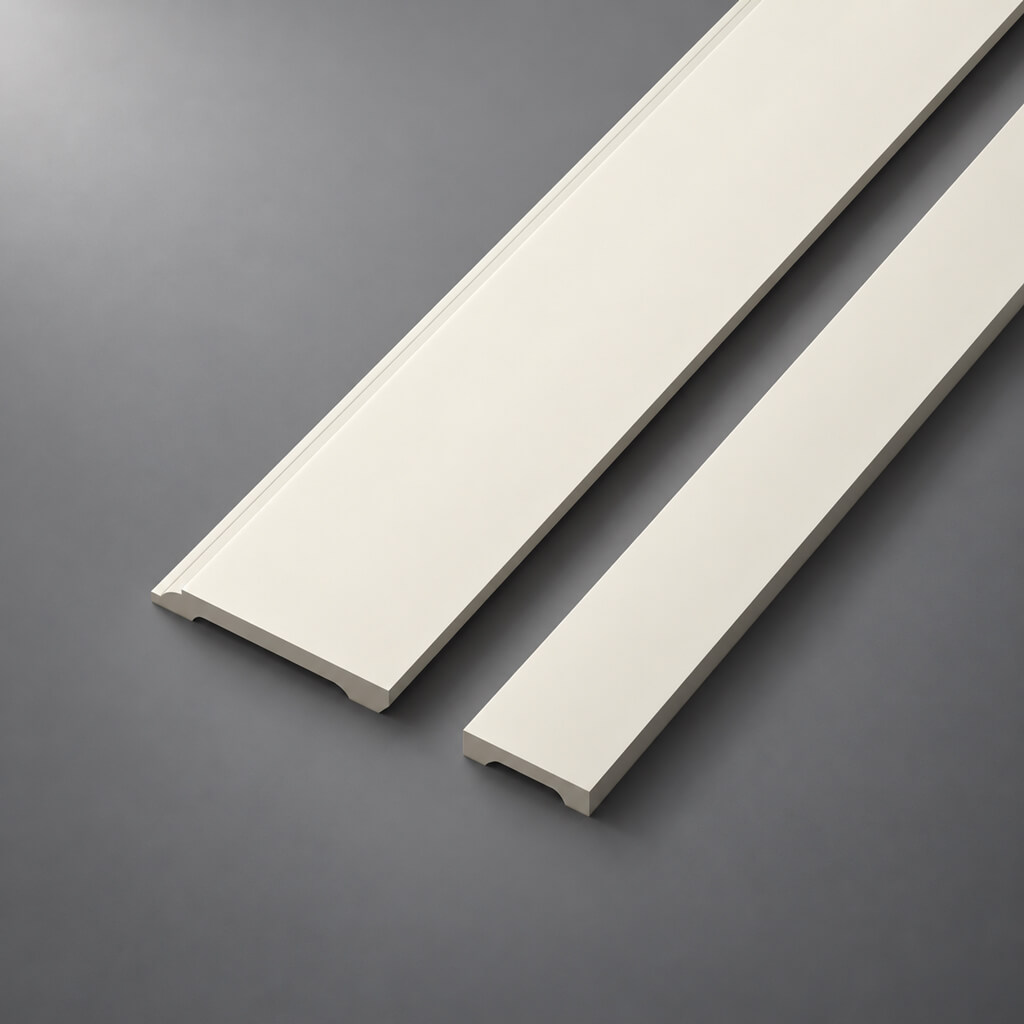
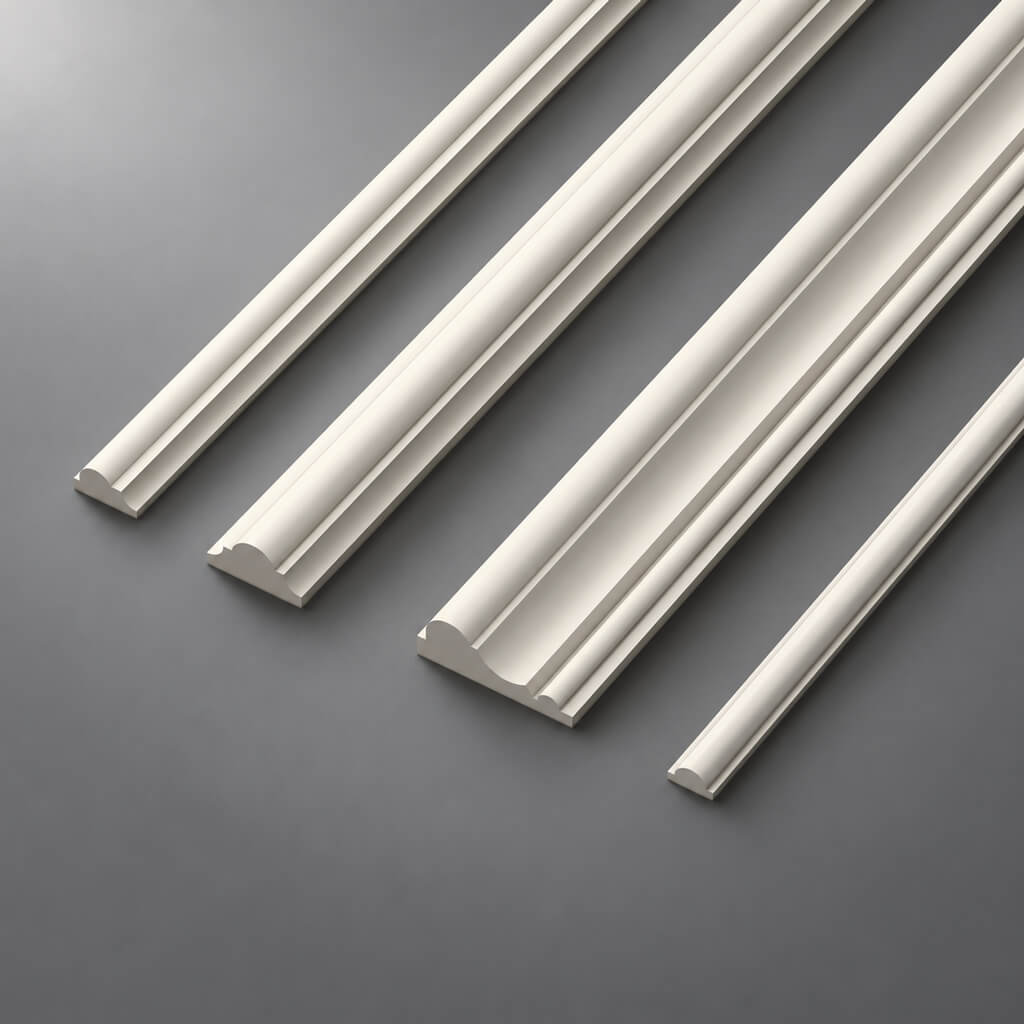
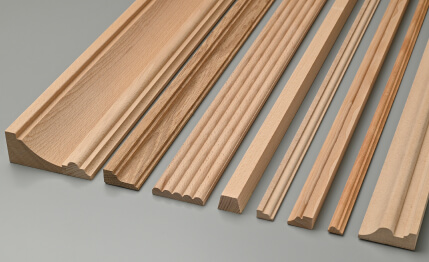
In the product card molding MLDPU-003 dimensions 35 × 12 × 2600 mm are given: width, depth and product length. For purchasing, the last number matters, together with the list of required cut lengths.
If the resulting schedule contains 37.6 m of such profile, dividing by 2.6 m gives about 14.46 strips. Rounding up to 15 shows only the lower bound by total length. It does not prove that all the parts of the project can be cut from fifteen blanks.
Ask for a list of cut lengths with the number of repetitions, the type of ends and the reference measuring points. For a frame, the size measured at the outer saw-cut vertices differs from the internal size. Until the person who made the calculation clarifies which line the parts were measured along, a formally correct metreage can lead to incorrect cutting.
Why a ten percent allowance does not replace cutting optimisation
Let us consider a hypothetical requirement: eighteen whole cut lengths of 1600 mm from strips 2600 mm long. The total length of the parts is 28.8 m. By metreage alone, after rounding, that gives twelve strips, and with ten percent added, thirteen.
However, two 1600 mm cut lengths do not fit into one strip. If cut lengths cannot be joined from pieces, this set requires eighteen strips, plus a separate reserve. The example illustrates the limitation imposed by the blank length; it does not set a waste norm for another project.
Cutting optimisation takes into account saw cuts, end processing, permissible joints and the usability of offcuts. For ornamental polyurethane molding the position of the pattern is added. A short offcut may be sufficient in length but unsuitable at the start of the motif. First, the placement of the parts is checked, then the reserve is justified.
Keep the calculated and ordered quantities separate
The statement should show how much material makes up the finished composition and how much product is purchased. For example, in the previous calculation, 28.8 m is the net length of the parts, while eighteen strips of 2.6 m each is 46.8 m of purchased material without an additional reserve.
The difference between these values is not entirely a reserve for future repairs. Part of it will go into cuts and processing, and part will remain as offcuts. Usable remnants are accounted for by lengths and purpose, not just by a single total in metres.
It is useful to record the cutting quantity, the additional reserve and the final order separately. Then it is clear where the increase arose. If a reserve is already included at the room level, adding the same percentage again to the overall total may unjustifiably inflate the purchase.
Check the geometry of the moulding and the cornice assemblies
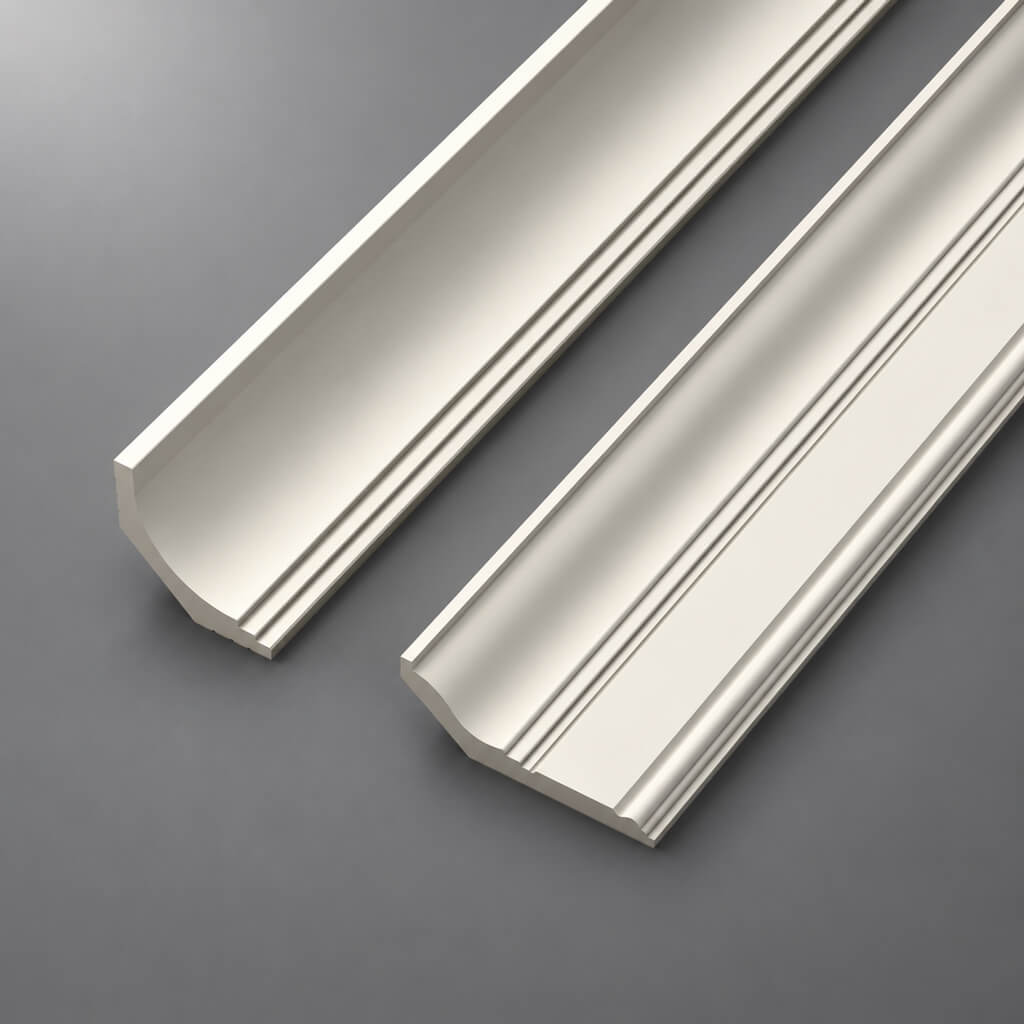
For a linear profile, check the width, maximum projection, product length, mounting side and cross-section shape. Dimensional letters are decoded according to the manufacturer's drawing. A match in one dimension does not confirm conformity of the entire assembly.
A conditional replacement of a 35 × 12 mm profile with a 35 × 22 mm one preserves the strip width but increases the projection by 10 mm. This may change the junction with the architrave or panel. Such a line requires technical verification, even if the difference looks small in the frontal image.
For the cornice, additionally clarify the height along the wall, the projection along the ceiling, the orientation, and the internal and external corners. Check the sections near curtain niches and the intended lighting. If any assembly is missing from the working sheets, it is sent for clarification before ordering the products related to it.
Check piece decor against the installation locations
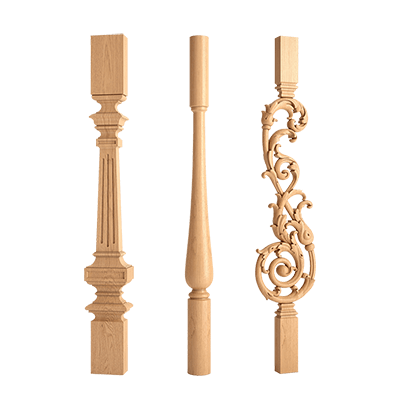
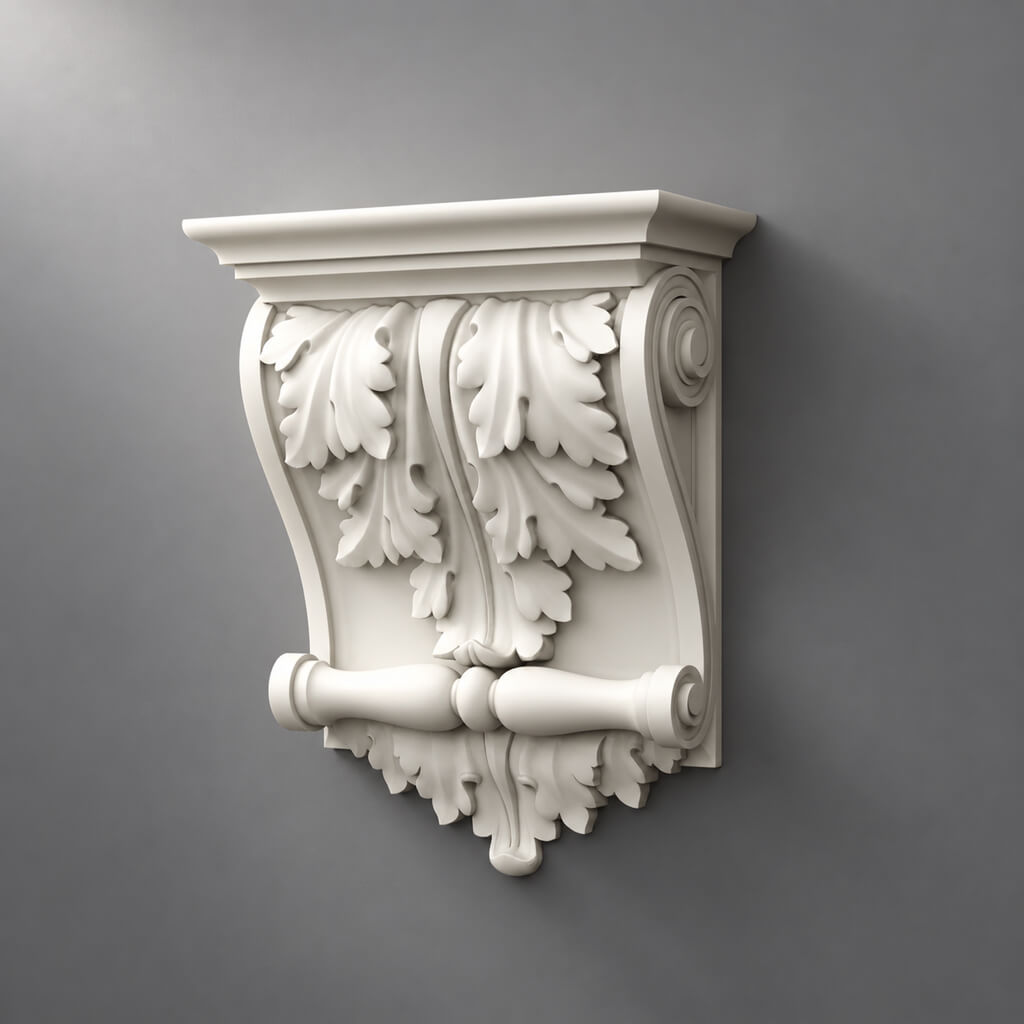
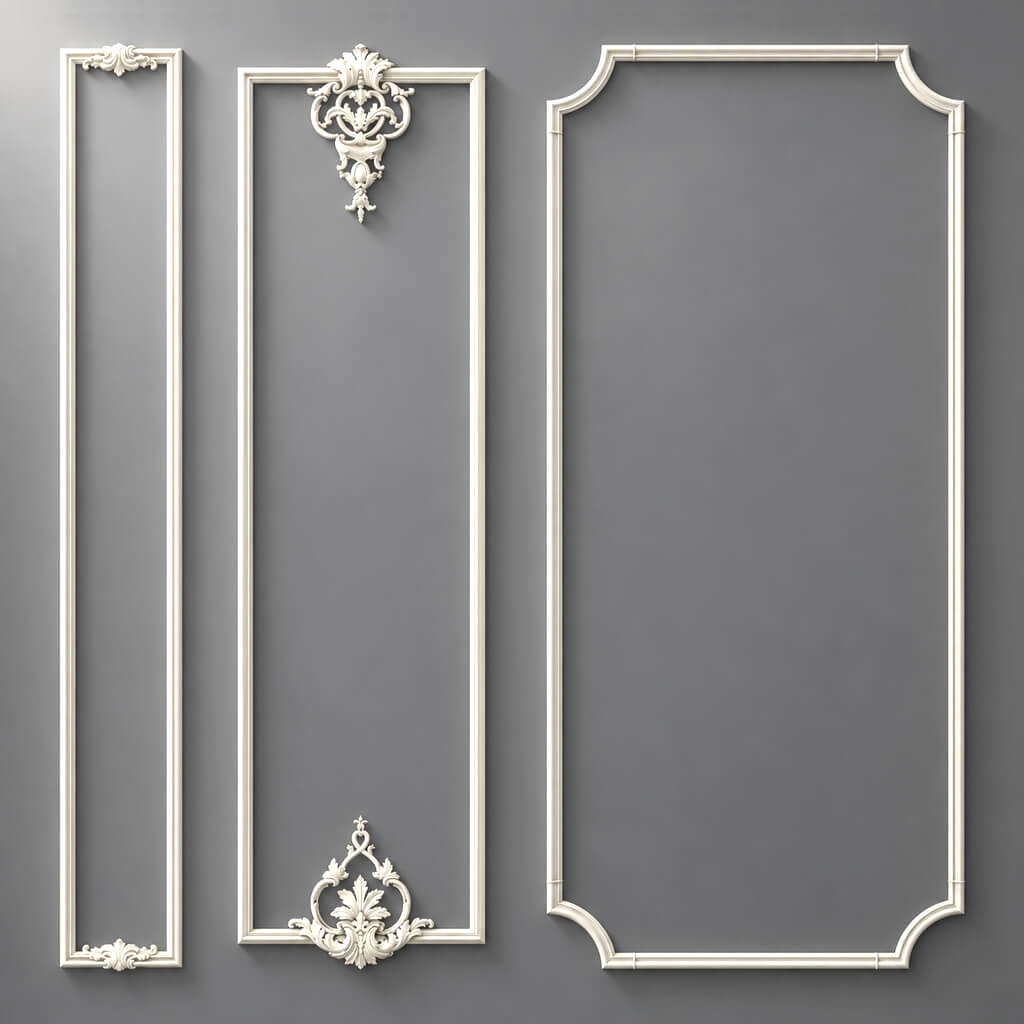
У polyurethane molding decoration check the dimensions in two directions, the depth of the relief, the orientation and the number of pieces. The name "overlay" does not show whether the element is central, corner or directional.
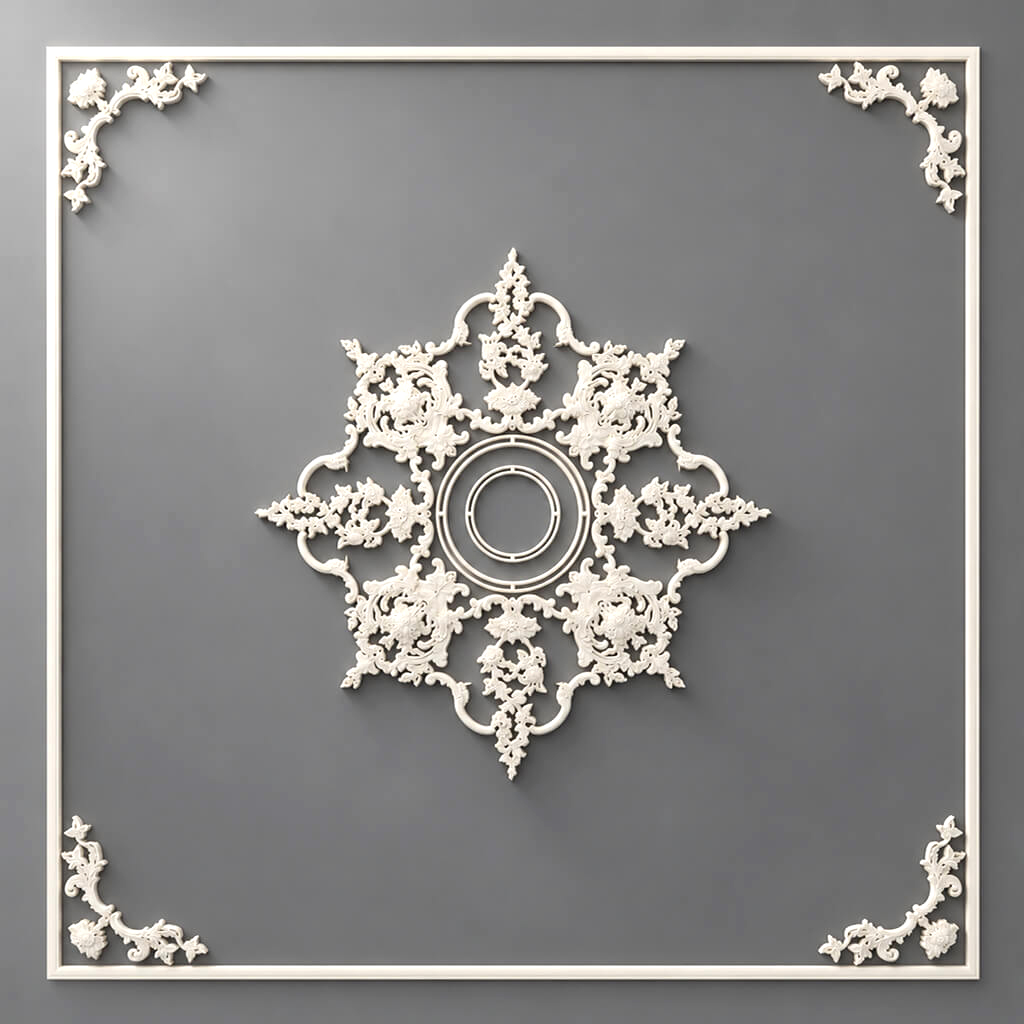
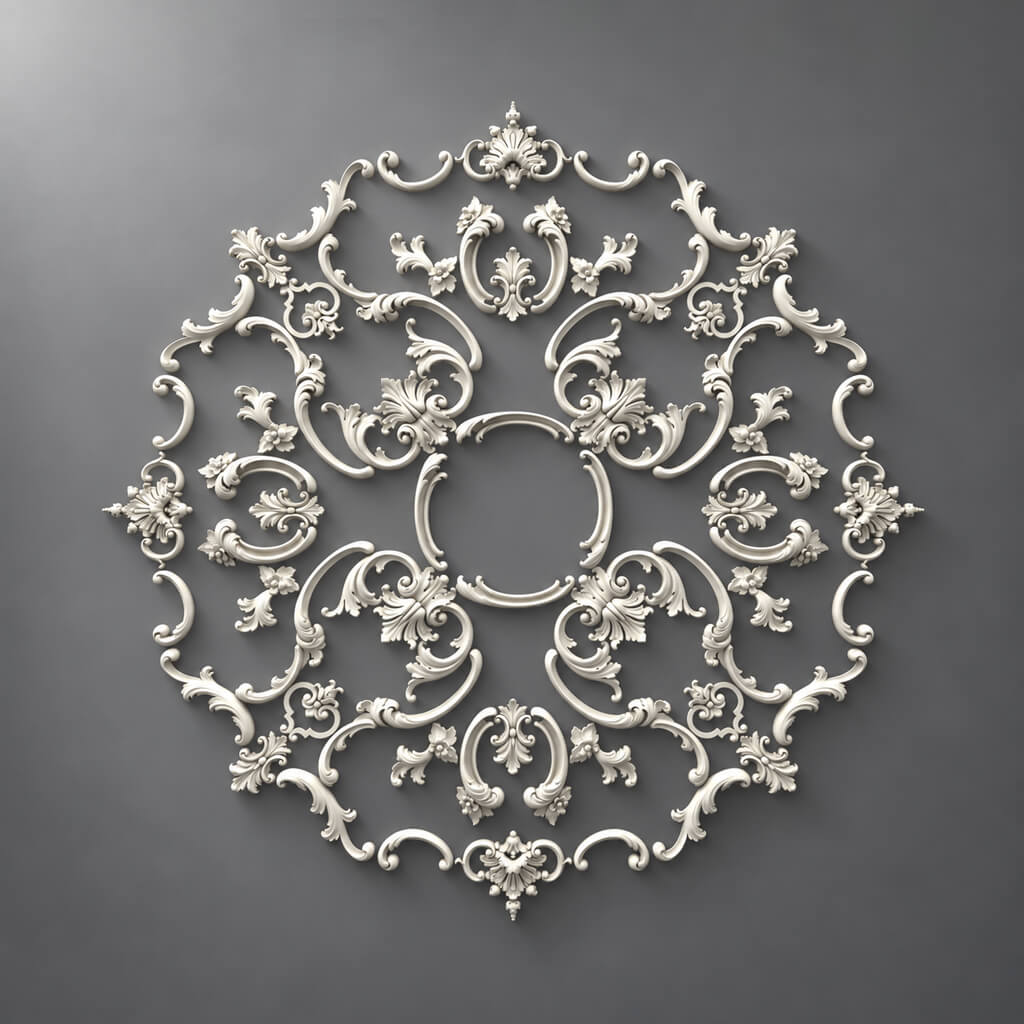
for ceiling rose match the dimensions, the placement center, the relief and the joint details with the light fixture. Separately verify the shape and dimensions of the central zone: a general photograph does not confirm the presence of the required opening or its readiness for a specific fitting.
The quantity is checked against plans and elevations, not by the number of images in the presentation. One composition may be shown from several angles. The opposite mistake is to take an image of a typical room as the only place of application, although it is repeated many times on the project.
Keep left and right elements as separate lines
The direction of the ornament is part of the product specification. For example, STAVROS has separate items NPU.VRS-008.1L и NPU.VRS-008.1R, both with dimensions 50 × 20 × 9 mm. Matching dimensions do not make them one purchasing item.
If a given composition requires eight left and eight right parts, the order must retain two lines of eight pieces each. The entry "decor, 16 pcs." does not define the distribution of sides.
Verify the side against the image and the manufacturer's designation. Do not assume that any left part can be replaced by turning a right one: turning may change the direction of the pattern and the mounting position. The required quantity of each side is confirmed against the actual composition layout.
Check compatibility and kit contents
The specification may contain correct item codes that are not intended for joint installation. Therefore, next to decor for moldings it is useful to specify the linked profile and the project assembly.
For example, in the description of the central overlay MLDPU-4-2.1 measuring 198 × 208 × 18 mm, compatibility with MLDPU-004 and MLD-004-MG is stated. This is a basis for checking the specific pair, but not a reason to extend compatibility to any moldings of similar width.
Expand the project "frame set" into the individual purchased items. If the manufacturer really sells a ready-made set under a single item code, check its composition. Do not order this set and all the parts already included in it at the same time as an additional requirement. Separately note the elements that are shown in the styling photo but are not included in the set's delivery.
Use the drawing, model and sample for their intended purpose
A three-dimensional image helps to assess scale and composition. A drawing allows you to check the cross-section, dimensions and joints. A physical sample is needed for texture, relief, fit and finish. These verification methods complement each other.
In the section drawings and models STAVROS there are separate archives of polyurethane products. Find the required item and version, check the units of measurement and compliance with the current revision. The availability of a DWG file does not mean that the project assembly has already been verified.
An approved sample also has a limited scope. The accepted paint does not confirm the number of strips, and a short straight fragment does not confirm a decorative corner. For each line, note which checks are required specifically for it and which have been completed. Do not turn ordering a sample into a formality that is the same for all products regardless of the task.
Move an unavailable item to replacement approval
If the product cannot be obtained in the required version or by the required date, keep the original information and add a replacement candidate. The absence of a product does not justify silently ordering the closest match by photo.
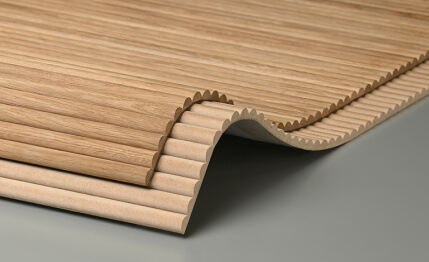
Matching analogs against the specification includes comparing width, projection, length, cross-section, material, finish, and related parts. Changing the commercial length requires a new cutting plan, even when the face profile matches. For flexible versions, the bend direction and allowable radius must be confirmed separately.
After approval, correct all affected records: the item card, worksheets, quantities, related angles, and the order list. Record the author and date of the decision. If only the product was replaced without changing the geometry, the purchasing schedule still receives an updated revision with the new item code.
Check the schedule by room, then by product
The first pass is done by space: room, wall, design code, item code, quantity. It helps detect a missing wall, an extra decorative center, or an unresolved difference between two symmetrical sections.
The second pass is by identical purchasing versions across the entire project. Sum not just matching names, but the combination of manufacturer, item code, size, material, finish, and side. Different finishes or size variants must not be merged into one undefined line.
For overall cutting, decide whether offcuts can be used across rooms and installation phases. If the work takes place at different times or on different sites, a shared offcut may in theory be unavailable. Keep the final requirement together with the distribution by zone so that the overall purchase stays linked to the project.
Exclude reordering of parts already purchased
The specification shows the project requirement. The purchasing log shows which part of it is already covered. Link them by design code and exact product version, and keep the order number, date, quantity, and fulfillment status in the log.
Suppose twenty identical strips are approved for the project. An order for twelve is already active: eight have been received and accepted, and four are still expected. With no other stock, the additional purchase is eight strips. If only the received quantity is subtracted, the result is twelve — four strips would be ordered twice.
The calculation separately accounts for accepted deliveries and the unfulfilled remainder of active orders. Already received items must not be counted again within that remainder. A price request, an unconfirmed delivery promise, or a canceled order does not cover the requirement. In case of damage or shortage, clarify whether a supplementary delivery will be made before placing a new volume.
After changing the project, recalculate the remaining balance against the new total requirement. If it has decreased, the negative difference indicates a possible surplus that needs to be broken down by deliveries. It is not an automatic order cancellation. An increase in the requirement, on the contrary, is issued as a separate confirmed addition linked to the new revision and previous purchases.
Check availability for the full quantity and the required date
A note about the availability of one item does not confirm the ability to obtain the entire volume for the project. Request the available quantity of the specific variant, the production terms for the missing part, and the delivery time for related elements.
Distinguish between the product's ready date, shipment, and arrival at the site. For installation planning, the last event matters, taking into account the agreed delivery. If the order is split, each batch must have its composition, quantity, and room assignment.
Check whether a partial delivery allows you to complete a finished stage. Molding without the required corners or the right part of an ornament without the left may not produce a useful result by the start of work. Decide on a separate purchase of ready-made items with these dependencies in mind, not just stock availability.
Compare the supplier's offer with the verified specification
Before placing the order, match the offer lines against the current revision. Check item codes, dimensions, sides, material, units, quantity, and any stated substitutions. A similar commercial name must not conceal a different variant.
Clarify what the price refers to: a single strip, a meter, a piece, or a set. Compare the cost for the exact quantity being ordered, including the agreed packaging, delivery, and additional materials. A preliminary estimate for decorative elements does not replace the list of goods that the supplier has accepted for fulfillment.
If some lines remain open, list them separately. For the agreed part, specify the revision number and the exact order composition. This way, a request for a quote will not be taken as permission to supply all preliminarily selected options, and a later clarification of one item will not silently change the others.
Prepare the acceptance checklist in advance
A verified bill of materials is also needed by the recipient on site. Send them the list of expected item codes, sizes, sides and quantities for the specific delivery. Add the distribution by room and a link to the approved finish if it is part of the supplied configuration.
Distinguish between delivered and accepted quantities. Boxes may arrive complete, but some items will require inspection due to damage or labeling discrepancies. Such parts are accounted for separately pending a decision, rather than being immediately included in the available stock for installation.
Receiving must be linked to the order number. Otherwise, one batch may end up simultaneously in the "received per delivery note" record and in the general warehouse balance, which is then deducted again from the requirement. Reorders are calculated after the actual receiving result and further actions on missing parts have been agreed.
What to send for calculating stucco molding per the specification
Provide an editable table and a locked copy of the same revision for verification. For complex areas, attach unfolded views and detail drawings. The package must contain design codes, item codes, sizes, units, quantities, links, rooms and the substitution approval status.
Add the project city, the required receipt date and the delivery sequence. Mark conditional items as a selection task rather than a ready order. Questions about interaction with the project team can be clarified in the section STAVROS for designers and architects.
To buy stucco molding per the specification, it is also useful to provide a brief list of unresolved issues. For example: confirm the rosette size, approve the left overlay, recalculate the strips after a length change. Such a list allows discussing specific procurement obstacles without making all participants re-examine the entire project from scratch.
Release only verified items to the order
Before submitting the order, make sure that for each line the exact product, configuration and unit are known, the quantity is confirmed, related parts are checked and current deliveries are taken into account. The link, sample and drawing must refer to the same variant that is specified in the supplier's offer.
After that, you can buy polyurethane moldings and piece items per the approved composition. If you need to buy polyurethane stucco molding in several stages, keep the overall project volume and the separate quantities of each delivery. This will help correctly calculate the reorder and distribute the received decor.
It is convenient to finish work with the resulting schedule using three outcomes: a list of items ready to order, a list of questions with the people responsible, and a log of already placed deliveries. Then mouldings, rosettes and overlays move into purchasing with verified data, while disputed lines remain visible until a decision is made.