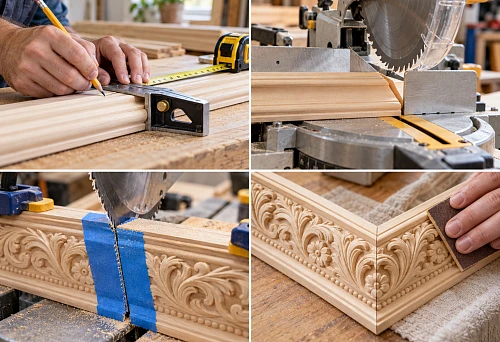
Article Contents:
- Generic mouldings in 3D are dangerous not because of the image, but because they substitute the product
- The right workflow: product first, visualization second
- 1:1 scale — the first check after import
- Why scale errors are especially noticeable with mouldings
- A frame doesn't start with a spline
- One spline — one clear snapping principle
- Cornice and hidden lighting
- Left and right elements must not be confused
- Matching molding to the wall color
- Contrasting stucco
- TV Area
- Headboard
- Console or fireplace
- When the scene needs to be re-rendered
- Linear metres of moulding do not yet equal an order

Almost anything can be fixed in a render. Moulding too small — enlarge it. Applique doesn't fill the field — stretch it. Cornice looks weak — make it deeper. Rosette got lost on the ceiling — increase the diameter. The image may get better after that, but the project gets worse: the client approves geometry that doesn't exist in the catalog.
Professional visualization requires a different order. First, a real product is selected, then its geometry is transferred into the scene without arbitrary scaling. After approval, the same SKU must remain in the DWG, specification, and procurement.
Workflow:
catalog → SKU → real dimensions → 3D → scene → light → approval → DWG → specification → quantity → order.
This is precisely the point of the "real product first" approach. Visualization stops being a beautiful hypothesis and becomes a check of the future interior.



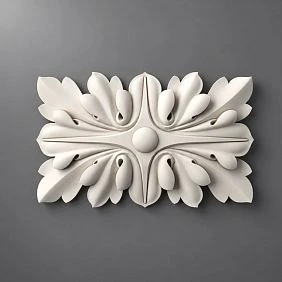
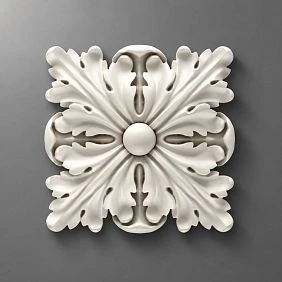
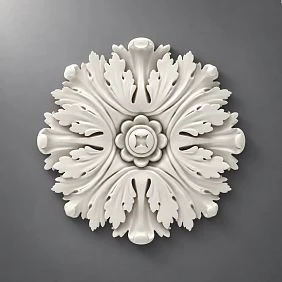

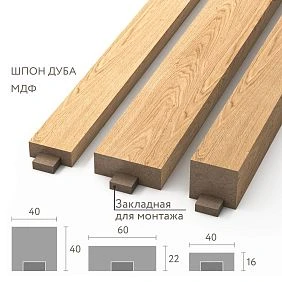
Conditional moulding in 3D is dangerous not because of the image, but because of product substitution
The problem with a conditional model doesn't show up immediately. At the concept stage it looks harmless: the visualizer needs a similar profile, so they take any asset from the library, adjust it to scale, and build the composition.
Then the render gets approved.
At the next stage it turns out that the real moulding has a different width, the applique is smaller, the cornice is deeper, and the rosette works differently relative to the light fixture. The project starts to "drift" along the chain:
- the inner field of the frame changes;
- the offsets shift;
- the symmetry is broken;
- the profile comes closer to the door;
- the quantity changes;
- working drawings have to be updated.
Therefore, the main rule of the article is simple:
you need to visualize not similar stucco molding, but a specific product.
For professional work, you can use 3D models of stucco molding and DWG STAVROS, and select the product in the section moldings from polyurethane.




The correct workflow: product first, visualization second
A weak sequence looks like this:
Pinterest → random model → beautiful render → approval → search for an equivalent.
In this scheme, the actual product appears too late. It has to be adjusted to fit an already approved image.
The reliable sequence is the reverse:
STAVROS catalog → SKU → real dimensions → 3D → scene → approval.
After that, the project continues with the same object:
SKU → DWG → specification → calculation → order.
This way, the visualizer, designer, architect, and procurement specialist work with a single entity rather than several “similar” profiles.
In practice, this means that before importing a model into the scene, you need to lock in at minimum:
| Field | What to Check |
|---|---|
| Manufacturer | STAVROS |
| SKU | specific |
| Type | molding / cornice / rosette / overlay |
| Dimensions | real |
| Material | by product |
| 3D | file of the specific item |
| DWG | If present |
| URL | clean link to the category/product |
If the SKU is unknown, the model remains for now CANDIDATE, and not an approved project object.
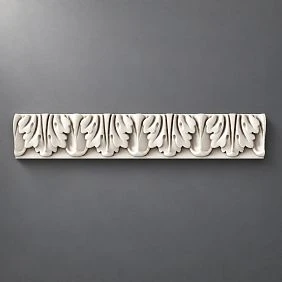
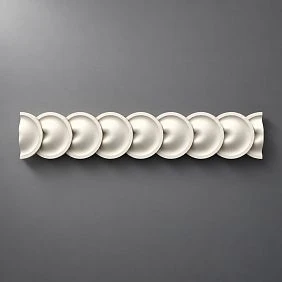
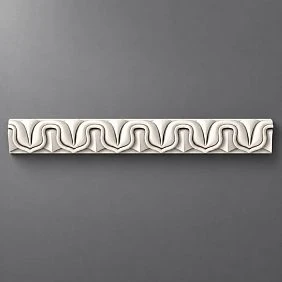
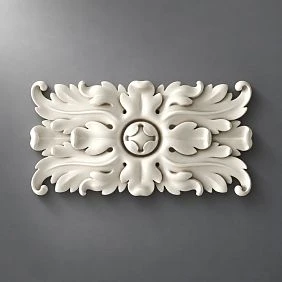
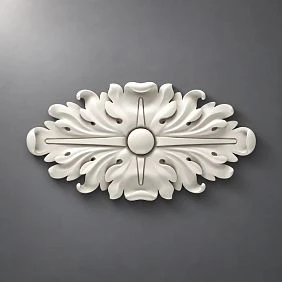
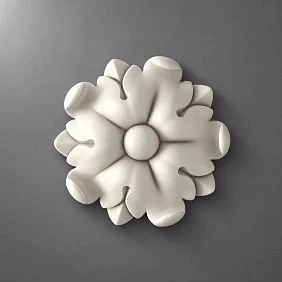
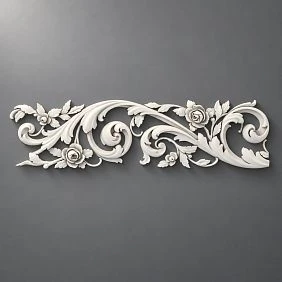
Our factory also produces:

Scale 1:1 — the first check after import
The simplest technical error can change the entire interior: a mismatch of units of measurement.
After import, check one reference dimension.
For example, if the documentation for a specific molding specifies a width of 48 mm, it should also be 48 mm in the scene. Not 60, not 80, and not "roughly like in the reference."
To do this, it is useful to:
- Check
System Units; - check the units of the imported file;
- measure the reference overall dimension;
- compare it with the product data;
- only after that, use the asset in the scene.
Scale should be checked before the profile is duplicated across dozens of walls.
Get Consultation
Why scale errors are especially noticeable in stucco
A 40 mm wide molding and a 70 mm wide molding create different fields even with the same outer frame dimensions. A cornice of a different height changes the upper boundary of the wall. A larger overlay reduces the free space within the composition.
That is, the scale error is not local. It affects the entire architecture.
Why you can't scale moulding for a beautiful shot
Let's imagine a conventional overlay 300 mm wide. In the render it looks too small, and the visualizer enlarges the object to 450 mm.
The image becomes more convincing.
But now there is no longer a real SKU in the scene. It contains a virtual version of the product that is 50% larger.
This changes:
- distance to the molding;
- position relative to the axis;
- the number of elements;
- ornament scale;
- chiaroscuro;
- specification.
The same applies to the moulding. You cannot stretch the profile in width and keep the original SKU.
If the product geometry doesn't fit, change the SKU, not the Scale.
Technical optimization of the model is acceptable: reducing polygon count, proper handling of proxy or LOD. But the dimensions of the real product must remain the same.
How to use a 3D moulding model without losing the real geometry
Molding is not a line or a decorative texture.
It has:
- width;
- depth;
- profile;
- relief;
- mounting surface;
- trade length.
Frontally, two profiles may look similar. At an angle, one almost disappears, while the other creates a deep shadow.
Therefore, a real cross-section must be used for visualization.
For selection, you can work with polyurethane moldings.
The frame does not start with a spline
Weak scenario:
- draw a nice rectangle;
- apply the first suitable profile to it;
- adjust the profile with scale.
Professional:
- select a specific SKU;
- find out the actual profile width;
- determine the outer or centerline dimensions of the frame;
- build the composition;
- check the inner field;
- check the distances to furniture and openings.
If the profile width changes, the inner field changes too.
One spline — one clear anchoring principle
In a complex room, it helps to decide in advance what defines the frame:
- center of the wall;
- the axis of the furniture;
- a doorway;
- central panel;
- lighting fixture;
- TV.
The mathematical center of a wall is not always the architectural center.
Instance instead of hundreds of independent copies
Repeating elements are best organized so that a single base object controls the system.
For:
- identical frames;
- repeating overlays;
- ornamental modules;
- standard rosettes;
- repeating decorative inserts
it is more convenient to use instances.
If at the approval stage ML-01 is replaced with another real profile, the team changes the base geometry and checks the consequences throughout the entire scene.
With independent copies, some objects can easily be left old.
This is no longer a question of performance, but a question of project version control.
The cornice should be checked as a volume, not as a line along the ceiling
A ceiling cornice is especially sensitive to depth.
In the scene, you need to see:
- how much space the profile takes along the wall;
- how much it extends onto the ceiling;
- how it looks near the curtain niche;
- whether it intersects with built-in furniture;
- how it works next to ventilation;
- what happens with a ceiling height difference;
- whether the intended lighting can be implemented.
A front-facing camera often hides the problem.
An angled view shows how far the cornice physically protrudes.
Cornice and hidden lighting
If LED is used, the render must not show obviously impossible light.
Checked:
- position of the light source;
- distance from the cornice to the ceiling;
- light direction;
- visibility of the LED from normal viewing angles;
- shadow from the profile;
- access to the system.
You cannot assume that any decorative cornice is automatically suitable for lighting.
In 3D, the geometry of the specific solution is checked first.
Ceiling rose: check together with the chandelier and the furniture axis
The ceiling rose is not a standalone circle on the ceiling.
It must work in a chain:
room → furniture → light fixture → ceiling rose → ceiling decor.
Check:
- actual diameter;
- the depth;
- center;
- scale relative to the chandelier;
- position relative to the furniture;
- proximity to the cornice.
For selection, you can use STAVROS Ceiling Rosettes.
Imagine a table offset from the geometric center of the room. If the chandelier is tied to the table, the ceiling rose must also work with this axis, rather than automatically being placed at the mathematical center of the room.
Decorative overlays: size, axis, and orientation matter
An overlay cannot be placed "approximately in the center."
The following must be fixed for it:
- SKU;
- dimensions;
- X axis;
- Y axis;
- offset from the molding;
- number of repeats;
- orientation.
For selection, you can use Polyurethane decorative appliques и Decor for Molding.
Left and right elements must not be confused
If the manufacturer offers separate L and R items, they must remain separate in the scene as well.
It cannot be assumed that:
L = mirror-stretched R
just because it is faster to model that way.
If different SKUs exist, the project must preserve that difference.
There must be separate lines in the object name, specification, and quantity.
A repeating ornament must be checked across the entire wall
An ornamental detail may look great up close.
When repeated 15–20 times, the result may become too dense.
Therefore, check not only the asset but also the system:
- repeat;
- spacing;
- direction;
- repetition density;
- adjacent elements;
- scale relative to the wall.
This is especially true for friezes, moldings, and repeating decorative overlays.
A single fragment does not show the rhythm of the entire composition.
Side lighting — an honest test of relief
Frontal diffused lighting can "eat up" depth.
Side lighting does the opposite: every protruding part casts a shadow.
Therefore, it is useful to test the same element in several scenarios:
- frontal light;
- side lighting;
- evening light;
- wall lamp;
- linear lighting.
Deep relief under side lighting can become much more active than it appears in a catalog image.
This is an important part of the approval process, because the client approves not only the shape, but also its visual behavior in the interior.
Product geometry and color are different design decisions
In a render, a white material often conventionally means "stucco molding."
But the project must separate two levels:
product geometry
и
final color / finish.
The same real profile can be used visually:
- in the color of the wall;
- in a contrasting color;
- in another coordinated finish.
At the same time, the SKU geometry does not change.
Moulding in the wall colour
When the molding is painted the same color as the wall, the color contrast disappears.
Remaining:
- shadow;
- profile;
- relief;
- architectural line.
The composition is often perceived as calmer.
Contrasting molding
A contrasting color increases visual weight.
The same profile begins to break up the wall more.
Therefore, a frame density that works well in monochrome may turn out to be too active with contrasting paint.
3D lets you see this difference before purchasing.
Checking against furniture: decor does not exist in an empty room
Molding cannot be approved on an empty wall if furniture will later cover half of the composition.
Check:
- sofa;
- bed;
- wardrobe;
- a console;
- a TV;
- Doors;
- nightstands;
- wall light.
For example, the central overlay may be perfectly positioned at the geometric center of the frame, but after the TV is installed it will appear visually cut by the screen.
Or a pilaster may come too close to a built-in wardrobe.
The visualization must verify the final furniture layout.
TV area
First, the actual TV and its axis are fixed.
Then the frames and overlays are checked.
Headboard
The composition is tied to the bed and bedside elements, not just to the wall.
Console or fireplace
The axis of the decorative system may originate from them.
A doorway is where a conditional profile quickly gives itself away
Near the door, you need to see at the same time:
- platband;
- molding;
- plinth;
- free field;
- the depth of each profile;
- symmetry;
- the completion of the frame.
If the molding protrudes beyond the casing, a frontal shot may not show it.
An oblique angle shows it immediately.
Therefore, it is better to check the door assembly not with a single beautiful render, but with a separate close-up angle and then a DWG section.
One angle is not enough to approve the stucco
Approving a profile based only on a frontal shot is risky.
The minimum set for disputed elements:
- main angle;
- oblique angle;
- close-up fragment;
- overall view of the room.
Frontally, the composition is well assessed.
At an angle — depth.
In a close-up shot — profile and relief.
Overall — scale relative to the room.
Such a check is especially useful for cornices, pilasters, large overlays, and elaborate ornamental profiles.
A 3D model and a physical sample solve different tasks
3D checks:
- geometry;
- scale;
- composition;
- chiaroscuro;
- interaction with furniture.
The sample verifies:
- real texture;
- surface;
- relief;
- painting;
- physical scale.
Therefore, a good workflow:
3D shortlist → sample → APPROVED.
For physical approval, you can use STAVROS product samples.
It is especially useful to attach the sample to a door casing, baseboard, or panel. This way, the real interaction of thicknesses is immediately visible.
How to keep the SKU inside the 3D scene
The object name should help you find the product six months later.
Bad:
molding_final_2
decor_new
cornice_ok
Good:
STAVROS_MLD_[SKU]
STAVROS_DEC_[SKU]
STAVROS_CR_[SKU]
If the project uses an internal code, you can add it:
ML-01_STAVROS_[SKU]
This way, the asset becomes part of the project system, not just geometry in the scene.
Additionally, it is useful to store:
- URL;
- size;
- status;
- revision.
A single SKU must go through the entire project
The main link:
catalog → 3D → visualization → DWG → specification → order.
At every stage, the same product must remain.
If the SKU changes, it is not a “minor edit.”
It is a revision.
Because a new profile can change:
- width;
- the depth;
- pattern;
- inner frame field;
- quantity;
- joint;
- light and shadow.
When the scene needs to be re-rendered
A re-render is needed if the change affects the visible result.
For example, the following changes:
- molding width;
- depth;
- ornament;
- overlay size;
- outlet diameter;
- cornice profile.
If the visualization no longer matches the specification, the client has effectively approved the old version.
After the visualization, a DWG is needed
3D answers:
what does it look like?
DWG answers:
where is it placed and what size is it?
Working link:
3D + DWG + SKU.
The following are transferred to DWG:
- element code;
- actual dimensions;
- the axes;
- indents;
- frames;
- overlay center;
- elevation marks;
- nodes.
To work with files, you can use DWG and STAVROS 3D models.
Visualization without working documentation remains just a picture.
DWG without 3D verification can be geometrically accurate but visually weak.
Together they cover both tasks.
How to generate a specification from an approved scene
After approval, the scene should turn into a list of actual items.
For example:
| Code | SKU | Type | Room | Quantity |
|---|---|---|---|---|
| ML-01 | specific | Molding | Living room | By calculation |
| DEC-01 | specific | Overlay | Living room | 4 |
| ROS-01 | specific | Rosette | Living room | 1 |
| CR-01 | specific | Cornice | Living room | By calculation |
For each line, it is useful to add:
- manufacturer;
- size;
- the material;
- URL;
- status;
- revision.
This way the specification becomes an extension of the scene.
The linear meterage of the molding is not yet equal to the order
Even if the 3D or DWG shows 42.3 m of molding, you should not buy "42.3 m."
The next chain:
clean linear meterage → product length → cutting → number of strips → reserve.
Therefore Calculated Qty и Order Qty it is better to store separately.
How to buy exactly the stucco molding that was approved in the render
The commercial block begins only after the SKU is finalized.
If a specific system has been approved in the project, searching for "something similar" is no longer necessary.
For selection and purchase, you can use:
- polyurethane molding;
- Moldings made of polyurethane;
- Molded decor and overlays;
- Polyurethane wall decor;
- Decor for Molding;
- ceiling rosettes.
For professional project work, the section is useful STAVROS for designers and architects.
Queries like “buy stucco molding,” “buy polyurethane stucco molding,” “polyurethane moldings,” and “buy polyurethane molding” already correspond to the real stage of the project: the product has been selected, approved, and prepared for purchase.
Final check before handing the project over to procurement
For each item, check:
- the real SKU exists;
- the 3D uses the real scale;
- the object has not been arbitrarily stretched;
- the DWG refers to the same product;
- the dimensions match;
- L/R orientation preserved;
- repeat count confirmed;
- furniture and door units checked;
- sample approved if required;
- status —
APPROVED; - the same SKU appears in the specification;
- URL preserved;
- the calculation has been converted to the purchasing quantity.
If at least one of these points does not match, the render and the purchase are already living in different versions of the project.
Stucco molding for interior visualization becomes a professional tool only when the 3D does not drift away from the physical product.
The main formula is simple:
not to draw beautiful stucco, but to visualize a real product.
And the entire project must maintain one continuous chain:
real SKU → real size → 3D → light and shadow → approval → DWG → specification → calculation → purchase.