






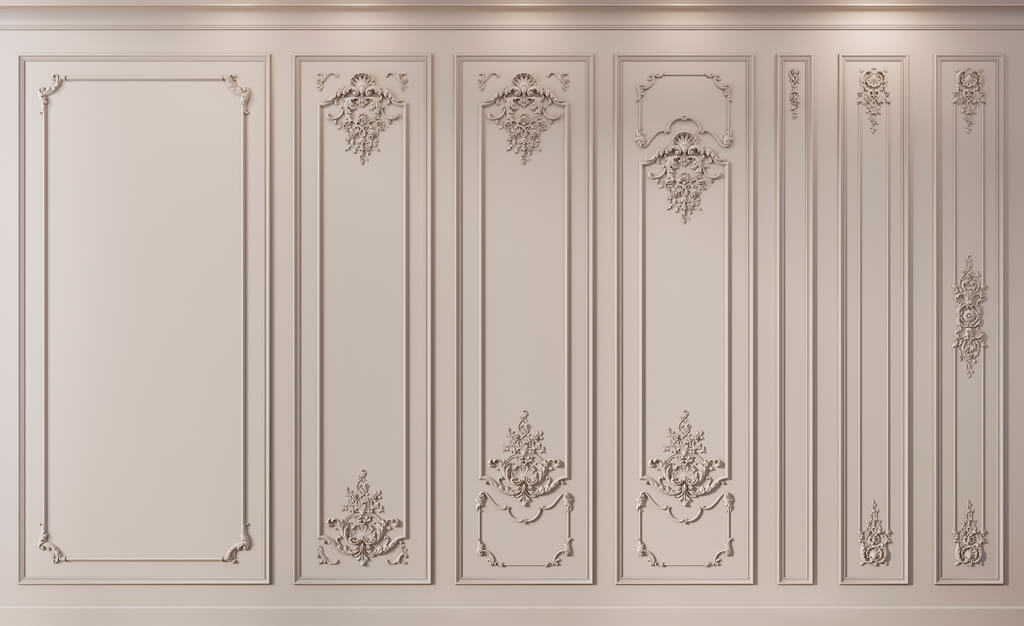
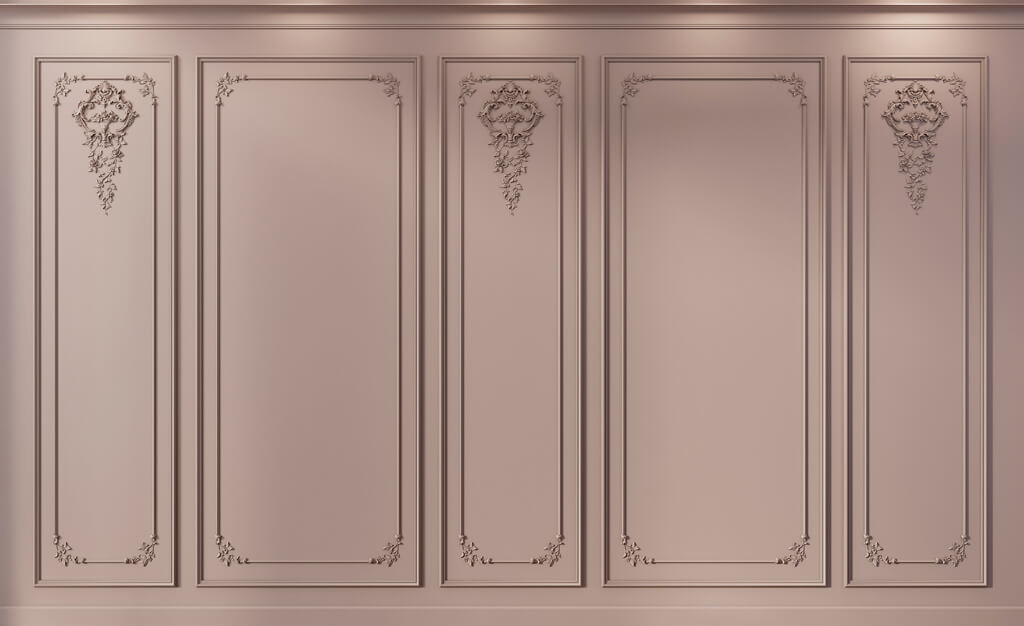
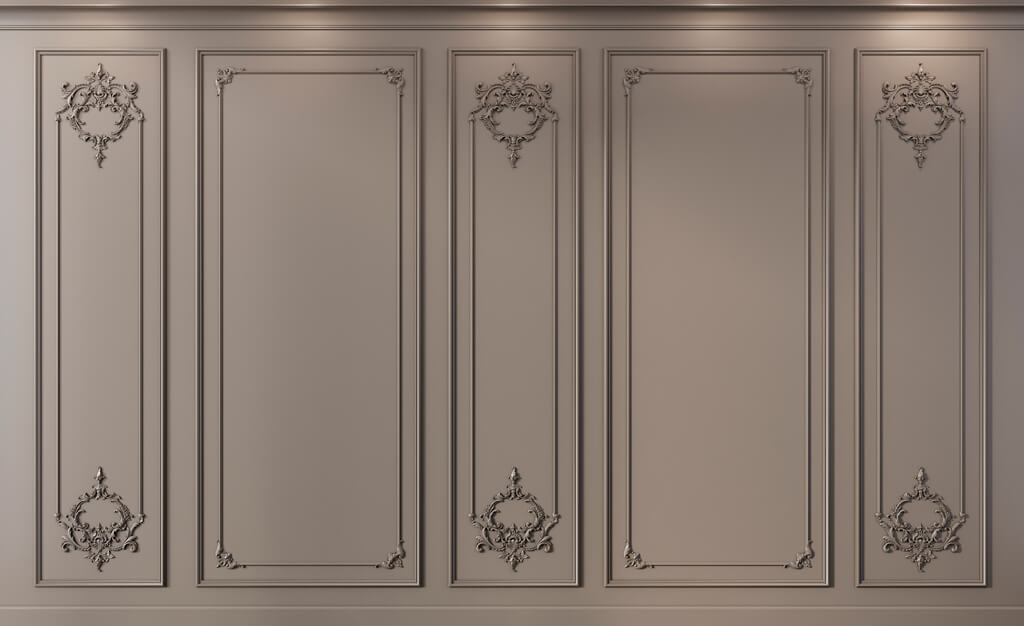
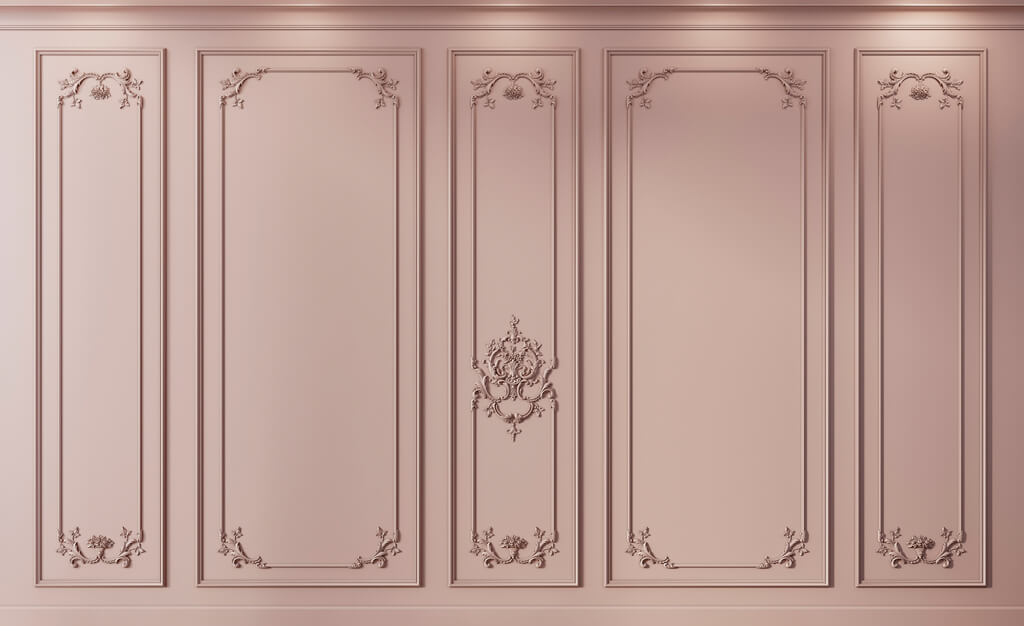
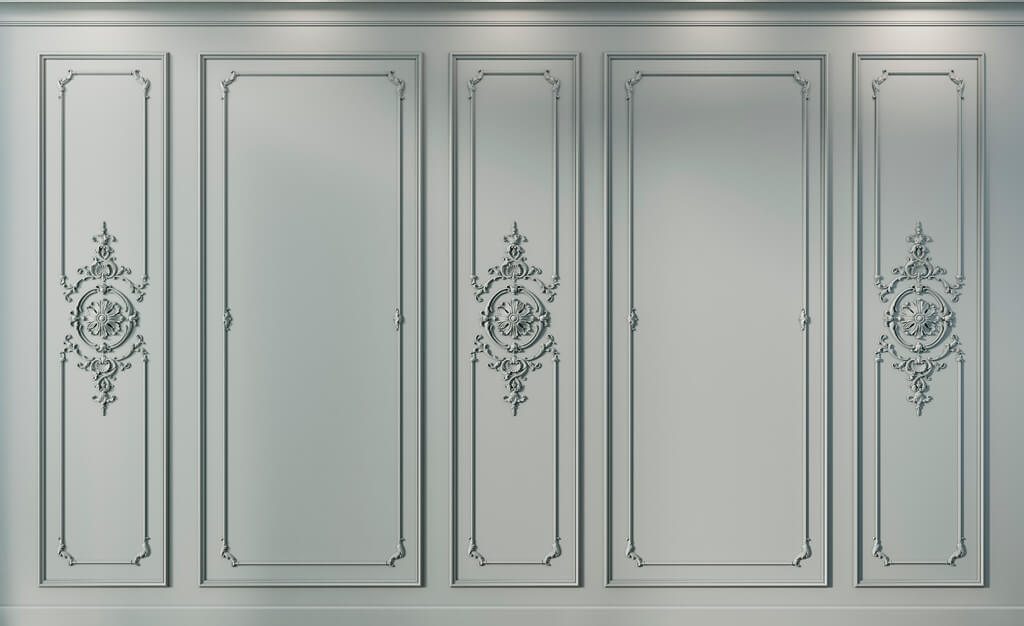
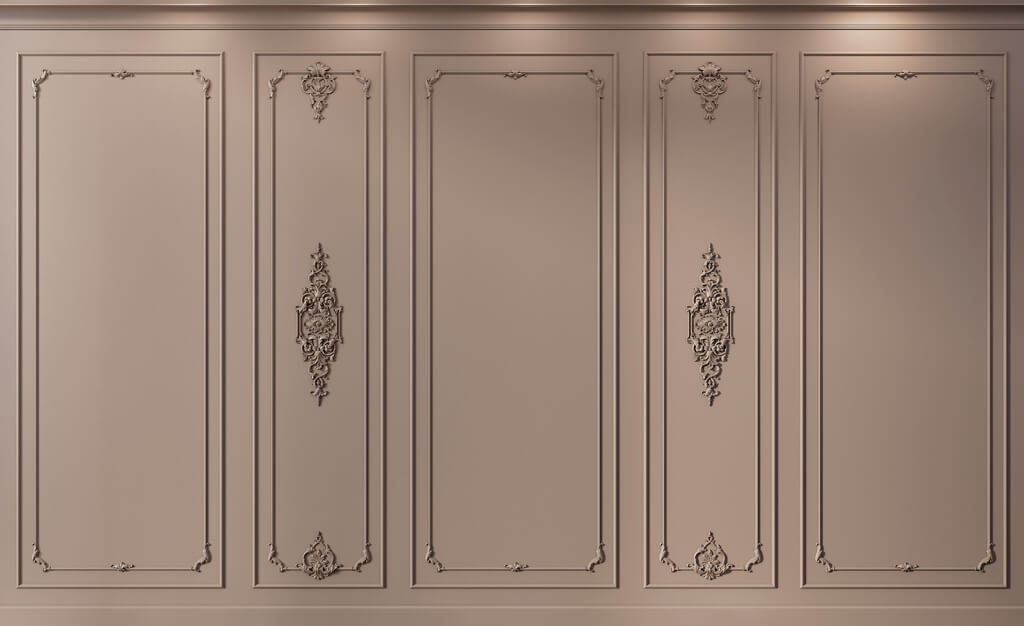
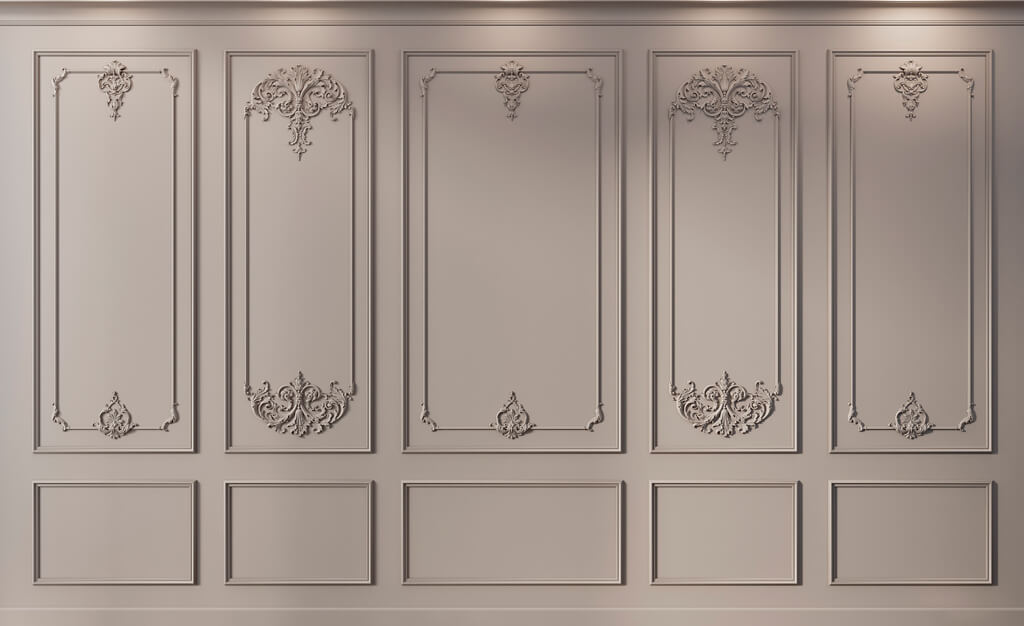
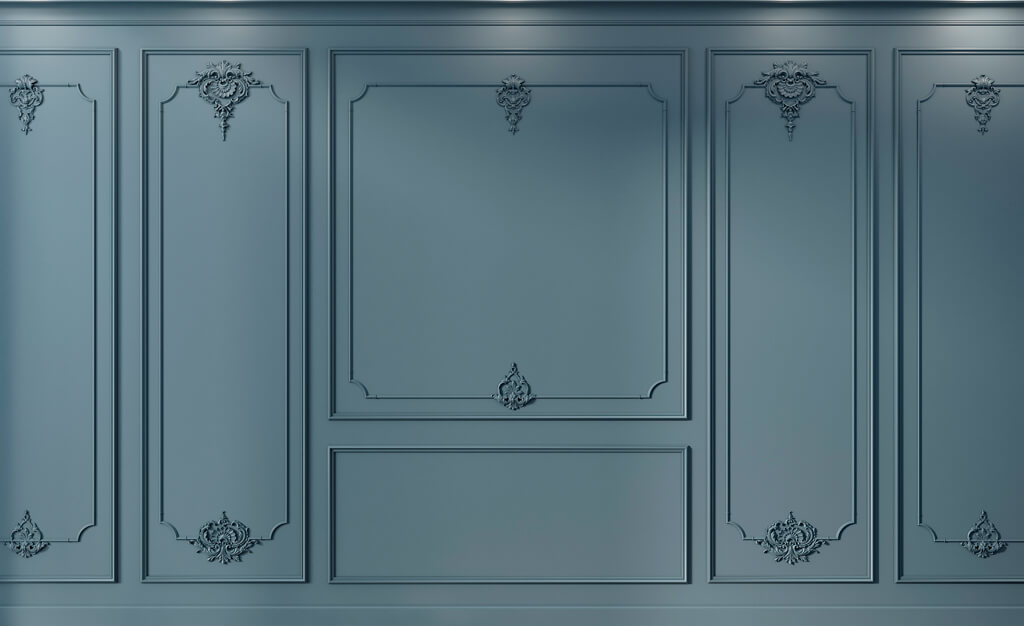
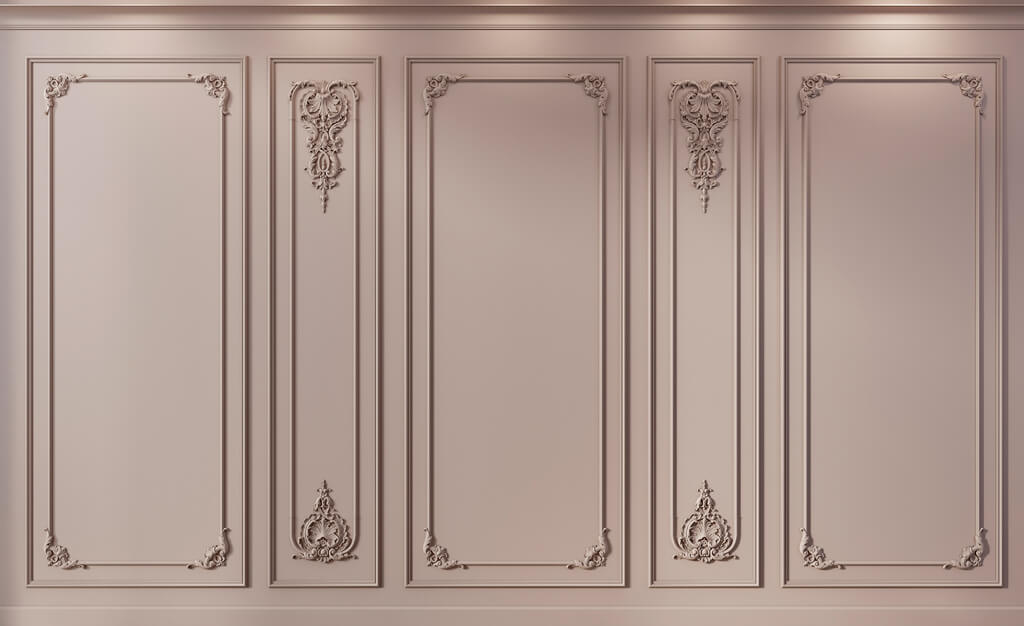
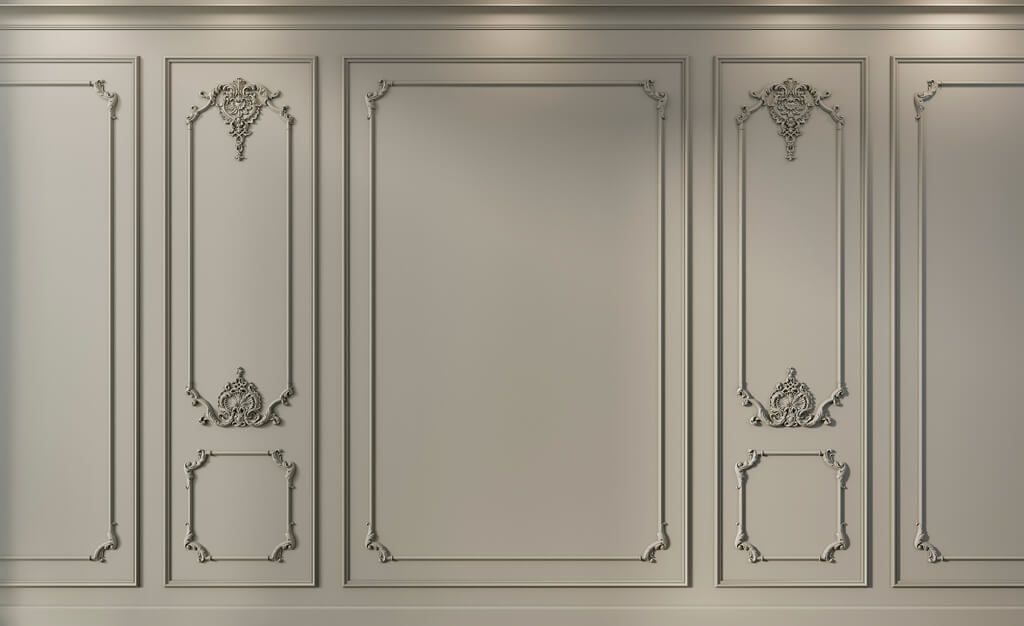
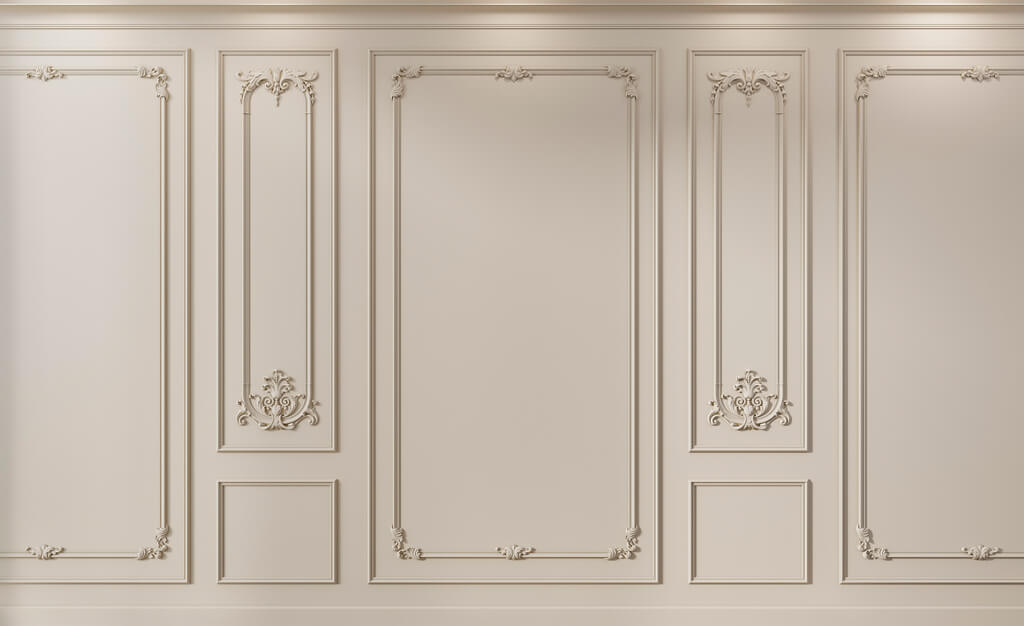
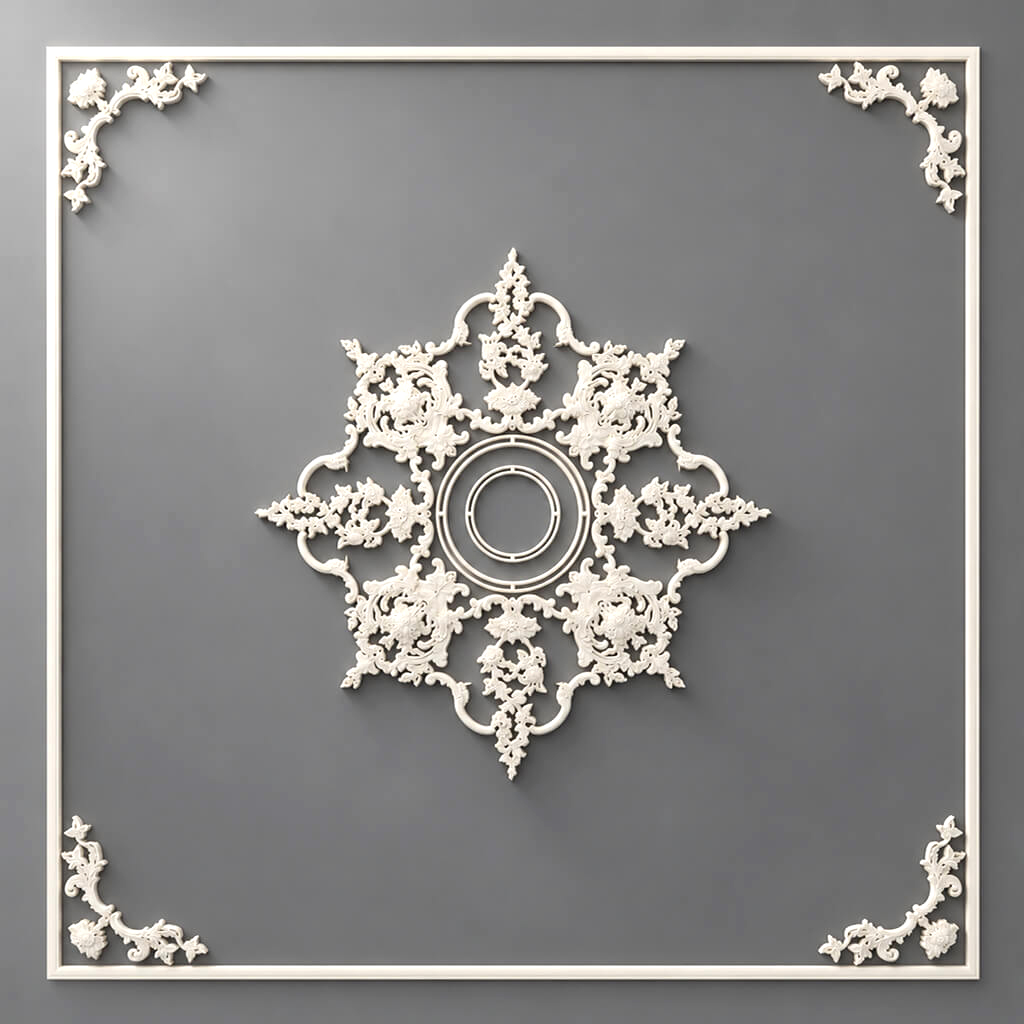
























Article Contents:
- Polyurethane decor is not a single product, but several different project systems
- First the architectural task, then the product
- What to check in a product page before including it in a project
- Why a photograph does not show the real scale
- How to choose the width without the simplistic rule “bigger room — wider molding”
- A molding frame is built around a real SKU
- Which size base is used in the frame
- Central overlay
- Corner element
- Repeating element
- Stucco decor is best assembled as a system of related elements
- A separate question is decor for moldings
- A composite element needs to be broken down into actual SKUs
- Cornice — a linear element
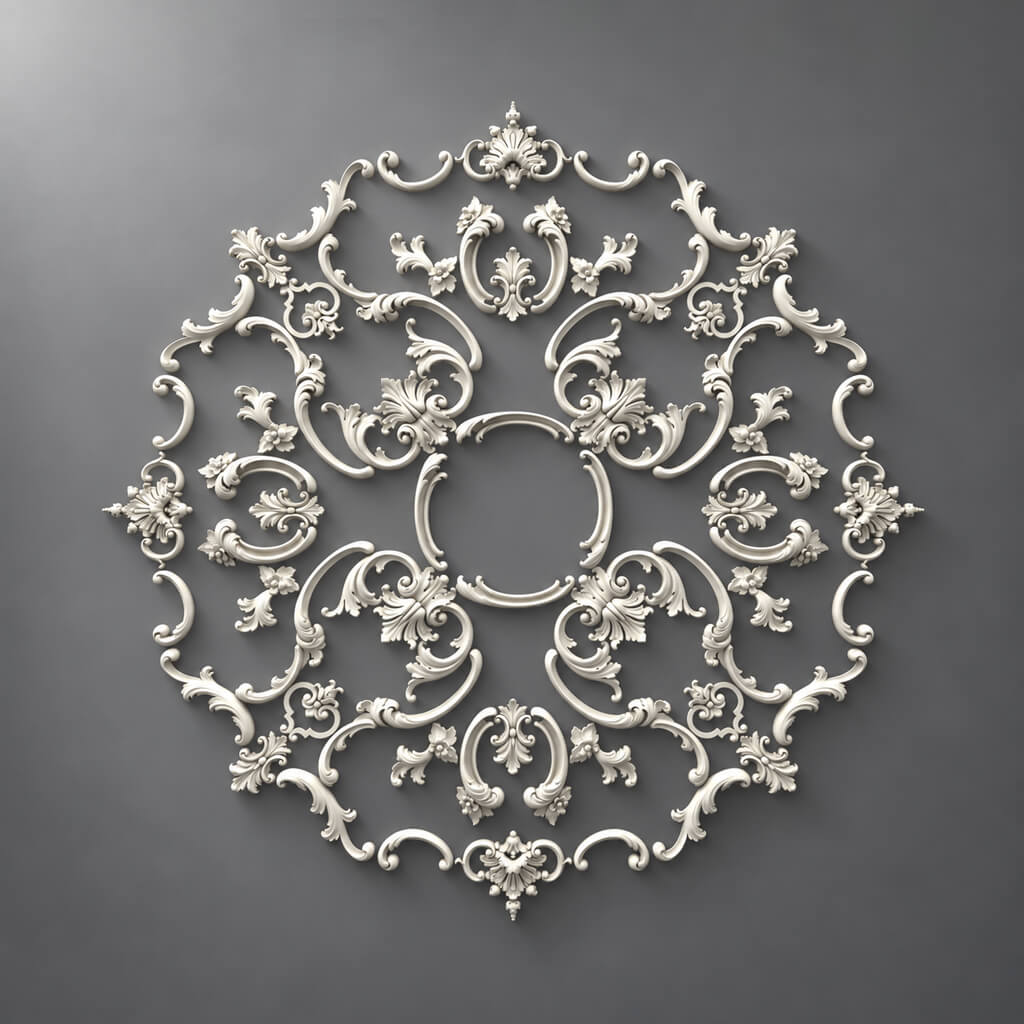
- Ceiling rose — a one-off centerpiece
- The rose should follow the compositional axis, not always the geometric one
- Cornice and curtain niche
- Molding next to the door casing
- Cornice next to a floor-to-ceiling wardrobe
- Skirting and the lower base of the frame
- Hidden door
- Sockets, switches, and wall lights must be included before approving the composition
- Matching molding to the wall color
- Contrasting stucco
- What can be changed in 3D
- What to check in the scene
- What should be on the elevation drawing
- Where a section is needed
- What to record after sample approval
- Item statuses
- Moldings and Cornices
- Rosettes and inlays
- L/R elements
- Modular architectural system
- Frame example
- Mini cutting map
- Reserve must have a reason, not a universal percentage
- Replacing a SKU after approval is a project revision
- What to update when replacing
- When an equivalent replacement is acceptable
- Step 1. Break the task down by physical product types
- Step 2. Lock in the architectural bases before selecting final SKUs
- Step 3. Compare several real moldings
- Step 4. Check the door and the lower assembly
- Step 5. Check the wall lights and electrical points
- Step 6. Choose the cornice as part of the upper assembly
- Step 7. Check the outlet relative to the chandelier
- Step 8. Is a center overlay needed
- Step 9. Freeze the SKUs
- Step 10. Transfer the same positions to DWG
- Step 11. Generate the specification
- Step 12. Calculate the linear footage
- Step 13. Prepare a commercial request
- When one strong statement is better
- 1. Architectural task
- 2. Product category
- 3. Actual SKU
- 4. Geometry
- 5. Composition
- 6. 3D
- 7. DWG
- 8. Sample
- 9. Specification
- 10. Quantity
- 11. Order Qty
- 12. Purchase

A molding can be chosen in a few minutes — while it exists only as a photograph in a catalog. The difficulty begins later: the profile needs to be placed on a real wall, checked next to the door casing and baseboard, reproduced in 3D without arbitrary scaling, shown in DWG with the same cross-section, measured in linear meters, converted into commercial lengths, and the SKU must not be lost between the visualization and the purchase.
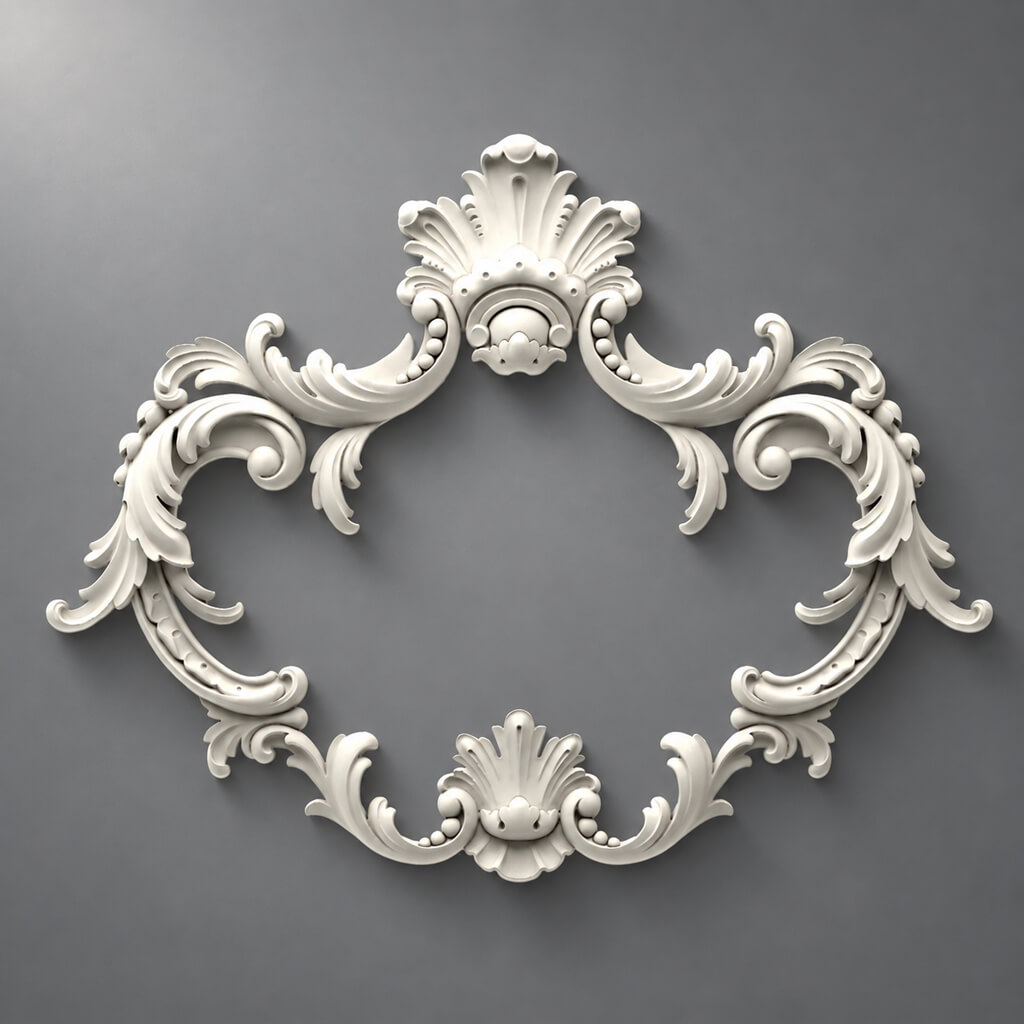
The same happens with a rosette, applique, cornice, or corner element. Each of them looks like a separate decorative product, but in a design project it works as part of a system. An error rarely arises at the “like / don’t like” stage. It arises when a beautiful solution cannot be accurately reproduced on site.
That is why it is useful to work with polyurethane decor along the project chain:
architectural task → type of PU decor → real SKU → dimensions → composition → DWG/3D → sample → specification → quantity → purchase.
This way, polyurethane stucco stops being the last decorative layer that will be “added after visualization” and becomes a normal project entity: with geometry, SKU, details, status, and purchase quantity.

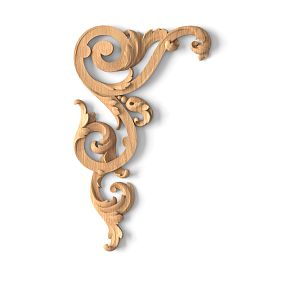
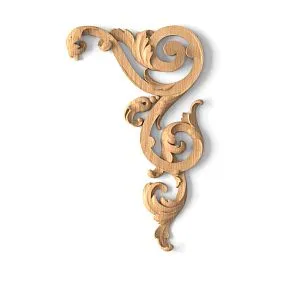


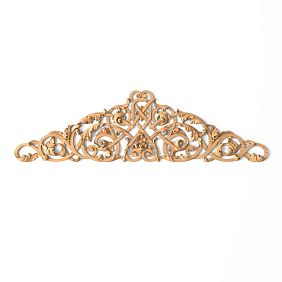
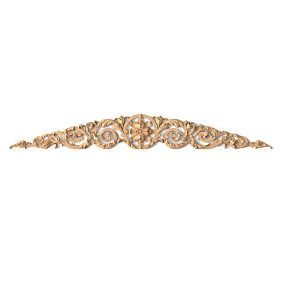
Polyurethane decor is not a single product, but several different project systems
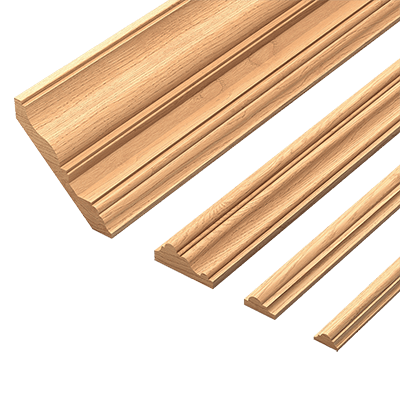
The word “molding” unites products that are designed, documented, and calculated differently. For a working project, it is better to separate them right away.
| Group | How it works in the project | How it is usually calculated |
|---|---|---|
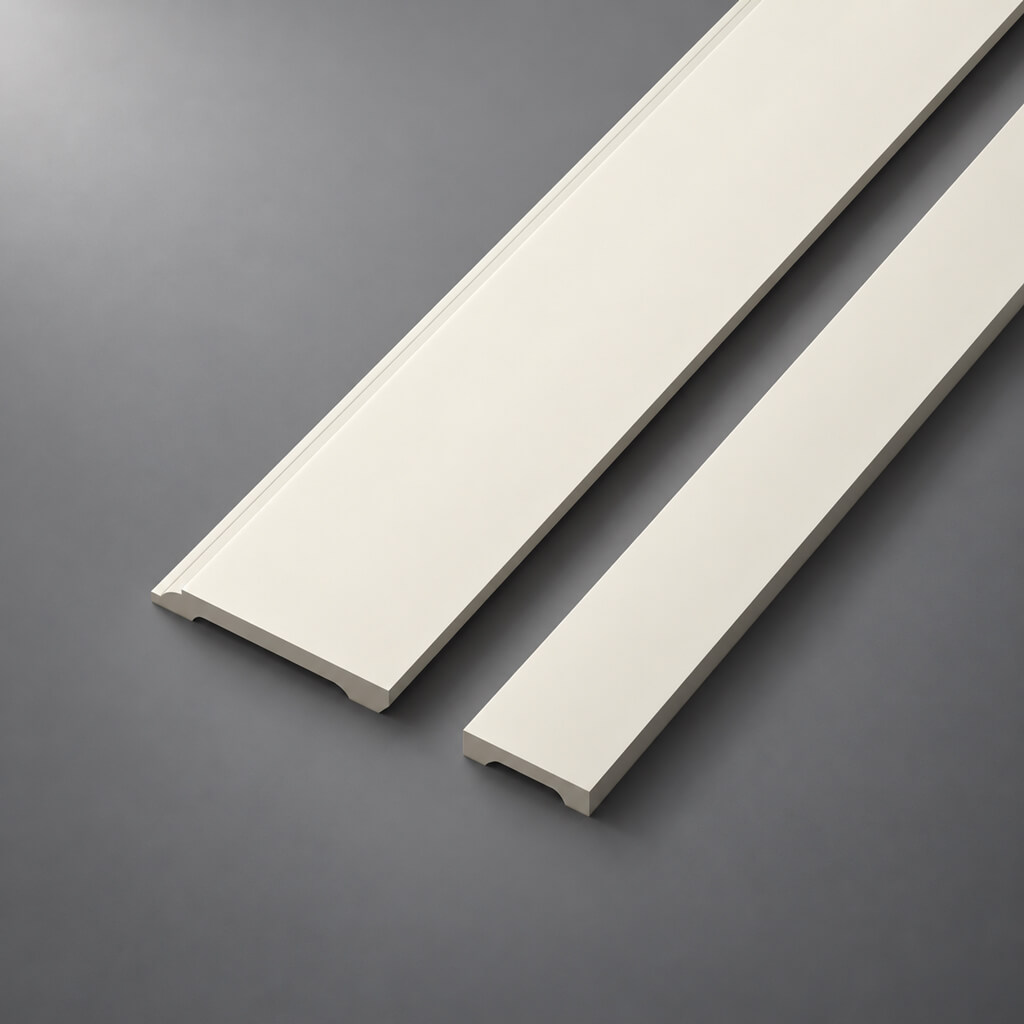
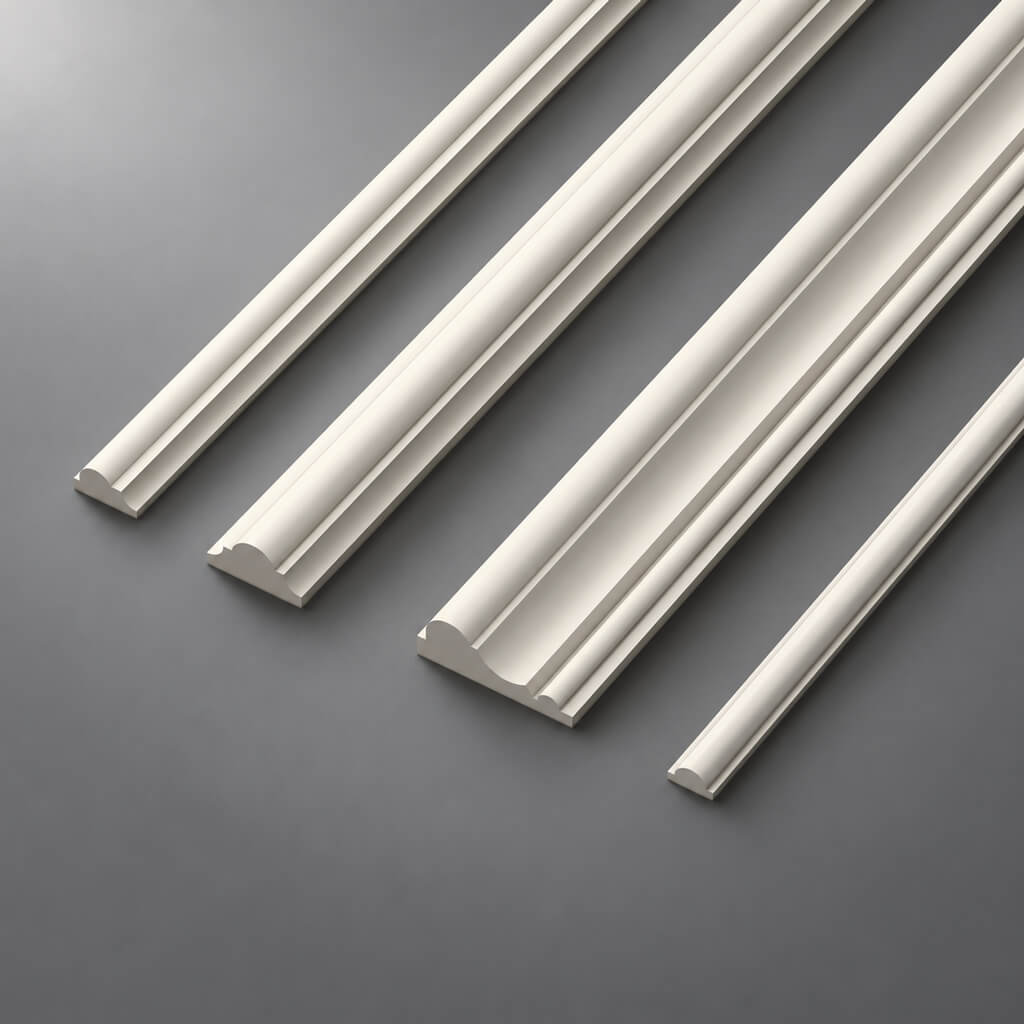
| Moldings | frames, bands, field borders | linear meters → planks |
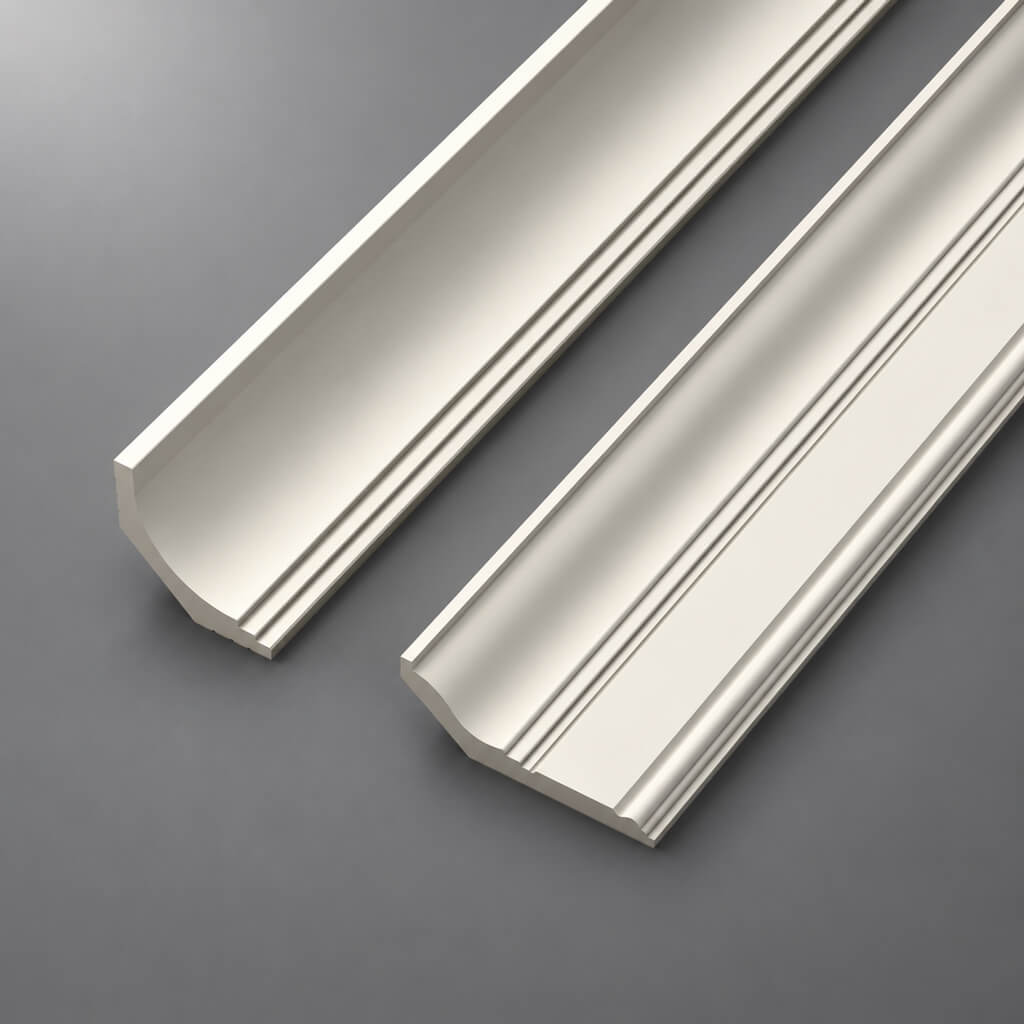
| Cornices | Wall/ceiling transition | linear meters → planks |
| Baseboards | lower architectural line | linear meters → planks |
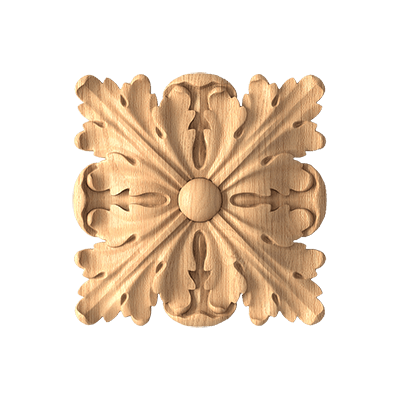
| Ceiling rosettes | center of the ceiling composition | Pieces |
| overlays and medallions | accent inside the field | Pieces |
| Corner elements | ready corner / junction | Pieces |
| Decor for Walls | composition elements | pieces / system |
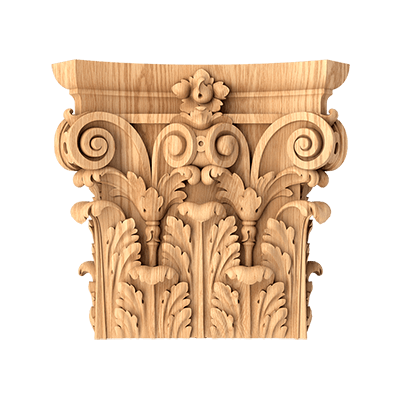
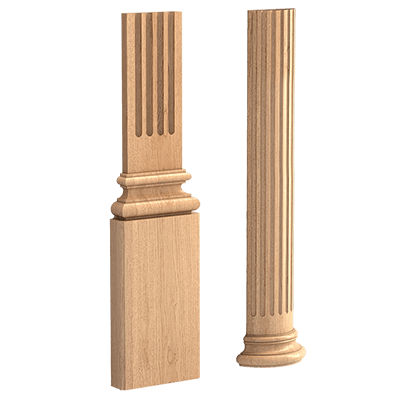
| architectural elements | verticals, portals, composite solutions | specific SKUs |
| furniture PU decor | facades and built-in furniture | pieces / linear meters |
This division seems obvious, but this is exactly where confusion often begins. A line item called "molding" appears in the schedule, and then you have to manually recall where the molding is, where the rosette is, where the paired overlays are, and where the separate corner element is.
Polyurethane decor is best understood as a family of different physical types, united by material but not by design approach.
For an initial selection, it makes sense to open the general catalog of polyurethane moldings STAVROS, and then go to the desired group.
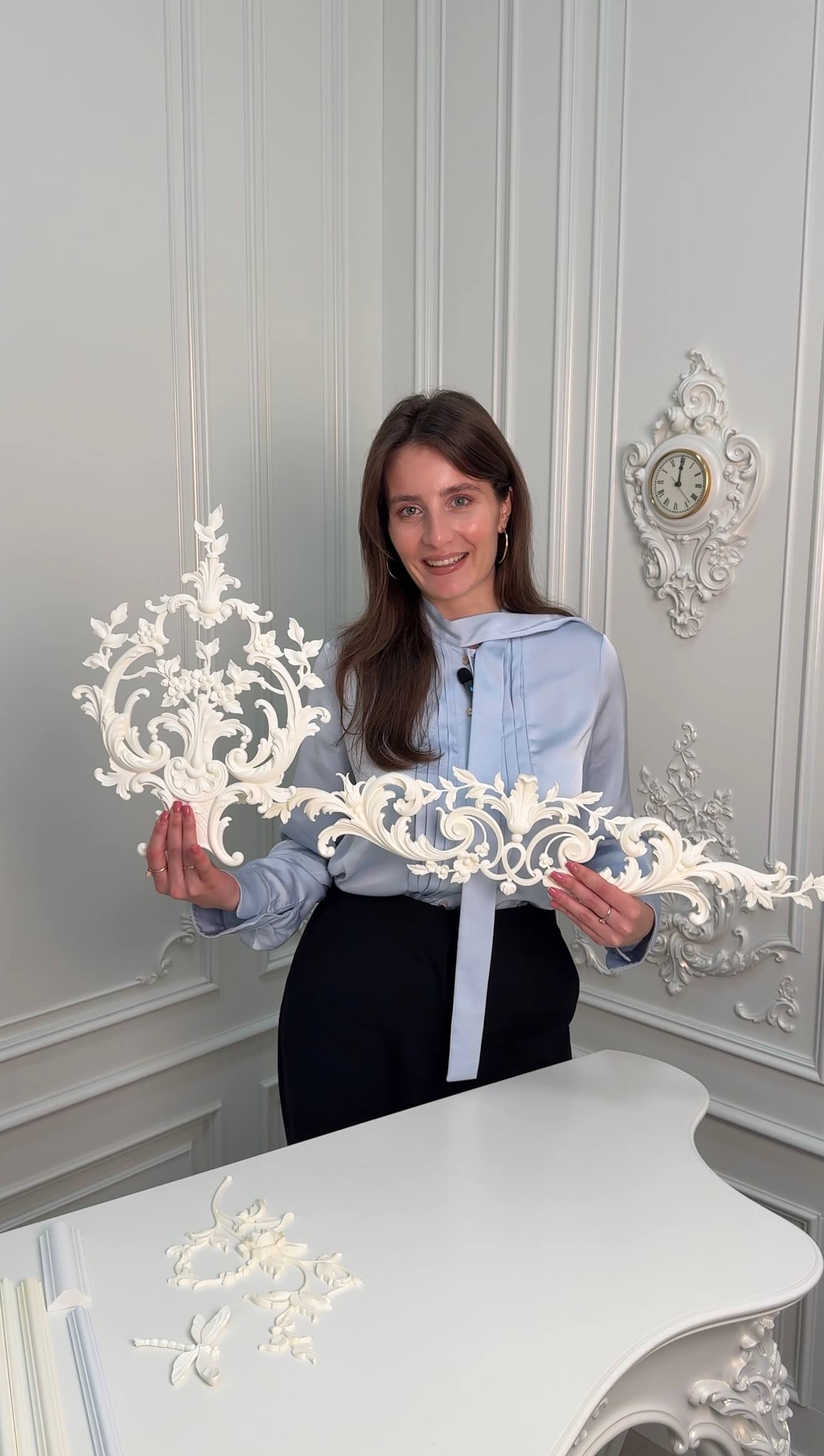
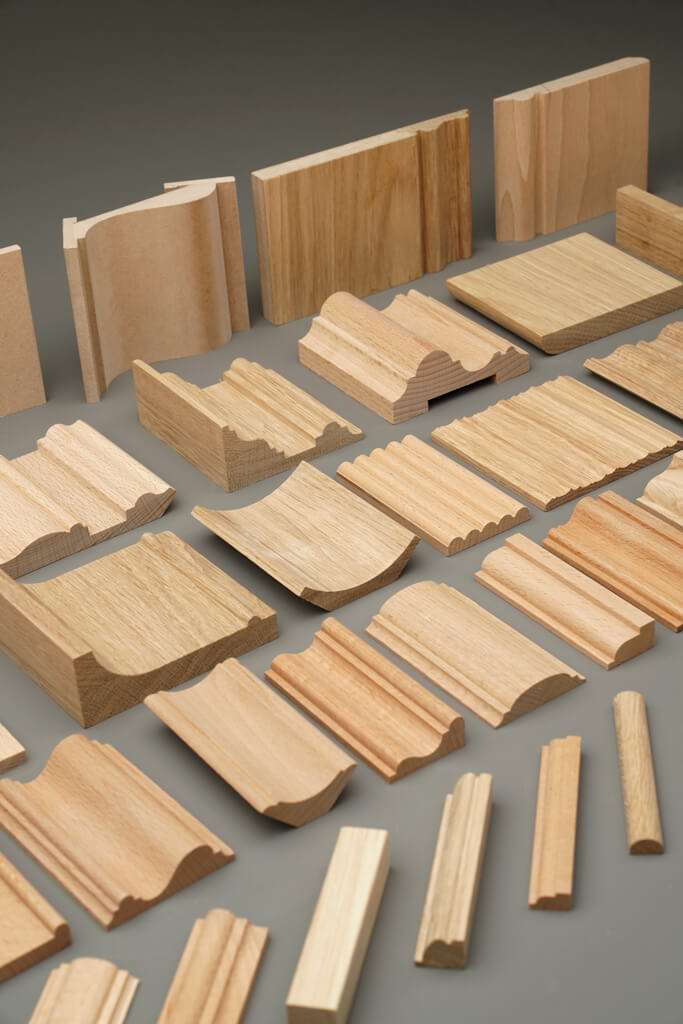

First the architectural task, then the product
A project rarely needs “polyurethane decor in general.” It needs a specific function.
| Architectural task | Product type |
|---|---|
| divide the wall into fields | Molding |
| form the upper boundary | Cornice |
| define the lower line of the wall | Baseboard |
| emphasize the center of the ceiling | Rosette |
| create the center of the wall composition | overlay / medallion |
| finish ready frame corners | Corner element |
| create a vertical | pilaster / architectural element |
| Finish a furniture front | overlay / molding |
Imagine a wall 4.6 m wide with a door, a console, and a sconce. If you open the catalog without a pre-formed architectural scheme, it is easy to choose a beautiful profile and then try to fit it into the composition. The reverse process works better: first define the axes, heights, and boundaries, and then find the product that physically fits this geometry.
The task determines the product type. The SKU refines the solution.
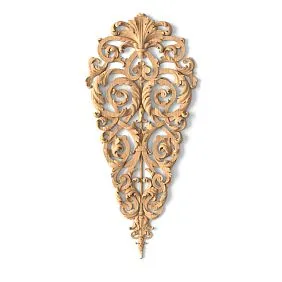
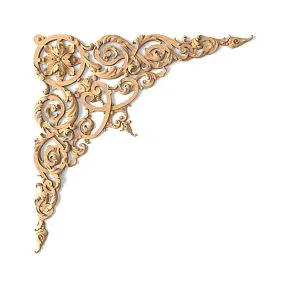
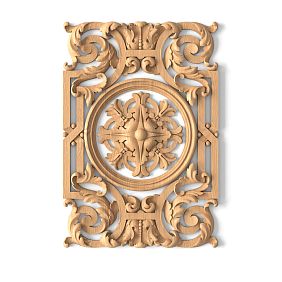
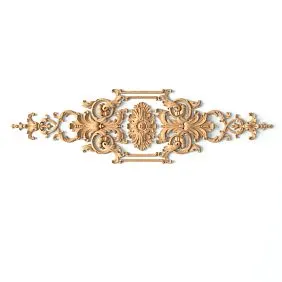
Our factory also produces:


Why polyurethane is convenient as a single material family in a project
For a designer, the value of a material is determined not by advertising epithets, but by how predictably one can go with it from concept to purchase.
In a professional process, several things are useful:
- products exist as serial items with SKUs;
- within a single material family, there are linear moldings, individual pieces, and architectural decor;
- the geometry can be locked in 3D and DWG;
- color can be managed as a separate project parameter without changing the SKU geometry;
- repeating items can be counted and ordered by product codes;
- a physical sample allows you to check the relief and surface before the main purchase.
Project value emerges when a single item can be unambiguously traced across all documents:
SKU → 3D → DWG → specification → Order Qty.
That is why STAVROS 3D models and DWG drawings are useful not as a separate file library, but as a link between the catalog and working documentation.
Get Consultation
What to check in a product page before including it in a project
The photograph shows the character of the product. That is not enough for a project.
Before assigning an internal code to the item PU-ML-01, PU-DEC-01 or PU-ROS-01 Need to check:
- SKU;
- product type;
- actual dimensions;
- length for linear mouldings;
- thickness or depth;
- cross-section shape;
- the material;
- ornament;
- purpose;
- presence of related elements;
- 3D / DWG, if they are needed in the project.
Different categories have their own priorities.
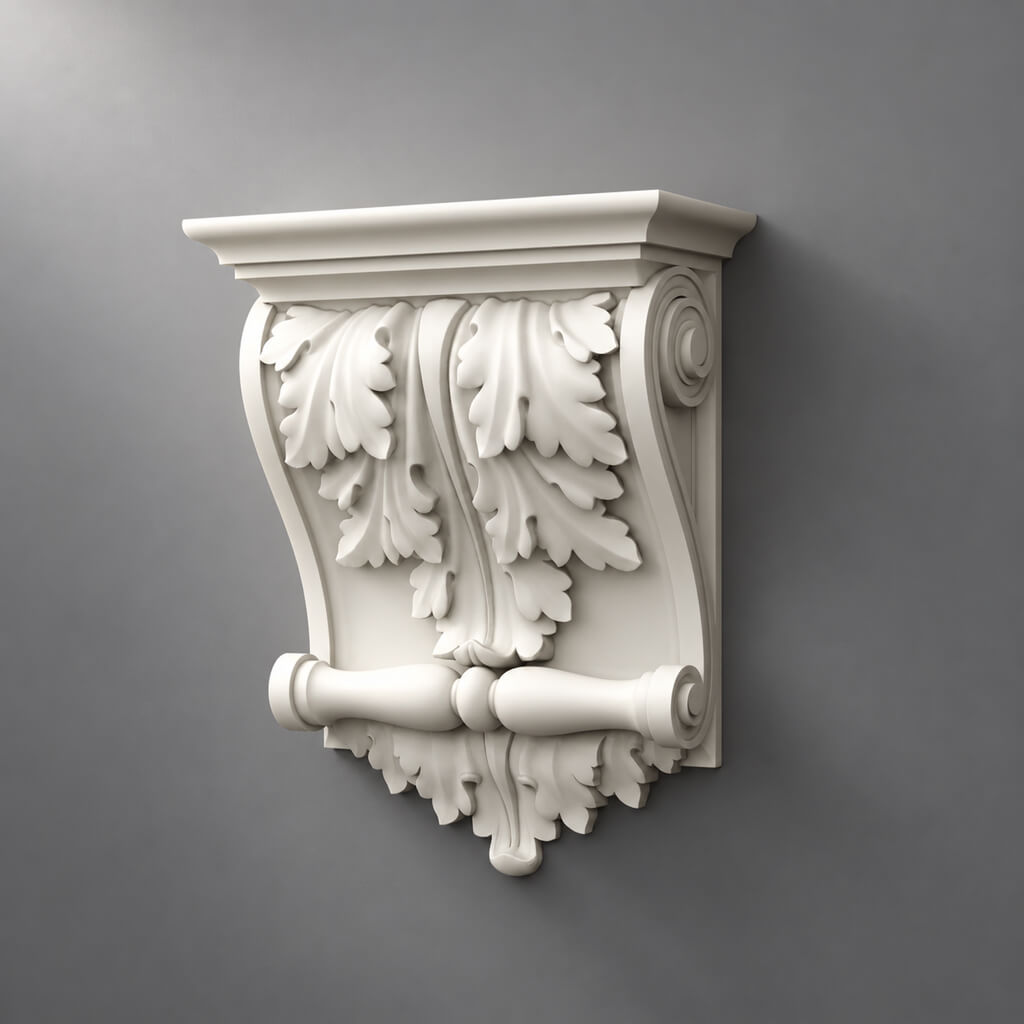
For moulding, width, depth, profile and commercial length are especially important. For a rosette — overall dimensions and depth. For an applique — width, height, thickness and orientation. For a composite architectural element — also the list of actual parts.
Why a photograph does not show the real scale
The same element on a 2 m and a 6 m wall is perceived differently. On an isolated card there is no door, furniture, person or other scale reference.
Therefore, the size must be checked in millimetres.
A useful habit: already at the shortlist stage, place a door, skirting board, architrave and a typical piece of furniture next to the selected element. In 3D this takes a few minutes, but it immediately shows whether the relief has become too large and whether the profile has got lost.
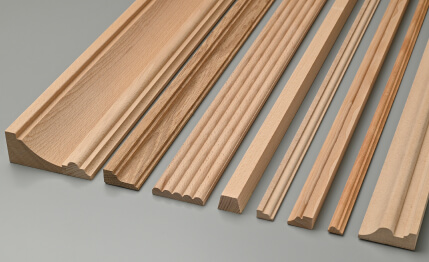
Polyurethane mouldings: you need to design a profile, not a line
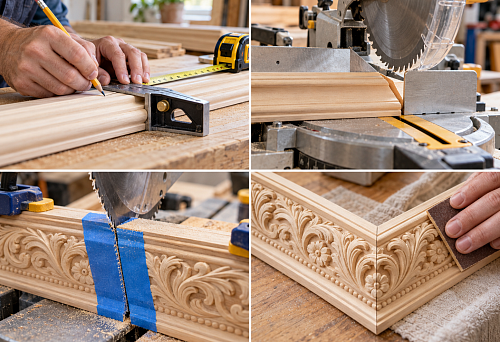
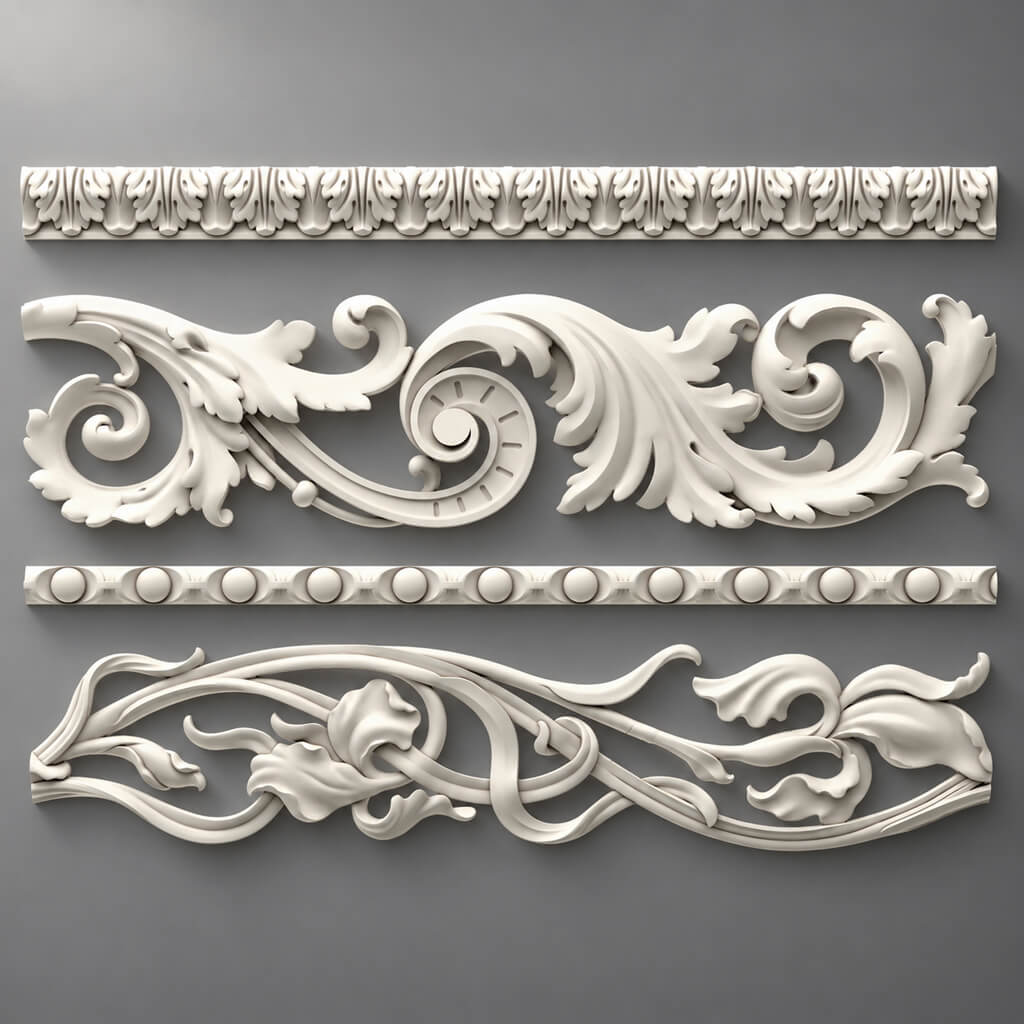
Moldings made of polyurethane often become the basis of a wall system: they are used to build frames, horizontal bands, portals and the boundaries of decorative fields.
But in a working drawing, a moulding is not a line.
It has:
- actual width;
- depth;
- cross-section;
- relief;
- mounting surface;
- trade length.
Two profiles of the same width can behave completely differently. One barely protrudes from the wall plane. The other creates a deep shadow and forms a noticeable step next to the architrave.
That is why a frontal photograph does not provide complete information.
How to choose the width without the primitive rule “bigger room — wider moulding”
What needs to be checked is not the area of the room, but the system of relationships.
Compare the profile relative to:
- ceiling height;
- wall width;
- Doors;
- the casing;
- Baseboards;
- furniture;
- inner field of the frame;
- the viewing distance.
For example, on a large wall with a tall door portal, a thin profile can get lost. But on the adjacent narrow wall pier, the same molding will appear active enough.
Architectural scale is determined by the relationship of elements, not by a single area figure.
A molding frame is built around a real SKU
One of the most time-consuming mistakes is to first draw the frame as an abstract rectangle and look for the profile after approval.
The correct sequence is:
SKU → actual profile width → outer dimension → inner field → junctions.
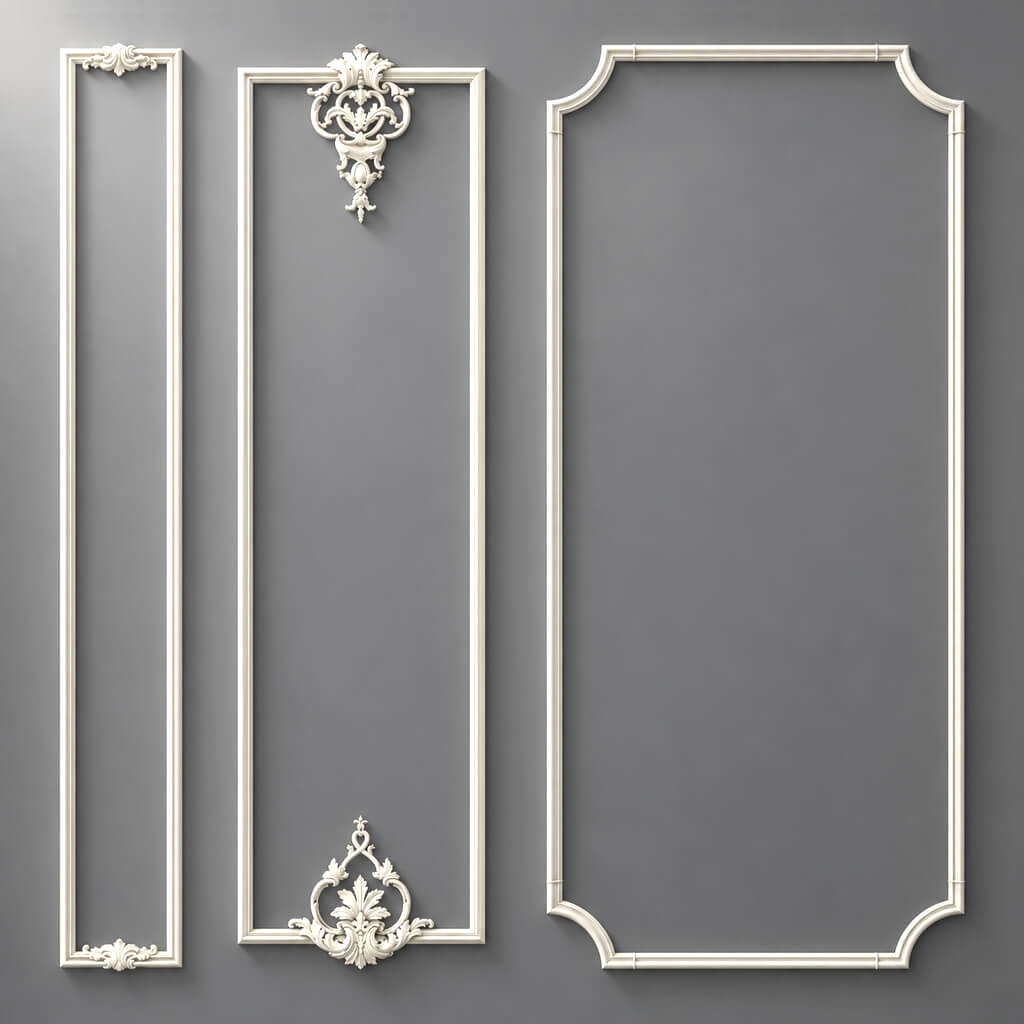
Let's imagine a conditional example. The designer wants to achieve an inner field width of 900 mm. If the selected molding has a width of 40 mm, the outer dimension of the frame will be one value. If the profile is 75 mm, it will be another.
This changes:
- distance to the adjacent frame;
- offset from the door;
- position of the wall lamp;
- free field of the wall pier;
- size of the central overlay.
The actual profile must be included in the geometry before final approval.
Which dimension base is used in the frame
The drawing must clearly define where dimensions are taken from:
- outer edge;
- axis;
- inner edge.
These principles must not be mixed.
If the frame is dimensioned to the outer face in one place and to the axis in another, the installation documentation becomes ambiguous.
Wall PU decor: design the composition, not just place overlays
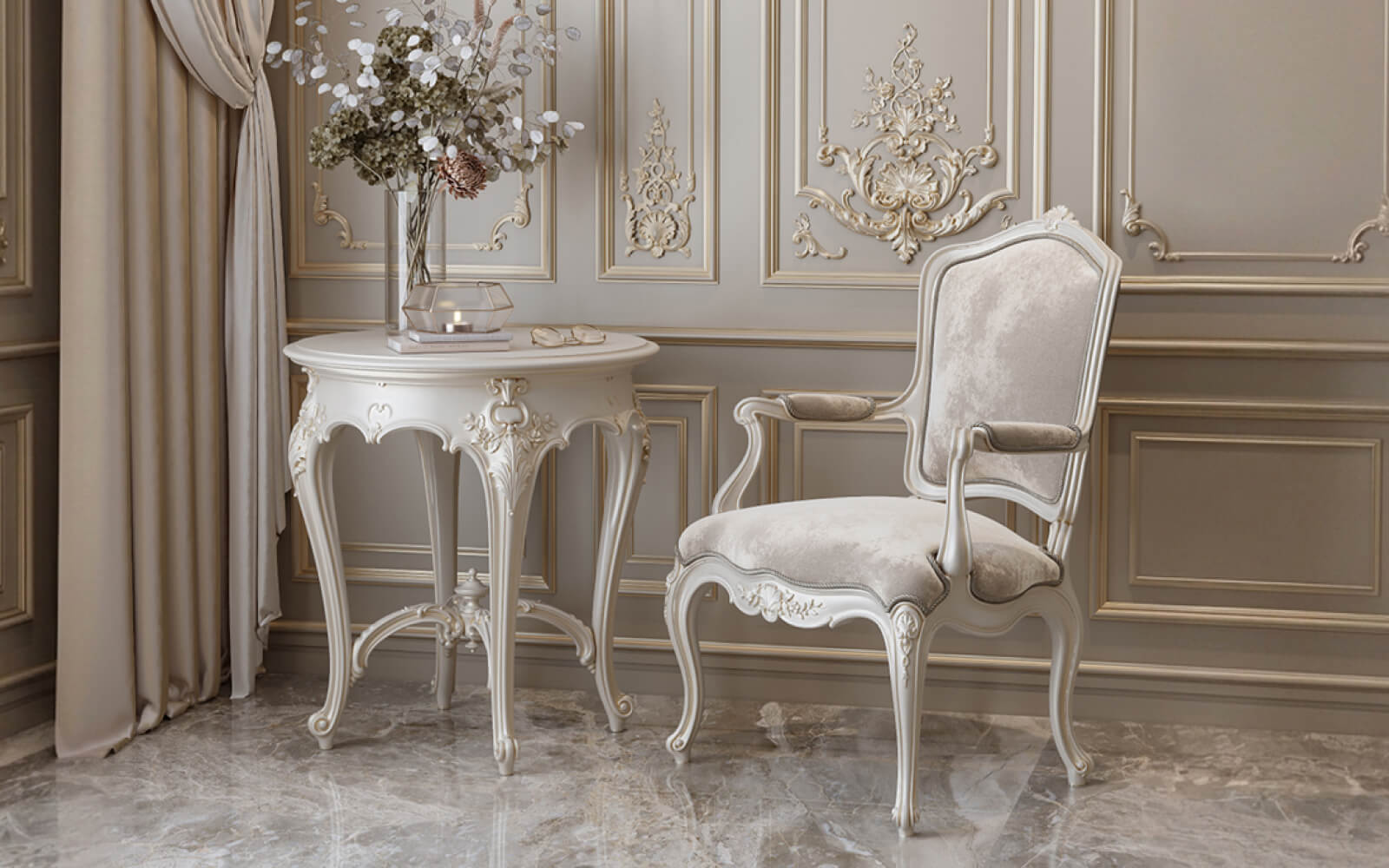
Polyurethane wall decor it is useful to consider as a compositional group.
The following can work on the wall:
- central overlays;
- medallions;
- corner elements;
- ornamental inserts;
- repeating details;
- elements within molding fields.
Each type needs its own anchor.
Central overlay
The following are recorded:
- X axis;
- Y axis;
- dimensions;
- distance to the profile;
- number of repetitions.
The phrase "approximately in the center" is not needed in a working project.
Corner element
Checked:
- molding width;
- corner geometry;
- orientation;
- dimensions;
- compositional compatibility.
Not every decorative corner works with any profile.
Repeating element
A single detail can look calm. Twelve identical details on one wall create a different visual rhythm.
That is why repetition is checked against the entire composition, not a single asset.
Plaster decor is best assembled as a system of related elements
Section polyurethane molding decoration is needed not only for finding a single applique.
A system may emerge in the project:
molding + corner element + central applique + cornice + ceiling rosette.
To make it look cohesive, the following are checked:
- the scale of each level;
- nature of the relief;
- the density of the ornament;
- repeatability;
- the spacing between details;
- relationships with furniture;
- the transition from wall to ceiling.
If each element was chosen separately on the principle of "this one is beautiful," the result quickly becomes visually heavy.
A professional shortlist is better kept as a group.
For example:
PU-ML-01 — main profile
PU-DEC-01 — center of the field
PU-CORNER-01 — corner element
PU-CR-01 — cornice
Once approved, such a set can be repeated in standard rooms.
A separate issue is decor for moldings
Decor for Molding should be considered together with the specific frame system.
The designer must check:
- whether the scale of the corner and the profile match;
- whether the corner element does not "eat up" too much of the inner field;
- how the ornament ends;
- how the central overlay works relative to the frame;
- whether symmetry is needed on all four corners.
A ready-made corner saves not “time in general,” but the number of decisions on site — only if its geometry is planned in the project in advance.
Architectural decor made of polyurethane: think in terms of axis, plane, and node
When decor participates in architecture, its role changes.
It forms:
- verticals;
- horizontal lines;
- portals;
- ceiling boundaries;
- the axes;
- wall articulation;
- visual centers.
This is no longer “add an ornament to an empty space.”
Let’s imagine two identical pilasters on the sides of a door portal. Their position is determined by:
- door axis;
- portal width;
- height;
- lower base;
- upper termination;
- distance to the adjacent wall.
If at least one reference is random, the architectural logic weakens.
A composite element must be broken down into real SKUs
If a vertical system consists of a base, body, and capital, the line:
pilaster — 4 sets
is only suitable when the manufacturer actually sells it as a single ready-made set.
If these are three product items, the specification must contain three lines.
Otherwise, reordering becomes dependent on the kit assembler's memory.
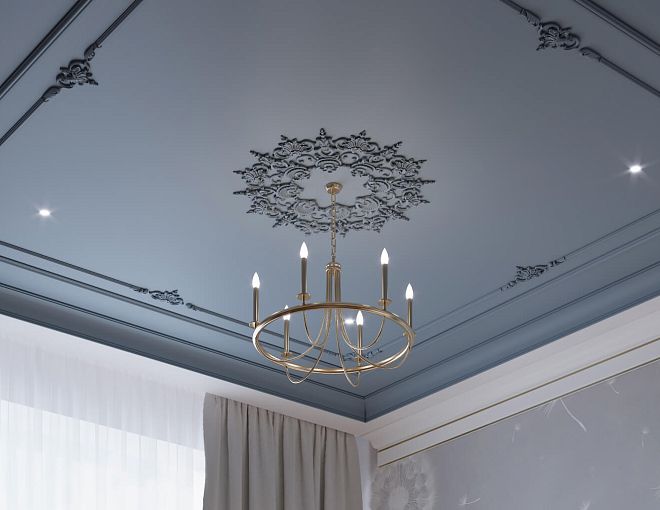
Ceiling system: cornice, ceiling rose, and light must be designed together
Ceiling decor cannot be considered a single category just because everything is located overhead.
A cornice is a linear element
It forms the transition from wall to ceiling.
Checked:
- height along the wall;
- overhang;
- relief;
- curtain niche;
- floor-to-ceiling furniture;
- backlighting;
- ceiling level differences.
A ceiling rose is a one-off centerpiece
It works with the light fixture and the axis of the room.
For selection, you can use Polyurethane ceiling rosettes.
Checked:
- diameter / overall dimensions;
- depth;
- center;
- size of the light fixture;
- furniture composition;
- adjacent ceiling decor.
The outlet should follow the compositional axis, not always the geometric axis
For example, the dining table is offset relative to the center of the room. If the chandelier is tied to the table, the outlet should support this compositional axis, rather than automatically being placed at the mathematical center of the ceiling.
It is better to check this in 3D before issuing the ceiling plan.
Cornice and curtain niche
A curtain rod is often designed as a beautiful top line, while curtains are treated as a separate technical matter. On site, they are part of the same assembly.
Check:
- curtain rod projection;
- niche width;
- curtain position;
- ceiling level;
- LED;
- furniture against the wall;
- access for installation.
If a cabinet reaches the ceiling, the curtain rod may have no room to continue. This needs to be resolved in the working design, not during installation.
Built-in furniture, doors, and baseboards: three areas where PU decor most often conflicts
Molding, cornice, and overlays physically protrude from the wall plane. Therefore, they cannot be designed separately from adjacent structures.
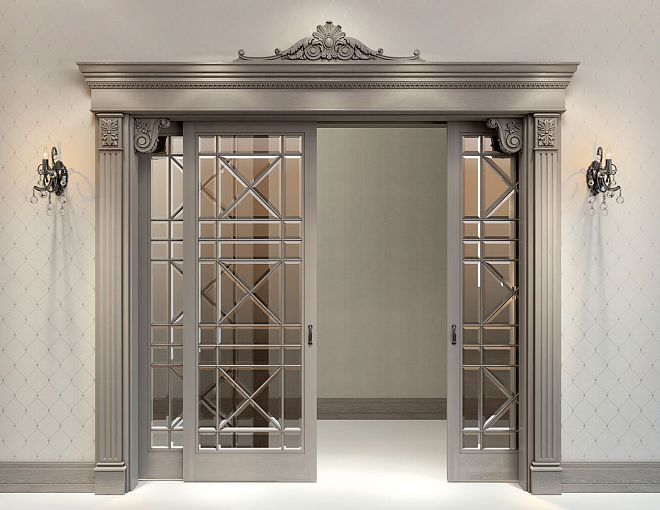
Molding next to the door casing
Need to check:
- width of the door casing;
- the depth of the molding;
- the distance between them;
- the lower point at the baseboard;
- the point where the profile ends.
Frontally, the two elements may look fine. In section, the molding will be deeper than the door casing and will form an unintended step.
Cornice next to a floor-to-ceiling wardrobe
There are several scenarios:
- the cornice ends before the furniture;
- the wardrobe is designed lower;
- the top of the furniture is aligned with the cornice line;
- the cornice runs along a different plane.
No option should occur by chance.
Skirting board and lower base of the frame
It is necessary to determine in advance:
- the height of the baseboard;
- the top mark;
- bottom edge of the frame;
- width of the molding;
- distance between the skirting board and the frame.
A framed composition looks bad when the lower base on each wall is chosen separately.
Hidden door
If the molding composition runs next to a hidden door, it is decided in advance:
- whether the rhythm continues across the door leaf;
- whether the frame ends before the opening;
- is the same spacing maintained;
- does the profile interfere with opening.
An elevation and a section are especially useful here.
Sockets, switches, and wall lights must be included before approving the composition
Engineering should not appear afterwards APPROVED.
The elevation must show at the same time:
- molding frames;
- Outlets;
- switches;
- wall lamp;
- Furniture;
- door openings.
Typical problems:
- the unit lands on the profile;
- the frame of the electrical accessory touches the molding;
- the socket ends up too close to the corner of the decorative field;
- the sconce splits the frame accidentally;
- after moving the switch, the symmetry is broken.
Let's imagine a conventional frame with an inner field of 700 mm. If a block of three electrical installation devices falls into the center of this field, the free compositional zone sharply decreases. Perhaps the central overlay is no longer needed.
This is the useful design check: decor should respond to engineering reality, not conceal it in the visualization.
Color and finish: product SKU and finish should live separately
If a polyurethane element is planned to be painted, the color should not substitute for product identification.
The specification records separately:
Product SKU
и
Finish / Color.
For example:
PU-ML-01 / specific SKU / project color
If the wall color changes later, the geometry and SKU can remain the same. For revisions, this is much more convenient.
Moulding in the wall colour
With monochrome, colour contrast almost disappears. What comes to the fore:
- profile;
- relief;
- depth;
- side shadow;
- architectural rhythm.
This way, the decor can feel calmer and more modern.
Contrasting molding
Contrast increases visual weight.
The same grid of frames begins to fragment the plane more strongly. Therefore, the composition needs to be checked again: a solution that looks good in monochrome can become overloaded after a color change.
Color does not change the product geometry, but it changes its perception.
The 3D model of PU decor must remain a real product
Work sequence:
SKU → 3D → 1:1 scale → visualization → approval.
After import, the model needs to be checked against the reference dimension.
If the molding has a real width of 40 mm, it should remain 40 mm in the scene.
You cannot increase it to 55 mm and keep the same SKU in the specification. Such an object already describes a different profile, which may not exist.
What can be changed in 3D
Allowed:
- optimize polygons;
- use instances;
- apply proxy;
- change the design color;
- adjust the position;
- change the number of repeats.
Prohibited:
- change the width arbitrarily;
- change the depth;
- stretch the overlay;
- change the socket diameter;
- deform the profile and still count it as the original product.
What to check in the scene
3D should answer more than just the question “is it beautiful.”
Check:
- scale;
- relief;
- chiaroscuro;
- Furniture;
- Doors;
- Outlets;
- the overall rhythm;
- corner behavior;
- density of the repeating ornament.
A single individual profile may look convincing, while the entire system feels heavy.
It is especially useful to compare the overall view, an oblique angle, and a close-up fragment.
DWG after visualization: geometry must transfer into working documentation without substitution
3D answers:
how it looks.
DWG answers:
where it is located, what size it is, and what it is attached to.
A professional project requires a combination:
SKU + 3D + DWG.
For each item, the working documentation records:
- project code;
- SKU;
- actual size;
- axis;
- elevation mark;
- indents;
- installation zone;
- quantity;
- note on the assembly.
What should be on the unfolded view
Not just a decorative frame.
Show:
- Moldings;
- Plates;
- Doors;
- Furniture;
- Outlets;
- wall lamp;
- plinth;
- cornice;
- dimension chains.
This way the conflict is visible before installation.
Where a section is needed
A section is especially useful next to:
- with the casing;
- the panel;
- with built-in furniture;
- a cornice;
- ceiling;
- lighting;
- deep overlays.
The facade shows the composition.
The section shows the physical reality.
A physical sample is needed where digital approval is insufficient
3D and DWG are good for checking geometry.
A physical sample shows:
- surface;
- real relief;
- edge quality;
- scale in hand;
- how the paint performs;
- light and shadow under real lighting.
For key items, a workflow is useful:
digital shortlist → sample → SAMPLE APPROVED → APPROVED.
For this, you can use STAVROS product samples.
It is especially useful to place the sample next to an adjacent material:
- to the door casing;
- a painted color swatch;
- a furniture front;
- a wall panel;
- skirting board.
This way, the actual thickness ratios are immediately visible.
What to record after approving the sample
Don't limit yourself to a photo in the chat.
It is useful to keep in the schedule:
- code;
- SKU;
- sample status;
- date;
- finish;
- revision;
- comment.
This is especially important if the project runs for several months.
The specification should store the product, geometry, quantity, and status
Example of a working structure:
| Field | Value |
|---|---|
| Code | PU-ML-01 |
| Manufacturer | STAVROS |
| SKU | specific |
| Type | Molding |
| Material | polyurethane |
| Size | actual |
| Finish | Project |
| Room | Living room |
| Zone | wall 02 |
| Calculated Qty | As per project |
| Order Qty | After cutting |
| 3D | file |
| DWG | file |
| Status | APPROVED |
| Revision | REV02 |
| URL | Product |
The main thing is not the table format itself, but the ability to reconstruct the chain.
If you need to reorder a profile six months later, the line should make it clear exactly what was used.
Bad specification:
classic molding — 47 m
Good:
project code / STAVROS / SKU / size / geometric linear footage / purchase quantity / URL / status.
Item statuses
A convenient sequence:
CANDIDATE
→ SELECTED
→ SAMPLE APPROVED
→ APPROVED
→ ORDERED
→ DELIVERED
After APPROVED SKU replacement must be counted as a revision.
Calculation: linear footage, piece items, and L/R cannot be calculated with a single formula
The physical product type determines the calculation.
Moldings and Cornices
linear meters → product length → cutting map → whole planks.
Outlets and covers
pieces.
L/R elements
separate SKUs and separate quantities.
Composite architectural system
Each standalone item is a separate line.
If a vertical element consists of a base, body, and capital, you cannot write "4 sets" when in fact three different SKUs are supplied.
Frame example
Conditional frame:
- width — 1200 mm;
- height — 1800 mm.
Geometric length:
2 × (1.2 + 1.8) = 6 m.
Four identical frames:
6 × 4 = 24 m.
But 24 m is not an order yet.
You need to know the length of the plank and create a cutting plan.
Why pure linear meters are not enough for a purchase
Let's imagine a project:
47.3 m of moulding.
Without the product length, it is impossible to say how many strips are required.
Even if the length is known, cutting remains.
Two projects with the same 47.3 m may require different purchase quantities:
- one has many long verticals;
- the other has many short frames;
- some offcuts can be used;
- some remain unusable;
- for an ornamental profile, the repeat may be important.
Therefore, the ordering formula is:
geometric footage → list of segments → cutting → whole planks → reserve.
Not:
footage + universal 10%.
Cutting mini-map
Conditional example:
| Section | Length |
|---|---|
| A01 | 2380 мм |
| A02 | 2380 мм |
| A03 | 920 мм |
| A04 | 920 мм |
Such a table immediately shows which short segments can be obtained from the leftovers of other cuts.
This is exactly what determines the real Order Qty.
The reserve must have a reason, not a universal percentage
For linear trim, the allowance depends on:
- length of the plank;
- the number of corners;
- cutting maps;
- long continuous sections;
- ornamental repeat;
- the ability to use leftovers.
For a single-unit socket, the percentage is often meaningless.
6 pcs. + 10% = 6.6 pcs.
A decision must be made: 6 or 7.
For L/R, the reserve cannot be combined because the left and right positions are not interchangeable.
Therefore, it is useful to store in the statement:
Calculated Qty
и
Order Qty.
The difference between them is the deliberate purchasing reserve.
Replacing an SKU after approval is a project revision
The phrase “we'll replace it with a similar molding” sounds harmless until the actual profiles are compared.
A different SKU can change:
- width;
- the depth;
- the internal size of the frame;
- the joint with the architrave;
- position of the power outlet;
- Cutting;
- quantity;
- 3D;
- DWG.
Therefore, replacement after APPROVED must be carried out as a revision.
What to update during replacement
- 3D model.
- DWG.
- Unfold.
- nodes.
- specification.
- Calculated Qty.
- Order Qty.
- URL.
- the status.
If only the procurement table has been updated, the project already contains two versions of the solution.
When an equivalent replacement is permissible
Only when it has been verified that the new item is truly suitable in terms of:
- geometry;
- size;
- relief;
- purpose;
- nodes;
- quantity.
The word "analog" itself does not prove this.
A practical example: how to take one living room from idea to purchase
The most useful approach is to test the methodology on a single room where several types of PU decor are present at the same time. Below is a hypothetical design example. All dimensions are given only to explain the process and do not relate to specific STAVROS products.
Initial situation:
- rectangular living room;
- one long accent wall;
- door with casing;
- low console;
- two wall sconces;
- ceiling light;
- curtain niche;
- built-in wardrobe on the adjacent wall.
The architectural idea is a calm framed system without dense ornament, a top line via cornice, and one central ceiling rose.
Step 1. Divide the task into physical product types
We do not start with a general request to “select moulding.”
We break down the project:
PU-ML-01 — main moulding for the frames.
PU-CR-01 — cornice.
PU-ROS-01 — ceiling rose.
PU-DEC-01 — a central overlay for one accent frame, if after checking it is really needed.
This is enough for the first shortlist.
Already here it is clear that four items will be calculated according to three different principles:
- molding — meters and strips;
- cornice — meters and strips;
- rosette — pieces;
- overlay — pieces.
Step 2. Lock in the architectural bases before choosing the final SKUs
On the long wall, we do not start with beautiful rectangles.
First, we mark:
- door casing;
- console axis;
- wall axes;
- top of the baseboard;
- furniture footprint;
- free part of the wall.
Suppose the compositional axis of the wall is determined by the console rather than the geometric center of the entire surface. Then the frames are built relative to the furniture.
This is an important point: if the molding later becomes wider, the center of the composition should not "shift". The margins and frame sizes change, but the underlying architectural logic remains.
Step 3. Compare several real moldings
From the catalog, for example, three candidates are selected:
PU-ML-A
PU-ML-B
PU-ML-C
These are conventional design designations, not real SKUs.
For each one, we record in the working table:
| Parameter | A | B | C |
|---|---|---|---|
| Width | actual | actual | actual |
| Depth | actual | actual | actual |
| Cross-section | file / drawing | file / drawing | file / drawing |
| 3D | Yes / no | Yes / no | Yes / no |
| Status | CANDIDATE | CANDIDATE | CANDIDATE |
After that, all three options can be placed one by one into the same project grid.
The comparison is based not on the preview, but on the consequences:
- how much interior margin remains;
- how the profile looks next to the door casing;
- whether the shadow is too strong;
- how close it comes to the sconce;
- whether it conflicts with the height of the baseboard.
After checking, one candidate receives SELECTED.
Step 4. Check the door and the lower assembly
Imagine that the selected molding protrudes more noticeably than the door casing.
The front view looks fine.
The section view shows that a step appears near the door.
There are several options:
- increase the distance from the frame to the casing;
- choose a shallower profile;
- change the wall composition;
- create a separate, meaningful termination.
The wrong option is to leave the detail to the installer.
The lower part is checked in the same way:
top of the baseboard → bottom margin → molding.
If the distance between the baseboard and the frame is too small, the decorative mesh looks cramped. If it is too large, the lower part of the wall loses its connection with the rest of the composition.
Step 5. Check the wall lights and electrical points
Wall lights are placed in the scene before the frames are finally approved.
The elevation shows:
- the fixture axis;
- the power outlet;
- molding;
- the inner area of the frame;
- Furniture.
If the center of the wall light falls too close to the profile, we change the frame or the fixture anchor until APPROVED.
The same applies to switches.
Engineering must not "cut through" the molding after the design is approved.
Step 6. Choose the cornice as part of the upper assembly
The cornice is checked not separately from the room, but together with:
- the ceiling level;
- curtain niche;
- the floor-to-ceiling wardrobe;
- the line of moldings;
- the future lighting, if it is planned.
If the cornice physically cannot pass along the wall with the wardrobe, you need to choose the ending scenario in advance.
After this check PU-CR-01 gets its real SKU.
Step 7. Check the socket relative to the chandelier
The socket is placed in 3D at its real size.
We compare:
- diameter;
- the depth;
- size of the light fixture;
- furniture position;
- distance to the cornice.
If a large-scale texture appears too active under side lighting, this is visible before purchase.
, and after the sample — SELECTED, and after the sample — SAMPLE APPROVED.
Step 8. Is a central overlay needed
An overlay was initially planned for the accent frame.
After adding a console, two sconces, and real molding, the composition may already be sufficiently rich.
Here a useful question is:
what will change if the overlay is removed?
If the architecture remains cohesive, an additional element may be superfluous.
A professional project does not have to use all available types of PU decor.
Let's assume, in our conditional example PU-DEC-01 remains only on the central wall, while the other frames work without individual elements.
Step 9. Freeze the SKU
After digital verification and samples, the items receive the status:
PU-ML-01 — APPROVED
PU-CR-01 — APPROVED
PU-ROS-01 — APPROVED
PU-DEC-01 — APPROVED
From this point on, the molding cannot be silently substituted with a similar profile.
If the SKU changes, the project undergoes revision.
Step 10. Transfer the same items to DWG
On the elevation:
- frames are built with the actual profile;
- axes and offsets are dimensioned;
- sconces and sockets are shown;
- baseboard is present;
- door casing is present.
On the section:
- the depth of the molding is visible;
- the cornice is visible;
- the upper assembly has been checked;
- the door assembly has been checked.
This is how the working documentation describes the same room that the client saw in the visualization.
Step 11. Forming the specification
Conditional fragment:
| Code | Type | SKU | Zone | Calculated Qty | Order Qty | Status |
|---|---|---|---|---|---|---|
| PU-ML-01 | Molding | real | walls | According to the drawing | After cutting | APPROVED |
| PU-CR-01 | Cornice | real | ceiling perimeter | According to the drawing | After cutting | APPROVED |
| PU-ROS-01 | Rosette | real | ceiling center | 1 pc. | 1 pc. | APPROVED |
| PU-DEC-01 | Overlay | real | accent wall | 1 pc. | 1 pc. | APPROVED |
Molding and cornice still require a cutting plan.
Individual pieces are almost ready to order.
Step 12. Calculate linear footage
Let's assume the net geometric length PU-ML-01 across all frames — a conditional 31.6 m.
This is not the purchase quantity.
Segments need to be listed.
For example:
- 8 verticals;
- 8 top horizontals;
- 8 lower horizontals;
- additional sections of the accent frame.
Then these segments are distributed across the actual product length of the selected SKU.
Only after this do you get Order Qty.
Step 13. Preparing a commercial request
The supplier is not sent a description:
molding is needed for the living room.
But a specific set:
- SKU;
- quantity;
- project code;
- finish, if it relates to the order;
- comment on the batch;
- delivery address.
This way, the project no longer goes through the selection stage again during procurement.
This conditional example illustrates the main principle: the project value of polyurethane decor comes not from the number of elements, but from data continuity. The same profile must remain the same product from catalog to box on site.
When polyurethane decor does not need to be complicated
Not every wall is worth turning into an elaborate stucco composition.
Sometimes it is enough:
- a single cornice;
- a simple skirting board;
- a single molding frame;
- abandon piece decor altogether.
The reasons may be objective:
- little free wall space;
- too much furniture;
- engineering fragments the composition;
- the profile conflicts with the casings;
- the room's architecture is already saturated;
- the project timeline does not allow for safely developing a complex system;
- the budget does not justify the additional number of elements.
Polyurethane decor is useful when it solves an architectural problem.
There is no need to add elements just because they are part of the same collection.
When one strong move is better
If the wall already contains:
- large furniture;
- a TV;
- wall lamp;
- door;
- panels,
an additional overlay system may simply compete with the existing geometry.
One precise molding band sometimes works better than several ornamental elements.
How to move from project to purchase without a second product selection
The final stage should be technical, not creative.
By the time of purchase, the following are already known:
- SKU;
- size;
- place of application;
- finish;
- quantity;
- status;
- revision.
Work sequence:
SKU → APPROVED → Calculated Qty → Order Qty → price request → order.
After that, you can move on to product categories:
- Polyurethane moldings;
- Moldings made of polyurethane;
- molded decoration made of polyurethane;
- Polyurethane wall decor;
- ceiling rosettes;
- Decor for Molding.
For project work — the section STAVROS for designers and architects.
Commercial queries like "buy stucco molding," "buy polyurethane stucco molding," "buy polyurethane molding," and "buy polyurethane decor" make sense right here: not on the first screen of the article, but after the project already knows which product is needed.
Final project algorithm for PU decor
Before handing the project over to procurement, it's convenient to go through one sequence without skipping around.
1. Architectural task
Determine what the decor should do:
- divide the wall;
- finish the ceiling;
- emphasize the center;
- form a vertical;
- work on furniture;
- assemble the portal.
2. Product category
Select the physical type:
- molding;
- cornice;
- plinth;
- rosette;
- overlay;
- corner element;
- architectural detail.
3. Actual SKU
Do not use a provisional profile if the item is already moving into the working stage.
4. Geometry
Check:
- width;
- height;
- the depth;
- length;
- cross-section;
- orientation.
5. Composition
Check the element against:
- walls;
- Doors;
- furniture;
- ceiling;
- Baseboards;
- light fixtures;
- engineering.
6. 3D
Use a 1:1 scale.
Do not stretch the serial SKU.
7. DWG
Transfer the actual dimensions, axes, elevations, and details.
8. Sample
For key elements, confirm the actual relief and finish.
9. Specification
Fix:
- Code;
- Manufacturer;
- SKU;
- Type;
- Size;
- Finish;
- Room;
- Zone;
- Status;
- Revision;
- URL.
10. Quantity
Divide:
- moulding;
- piece decor;
- L/R;
- composite systems.
11. Order Qty
Convert the geometry into the physical quantity of goods.
12. Purchase
After APPROVED request a price and place an order.
Polyurethane decor for a design project: the final logic
Professional work with PU decor begins not with the question "which molding is more beautiful," but with the question "which architectural function needs to be solved and with which real product."
First, the task is defined.
Then the physical product type is selected.
After that — the real SKU and its dimensions.
Only then are frames, ceiling compositions, and accent zones built.
Next, the same product goes through 3D, DWG, a sample, a specification, and a calculation.
Final chain:
task → PU category → specific SKU → real size → composition → 3D → DWG → sample → specification → calculation → purchase.
This is what professional work with polyurethane decor for a design project consists of: not selecting beautiful elements individually, but assembling a system that can be carried from idea to real order without substitution.