



































Article Contents:
- What architectural decor in 3ds Max means in a real project
- Why a random model from a 3D library creates risk
- First the SKU, then 3ds Max
- 1. Select the product category
- 2. Lock in the specific SKU
- 3. Check the actual dimensions
- 4. Get the 3D model
- 5. Import the object into the scene
- 6. Verify the model against the product card
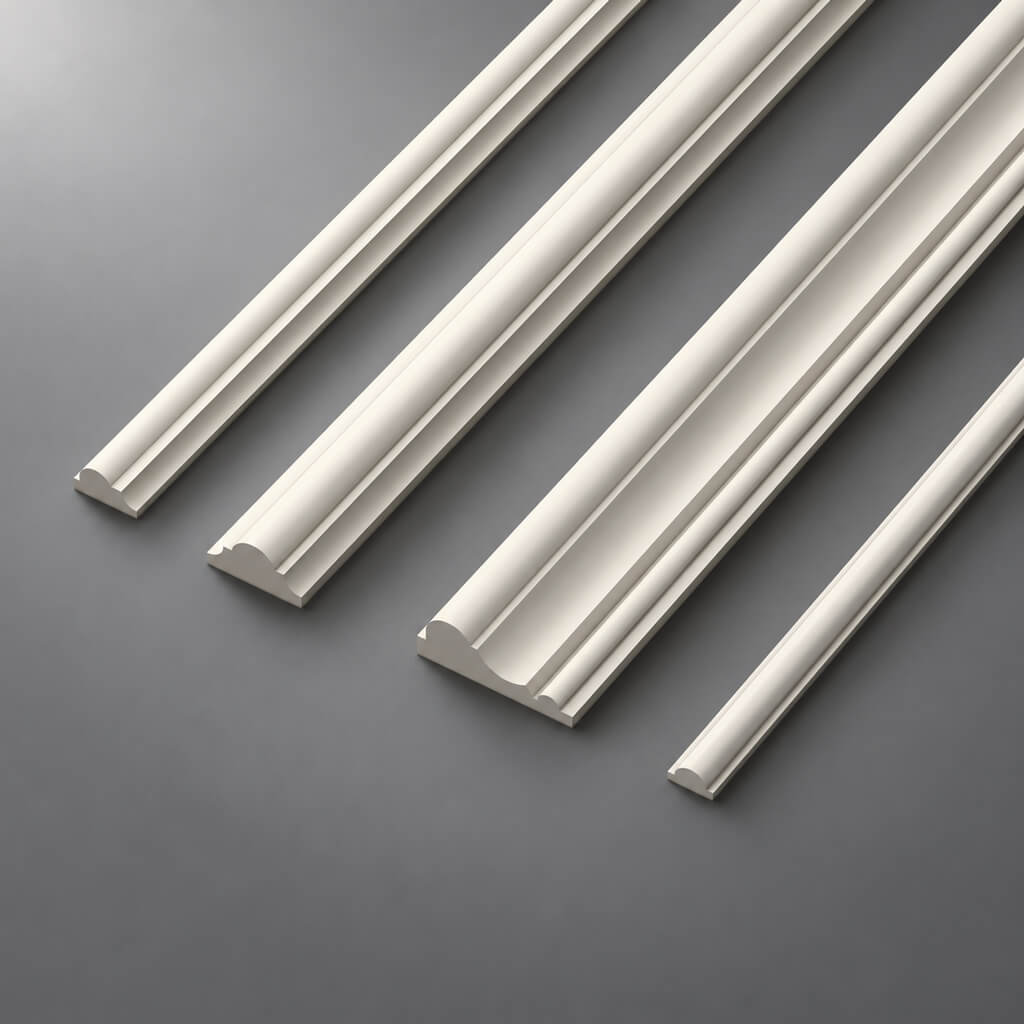
- Moldings
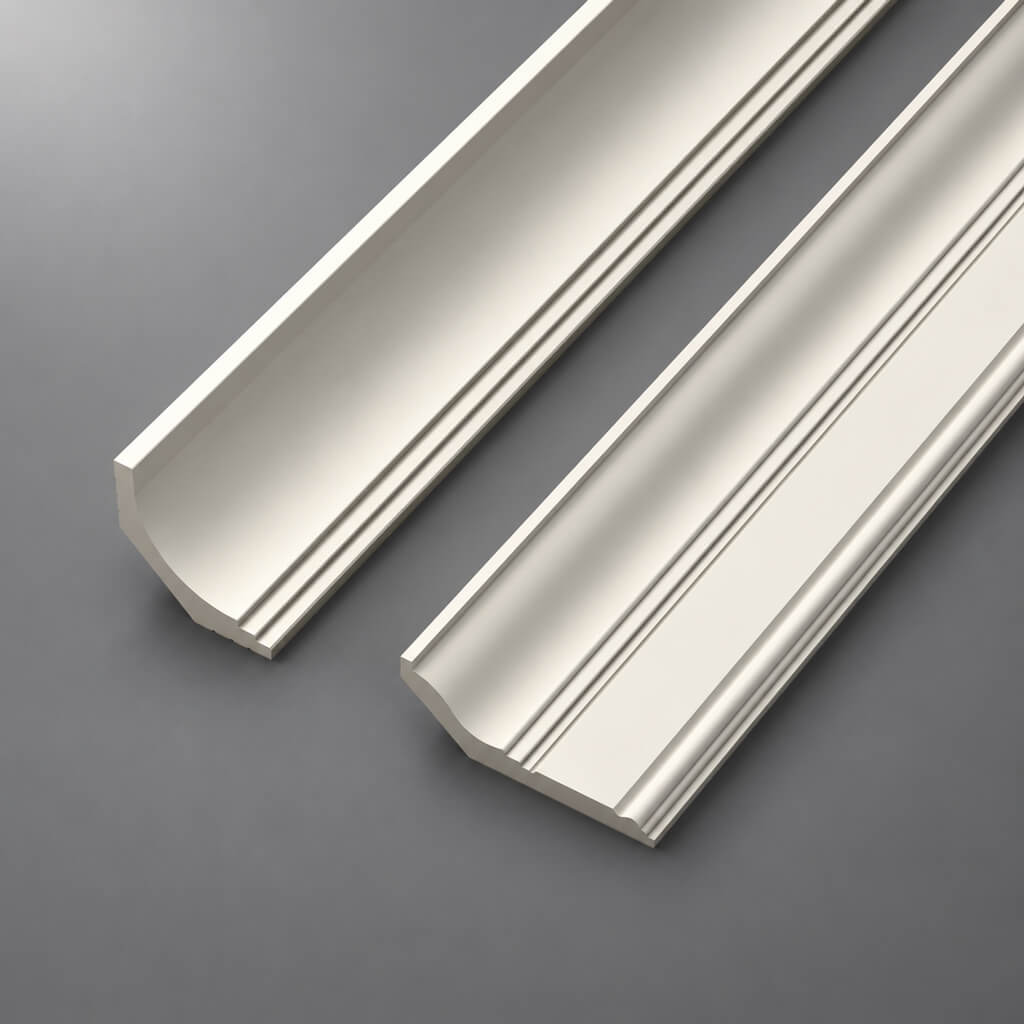
- Cornices
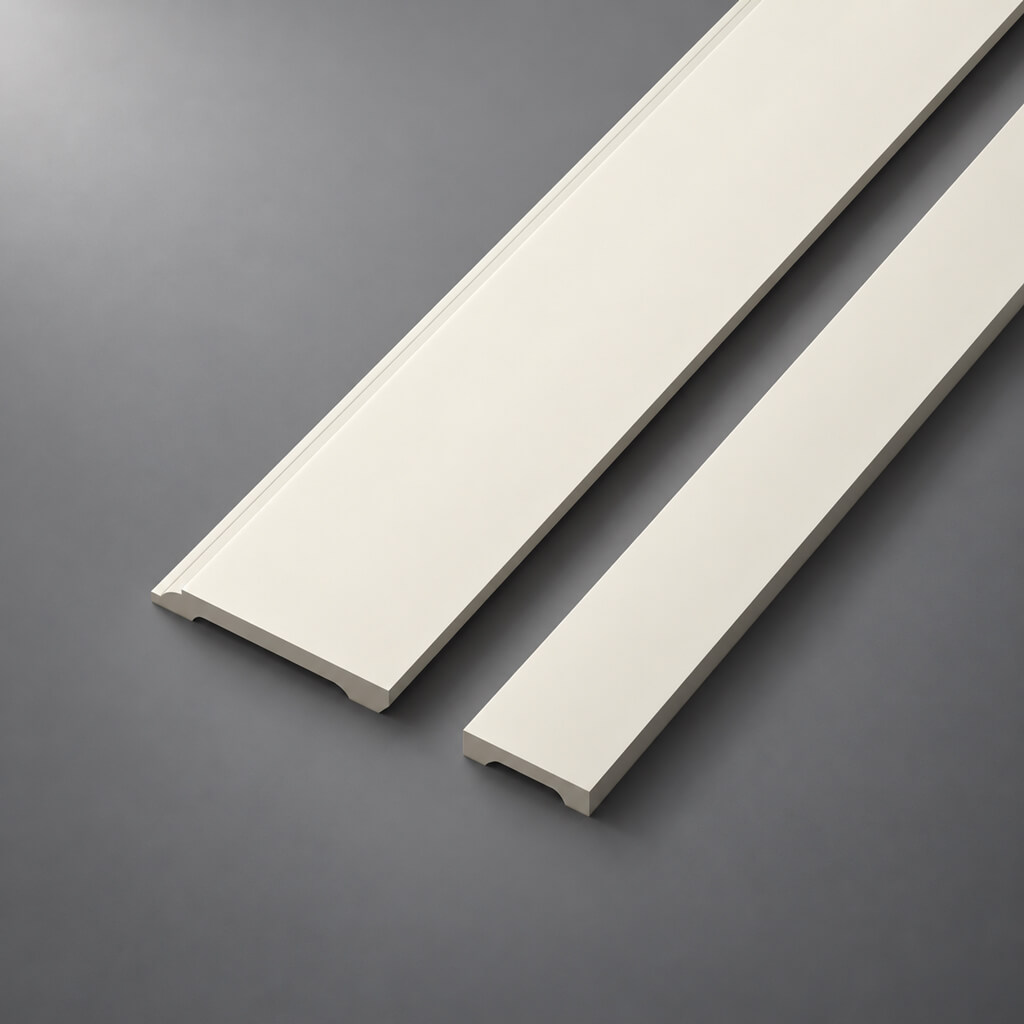
- Baseboards
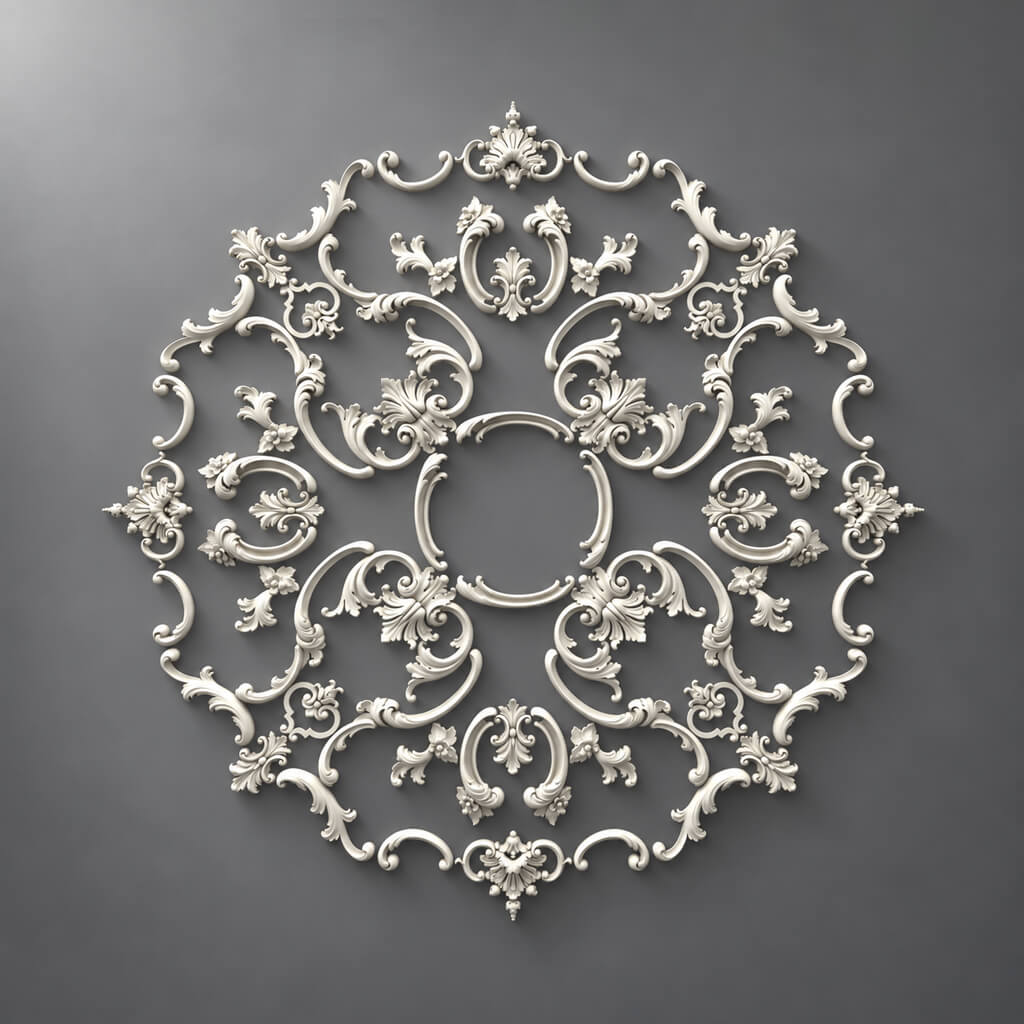
- Ceiling Rosettes
- Pilasters and Columns
- Capitals
- Overlays and brackets
- Daylight
- Side Lighting
- Evening scenario
- Hidden Lighting
- Mistake 1. Scaling the profile for the sake of composition
- Mistake 2. One mesh for the entire pilaster
- Mistake 3. Mirror instead of checking the right SKU
- Error 4. Proxy without a source model
- Error 5. 3D was updated, DWG was forgotten
- Error 6. One material for different physical products
- Error 7. Quantity is counted only by the number of objects
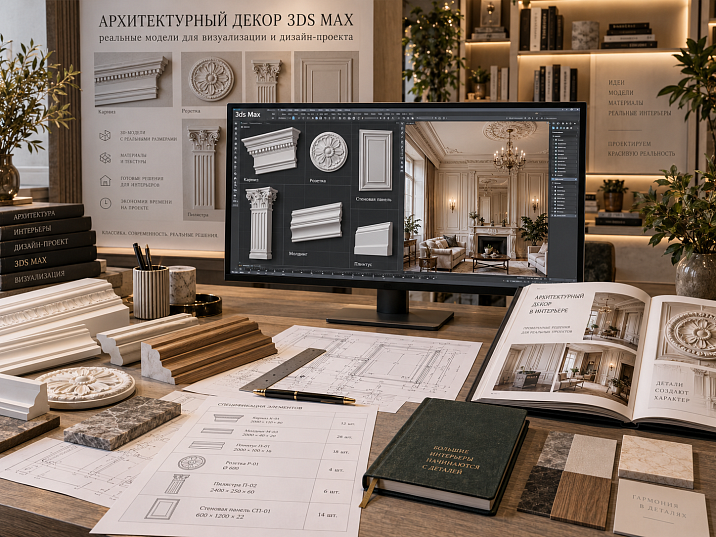
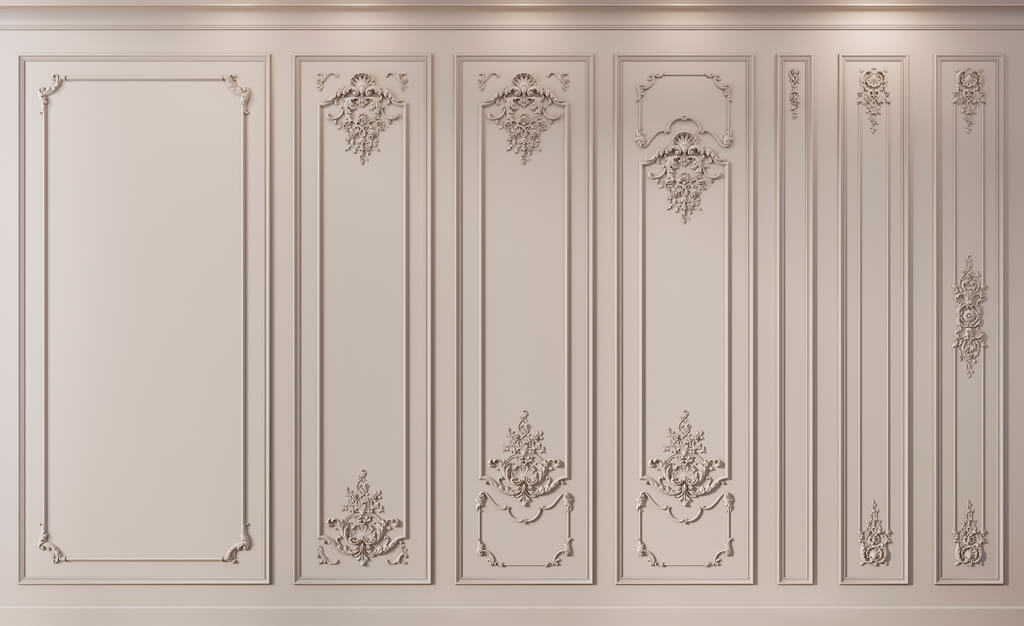
A beautiful render can become technically useless the moment the specifier opens the specification and asks: "Which moulding exactly is used here?" In the image everything looks convincing — the relief reads clearly, the frames are assembled, the cornice casts the right shadow. But in the scene the object is called decor_final_5, its original profile was once downloaded from a shared library, and the visualizer increased the width by about a third, because that made the composition look more expressive.
For a sketch this is acceptable. For a working design project — it is not.
Architectural decor in 3ds Max becomes a project tool only when digital geometry is linked to a real product. The model must have a clear manufacturer, SKU, actual size, material, and status. After the visualization is approved, the same SKU must move into the DWG and the specification, and then into procurement. That is why the working chain is built not from an abstract 3D model to a search for a similar product, but the other way around:
catalog → SKU → 3D model → 3ds Max → visualization → DWG → specification → quantity → order.
STAVROS has a dedicated section for this kind of work with 3D models and DWG drawings of architectural decor. It allows you to start the scene from a real product base, rather than from a decorative object of unknown origin.




What architectural decor in 3ds Max means in a real project
For a visualizer, a 3D model is often perceived primarily as geometry: it needs to be placed in the scene, assigned a material, lighting set up, and a convincing frame produced. For an architect and a specifier, this is not enough. They look at the same object differently: can it be ordered, does it match the drawing, what size is it, does the required right or left version exist, how many units will be needed.
This is where the fundamental difference between a decorative asset and a project model comes from.
A random asset may have an excellent mesh, a clean UV layout, and a ready-made material for Corona Renderer. But if it is impossible to determine which real product is depicted, it should not automatically become a final element of the project. Its status is a temporary visual placeholder.
A project 3D model answers at least three questions:
- Which real product is it?
- What are its actual dimensions?
- Can this exact SKU be ordered after approval?
If there is no answer to any of the questions, it is too early to consider the scene linked to the specification.
For a design studio, this discipline is especially useful. One specialist may handle visualization, a second the working documentation, and a third the purchasing. Two months later, none of them should have to reconstruct the model's origin from its appearance. For professional work, STAVROS separately combines materials for designers and architects, including a library of 3D models and DWG.



Why a random model from a 3D library creates risk
The problem rarely shows up at the modeling stage. It appears later, once the beautiful image has already been approved.
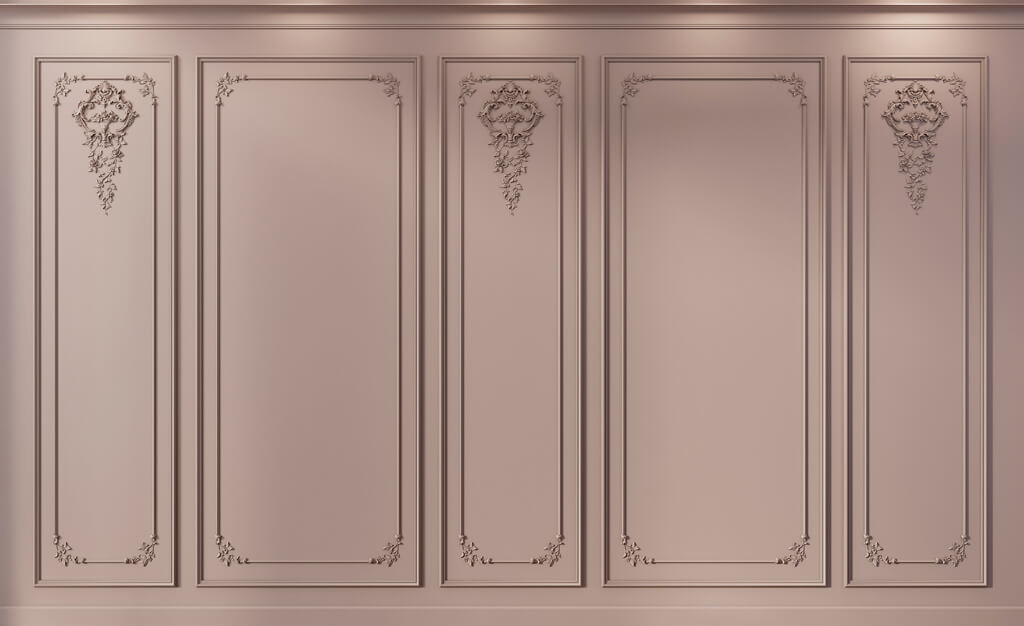
Imagine a frame on the wall. The visualizer found a suitable molding, placed it along a spline, and slightly increased the cross-section so the profile reads more strongly in the shot. The client sees the finished composition and approves it. A few weeks later, the specifier starts looking for the product. There is no exact equivalent. One molding is too narrow, another has a different projection, a third differs in relief.
On the plan this may seem insignificant. On the wall the difference becomes noticeable: the thickness of the shadow changes, the width of the frame, the relationship of the decor to the door casing and baseboard. If the cornice is also replaced, the upper boundary of the entire room changes.
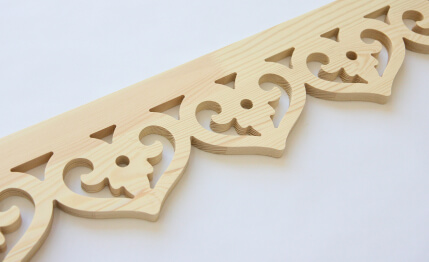
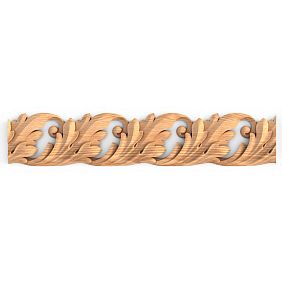
With carved wooden decor the risk is even higher. Scaling a complex applique changes not only the overall dimensions but also the proportions of the pattern. A scroll designed for one width starts to look different after being stretched. The model formally occupies the right place, but no real product with such geometry exists.
Therefore, for the final stage the order should be reversed:
real SKU → verified size → model → scene.
This does not prohibit using libraries. They are useful in an early sketch, when the task is to test a compositional principle. But such an object must be explicitly marked as unapproved and replaced before the final render.
Our factory also produces:


SKU first, then 3ds Max
The workflow is conveniently built in six steps.
Get Consultation
1. Select a product category
First, it's not the "beautiful object" that is determined, but the type of product. For a wall, this could be a molding, a decorative overlay, a pilaster, or a ready-made composition. For a ceiling — a cornice or a rosette. For the lower part of the wall — a baseboard.
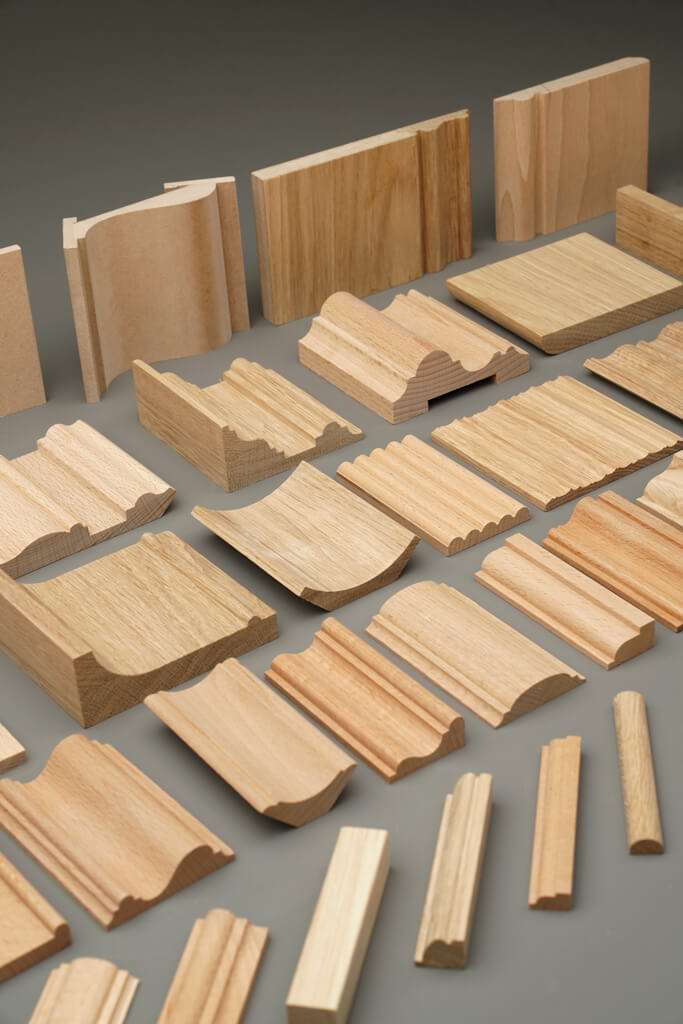
In the STAVROS catalog, you can view separately polyurethane molding и Wooden architectural decor. The material here is important not only for purchasing: it affects the permissible geometry, processing, painting, and the representation of the surface in the visualization.
2. Lock in a specific SKU
Before importing into 3ds Max, it's best to record the item code in the project's working spreadsheet. Not "classic molding 40 mm," but a specific catalog item.
It is the SKU that will serve as the common identifier between the scene, the DWG, and the specification.
3. Check the actual dimensions
Don't trust the visual scale of the preview. Record the width, height, depth, and for linear trim — the supply length, if it matters for subsequent calculation.
For a cornice, two dimensions are especially critical: the height along the wall and the projection along the ceiling. They determine how much space the product will actually occupy near the curtain niche, built-in wardrobe, or light line.
4. Get the 3D model
Look for the model of the specific product you selected or the official digital library for the corresponding product group. On the page 3D models of STAVROS separate archives of models and drawings are available for different product categories.
5. Import the object into the scene
After importing, don't start placing dozens of copies right away. First check the units of measurement, dimensions, orientation, and pivot.
6. Verify the model against the product page
A handy check: if you open the object in an empty scene and measure it, will its real dimensions match what is stated for the product?
If not, fix the technical issue first. The composition can wait.
Which categories of architectural decor are needed in 3ds Max
Different decor groups require different modeling logic. The mistake is treating them as identical mesh objects.
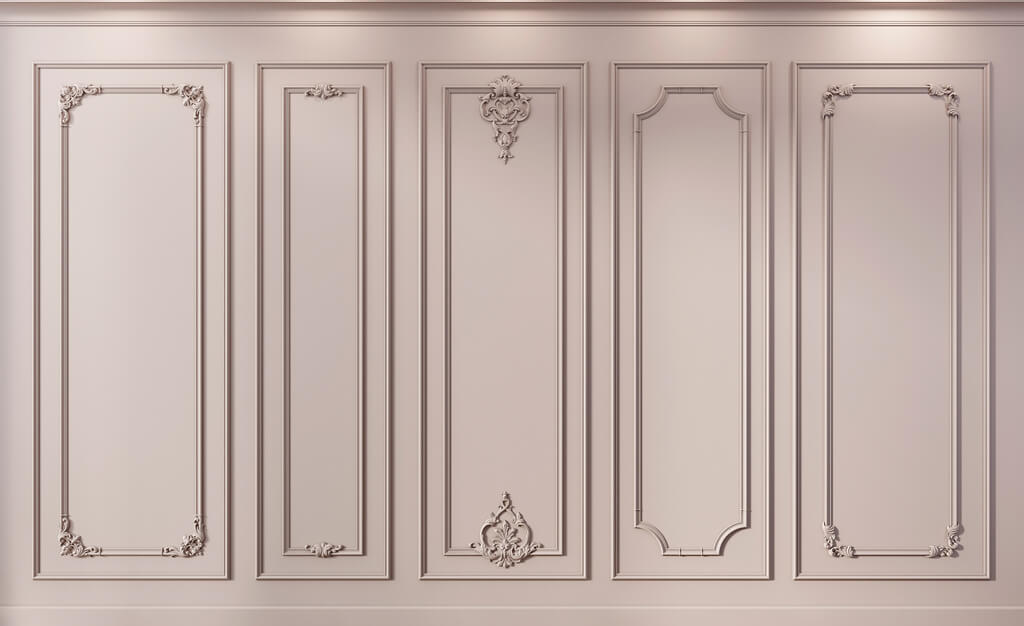
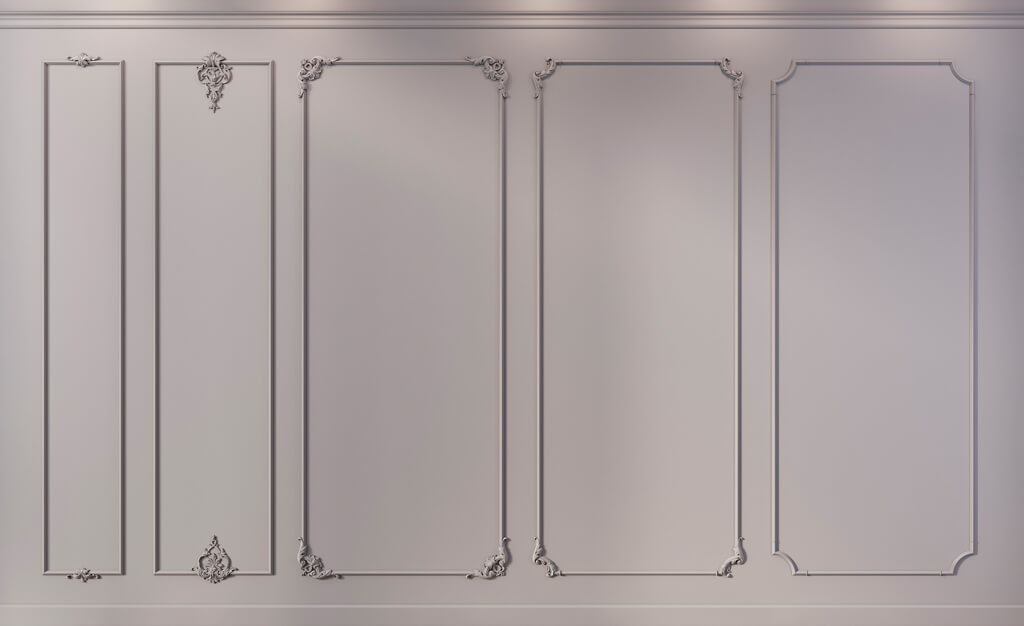
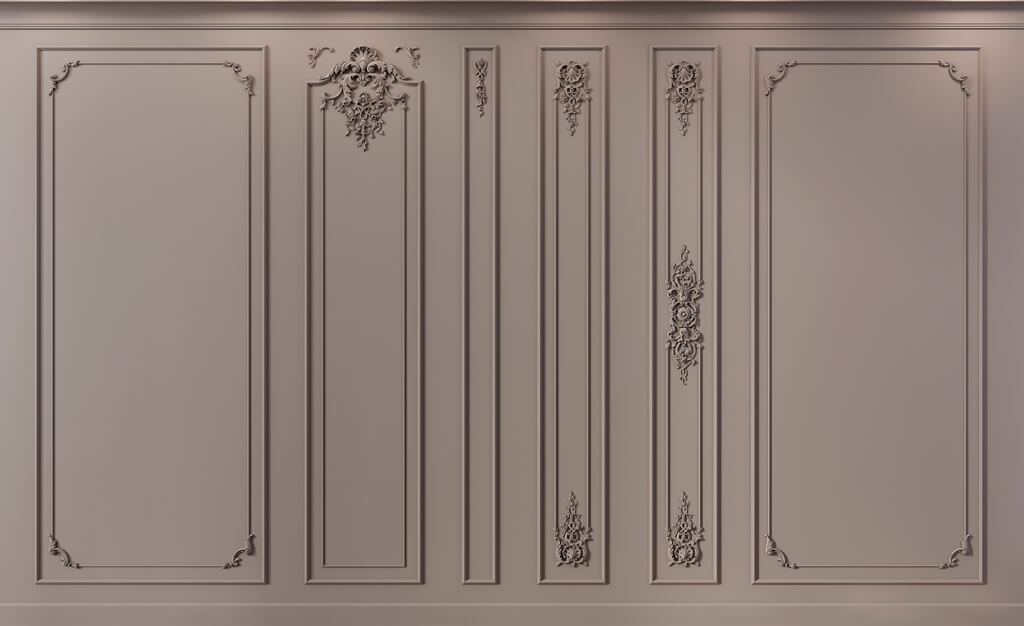
Moldings
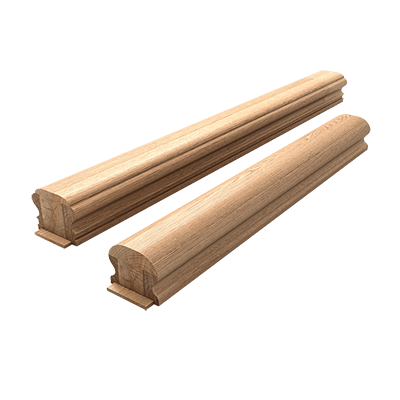
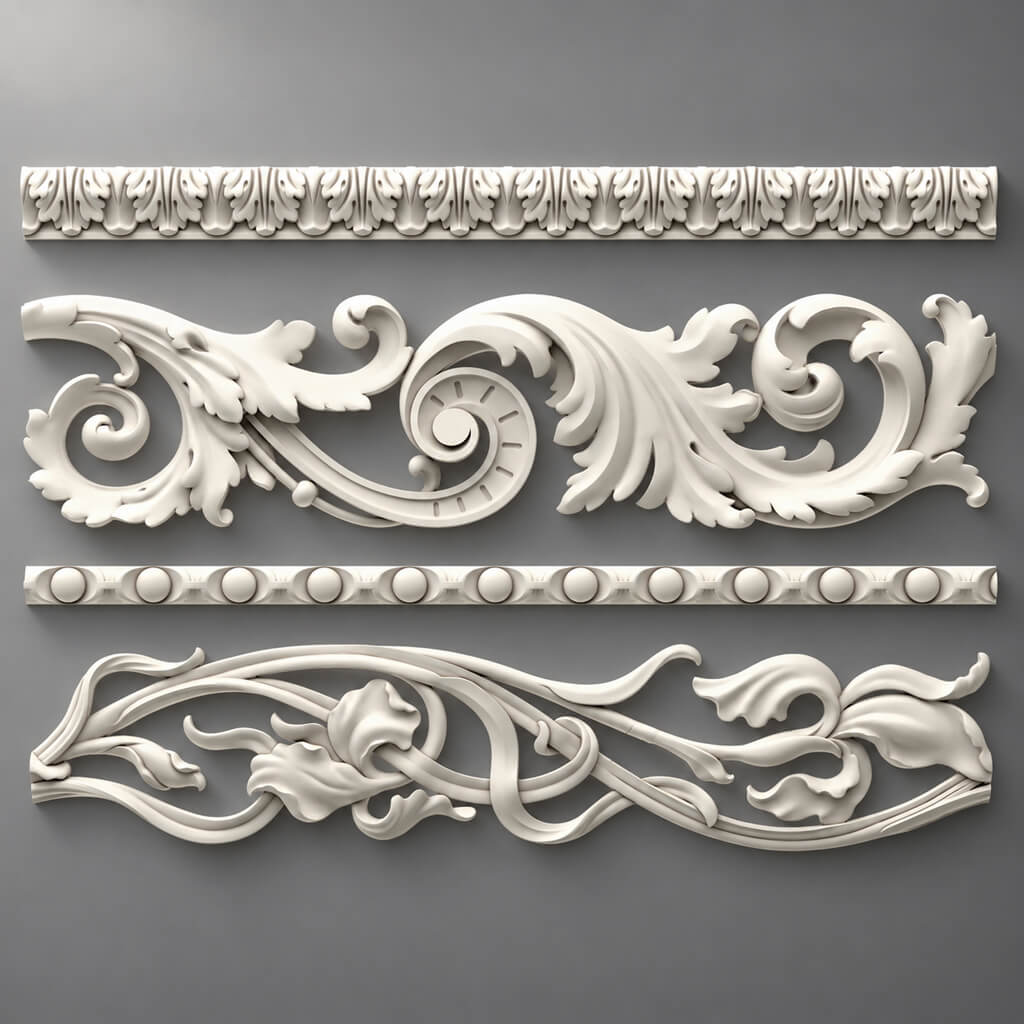
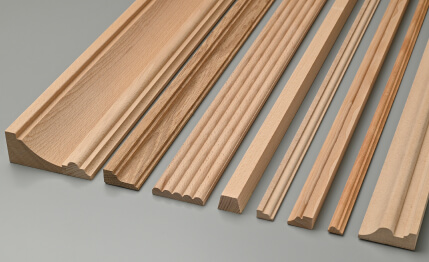
Molding is most often used as an extended profile: a frame on the wall, a horizontal line, panel edging, or a transition between decorative zones. In 3ds Max, it makes sense to store the actual cross-section and build the design length along a spline.
The section suitable for product selection is of polyurethane moldings.
Crown Mouldings
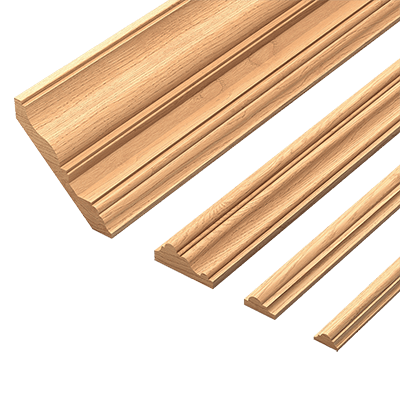
Cornice works at the boundary between wall and ceiling. It cannot be evaluated by the frontal view alone: the cross-section matters. A deep profile can conflict with a curtain niche, a door up to the ceiling, furniture, or concealed lighting.
Baseboards
Baseboard defines the lower architectural line. In visualization, its height is especially noticeable next to a door. A 60–80 mm profile is perceived almost as a technical finish of the flooring, while a tall baseboard begins to form an independent wall band. Therefore, the scale here cannot be chosen "by eye."
Ceiling medallions
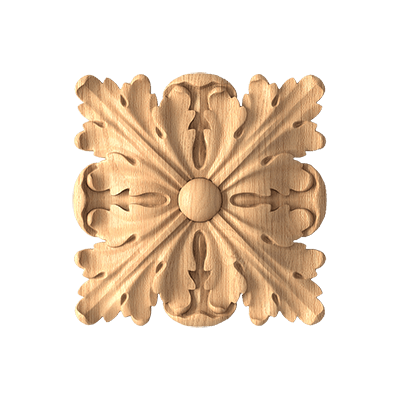
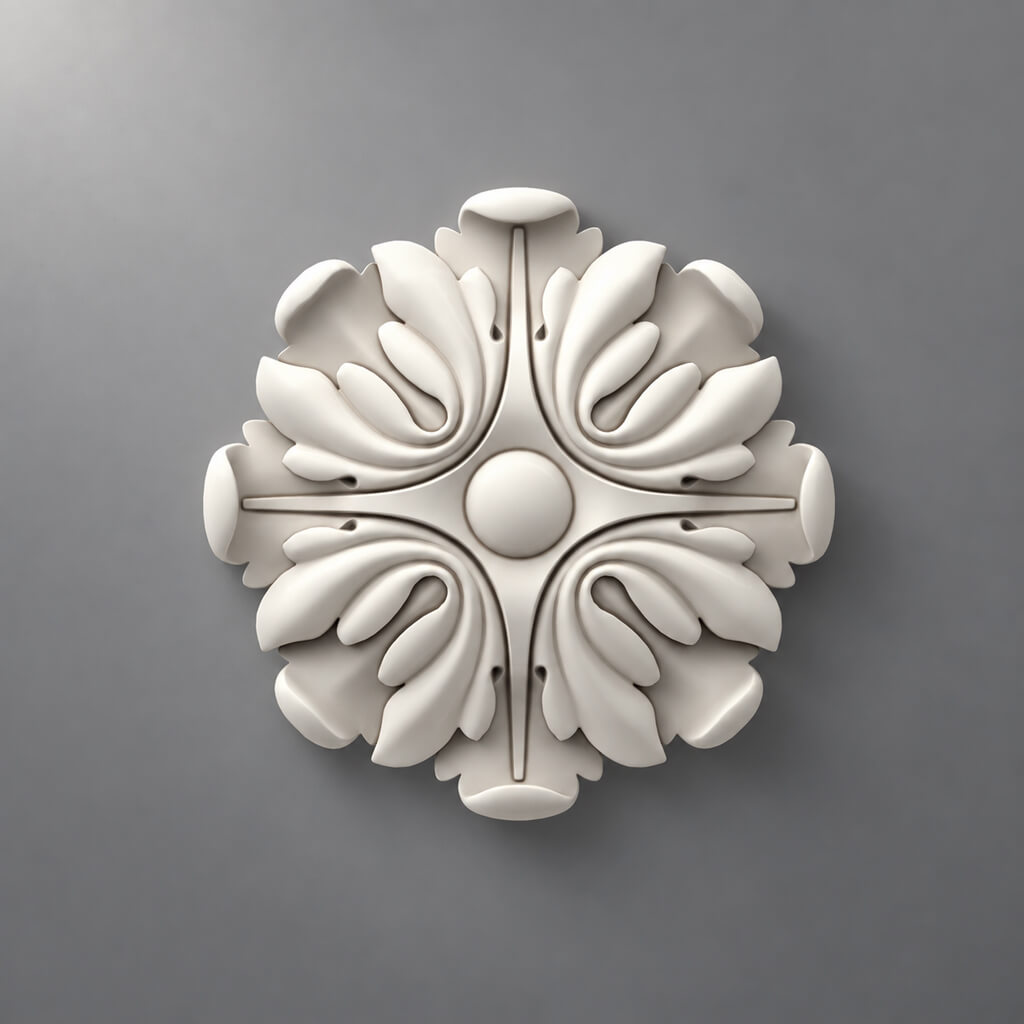
Rosette is a piece object. Its center, diameter or outer dimension, relief, and correct pivot are critical. The category can be checked in the section ceiling rose.
Pilasters and columns
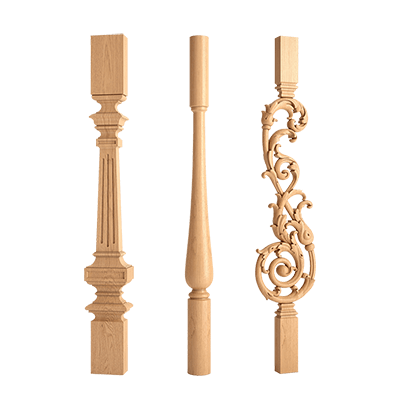
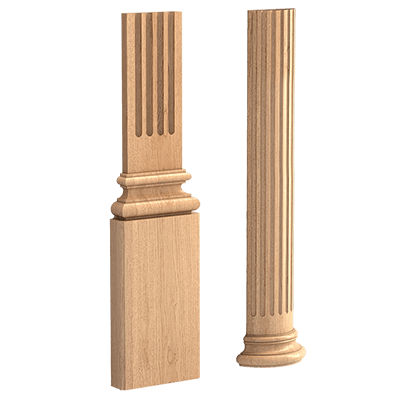
Pilaster is almost always more important as a system than as a single mesh. The base, shaft, and capital can be separate product items. For such tasks, it is useful to immediately cross-check pilasters and columns and not merge parts without necessity.
Capitals
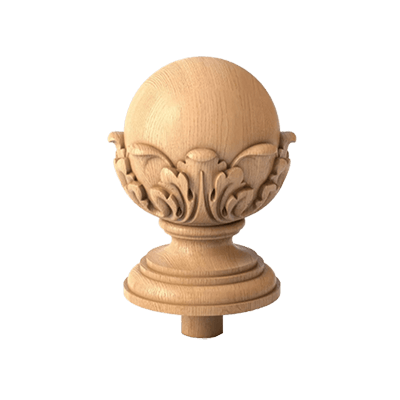
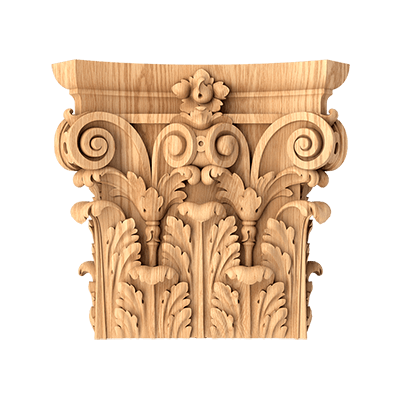
Capital completes the vertical composition and usually has a fairly expressive relief. In a close-up shot, mesh simplification quickly becomes noticeable. A separate category capitals allows linking the shape to a specific product.
Overlays and brackets
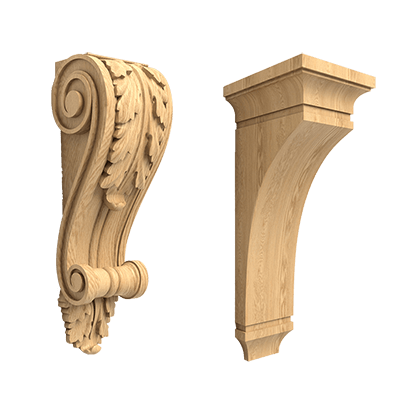
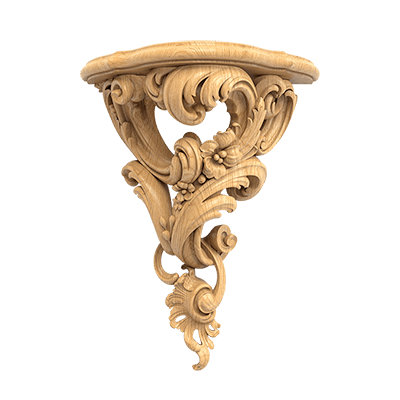
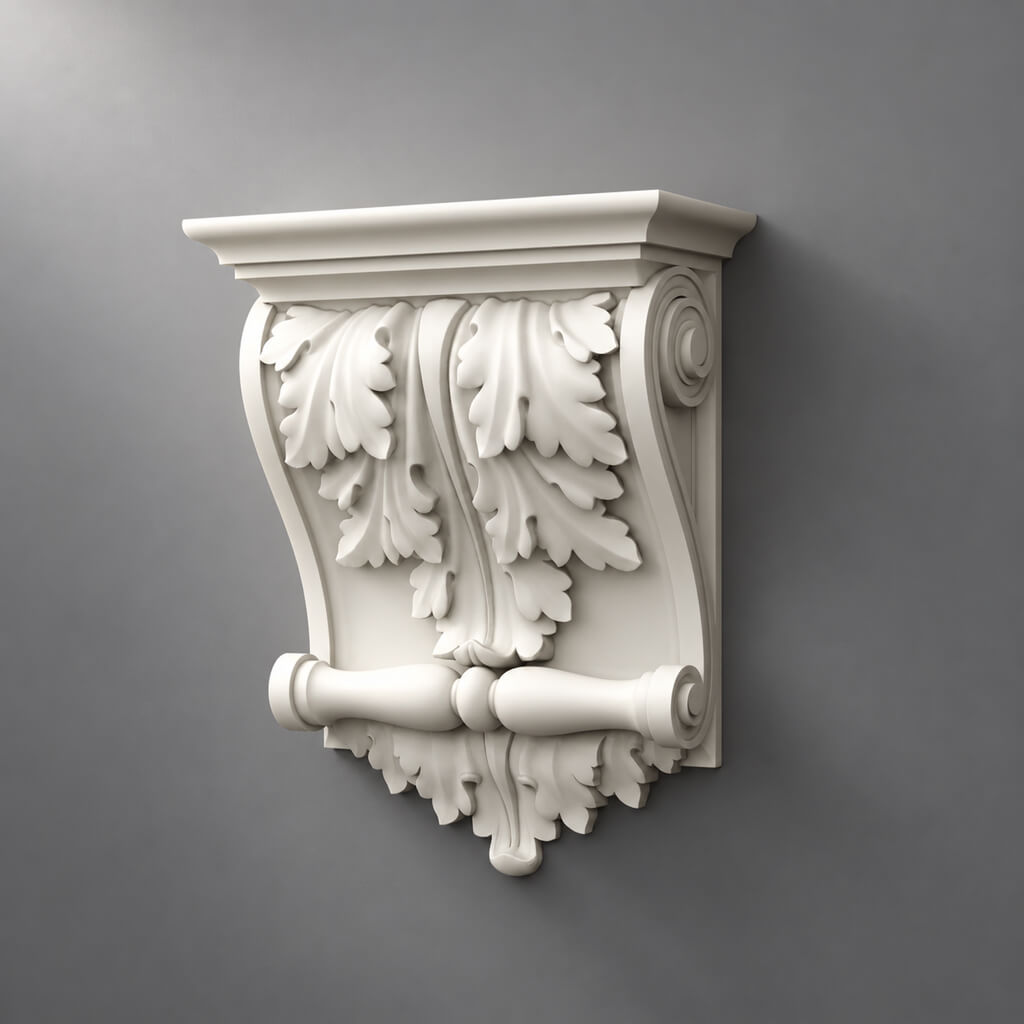
This is piece decor, where orientation, pairing, and actual size matter. For polyurethane elements, you can use the section of stucco decor and overlays. Arbitrary mirroring is especially dangerous here if the product has distinct left and right SKUs.
System Units: the error that quietly breaks the entire project
In 3ds Max, there is a temptation to judge size by how an object looks relative to the camera. This is unreliable. The camera can be moved closer, the field of view can be changed, and the environment can be temporarily hidden. The only proper control is numeric size.
For an architectural scene, it is convenient to maintain a clear unit system, for example millimeters. What matters is not only what is displayed in the interface, but also how the scene interprets real units on import.
After loading a new object:
- select the model;
- check its dimensions using measuring tools or the Bounding Box;
- match the width, height, and depth with the data of the selected SKU;
- check the orientation of the local axes;
- only after that, move the object into the working composition.
If the product card lists a profile width of 40 mm, but the Bounding Box shows 4 or 400 units, this is not a minor formality. Later, the error will make its way into frames, distances to doors, intersections with furniture, and possibly quantity calculations.
The case where the entire scene was initially imported with an incorrect factor is especially dangerous. Then the decor visually "matches" other equally incorrectly scaled objects. From the outside, the scene looks consistent, but the connection to real dimensions is already gone.
Why 1:1 scale is mandatory
If a molding has an actual width of 40 mm, its cross-section in the scene must be 40 mm. If the designer needs a 70 mm profile, the correct action is to find another SKU with the required dimension.
Simply stretching a 40-millimeter molding to 70 mm means inventing a product that does not exist in the catalog.
This rule becomes especially clear next to a door casing. Suppose that in the visualization the frame is built with a profile about 70 mm wide, while in reality a 40 mm option was chosen. A 30 mm difference sounds small until you look at both verticals side by side. The thickness of the decorative line will decrease by almost half, the relief will become weaker, and the empty field around the frame will visually increase.
With a rosette or carved overlay, scaling is even more dangerous. Here the entire pattern changes.
A 1:1 scale also has organizational benefits: different specialists can open the model without guessing "what Scale the previous author used."
What can be scaled and what cannot
Not every size change is the same.
For linear trim, the design length does change. The same molding model can run along a wall at 900 mm, 1800 mm, or 4200 mm — this does not mean the profile itself has become different. The path length changes, while the cross-section remains a sellable product.
Therefore, for molding it is permissible to change:
- line length;
- path shape;
- number of segments;
- corner configuration.
But it is not permissible to change without changing the SKU:
- profile width;
- its height;
- overhang;
- relief;
- section thickness.
A short formula is more useful here than a long explanation:
length depends on the project; profile depends on the product.
Individual decorative pieces — rosettes, appliqués, brackets, capitals — are generally best not "fitted" by scaling to fill available space. If a rosette is too large for the ceiling field, a different size is chosen rather than shrinking the existing model.
How to work with molding in 3ds Max: profile, spline, and Sweep
For linear trim, the workflow of actual section → spline → Sweep is usually more convenient than dozens of ready-made mesh segments.
First, you need a profile. It can be obtained from a correct 3D object or use a DWG section if one is available for the specific item. Then a path is built — for example, a rectangular frame on the wall — and the profile is swept along it.
The advantages become obvious only after a few project revisions.
The client asks to reduce the frame by 120 mm? The spline is changed, not four separate segments. The door has moved? The path is adjusted. Need to repeat the composition on the adjacent wall? You can use a copy of the spline and the same proven profile.
In addition, this scheme better separates two different parameters:
- the product geometry of the profile;
- the design geometry of the line.
This is also useful for the specification. The profile remains a single SKU, while the total length is calculated based on the design segments.
At the same time, one must not forget about joints and corners. The geometric length of the spline is not yet equal to the ordered quantity. The actual cutting depends on the length of supplied elements, trimming, the number of corners, pattern repeat, and allowable remainder. 3ds Max helps control the route, but it should not single-handedly determine the purchase.
Architectural molding frame: why the center of the wall is not always needed
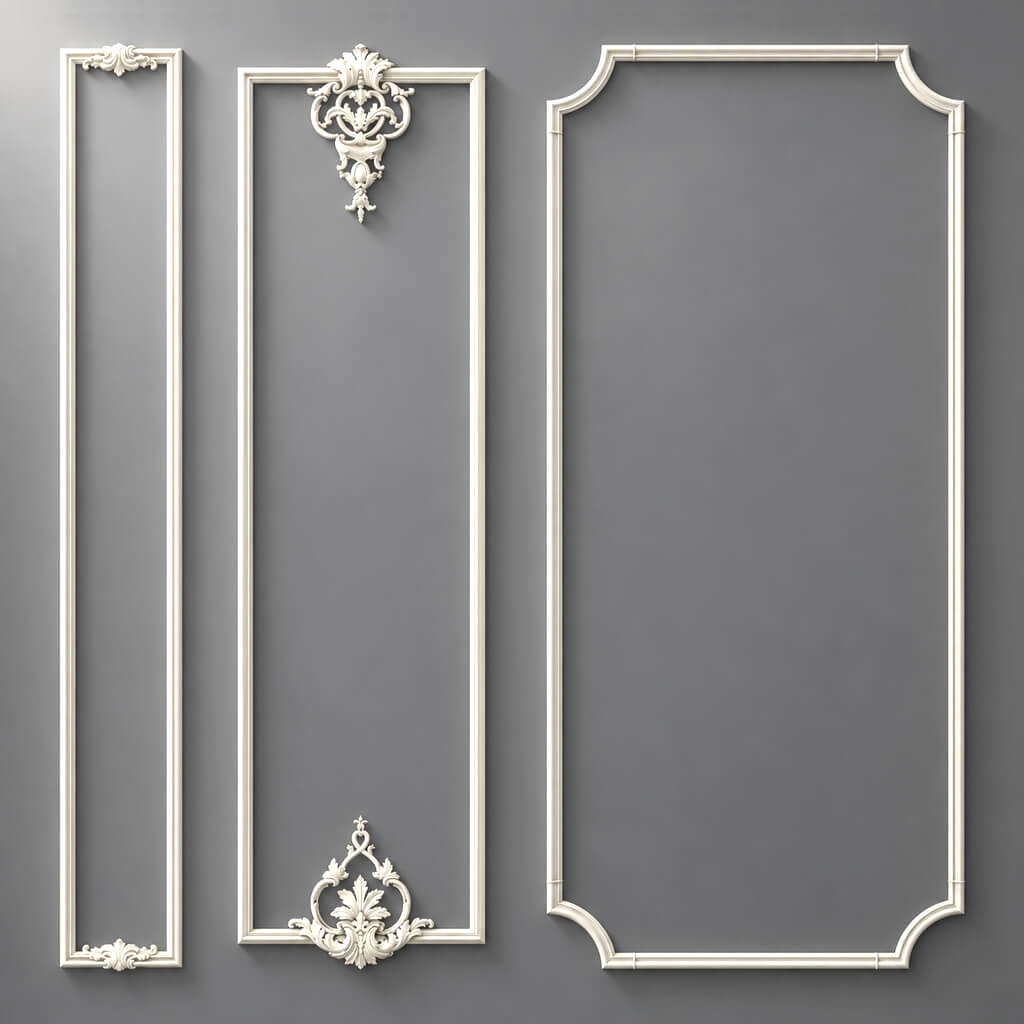
The simplest frame is a rectangle symmetrically positioned on the wall. In a real interior, the symmetry of the wall often does not coincide with the symmetry of the visible space.
Let's imagine a wall 3.6 m wide. On the left stands a tall cabinet 600 mm deep, on the right a door casing begins. The formal geometric center of the entire wall passes through one point, but a person perceives only the open section between the cabinet and the door. If the frame is centered relative to the full wall, it will look offset.
In the scene, you need to control:
- the width and height of the frame;
- distance to the baseboard;
- distance to the cornice;
- intervals between adjacent frames;
- offset from door casings;
- furniture position;
- sockets, switches, and wall lights.
Here the molding works as a line that reveals the geometry of the wall. A thin profile adds almost no mass to it. A wide profile with deep relief behaves differently: the shadow breaks up the plane, and the wall itself begins to be perceived as an architectural surface.
Therefore, it is better to check the composition not only frontally, but also from a real camera — from the distance at which the interior will be perceived by a person.
Cornice: two dimensions instead of one
The cornice is often chosen based on the height of the profile's face. In 3D, this is not enough.
It has at least two critical coordinates:
- height along the wall;
- projection along the ceiling.
It is the projection that creates many conflicts. A profile may look good on a clean wall, but it can intrude into a curtain niche, cover part of a ventilation grille, or conflict with a door that rises almost to the ceiling.
Before the final render, it is useful to check the cornice in section or at least in orthographic views. It is necessary to compare it with:
- curtain niche;
- top of cabinets;
- door portals;
- ceiling levels;
- hidden lighting;
- tracks and other lighting elements.
Side light is especially revealing. A profile that seems calm in a grey model can cast a wide shadow after lighting is set up and visually lower the ceiling. Therefore, evaluating it only from a contour drawing is not enough.
Ceiling rose: work from the center
The rose has a logical anchor point — the center of the product. A pivot placed at the center makes further work noticeably easier.
The model can be:
- precisely aligned with the fixture's axis;
- replaced with another rose without lengthy positioning;
- snapped to the ceiling plan coordinates;
- check the distance to the cornice and neighboring elements.
If the pivot is on a random vertex or far from the object, any rotation and scale check turns into unnecessary technical work.
But the center is only half the task. The second parameter is the actual outer size. In a small room, the rose is perceived almost entirely within a single field of view. Too large a diameter may visually compete with the fixture, while too small a one may get lost on the ceiling. Therefore, the actual SKU is selected first, then its dimensions are checked relative to the room and the fixture.
Pilaster is a system
It is convenient to think of a pilaster not as a single object, but as a bundle:
BASE + PILASTER + CAPITAL.
This approach is useful even when the entire vertical appears as a single element in the visualization.
Why separate them? Because a project changes in parts. The room height, the width of the wall section, the type of capital, or the base may change. If all the geometry is merged into a single mesh and is not linked to article numbers, replacement becomes manual rework. If the components are separate but combined into a project system, you can change a specific part.
In the specification, this is even more important. Three visually related parts may be three different SKUs and be purchased separately.
Object names may look, for example, like this:
STAVROS_BASE_XXX
STAVROS_PILASTER_XXX
STAVROS_CAPITAL_XXX
Inside 3ds Max, they can be grouped or linked hierarchically, but product identifiers must be preserved.
Left and right elements: Mirror does not always mean the correct SKU
Decorative collections include elements with L and R orientation. In a scene, it is very easy to take the left model, apply Mirror, and get a visually suitable right one.
Geometrically, this may look flawless. For purchasing, it may turn out to be a mistake.
If the manufacturer produces separate left and right items, they must exist in the scene as different objects with different SKUs. If there is no right article number, one cannot automatically assume that a mirrored version can be manufactured or ordered.
This is especially critical for asymmetric carved overlays, decorative finials, and elements that must form a pair.
A good check is simple: open the catalog and make sure every orientation present in 3D exists as a real product.
Object names: the scene should be understandable without the author
decor_final_5 understandable only to the person who created the object five minutes ago.
After two months, such a name no longer means anything. After six months, it becomes practically useless.
Much better:
STAVROS_N-422
or
STAVROS_MLD-014
If the studio needs more service information:
STAVROS_MLD-014_PU_3D
A good naming system should allow another specialist to understand, without calling the author:
- manufacturer;
- article number;
- category;
- sometimes material;
- object status.
For a temporary placeholder, you can use a prefix like:
PLACEHOLDER_NOT_APPROVED
After approval:
STAVROS_SKU_APPROVED
The point is not the specific words, but that the status is visible directly in the scene and, if necessary, in the specification.
Why SKU should live inside the 3D scene
The specification is usually considered the main document for procurement. But if the SKU is present only in Excel, the link to the scene is easily broken.
Let's imagine that after approval, the designer replaced the molding with another, narrower one. The object in 3ds Max was updated, but the specification line was not. The visualization shows one thing, procurement orders another.
The reverse situation is just as real: the procurement specialist changes an item in the table due to a product being unavailable, but the model remains old. At the next approval, the client sees the previous relief.
If the SKU is embedded in the object name or custom properties, discrepancies are easier to notice. The 3D scene stops being a separate picture and becomes part of the project's information chain.
Instances instead of independent copies
If one decorative overlay is repeated twenty times, creating twenty independent objects is not always reasonable.
Instance provides a more manageable structure. When the base geometry changes, all instances update simultaneously. This is especially convenient for repeating elements such as frames, wall decor, identical brackets, or sockets across a series of rooms.
Imagine the client asks to replace the overlay with a more subdued one. With independent copies, each object must be checked. With Instances, it is enough to replace or update the master object — provided that the new position really should be used in all places.
But Instance does not replace the specification. If the same SKU is used in different rooms, you still need to understand the total quantity and installation locations.
Sometimes copies are needed deliberately: for example, one instance must be locally modified for a specific assembly. In that case, it is better to unlink it and give it a clear name so that the unique version does not look like a standard one.
When to use Corona Proxy and V-Ray Proxy
Complex carved decor can contain a dense mesh. If there are dozens or hundreds of such objects, the scene becomes heavy: memory consumption increases, the viewport slows down, and save and open times grow.
Proxy is useful precisely here — when repeating geometry is too heavy for normal work.
But technical optimization must not destroy project information. With proxy, you still need to preserve:
- correct scale;
- source SKU;
- clear name;
- orientation;
- connection to the original geometry.
It is good practice to keep the master model separate and not permanently replace it with an exported proxy file. If you later need to change the UVs, inspect a part up close, or prepare a different level of detail, the source should remain available.
For a single simple overlay, a proxy may be unnecessary. Optimization is justified only where it actually reduces the load.
Polygon count: where you can save and where you cannot
Architectural decor is difficult because its form is read through shadow. Simplifying the mesh may be almost unnoticeable in frontal light and immediately apparent in side light.
For a large scene, you can have several versions:
- HIGH — for close-ups;
- MEDIUM — for most interior angles;
- LOW — for distant shots.
All versions must have matching external dimensions. Otherwise, replacing the LOD will change not only the level of detail but also the actual geometry.
What must not be roughly simplified in a close-up shot:
- silhouette;
- sharp or distinctive edges;
- deep relief;
- undercuts;
- cross-section profile of the molding;
- a shape that casts a noticeable shadow.
A Normal Map is useful for fine relief, but it does not change the actual silhouette. If the camera sees an element from the side, a flat normal map will not replace the geometry of the protrusion.
A material in the Material Editor and a product's material are not the same thing
In 3ds Max, the word "material" more often refers to a set of shader parameters. In a specification, material is a physical characteristic of the product.
These entities are related but not equivalent.
A white polyurethane element and a white wooden overlay may look almost identical in a render after finishing. But for procurement, installation, and processing, they are completely different items.
Therefore, two levels of information need to be stored in the scene or table:
Visual material:
- color;
- roughness;
- bump;
- texture;
- reflection parameters.
Physical material:
- polyurethane;
- Oak;
- Beech;
- MDF;
- another material of a specific SKU.
The Material Editor answers the question "how does the object look in the frame." The specification answers "what exactly needs to be ordered."
Wooden decor: visualization must account for grain direction
With wood, texture scale and grain direction significantly affect realism. On long linear moldings, the elongated texture should match the geometry of the part. On a carved element, incorrect UV mapping can make the relief look plastic, even if the color is chosen correctly.
Check:
- texture scale;
- grain direction;
- UV;
- map repeatability;
- hue and contrast;
- response to side lighting.
But a render should not become proof of the exact species, shade, or finish. The screen, lighting, and color reproduction of the camera and monitor change perception. For the final decision, a physical sample remains a separate step.
If the project involves carved elements, it is better to start with STAVROS wooden architectural decor and only after selecting a specific item build the visual material.
Polyurethane decor in 3ds Max
The query "architectural polyurethane decor" matters precisely because it combines design and product intent. In a scene, polyurethane is usually perceived not as a self-sufficient "plastic" surface, but as a product that, after installation, can be painted in a chosen color and work together with the wall or ceiling.
Four things are critical for visualization:
- correct profile;
- real relief;
- color;
- light and shadow.
If the geometry is incorrect, a perfectly tuned shader will not fix the situation.
For selection and subsequent purchase, use the section moldings from polyurethane, and for moldings — Moldings made of polyurethane. In this case, the scene retains a specific SKU, not just the category name.
Light and shadow: decor is read not by color, but by relief
Architectural decor can almost disappear under frontal diffuse light and become dominant under side light. This is not a rendering error, but a consequence of the shape of the relief surface.
A thin molding with a slight projection casts a narrow shadow. A deep cornice or carved overlay creates a complex interplay of light and shadow. That is why two white elements of the same color can be perceived completely differently.
It is best to check the decor in at least several scenarios.
Daylight
Light from a window quickly reveals how pronounced the relief is at the actual viewing distance.
Side lighting
Useful for moldings and carved elements. Even a small depth starts to read much more strongly.
Evening scenario
Artificial light is often positioned differently from daylight. Relief that is almost invisible in the morning can cast a long shadow in the evening.
Hidden lighting
Especially critical for cornices. Lighting can highlight even a minor geometry defect or the junction of the profile with the wall.
Therefore, the final choice of profile should not be made based on a "gray" clay preview without light.
How to check the architectural scale of a scene
A large model in a separate window looks impressive. In a room, it may turn out to be almost unnoticeable.
Compare decor not against an empty viewport, but against clear scale references:
- a door;
- ceiling height;
- furniture;
- the baseboard;
- the light fixtures;
- a human figure, if one is used in the scene.
A good test is to move the camera back to a realistic distance. In a small room, a person rarely looks at molding from ten meters away. More often, the distance is one to three meters. Viewed this way, an overly large ornament can break apart into separate details, while an overly small one can turn into an indistinct shadow.
In a long hallway, the situation is different: the decor must also work from a distant point. The same profile can be appropriate in one room and weak in another.
Temporary and approved models must have different statuses
Large projects almost inevitably go through intermediate solutions. You cannot require every sketch to be built immediately only on finally selected products.
The problem begins when a temporary object is in no way distinguishable from an approved one.
A simple system can be used for statuses:
PLACEHOLDER_NOT_APPROVED
STAVROS_SKU_SELECTED
STAVROS_SKU_APPROVED
The point is not the specific words, but that the status is visible directly in the scene and, if necessary, in the specification.
Before the final render, it is useful to filter all objects with PLACEHOLDER. If any remain, the team immediately sees which zones are not yet ready for procurement.
How to correctly replace one SKU with another
Product replacement is not uncommon. The composition changed, the item is unavailable, the client chose a different texture. The mistake is to change only the line in the specification or only the model in the scene.
A full replacement goes through several levels:
- Catalog. Select a new real SKU.
- Size. Compare its dimensions with the old item.
- 3D. Replace the model or profile.
- Composition. Check frames, margins, collisions, and light and shadow.
- DWG. Update the working drawing.
- Specification. Replace the SKU, material, and other fields.
- Quantity. Recalculate if the delivery length or size has changed.
Why can't you replace just the Excel? Suppose the new curtain rod has a 25 mm longer projection. In the table, the change looks harmless, but in the room it may enter the curtain niche. Until the new geometry is verified in the scene and drawing, the replacement is not complete.
3ds Max and DWG must describe the same product
These files have different functions.
3ds Max shows how the product looks in space.
DWG shows how it is anchored, what profile it has, and how it fits into the working documentation.
The SKU answers the question of what exactly to buy.
The combination looks like this:
SKU → 3D → DWG → specification.
On the page STAVROS catalogs and drawings both 3D models and DWG materials are available across various product groups. This makes it possible not to build two independent libraries — "for visualizers" and "for drafters" — but to link both to a single product foundation.
For example, for molding in 3ds Max, relief and shadow are important. In DWG — the exact section, installation line, and wall anchoring. But both files must lead to the same SKU.
If the 3D and DWG belong to different profiles, the project already contains a hidden contradiction.
How to link a 3D scene to a specification
For each significant object, a small set of fields can be stored.
| Field | What to store |
|---|---|
| Manufacturer | STAVROS |
| SKU | specific SKU |
| Category | MOLDING / CORNICE / ROSETTE / PILASTER, etc. |
| Material | PU / oak / beech / MDF or another actual value |
| Size | actual dimensions |
| 3D Object | object name in the scene |
| DWG | name or path to the working file |
| Product URL | link to a category or product |
| Status | SELECTED / APPROVED / REPLACED |
| Revision | project revision number |
It is not necessary to store all fields directly inside 3ds Max. Some may be in Excel, a BIM system, or a database. What matters more is this: there must be a stable key by which an object from the scene can be unambiguously found in the specification.
Usually, such a key is the SKU.
How to count quantity from 3D and where to stop
3ds Max can be useful for quantity control, but turning it into the sole source of purchasing figures is risky.
For one-off decor, the logic is simple: if there are 18 Instances of one SKU in the scene and all of them are approved, this is a good control signal. The quantity can be compared with the specification and drawings.
For linear trim, it is more complicated. The total length of all splines is only the geometric requirement. The actual order depends on:
- the length of supplied parts;
- the number of internal and external corners;
- the cutting method;
- pattern repeat;
- need for pattern matching;
- technological allowance;
- allowable joints;
- offcuts.
Suppose a model requires 17.4 m of moulding. This does not mean it is enough to order exactly 17.4 m. If items are supplied in fixed lengths, the order will be a multiple of the element length, and the cutting plan may require an additional item.
Mathematically, the lines meet. In installation, not always.
Therefore, 3D is useful for checking the route and the number of repeated objects, while the final linear meter calculation is better done using working elevations and cutting plans.
Transferring the scene to another visualizer
File .max by itself does not guarantee project handover.
If the textures are on the author's local drive, the proxy files are in another folder, and the SKU list exists only in chat, a new specialist will get a scene that technically opens but is effectively incomplete.
The following must be handed over along with the project:
- model;
- textures;
- proxy;
- DWG files, if they are related to the decor;
- the SKU list;
- links to product pages or categories;
- approval status;
- revision number.
Check Missing Assets separately. If 3ds Max cannot find some resources when opening, restore the paths first rather than continuing to work "as is."
Project folder structure
A simple folder structure often works better than a complex system that no one uses.
For example:
01_MAX
02_ASSETS
03_TEXTURES
04_DWG
05_CATALOG
06_SPEC
07_SAMPLES
08_ARCHIVE
В 01_MAX contain the working scenes. In 02_ASSETS — source models and proxies. In 04_DWG — drawings of exactly those items that were included in the project. In 05_CATALOG you can store local PDFs or collections. In 06_SPEC — the current specification. In 08_ARCHIVE — old revisions so they don't get mixed up with the active ones.
It's useful to add a short README:
CURRENT REVISION: 07
ISSUED: 2026-09-26
SPEC FILE: SPEC_R07.xlsx
MAX FILE: LIVING_ROOM_R07.max
DWG PACKAGE: DECOR_R07
The purpose of such a file is not bureaucracy. A new participant should quickly understand which data is currently considered up to date.
How to check the scene before the final render
The final render is a good moment for a technical review. Not after it.
Check the scene point by point:
- all significant elements have SKUs;
- temporary placeholder models are either replaced or explicitly marked;
- real scale 1:1 confirmed;
- molding profile is not stretched across the section;
- length changes through the path, not through profile deformation;
- cornices checked for overhang;
- rosettes have correct center and size;
- left and right elements correspond to real article numbers;
- Instances are used deliberately;
- proxies retain connection to the source model;
- high-poly is kept only where it is needed;
- physical material of the product is recorded separately from the shader;
- The DWG belongs to the same SKU;
- the specification contains the current revision;
- links to products or categories are not lost.
There is another useful test: temporarily turn off the materials and look at the scene as an architectural model. If the composition holds up only because of a beautiful texture, while the actual proportions of the decor look questionable, it is better to fix the problem before the final presentation.
When a 3D model does not need to be brought to maximum detail
Sometimes a visualizer spends hours on an element that occupies 20 pixels in the final frame.
If a decorative detail is far from the camera, its job is to provide the correct silhouette, dimensions, and characteristic shadow. Fine carving there may not affect the result.
High detail is justified when:
- the element appears in a close-up;
- the relief forms a noticeable silhouette;
- the camera passes close by;
- side light emphasizes depth;
- the detail is the mean<
In other cases, the MEDIUM or LOW version may be more rational.
But optimization should not change dimensions. A weak model with the correct dimensions for a working project is more useful than a beautiful high-poly model of unknown scale.
When you should not use the final product SKU on an early sketch at all
There are situations where fixing the product too early hinders design.
For example, a studio is only searching for the overall rhythm of the walls: how many frames there will be, where the verticals will run, whether a pilaster is needed between the windows. At this stage, you can use a conventional profile with neutral geometry.
The main thing is not to confuse the stage.
Before the commercial proposal and final approval, temporary decor must be replaced with real items. Otherwise, the placeholder imperceptibly becomes "approved" simply because the client has seen it in several renders.
Useful rule:
a sketch can be approximate; a specification cannot.
How to work with wall compositions and repeating modules
In a complex wall, individual elements quickly turn into a system: molding, corners, overlays, rosettes, pilasters. If each object lives on its own, edits become difficult.
Divide the composition into levels:
- architectural axes;
- trim splines;
- individual elements;
- light;
- furniture and adjacent constraints;
- SKU service data.
For example, first the frame axis is defined. Then the molding spline is linked to it. The overlay is placed relative to the center of the frame, not “roughly where it looks nice.” If the width of the wall section changes, the system rebuilds itself instead of manually moving dozens of objects.
This method is especially useful for series of identical rooms.
XRef and external references in large projects
When a project is divided among several specialists, architectural decor can be stored in a separate scene or library and linked via external references. This is convenient for large apartments, public interiors, and hotel projects.
The advantage of the XRef approach is updating the library without copying geometry into every file. The disadvantage is dependence on the path structure and team discipline.
If XRef is used:
- do not arbitrarily change the names of source files;
- keep a stable folder structure;
- record the revision;
- do not update the master file without understanding which scenes use it;
- check the SKU after replacing the geometry.
XRef solves the technical synchronization task, but it does not replace product control.
How to work with a decor model library
A library is useful only when it lets you find not just a “beautiful object,” but a specific product.
For an internal asset library, you can use the following structure:
STAVROS / PU / MOLDINGSSTAVROS / PU / CORNICESSTAVROS / PU / ROSETTESSTAVROS / WOOD / PILASTERSSTAVROS / WOOD / CAPITALSIn an asset card, it is advisable to store:
- preview;
- SKU;
- the material;
- dimensions;
- link;
- verification date;
- relevance status.
This is how decor models for 3ds Max gradually turn from a folder with files into a managed project database.
Mistakes that most often go unnoticed
Mistake 1. Scaling a profile for the sake of composition
The reason is clear: the desired molding is slightly narrower than you would like in the render.
Consequence: a non-existent geometry is being asserted.
Solution: choose a different SKU. If the composition must be preserved at all costs, first find a real profile of suitable width, and only then update the scene.
Error 2. One mesh for the entire pilaster
As long as nothing changes, this is convenient. After the first capital replacement, it becomes clear that the system is too rigid.
Solution: store the base, shaft, and capital separately.
Error 3. Mirror instead of checking the right-hand SKU
Visually the pair exists, but in the catalog it does not.
Solution: verify L/R as a product attribute.
Error 4. Proxy without the source model
The scene works until an edit is needed. After that, it turns out the master is lost.
Solution: proxy is a derived form; the source is stored separately.
Error 5. The 3D was updated, the DWG was forgotten
The render shows the new cornice, the section shows the old one.
Solution: an SKU replacement is considered complete only after all views are synchronized.
Error 6. One material for different physical products
In the render everything is white, so polyurethane and wood get the same shader and the same label.
Solution: separate the visual material from the physical one.
Error 7. Quantity is calculated only by the number of objects
For a piece item this may work, for molding it does not.
Solution: calculate linear footage by lines and cutting layout.
How to link 3ds Max with construction documentation without BIM
Not every interior project is done in Revit. Often visualization is done in 3ds Max, construction documentation — in AutoCAD, and the specification — in Excel or Google Sheets.
This is enough if a common identifier exists.
For example:
- in 3ds Max:
STAVROS_MLD-014; - in DWG: label
DEC-07; - in the specification:
DEC-07 / STAVROS MLD-014; - in the procurement table: the same SKU and link.
The DEC code is convenient as a project number, the SKU — as a product number. They solve different tasks.
If the SKU changes, the DEC code can be preserved. Then the drawing position remains
DEC-07, but its product content is updated in all documents.When BIM is needed, and when 3ds Max + DWG is enough
3ds Max doesn't have to turn into a BIM system.
If the project is small and the team works through visualization, CAD, and spreadsheets, a combination of SKU + clear names + DWG + specification is often enough.
BIM becomes especially useful when:
- the project is very large;
- centralized parameter management is required;
- decor is part of the overall building model;
- specifications must update automatically;
- many participants use a single information model.
But even in BIM, the same fundamental principle remains: geometry must lead to a real product.
For working with STAVROS, you can use individual project materials and the STAVROS catalog as a product basis.
How to prepare architectural decor for approval with the client
The client does not need to have the internal system of object names explained. What matters to them is to see the result and understand that it is feasible.
Therefore, before the presentation it is useful to check three levels.
Visual: composition, light and shadow, proportions.
Technical: real dimensions, absence of collisions.
Product: every significant element exists and can be identified.
If the client asks to replace “this wide molding with a thinner one,” the change is recorded not only in the image. A new real item is selected, after which the 3D is updated.
This way, approval becomes closer to future implementation.
How to prepare a scene for specification
The specifier doesn't need the visualizer's full creative process. They need clarity.
For each item, it should be clear:
- where it is used;
- how many there are;
- what material it is made of;
- what the product code is;
- where to view the product;
- which file corresponds to the item;
- whether it is approved.
It's convenient to pass along a table with mini previews. For similar moldings, a visual thumbnail helps spot an error faster than a product code alone.
It is especially useful to highlight items that are used in multiple rooms. Replacing a single SKU is then treated as a change across all related locations at once.
A purchase does not begin with the “Buy” button
The commercial stage begins much earlier — at the moment a real SKU appears in the scene.
While the decor exists only as abstract geometry, it cannot be ordered. Once the item code has been selected, the scale verified, the composition approved, the DWG synchronized, and the quantity calculated, moving to procurement becomes a natural continuation of the project.
If the project is based on stucco decor, you can proceed to polyurethane relief. For wall frames and moldings — to polyurethane moldings. For local accents — to polyurethane stucco decor и ceiling medallions. For a wooden architectural system — to carved decor, pilasters and columns и capitals.
Queries such as “buy architectural decor,” “buy polyurethane stucco,” or “buy decorative elements” cease to be a separate advertising layer here. They arise logically after the technical work, when it is clear exactly what to buy.
Final working algorithm
Before starting visualization:
- determine the category;
- select a real SKU;
- check the dimensions;
- download a suitable 3D model;
- save the link to the product or category.
In 3ds Max:
- check System Units;
- measure the Bounding Box;
- bring the pivot and local axes into a clear state;
- lock the SKU in the name or properties;
- for linear products, use the real profile and design trajectory;
- use Instances for duplicates;
- create Proxy for heavy geometry if needed;
- do not change the product section with regular Scale;
- check the decor in a real camera and under different lighting scenarios.
After approval:
- remove or mark all placeholder models;
- verify SKU against DWG;
- transfer items to the specification;
- recalculate linear meters separately by lengths and cutting layout;
- check L/R elements;
- synchronize file revisions;
- Before ordering, please double-check that the selected items are still available.
As a result, architectural visualization ceases to be a standalone image. It becomes part of a workflow where the image, the drawing, and the purchase order all describe the same item.
This is precisely the sense in which architectural decor for 3ds Max is useful for a professional project. Not because more beautiful geometry appears in the scene, but because every significant line and detail can be carried through the entire path without substitution: real SKU → 3ds Max → approval → DWG → specification → quantity → order.