


























Article Contents:
- Why a designer needs a 3D model of a real ceiling medallion
- What 3D lets you see in advance
- What 3D does not replace
- 3D model
- DWG
- SKU
- Why the product code must be locked in immediately
- Size A
- Size B
- Size C
- Example
- Why a reference dimension is essential
- There is no universal coefficient
- Correct pivot point
- When the center doesn't match
- Dining Room
- Bedroom
- Conclusion for 3D
- Camera
- What to do in 3D
- Why size C matters in 3D
- Daylight
- Side lighting
- Ceiling light
- Light from the chandelier
- Why an object's name matters
- Master model
- Why this is especially important for sockets
- Working scheme
- What to compare
- General system
- Example
- Instances
- Different sizes
- Frame center
- Furniture front
- Portal
- Small SKU on a large panel
- Large SKU on a furniture front
- Verification technique
- In ceiling color
- Contrast
- Patination
- Metallic effect
- The main rule
- What should be in a proxy card
- When a proxy is acceptable
- When it needs to be removed
- If the new chandelier is larger
- If the new chandelier is visually lighter
- If the position changes
- Versioning
- Why exporting from 3D is not enough
- Why a PR code is needed
- Why an SKU is needed
- Why a light fixture is needed
- What to verify before payment
- What should match
- What is not necessary
- File name
- Why store dimensions alongside
- Why the date
- HIGH
- MID
- LOW
- The main rule
- Bump is too strong
- Material is too glossy
- Matte surface
- What to compare
- In the living room
- In the bedroom
- In the hall
- Card example
- Why this is better than mass replacement
- After shortlist
- Concept stage
- Distant view
- Small decorative element
- But the final SKU
- Mistake 1. A beautiful object without an SKU
- Mistake 2. Incorrect units
- Mistake 3. Scale after import
- Mistake 4. Incorrect pivot
- Mistake 5. Bump too strong
- Mistake 6. Proxy left in the final scene
- Error 7. The chandelier changed, the socket didn't
- Error 8. 3D and DWG of different SKUs
- How is a 3D socket model different from DWG?
- Can a socket be scaled up in the scene?
- What to check first after import?
- Where should the pivot be located?
- How to tell if a socket fits the chandelier?
- Can a normal map be used instead of geometry?
- What to do if there is no exact model?
- Where to get 3D and DWG?
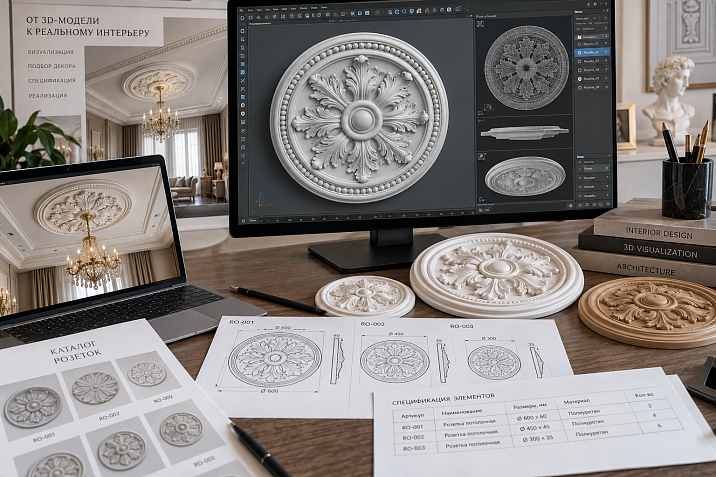
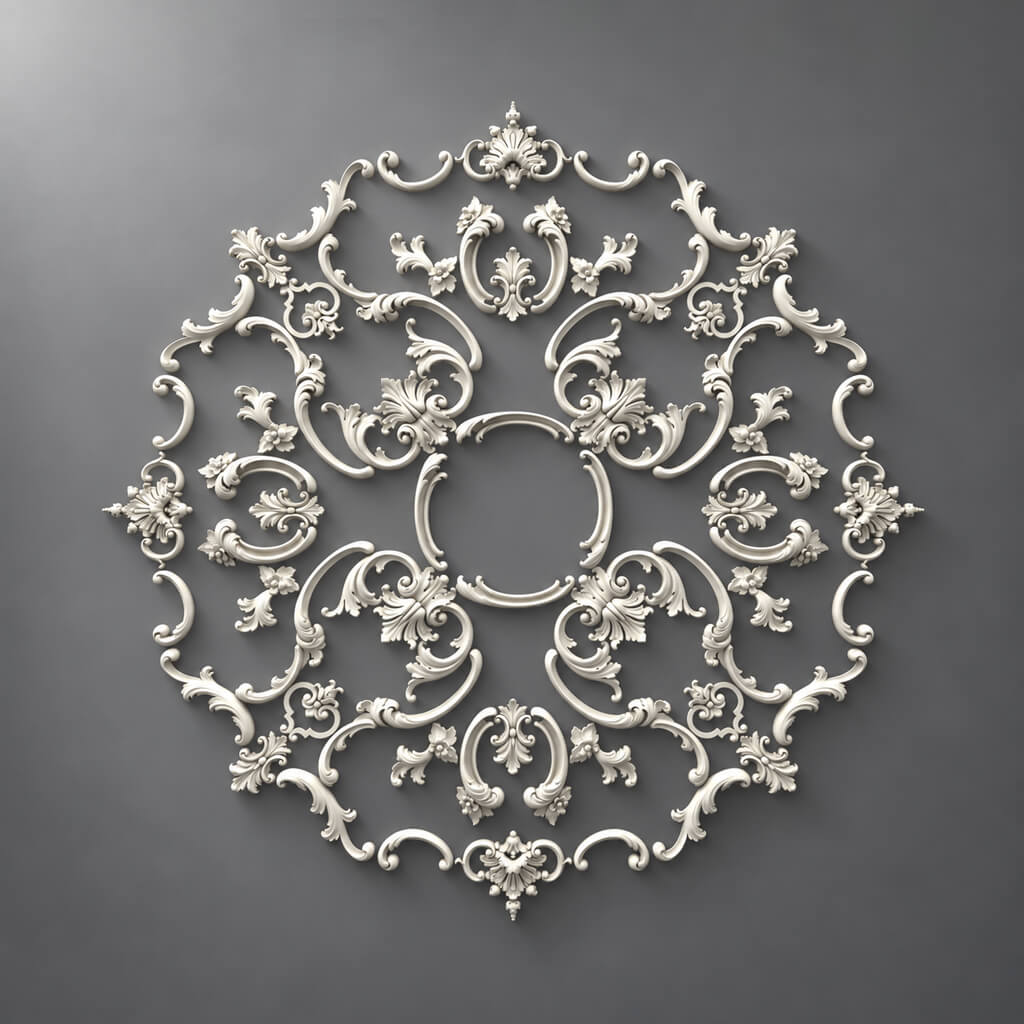
A designer needs a 3D model of a socket not for the sake of a conventional circle on the ceiling, but to check the real object: its dimensions, relief, visual mass, position relative to the chandelier, and the character of the shadow. If the scene contains a random model from a generic library, and after approval a "similar" product socket is selected, the project loses its connection to the real SKU even before the working documentation.
Therefore 3D models of sockets it is better to follow this sequence:
select a real socket → lock the SKU → get the 3D → check the 1:1 scale → place it under the chandelier or in the wall composition → approve → link to DWG → add to the specification → buy.
This is fundamentally different from the article about DWG. DWG is responsible for axes, dimensions, and working references. 3D is responsible for volume, relief, light and shadow, and visual approval.


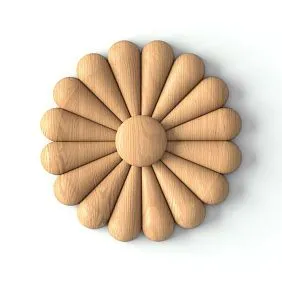
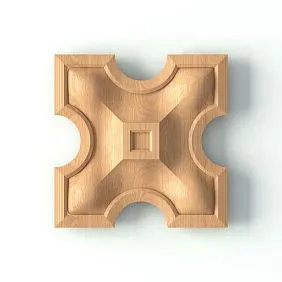
Why a designer needs a 3D model of a real ceiling socket
A ceiling socket is not perceived only by its diameter or outer dimensions.
Its visual weight is influenced by:
- depth of relief;
- the amount of ornament;
- shape;
- thickness;
- character of the edge;
- central part;
- relationship to the chandelier;
- ceiling height;
- direction of light.
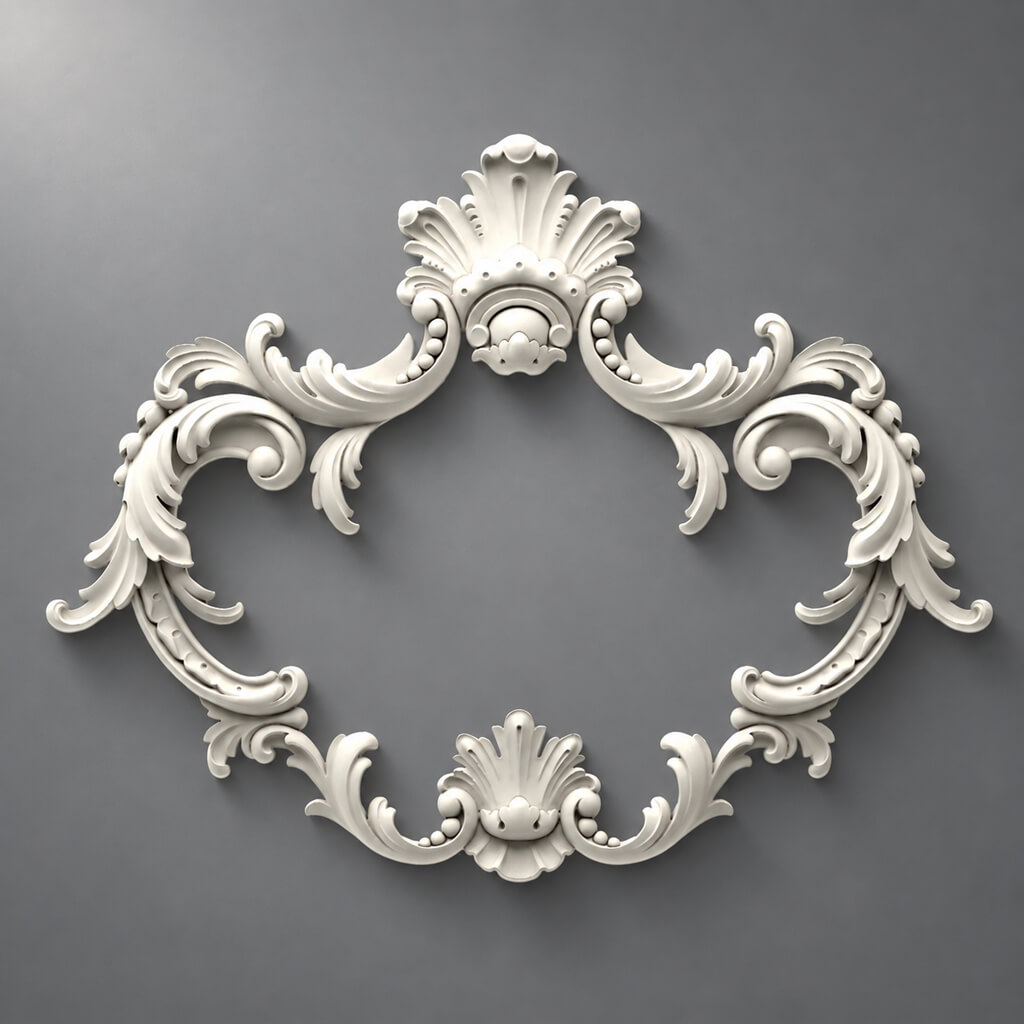
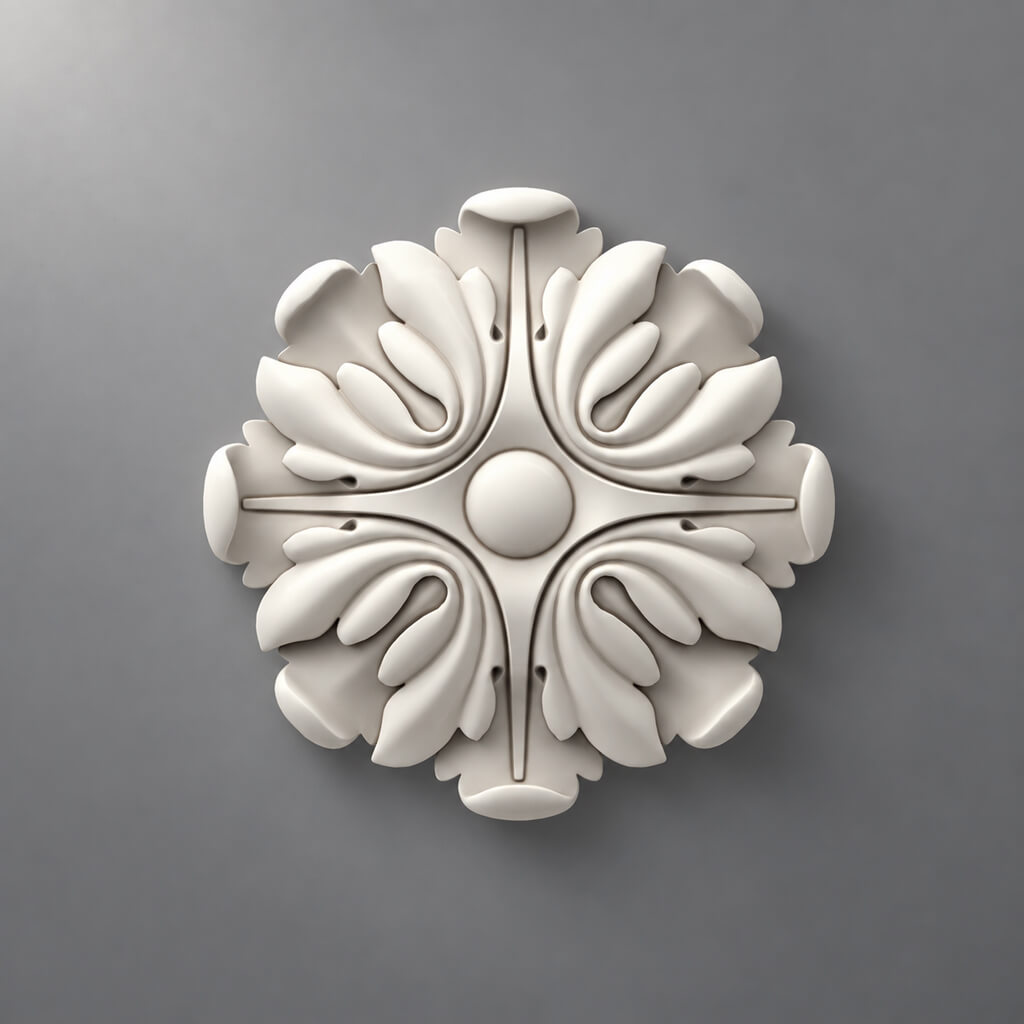
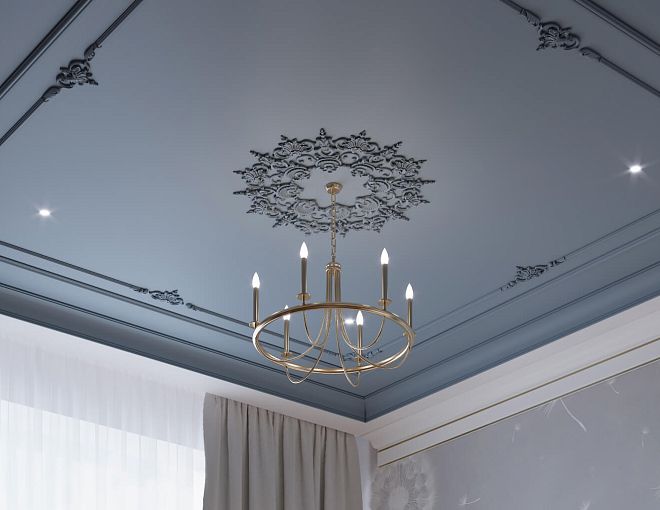
Two items of the same diameter can look completely different. A flat geometric rosette will almost dissolve into the ceiling. A rosette with deep floral relief at the same size will create a strong shadow and become a standalone accent.
That is why 3D models of stucco are useful not as a library of “beautiful objects,” but as a way to check the actual product before ordering.
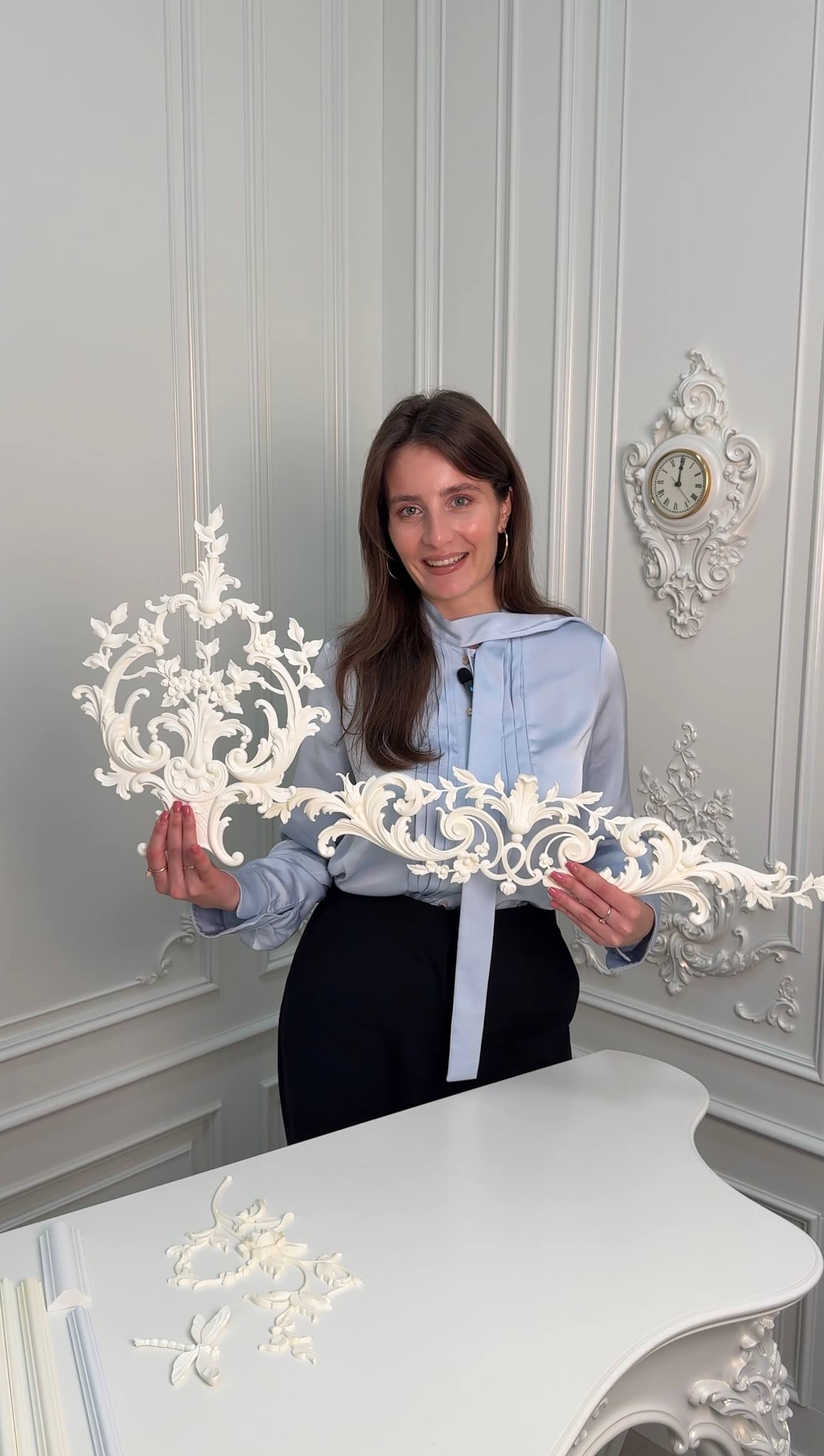

What 3D lets you see in advance
- real scale relative to the room;
- relationship of the rosette to the chandelier;
- protrusion from the ceiling plane;
- depth of the relief;
- shadow under different lighting scenarios;
- conflict with the cornice;
- conflict with the ceiling frame;
- excessive decorative density.
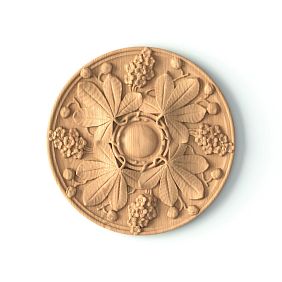
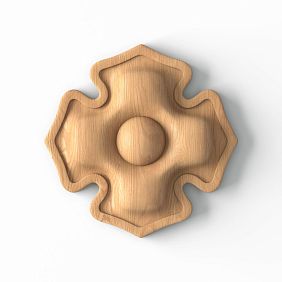
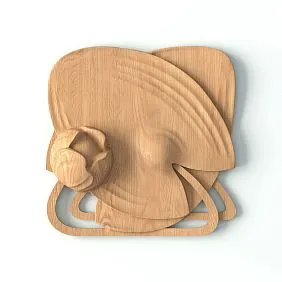
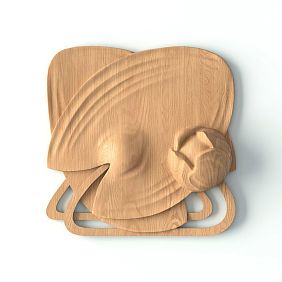
Our factory also produces:




What 3D does not replace
It does not replace DWG and the working ceiling plan.
The final project requires both levels:
3D — visual coordination.
DWG — precise alignment.
SKU — physical product.
Get Consultation
How 3D sockets differ from DWG
For the same item, it is useful to have two digital entities.
3D model
Shows:
- volume;
- real silhouette;
- relief;
- chiaroscuro;
- visual mass;
- combination with the interior.
DWG
Shows:
- size;
- center;
- axis;
- placement;
- outer contour;
- working position on the RCP;
- dimensions on the section.
SKU
Links these files to the product.
The correct formula:
SKU → 3D → visualization → DWG medallions → specification → purchase.
If the 3D and DWG belong to different SKUs, the project already contains a contradiction.
SKU first — then the model
Bad scenario:
downloaded a beautiful socket → inserted it into the scene → approved it → started looking for a similar one.
The problem here is not only with purchasing. The following may change:
- diameter;
- depth;
- shape;
- ornament;
- center;
- the attitude toward the light fixture.
The right scenario:
catalog → SKU → dimensions → 3D → visualization.
Why the SKU must be locked in immediately
It must go through all stages:
- 3D object name;
- visualization;
- DWG;
- RCP;
- the specification;
- order.
Then the designer does not lose product identification.
Which dimensions to check after import
For a ceiling rose, the critical ones are:
- A;
- B;
- C;
- overall diameter or dimensions;
- a central point;
- orientation.
The STAVROS ceiling rose catalog uses dimensions A, B, and C, as well as shape and ornament. For 3D, this means that after import you cannot trust the model "by eye" — it must be measured.
Size A
One main overall dimension.
Size B
The second dimension.
For a round shape, A and B may coincide; for an oval or elongated one, they may differ.
Size C
Depth or thickness.
It is C that most strongly affects the light and shadow and the side silhouette.
How to check the 1:1 scale
After importing into 3ds Max or another program:
- check the scene units;
- measure A;
- measure B;
- check C;
- compare the values with the product card;
- make sure the object's scale has not been changed.
Example
If the actual product has an external dimension of 700 mm, the object in the scene should be 700 mm.
If the scene shows 70 mm or 7000 mm, the problem is in the units.
Why a reference dimension is essential
Even a correctly looking object may be imported in centimeters instead of millimeters.
In an interior, this is sometimes masked if other models are imported with the same error.
Why you cannot enlarge the outlet with the SCALE command
If a real Ø700 mm socket is stretched to Ø900 mm, the designer shows the client a product that may not exist in the catalog.
Such a render becomes a fiction.
Correct solutions:
- choose a larger SKU;
- change the light fixture;
- change the ceiling composition;
- consider a custom-made item.
You cannot use non-uniform scale and stretch the ceiling rose along a single axis separately if there is no real product of that size.
Ceiling rose and chandelier: how to check scale in 3D
Evaluating the ceiling rose separately from the chandelier is pointless.
You need to see at the same time:
- socket dimensions;
- the chandelier's dimensions;
- the length of the suspension;
- the visual mass of the light fixture;
- the height of the room;
- ceiling cornice;
- the surrounding frames.
There is no universal coefficient
It cannot be taken as a rule that the ceiling rose should always be smaller or larger than the chandelier.
One fixture is wide but visually light.
The other is compact but massive.
3D is needed specifically to evaluate the composition, not to plug in a formula.
Center of the outlet and center of the fixture
In a standard composition:
outlet pivot → chandelier axis → electrical point
must coincide.
This simplifies the subsequent transition from 3D to a working RCP.
Correct pivot point
For the outlet model, the pivot is best placed at the geometric center.
Then:
- easier to position;
- easier to copy;
- easier to align with the chandelier;
- easier to transfer coordinates to the working plan.
When the center does not match
Only if the composition is intentionally asymmetrical.
Such a decision must be fixed explicitly, not obtained by random object offset.
When the room center is the wrong point
The chandelier and the socket do not have to be at the geometric center of the room.
They can be centered:
- above the table;
- above the island;
- above the bed;
- relative to the sofa group;
- over the architectural portal;
- along the compositional axis of the furniture.
Dining room
The table is offset from the geometric center due to the passage.
Then the chandelier and the ceiling outlet are also shifted.
Bedroom
If the bed is not centered in the room, the ceiling accent can be tied specifically to it.
Conclusion for 3D
First, the compositional center of the interior is determined, then the "ceiling outlet + light fixture" pair is placed there.
How to choose a socket for a high ceiling
In a large room, a small model can get lost.
Need to check:
- height;
- area;
- chandelier diameter;
- cornice scale;
- ceiling grid;
- viewing distance.
On a high ceiling, deep relief often reads more calmly because the viewer is farther away.
Camera
Don't limit yourself to a strictly bottom-up view.
Check:
- general interior angle;
- diagonal;
- eye level;
- the far point of the room.
This is exactly how the client will see the ceiling most of the time.
How to choose a socket for a small room
Here the problem is the opposite.
Too large a socket:
- eats up free space;
- competes with the chandelier;
- comes close to the cornice;
- overloads the ceiling.
Too deep a relief in a low room creates a heavier shadow.
What to do in 3D
Compare at least two SKUs in the same scene:
- one compact;
- one larger.
Do not change the camera and lighting between variants.
Relief depth and light-and-shadow
The same diameter does not mean the same visual effect.
Deep relief creates:
- a stronger shadow;
- a denser texture;
- an expressive side silhouette.
Shallow:
- works more calmly;
- competes less with the light fixture;
- fits more easily into modern classics.
Why size C matters in 3D
On a plan, two items may look identical.
In a render, the difference in depth becomes obvious.
How to set the right light to check an outlet
Beautiful light and test light are not the same thing.
Several scenarios are useful for checking the relief.
Daylight
Shows the overall volume.
Side light
Best reveals the depth of the relief.
Ceiling light
Shows how it works in an evening scenario.
Light from the chandelier
Needed to evaluate the final composition.
The goal of the check is to see the real relief, not to hide it with a flattering angle.
Why a normal map does not always replace geometry
Normal or bump can be useful for a distant shot.
But real geometry is needed if:
- the rosette is large;
- the camera is close;
- the relief is deep;
- the side edge is visible;
- the ceiling is shot at an angle;
- an accurate shadow is required.
A normal map does not provide a real silhouette.
If the relief protrudes physically, the geometry must reflect this.
How to optimize a heavy model
For a large rosette with detailed carving, the poly count can be high.
Allowed:
- reduce the polygon count of invisible parts;
- use proxies;
- use instances;
- create LODs;
- reduce detail for distant cameras.
Prohibited:
- change the outer dimensions;
- change the actual relief if it is visible;
- change the thickness;
- deform the ornament.
Optimization should reduce the scene's weight, not change the product.
How to name an object in a 3D scene
Bad option:
rosette_final_3
Working version:
STAVROS_CRPU-070
Or:
STAVROS_RPU-XXX
Why the object's name matters
It helps to:
- quickly find an outlet in the scene;
- check the SKU;
- replace the model;
- link to DWG;
- move the position to the specification;
- hand the project over to another visualizer.
Master model
For a single SKU, it is better to use one master model.
If an outlet is repeated in several rooms, instances are created.
This prevents the situation where the same product item accidentally has different geometries.
How to use different sizes of the same model
A single series may have several size options.
You cannot take a small model and stretch it to a larger size.
If a separate SKU exists, you must use that one.
Why this is especially important for sockets
When scaling up, it is not only the diameter that changes.
The following may change:
- depth C;
- relief geometry;
- width of individual ornamental elements;
- relationship between center and edge.
Therefore, simply scaling a small model does not guarantee that it will match a real large product.
Working scheme
SKU-1 → 3D-1
SKU-2 → 3D-2
And not:
SKU-1 → Scale 130%.
Ceiling rose and cornice
In 3D, you need to check:
ceiling rose → free field → ceiling cornice.
If the cornice is large and the ceiling rose is also massive, the ceiling may look overloaded.
If both elements are too small, the architectural composition loses its expressiveness.
What to compare
- outer dimension of the socket;
- the lower line of the cornice;
- free field;
- the depth of the two elements;
- ornament style.
Overall system
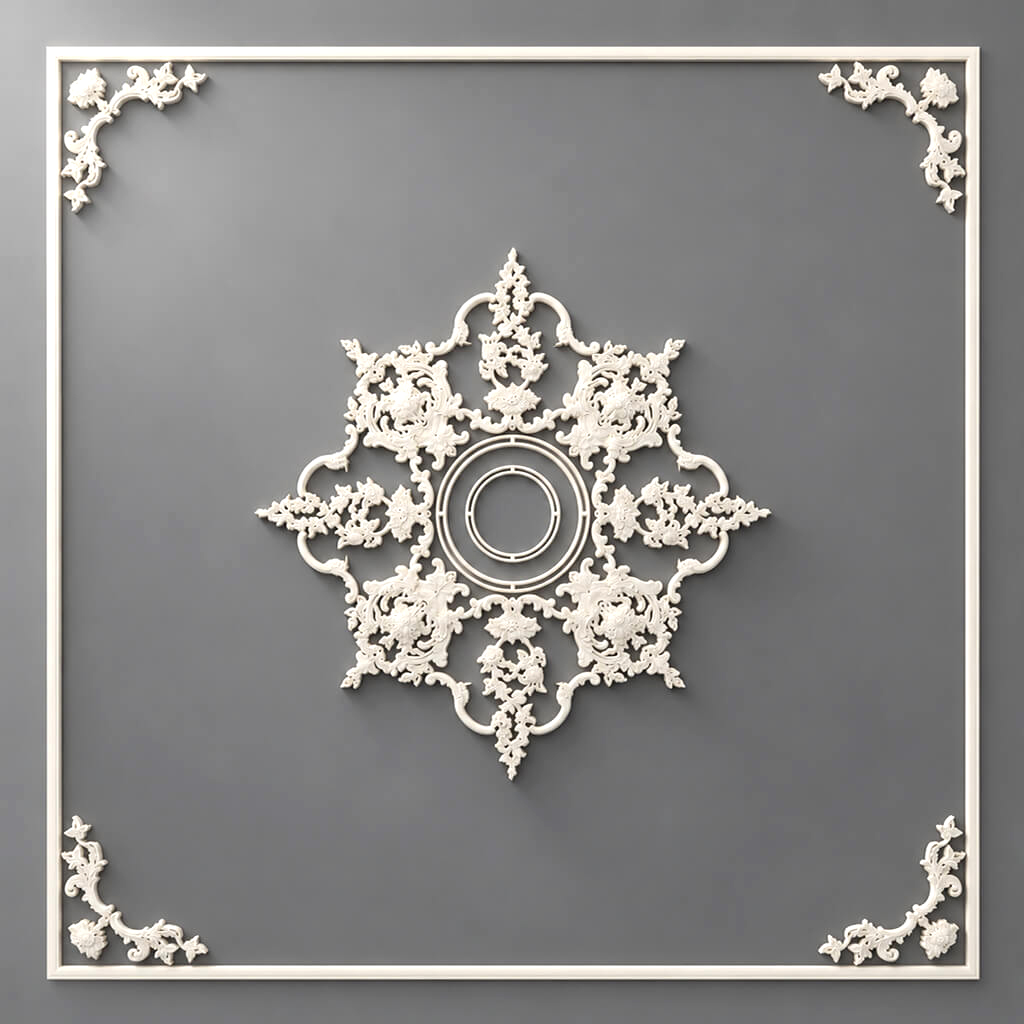
For a complex ceiling, it is useful to consider Polyurethane ceiling decoration as a single composition, rather than choosing the ceiling rose separately.
Ceiling rose and ceiling molding frames
If the ceiling is divided into panels, the ceiling rose should be part of the geometry.
Check:
- which panel it is in;
- whether it aligns with the axis;
- whether it intersects with the frame;
- whether there is enough free space;
- whether it matches the scale of the panel.
Example
Panel 1400 × 1400 mm.
Ceiling rose 900 mm.
Free space on each side:
(1400 − 900) / 2 = 250 mm.
If you replace the socket with a 1100 mm one:
(1400 − 1100) / 2 = 150 mm.
The composition becomes more compact.
3D lets you see how critical this is visually.
Multiple sockets in one room
This scenario occurs in:
- long halls;
- restaurants;
- galleries;
- rooms with multiple pendants;
- large dining rooms.
Need to check:
- spacing;
- common axis;
- repeat;
- identical or different SKUs;
- rhythm;
- connection with furniture.
Instances
If identical items are used, it is better to use instances.
Then, when the master model is replaced, the entire system is updated.
Different sizes
If a hall has a main center and secondary centers, you can use a single stylistic series in different sizes.
But each size must have its own real SKU.
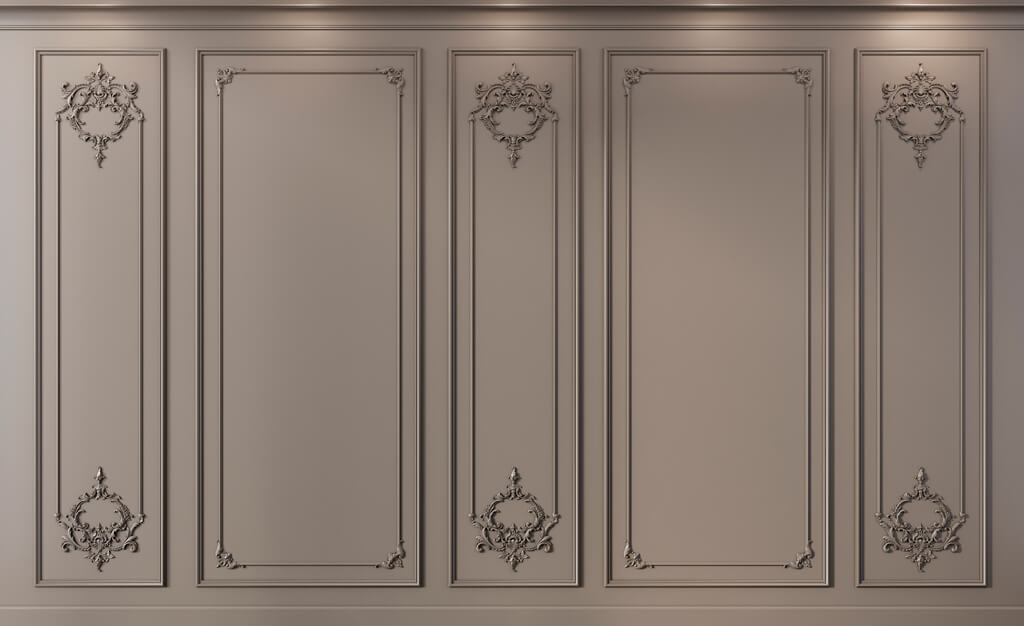
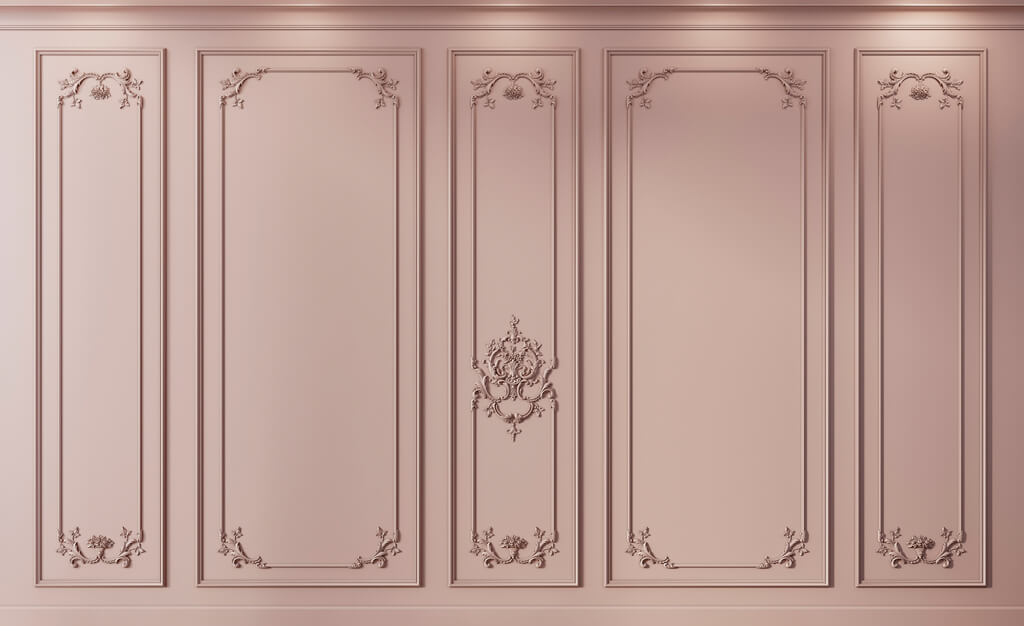
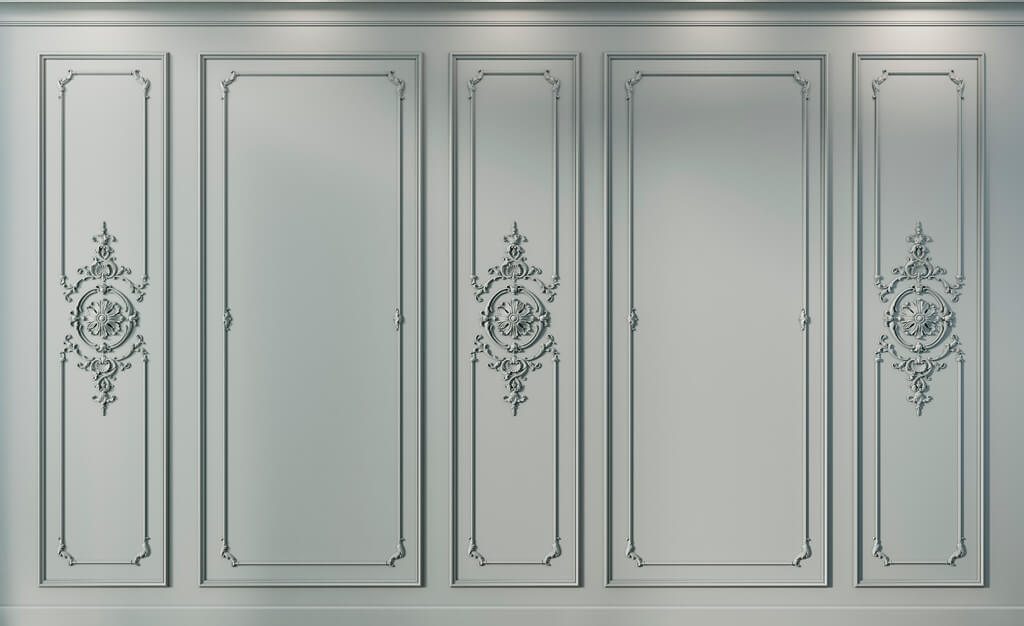
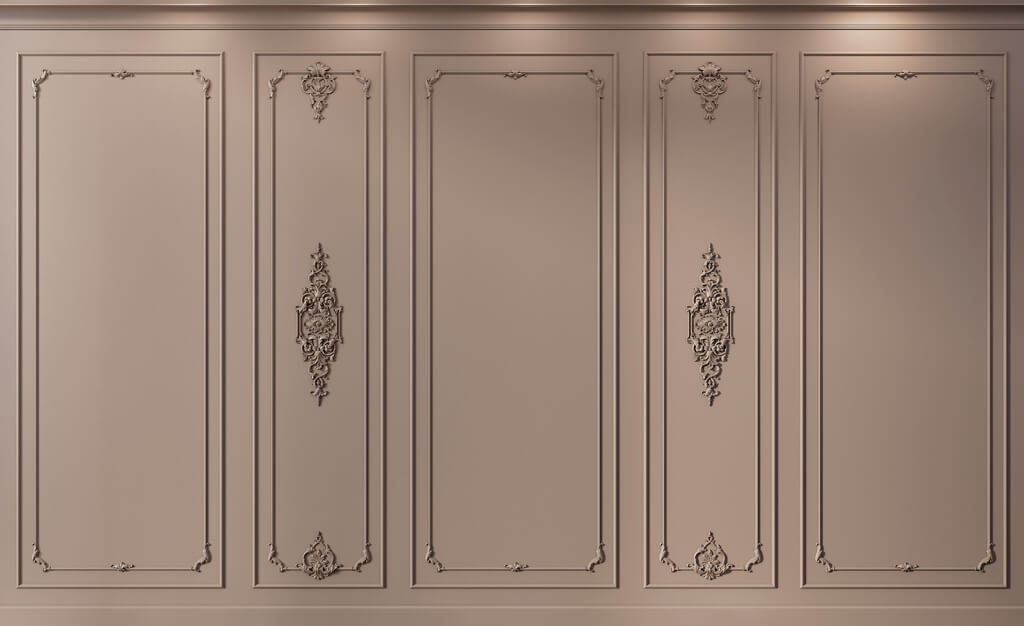
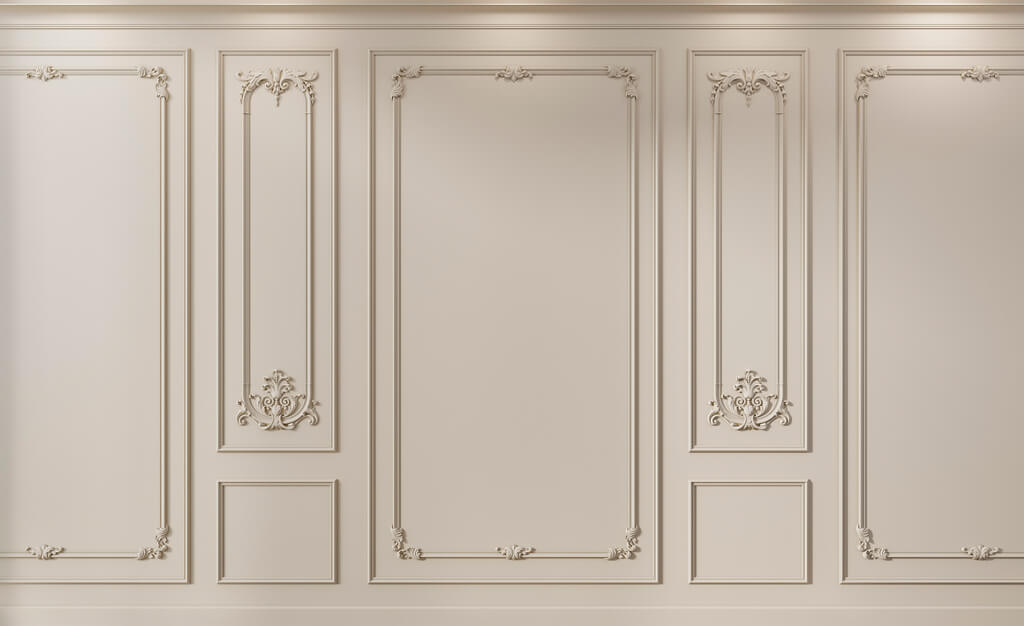
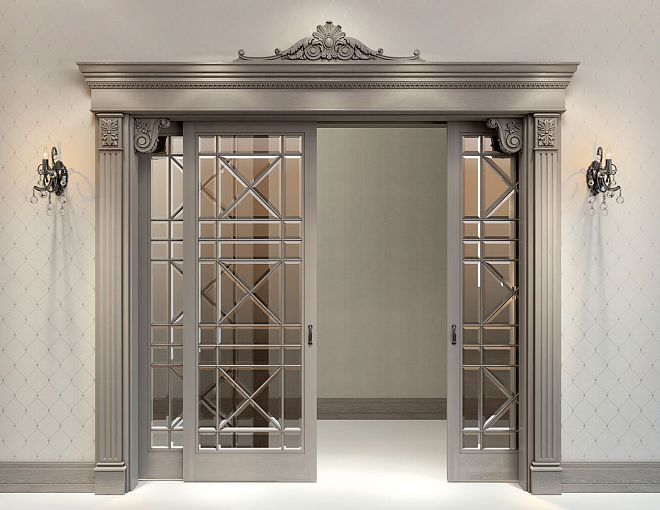
Wall sockets in 3D
The socket can be used not only on the ceiling.
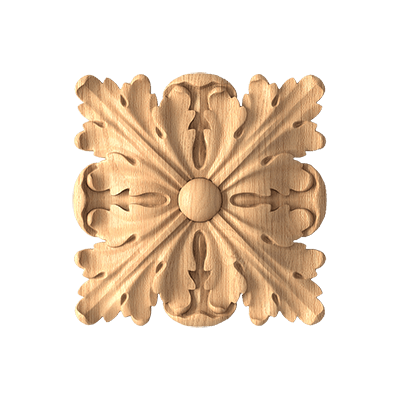
polyurethane rosettes suitable for various decorative scenarios.
In 3D, you can check:
- the center of a molding frame;
- furniture facade;
- panel;
- portal;
- decorative wall composition.
Frame center
The socket must be aligned with the actual inner field of the frame.
Furniture facade
You need to check the handle, indents, and scale.
Portal
A socket or medallion can be part of the top finial.
How to check a wall socket by scale
It should be evaluated relative to:
- frame width;
- wall heights;
- furniture;
- adjacent molding;
- viewing distances.
Small SKU on a large panel
It may be completely lost.
Large SKU on a furniture front
It may take up too much space.
Verification technique
Take two identical angles with different SKUs and the same lighting.
This way the comparison will be fair.
Socket and color
The material in 3D must reflect the agreed-upon scenario, not the visualizer's fantasy.
In the color of the ceiling
The calmest option.
Relief is read through shadow.
Contrast
The socket becomes a standalone accent.
Patination
Emphasizes the relief.
But such an effect cannot be presented as a factory finish if it is not confirmed.
Metallized effect
Acceptable as a concept, but must be separately agreed upon.
Main rule
The render material must not promise the client a finish that is not included in the specification.
How to use a temporary proxy model
If the exact file has not been found yet, a temporary model can be used.
Name:
PROXY_ROSETTE_NOT_APPROVED
What should be in the proxy card
- estimated size;
- temporary status;
- link to shortlist;
- replacement date.
When a proxy is acceptable
At an early conceptual stage.
When it needs to be removed
Before the final render.
The chain must be completed:
proxy → real 3D model → SKU.
What to do if the client changes the chandelier
It's not just the light fixture that changes.
Need to double-check:
- socket size;
- visual mass;
- center;
- ceiling composition;
- 3D;
- DWG;
- specification.
If the new chandelier is larger
The current ceiling mount may become too small.
If the new chandelier is visually lighter
The old ceiling mount may start to dominate.
If the position changes
The axis is being revised.
Versioning
It is useful to fix:
L-01 v02
PR-01 v02
This way, the light fixture and the outlet remain linked.
How to export from 3D to DWG
After visual approval:
- the SKU is locked in;
- dimensions are confirmed;
- DWG medallions used for the working plan;
- the axis is set;
- the position is transferred to the RCP;
- the item is included in the specification.
Why exporting from 3D alone is not enough
A 3D model may be overly detailed and not intended for a working drawing.
DWG is more convenient for dimensions and snaps.
How to add an outlet to the specification
Example:
| Field | Value |
|---|---|
| Code | PR-01 |
| Manufacturer | STAVROS |
| SKU | specific |
| Type | Ceiling rosette |
| Size | A × B × C |
| Material | Polyurethane |
| Quantity | pcs. |
| 3D | file name |
| DWG | file name |
| URL | card / category |
| Luminaire | L-01 |
| Status | APPROVED / ORDERED |
Why a PR code is needed
It is convenient for RCP.
Why an SKU is needed
It is needed for purchasing.
Why a light fixture is needed
If L-01 changes, PR-01 must be rechecked.
Checklist before the final render
Check:
- Model matches the actual SKU.
- Scale 1:1.
- Scale unchanged.
- Depth C matches.
- Pivot is at the correct center.
- Chandelier approved.
- Cornice does not conflict.
- Ceiling frame does not intersect.
- No proxies.
- Object is named correctly.
- Material matches the project.
- 3D is linked to DWG.
- The specification contains the same SKU.
How to purchase a socket after 3D approval
The commercial stage begins after the socket has already been verified in the scene.
The correct sequence is:
3D → approved SKU → DWG → specification → order.
After approval, you can Buy a polyurethane ceiling rosette by the same SKU.
If the task relates specifically to the light fixture, socket for chandelier it must be verified together with the chandelier and ceiling composition.
What to check before payment
- article number;
- A/B/C;
- shape;
- quantity;
- availability;
- price;
- the current revision of the project.
How to connect the socket to the overall stucco system
A socket often exists alongside:
- cornices;
- moldings;
- overlays;
- ceiling frames;
- other elements.
molded decoration made of polyurethane helps to create local accents, while Polyurethane moldings — a broader system.
What should match
- scale;
- ornament;
- visual density;
- color;
- depth;
- character of the shadow.
What is not necessary
All items do not have to be from the same collection if the composition remains cohesive.
How to store 3D models of sockets in the studio library
Structure:
/DECOR/STAVROS/ROSETTES/3D/
For each SKU:
- 3D;
- DWG;
- preview;
- dimensions A/B/C;
- shape;
- URL;
- verification date;
- the project where it was used.
File name
STAVROS_CRPU-XXX_3D
Or:
STAVROS_RPU-XXX_3D
Why store dimensions nearby
So the visualizer can check the object without searching for the card.
Why the date
Before reusing an old asset, it is useful to verify the product information.
How to store different LODs
For a large library, it is convenient to create:
- HIGH;
- MID;
- LOW.
All levels must preserve:
- outer silhouette;
- actual dimensions;
- the depth;
- characteristic relief.
HIGH
For a close-up.
MID
For most interior shots.
LOW
For distant zones.
The key is that these should be LODs of a single SKU, not three visually similar models.
How to hand off a scene to another visualizer
The following are handed off along with the scene:
- the SKU list;
- master models;
- textures;
- units;
- proxy status;
- replacement table;
- links to DWG.
Main rule
Another specialist must not substitute the missing model with a random analogue without documenting it.
How to check the material in Corona / V-Ray
The render engine changes the perception of the surface, but must not change the geometry.
Check:
- roughness;
- color;
- normal;
- bump;
- texture scale;
- reflections.
Bump is too strong
It can visually make the relief deeper than it actually is.
Material is too glossy
It will intensify highlights and change the perception of the shape.
Matte surface
More often it shows the relief itself in a calmer way.
How to compare two SKUs in one scene
To choose, create two variants with the same:
- the chandelier;
- with the camera;
- light;
- with the ceiling color;
- a cornice;
- with the frames.
Only the socket changes.
Compare:
- visual mass;
- the depth of the shadow;
- free field;
- relationship to the chandelier;
- the overall composition.
This is significantly more accurate than comparing two different product photos.
How to verify a 3D model against a real sample
Even an accurate digital model does not fully convey the physical feel of the material.
After visual approval, it is useful to check:
- actual depth;
- the sharpness of the texture;
- surface quality;
- painting;
- scale in hand;
- shadow in natural light.
This is especially important for large ceiling decor that occupies a significant part of the field.
What to compare
Place next to it:
- screen render;
- photo of a real sample;
- a physical piece, if available.
If the real relief looks calmer or more active, the scene material can be adjusted before the final presentation.
How to use a 3D model in multiple rooms of a project
One SKU can be used in multiple rooms.
For example:
- living room;
- dining room;
- lobby;
- Bedroom.
But the same model does not mean the same compositional role.
In the living room
A socket can be the main ceiling center.
In the bedroom
The same SKU may turn out to be too active in a smaller area.
In a hallway
It can be repeated several times.
Therefore, there is one master model, but the scale assessment is carried out separately for each room.
How to link 3D with the catalog and the commercial part
The visualizer needs a quick path from a scene object to a real product.
For this purpose, it is useful to store the following in the user properties of the object or the library card:
- Manufacturer;
- SKU;
- URL;
- A;
- B;
- C;
- category;
- status.
So 3D Decor Models become not an archive of nameless files, but part of the project's product base.
Card example
Manufacturer: STAVROS
SKU: ...
Category: Rosette
Status: APPROVED
DWG: linked
URL: linked
How to verify ceiling sockets before serial application
If one SKU is used in a hotel, restaurant, or another project with repeating rooms, the error scales across dozens of zones.
Before serial application, it is useful to create one reference module.
For example:
one room → socket → chandelier → cornice → full render → DWG → specification.
Only after approval is the module replicated.
Why this is better than mass replacement
If an error is discovered after copying to 30 rooms, the entire scene and documentation will have to be updated.
How to work with ceiling sockets as a product category
Polyurethane ceiling rosettes they should be selected first by project parameters, not by a single preview.
For the shortlist, the following are useful:
- dimensions;
- shape;
- thickness;
- ornament;
- collection;
- availability of a suitable 3D;
- connection with the current ceiling system.
After the shortlist
Then the comparison takes place in the same scene with the same lighting.
This reduces the influence of different catalog photos on the decision.
When a 3D model of a socket is excessive
Not every sketch requires a high-poly asset.
Conceptual stage
A simplified proxy is acceptable.
Distant angle
Low-poly may be sufficient.
Small decorative element
If the relief is not physically readable in the frame, excessive detail provides no benefit.
But the final SKU
Before approving a real product, its actual geometry or a sufficiently accurate representative must be verified.
Common mistakes when working with 3D models of sockets
Mistake 1. A beautiful object without an SKU
Consequence: it cannot be ordered unambiguously.
How to avoid: choose the real product before the final render.
Error 2. Incorrect units
Consequence: the size does not match reality.
How to avoid: control measurement A/B/C.
Error 3. Scale after import
Consequence: a non-existent size appears.
How to avoid: choose a different SKU.
Error 4. Incorrect pivot
Consequence: the outlet and the chandelier are difficult to align along the axis.
How to avoid: pivot at the geometric center.
Error 5. Bump too strong
Consequence: the relief looks deeper than in reality.
How to avoid: the material should emphasize, not invent, the geometry.
Mistake 6. A proxy remained in the final scene
Consequence: the client approved a temporary model.
How to avoid: an explicit status and a final check.
Mistake 7. The chandelier changed, the socket did not
Consequence: the scale of the composition is disrupted.
How to avoid: a linked revision of L-xx and PR-xx.
Mistake 8. 3D and DWG with different SKUs
Consequence: the visualization and the working documentation diverge.
How to avoid: the SKU in file names and the specification.
How to buy a socket without losing project data
Before placing a commercial order, a final verification must be performed:
3D ↔ SKU ↔ DWG ↔ RCP ↔ specification ↔ URL.
If everything matches, purchasing becomes a continuation of the project rather than a separate search for an equivalent.
To browse the product range, you can use the STAVROS catalog.
For professional work with files and project materials — STAVROS for designers and architects.
FAQ
How does a 3D model of a socket differ from a DWG?
3D shows volume, relief, light and shadow, and visual mass. DWG is needed for dimensions, axes, and working references.
Can a socket be scaled up in the scene?
After selecting a real SKU — no. You need to choose a different size or a different product.
What to check first after import?
Scene units and dimensions A/B/C.
Where should the pivot be located?
For a standard ceiling outlet — at the geometric center, so it aligns with the fixture's axis.
How can you tell if a ceiling rose matches a chandelier?
Look at the whole composition: overall dimensions, fixture mass, suspension height, ceiling, cornice, and free space.
Can a normal map be used instead of geometry?
In the background — sometimes. For large relief and a close camera, real geometry is needed.
What to do if there is no exact model?
Use a temporary proxy with clear labeling and replace it before final approval.
Where to get 3D and DWG?
In the STAVROS downloads section, 3D models and DWG files for the products are available.
Final workflow
1. Select the actual SKU.
2. Download the 3D.
3. Check units and dimensions A/B/C.
4. Set the pivot to the correct center.
5. Link the socket to the chandelier.
6. Check the scale in the room.
7. Check the relief and light and shadow.
8. Check the cornice and ceiling frames.
9. Delete the proxy.
10. Confirm the APPROVED SKU.
11. Proceed to DWG and RCP.
12. Link the PR code to the light fixture.
13. Fill in the specification.
14. Check the final revision.
15. Place the order using the same SKU.