











































Article Contents:
- Why You Need a Separate Interior Decor Specification
- Why the Specification Should Combine Different Product Types
- Master Spec and Local Specifications
- Master Specification
- Room Schedule
- Category Schedule
- Moldings
- Panels
- Moldings
- Recessed Outlets
- L/R
- Pilasters
- Specification
- Estimate
- Single Qty column
- No Unit
- One code used for different SKUs
- L/R combined
- Panels are counted by area only
- Finish mixed with Material
- Price is treated as fixed
- No Revision
- CANDIDATE goes into procurement

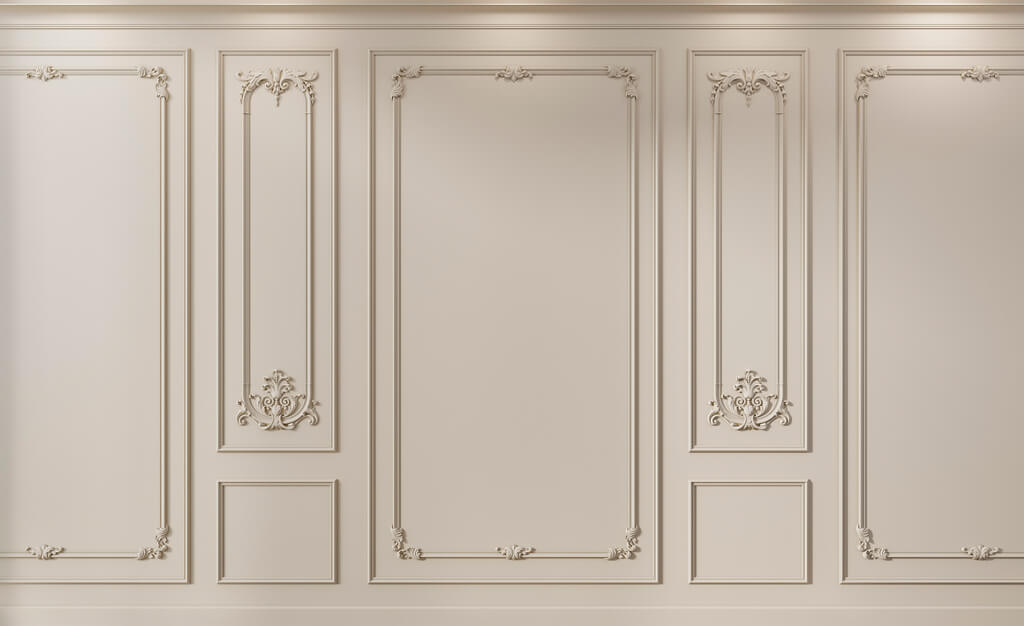
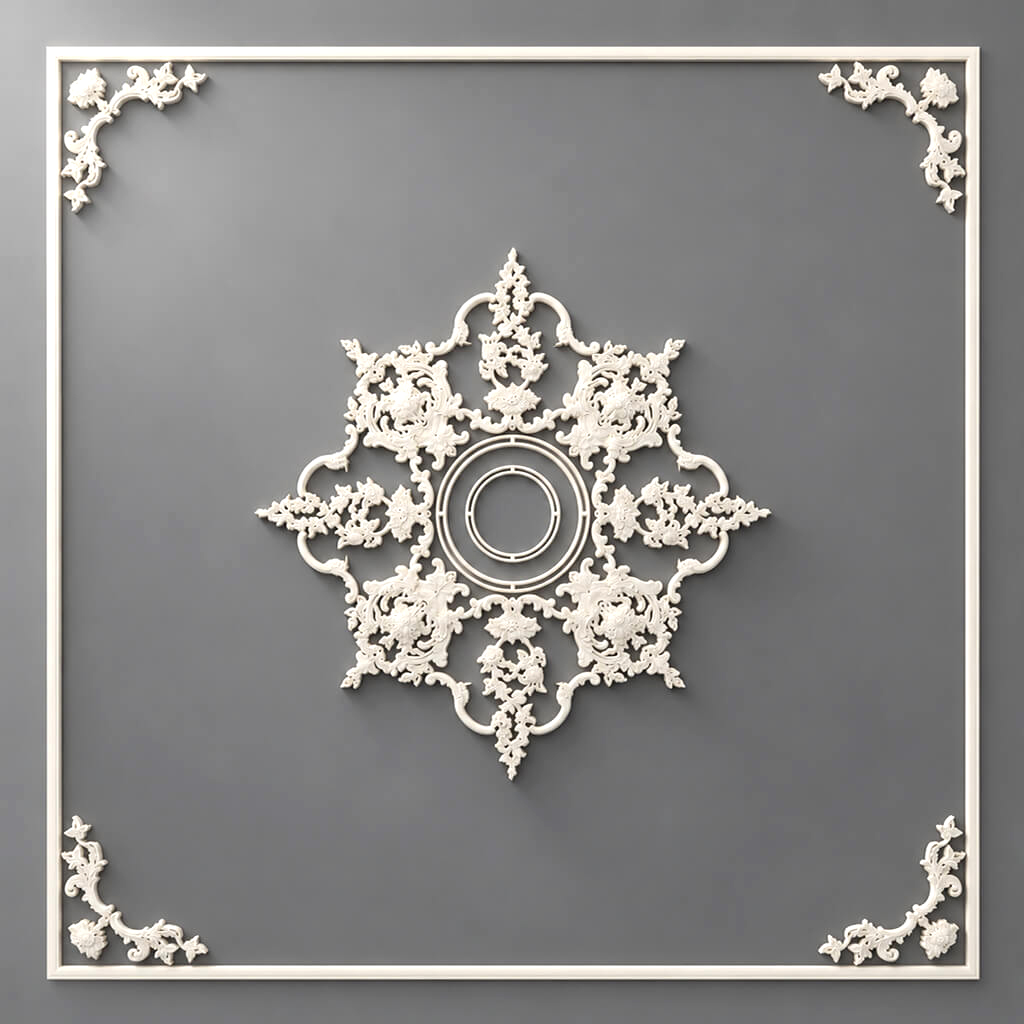
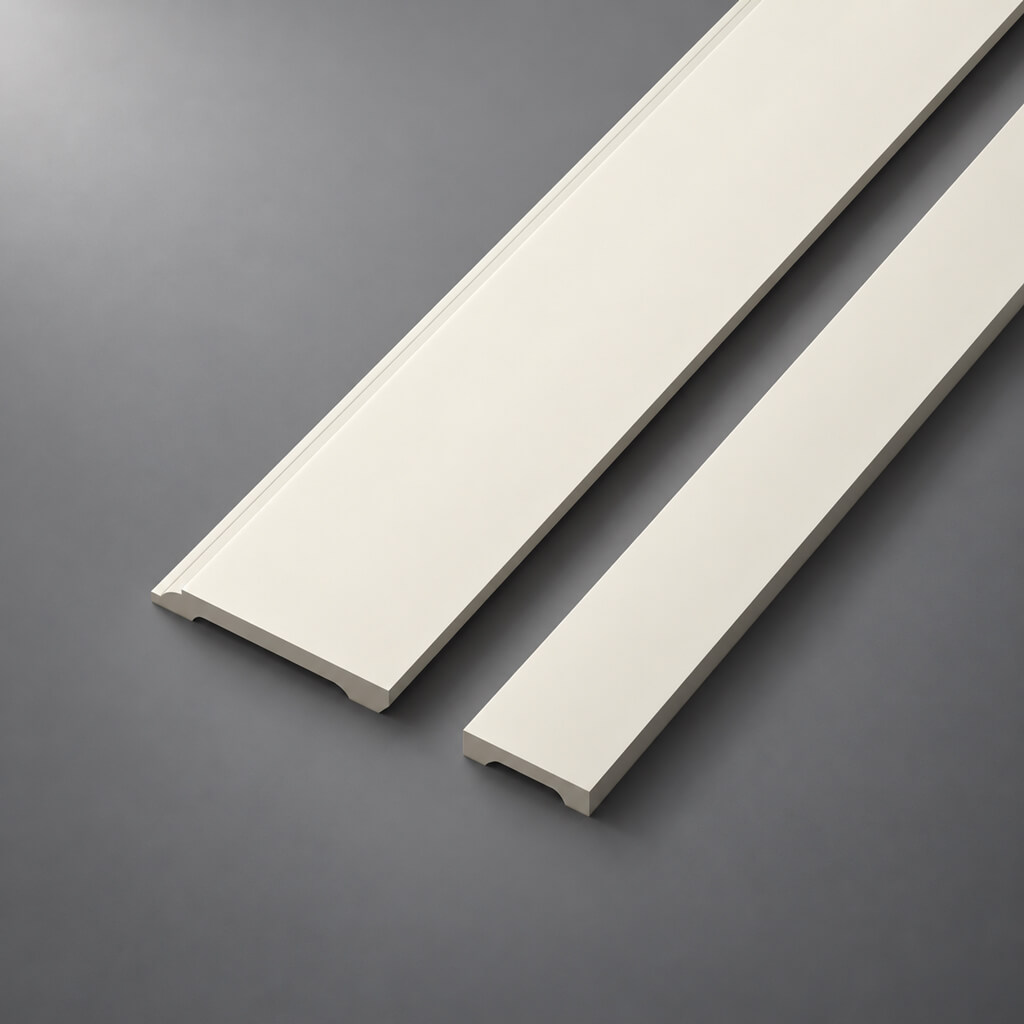
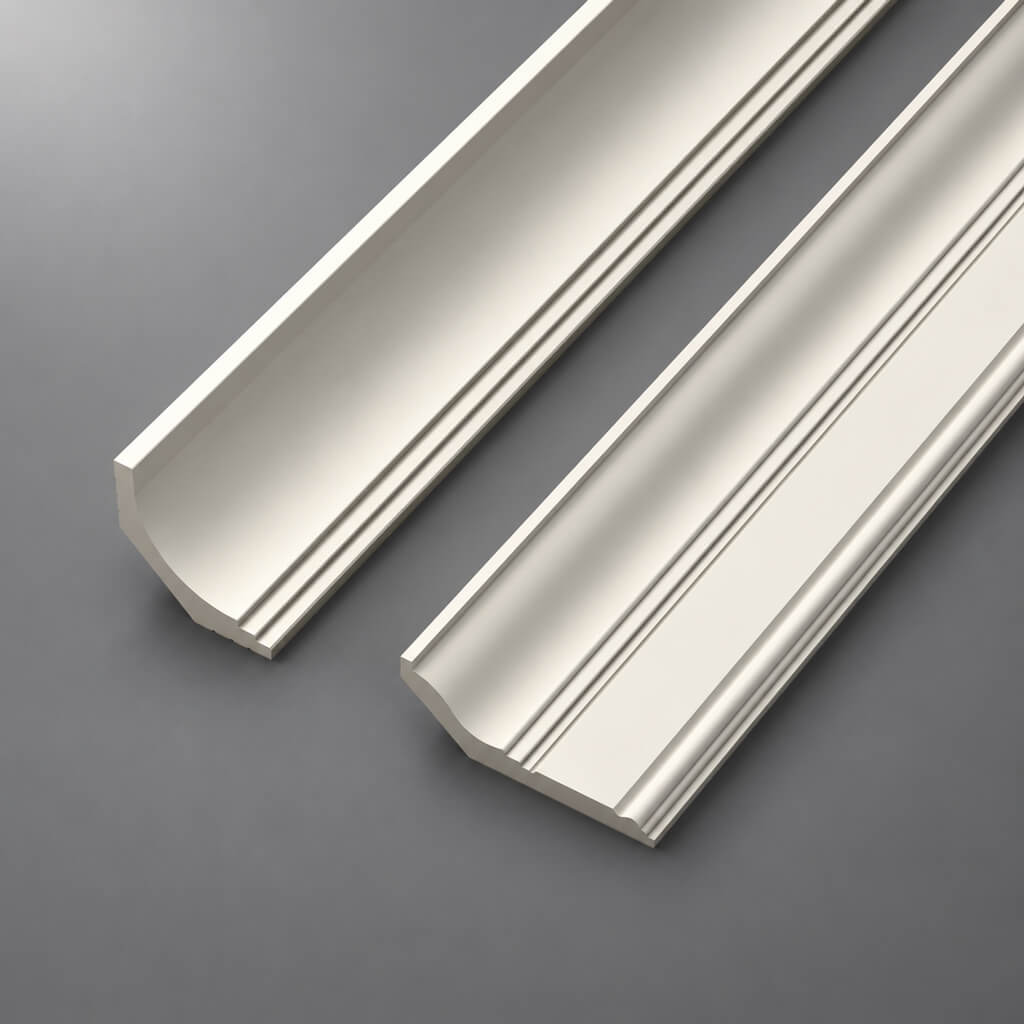
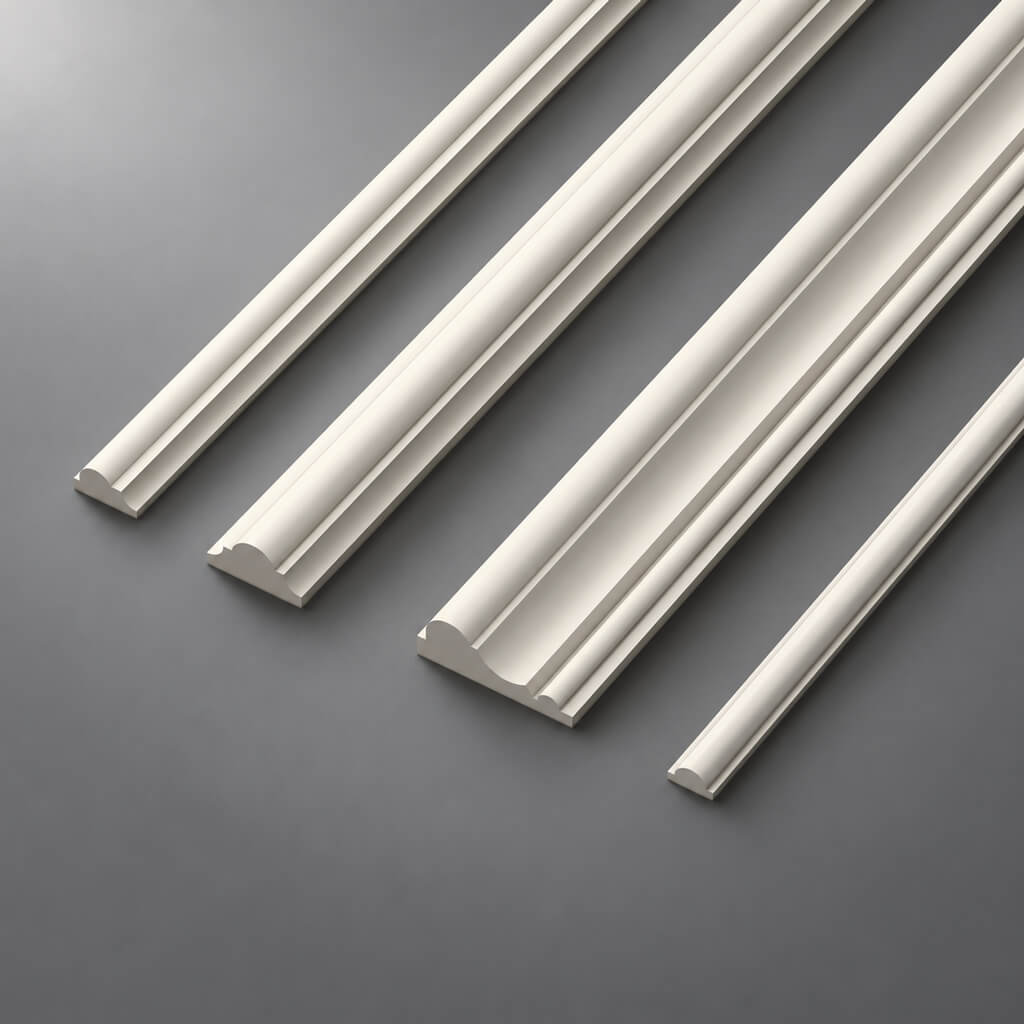
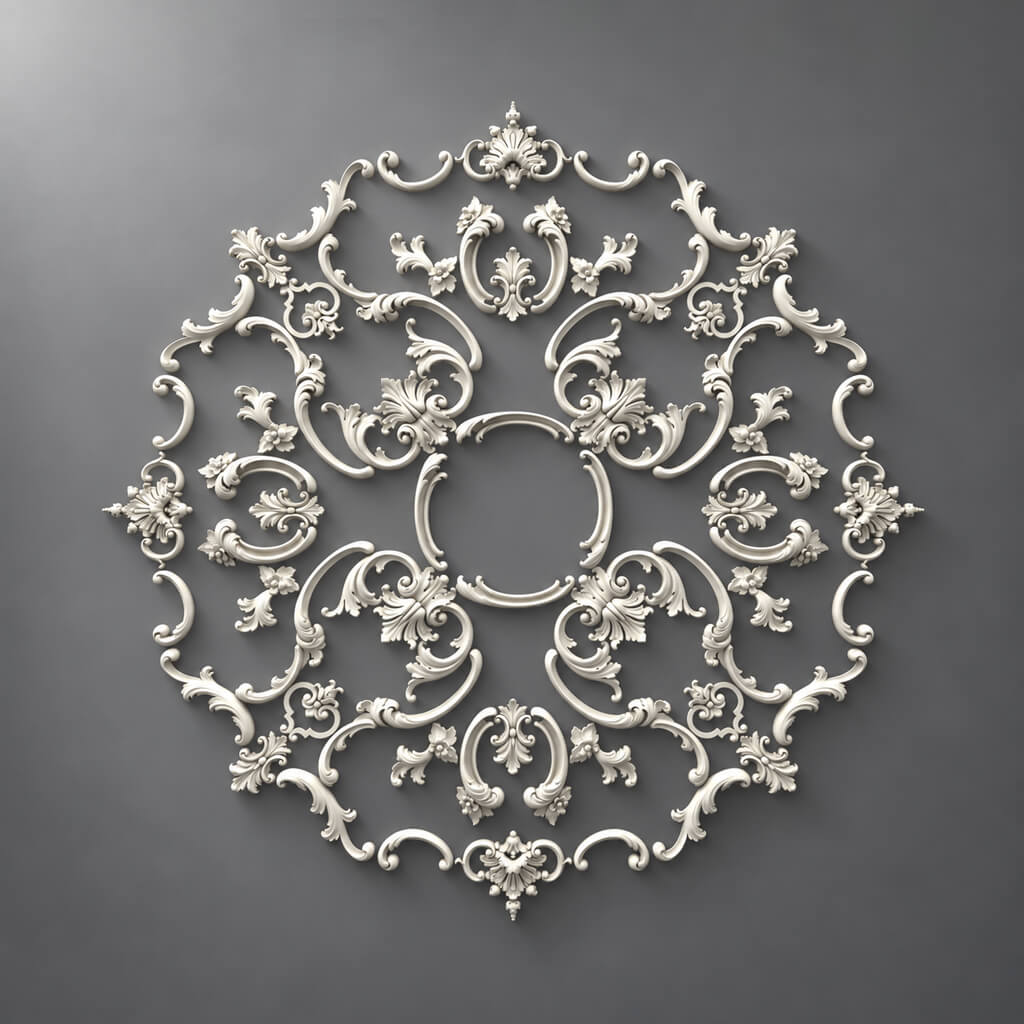
In a single project, moldings, ceiling medallions, slatted panels, wooden overlays, pilasters, furniture decor, and several finish options can easily appear at the same time. As long as each category lives in its own file, the project looks manageable. The problem begins before procurement: the same SKU may repeat across three rooms, mirrored parts get L/R, molding is counted in strips, panel in modules, medallion in pieces, and some items are already approved while others are still at the sample stage.
This is exactly where interior decor specification is needed as a single master-spec, not a set of independent tables.
Its task is to bring together all already approved decorative items into one system:
ROOM → ZONE → PROJECT CODE → CATEGORY → SKU → MATERIAL → SIZE → UNIT → CALCULATED QTY → ORDER QTY → SAMPLE → DWG/3D → STATUS → REV → URL → ORDER.
Such a document does not replace working drawings, moulding calculations, or panel layouts. It links them together and turns the project into a clear procurement structure.



Why a separate interior decor specification is needed
If the entire project is small and contains two mouldings and one ceiling rose, a separate master spec may be excessive.
But when the following appear:
- stucco moulding;
- Moldings;
- cornices;
- wall panels;
- decorative slats;
- wooden overlays;
- pilasters;
- Brackets;
- furniture decor;
- several materials and finishes,
a single table becomes more useful than a dozen scattered schedules.
The main advantage is not that “everything is in one Excel file.”
The main thing is a unified logic of identification and statuses.
The configurator must understand a line for molding, a panel, and a wooden overlay in the same way, even if their quantities are calculated completely differently.


Why a specification should combine different types of products
Different types of decor cannot be calculated with a single formula.
| Type | Base unit |
|---|---|
| Moldings | strips / linear m |
| Cornices | strips / linear m |
| Panels | modules / pcs. |
| Rosettes | pcs. |
| Overlays | pcs. |
| L/R elements | individual SKUs |
| Pilasters | assembly + individual components |
| Furniture decor | pcs. / set / front |
If you make a single column Qty and don't explain its meaning, the numbers become incomparable.
24 may mean:
- 24 linear meters;
- 24 strips;
- 24 panels;
- 24 overlays;
- 24 sets.
Therefore, the master spec should unify products not by the same calculation method, but by the same data structure.
Our factory also produces:


Master spec and local specifications
A single file does not have to replace all working spreadsheets.
It is more convenient to use several levels.
Get Consultation
Master Specification
Contains all interior decor items of the project.
This is the main source of truth for:
- Project Code;
- Manufacturer;
- SKU;
- Material;
- Status;
- Revision;
- Order Qty.
Room Schedule
Shows only a specific room.
For example:
Living Room
Or:
Bedroom-02.
This view is convenient for installation and completeness checks.
Category Schedule
Filter by category:
- moldings only;
- panels only;
- wooden decor only;
- stucco only.
This allows a specialist to work on their part of the project without scrolling through hundreds of irrelevant lines.
Project Code — the main internal identifier
The project code should be short and stable.
For example:
DEC-001
ML-004
PAN-002
FUR-007
It is needed for:
- plans;
- elevations;
- nodes;
- specifications;
- 3D;
- correspondence;
- revisions.
But Project Code does not replace SKU.
ML-004 — this is the project language.
STAVROS / specific item code — the procurement language.
Both are needed.
What fields are needed in master-spec
A working structure might look like this:
| Field | Content |
|---|---|
| Project Code | DEC-001 |
| Manufacturer | STAVROS |
| SKU | specific |
| Category | molding |
| Product Name | product name |
| Collection | if applicable |
| Material | PU / MDF / oak / beech |
| Finish | design finish |
| Size | actual size |
| Unit | pc / lm / panel / set |
| Room | Living Room |
| Zone | Wall-03 |
| Calculated Qty | estimated |
| Order Qty | purchasing |
| Sample | APPROVED |
| DWG | file / link |
| 3D | file / link |
| Status | SPECIFIED |
| Revision | REV03 |
| URL | Product |
Not every field is required for every item.
But the structure must be consistent so the table can be filtered and validated.
Room and Zone cannot be merged
Room responsible:
where is the object located?
Zone:
in which specific part of the room?
For example:
Room: Bedroom
Zone: Headboard Wall
Or:
Room: Living Room
Zone: TV Wall
If only the room is kept, several independent decorative systems quickly get mixed up in a single space.
Zone helps:
- find the position on the drawing;
- pass the material to the installer;
- check the quantity;
- understand which wall a specific SKU belongs to.
How to specify moulding
Category Polyurethane moldings includes different types of products, so the line moulding is too general.
Break it down at least into:
- moulding;
- Outlets;
- Plates;
- corner elements;
- decorative elements;
- pilasters and related parts.
A unit is required for a piece item pc.
For linear products — separate logic via Product Length and Order Qty.
For L/R — two lines.
How to specify moldings
for of polyurethane moldings important to store:
- SKU;
- Section;
- Product Length;
- Calculated Length;
- Order Qty;
- Finish;
- Room;
- Zone;
- related corners.
Example:
Calculated Length = 37.6 m
does not mean:
Order Qty = 37.6 m.
If the product is purchased in whole planks, the order includes the number of physical items after cutting.
How to specify wall panels
for wall panels wall area alone is not enough.
Required:
- SKU;
- size;
- module;
- the material;
- direction;
- number of full panels;
- cut panels;
- Calculated Qty;
- Order Qty;
- Zone.
For a slatted system, the connection to its working layout is especially important.
If a single module was used in the DWG, it cannot be replaced in the master-spec with a "similar panel" without a revision.
How to specify slatted panels
В slatted panels different materials and lengths of the same product family are possible.
Therefore, the line must capture the specific execution.
For example:
SKU: PAN-...
Material: MDF
Size: ...
Direction: vertical
Zone: Wall-03
If another variant of the same product is used in oak, this is already a separate project item or at least a separate placement line.
How to specify wooden decor
for wooden decorative elements it is useful to add:
- breed;
- finish;
- grain direction, if it is critical;
- Sample ID;
- L/R;
- Room;
- Zone.
Entry wood decor insufficient.
For example:
Material: oak
Finish: stain + lacquer
and:
Material: beech
Finish: enamel
— these are different project scenarios.
How to specify furniture decor
Furniture decor requires additional linking to the furniture item.
Useful field:
Furniture Item / Facade Type
For example:
WARDROBE-01 / FACADE-A
Or:
KITCHEN-02 / ISLAND-FRONT
This way, the decorative overlay does not remain just a line DEC-011.
The configurator understands exactly which facade it is used on.
One SKU across multiple rooms
No need to create ten separate product cards for the same item.
Better:
- one master position;
- multiple placement lines;
- total aggregated Order Qty.
For example:
SKU X / Bedroom-01 = 4
SKU X / Bedroom-02 = 4
SKU X / Hall = 8
Before ordering:
SKU X / Total Order Qty = 16
At the same time, the Room Schedule preserves the distribution.
One Project Code — one item
The Project Code must be stable.
Bad:
DEC-05
today it means one SKU, tomorrow — a completely different one, without revision.
Such a code ceases to be an identifier.
If the item is replaced:
- record the reason;
- check the dimensions;
- update the DWG/3D;
- recalculate the quantity;
- issue a new REV.
How to work with L/R
Left and right items cannot be combined into a single line if they are different SKUs.
For example:
DEC-08-L
DEC-08-R
In the master spec:
| Code | Orientation | SKU | Qty |
|---|---|---|---|
| DEC-08-L | L | left SKU | 6 |
| DEC-08-R | R | right SKU | 6 |
Total 12 pcs. insufficient for purchase.
How to work with sets
A pilaster, portal, or complex wall composition may be architecturally a single object, but for purchasing purposes consist of several SKUs.
For example:
Assembly: PILASTER-01
Components:
- base;
- shaft;
- capital.
Assembly preserves the architectural connection.
Each physically purchased element gets its own line.
Sample Status
The sample is especially useful for:
- wood;
- panels;
- moldings;
- elements to be painted;
- materials with pronounced texture.
Minimum sequence:
REQUESTED → RECEIVED → APPROVED.
If a sample is required, the item must not be included in FOR ORDER, until the status becomes APPROVED.
For physical verification, you can use Product samples.
3D and the specification must match
Simple rule:
3D SKU = SPEC SKU.
If a placeholder model is used in the visualization, this is acceptable at an early stage.
But then the status should not be APPROVED.
Before the final specification, the proxy must be replaced with the actual product or it must be explicitly noted that the item has not yet been approved.
The DWG and the specification must match
Especially for:
- moldings;
- cornices;
- panels;
- pilasters;
- slats.
Combination:
Project Code → SKU → DWG → SPEC
must be unambiguous.
Digital materials can be checked via the section DWG and 3D.
If the DWG is scaled or modified, the old SKU no longer describes this geometry.
What to do with proxy positions
At the conceptual stage, the following are acceptable:
MOLDING TBD
PANEL TBD
DECOR TBD
This is better than inventing an article number.
But before FOR CONSTRUCTION or the procurement release, such entries must disappear.
A proxy position has only two correct outcomes:
- replaced with a real SKU;
- excluded from the project.
TBD In the FOR ORDER file — document defect.
CANDIDATE cannot be sent to procurement
Work sequence:
CANDIDATE → SELECTED → APPROVED → SPECIFIED → FOR ORDER → ORDERED.
Statuses can be adapted to the office standard.
But the meaning must be preserved: shortlist and procurement are different states.
CANDIDATE — under review.
APPROVED — approved.
FOR ORDER — can be purchased.
Calculated Qty and Order Qty
Two fields must be stored.
For example:
Calculated Qty: 37.6 m
is not equal to:
Order Qty: 20 planks.
Or:
Calculated Qty: 13.4 m²
is not equal to:
Order Qty: 16 panels.
Calculated Qty explains the geometry.
Order Qty — the actual purchase.
Different categories require different quantity rules
Moldings
square footage → cut list → cutting → planks
Panels
modular layout → cuts → panels
Plates
pieces
Outlets
pieces
L/R
separate SKUs
Pilasters
assembly → components → separate SKUs
The master spec consolidates the results.
It should not attempt to replace every specialized calculation method.
Why a single universal stock allowance cannot be used
+10% to everything convenient, but does not explain the actual requirement.
For molding, the allowance depends on:
- commercial length;
- Cutting;
- corners;
- repeat.
For panels:
- module;
- trims;
- reuse of leftovers.
For a single-piece overlay, no stock may be needed at all.
Therefore, it is better to separate:
Calculated Qty
Cutting Waste
Reserve Qty
Order Qty
if the project requires such detail.
How to merge identical SKUs before purchasing
A master spec may contain one SKU in 12 rooms.
Before requesting a price:
GROUP BY SKU → SUM Order Qty.
But first you need to check:
- the material;
- size;
- finish;
- revision;
- the status.
Only truly identical items can be aggregated.
But first check the material and finish
The same SKU can be used with a different project finish.
For example:
SKU X / white paint
and:
SKU X / metallic finish.
For procurement, the item itself may be the same.
Installation and finishing are different batches.
Therefore, the master spec must allow aggregating the item while not losing the project finish.
How to manage prices
Price is a dynamic field.
Store:
Price
and:
Price Checked Date
separately.
For example:
Price Checked Date: 2026-09-28
This way, after a few months it is clear how old the figure in the statement is.
Price must not be part of the Product Name or Project Code.
How to manage availability
The same rule applies:
Availability
Availability Checked Date
Availability changes faster than the design geometry.
Therefore, it cannot be mixed with the product's permanent attributes.
If an item is in stock today, it does not mean it will be available at the time of purchase.
SKU replacement
When replacing, you need to check:
- size;
- the material;
- finish;
- 3D;
- DWG;
- Calculated Qty;
- Order Qty;
- adjacent elements;
- assembly.
For example, a new panel may have a different module width.
It looks similar.
But the entire wall layout becomes different.
SKU replacement is a design change, not an edit of a single cell.
REVISION
Example:
REV01 — original release.
REV02 — panel replaced.
REV03 — molding quantity changed.
It is useful to keep a short Change Log:
| REV | Change |
|---|---|
| REV01 | First release |
| REV02 | PAN-02 replaced |
| REV03 | Updated Order Qty ML-04 |
This makes the project verifiable.
How to distinguish a specification from an estimate
Specification
responsible:
what to buy and how much?
Estimate
responsible:
how much does it cost?
First:
SKU + Order Qty
Then the price.
If the cost is calculated before the item and quantity are fixed, the precision of the figures is illusory.
How to prepare a document for the procurement specialist
The procurement specialist must receive at minimum:
- Project Code;
- SKU;
- Manufacturer;
- Category;
- Material;
- Size;
- Unit;
- Room;
- Zone;
- Order Qty;
- URL;
- Status;
- Revision.
They must not have to guess again which element the designer meant.
A good test:
if the project author is unavailable for a week, can another specialist make the purchasing selection without a call?
If not, the master spec is incomplete.
How to prepare a document for installation
Procurement and installation read the same database differently.
Procurement needs:
- SKU;
- Total Order Qty;
- price;
- availability;
- supplier.
Installation:
- Room;
- Zone;
- Project Code;
- quantity per zone;
- DWG;
- orientation;
- assembly.
Therefore, it is better not to create two independent tables.
It is better to have one master source and two views.
How to check the master spec before release
Row-by-row check:
- Project Code exists;
- SKU is available;
- material is locked;
- size is confirmed;
- Unit is correct;
- Calculated Qty is filled in;
- Order Qty is filled in;
- Sample Status is up to date;
- Status allows purchasing;
- REV is up to date;
- URL is present where useful.
Check by category:
- Moldings;
- Panels;
- wood;
- stucco moulding;
- furniture decor.
Check by room:
- all Rooms are closed;
- each item has a Zone;
- no rows without a place of use.
Typical master-spec errors
Single Qty column
It's unclear whether this is a calculation or an order.
No Unit
24 means nothing.
One code is used for different SKUs
Traceability is lost.
L/R are merged
The quantity is formally correct, but the order is wrong.
Panels are counted by area only
The module is not taken into account.
Finish is mixed with Material
Product and project parameters are confused.
The price is treated as constant
After a few months, the list becomes outdated.
No Revision
It is unclear which file was used when placing the order.
CANDIDATE enters procurement
The shortlist becomes an order.
How to move from specification to commercial order
Final chain:
SPECIFIED → QTY CHECK → GROUP BY SKU → AVAILABILITY → PRICE → FOR ORDER → ORDERED.
Next, the master spec turns into a practical route through the catalog.
For the polyurethane part — Polyurethane moldings и Moldings made of polyurethane.
For walls — Wall Panels и Rafter panels.
For solid wood — Solid Wood Items, wooden decorative elements и Carved Decor.
For general product search — catalog of interior decor.
And professional work with project documentation is logically tied to the section STAVROS for designers and architects.
The main check of master-spec is simple.
Any line should be traversable in two directions:
project → Room → Zone → Project Code → SKU → Order Qty
and:
delivered item → SKU → Project Code → specific room and zone.
If this link works, the interior decor specification becomes not an archival table, but a working tool for outfitting and procurement.