






























































Article Contents:
- Manufacturer catalog and in-house studio database are different systems
- Database architecture: Material ID, SKU, and master record
- What should go into the MASTER DATABASE and what is better left outside it
- The master record should be normalized, not turned into a text field
- Where a reference list is needed instead of free input
- Dimensions are better stored in a structured way
- Top-level categories: how not to turn the registry into chaos
- Polyurethane trim and moldings: what is important to preserve in the master card
- Wall panels: geometry, material, and module must be stored separately
- Wood decor: species and finish are required fields
- Sample lifecycle: a sample can become outdated too
- Check-out for samples
- When a new master sample is needed
- Naming convention for files
- The asset folder must be linked to the Material ID
- Do not edit master asset without revision
- Last Checked: verification date is mandatory for a long-lived library
- Card lifecycle: material must follow a clear path
- Who has the right to change the status
- APPROVED does not mean "forever"
- Which materials to keep in MASTER permanently and which only in the project archive
- Used material and recommended material are not the same thing
- Architectural experience must be specific
- Search taxonomy: what should be a filter and what should be a tag
- Saved Views for typical tasks
- Size search must work numerically
- The link between MASTER DATABASE and the specification
- Source of truth: which source is primary for each data type
- The project snapshot and the master card must be separated
- Project-to-Master feedback loop
- Practical scenario: a discontinued item
- Database quality metrics
- Minimum roles in the process
- A corporate database should reduce rework, not add it
- Team onboarding: a database is useless if only its creator can read it
- The principle of “if you don't know, don't raise the status”
- A database should reveal gaps, not hide them
- Quick database maturity test

A year and a half after the project was completed, someone at the bureau remembers: “there was a good STAVROS molding, we already used it in that apartment.” The project file is found. The render too. Even the old PDF with the specification is still there. But the line only says “white molding,” the link no longer works, the 3D model is called molding_final_2.max, and the physical sample is lying somewhere in a cabinet without a label.
It is precisely at this moment that the difference between a materials folder and a working database becomes visible.
A finishing materials database for architects is needed not to store more images. Its task is to make it possible, six months, a year, or two years later, to find the same real product again, verify that it is still current, and safely transfer it into a new project without repeating the research from scratch.
Workflow:
found material → identification → Material ID → Manufacturer → SKU → technical verification → sample → DWG / 3D → VERIFIED / APPROVED → MASTER DATABASE → use in project → re-verification → specification → procurement.
The center of the system is not an image and not a nice name. The center is the master-card, in which the product is linked to the article number, dimensions, digital files, sample, usage history, status, and date of the last verification.


A manufacturer’s catalog and a bureau’s internal database are different systems
The manufacturer’s catalog answers the question:
what can be found from the manufacturer now.
The architectural bureau's internal database answers:
what we have already identified, verified, approved, used, and can safely consider again.
These systems complement each other, but do not replace one another.
The catalog changes:
- new products appear;
- old ones disappear;
- URLs change;
- collections expand;
- files are updated;
- commercial information changes.
The internal database must store the project history.
For example, a material card can show:
Material ID = MAT-DEC-0042
Manufacturer = STAVROS
SKU = specific
Status = APPROVED
Sample = APPROVED
Used In = APARTMENT-021, HOTEL-007
Last Checked = 2026-09-28
Replacement = —
Two years later, the architect no longer searches for a “similar molding.” They start with a specific verified record.
To search for new items, you can use the STAVROS professional catalog, and for the work of designers and architects — the STAVROS professional section.
Why you can’t just save links to products.
A link is a convenient navigation layer, but a poor primary identifier.
The URL may change.
SKU is usually more important.
Therefore, the working card is built around the combination:
Manufacturer + SKU + Material ID.
The URL is stored additionally.
Why you can't just save a PDF project.
A project stores material in the context of a single object.
MASTER DATABASE stores material as a reusable corporate resource.
These are different tasks.


Database architecture: Material ID, SKU, and master-record
It is desirable for each item to have an internal immutable identifier.
For example:
MAT-DEC-0042
This is the bureau's Material ID.
Stored separately:
Manufacturer SKU
for example, the actual manufacturer's article number.
These fields cannot be merged.
Why an internal Material ID is needed.
It helps:
- link the card to different projects;
- store history;
- change Supplier / URL without losing the record;
- link a sample;
- link 3D and DWG;
- create a replacement;
- archive discontinued items.
SKU belongs to the manufacturer.
Material ID belongs to your system.
One SKU — one master card.
You cannot create:
molding good
molding final
molding living room
if it is the same physical SKU.
There must be one master card, and projects reference it.
Otherwise, within a year the database fills up with duplicates.
When one SKU needs related cards.
Sometimes one geometry type exists in multiple materials or finishes.
Then it is useful to separate:
Geometry Family
и
Commercial Variant.
For example:
FAMILY-015
→ SKU-A / polyurethane
→ SKU-B / wood
if these are indeed related manufacturer variants.
But different products should not be combined just because they look visually similar.
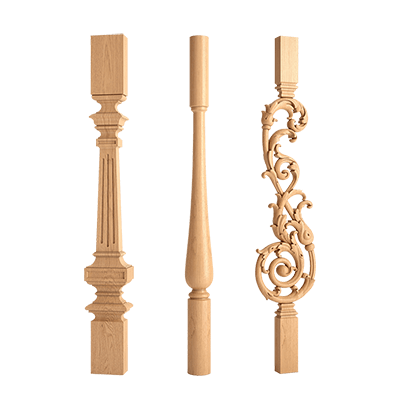
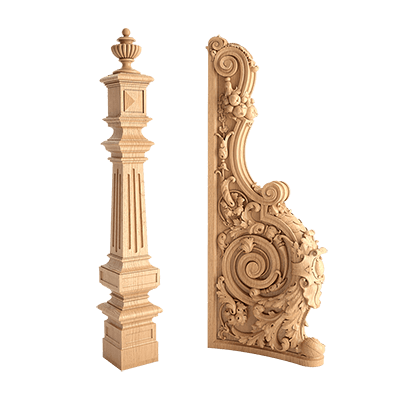
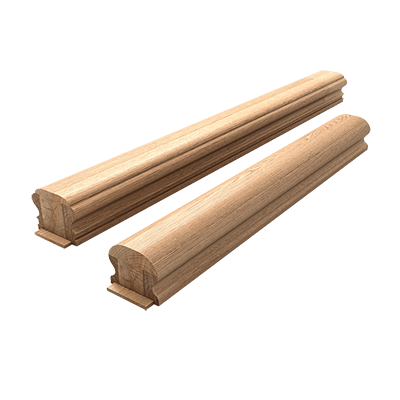
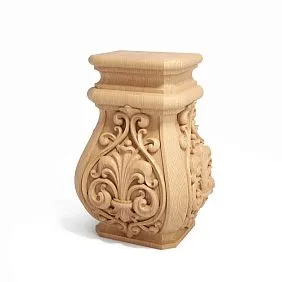
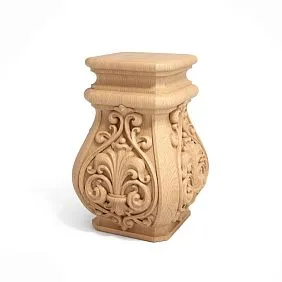
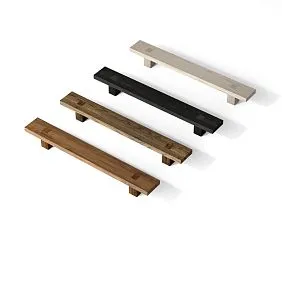
Our factory also produces:

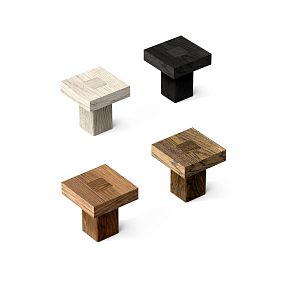
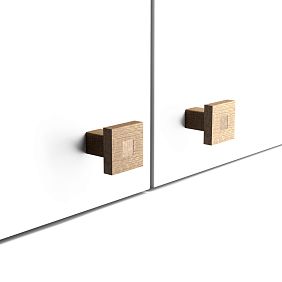


What should go into the MASTER DATABASE, and what is better left outside it
The database quickly becomes useless if you add everything found on the internet to it.
Minimum threshold for a master card:
- Manufacturer;
- SKU;
- Category;
- Product Name;
- Material;
- Size;
- Product URL;
- data source;
- date of verification.
Additionally desirable:
- sample;
- DWG;
- 3D;
- preview;
- status;
- used in projects;
- replacement;
- notes.
What should not go into the main database.
Should not be added as a master record:
- Pinterest images;
- unidentified products;
- items without a SKU;
- random marketplace listings;
- placeholders;
- unknown 3D models;
- a product that has already been discontinued and was never used.
Such materials can be stored in a separate research/archive layer.
Three storage levels.
It is useful to separate:
Research
Found but not yet verified.
MASTER
Identified and verified.
ARCHIVE
Discontinued, replaced, or kept only for project history.
This way, the main library doesn't turn into a dumping ground for everything.
Get Consultation
The master record must be normalized, not turned into a text field
A weak card looks like this:
40×20×2000, white, PU, good, 3D available.
Formally, the information is there. In practice, the database can barely work with it.
A strong card stores data separately:
Width = 40
Depth = 20
Length = 2000
Material = polyurethane
Finish = project-specific
3D Available = yes
Sample Status = approved
This allows:
- filter;
- sort;
- search ranges;
- build reports;
- automatically populate data into the specification;
- find cards with missing fields.
The larger the database, the more expensive unstructured text becomes.
Where a reference list is needed instead of free input
Fields like Category, Material, Status, Manufacturer are better selected from a reference list.
Otherwise, variants appear:
PU
Polyurethane
polyurethan
polyurethane
and four values start behaving like different materials.
The same happens with:
APPROVED
Approved
approved
approved.
In a small table this seems like a trifle. In a database of hundreds of cards, the filters already work incorrectly.
Therefore, key fields need a controlled vocabulary.
Where free text is useful.
It is needed for:
- Notes;
- Installation Feedback;
- Reason for Replacement;
- Design Constraints;
- Comment after project.
This is data that is difficult to reduce to a single reference list.
The best option is to combine structured fields and short professional notes.
Material card: which fields are actually needed
The basic structure might look like this:
| Field | What to store |
|---|---|
| Material ID | Internal code |
| Manufacturer | STAVROS |
| SKU | specific SKU |
| Product Name | manufacturer name |
| Category | molding / panel / decor |
| Collection | if applicable |
| Material | polyurethane / MDF / oak / beech |
| Size | actual |
| Product URL | Clean URL |
| Sample ID | if any |
| Sample Status | REQUESTED / APPROVED |
| DWG | file / link |
| 3D | file / link |
| Preview | Image |
| Status | VERIFIED / APPROVED |
| Last Checked | Date |
| Used In Projects | list |
| Replacement | Material ID / SKU |
| Notes | practical experience |
This table already turns the material from a "link in a chat" into a manageable entity.
It is better to store the size in a structured way
Instead of one line:
40×20×2000
it is better, if the system allows, to store:
- Width;
- Height;
- Depth;
- Length;
- Diameter;
- Module.
Not all fields are needed for every type.
But structured data allows filtering the database.
For example:
molding / PU / width 30–50 mm / APPROVED.
Units of measurement must be uniform.
If one card stores millimeters, another centimeters, and a third the text "2 m", filtering breaks.
For an architectural base, it is better to choose a single standard.
For example:
primary linear dimensions — mm.
And also store product length in mm.
Top-level categories: how not to turn the registry into chaos
An overly detailed category creates hundreds of folders.
Too broad — makes filters useless.
For STAVROS, it makes sense to use several top-level groups:
- polyurethane decor;
- moldings;
- cornices;
- skirtings;
- ceiling rosettes;
- wall decor;
- wall panels;
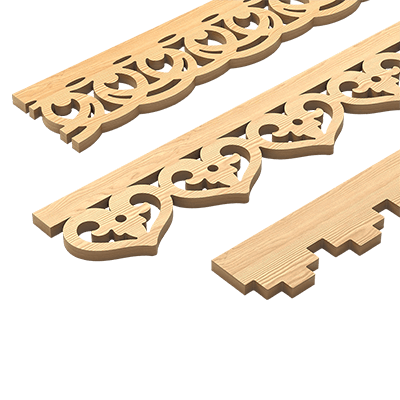
- slatted panels;
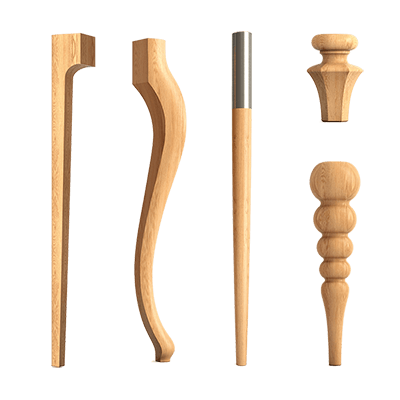
- wooden decor;
- wooden mouldings;
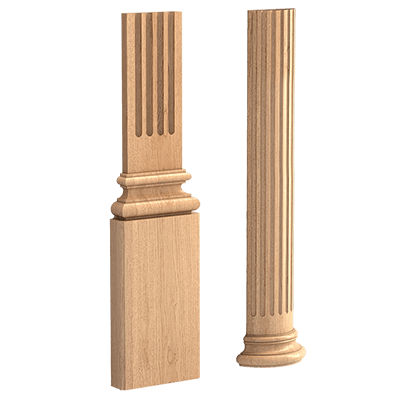
- pilasters / columns;
- capitals;
- furniture decor.
Subcategories can be used below.
A category should describe the physical type.
Do not mix:
classic
living room
molding
in a single Category field.
Better to separate them:
Category = molding
Style = classic, if such a parameter is actually needed.
Typical Use = wall frames, if the database stores this.
Collection — a separate field.
Collection does not replace category.
A single molding remains a molding, even if it belongs to a collection.
For related series, you can use STAVROS decor collections.
Polyurethane trim and moldings: what is important to preserve in the master card
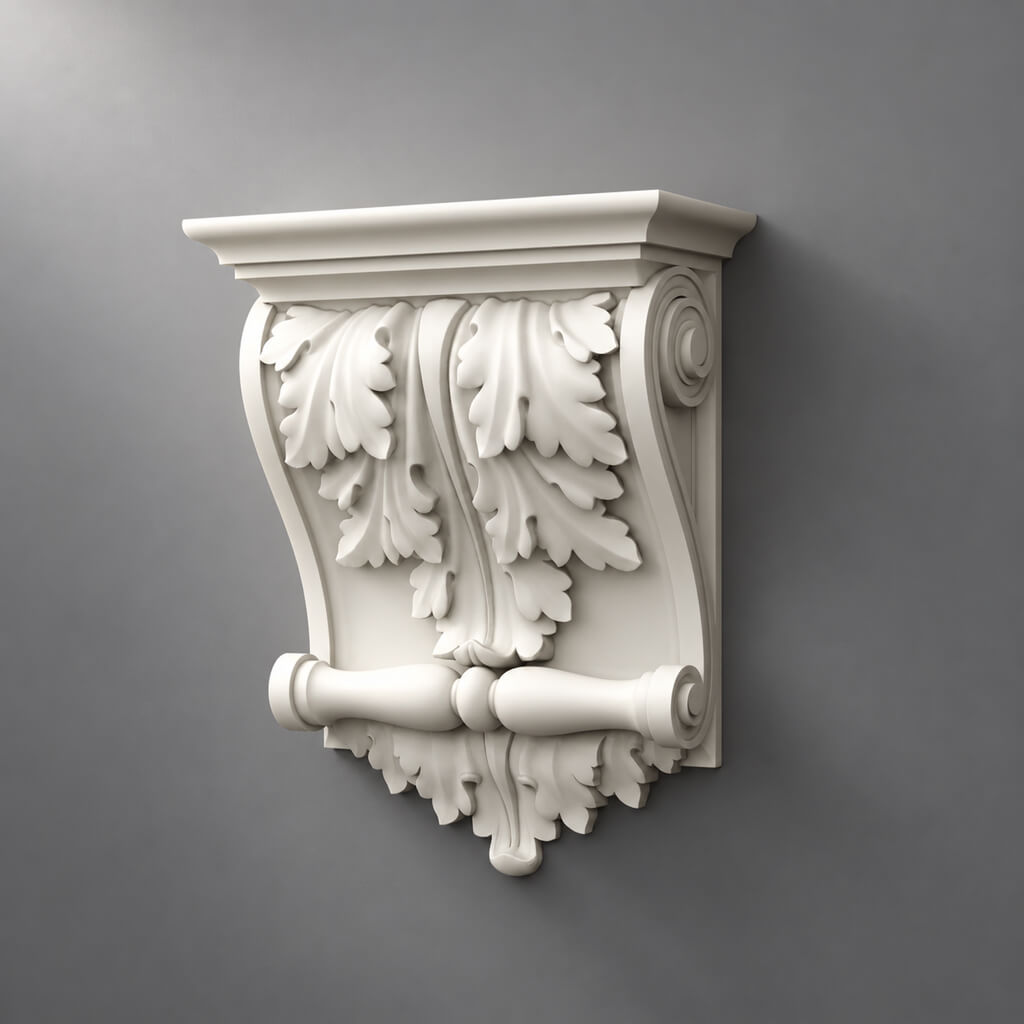
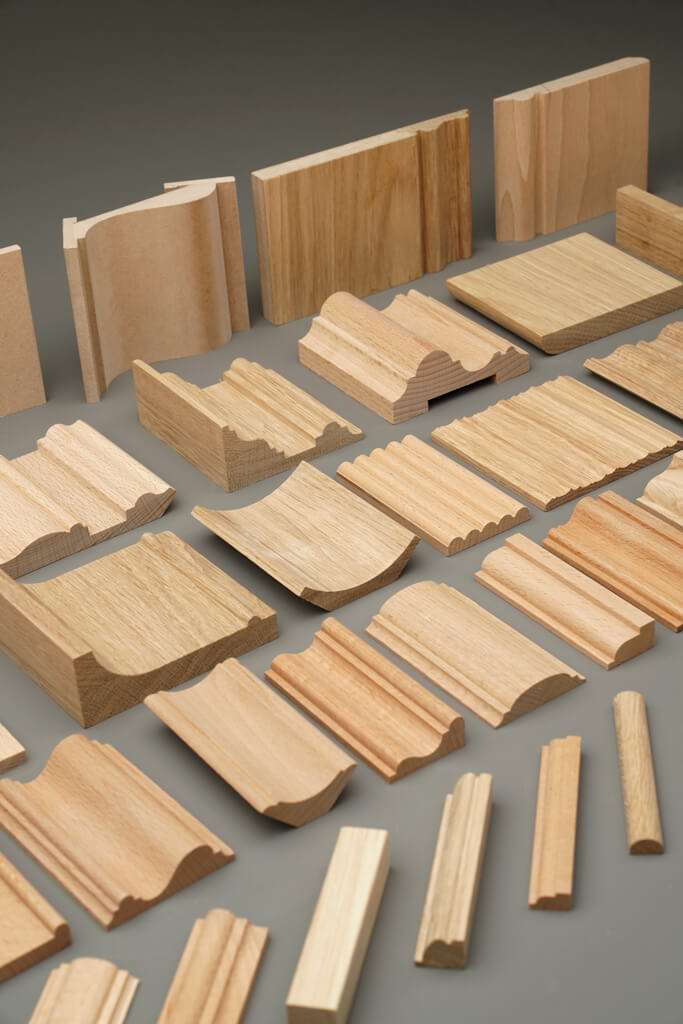
for moldings from polyurethane Required:
- SKU;
- type;
- actual dimensions;
- relief;
- project material;
- 3D;
- DWG;
- sample;
- URL.
for of polyurethane moldings additionally especially important:
- width;
- depth;
- cross-section;
- product length;
- preview of the cross-section.
Why it is essential to keep the cross-section for a molding.
The front image shows the ornament.
The cross-section shows:
- overhang;
- the depth;
- the mounting plane;
- behavior near the architrave;
- light and shadow.
Two profiles of the same width can perform completely differently.
Practical experience is a separate field.
After the project, you can record:
Notes: deep profile; an increased offset is needed near the architrave.
Such a note is more valuable than a generic “beautiful molding.”
It is the accumulated observations that turn the database into the bureau's experience.
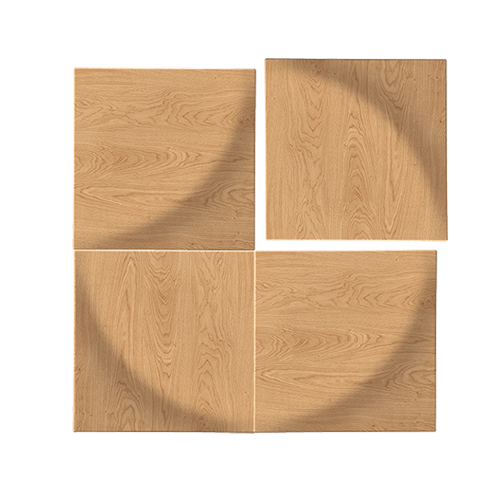
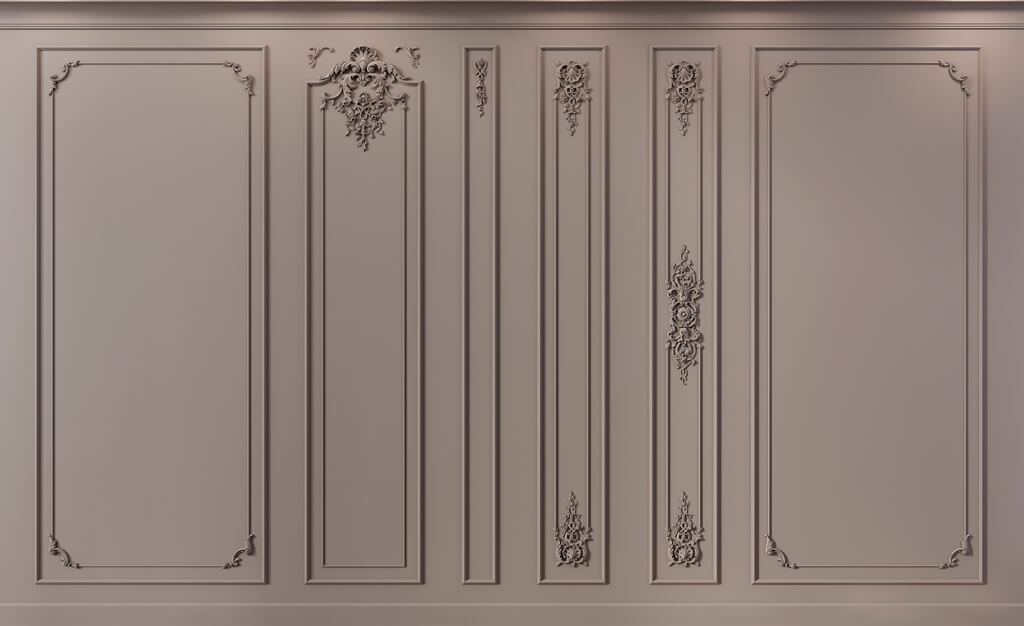
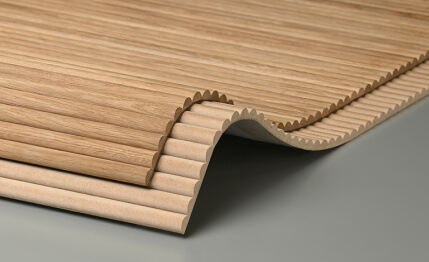
Wall panels: geometry, material, and module should be stored separately
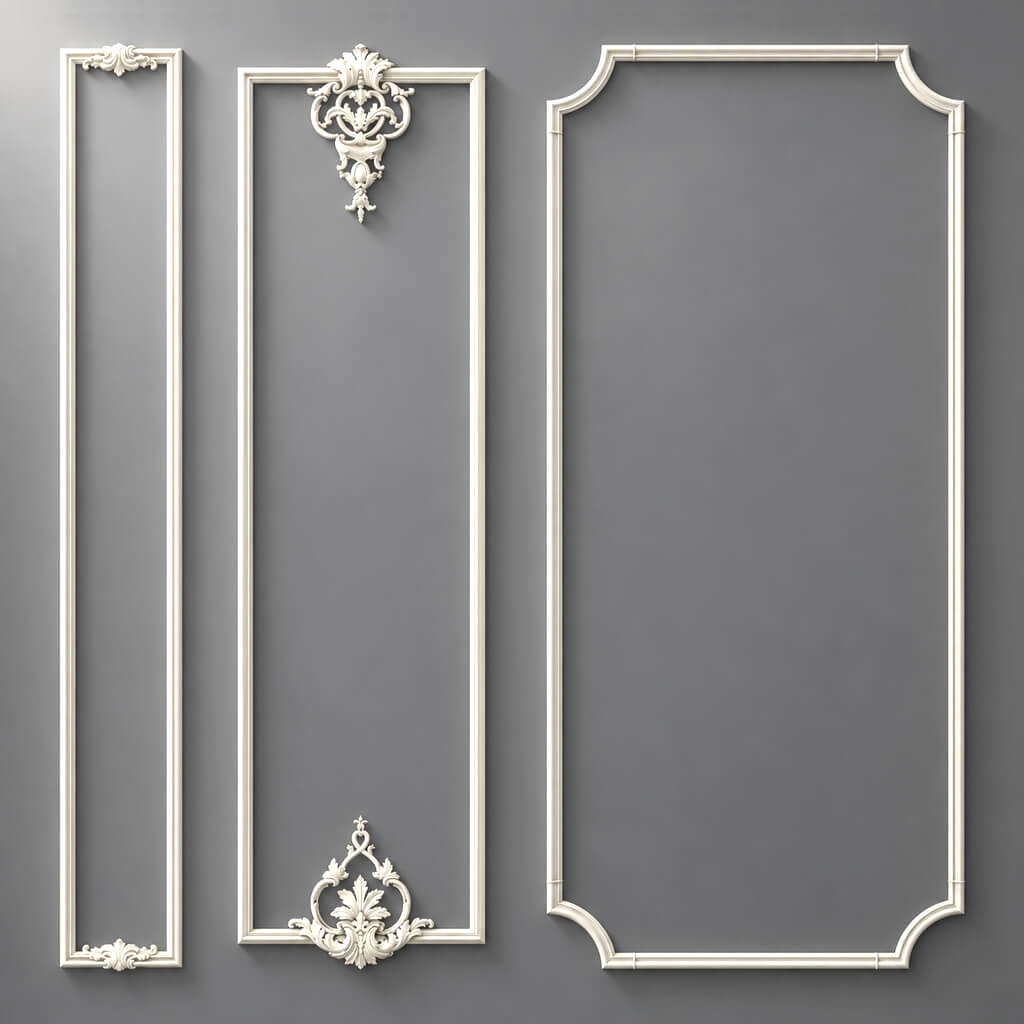
for of STAVROS wall panels и of slatted panels useful fields:
- module width;
- thickness;
- length / height;
- material;
- orientation;
- finish;
- edge type;
- 3D;
- DWG;
- sample.
Material and Geometry are different data.
One geometric system can have different material variants.
Therefore, everything cannot be encoded in a single string:
oak panel 3D vertical.
Better:
Family = PANEL-012
Geometry = module X
Material = oak
Finish = ...
The panel database should allow filtering by module.
For the project, not only color and style matter.
Architect workflow often starts with a constraint:
wall 4200 mm
need module 500–700 mm
approved
sample available
If the module is stored as a number, the database really helps.
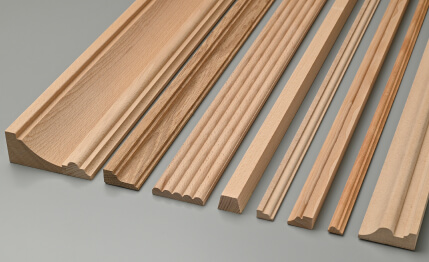
Wooden decor: species and finish are required fields
for wooden decorative elements a single SKU is sometimes not enough if the product exists in different material variants.
Useful to store:
- species;
- grain direction;
- finish;
- tone;
- coating;
- approved sample.
Do not write just "wood".
If the project uses a specific species, the field Material = wood is too generic.
Better:
Material = oak
Or:
Material = beech
if this corresponds to a real product.
Why grain direction can be part of the database.
On long moldings and large carved elements, the wood grain direction affects visual perception and 3D.
If an asset is reused, it is useful to know how to orient the texture.
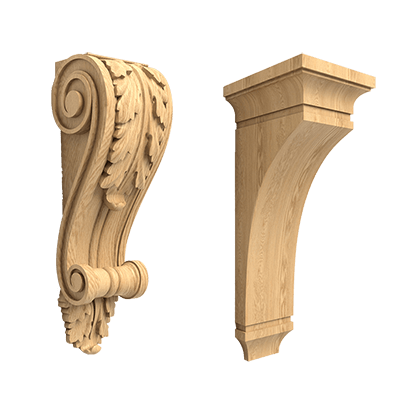
For carved items, you can use STAVROS carved decor.
Physical samples: a digital card should lead to a real object
A sample is easy to lose even in a good studio.
After a few months, all that remains is a box of unlabeled material pieces.
Therefore, a physical sample should have the same level of identification as a digital file.
For example:
Sample ID = SAMPLE-MAT-0042
Where to store the physical location.
Field:
Sample Location
For example:
Studio / Cabinet 02 / Drawer C
This way, the architect can find the sample without searching the entire office.
The sample should be linked to the SKU.
Not:
a piece of oak molding.
But:
Material ID → Manufacturer → SKU → Sample ID.
sample photo.
Preview helps you quickly browse the library.
But a photograph does not replace a sample.
Especially if these matter:
- shade;
- gloss;
- texture;
- depth of texture.
For physical checks, you can use STAVROS product samples.
Sample lifecycle: a sample can also become outdated
A sample is not eternal.
It can:
- fade;
- become dirty;
- lose its labeling;
- belongs to an old batch;
- no longer matches the current product.
Therefore, it is useful to keep for a sample:
- Sample ID;
- Material ID;
- Received Date;
- Sample Status;
- Location;
- Condition;
- Last Compared Date.
Check-out for samples
If samples are taken to a meeting or site, a simple checkout log saves the library.
For example:
SAMPLE-MAT-0042
Checked Out By = Ivan
Date = 2026-10-02
Destination = APARTMENT-034
Return Due = 2026-10-05.
Without this, the physical library gradually disappears across projects.
When a new master sample is needed
A new sample should be requested if:
- the SKU changed;
- the manufacturer changed the finish;
- the material differs noticeably from the old one;
- sample is damaged;
- the project is color-critical;
- the old sample can no longer be trusted.
At the same time, it is better to archive the old sample rather than discard it without a record: it can explain why the old implemented object looks different.
Digital assets: DWG, 3D, preview and datasheet
A material without digital data can still be APPROVED, but having files significantly increases reusability.
Useful asset types:
- DWG;
- 3D;
- PDF datasheet;
- preview;
- texture;
- seamless texture;
- section;
- installation note.
DWG.
Store:
- source file;
- SKU;
- upload date;
- version / revision.
Do not rename the file in a way that removes the product code.
3D.
Combination:
Material ID → 3D Asset.
For example:
MAT-DEC-0042
→
STAVROS_MLD_[SKU].max
If a model cannot be unambiguously linked to a product, it must not be considered an APPROVED asset.
Preview.
A preview is required for the base UX.
The architect should be able to compare 100 cards without opening each DWG or MAX file.
For digital work, you can use 3D models and DWG STAVROS.
Naming convention for files
The file name must preserve product identification.
Good:
STAVROS_[SKU]_DWG_REV01.dwg
STAVROS_[SKU]_3D_MAX_REV02.max
STAVROS_[SKU]_SECTION.pdf
Bad:
final.dwg
new_molding.max
good_panel_v2.max.
A year later, alternative names do not allow the product to be restored.
The asset folder must be linked to the Material ID
Example:
/Materials/MAT-DEC-0042/
Inside:
/DWG//3D//PDF//TEXTURES//PREVIEW//SAMPLE_PHOTOS/
This way files don't get scattered across project folders.
Projects can reference a master asset, but must not become the only place where it exists.
Do not edit the master asset without a revision
If an architect changes a DWG for a specific detail, that is already a project derivative.
The manufacturer's master asset must remain separate.
For example:
STAVROS_[SKU]_MASTER.dwg
and:
APARTMENT-034_ML-01_PROJECT.dwg.
Otherwise, after several projects it becomes impossible to tell where the original geometry is and where the project modification is.
Statuses: Candidate, Verified, and Approved must not be mixed
A strong base should show not only what was found, but also how much it can be trusted.
CANDIDATE.
Found.
But it may not be verified.
VERIFIED.
Verified:
- SKU exists;
- size verified;
- URL works;
- material is clear.
But the material has not necessarily been used or approved yet.
SAMPLE REQUESTED.
Sample ordered.
SAMPLE APPROVED.
Physical sample approved.
APPROVED.
The item has sufficient data for reuse in design.
ARCHIVED.
Kept for history.
DISCONTINUED.
Discontinued or no longer available as a current item.
REPLACED.
There is a successor, but the original card is retained.
Why Candidate cannot be shown as Approved.
If a single filter contains a marketplace item found yesterday and a material that the bureau has already used three times, users begin to perceive them as equally reliable.
This destroys the meaning of the database.
Last Checked: the verification date is mandatory for a long-lived library
Product data changes.
Therefore, the master card must store:
Last Checked
For example:
2026-09-28.
Without a date, it is impossible to understand how fresh the information is.
What to recheck before reuse.
If the card is a year or two old, check:
- whether the SKU exists;
- has the size changed;
- is the material available;
- has the name changed;
- whether a sample is available;
- does the URL work;
- are there current 3D / DWG files.
Price cannot be treated as a permanent field.
Price quickly becomes outdated.
Therefore, it is better to store:
Price
и
Price Checked Date.
For example:
Price Checked = 2026-09-28.
No one perceives an old price as current.
Availability is also not permanent data.
IN STOCK
Or:
5–10 days
cannot be treated as a permanent property of the material.
Lead time and availability are checked before purchase.
Card lifecycle: material must follow a clear path
It is useful to view an entry as an object with a lifecycle:
CANDIDATE
→ VERIFIED
→ SAMPLE REQUESTED
→ SAMPLE APPROVED
→ APPROVED
→ USED
→ RE-CHECK
→ ARCHIVED / DISCONTINUED / REPLACED.
Not all cards have to go through every stage.
For example, a simple molding may not require sample approval for early development. But before mass use in a project, the status must clearly show what exactly has already been verified.
Who has the right to change the status
If the database is used by the whole studio, it is useful to separate permissions.
For example:
- any architect can create
CANDIDATE; - BIM/CAD specialist confirms digital files;
- the specifier checks SKU and commercial data;
- lead architect or material librarian assigns
APPROVED.
This is not bureaucracy for bureaucracy's sake.
A status becomes trusted only when the team understands what it means.
APPROVED does not mean "forever"
Approved means:
the data was sufficient and confirmed as of a specific date.
That is exactly why you need next to it Last Checked.
If a position has not been checked for two years, it must undergo the following when used again RE-CHECK.
You can even introduce a rule:
APPROVED + Last Checked > 12 months → REVIEW REQUIRED
if this is consistent with the bureau's process.
Discontinued and Replacement: old cards must not be deleted
If a product has been discontinued, the record is still needed.
Why?
Because it is linked to old projects.
If the card is deleted, a year later it is impossible to determine which profile was used on the project.
Correct status:
DISCONTINUED.
Replacement SKU.
Add a field:
Replacement Material ID
or
Replacement SKU.
But a new product should not automatically become APPROVED.
Why a “similar molding” is not automatically a replacement.
A new profile can change:
- width;
- the depth;
- the frame;
- nodes;
- Cutting;
- quantity;
- visualization.
Therefore, the replacement undergoes a new technical check.
Chain of replacement.
Useful to store:
MAT-001 → replaced by MAT-245.
If after five years the replacement is also discontinued:
MAT-245 → replaced by MAT-611.
The history remains traceable.
Project History: where the material has already been used and what was on the project
Field:
Used In Projects
may contain:
APARTMENT-021
HOTEL-007
HOUSE-014.
But a list alone is not enough.
After implementation, it's useful to add brief observations.
For example:
- easy installation;
- complex external corner;
- good sample;
- shade differs from the screen;
- easy to reorder;
- an increased offset from the door casing is needed.
This is no longer a catalog.
This is a knowledge base.
Project Feedback must not be turned into free-form chaotic text.
If the database is large, it is better to use structured tags:
INSTALLATION = EASY
EDGE DETAIL = ATTENTION
SAMPLE MATCH = GOOD
and a short comment.
This way, experience can be filtered.
Who should update the card after the project.
It is useful to assign a responsible person:
- procurement specialist;
- project architect;
- BIM/CAD manager;
- materials librarian.
The main thing is that feedback does not depend on the team's random memory.
Which materials to keep in MASTER permanently, and which only in the project archive
MASTER works better when it stores reusable useful items.
For example:
- basic moldings;
- cornices;
- skirting boards;
- Panels;
- neutral sockets;
- universal wooden overlays;
- proven architectural elements.
What is better to keep in the archive of a specific project.
- unique custom;
- historical replicas;
- rare large elements;
- experimental solutions;
- limited-series materials;
- items that are unlikely to be repeated.
Otherwise, the master database grows faster than its usefulness increases.
Promote to MASTER.
Useful workflow:
PROJECT MATERIAL
→ if the item performed well
→ PROMOTE TO MASTER.
This way, the database is enriched with experience from real projects, not just research.
The material used and the material recommended are not the same thing
The fact that it was used in a project does not yet mean that the item should be recommended again.
After implementation, it is useful to add a field:
Reuse Recommendation
with the values:
- RECOMMENDED;
- USE WITH CONDITIONS;
- DO NOT REUSE;
- REVIEW.
For example, a material might look beautiful but have complicated installation or an unreliable delivery time.
This is important information that would never appear in a regular catalog.
The reason for rejection is also valuable.
If a candidate was reviewed and did not make it into the project, you can save:
Rejected Reason.
For example:
- too deep near door casing;
- module incompatible with wall width;
- no sample;
- lead time unsuitable;
- finish mismatch.
This way, the team doesn't repeat the same review six months later.
Architectural experience must be specific
Bad note:
good material.
Useful:
on a narrow wall pier the profile looks visually too large; on walls wider than 3 m it worked convincingly.
Or:
the panel is convenient for a full wall, but the outer corner requires a separate solution.
Such records turn the database into project memory.
Filters: the database should answer a project query in minutes
A good database is needed not for storage, but for search.
Useful filters:
- Category;
- Manufacturer;
- Material;
- Size;
- Width;
- Depth;
- Module;
- Status;
- Sample Available;
- DWG Available;
- 3D Available;
- Last Checked;
- Used In Projects;
- Collection;
- Replacement Status.
Example of a real query.
New project.
Need molding:
PU
width 30–50 mm
APPROVED
sample available
DWG available.
Instead of two hours of searching through catalogs, the architect gets a shortlist in minutes.
Another query.
Need a panel:
wood
vertical
module < 700 mm
APPROVED
sample in studio.
The base starts working as a project tool.
Search taxonomy: what should be a filter and what should be a tag
Not all data needs to be turned into strict fields.
Structured fields:
- Manufacturer;
- SKU;
- Category;
- Material;
- Size;
- Status.
Tags:
- classical;
- minimal;
- deep relief;
- suitable for furniture;
- used in hotel;
- easy installation.
This allows maintaining discipline without an overly complex schema.
Do not use style as the main product filter.
Style is more subjective than geometry.
It is better to search first by:
type + material + size + status,
and then check visual compatibility.
Saved Views for common tasks
Instead of rebuilding the filter every time, it's useful to create views.
For example:
Approved Moldings
Category = molding
Status = APPROVED
Panels with Samples
Category = wall panel
Sample Status = APPROVED
Digital Ready
3D = yes
DWG = yes
Status in VERIFIED, APPROVED
Need Re-check
Last Checked older than 12 months
Discontinued Used in Active Projects
Status = DISCONTINUED
Used In Active Project = yes.
Such views turn the base into a working dashboard rather than an archive.
Size search should work numerically
If the Width field is stored as a number, you can query:
30 ≤ Width ≤ 50.
If the size is stored as a string:
approximately 4 cm
such a filter is impossible.
This is one of the reasons to structure technical parameters from the very beginning.
How a position moves from MASTER to a new project
You can't just copy the old line and assume the material is up to date.
The correct sequence is:
MASTER → re-check → Project Code → Project Specification.
For example:
Material ID = MAT-DEC-0042
in the new project receives:
Project Code = ML-03.
Combination:
ML-03 → MAT-DEC-0042 → STAVROS SKU.
What is rechecked during transfer.
Even if the master card is APPROVED:
- the SKU still exists;
- dimensions have not changed;
- material is available;
- the URL is up to date;
- the sample matches the current version;
- the project node is suitable.
APPROVED means "verified as corporate material."
Does not mean "automatically suitable for any project."
What is not stored in MASTER.
Quantity.
The quantity refers to a specific project.
MASTER stores the item.
SPEC stores:
- Room;
- Zone;
- Project Code;
- Calculated Qty;
- Order Qty.
Relationship between MASTER DATABASE and specification
Workflow:
Project ML-01
→ Material ID MAT-DEC-0042
→ Manufacturer = STAVROS
→ SKU = ...
→ Order Qty.
This way the specification does not duplicate the entire card.
It references the source.
Fields that can be pulled automatically.
If the database is implemented in a table or a PIM-like system, the following can be pulled from the master card:
- Manufacturer;
- SKU;
- Product Name;
- Material;
- Size;
- Product URL;
- status.
The following are added in the project:
- Room;
- Zone;
- Project Code;
- Qty;
- Finish;
- revision.
Why manual copying is dangerous.
Manual copying creates:
- typos;
- old URLs;
- incorrect SKU;
- outdated size.
It is better to link records via Material ID.
Source of truth: which source is authoritative for each data type
Without this, the database starts contradicting itself.
Useful diagram:
| Data | Main source |
|---|---|
| SKU | manufacturer |
| Dimensions | manufacturer / datasheet |
| 3D | asset linked to master-card |
| DWG | manufacturer / verified office file |
| sample status | office material library |
| project usage | project records |
| price | latest commercial check |
| availability | current supplier check |
| replacement | reviewed master-card |
If an old project shows one size and the current datasheet shows another, the master card must be reviewed.
Verification log.
For important changes, it is useful to store:
Checked by
Checked date
What changed.
For example:
2026-09-28 / SKU exists / URL updated / dimensions unchanged.
So the base doesn't look like a black box.
The project snapshot and master card must be separated
When material enters a project, it's important to preserve the state of the data at the time of release.
For example, a 2026 project used:
MAT-DEC-0042 / SKU X / Size Y / Finish Z.
A year later, the manufacturer may update the card.
MASTER will be updated.
But the project archive must remember which version was used at that time.
Therefore, it's useful to store the following in the project specification:
- Material ID;
- SKU;
- Revision / Checked Date;
- project finish.
This provides historical reproducibility.
Old projects cannot be updated automatically.
If the master card has changed, old specifications must not be silently overwritten.
Otherwise, it is impossible to restore the actual configuration of the object.
MASTER — the current corporate database.
PROJECT SNAPSHOT — a historical version of a specific project.
Project-to-Master feedback loop
After implementation, the project should return to MASTER:
- installation feedback;
- sample notes;
- delivery observations;
- replacement;
- issue.
This is how the cycle closes:
MASTER → PROJECT → SITE → MASTER.
Without feedback, the database remains just a catalog.
The physical library and the digital database must share a common numbering system
One of the most useful organizational techniques is to link the sample cabinet with the digital registry.
For example:
Material ID = MAT-PAN-0087
Sample ID = SAMPLE-MAT-PAN-0087
Location = Cabinet 03 / Shelf B.
The architect opens the card and goes straight to the required sample.
Material Board of the project.
For a specific project, a board can be assembled from Material IDs:
MAT-PAN-0087
MAT-DEC-0042
MAT-WOOD-0110.
After the project, the board is disassembled, and the master samples are returned to the library.
Master sample and project sample.
It is useful to distinguish:
Master Sample
— corporate reference.
Project Sample
— a copy for a specific site.
This way, the shared sample does not disappear at the construction site.
Practical scenario: how a material travels from a found item to MASTER
Below is a conditional example without inventing specific product data.
The architect found a suitable STAVROS molding.
Step 1. Research record.
Created:
TEMP-2026-091.
In the card:
- link;
- screenshot;
- category;
- brief reason for interest.
Status:
CANDIDATE.
Step 2. Identification.
Found on the manufacturer's page:
- Manufacturer;
- SKU;
- Product Name.
A permanent one is created:
Material ID = MAT-DEC-0042.
The TEMP record is no longer the source.
Step 3. Technical check.
Checked:
- width;
- depth;
- length;
- cross-section;
- Material.
Status:
VERIFIED.
Step 4. Digital assets.
The following are attached to the card:
- DWG;
- 3D;
- preview.
Asset names contain SKU.
Step 5. Sample.
A sample is ordered.
Sample Status = REQUESTED.
after checking:
SAMPLE APPROVED.
Step 6. First project.
Item is used:
Project = APARTMENT-021
Project Code = ML-05.
In the specification:
ML-05 → MAT-DEC-0042.
Step 7. Implementation.
After installation, feedback appears in the card:
the architrave requires increased clearance.
Now the base has new information that is not in the manufacturer's catalog.
Step 8. APPROVED.
The position receives:
Status = APPROVED.
Step 9. Second project a year later.
The architect filters:
molding / PU / approved.
Finds MAT-DEC-0042.
But before using, checks:
- SKU;
- URL;
- dimensions;
- availability.
Step 10. New specification.
The new project receives:
Project Code = ML-02
→ MAT-DEC-0042.
The project does not start the selection from scratch.
This is exactly how master-card starts saving the bureau's time.
Practical scenario: a discontinued item
Two years later, the same molding is no longer available.
It cannot be deleted.
The card changes status:
DISCONTINUED.
The following remain in history:
- APARTMENT-021;
- HOUSE-014;
- sample;
- DWG;
- 3D;
- notes.
Next, a replacement candidate is created.
For example:
MAT-DEC-0177.
Replacement workflow.
- compare width;
- compare depth;
- check the cross-section;
- insert into the old node's 3D;
- check DWG;
- order a sample if necessary;
- assign VERIFIED / APPROVED.
Only after this:
MAT-DEC-0042 → Replacement = MAT-DEC-0177.
That way the history doesn't break.
Commercial data: what to store and what to always re-check
You can store in the database:
- the last known price;
- date;
- supplier;
- lead time;
- MOQ;
- availability snapshot.
But these fields should be considered temporary.
Permanent data.
More stable:
- SKU;
- geometry;
- material;
- category;
- manufacturer.
Volatile data.
Change faster:
- price;
- stock;
- lead time;
- production time;
- discount;
- MOQ.
Therefore, the master card should visually separate them.
Before purchasing.
Final chain:
MASTER → PROJECT APPROVED → SPEC → QTY → CURRENT COMMERCIAL CHECK → ORDER.
Commercial verification is performed every time.
This is the natural point to move to specific categories:
Queries like "buy MDF wall panels", "buy stucco molding", "buy polyurethane moldings"
Database quality metrics
Useful indicators:
% APPROVED records with SKU
% APPROVED records with Last Checked
% records with preview
% records with sample location
duplicate SKU count
broken URL count
discontinued without replacement.
This makes it possible to see database quality more objectively than by the feeling that "everything seems to be filled in."
Final master-card checklist
Identity.
- Material ID;
- Manufacturer;
- SKU;
- Product Name;
- Category.
Technical.
- Material;
- Size;
- Module / Profile / Section;
- Product URL;
- source.
Physical.
- Sample ID;
- Sample Status;
- Sample Location;
- preview.
Digital.
- DWG;
- 3D;
- PDF;
- texture;
- revision.
Status.
- Candidate / Verified / Approved;
- Last Checked;
- Checked By.
History.
- Used In Projects;
- Notes;
- Installation feedback;
- Replacement.
Commercial.
- Price;
- Price Checked Date;
- Availability;
- Lead Time;
- Supplier.
But these data should not be mixed by status: commercial fields are always temporary.
Minimum roles in the process
Even in a small studio, it is useful to mentally separate functions.
Finder
finds a new material.
Verifier
checks the SKU and dimensions.
Librarian
maintains Material ID, status, and sample location.
Project Architect
decides whether the material is suitable for a specific project.
Procurement
performs the current commercial check.
One person can perform several roles. The key is not to mix stages.
The corporate database should reduce rework, not add it
If filling out a card takes 40 minutes, the team will start bypassing the system.
Therefore, there should be only as many required fields as are actually needed for reuse.
A good minimum threshold:
- Material ID;
- Manufacturer;
- SKU;
- Category;
- Material;
- Size;
- URL;
- Status;
- Last Checked;
- Preview.
The rest is added as the item matures.
This keeps the system workable.
Team onboarding: a database is useless if only its creator can read it
Even a perfect structure doesn't work if the new architect doesn't understand:
- how
CANDIDATEit differs fromVERIFIED; - where to find the sample;
- whether the old price can be used;
- what it means
Replacement; - which file is considered the master DWG.
That's why, alongside the database, you need a short internal guide of one to two pages.
In it, it's enough to document:
- how to create a new card;
- which fields are required;
- who moves an entry to VERIFIED;
- who assigns APPROVED;
- where physical samples are stored;
- how a material is transferred to a project;
- what to do when replacing a SKU.
So onboarding takes hours, not weeks.
The principle “if you don't know, don't upgrade the status”
If an architect found a beautiful product but didn't verify the size, the entry remains CANDIDATE.
If the SKU and size are verified, but the sample is critical for the project and has not yet been received, the card may be VERIFIED, but not APPROVED.
This simple principle maintains trust in the statuses.
The database should show gaps, not hide them
An empty field is better than a made-up value.
If unknown:
Lead Time = unknown
better than an old number without a date.
If there is no DWG:
DWG Available = no.
If the sample is not found:
Sample Status = missing.
A good database does not create an illusion of completeness. It shows exactly what still needs to be checked.
Quick database maturity test
If you need to understand whether the library has truly become operational, take a random card with the status APPROVED and ask a colleague who was not involved in its creation to perform four actions: find the physical sample, open the correct 3D/DWG, name the current SKU, and transfer the item to a new specification. If doing this requires writing to the card's author, searching an old chat, or guessing which file is the "latest," the system still depends on personal memory. The goal of MASTER DATABASE is to make these actions reproducible without the involvement of the person who once first found the material.
How a finishing materials database changes the work of a bureau
Without a corporate database, every new project starts its search almost from scratch.
With a database, the workflow becomes different:
MASTER → FILTER → SHORTLIST → PROJECT CHECK → SPEC.
For example:
Moldings / PU / 30–50 mm / APPROVED / Sample Available
Or:
Wall Panels / Wood / Module < 700 mm / APPROVED / 3D Available.
The architect starts not with a thousand products, but with a dozen already verified ones.
This does not replace the manufacturer's catalog.
On the contrary: the catalog remains a source of new assortment and current data.
The database stores something else — corporate memory about real materials.
Final logic:
SOURCE → MATERIAL ID → MANUFACTURER → SKU → VERIFIED DATA → SAMPLE → DWG / 3D → STATUS → LAST CHECKED → PROJECT HISTORY → REPLACEMENT → SPECIFICATION → CURRENT ORDER.
A strong base of finishing materials for architects is not a collection of images. It is a managed registry of real products, where each material can be identified, verified, found physically, opened in 3D/DWG, traced through old projects, and safely reused.