


































Article Contents:
- What custom decor production based on a designer's project means
- First, separate ready-made SKUs from custom production
- STANDARD
- CUSTOM
- Standard products
- Custom
- All decor is declared custom
- A visualization is used instead of a technical brief
- No project code
- The old REV remains in production
- The prototype is approved only from photos
- STANDARD and CUSTOM are handled separately
- The assembler is left with “find an analogue”
- 1. Audit the project
- 2. Separate STANDARD and CUSTOM
- 3. Assign project codes
- 4. Link STANDARD to real SKUs
- 5. Prepare a technical package for CUSTOM
- 6. Lock in the materials
- 7. Make samples and prototypes
- 8. Assign APPROVED
- 9. Calculate quantities and batches
- 10. Accept by master-spec

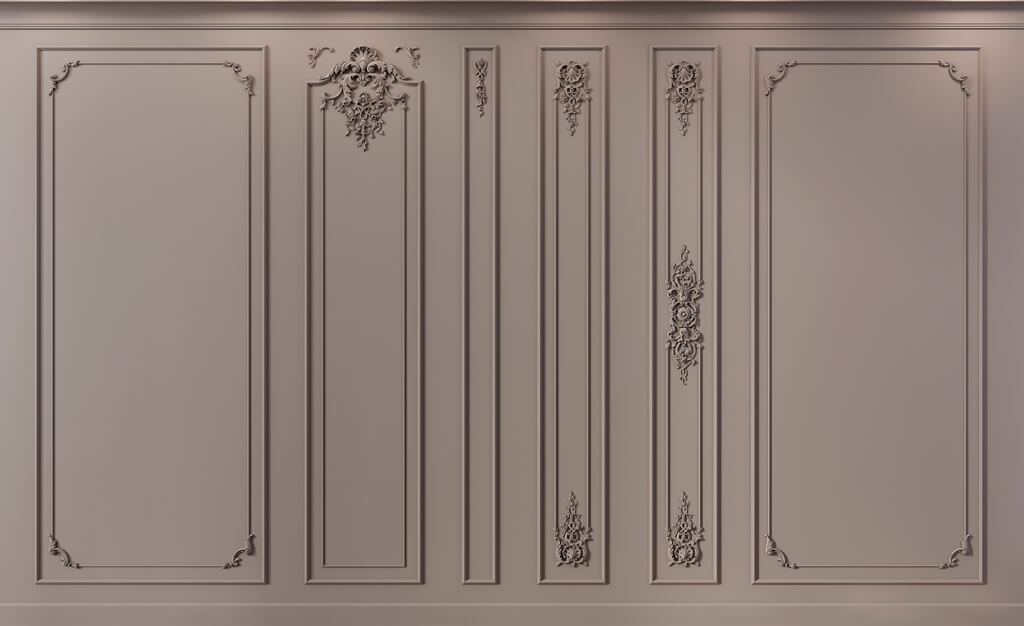
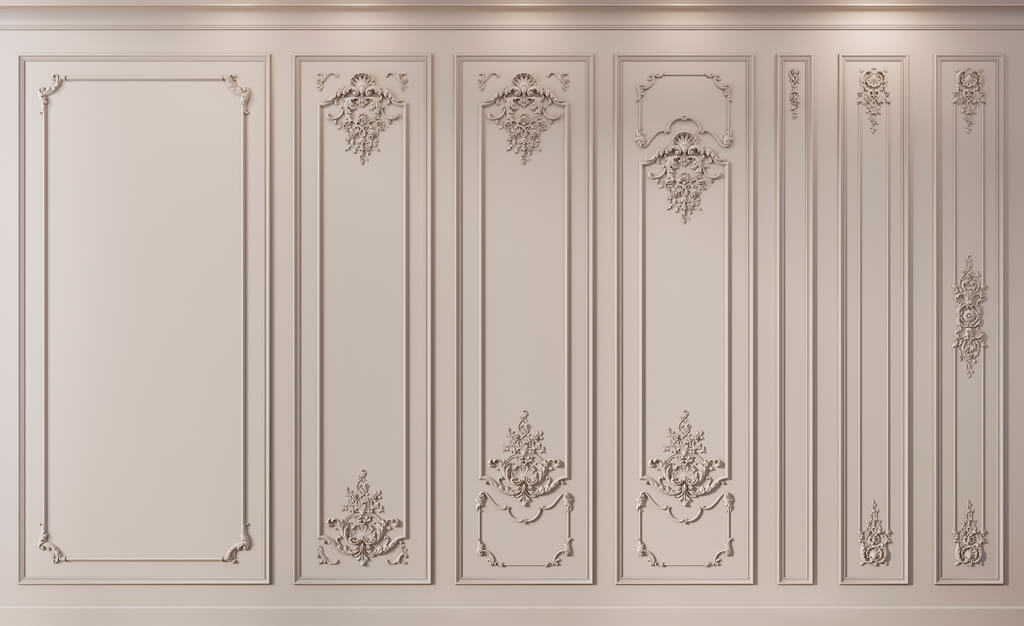
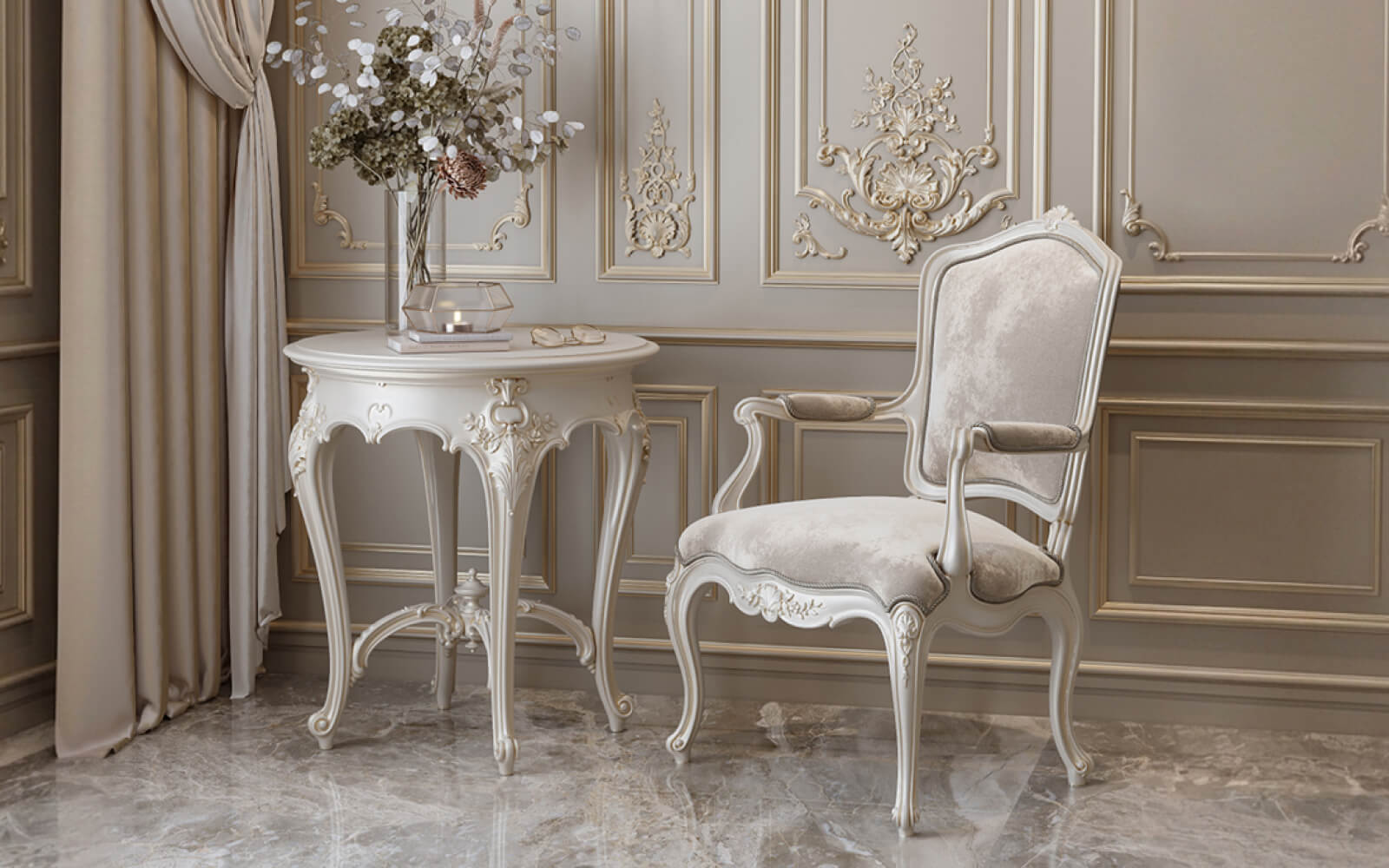
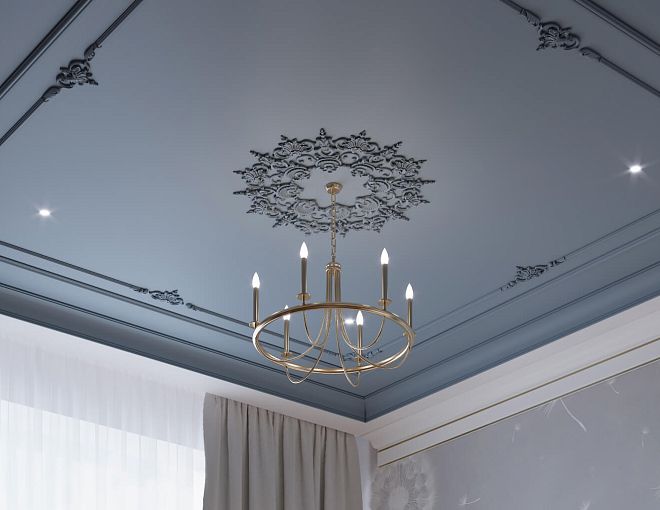
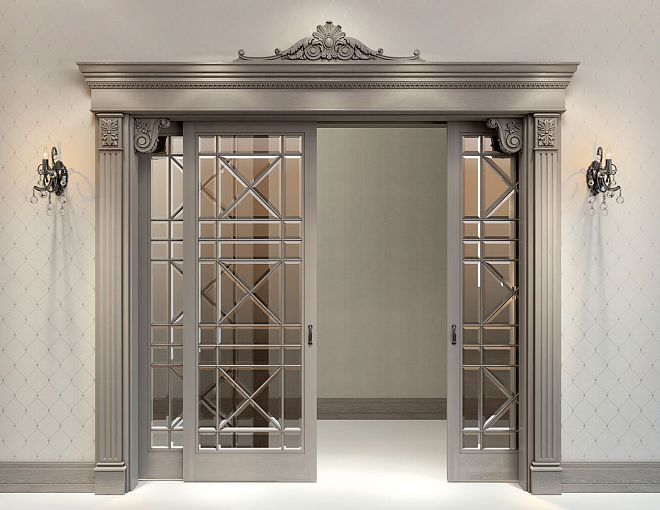
In a visualization, everything can look flawless: moldings run along the walls with an even rhythm, the carved overlay lands exactly in the center of the portal, the cornice continues the ceiling architecture, and the decorative panel looks as if it had always existed specifically for this interior. Problems begin later — at the moment when someone has to turn a beautiful image into a set of real products.
One element turns out to have a specific SKU and a ready-made product card. The second exists only in a 3D model. The third was drawn by the designer at a scale that matches none of the standard profiles. The fourth needs to be made individually. The fifth has already been approved by the client, but its old version remains in the working documentation. If all of this is handed off to the manufacturer in separate emails, messages, and screenshots, the project quickly falls apart into dozens of independent decisions.
That is why the production of decor based on a designer's project does not begin with a machine or a mold. It begins with a project handoff — the transfer of a single, consistent data system in which the visualization, DWG, 3D, standard SKUs, custom products, quantities, and revisions describe the same interior.
The working sequence looks like this:
design project → audit of ready-made SKUs → identification of custom items → production package → samples and prototypes → APPROVED → quantity → batches → production → control → delivery.
If this chain is assembled correctly, the manufacturer is not "guessing the designer's intent." They receive an unambiguous specification that can be verified before launch and accepted after production.
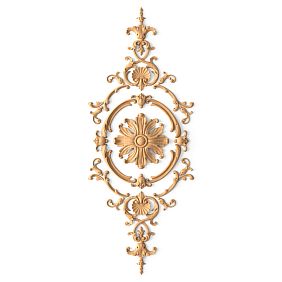


What it means to produce decor based on a designer's project
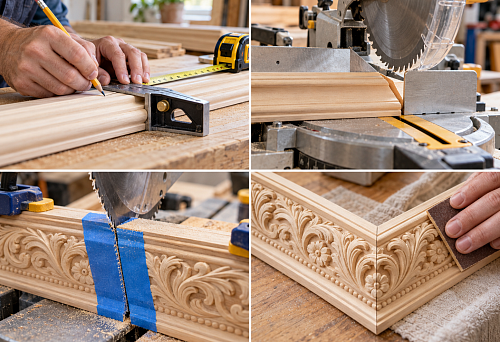
The phrase "make decor based on a project" often sounds too simple. In reality, a project can contain dozens of decorative items of various types: standard moldings, cornices, skirting boards, ready-made overlays, rosettes, carved solid wood details, custom portal elements, bespoke panels, decorative furniture elements.
Some of them already exist as products. Some require modification. Some must be developed from scratch.
A production task arises where several layers need to be connected simultaneously:
- visual image;
- working documentation;
- actual dimensions;
- specific SKUs;
- non-standard products;
- materials;
- quantity;
- file versions;
- samples;
- batch;
- marking;
- acceptance control.
Individually, each layer may be correct. The error occurs when they diverge from one another.
For example, the visualization uses a wide molding, the specification lists a different article number, the DWG contains a section of a third profile, and the order assembler orders what they found by name. Formally, all project participants worked with a "molding." In fact, the object receives four different entities.
That is why in project production the main principle sounds harsh:
one project position must have one identity across all documents.
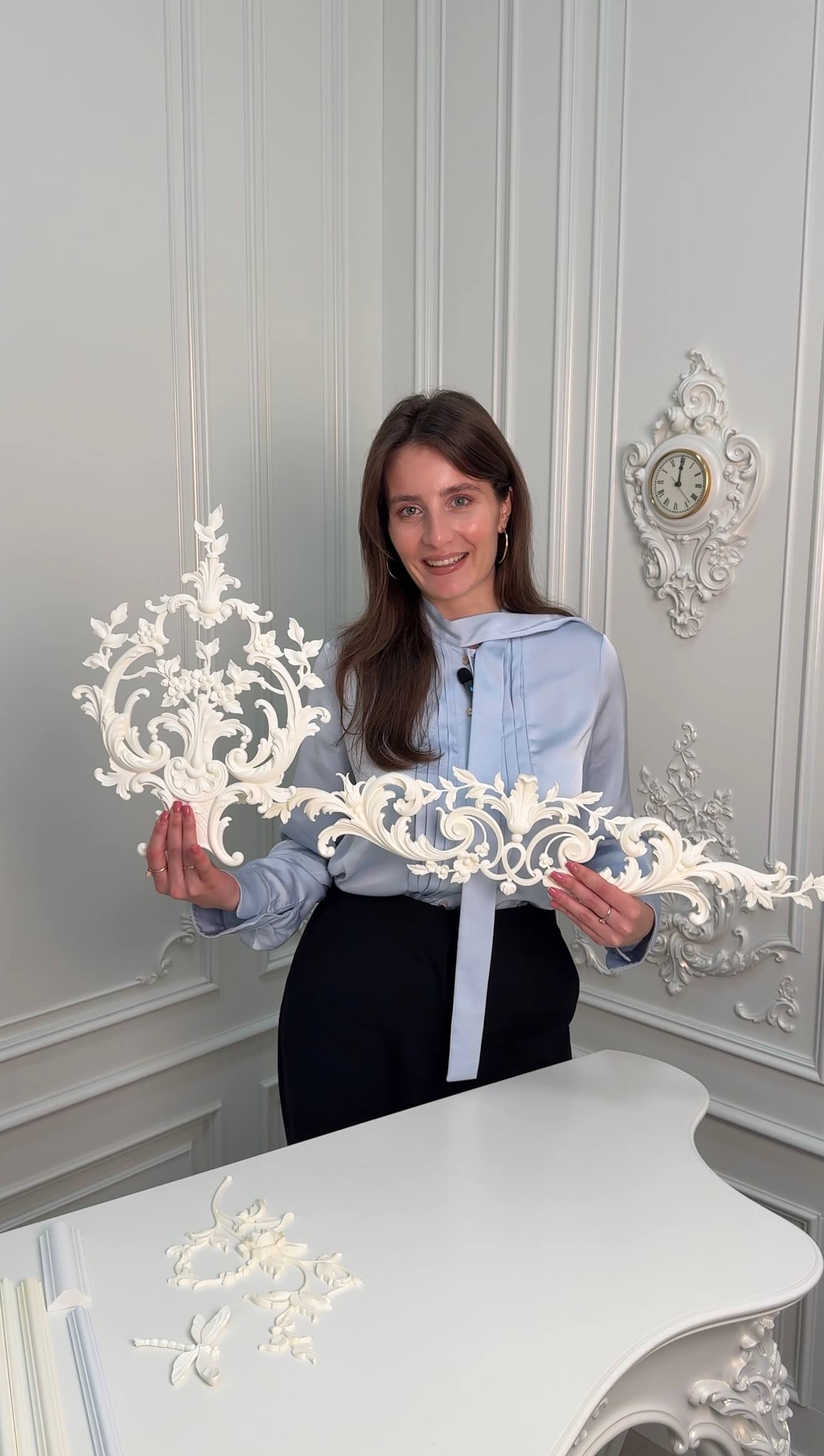
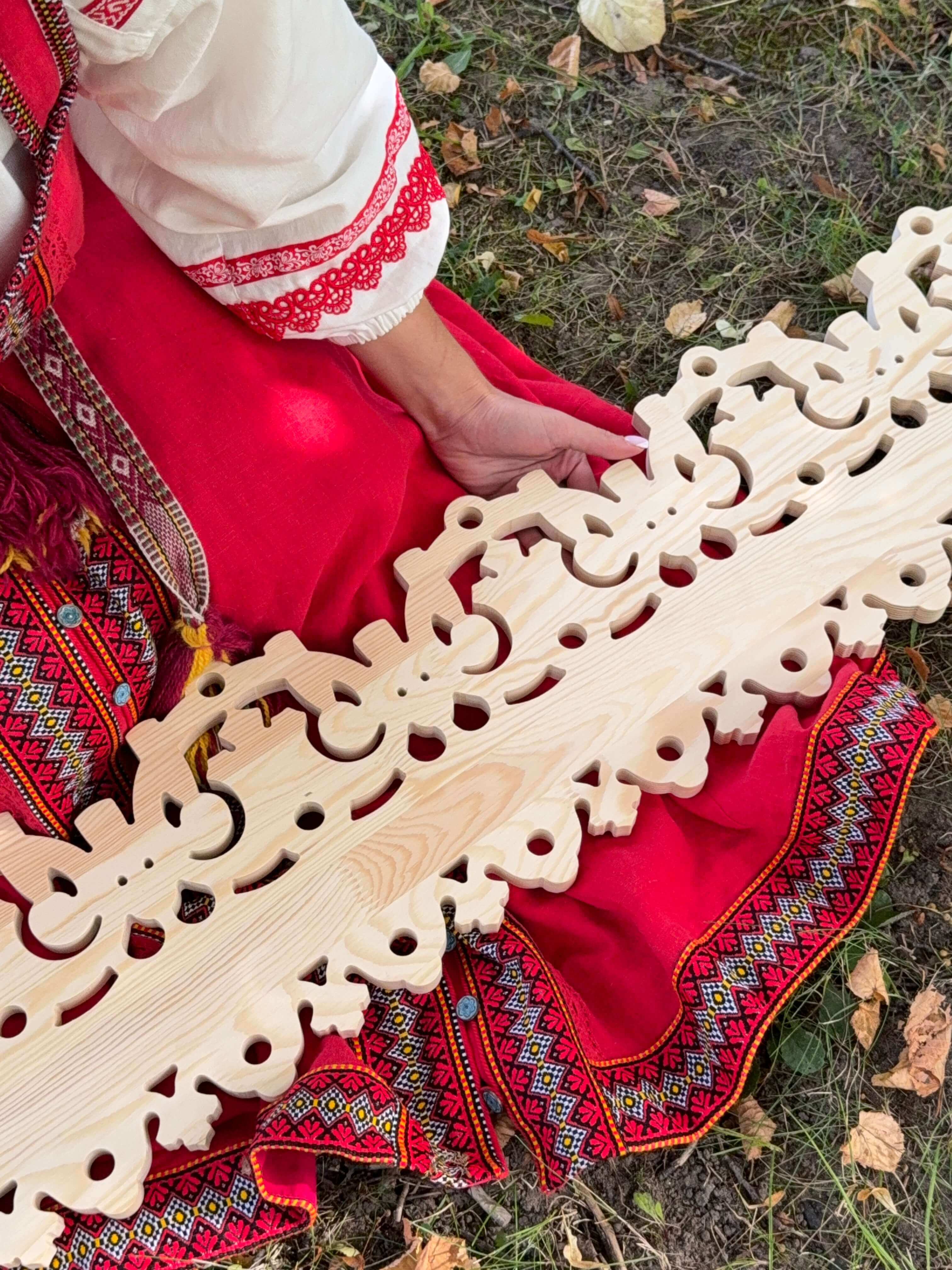
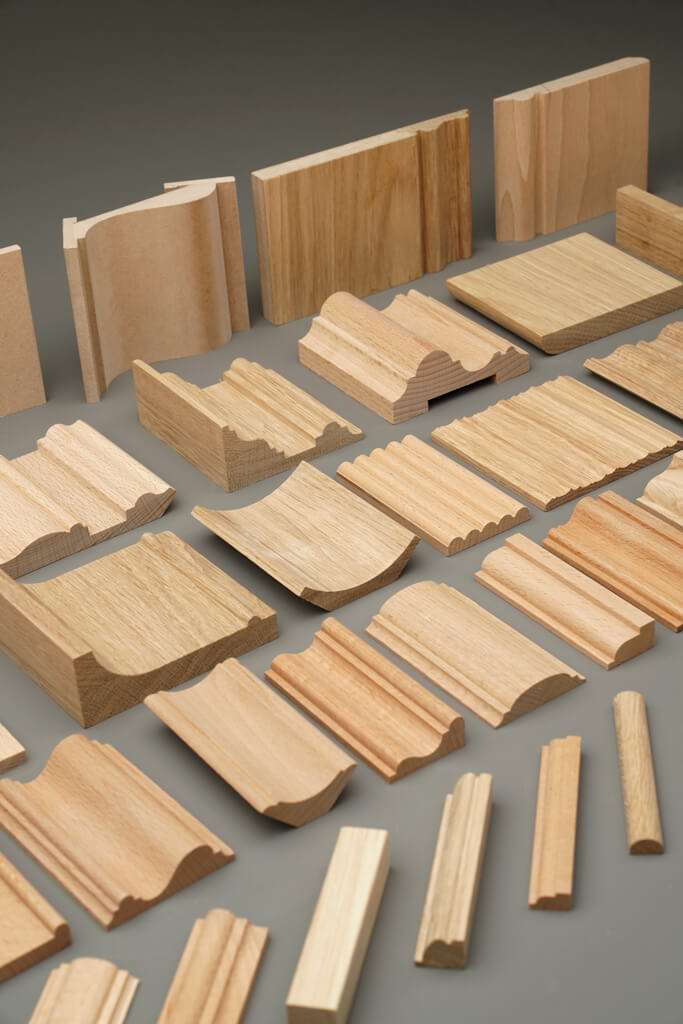
First, separate ready-made SKUs and custom production
The first stage of production is not production.
First, the project needs to be divided into two groups: STANDARD and CUSTOM.
Our factory also produces:


STANDARD
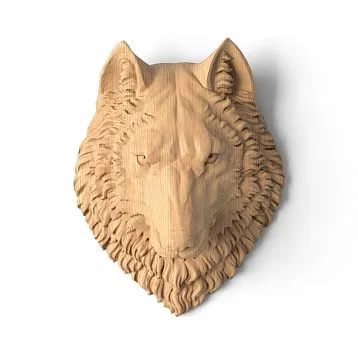
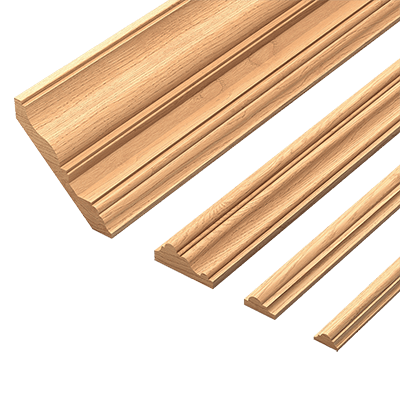
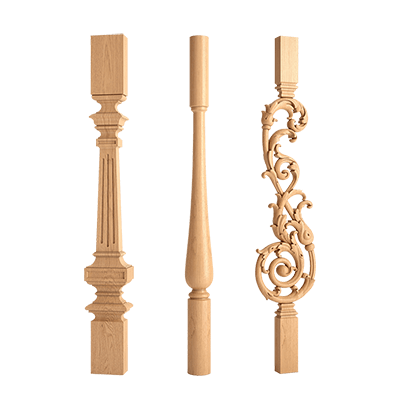
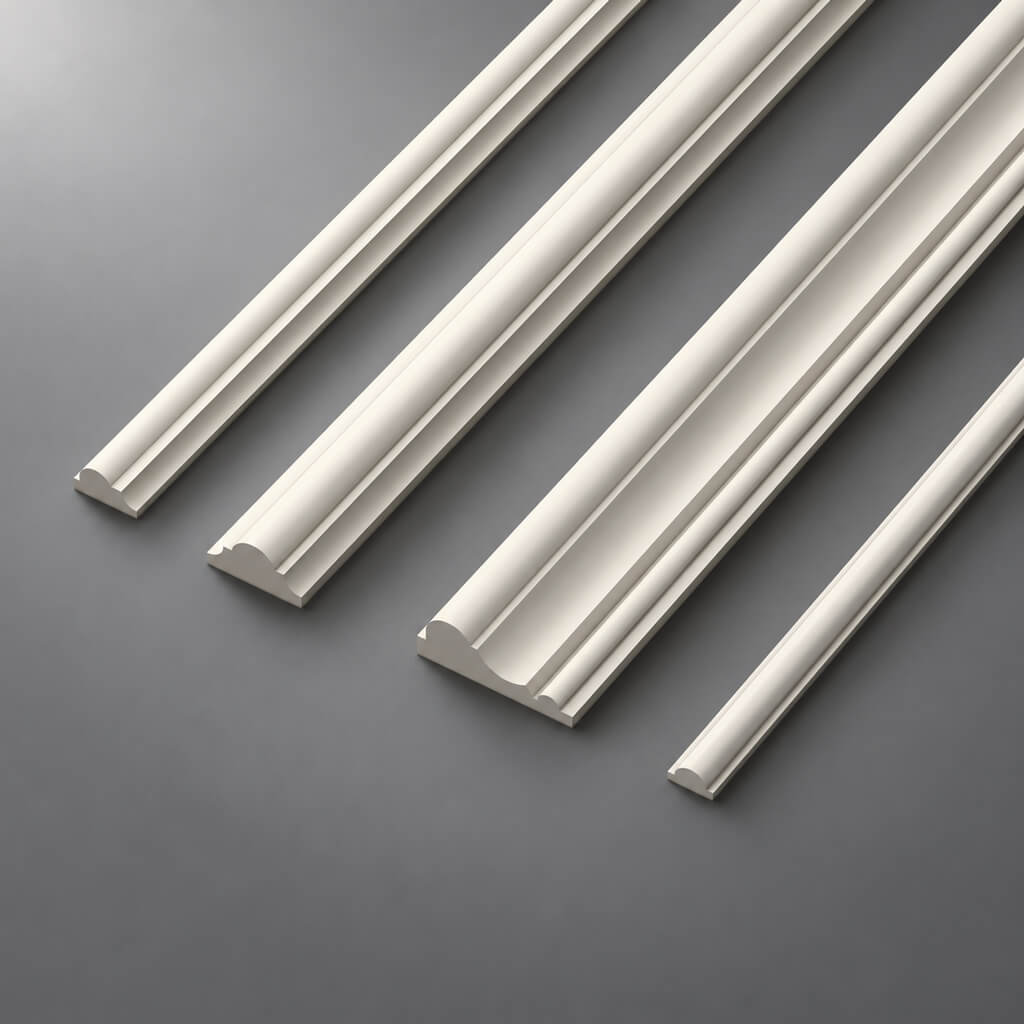
These are items that already exist in the catalog of ready-made decor: moldings, cornices, skirting boards, overlays, rosettes, brackets, pilasters, capitals, and other serial items.
For them, the designer's task is not to reinvent the product, but to correctly identify it:
- manufacturer;
- SKU;
- the material;
- actual dimensions;
- quantity;
- room;
- working file, if one is used;
- status in the project.
Get Consultation
CUSTOM
These are items that truly cannot be covered by the standard product range.
The reason can vary: a custom ornament, a non-standard size, a historical replica, an original form, or a tie-in to a specific portal, piece of furniture, or architectural element.
This approach seems like a formality until you look at the project as a whole. In a large interior, a designer may visually perceive all the decor as "custom" because the entire composition is bespoke. In production terms, that is not the case. A bespoke composition can easily be assembled from twenty standard SKUs and two truly non-standard elements.
The earlier this distinction is made, the less unnecessary custom development there is.
Why you shouldn't custom-produce what is already in the catalog
Custom production is justified when it solves a problem that the standard range does not cover. If a suitable element already exists, making an analogue from scratch often creates more problems than advantages.
A ready-made SKU is simpler:
- identify;
- check against the catalog;
- include in the specification;
- reorder;
- show to the kit assembler;
- match with the actual size;
- use in different rooms of the same project.
It is especially useful for the designer when the following are available for the item DWG and 3D models. Then the visualization and the working drawing can rely on the same real geometry.
Imagine that a project requires a simple profile for a framed wall layout. The designer draws it as custom only because they did not check the catalog. As a result, the shape must be approved, technical development must be performed, a test sample must be made, and a separate code must be maintained. If similar geometry already exists among of polyurethane moldings, most of this chain becomes unnecessary.
The individuality of an interior is not created by the number of non-standard details. What matters far more is how the elements are assembled into a single architectural system.
How to create a decor map for the entire project
Before preparing the production package, it is useful to compile a master map of all decorative items.
The simplest version might look like this:
| Code | Type | Source | Material | Status |
|---|---|---|---|---|
| ML-01 | Molding | STANDARD | PU | APPROVED |
| CR-01 | Cornice | STANDARD | PU | APPROVED |
| D-01 | Overlay | STANDARD | Oak | APPROVED |
| CUST-01 | Central panel | CUSTOM | PU | IN REVIEW |
| CUST-02 | portal element | CUSTOM | Oak | PROTOTYPE |
This table immediately shows the real scale of individual production.
Without it, the project is easy to perceive room by room: “the living room has its own decor, the lobby has its own, the bedroom has its own.” But the same item may repeat across several zones. If it is not assigned a single code, the identical element will begin to live under different names.
The project map answers the question: how many unique entities are we actually producing and purchasing?
Not how many lines are on the drawing. Not how many elements are visible in the render. But how many different products need to be identified, approved, and then delivered to the site.
Which items are reasonable to keep as standard series
In the serial part of the project, the items that most often remain are those for which stable geometry and a clear method of application already exist:
- Moldings;
- cornices;
- skirting boards;
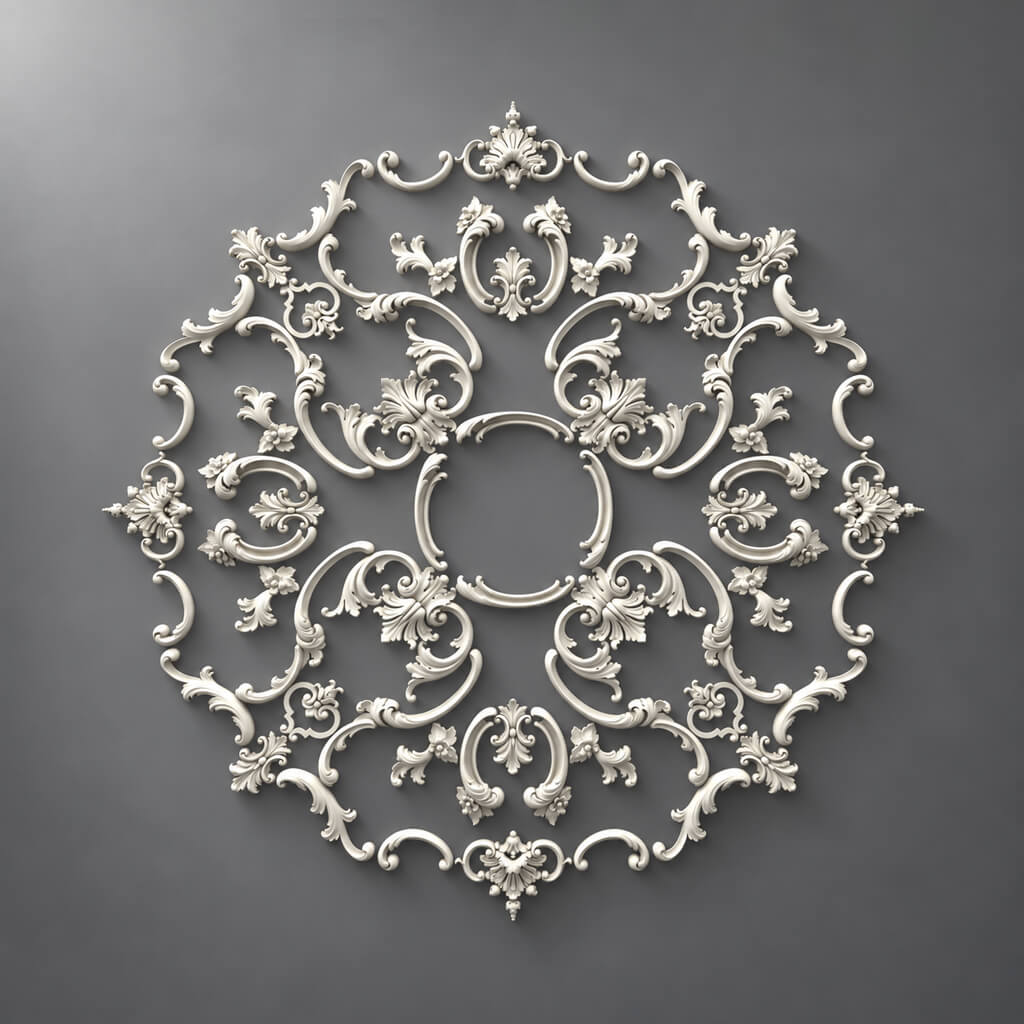
- standard ceiling medallions;
- standard overlays;
- ready-made brackets;
- serial pilasters and capitals.
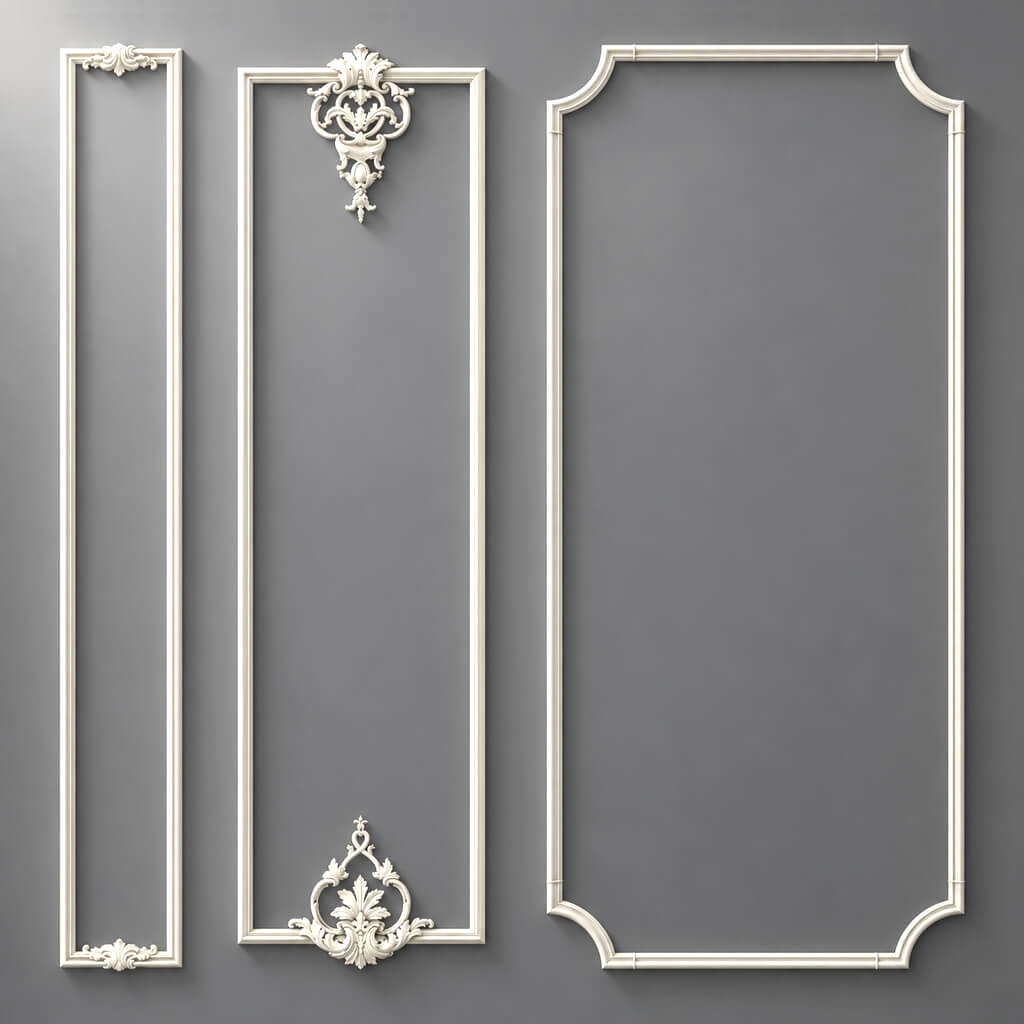
For example, Polyurethane moldings can be used as a standalone decor system without the need to redesign each profile. If a specific element fits the composition, it is more reasonable to lock it in as an SKU and a project code.
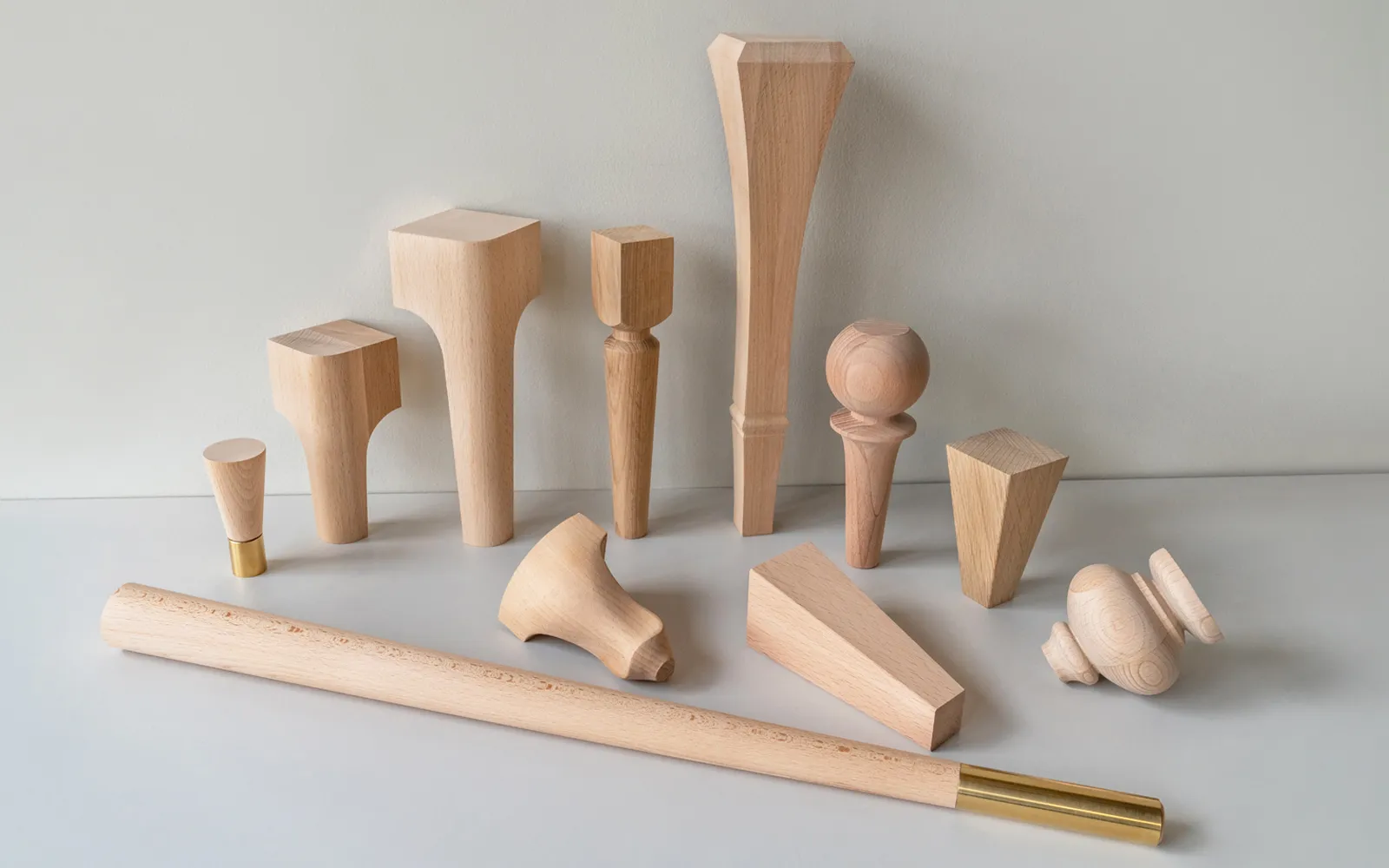
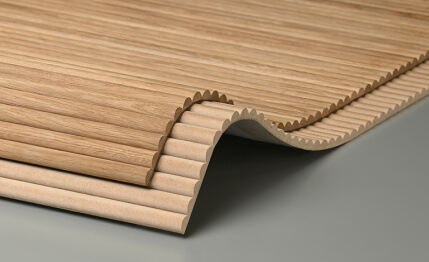
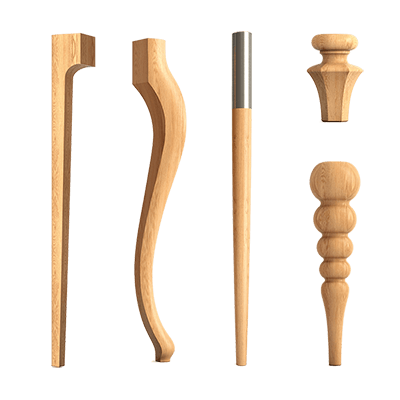
The same applies to wooden items. wooden decorative elements can work in a bespoke interior no worse than custom-made products, if their dimensions, species, and pattern suit the project.
Serial production does not make a project generic. It makes part of the design decisions reproducible.
What actually becomes a custom item
Custom production is justified where a standard solution is not enough.
Typical cases:
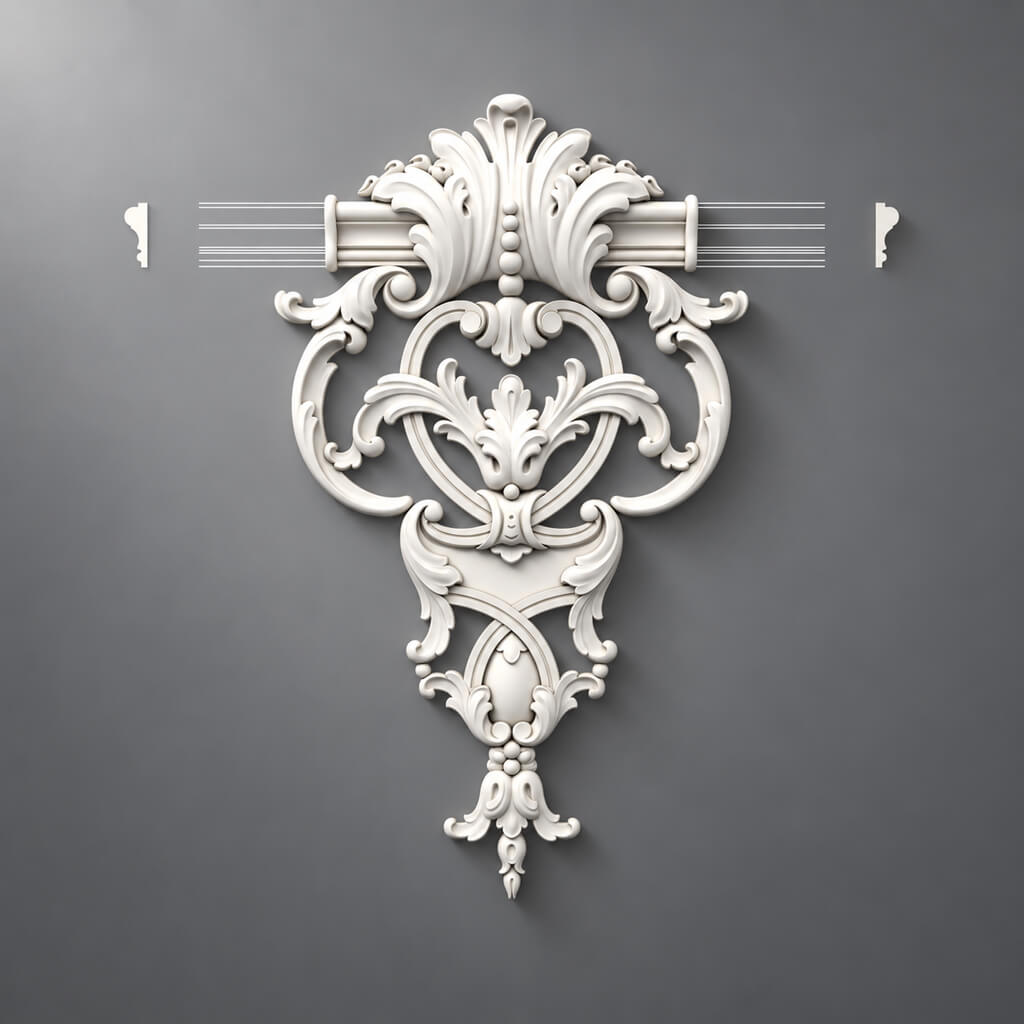
- central panel with a custom composition;
- decorative overlay with non-standard proportions;
- an element that replicates the pattern of a specific door or piece of furniture;
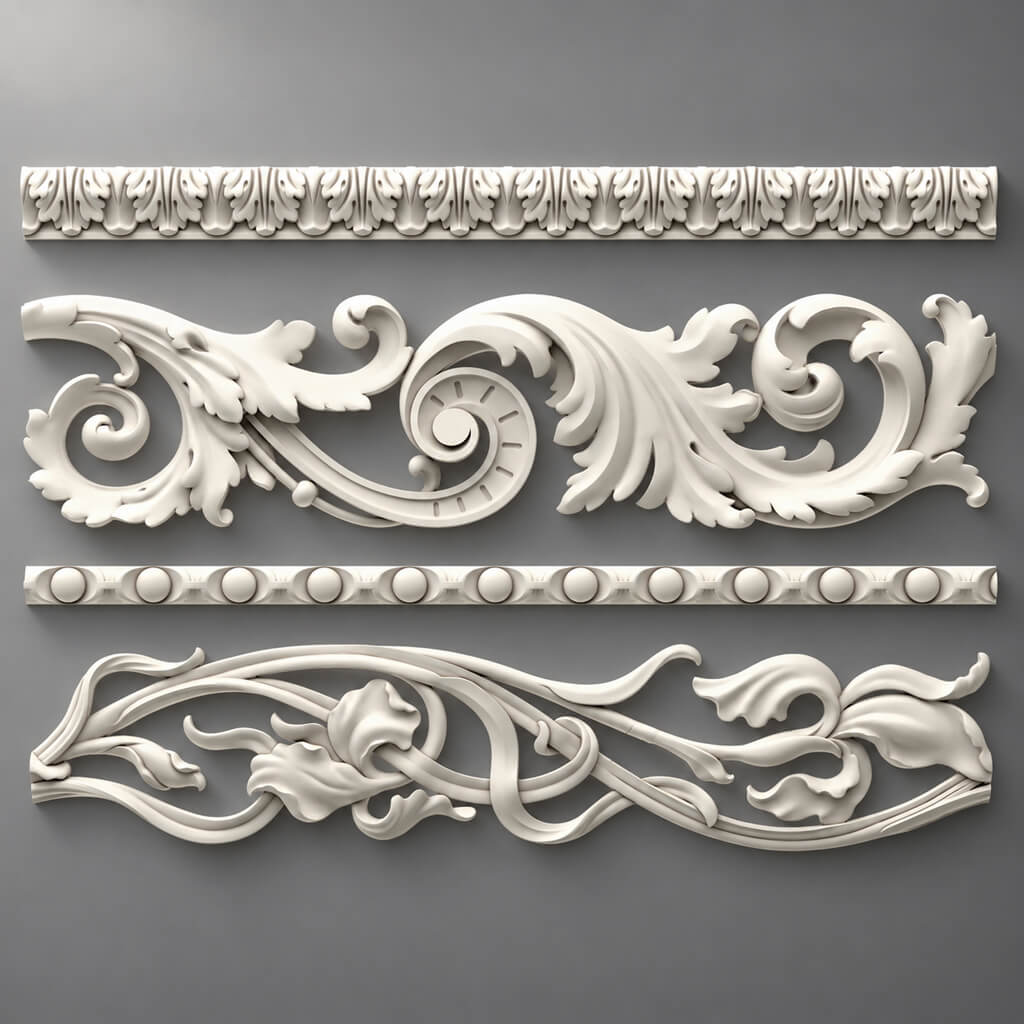
- a custom ornament;
- profile with a special cross-section;
- historical replica;
- individual finishing of the portal;
- large decorative module tied to the wall architecture;
- carved furniture component that cannot be replaced with a standard one.
This is where custom decor production from a sketch or from a drawing comes in, but context matters: a custom item must still be part of the overall master-spec, not a separate mini-project that exists on its own.
This is precisely the difference between producing an entire project and ordering a single custom piece.
The production package must be assembled for the entire project
The worst way to hand a project over to production is to send the manufacturer twenty messages at different times:
“here's the render,”
“here's the new version,”
“this size has changed,”
“we're not using this overlay,”
“we're keeping the cornice as before,”
“the final2 file is the current one.”
While a project is small, people can still keep the context in their memory. On a large site, this model stops working.
It is far more reliable to assemble a single package with a clear structure:
01_SPEC
02_DWG
03_3D
04_VISUAL
05_SAMPLES
06_CUSTOM
07_REVISIONS
Within the package, it should be clear which file belongs to which item and which version is considered current.
The manufacturer doesn't need to guess which of the three PDFs is the "freshest." This information should be obvious from the data structure.
What to send to the manufacturer for ready SKUs
For a standard item, the minimum information recorded is:
- project code;
- manufacturer;
- SKU;
- exact name;
- the material;
- quantity;
- room or room type;
- URL;
- DWG if needed;
- 3D if needed;
- the status.
For example:
PROJECT CODE: ML-01
SOURCE: STANDARD
MANUFACTURER: STAVROS
SKU: [specific item number]
MATERIAL: PU
ROOM: LIVING / HALL
QTY: per specification
STATUS: APPROVED
A URL does not replace the SKU, but it helps to quickly double-check the item. For serial products, you can store a link to the relevant section — for example, to molded decoration made of polyurethane — and within the specification itself, specify the specific item number.
At the same time, one cannot limit oneself to the wording “STAVROS overlay”. A single manufacturer has dozens and hundreds of items in one category.
A production document must lead to one specific item.
What to provide for a custom item
Custom requires a different level of data.
Minimum package:
- project code;
- image or reference;
- dimensions;
- the material;
- quantity;
- installation location;
- current revision;
- approval status.
For complex products, add:
- DWG;
- 3D;
- characteristic cross-sections;
- an installation surface;
- critical dimensions;
- orientation;
- L/R pairing;
- alignment with adjacent elements.
If the product is related to a door portal, a single front view is usually not enough. The manufacturer needs to understand the depth, the end face, and the junction with the architrave or wall.
If it is a decorative furniture element, it is necessary to show how it fits onto the facade or frame.
If it is a panel, not only the overall dimensions are needed, but also the logic of division into parts, if it is manufactured from several elements.
This is exactly where architectural decor made to a custom design turns from an image into a production entity.
A visualization is not a production task
A render answers the question: what should the result look like visually?
It shows the composition, proportion, rhythm, scale relative to the room, overall plasticity, and light and shadow.
But a visualization usually does not capture with production precision:
- cross-section;
- actual depth;
- an installation surface;
- technical clearance;
- exact thickness;
- fastener attachment;
- actual dimensions of adjacent parts.
Perspective images are especially dangerous. A part may look very specific, even though its actual geometry in the model was approximate.
Production needs the render as a check on the concept. But the production task is based on technical data.
How to verify a visualization against real SKUs
For a standard item, a simple chain works:
render → 3D model → SKU → product page → actual dimensions.
At each step, the entity must remain the same.
If the visualization used a model of the real product, great. Check whether it was scaled.
This is a common hidden mistake. The designer scales or stretches the 3D model so it "fits better" on the wall. In the render everything looks convincing, but the specification still shows the original SKU.
This is how a product that doesn't exist appears: the SKU is the same, but the geometry is different.
The rule here is simple:
if the scale of the actual product has been changed, it is no longer the same SKU.
You need to either return the model to its actual size, choose another ready-made profile, or convert the item to custom.
How to verify a visualization against a custom element
For a custom item, the sequence is different:
visual concept → technical drawing → 3D → control render.
After technical development, the shape may change slightly. For example, you may need to increase the thickness, simplify relief that is too thin, change a joint, or split a large element into parts.
If this happens, the old visualization is no longer up to date.
You must not leave the client with an image of the original version while sending modified geometry into production without updating the visual layer. A few months later, a dispute will arise during acceptance: the object is compared with what was shown and approved.
Therefore, after a significant change to a custom element, it is advisable to update the control render.
One project code for one entity
The larger the project, the more important it is to stop calling items things like “the big overlay in the lobby.”
Give the product a code.
For example:
CUST-017
This code should appear everywhere:
- in the visualization;
- in DWG;
- in 3D;
- in the specification;
- on the prototype;
- in the correspondence;
- in the quantity list;
- upon acceptance.
Then the phrase "CUST-017 does not match REV03" is unambiguous.
But the phrase "that large element near the door is slightly different" is not.
A project code doesn't have to be pretty. Its job is to keep an entity from fragmenting into different names.
How to work with Revision
A project changes. That's normal.
The problem isn't caused by changes, but by the fact that the old solution disappears without a trace.
A good scheme:
CUST-017_REV01
CUST-017_REV02
CUST-017_REV03_APPROVED
Bad scheme:
final
final2
final-final
final-really-final
The second system works perfectly until the first serious argument.
Revision is needed not only by the manufacturer. It protects the entire process: the designer understands what has been approved; the specifier understands what to count; production sees the current geometry; quality control knows what to compare against.
Who has the right to change a production item
After the APPROVED status, the product must not change "along the way" without the project noticing.
Any change to size, ornament, material, profile, or quantity must be recorded.
In practice, this means:
- a new REV is created;
- the master spec is changed;
- if necessary, DWG and 3D are updated;
- the new approval is recorded;
- only after that does the version go into production.
Small changes that seem obvious are especially dangerous.
For example: "let's increase the overlay by just 20 mm." If it sits on a furniture facade, the margins will change. If it is paired with another part, asymmetry will appear. If a template has already been made, the production base will change.
A minor edit in one file can turn out to be a major edit for the entire system.
Material is fixed separately from geometry
Geometry and material are two different parameters.
Conditional notation:
CUST-01 / geometry REV03 / material PU
Or:
CUST-02 / geometry REV02 / oak
more useful than just CUST-02_REV02, if material substitutions are possible in the project.
Why?
Because the same shape can be approved first in one material, then in another. Or vice versa: the material stays the same, but the geometry changes.
If these changes are mixed together, it becomes difficult to understand what exactly has changed.
For a large project, it is better to separate the entity code, geometric revision, material, finish, and sample status.
Production of polyurethane decor
Polyurethane decor is convenient to include in a project as a system: serial profiles can be combined with individual custom elements if the production feasibility of the specific custom geometry is confirmed.
In the serial part of the project, you can use Moldings made of polyurethane, overlays, and other elements. In this case, the individual item receives its own project code and undergoes separate approval.
For a custom polyurethane item, the dimensions, relief, repeatability, quantity, orientation, critical joints, surface requirements, and a sample, if needed, are fixed in advance.
The phrase custom polyurethane decor should not mean that any complexity is automatically producible. The feasibility of a specific shape, relief, and batch size must be confirmed before the item is included in the final specification.
Production of wooden decor
Wood adds another layer to geometry — the material is physically perceived differently than on a screen.
For the project, the following are determined in advance:
- breed;
- grain direction, if it is critical;
- intended finish;
- quantity;
- orientation of the part;
- pattern repeat requirements;
- need for a sample.
If the task can be handled with ready-made products, it is worth checking Wooden Inlays, Carved wooden decoration and other standard categories before starting custom development.
For custom work, a physical sample is especially important. The color and pattern of solid wood on a monitor are a poor criterion for final approval.
Carved decor and repeatability
A carved element may be unique in form, but the production project must answer the question: is it truly unique or repeated?
If the same part is used 40 times, it should be treated as a repeatable item.
If there is a left and right version, that is already at least two entities, or one entity with an explicit L/R orientation.
If a carved element is part of the portal composition, it cannot be considered separately from neighboring elements: the actual dimensions of the entire assembly matter.
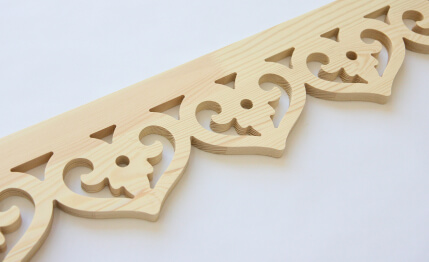
For serial solutions, categories such as these can be used carved appliqués or wooden brackets. If a ready-made element is not suitable, the custom position must receive its own technical documentation.
What to do with MDF positions
If the project includes decorative elements made of MDF, they cannot be combined into a single line with solid wood or polyurethane just because they all fall under "decor."
For MDF, specify:
- thickness;
- geometry;
- dimensions;
- surface for finishing;
- orientation;
- standard or custom part;
- quantity.
Particular attention should be paid to large planar elements. An error in thickness changes the joint with adjacent materials, and an error in overall dimensions can make installation impossible in an already finished room.
Material is part of production identity.
Prototype: when it is absolutely necessary
Not every custom item needs to be turned into a separate expensive prototype. But there are cases where launching a series without a sample is too risky:
- new geometry;
- complex relief;
- large production run;
- significant decorative accent;
- critical component;
- combination with furniture or a door;
- an element that is difficult to evaluate from a screen alone.
Correct logic:
1 APPROVED SAMPLE → series.
The more expensive the potential mistake, the more important this stage is.
If a single element is made once and is easy to fix, a prototype may be redundant. If the same mistake is replicated across a hundred parts, the cost of checking before the series changes dramatically.
What to check on a prototype
A prototype is not needed to “see whether it looks nice.”
Specific parameters are checked:
- dimensions;
- the depth;
- profile;
- readability of the relief;
- surface quality;
- conformity to scale;
- joints;
- installation logic;
- visual match with the project;
- the material;
- fit with adjacent elements.
If the product is to be installed on a specific surface, it is useful to check it not in midair but in the context of the assembly.
For example, an overlay may look perfect on its own but turn out to be too convex for a furniture front. A cornice may be beautiful in hand but conflict with a curtain niche. A decorative element of a portal may visually match the render but fail to align with the actual wall thickness.
Do not approve a prototype based only on a photograph if a physical parameter is critical.
Reference sample before the production run
For a large order, it is useful to keep a master sample or golden sample.
This is a physical reference against which the subsequent batch is compared.
This is especially useful for repeatable relief, complex surfaces, finishes, carved patterns, and items produced in multiple batches.
The reference sample eliminates disputes over “roughly the same or already noticeably different.”
But the master sample must be unambiguously linked to the project code and REV. Otherwise, after a few months, no one will remember which version it referred to.
Why the quantity needs to be known in advance
1 pc. и 100 pcs. — different production tasks, even if the geometry is completely identical.
Quantity affects preparation, replication, packaging, labeling, logistics, control, batching, and the feasibility of the prototype.
Therefore, a custom item without a quantity is not yet fully prepared for production.
The designer may not know the final quantity at an early stage. This is normal. In that case, the item remains in development status. Before launch, the number must be determined or at least fixed by batches.
How to group production by room
Grouping by room is useful for logistics and installation:
LIVING
BEDROOM
HALL
RESTAURANT
ROOM-TYPE-A
But it should not create new entities unnecessarily.
If the same SKU is used in the living room and the hallway, it remains a single standard item with different quantities per room.
If the same custom code is repeated in five zones, it is also a single production entity.
Separate the identity of the product from the installation location.
How to group production by typical rooms
For hotels, apartments, restaurants, and other repetitive interiors, typification is especially useful.
If 30 rooms use the same decorative scenario, TYPE-A is first fully tested.
It includes standard SKUs, custom items, quantities, references, assemblies, samples, and marking.
Only after that is the composition replicated.
One mistake found in the first typical room is fixed once. The same mistake after production for thirty rooms becomes systemic.
Do not launch the entire series before testing the typical assembly
For repetitive projects, the following sequence is useful:
mock-up → approval → replication.
It is especially important where several decorative elements work together.
For example, a wall composition includes a baseboard, frame molding, overlay, tall architrave, and cornice. Each element individually may be correct. The mistake appears in combination: the frame comes too close to the architrave, the overlay conflicts with the switch, the cornice does not pass above the cabinet.
Testing one typical assembly identifies the problem before replication.
The opposite scenario — producing the entire volume → discovering an error — is almost always more expensive.
How to assemble a production master-spec
The master-spec must connect STANDARD and CUSTOM.
For example:
| Code | Type | SKU / Custom | Material | Quantity | REV | Status |
|---|---|---|---|---|---|---|
| ML-01 | STANDARD | SKU... | PU | 180 м | — | APPROVED |
| D-02 | STANDARD | SKU... | oak | 8 pcs. | — | APPROVED |
| CUST-01 | CUSTOM | — | PU | 24 pcs. | 03 | APPROVED |
| CUST-02 | CUSTOM | — | oak | 2 pcs. | 02 | PROTOTYPE |
The master-spec has a fundamental advantage: the object is visible as a whole.
The designer can see which elements have not yet been approved. The procurement specialist sees what to purchase. Production understands which items to manufacture. Quality control gets a basis for inspection.
The table may be more complex, but the logic must remain transparent.
Why STANDARD and CUSTOM should be in one master-spec
In production and procurement, they follow different paths. On site, they become one system.
If you keep two independent lists, there is a risk of forgetting a custom item, ordering a standard one twice, mixing up quantities, failing to see that replacing one SKU affects a custom assembly, or losing the overall delivery picture.
For example, a custom panel is framed by a serial molding. If the molding is replaced with a profile of a different width, the custom panel has not formally changed. But the actual composition may have changed.
A single master-spec makes such dependencies visible.
How to calculate standard linear footage
For moldings, cornices, and other linear trim, a single measurement is not enough.
Sequence:
actual lines → total linear footage → product length → cutting → number of strips.
Why is this important?
Suppose a project requires 19 m of molding. If the product is supplied in strips of fixed length, ordering “19 meters” is impossible. You need to determine the number of items.
Next comes cutting. Mathematically, the total linear footage may add up, but for installation it may not: the offcuts turn out to be too short for the required sections, or the pattern requires a specific direction.
Therefore, in a master-spec it is useful to separate the calculated linear footage and the actual quantity of the product.
How to calculate custom items
Custom items are more often counted by piece, but there are nuances here as well.
It is necessary to distinguish identical elements, left/right, upper/lower, mirrored, standard by room, and unique to a specific unit.
If it exists CUST-017-L и CUST-017-R, the total quantity of "20 pcs." is not enough. Production needs to know how many left and how many right.
The percentage allowance should not be applied automatically.
For simple serial mouldings, an allowance may make sense. For an expensive unique panel, "+10%" is meaningless.
The allowance should correspond to the product type and the actual risk.
Production batches
A large project is rarely manufactured and delivered as a single array.
Batches appear:
BATCH-01
BATCH-02
BATCH-03
For each batch, the composition, quantity, project codes, rooms, REV, status, and project stage are recorded.
A batch is not just a logistics group. It is also a control unit.
If a problem is detected after BATCH-01, it is necessary to understand which subsequent batches are affected by the change.
Why REVs must not be mixed within a single batch
Let us imagine that CUST-017_REV02 и CUST-017_REV03 they look very similar externally. The difference is a few millimeters of depth.
If half of a batch is manufactured according to one version and half according to another, this may only be discovered during assembly.
It is especially dangerous when parts are visually interchangeable but join differently.
Therefore, a batch must have a fixed revision.
If the REV changes mid-run, a separate decision is required: stopping, splitting the batch, new marking, or a full transition to the new version.
Mixing should be the exception, not the norm.
Marking of finished products
On a small order, labeling may seem excessive. On a large one, it saves hours and days.
Simple scheme:
PROJECT / CODE / REV / ROOM
For example:
HOTEL01 / CUST-017 / REV03 / LOBBY
Labeling is especially useful for similar custom elements, mirrored parts, batches, standard rooms, and elements that cannot be unambiguously identified by appearance.
Good packaging should not force the installer to open five boxes to figure out where the element for the hallway is.
What to check upon acceptance
Acceptance of STANDARD and CUSTOM differs.
Standard products
Check:
- SKU;
- quantity;
- completeness;
- visible damage;
- compliance with the order.
Custom
Check:
- project code;
- REV;
- the material;
- dimensions;
- orientation;
- quantity;
- compliance with the master sample;
- surface quality;
- agreed-upon features.
For a complex project, it is useful to accept not “the decor in general,” but specific items according to the master spec.
Acceptance should be checked against the specification, not against the designer's memory
The phrase "I think the curve was deeper" cannot be a criterion.
Memory is especially unreliable after several months of a project. During that time, there could have been three versions, two samples, and several discussions.
Objective points of comparison are needed:
- the approved file;
- APPROVED REV;
- dimensions;
- master sample;
- master-spec;
- the reference visualization.
Then acceptance turns from a discussion of impressions into a compliance check.
This is useful for all parties: the client, the designer, and the manufacturer.
How to handle substitutions during production
Substitutions are inevitable. A standard SKU may become unavailable, the delivery time may change, or the material may require a different option.
The danger is not replacement itself, but silent substitution — a quiet swap without updating the project.
If a standard position is replaced:
- select an alternative;
- compare the actual dimensions;
- check the junctions;
- update the 3D/DWG if they were used;
- approve the replacement;
- update the master-spec;
- if necessary, issue a new REV of the associated junction.
For example, a wider molding may shift the frame grid. A deeper cornice may conflict with the cabinet. A different wooden overlay may change the margins of the furniture facade.
A "similar product" is not always project-equivalent.
Repeat order after project completion
A good production archive should remain usable after handover.
A year later, you may need to replace a damaged element, add fittings to a new space, open a second phase of the project, replicate the interior in another location, or order an additional batch.
If the archive is stored correctly, you can restore:
- SKU;
- custom-code;
- REV;
- the material;
- quantity;
- DWG;
- 3D;
- sample;
- the batch;
- the supplier.
This is especially important for hotels, restaurants, retail, and other properties where the interior is repeated or evolves over time.
File final-final-2.pdf is almost useless two years later.
CUST-017_REV03_APPROVED — it is already working information.
Where production ends and procurement begins
STANDARD and CUSTOM have different routes.
Standard items generally follow this path:
selection → verification → specification → procurement.
Custom:
idea → technical development → sample → APPROVED → production.
But they share the same endpoint: the project must receive an approved decor set.
That is why a professional project should not separate these two worlds too far.
A serial molding and a custom panel can stand on the same wall. For interior architecture, they are equal.
How to use a ready-made catalog within a custom project
A strong custom project does not have to be 100% custom.
It is much more rational to first check the ready-made decor catalog and categorize the items:
- the ready-made SKU is fully suitable;
- the ready-made SKU is suitable after adjusting the composition;
- a different serial element is needed;
- a custom piece is required.
Such an audit often reduces the number of custom items without losing the idea.
For example, a bespoke portal can use serial pilasters and columns, ready-made Capitals and only one non-standard central element.
The project remains individual, but production becomes more manageable.
Samples help approve the material before the production run
Some decisions cannot be correctly approved from a screen alone.
This requires Product samples.
They are especially useful when the decision depends on texture, color, the real scale of the relief, wood species, finish, or a combination of several materials.
But the sample also needs to be identified.
If there are three similar wooden options on the table and the protocol says "the second one is approved," this will create a problem in a month.
It is better to link the sample to a code or SKU.
The production package must remain a living document
After the first handoff, the project is not frozen forever.
Clarifications, approvals, substitutions, and batches appear.
Therefore, the production package must be updated systematically.
But there is a fundamental difference between a "living document" and version chaos.
A living document has structure, stores REV, shows status, does not erase history, links files to codes, and makes it clear what is current.
Chaos is when files are resent, old versions are indistinguishable, changes are not recorded, the specification lives separately from the drawing, and someone "remembers" that the latest image should be taken from a messenger.
Production must work with the first option.
Typical mistakes when handing over a design project to production
All decor is declared custom
The reason is that the project starts with visualization, not with a catalog audit.
The consequence is extra development, more approvals, and more unique codes.
What to do — first check the serial assortment.
Visualization is used instead of a technical brief
The reason — the render seems specific enough.
The consequence — different parties understand depth, size, and junction differently.
What to do — add a technical layer.
No project code
The reason — a small number of parts at an early stage.
The consequence — the “hallway clash” turns into several different files.
What to do — assign a code before the first serious revision.
The old REV remains in production
Cause — a new file was sent, but the old one was not cancelled.
Consequence — the batch contains different versions.
What to do — each item must have a single current APPROVED status.
The prototype is approved based on photos only
Cause — saving time.
Consequence — the physical scale or surface turns out to be different.
What to do — approve critical details physically.
STANDARD and CUSTOM are managed separately
Cause — they are handled by different participants.
Consequence — the overall set for the room is lost.
What to do — combine them into a master spec.
The procurement specialist is left to "find an equivalent"
The reason — the item was not brought to design certainty.
The consequence — procurement changes the architecture.
What to do — an equivalent must pass design review, not be selected based only on visual similarity.
When custom production is truly unnecessary
Custom is not a goal in itself.
Custom production should be avoided if a ready-made element matches the size, fits the profile, fulfills the visual task, is available in the required quantity, is more convenient for repeat procurement, and does not create conflicts with assemblies.
In that case, a standard catalog item may be a stronger design solution.
Another case is when custom is created only for a minor difference that is barely perceptible in the interior but significantly complicates production.
For example, a new profile may differ from the finished one by a few millimeters, and after painting and installation the difference has virtually no effect on the composition. Here it is reasonable to check whether a custom development is truly justified.
Design precision is not about the maximum number of unique parts. It is about the maximum alignment with the concept under controlled execution.
How to order custom decor production based on a design project
It is best to approach the manufacturer with an already assembled structure.
At minimum, prepare:
- general project visualization;
- a list of STANDARD and CUSTOM items;
- project codes;
- master-spec;
- DWG/3D for complex items;
- materials;
- quantity;
- current REVs;
- sample requirements;
- the proposed division into batches.
If part of the project can be covered by serial production, first identify the specific SKUs. For the polyurethane part, check polyurethane molding, moldings and other ready-made elements. For the wooden part — wooden decorative elements и Carved Decor.
After that, only truly non-standard items remain for custom production.
This is how the production of decorative elements turns from a vague request to “make it like in the picture” into a professional process with a controlled result.
A working algorithm for handing a project over to production
For a large project, it is convenient to use a sequence of ten steps.
1. Audit the project
Collect all decorative elements from renderings, drawings, and specifications.
Do not start with production. Start with an inventory.
2. Separate STANDARD and CUSTOM
For each item, answer: is there an existing product that truly solves the task?
3. Assign project codes
Codes are needed for both standard and custom items.
4. Link STANDARD to real SKUs
Check size, material, and geometry.
5. Prepare a technical package for CUSTOM
Add dimensions, DWG, 3D, sections, and installation location.
6. Lock in materials
Do not leave wording like "wood" or "polyurethane" without specifics where they are needed.
7. Create samples and prototypes
For critical items, first approve a single unit.
8. Assign APPROVED
Only after approval is the version considered ready for production.
9. Calculate quantities and batches
Divide items by typical rooms, phases, or logistics stages.
10. Accept by master-spec
Compare against the approved dataset, not from memory or an old visualization.
Final production-readiness checklist
A project can be considered ready for handoff to production if the following questions can be answered for each item:
- Is it STANDARD or CUSTOM?
- What is the project code for the item?
- If STANDARD — what is the SKU?
- If CUSTOM — what is the current REV?
- What material?
- What are the actual dimensions?
- Is there a DWG if geometry is critical?
- Is there a 3D model if it is used in visualization?
- Is a sample required?
- Is there an APPROVED sample?
- Is the quantity known?
- Is the L/R orientation known, if it exists?
- Which batch does the item belong to?
- Where is it installed?
- What is the acceptance criterion?
- Can the order be unambiguously repeated a year later?
If one of these questions has no answer, the item is not yet fully ready.
This is exactly how a design project stops being a set of beautiful images and becomes a production system.
For project collaboration, you can use the professional section for designers and architects and pass on an already structured package in which standard products and custom items are brought into a single logic. When you need to discuss a specific project, production package, samples, or order, the current communication channels are collected in the section STAVROS contacts.
The main task here is not to remove changes from the process. Changes will happen. The task is to make them visible.
STANDARD must remain linked to the SKU. CUSTOM — to the project code and REV. The sample — to the approved version. The batch — to the specific composition. Acceptance — to the master spec.
Then the production of decor based on the designer's project truly preserves the intent: from the first visualization to the finished pieces at the site.