









































Article Contents:
- What selecting decor from a drawing means
- Which drawings can be used for selection
- What to provide along with the drawing
- How to verify molding using a DWG
- How to select a decorative overlay
- How to select pilasters and columns
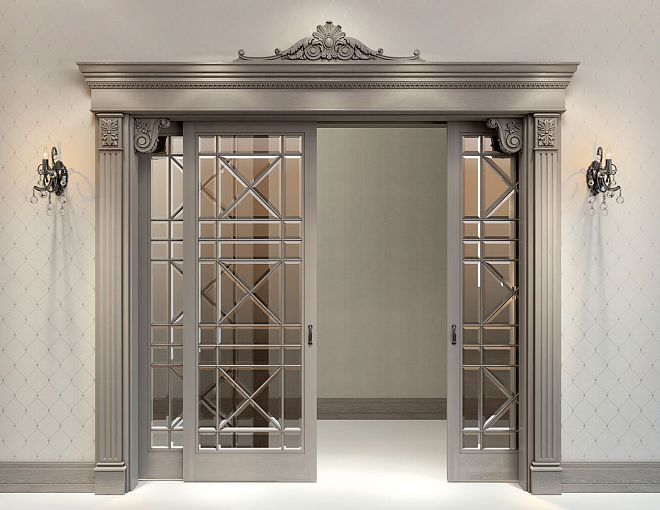
- How to select door portal decor
- If the drawing shows a non-existent profile
- What matters more: exact resemblance or exact dimensions
- When a physical sample is needed
- How to assign codes to positions
- Catalog as a source of real SKUs
- Why linear meters are not yet an order
- REV01, REV02: why drawing-based selection needs versioning
- Checklist before handing over to the procurement specialist
- How to create a brief for selection based on drawings
- Can decor be selected using only a PDF elevation?
- Which is better for selection — DWG or PDF?
- Do I need to send a visualization?
- How can I tell if a conventional molding matches a real SKU?
- Which is more important: the closest possible ornament or the exact size?
- How many SKUs should be included in the shortlist?
- When is a sample needed?
- When is a 3D model needed?
- How to calculate moulding?
- How do I calculate panels?
- How to calculate pilasters and capitals?
- What to do if the right product is not available?
- Can a DWG be stretched to the required size?
- What should I hand over to the procurement specialist?
- What to do after replacing an SKU?

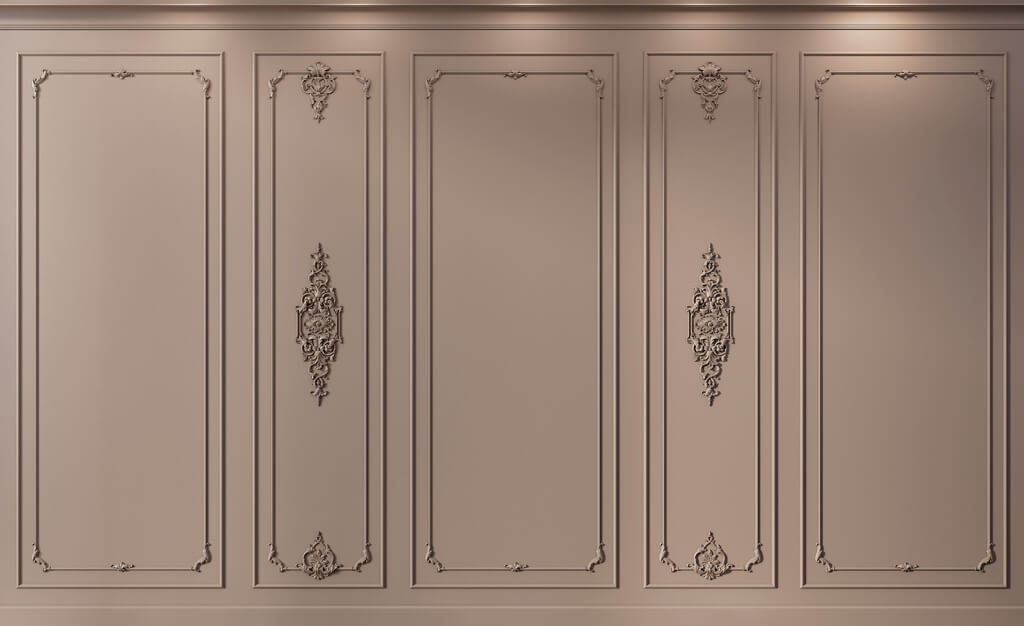
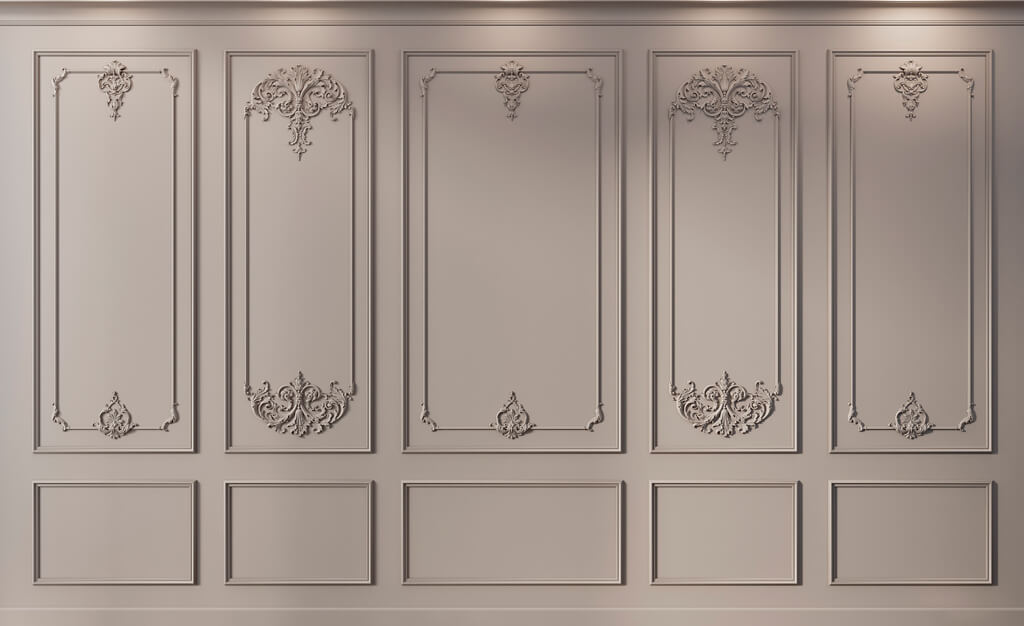
A working drawing answers a different question than a visualization. A render shows how it should look, while an elevation, plan, and section show how much space actually exists. That is why selecting decor from a drawing begins not with a stylistic search, but with geometry: dimensions, axes, openings, furniture, levels, and already defined decorative zones.
The professional workflow looks like this:
DWG/PDF → size → category → SKU → geometry check → 3D/DWG → quantity → specification → order.
selection of decor based on a drawing needed in situations where the working documentation already contains conventional frames, strips, panels, pilasters, or ceiling elements, but they are not yet linked to real products. The designer's task is to replace the conventional geometry with specific SKUs without destroying the design assemblies.
Main principle:
a conventional line in a drawing does not equal a real product.
A real molding has width, depth, cross-section, and product length. A panel has a module and thickness. A pilaster has a base, shaft, and capital. A ceiling rosette has a real overall dimension. Therefore, selection based on a drawing is technical work, not the selection of "similar decor."


What selection of decor based on a drawing means
Selection begins with what already exists in the working documentation.
This could be:
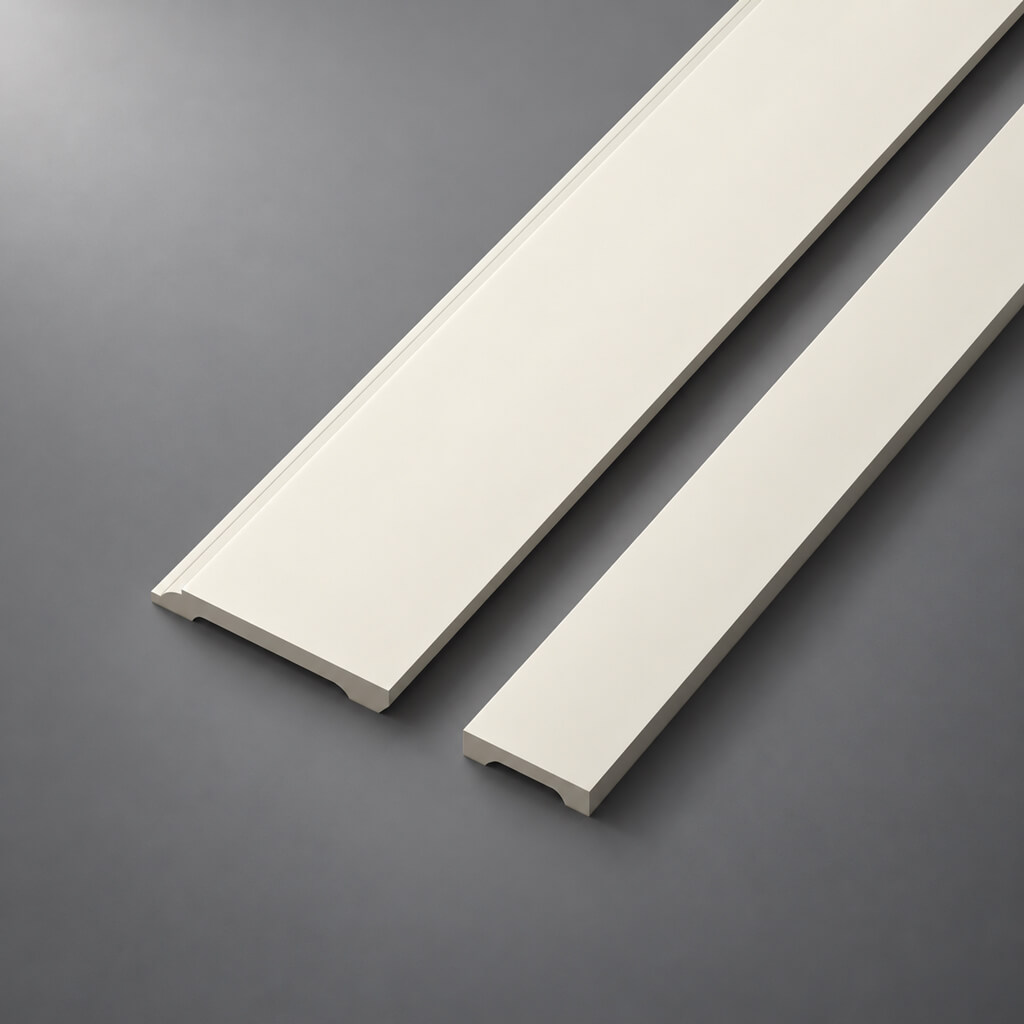
- molding frame;
- ceiling cornice;
- plinth;
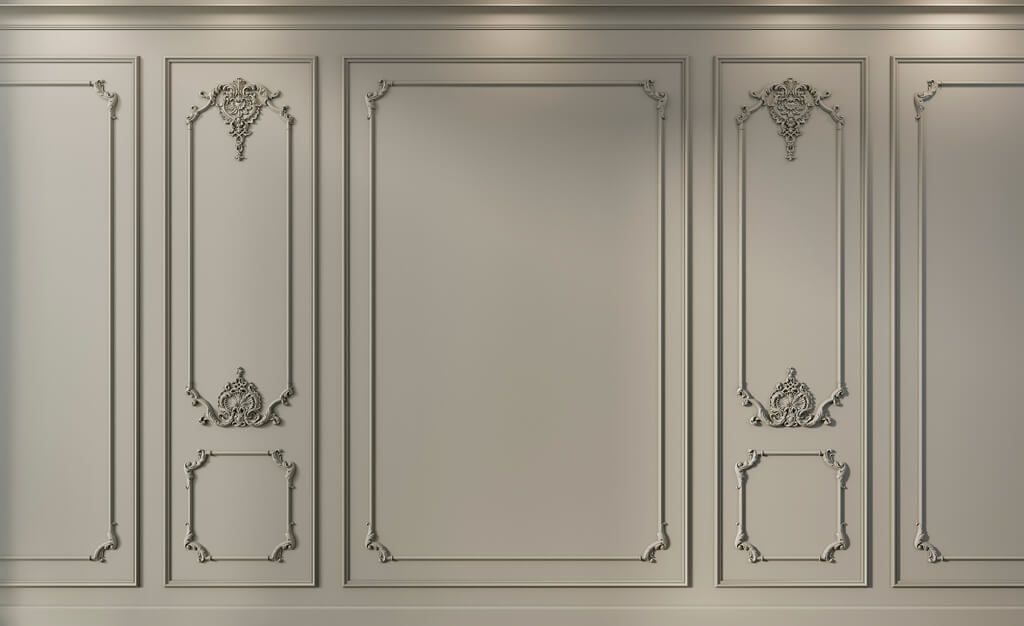
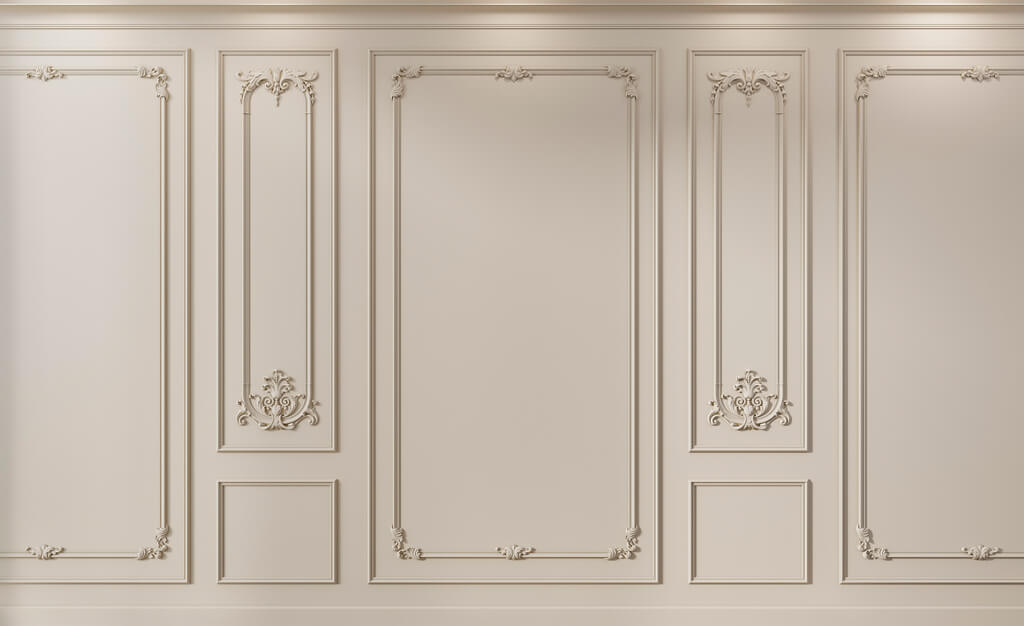
- wall panel;
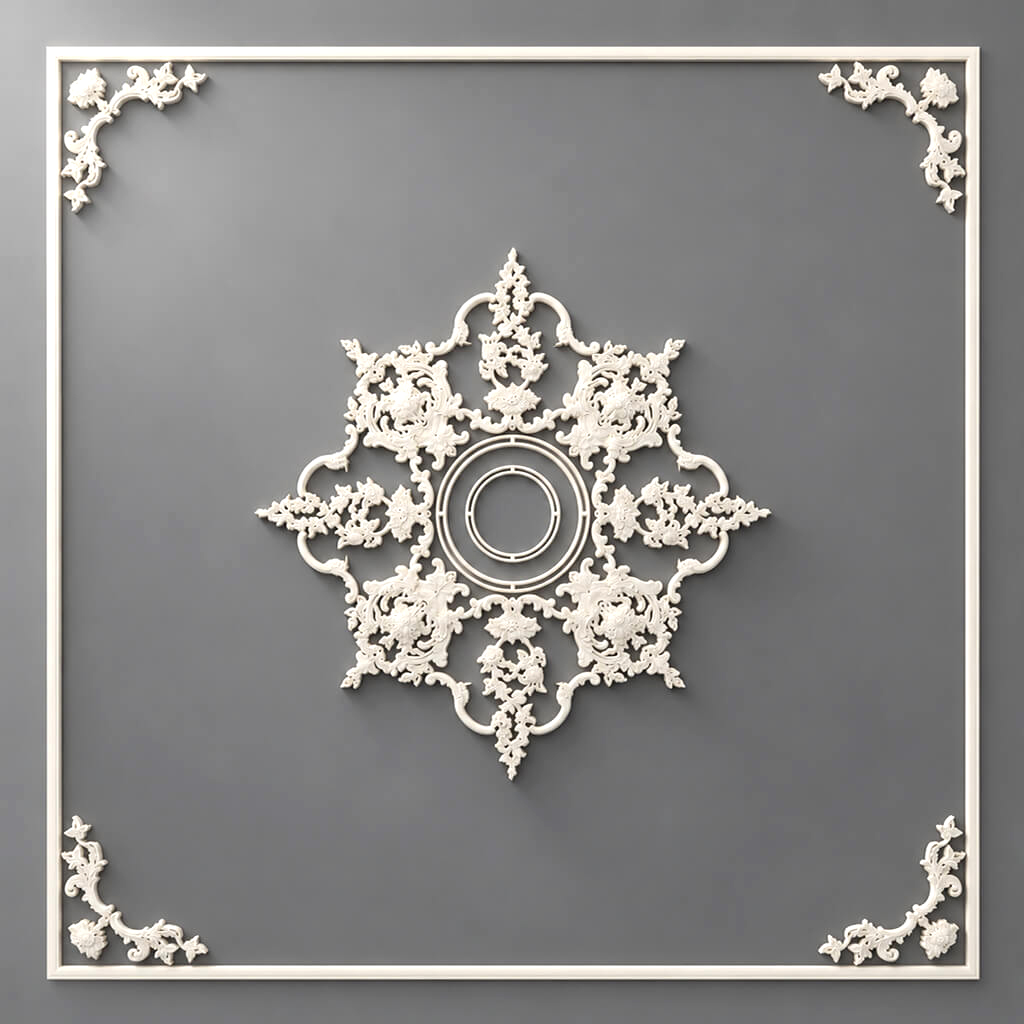
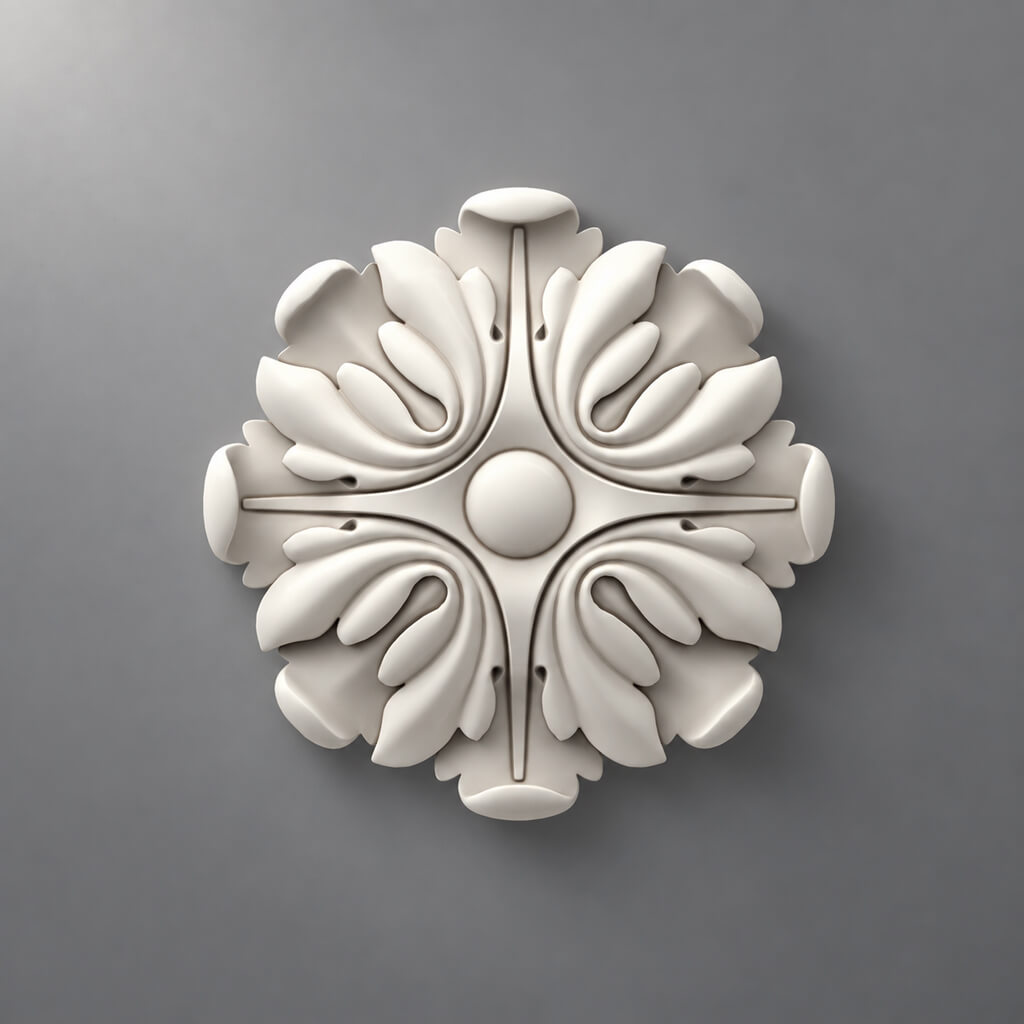
- central overlay;
- ceiling rosette;
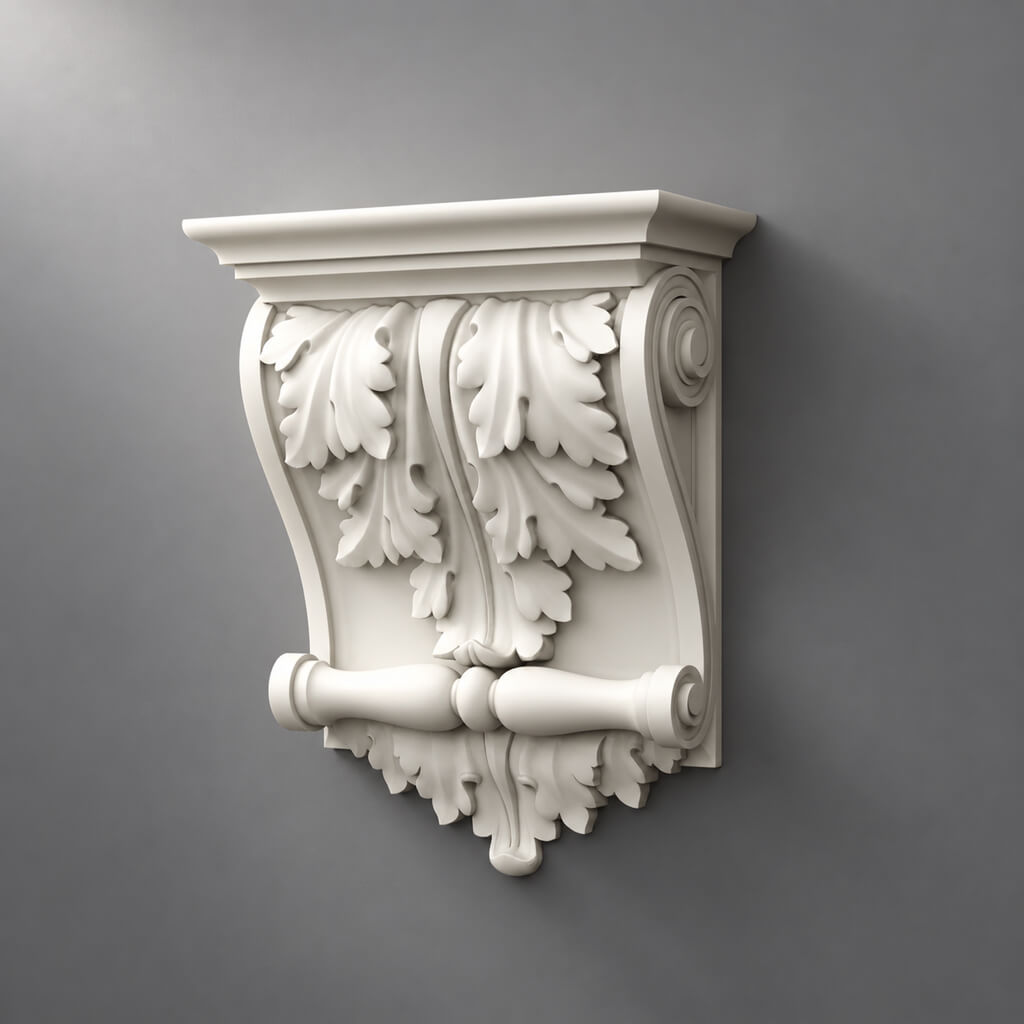
- pilaster;
- column;
- door portal.
In the drawing, all these elements may be shown schematically. For example, a frame is drawn with a line 30 mm wide, while the actual molding has a complex cross-section and a depth of 15 mm. Or a ceiling plan shows a circle 600 mm in diameter, but the specific ceiling rose in the catalog has different overall dimensions and relief.
How a drawing differs from a visualization
The visualization shows:
- style;
- composition;
- color;
- light;
- visual mass.
The drawing shows:
- dimensions;
- the axes;
- distances;
- junctions;
- openings;
- free zones.
Therefore, selecting decor for an interior based on a drawing is built primarily around geometric compatibility.
What the project should receive after selection
For each item:
- product category;
- the specific SKU;
- actual size;
- the material;
- URL;
- DWG/3D, if available;
- quantity;
- approval status.
After that, the designation turns into a real project position.

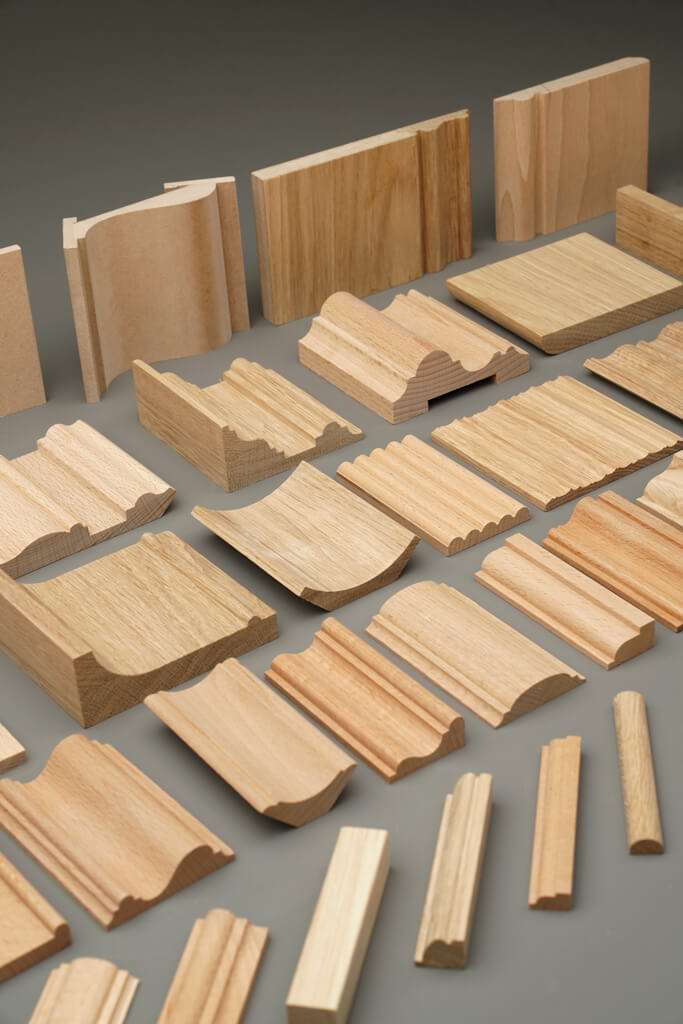


Which drawings can be used for selection
Not all sheets are equally useful for different types of decor.
Wall elevation
Best source for:
- moldings;
- wall panels;
- the overlays;
- pilasters;
- door portals.
The elevation shows the free field and the actual distances between elements.
Room plan
Useful for:
- cornices;
- baseboards;
- total square footage;
- wall panels along the perimeter;
- columns and niches.
Ceiling plan
Needed for:
- cornices;
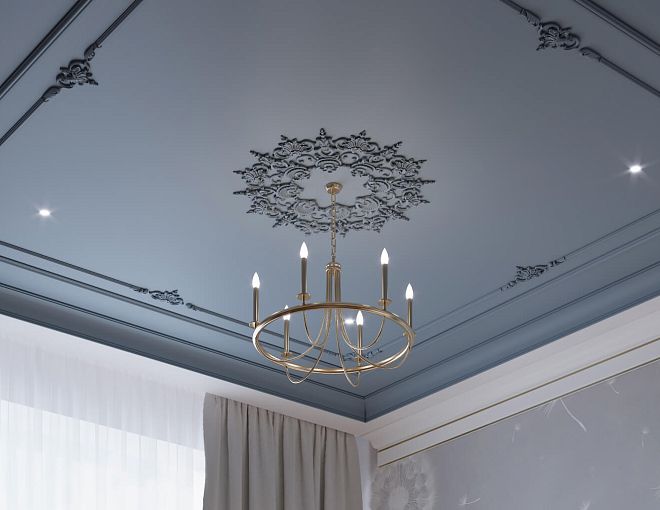
- ceiling medallions;
- ceiling moldings;
- light fixtures;
- curtain niches.
Section
Main source for verification:
- profile;
- overhang;
- panel thickness;
- pilasters;
- cornice;
- complex junction.
If the task concerns a real cross-section, the section is more important than a beautiful facade.
Our factory also produces:


What needs to be provided along with the drawing
The less uncertainty there is, the shorter the shortlist and the lower the risk of selecting a technically unsuitable product.
Minimum package:
- PDF or DWG;
- main dimensions;
- ceiling height;
- room designation;
- visualization, if available;
- desired material;
- stylistic direction;
- painting requirements;
- thickness restrictions;
- comments on furniture and doors.
Why is visualization needed if the basis is a drawing
It does not replace dimensions, but it helps to understand the stylistic level and visual mass.
The drawing says that the frame has a field of 900 × 1800 mm.
The render shows how active the profile should be.
Why specify the material
Polyurethane, wood, or MDF can perform the same function.
But the geometry, finish, and installation method will be different.
Get Consultation
First stage: break down the drawing into product categories
Before looking for SKUs, you need to understand what exactly each conventional line represents.
Working scheme:
frame on the wall → molding
top of the wall → cornice
bottom of the wall → baseboard
central accent → overlay
ceiling center → ceiling rose
vertical architecture → pilaster
accent plane → wall panel
After this, the drawing turns into a list of product tasks.
Why this is better than searching for “decor in general”
Without classification, the catalog returns dozens of unrelated items.
After classification, the task becomes narrow: you need a molding of a specific width, a panel of a specific module, or a pilaster that fits a particular wall section.
It is useful to encode categories right away
For example:
M-01 — molding
CR-01 — cornice
PL-01 — baseboard
R-01 — ceiling rose
PN-01 — panel
D-01 — overlay
The code helps maintain a shortlist and specification, but does not replace the SKU.
A conventional profile on a drawing and a real SKU are not the same thing
This is the central problem of selection based on working documentation.
On the drawing, the designer may place a conventional line 30 or 40 mm wide. But the actual profile has:
- the actual width;
- the depth;
- relief;
- commercial length;
- an installation surface;
- a specific material.
Where convention becomes dangerous
At the door. The molding may turn out to be too deep next to the door casing.
At the furniture. The profile may intersect with the cabinet.
At the panel. The actual thickness of the wall system changes the plane.
At the ceiling. The cornice may be too high or protrude too much.
Correct sequence
conditional geometry → shortlist of real SKUs → size check → replacement in the drawing.
A conditional line must not be left until the order itself.
How to select molding from a drawing
First, measure the composition itself.
Need to know:
- frame size;
- width of the wall section;
- distance to the door;
- distance to furniture;
- free field;
- height from the floor;
- distance to the cornice and baseboard.
After that, select 3–5 real profiles.
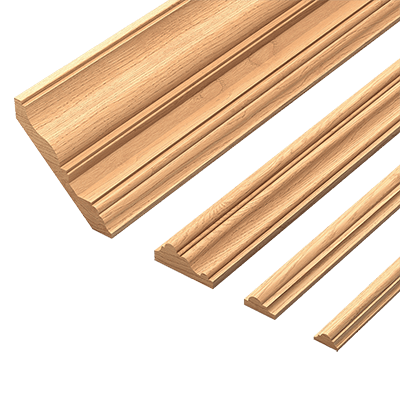
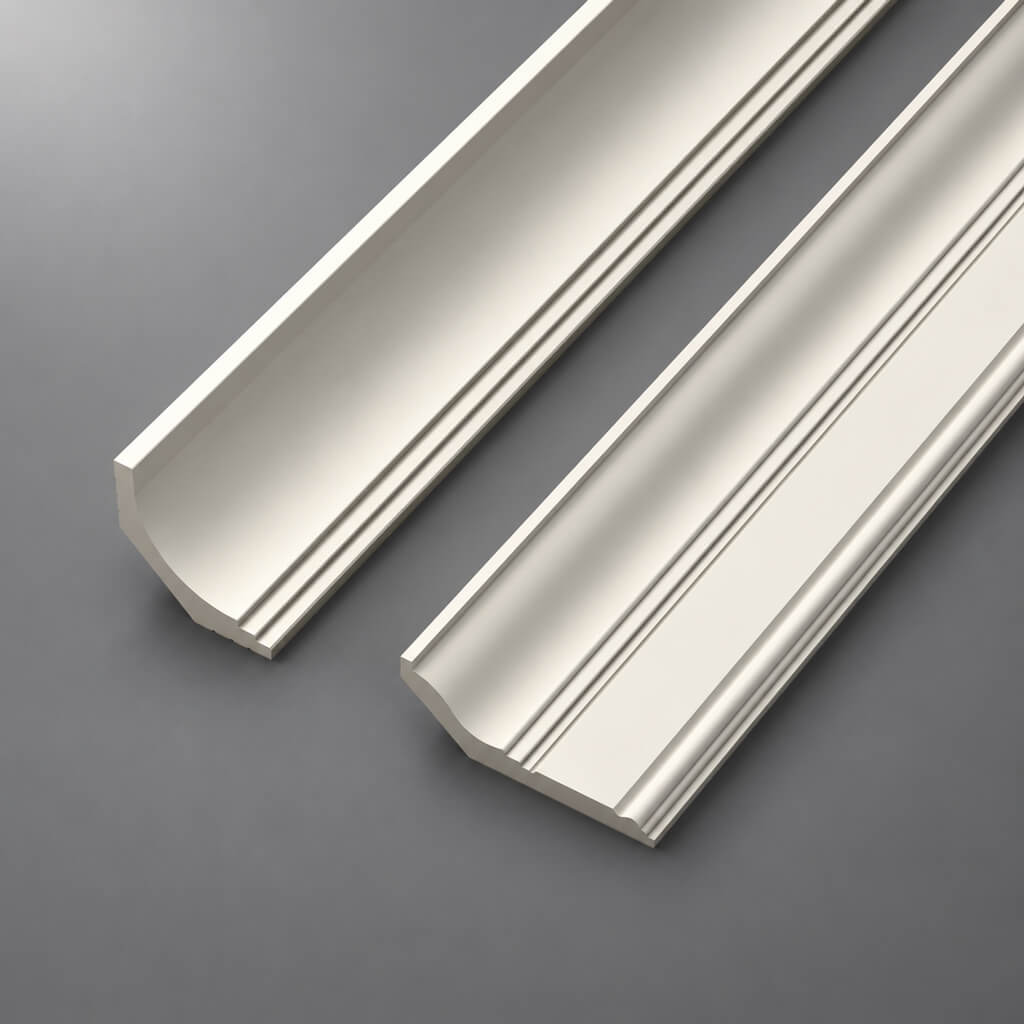
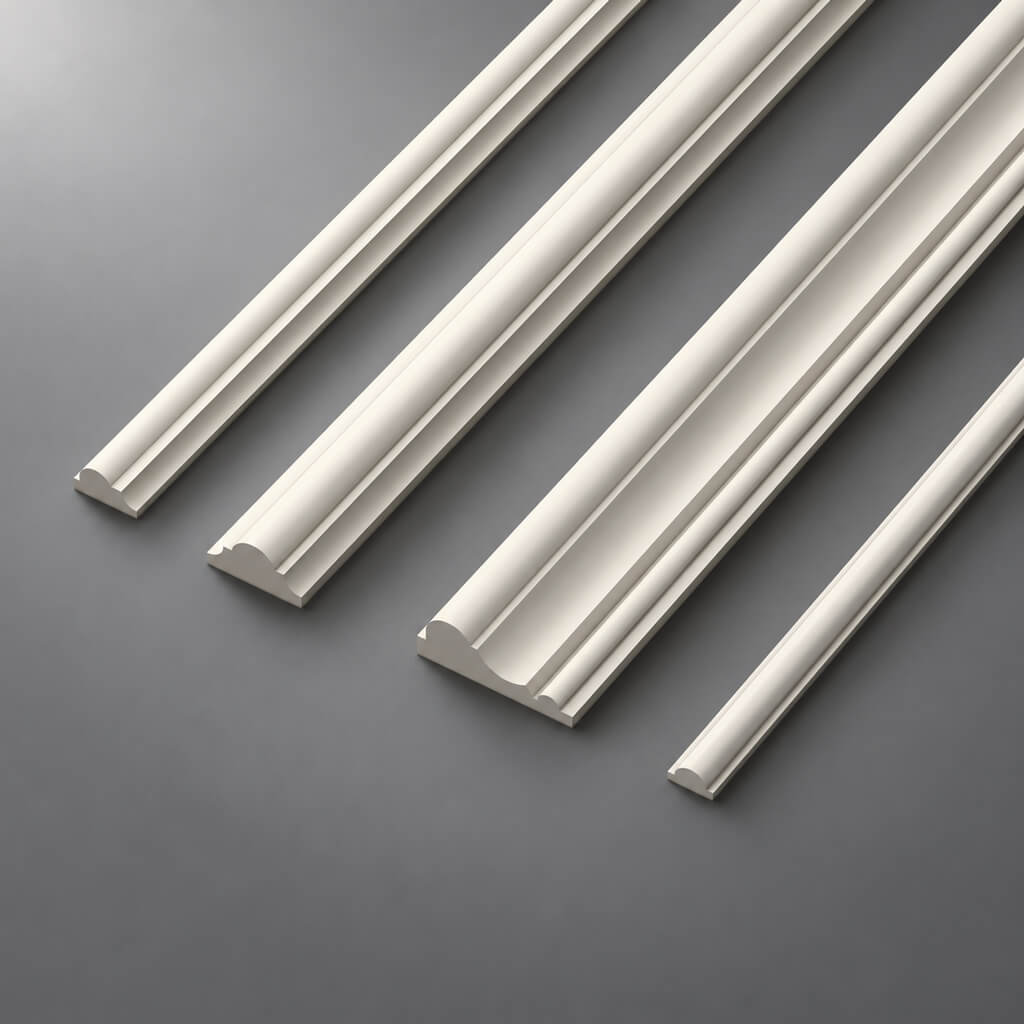
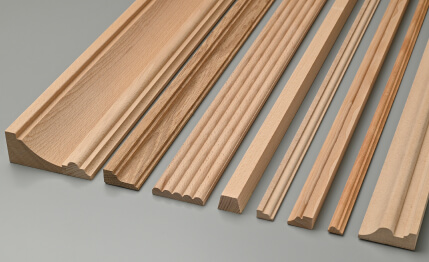
Moldings made of polyurethane it is convenient to compare by actual width and depth, not by photo.
What to check with a candidate
- width;
- the depth;
- nature of the relief;
- SKU;
- commercial length;
- availability of DWG/3D;
- Material.
When the profile is too wide
If it occupies most of the free space of the frame, the composition becomes heavy.
When it is too narrow
On a large wall, the line may get lost.
Commercial transition
The query "buy polyurethane molding" makes sense only after choosing a real SKU. Before that, purchasing is premature.
How to check a molding using DWG
After the first shortlist, you need to move from the card dimensions to the actual cross-section.
stucco drawings are useful here specifically as a technical layer: with DWG you can check how the selected profile actually occupies space on the wall.
On the cross-section, check:
- width;
- the depth;
- the mounting plane;
- relief projection;
- top and bottom of the profile;
- anchor point.
Why width alone is not enough
Two moldings 40 mm wide can have different depths. One is almost flat, the second protrudes noticeably.
On the unfolded view they occupy the same width, but on the casing or panel they behave differently.
Check in the project
After selecting a candidate:
- import DWG;
- check units;
- verify the control dimension;
- place the profile on the real wall;
- check the junction next to the door and furniture;
- update the conditional frame.
DWG of decor makes sense to use specifically after selecting a real SKU, not as a source of random pretty blocks.
How to choose a ceiling cornice by cross-section
Two dimensions are especially important for a cornice:
height along the wall + projection along the ceiling.
The front elevation shows only the first part. That is why the cornice needs to be checked in cross-section.
What can conflict
- top door casing;
- floor-to-ceiling cabinet;
- curtain niche;
- hidden lighting;
- stretch ceiling;
- Gypsum board drop;
- ventilation.
Why a section view is better than a photo
A photo shows the overall silhouette, but does not answer how many millimeters the cornice occupies on the ceiling.
If the projection is too large, the profile may come close to the curtain or built-in furniture.
Actual SKU
After selection, the cornice is added to the working documentation based on the actual section. If the SKU changes later, the section view must be rechecked.
How to choose a skirting board from a drawing
A skirting board is not chosen by style alone.
On the plan and section view, check:
- height;
- thickness;
- platband;
- built-in furniture;
- wall panels;
- kitchen plinth;
- ends;
- external corners.
The main junction — skirting board + architrave
If the skirting board is thicker, it protrudes.
If the architrave is thicker, a reverse step appears.
Both options can be intentional, but they need to be seen before purchase.
Furniture
If the cabinet must stand flush against the wall, the profile may require a cutout in the plinth or termination before the side panel.
Panels
If the wall panel is thicker than the skirting board, the lower junction changes.
Such a conflict is better caught on the drawing rather than on site.
How to select architectural elements based on the drawing
The ceiling rose is not chosen separately from the ceiling plan.
The drawing shows:
- center of the room;
- center of the chandelier;
- actual size of the ceiling field;
- cornice;
- molding frames;
- furniture axes.
Work sequence:
center → required scale → actual SKUs → actual dimensions.
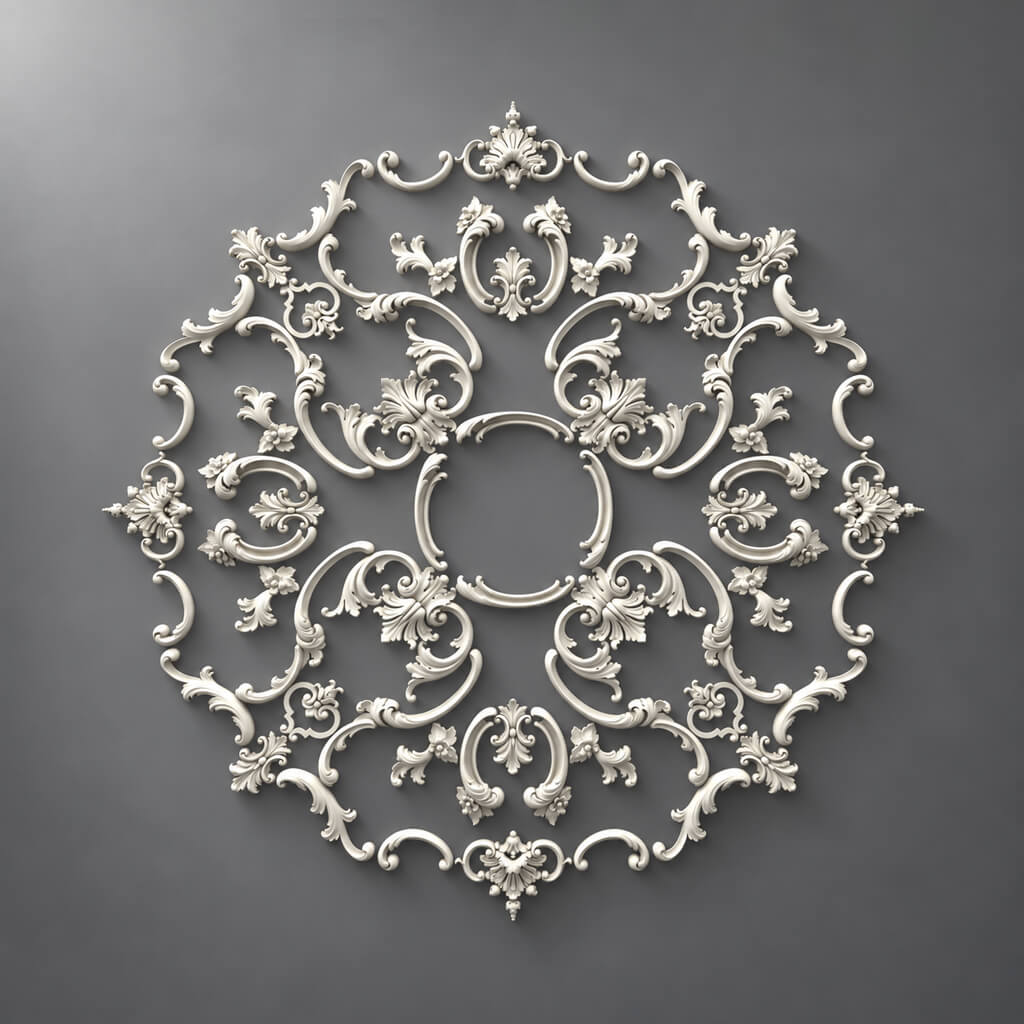
Polyurethane ceiling rosettes you need to compare by actual size, not just by ornament.
The geometric center is not always the main one
If the chandelier is tied to a table, bed, or living room area, the ceiling rose must support the approved lighting center.
Checking with a chandelier
Need to consider:
- diameter of the decorative bowl;
- outlet point;
- relief of the socket;
- distance to neighboring lights.
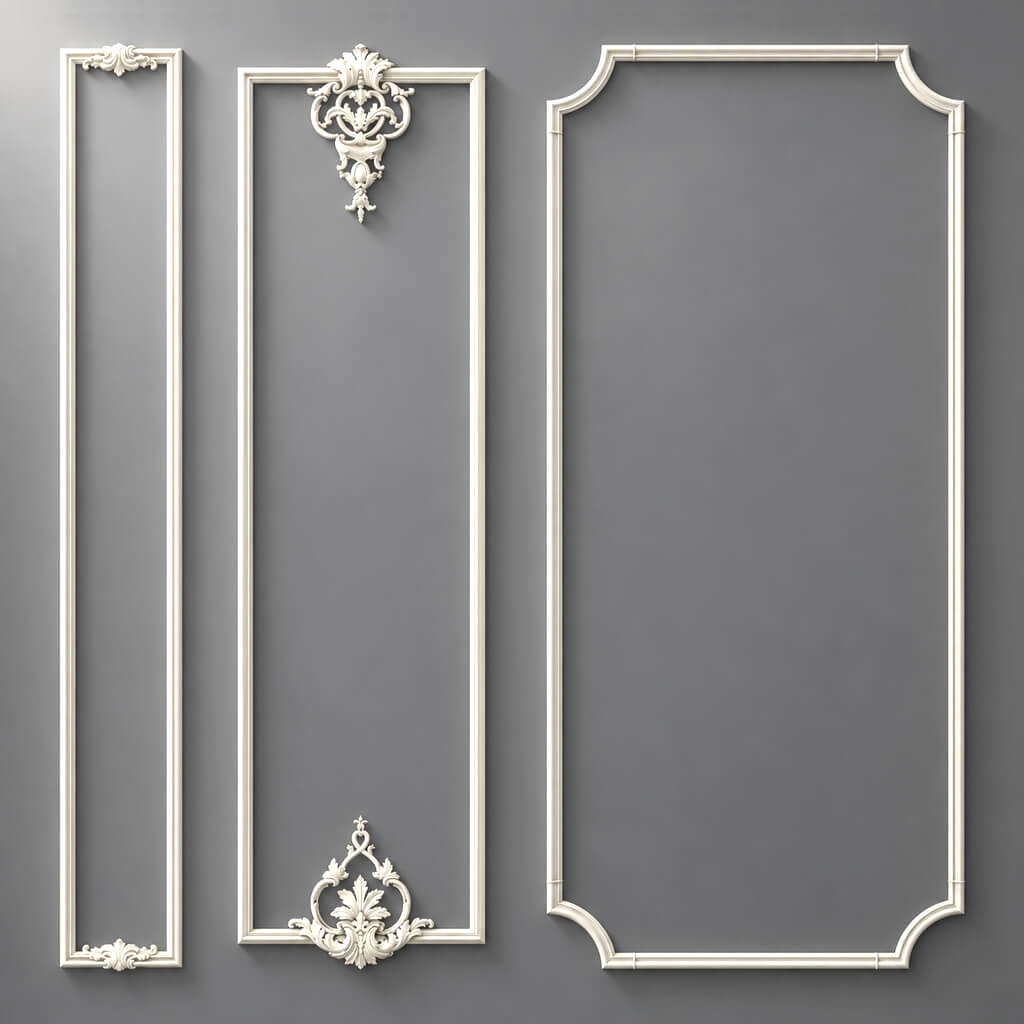
How to select wall panels based on the layout drawing
For panels, a working drawing is especially useful because they are a modular product.
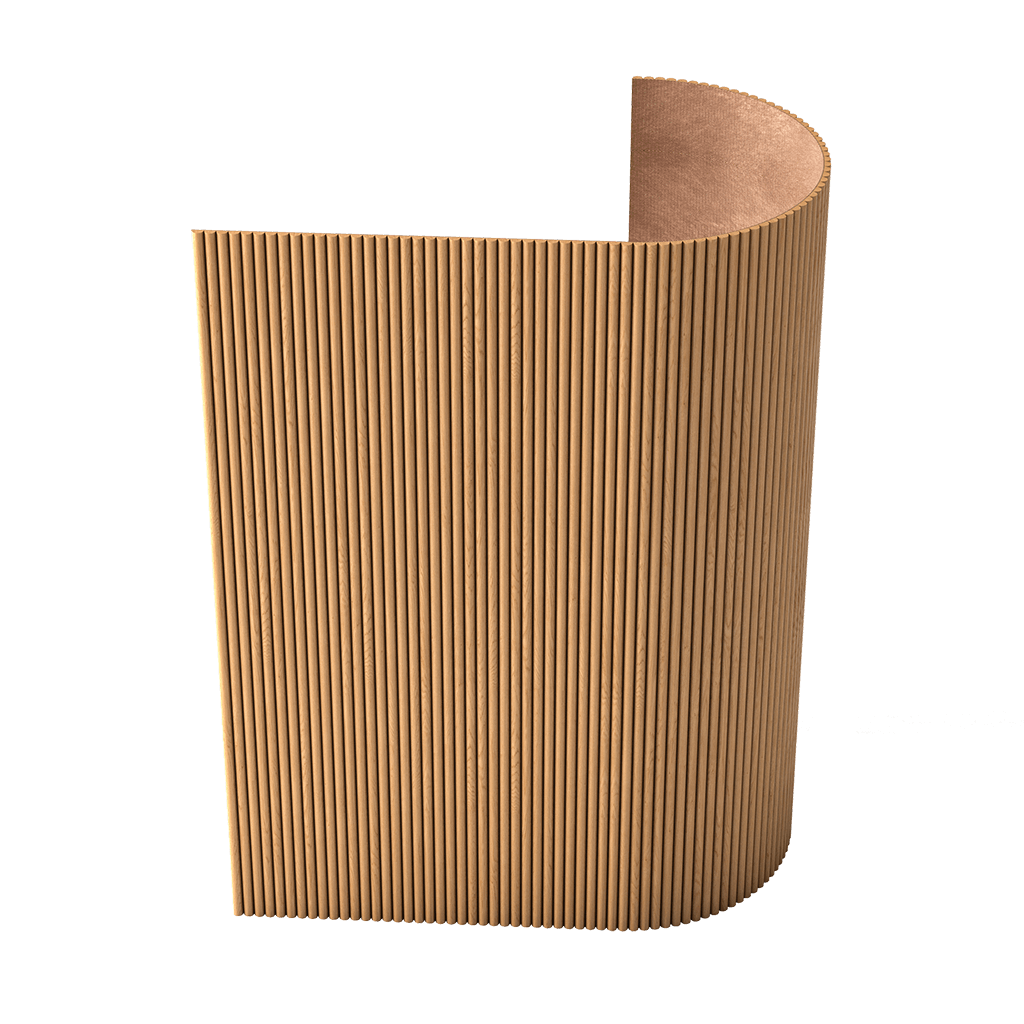
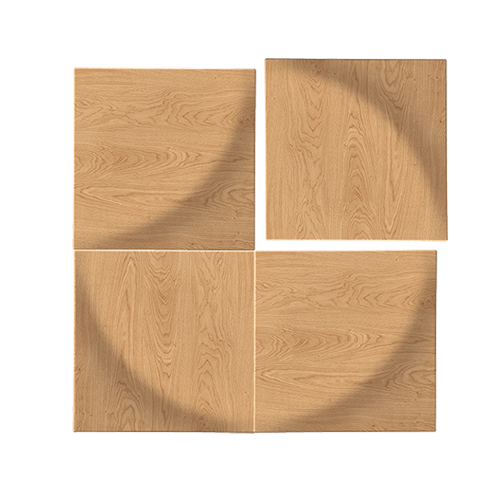
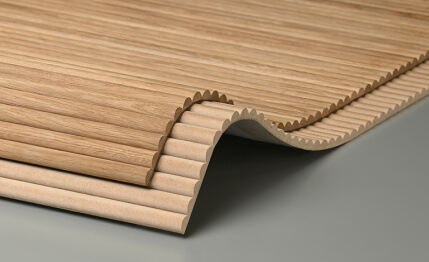
MDF wall panels they need to be selected taking into account the actual wall width and layout.
Checked:
- wall width;
- height;
- module;
- number of full elements;
- edge cuts;
- Doors;
- switches;
- Outlets;
- Furniture.
Why panels cannot be calculated by square meters alone
Wall area does not answer the question of how many actual modules will fit.
For example, a 3.42 m wall may require:
- several full modules;
- one cut module;
- symmetrical cuts at the edges;
- changing the starting point.
Rhythm
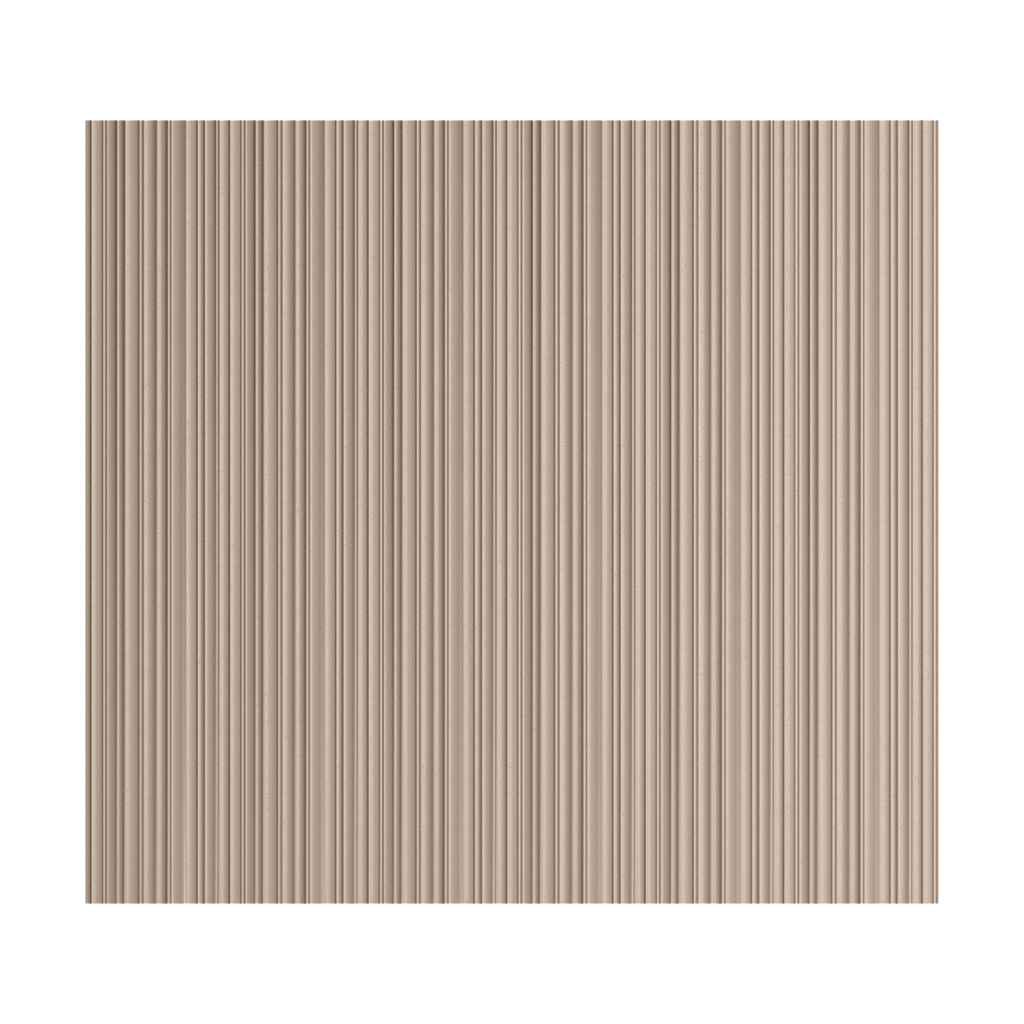
For slatted systems, it matters where the pattern begins and ends. If the outermost slat ends up accidentally narrow, it is better to rearrange the layout before ordering.
Sockets and switches
Their position should preferably be coordinated with the panel module. A cutout in the center of a protruding relief may look worse than shifting the electrical installation at an early stage.
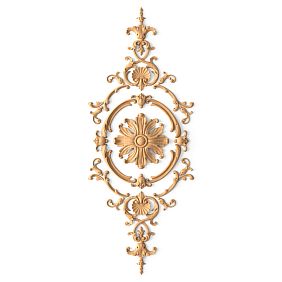
How to choose a decorative overlay
An overlay is a piece item. Selection starts with the free field, not with a beautiful ornament.
You need to determine:
- maximum width;
- maximum height;
- axis;
- position relative to the frame;
- the material;
- relief depth.
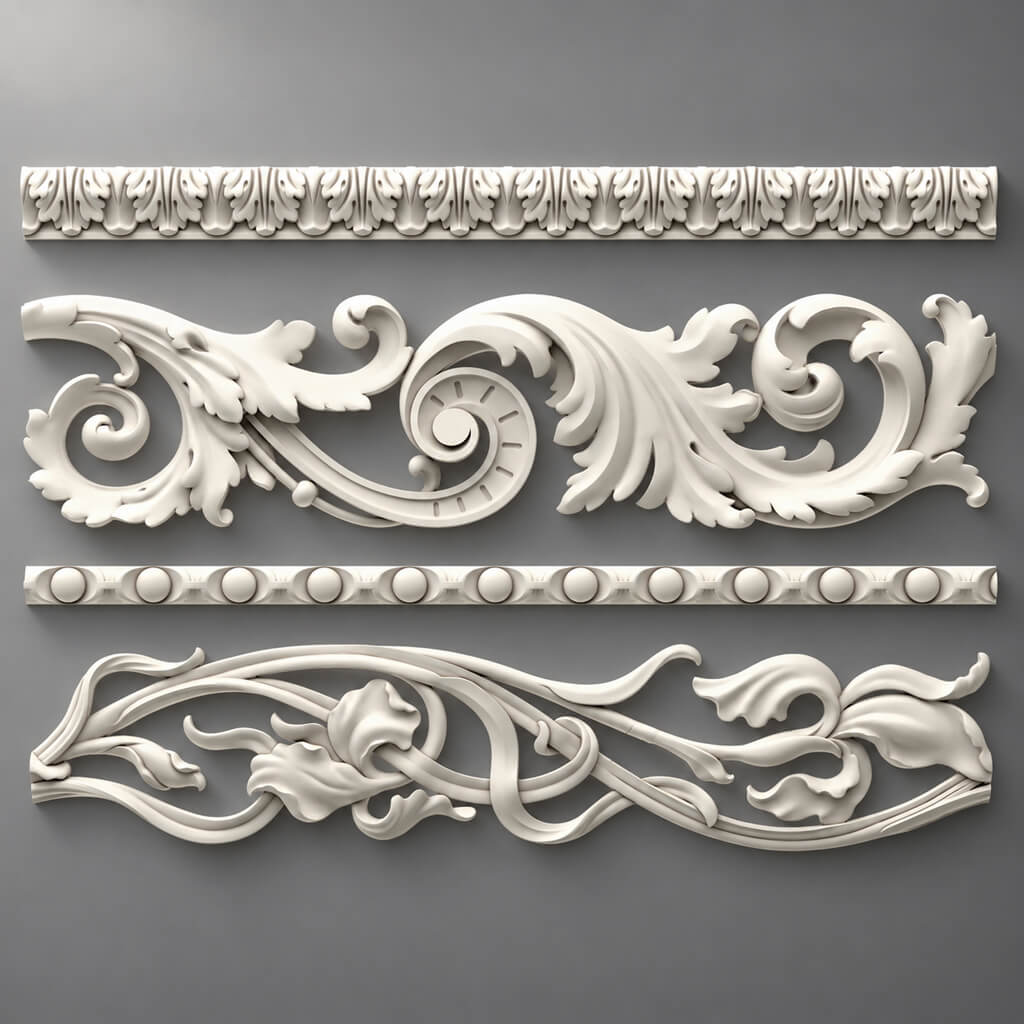
molded decoration made of polyurethane can be used to search for actual piece items once the allowable dimensions are already clear.
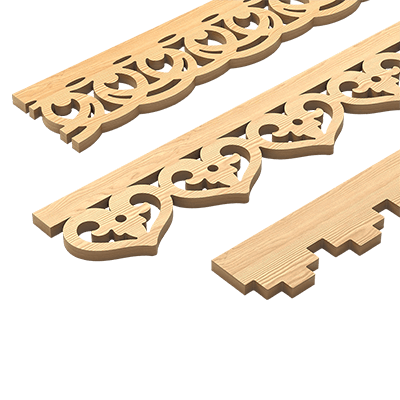
When a wooden element is needed
If the project involves natural material, wooden decorative elements it should be checked by species and finish, not just by shape.
Carved wooden decor
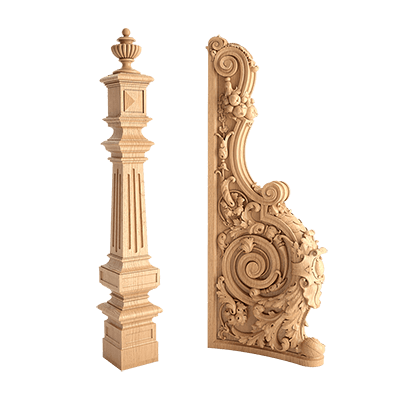
Carved wooden decoration is especially sensitive to scale: a large ornament on a small field will look heavier than on a product card.
How to select pilasters and columns
An architectural vertical is not selected as a separate decorative band.
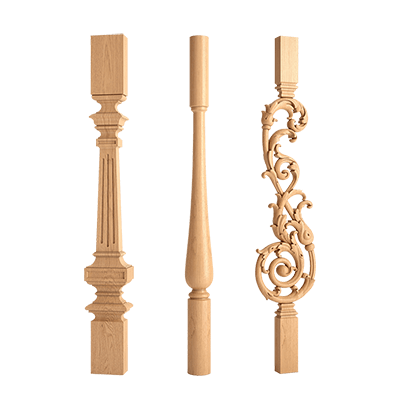
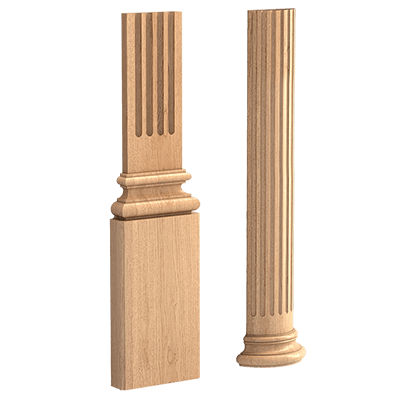
pilasters and columns must be considered together with:
- base;
- capital;
- overall height;
- wall pier;
- a door;
- ceiling termination.
Wall pier width
The pilaster must fit within the actual field and leave meaningful margins.
Overall height
System:
base → shaft → capital → upper termination
must physically fit between the clean floor and the ceiling line.
Capital
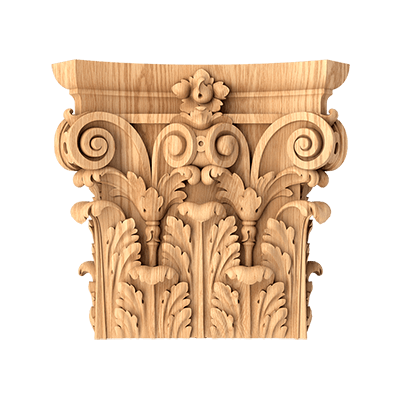
Capitals are selected after determining the width of the vertical shaft. If the capital is too wide, it may extend beyond the pier or conflict with the adjacent cornice.
Column
You need to check not only the facade but also the plan. A full-fledged column takes up space in the passage.
How to choose door portal decor
A door portal is an example where a drawing is stronger than a visual reference.
System:
baseboard → base → pilaster → capital → upper trim.
The elevation is used to check:
- door width;
- height;
- free wall sections;
- top margin;
- opening;
- adjacent furniture;
- cornice.
Why you shouldn't assemble a portal element by element
If you first choose a beautiful capital and then look for a pilaster and base to match it, the system may not fit.
It's better to first determine the overall dimensions of the portal, then select actual SKUs.
Selecting decor from a drawing for built-in furniture
Built-in furniture often creates the most complex intersections.
Need to check:
- Moldings;
- cornice;
- plinth;
- wall panels;
- furniture facade;
- plinth;
- side panels;
- opening.
What is visible on the drawing before it is on site
The molding may extend behind the cabinet.
Skirting board — interferes with the side panel.
Cornice — crosses the top of the tall cabinet.
Panel — increases the overall wall thickness.
If this is noticed at the DWG/PDF stage, the detail can be changed without reworking furniture that has already been produced.
What to do if the drawing has no real SKU
This is a common situation: the working documentation contains a label such as:
"40 mm moulding"
Or:
"decorative panel"
Or:
"classic pilaster".
This is not enough for purchasing.
You need to create a shortlist of real products with similar:
- dimensions;
- profile;
- by material;
- style;
- depth;
- installation method.
How to build a shortlist
Better to have 3–5 SKUs per position.
For example:
| Code | SKU | Size | Material | Status |
|---|---|---|---|---|
| M-01A | ___ | ___ | PU | CANDIDATE |
| M-01B | ___ | ___ | PU | CANDIDATE |
| M-01C | ___ | ___ | PU | CANDIDATE |
After review, one option gets the status APPROVED, the rest go to the archive.
Why you shouldn't give the client 30 options
A large selection does not improve the quality of the decision. It means that technical filtering has not yet been performed.
A good shortlist has already excluded items that do not fit in size or material.
If the drawing shows a non-existent profile
Sometimes the conditional geometry was designed without reference to the actual product range.
For example:
- molding 47 mm wide;
- cornice with a non-standard projection;
- a pilaster for which there is no suitable capital;
- a panel with a module that is not in the catalog.
You cannot simply buy the “most similar” item and leave the drawing unchanged.
It is necessary to determine the priority
What is more important to preserve:
- width;
- the depth;
- ornament;
- the overall composition;
- the material;
- the position relative to neighboring elements.
Example with molding
Nominal profile — 40 mm.
Actual candidates — 35 and 45 mm.
If the frame has a large free margin, both options may be acceptable.
If the gap to the casing is only 20 mm, the extra 5 mm already matters.
Example with panel
If the nominal module is 100 mm and the actual one is 95 mm, the difference accumulates on a wide wall.
You need to recalculate the layout, not "stretch" the item in the drawing.
What matters more: exact resemblance or exact dimensions
For working documentation, real geometry is often more important.
A similar ornament with the wrong width can ruin:
- the frame;
- portal;
- the furniture joint;
- the panel grid;
- the distance to the door.
When the ornament matters more
If the decorative element is the main focal point and the composition can be rebuilt around it.
When size matters more
If the item is built into a rigid geometry:
- narrow wall section;
- Furniture;
- portal;
- ceiling niche;
- panel module.
Practical rule
First, it is checked whether the item fits and does not break the assembly.
After that, visual similarity is compared.
How to use 3D and samples after selection
The drawing confirms the geometry. 3D verifies the perception.
After the shortlist, it is useful to use 3D Decor Models for final visual control.
Correct sequence:
drawing → shortlist → SKU → 3D → final approval.
What 3D checks
- scale;
- chiaroscuro;
- visual mass;
- combination of several elements;
- interaction with furniture;
- ornament.
What 3D does not replace
Technical section.
For example, in a render the cornice may look correct, but only the DWG will show the exact projection relative to the curtain niche.
One SKU in all documents
The 3D object name, DWG block, and specification line must lead to the same product.
When a physical sample is needed
A digital drawing does not show the texture and the actual material.
For critical items, these are useful Product samples.
Especially for:
- wood;
- deep relief;
- wall panels;
- large moldings;
- complex finish;
- repeated large volume.
What is checked on a sample
- the real scale;
- surface quality;
- depth of the relief;
- color;
- the texture;
- light and shadow.
A sample and a drawing solve different tasks
drawing → geometry.
sample → materiality.
One tool does not replace another.
How to replace a schematic CAD block with a real one
After the SKU receives the status APPROVED, the schematic geometry must be replaced.
Workflow:
conditional block → real DWG/SKU.
Updated:
- unfolded view;
- section;
- 3D;
- specification;
- quantity;
- linked nodes.
Why you can't keep the old block
Even if the dimensions are close, the new depth or profile can change the junctions.
Reference dimension
After importing a real DWG, you need to measure one known dimension and make sure the units match.
How to assign codes to positions
Codes simplify worksheets.
For example:
M-01 — molding
CR-01 — cornice
PL-01 — baseboard
R-01 — ceiling rose
PN-01 — panel
D-01 — decorative overlay
The code does not replace the SKU
M-01 — internal project code.
The legend should include:
M-01 → STAVROS / SKU / size / material.
Where to use the code
- DWG;
- PDF;
- 3D;
- specification;
- schedule;
- author's supervision.
Catalog as a source of real SKUs
catalog of interior decor is needed not for browsing "everything in a row," but for moving from conventional geometry to specific categories.
For example:
- frame → molding;
- center of the frame → overlay;
- ceiling → ceiling rose;
- vertical → pilaster;
- large flat surface → panel.
General stucco category
Polyurethane moldings useful as a top level if the project has several types of stucco decor.
Wall decor
Polyurethane wall decor can be used for individual wall elements after the permissible dimensions have been determined on the elevation.
How to calculate the quantity directly from the drawing
After the SKU is approved, the working documentation becomes a source of quantitative data.
Different groups are calculated differently.
Molding
By actual frames and segments.
For a rectangular frame:
2 × width + 2 × height.
If the frame is 1200 × 1800 mm:
2 × 1.2 + 2 × 1.8 = 6 m.
Four such frames:
24 м pure geometry.
But this is not yet the purchase quantity.
Crown molding
By the actual perimeter of the sections where it is actually installed.
Excluded:
- areas without a curtain rod;
- cabinets, if the profile breaks off;
- technological gaps.
Baseboard
By walls minus agreed openings and furniture zones.
Panels
By modules, not just by area.
Covers and sockets
Per piece.
Pilasters and capitals
First as an architectural set, but in the order as separate SKUs.
Why linear meters are not yet an order
After calculating the linear meters, you need to move on to product units.
Considered:
- product length;
- Cutting;
- repeat;
- internal and external corners;
- short offcuts;
- the joint location.
Example with molding
The project requires 24 m.
If the profile is supplied in fixed strips, the quantity depends not only on the total length, but also on how the actual cut pieces fit into the strips.
Eight verticals of 1.8 m each may require a different cutting layout than twenty short sections of the same total length.
Cutting plan
| Code | Length | Quantity | Zone |
|---|---|---|---|
| M-01-V | 1800 мм | 8 | Living room |
| M-01-H | 1200 мм | 8 | Living room |
| M-02-V | 1450 мм | 4 | Hall |
After that, purchasing is calculated based on the actual products.
Ornament
If the profile has a repeat pattern, a short leftover may be unusable even if its length is formally sufficient.
Specification and revisions after selection
The final specification must be unambiguous.
| Code | SKU | Element | Size | Material | Quantity |
|---|---|---|---|---|---|
| M-01 | ___ | Molding | ___ | PU | ___ m |
| CR-01 | ___ | Cornice | ___ | PU | ___ m |
| PN-01 | ___ | Panel | ___ | MDF | ___ pcs. |
| D-01 | ___ | Overlay | ___ | Wood | ___ pcs. |
Additionally, it is useful to store:
- URL;
- room;
- zone;
- DWG;
- 3D;
- status;
- finish;
- revision.
Status
Working values:
CANDIDATE
SAMPLE
APPROVED
ORDERED
URL
The link helps to double-check the current product card.
The SKU remains the primary identifier.
Size
The size in the specification helps to quickly catch a scale error.
REV01, REV02: why drawing-based selection needs versioning
If the SKU changes, the project changes technically.
Need to check:
- dimensions;
- the layout drawing;
- section;
- 3D;
- quantity;
- the specification;
- linked nodes.
Example
REV01 — M-01 candidate
REV02 — M-01 approved
REV03 — M-01 replaced by M-02
This is how the kit assembler understands why the quantity changed.
Old versions
It is useful to keep them in the archive, but not to mix them with current files.
Checklist before handing over to the kit assembler
Before the commercial request, check:
- each item has an SKU;
- dimensions match the drawing;
- DWG matches the product;
- 3D is up to date;
- old candidates are excluded;
- quantity counted;
- product lengths are taken into account;
- URLs are recorded;
- material and finish are defined;
- Status
APPROVED; - revision is up to date.
Shortest verification formula
drawing = SKU = DWG = 3D = specification.
If one layer describes a different product, the set is not ready yet.
How to buy decor after selecting by drawing
The commercial stage begins only after SKU approval.
Final chain:
DWG/PDF → actual dimensions → SKU → APPROVED → quantity → specification → order.
Buy stucco decor
A request to buy stucco decor becomes useful after the general category is broken down into specific moldings, overlays, cornices, and rosettes.
Buy polyurethane stucco decor
Before purchasing, you need to confirm the actual SKUs and quantity.
Buy polyurethane molding
Such a request should already lead to the selected SKU, not to a repeated search for a "similar" one.
Buy wall molding
Before purchase, check the frame width, free space, and abutments.
Buy MDF wall panels
A commercial request must come after the modular layout.
Buy slatted panels
You need to know the number of modules, the starting point, and the edge cuts.
Buy decorative elements
Individual items are listed on separate lines and counted per piece.
Buy wooden decorative elements
For wood, the species and finish are additionally recorded.
Buy carved wooden decor
The ornamental element must be checked against the actual dimensions.
Buy pilasters
A pilaster is not purchased without checking the base, capital, and overall dimensions.
Buy a ceiling rose
Before purchase, the center, size, and light fixture are checked.
Order decor for a project
The best commercial request is a ready-made specification.
Order architectural decor
For portals and vertical systems, the supplier is given a list of all SKUs, not a single line “portal.”
Typical mistakes when selecting decor from a drawing
Mistake 1. Treating a conditional line as a real profile
Why it happens: the drawing looks complete.
Consequence: at a late stage, a different width or depth is discovered.
How to prevent: replace the placeholder with a real SKU before releasing the final documentation.
Mistake 2. Choosing by style only
Why it happens: the ornament is more noticeable than the geometry.
Consequence: the profile does not fit into the assembly.
How to prevent: dimensions first, then style.
Mistake 3. Not checking the section via DWG
Why it happens: the card dimensions seem sufficient.
Consequence: the installation plane and actual projection are lost.
How to prevent: technical file for critical assemblies.
Error 4. Counting panels by area
Why it happens: square meters are convenient to count.
Consequence: the modular grid doesn't add up.
How to prevent: layout by full products.
Error 5. Not excluding old candidates
Why it happens: the shortlist is stored in a single table without statuses.
Consequence: an old SKU ends up in the order.
How to prevent: APPROVED and revisions.
Error 6. Changing the SKU only in the specification
Why it happens: the new item looks similar.
Consequence: DWG and 3D remain unchanged.
How to prevent: the replacement goes through all documents.
Mistake 7. Giving the assembler the right to "select an equivalent"
Why it happens: the differences seem minor.
Consequence: the original geometry changes.
How to prevent: a pre-approved alternative.
Mistake 8. Not counting product lengths
Why it happens: the total linear footage is known.
Consequence: cutting cannot be done.
How to prevent: parts map.
When a full selection based on the drawing is not needed
Not every item needs to go through a large workflow.
Reused verified SKU
If the same product has already been used and the assembly is fully repeated, it is enough to update availability and quantity.
One simple element
If the exact SKU is known and there are no complex junctions, a separate shortlist is not needed.
Concept stage
At an early stage, provisional lines are acceptable if they are clearly marked as unapproved.
When the full process is especially needed
- large project;
- multiple product groups;
- built-in furniture;
- complex panels;
- portals;
- many repeating frames;
- long lead time;
- multiple contractors.
How to create a brief for selection based on a drawing
If the selection is not performed by the author of the drawing, it is useful to provide a short brief.
| Field | What to specify |
|---|---|
| Object | apartment / house / commercial |
| Room | specific area |
| Stage | concept / working documentation |
| Drawing | DWG / PDF |
| Ceiling height | actual |
| Required groups | molding / panel / decor |
| Material | PU / wood / MDF |
| Finish | for painting / wood / other |
| Priority | size / style / budget / timeline |
Why priority matters
If the main goal is to preserve the geometry, the shortlist will be one.
If the main goal is a specific ornament, it will be different.
If the thickness is strictly limited due to furniture, some products are excluded right away.
FAQ
Can decor be selected using only a PDF layout?
Yes, if it contains actual dimensions, openings, and main zones. For complex profiles, a section or DWG will also be needed.
Which is better for selection — DWG or PDF?
DWG is more convenient for measuring and inserting actual blocks. PDF is suitable for an initial analysis if the dimensions are unambiguous.
Do I need to send a visualization?
Not necessarily, but it helps to understand the style and visual mass. The geometric base is still taken from the drawing.
How can I tell if a given molding matches a real SKU?
Compare the width, depth, and actual cross-section, then place the profile into the layout.
What matters more: the closest possible ornament or the exact size?
For a rigid working unit, usually the exact size. If the composition can be changed, the ornament may take higher priority.
How many SKUs should be included in the shortlist?
Usually 3–5 technically suitable options are enough.
When is a sample needed?
For wood, large panels, deep relief, and complex finishes.
When is a 3D model needed?
When you need to check scale, light and shadow, and visual mass after technical selection.
How to calculate molding?
By actual frame segments, then taking into account product length and cutting.
How to count panels?
By modules and cuts, not just by area.
How to count pilasters and capitals?
As a complete architectural system, but in the order — as separate SKUs.
What should I do if there is no suitable product?
Determine which parameter is more important to preserve, and adapt the drawing to the nearest real SKU.
Can a DWG be stretched to the required size?
No, if it describes a real product. You need to choose a different SKU.
What should be passed to the order assembler?
SKU, size, material, quantity, URL, current revision, 3D/DWG, and approval status.
What to do after replacing the SKU?
Update the drawing, 3D, calculation, and specification.
Bottom line: the drawing must end with real SKUs
Selecting decor based on working documentation is the translation of conditional design geometry into real product items.
Workflow:
DWG/PDF → dimensions → categories → shortlist → SKU → DWG/3D → quantity → specification → order.
If the drawing still says “40 mm molding” without an SKU, the project is not finished yet.
If every conditional element gets a real SKU, it becomes clear:
- whether it fits;
- how it joins;
- how much of it is needed;
- what to show the customer;
- what to hand over to the contractor;
- what to buy.
This is what distinguishes selecting decor from a drawing from selecting from a visualization: the starting point is not an image, but the actual working geometry of the project.