


































Article Contents:
- What Is a DWG Cornice and Why Does a Designer Need It
- The Main Difference Between a Cornice and a Molding in DWG
- What You Can See in the Development View
- What You Can See in the Section View
- Height
- Projection
- Mounting Planes
- Orientation
- SKU
- Why this is dangerous
- Control
- You can't "scale by eye"
- Why the section matters more than the front view
- What to add nearby
- Low ceiling
- High ceiling
- Tall door
- Top frame
- Curtains
- Light
- Ventilation
- Floor-to-ceiling wardrobe
- Cornice in front of the cabinet
- Cornice is interrupted
- Cornice wraps around the cabinet
- Furniture's own cornice
- Error
- Solution
- Why fabric also matters
- Why DWG helps
- Main task
- Why geometry matters
- Main
- Why
- Why this is important
- Example
- What to show on DETAIL
- Why this is important
- Example
- Why you shouldn't buy 12.6 m right away
- Cutting map
- Why this reduces waste
- Ornamental cornice
- Straight smooth profile
- Why the section is needed in the specification
- Why a URL is needed
- Why the status is needed
- Example
- Why a front image is not enough
- If the height changes
- If the projection changes
- If the length changes
- If the ornament changes
- File name
- Why store preview
- Why the check date matters
- Where wood is especially appropriate
- What must be coordinated
- Mistake 1. The cornice is drawn with a conventional line
- Mistake 2. Incorrect units
- Error 3. Curtain niche not checked
- Error 4. Floor-to-ceiling wardrobe not checked
- Error 5. LED designed without actual cross-section
- Error 6. Cornice stretched via SCALE
- Error 7. Total linear meters taken as purchase quantity
- Error 8. DWG and specification from different revisions
- Low ceiling
- Minimalist interior
- Active ceiling system
- No space for the curtain assembly
- No opportunity to work out the details
- Why do you need a DWG of the cornice if there is a photo?
- What to check first after import?
- Why should the cornice be viewed in section?
- Can a DWG be stretched to the required size?
- How do I calculate the linear footage?
- What matters more in a curtain niche?
- How to link 3D and DWG?
- Where to get DWG and 3D?

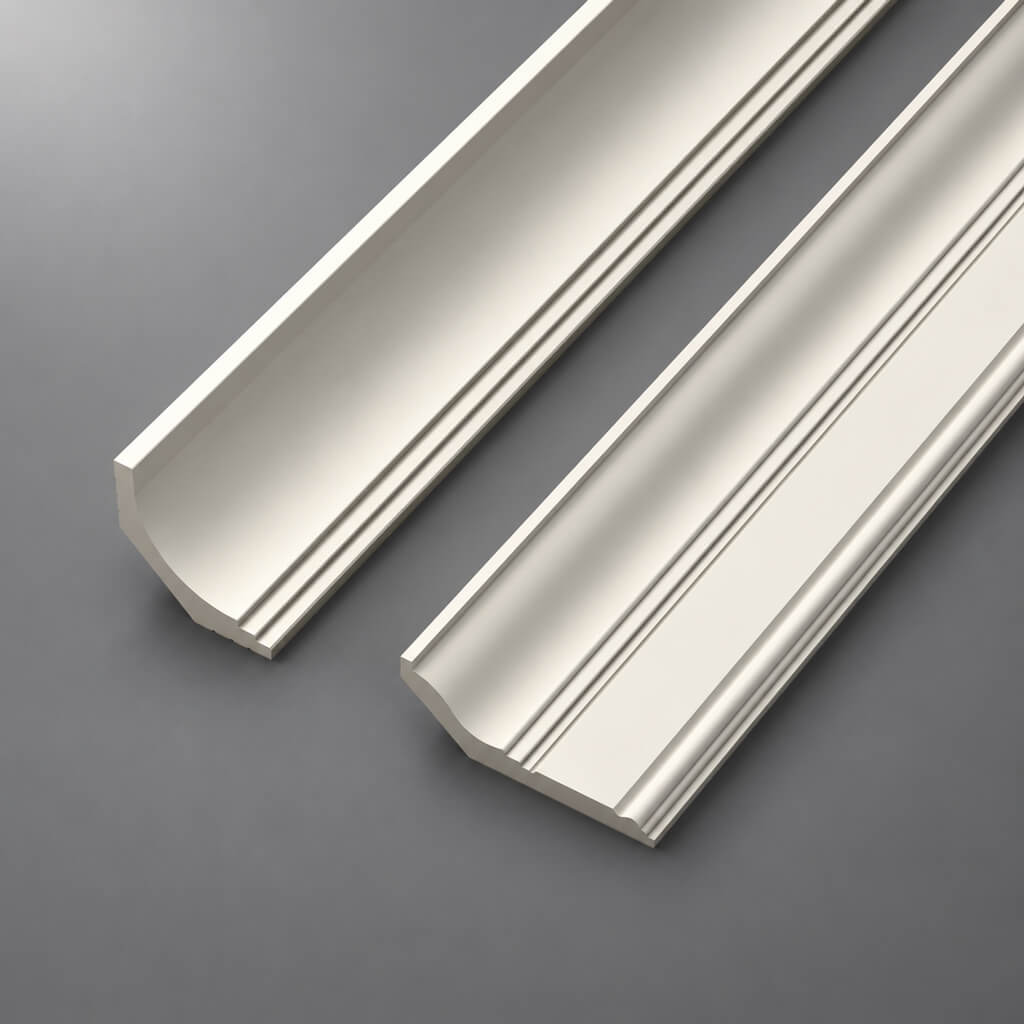
A ceiling cornice in a working project is not a decorative line under the ceiling, but a real profile with two critical dimensions: the size along the wall and the projection along the ceiling. These parameters determine how much space the cornice will occupy in the detail, whether it will fit into the curtain niche, whether it will block a built-in wardrobe, whether it will collide with concealed lighting, and whether it will change the upper part of the wall composition.
Therefore DWG cornices are needed not as a formal CAD archive, but as the working geometry of a specific SKU.
Professional chain:
choose the actual cornice → get the DWG → check the section → check the height and projection → integrate into the room section → decide on curtains / lighting / ceiling → lock the SKU → calculate the linear meters → specification → order.
The main mistake is to first draw a conventional profile, approve the interior, and then look for a similar product. For a working project, the sequence should be reversed: first the actual item, then its geometry.


What is a DWG cornice and why does a designer need it
A DWG of a ceiling cornice is needed primarily to check the cross-section.
A cornice occupies space in two directions at once:
- along the wall;
- along the ceiling.
While a wall molding can often be assessed by the width and depth of the profile, for a cornice both adjoining sides are equally important.
The designer needs to know:
- height along the wall;
- ceiling projection;
- actual cross-section;
- mounting surfaces;
- orientation;
- relief;
- real SKU.
Therefore DWG drawings of cornices are especially useful at the stage of sections and ceiling details.


The main difference between a cornice and a molding in DWG
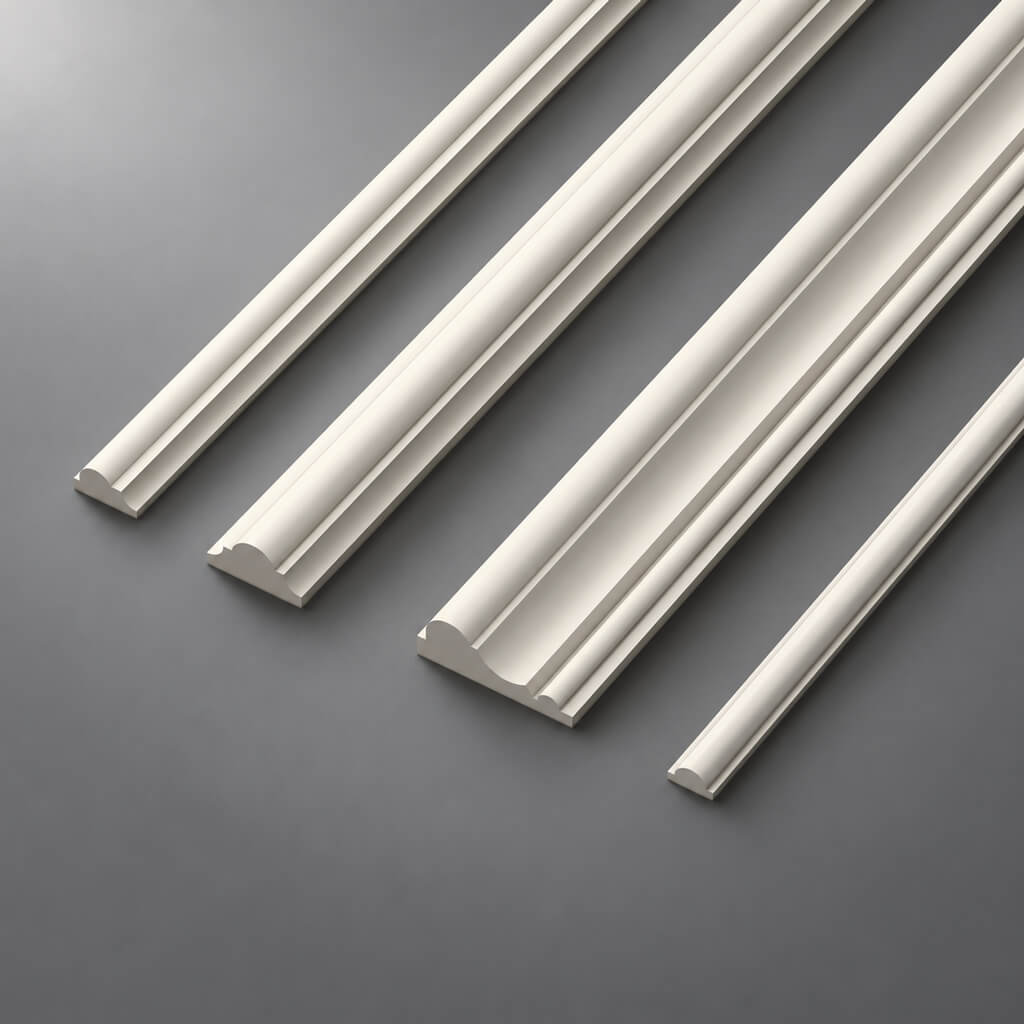
For a molding, the main working task is usually related to the wall plane: frame, setback, profile, junction with the door.
For a cornice, the junction of the wall and ceiling is critical.
It is necessary to control simultaneously:
vertical dimension along the wall + horizontal projection along the ceiling.
This means that the main working drawing for a cornice is not only the elevation, but also the room section.
Our factory also produces:


What is visible on the elevation
- the lower line of the cornice;
- connection with doors;
- connection to built-in furniture;
- top of the frames;
- horizontal rhythm.
Get Consultation
What is visible in the section
- the actual profile;
- overhang;
- the depth;
- junction to the ceiling;
- niche;
- lighting;
- curtain system.
It is the section that answers questions that cannot be reliably resolved with a single visualization.
What should be in the DWG of a ceiling cornice
Before using the file, check:
- profile height;
- overhang;
- outer contour;
- mounting planes;
- orientation;
- scale;
- units;
- actual cross-section;
- SKU.
Height
Shows how much space the curtain rod takes up on the wall.
Projection
Shows how much of the ceiling area it occupies.
Mounting planes
They are needed to understand how the profile fits against the wall and ceiling.
Orientation
An asymmetrical curtain rod cannot be flipped without careful consideration.
SKU
Without the SKU, the DWG loses its link to purchasing.
Why you shouldn't choose a curtain rod based on a photo alone
A photograph shows the ornament well, but answers technical questions poorly.
In a front-facing shot, it is often impossible to understand:
- actual extension;
- the depth;
- the proportion along the wall;
- the proportion along the ceiling;
- the space for curtains;
- the space for lighting;
- the conflict with the wardrobe.
Two curtain rods of the same height can have completely different projections. One barely takes up any ceiling space, while the other extends much further.
In a render, both may look appropriate. In a real cross-section, they behave completely differently.
First the real SKU — then the drawing
Work sequence:
catalog → SKU → DWG → section → visualization → specification.
Not the other way around.
Bad scenario:
conditional profile → project → approval → search for a similar product.
Good scenario:
- select a real cornice;
- record the SKU;
- obtain the DWG;
- check the cross-section;
- integrate into the assembly;
- check in 3D;
- transfer to the specification.
Useful for initial selection CAD models of cornices, but within the project the file must be stored with a clear article number.
How to check the DWG scale
After importing into AutoCAD:
- check units;
- measure the reference dimension;
- compare it with the specification card;
- check the orientation;
- check the base point.
A typical mistake — a 120 mm profile turns into 1200 mm.
Why this is dangerous
If the entire scene has already been assembled, the error may remain unnoticed for a long time.
Check
You need to measure a known side of the profile and verify it against the actual product.
You cannot "scale by eye"
If the DWG turns out to be the wrong size, first determine the cause: units or a file error.
How to place a cornice in a room section
The section must show:
- wall;
- ceiling;
- finish;
- cornice profile;
- ceiling elevation;
- vertical dimension;
- horizontal projection;
- adjacent structures.
This is the main working unit.
Why a section view matters more than a front view
The front view shows the lower line of the cornice.
The section view shows how much space it actually occupies.
What to add nearby
If there is:
- curtain niche;
- hidden lighting;
- ventilation;
- ceiling hatch;
- a built-in wardrobe;
they need to be shown in the same section view.
Cornice height along the wall
The height of the cornice affects the visual height of the room.
It needs to be checked relative to:
- ceiling;
- Doors;
- a built-in wardrobe;
- wall panels;
- upper frames;
- portals.
Low ceiling
A large cornice can visually lower the room.
High ceiling
A profile that is too small may get lost.
High door
If the portal almost reaches the ceiling, a large cornice may not leave a normal free margin.
Upper frame
If, after choosing the actual profile, the lower line of the cornice has dropped, the upper frame of the wall will have to be recalculated.
Cornice projection along the ceiling
This size is often underestimated.
It affects:
- curtains;
- lighting;
- ventilation;
- ceiling hatches;
- lighting fixtures;
- floor-to-ceiling furniture;
- ceiling frames.
Curtains
If the cornice protrudes far, it may come close to the track.
Light
If there is an LED niche nearby, the overhang may block the light pocket.
Ventilation
The grille or diffuser may end up too close to the decorative profile.
Cabinet up to the ceiling
A deep cornice may physically enter the furniture body.
DWG cornice and built-in wardrobe to the ceiling
This is one of the most common complex junctions.
You need to decide in advance:
- the cornice passes in front of the wardrobe;
- is interrupted;
- wraps around the furniture;
- the wardrobe receives its own finishing;
- the decorative line continues onto the front.
Cornice in front of the wardrobe
Works when the furniture is recessed and the profile does not interfere with the fronts.
The cornice is interrupted
A neat end and a clear stopping point are needed.
The cornice wraps around the wardrobe
Requires a precise plan and several joints.
The furniture's own cornice
The wall architecture and the furniture can have different but coordinated finishes.
This issue needs to be resolved in the design, not during installation.
Cornice and door portal
If the door is tall, the following are checked:
- top of the casing;
- portal height;
- lower point of the cornice;
- free field;
- ornament.
Particular care is needed where the door almost reaches the ceiling.
Error
The cornice visually "sits" on the door casing.
Solution
On the elevation drawing and section, the distance between the top of the portal and the bottom of the profile is set in advance.
Cornice and curtain niche
A separate section is required for the curtain assembly.
Scheme:
wall → cornice → niche → track → curtain.
Check:
- distance from the window;
- niche depth;
- curtain rod projection;
- track position;
- fabric volume;
- access to the mounting.
Why fabric matters too
A curtain takes up real volume.
If the niche is designed only for the track, the fabric may press against the decorative profile.
Why DWG helps
The cornice can be placed at the exact cross-section and the conflict can be seen immediately.
Cornice and hidden profile for curtains
If a hidden track is used, the decorative cornice must not:
- obstruct the movement of the fabric;
- block access to the mounting;
- disrupt the visible line of the niche;
- interfere with inspection.
On the section, it is useful to show:
- decorative profile;
- hidden track;
- the distance between them;
- ceiling plane.
Cornice with hidden lighting
The cornice can function as part of a lighting node.
Need to show:
- profile;
- a shelf or LED zone;
- the strip;
- light direction;
- distance to the ceiling;
- the line of sight.
Main task
LEDs should not be directly visible from the main points of the room.
Why geometry matters
Changing the cornice overhang by even a few centimeters can noticeably change the lighting pattern.
How to check the lighting pocket in DWG
For concealed lighting, millimeters matter.
Gap too small:
- creates a harsh line of light;
- amplifies local brightness variations.
Too large:
- makes the structure more bulky;
- can weaken the effect;
- increases the ceiling assembly.
A DWG is needed to compare actual dimensions, not schematic diagrams.
Cove and Stretch Ceiling
This block is intended for the designer as a design detail, not as an installation instruction.
Show:
- wall;
- canvas level;
- cornice;
- mounting area;
- the curtain niche;
- backlighting, if any.
Key points
The cornice must be coordinated with the ceiling unit before installing the canvas.
Why
After installing a stretch ceiling, changing the level or niche becomes much more difficult.
Cornice and plasterboard ceiling
For plasterboard, check:
- lower plane;
- level transition;
- a niche;
- profile overhang;
- light;
- frame;
- decorative junction.
With a multi-level ceiling, the cornice may be adjacent to several elevations at once.
Therefore, a single general ceiling plan without a section is insufficient.
Cornice and wall panels
If the wall panel rises high, you need to decide in advance whether it:
- under a cornice;
- goes behind the cornice;
- ends below;
- has a separate top profile.
The section must show the actual junction.
Why this is important
The panel thickness can change the mounting plane of the cornice.
If this is not taken into account, the profile will be offset relative to the wall.
Cornice and upper molding frame
On a wall with frames, check:
top of the frame → free space → cornice.
If the actual SKU turns out to be taller than the nominal profile, the upper frame may lose its proper clearance.
Example
The draft design used a nominal cornice height of 80 mm.
After selecting the actual product, the profile became 120 mm.
The lower line of the cornice dropped by 40 mm.
The upper frame now requires recalculation.
This is another reason to choose the actual SKU before the final release of the documentation.
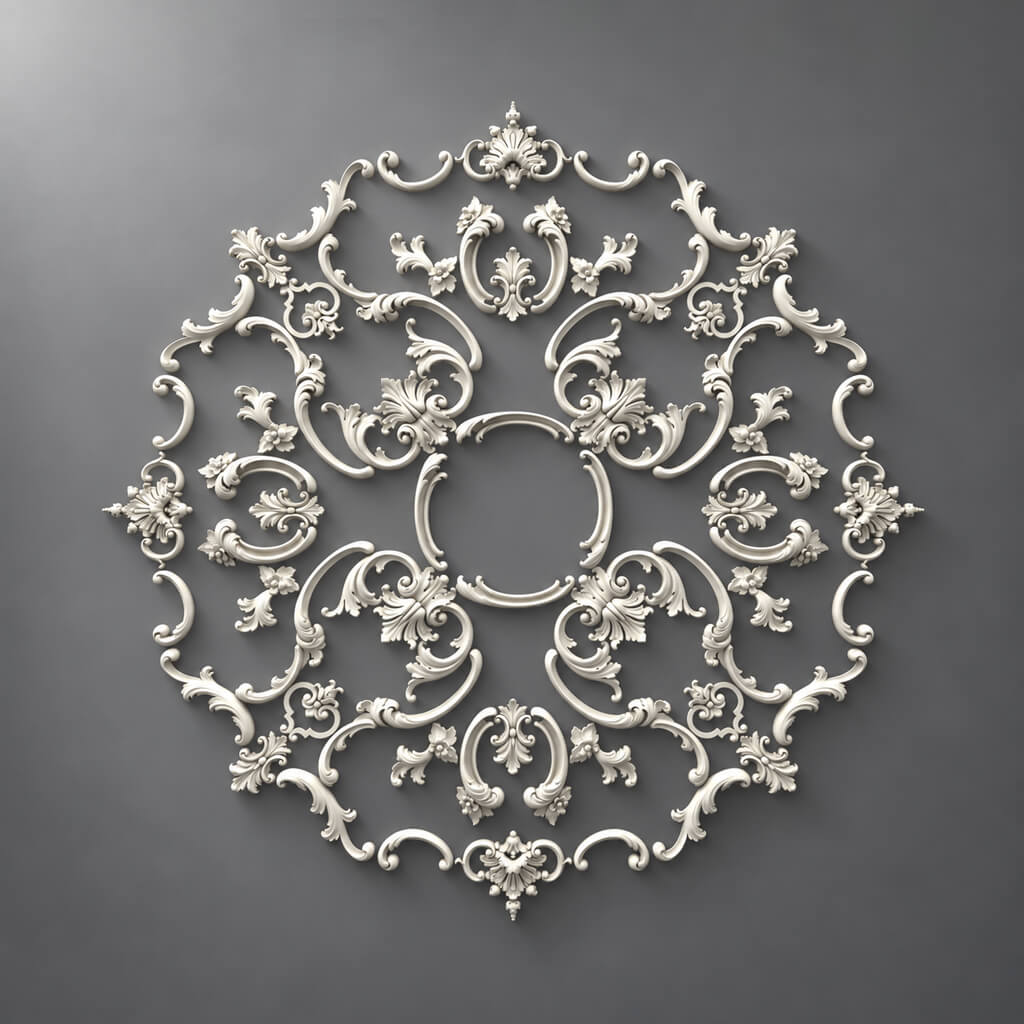
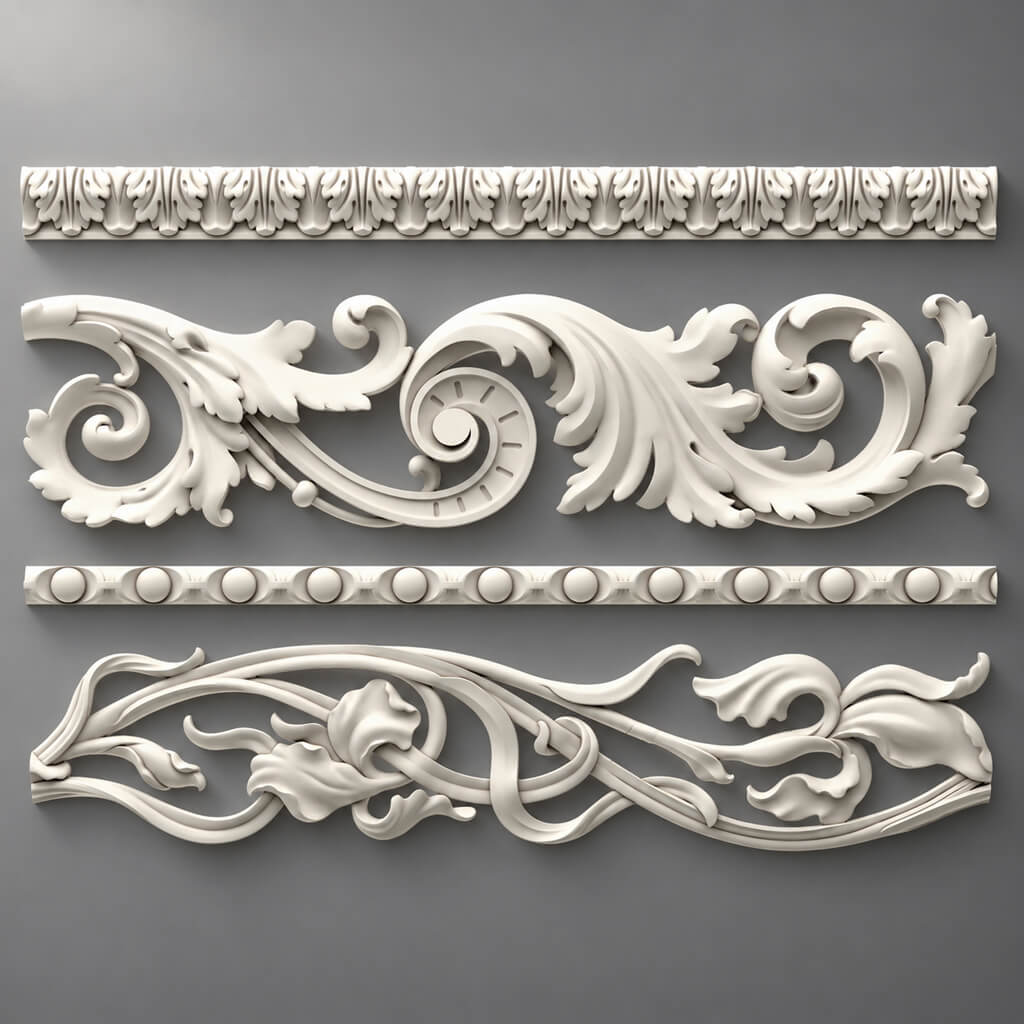
Cornices with ornament
For an ornamental profile, the following are important:
- repeat;
- internal corners;
- external corners;
- symmetry;
- the beginning and end of the pattern.
The same linear footage does not always mean the same consumption.
If the pattern must be matched, part of the length is used for alignment.
How to design an internal corner
At the internal corner, the actual cross-section must be checked.
For a complex ornament, the following may be required:
- precise cut;
- pattern alignment;
- extra stock;
- separate installation template.
What to show on DETAIL
- two walls;
- two profiles;
- joint line;
- ornament direction.
External corner and protruding elements
An external corner is more complex than an internal one.
The profile is visible from two sides.
The joint error is more noticeable.
The ornament should look logical.
Therefore, the outer corner is better output as a separate DETAIL.
Why you cannot scale the DWG of a cornice
If the real profile has one cross-section, it cannot be stretched in AutoCAD to another.
After SCALE, it is no longer an existing product.
For example, a 120 × 80 mm profile cannot be turned into 150 × 95 mm and still be considered the same SKU.
You need to choose a different real cornice.
How to link DWG with 3D
The correct sequence is:
SKU → DWG → 3D → working project → specification.
3D checks:
- visual mass;
- chiaroscuro;
- ornament.
DWG checks:
- real node;
- dimensions;
- junctions.
For the visual stage, you can use 3D models of cornices, but their SKU must match the DWG and specification.
How to name a cornice block
Bad:
cornice-final
Better:
STAVROS_SKU_CORNICE
Or:
STAVROS_KPU-XXX_SECTION
The main thing is to keep the article number.
Why this is important
If a project has five cornices, it's easy to mix up the profiles without an SKU.
How to designate a cornice on drawings
You can use a project code:
CR-01
In the legend:
CR-01 — STAVROS / SKU / ceiling cornice / size
The same code is used:
- in the section;
- on the drawing;
- on the plan;
- in the specification.
This links the working documentation to procurement.
How to calculate the cornice footage
The basic formula is simple: add up the length of all sections where the cornice is actually installed.
But for a working project, the room perimeter alone is not enough.
The following must be excluded or accounted for separately:
- built-in wardrobes;
- niches;
- portals;
- tears;
- areas without a curtain rod;
- sections with concealed curtains;
- external and internal corners;
- pattern repeat.
Example
The room perimeter is 18.4 m.
A floor-to-ceiling wardrobe occupies 2.6 m of wall where the curtain rod does not run.
A curtain niche excludes another 3.2 m.
Working length:
18.4 − 2.6 − 3.2 = 12.6 m.
This is the calculated length before cutting.
Why you can't just buy 12.6 m right away
Because the cornice is supplied as individual items of fixed length.
The next step is the cutting plan.
How to convert meters into the number of strips
If the calculated linear meters = 32.6 m, you need to buy not “32.6 meters,” but a whole number of commercial items of a specific length.
Therefore, you need to know:
- the length of one strip;
- actual segments;
- corners;
- short sections;
- remainders;
- ornament.
Cutting map
Example:
| Code | Section | Length | Quantity |
|---|---|---|---|
| CR-01-A | Long wall | 4200 мм | 2 |
| CR-01-B | Short wall | 2850 мм | 2 |
| CR-01-C | Niche | 1350 мм | 1 |
After that, the parts are distributed across the actual commercial strips.
Why this reduces waste
The total footage does not show whether the remainder of one piece can be used for the next one.
The cutting map shows.
When the remainder of a cornice can be reused
The remainder is useful only when:
- its length is sufficient;
- the end is suitable for a new cut;
- the ornament allows continuation;
- the profile direction matches;
- the new section does not require a complete pattern.
Ornamental cornice
Even a sufficiently long leftover may be useless if the pattern repeat does not start in the right place.
Straight smooth profile
Here, leftovers are easier to use.
Cornice specification
For each item, it is useful to store:
| Field | What to specify |
|---|---|
| Code | CR-01 |
| Manufacturer | STAVROS |
| SKU | specific |
| Material | PU / wood |
| Cross-section | actual |
| commercial length | actual |
| Footage | estimated |
| Quantity | pcs. |
| DWG | file name |
| 3D | file name |
| URL | Product |
| Status | APPROVED / ORDERED |
Why the cross-section is needed in the specification
It helps quickly verify that a different profile with a similar name was not included in the purchase.
Why a URL is needed
The order assembler opens exactly the right product page.
Why status is needed
A draft profile must not end up in the order.
How to compare two cornices in CAD before approval
If there are two similar profiles, it is better to overlay them on the same section.
Compared:
- height along the wall;
- overhang;
- depth;
- relief shape;
- mounting planes.
Example
Profile A:
- height 90 mm;
- projection 70 mm.
Profile B:
- height 130 mm;
- projection 110 mm.
Wall difference — 40 mm.
Ceiling difference — 40 mm.
In a room with a curtain niche, this can completely change the assembly.
Why a front-view image is not enough
Both curtain rods may look “roughly the same,” but occupy different physical space.
How to verify a SKU replacement
If the original curtain rod is unavailable, the new one cannot be chosen by style alone.
Need to compare:
- cross-section;
- height;
- overhang;
- commercial length;
- ornament;
- repeat.
If the height changes
The upper part of the wall is recalculated.
If the projection changes
Curtains, lighting, and furniture are rechecked.
If the length changes
The cutting layout is recalculated.
If the ornament changes
Angles and visualization are checked.
Replacing an SKU means revising the assembly, not just a line in the specification.
How to store DWG cornices in the studio library
Convenient structure:
/DECOR/STAVROS/CORNICES/
For each SKU:
- DWG;
- 3D;
- preview;
- URL;
- cross-section;
- product length;
- verification date;
- usage note.
File name
For example:
STAVROS_KPU-XXX_DWG
Or:
STAVROS_KPU-XXX_SECTION
Why store a preview
The architect selects the right profile faster.
Why the verification date matters
Before reusing an old file, it must be checked against the current product page.
How to work with wooden curtain rods
Wooden cornices have a different logic of finishing and perception than paintable polyurethane.
The project must additionally take into account:
- breed;
- finish;
- color;
- grain direction;
- the junction with wooden portals and furniture.
Where wood is especially appropriate
- libraries;
- offices;
- wooden portals;
- furniture compositions;
- interiors with visible natural texture.
Wooden trim useful when the cornice should be part of an overall system of wooden profiles.
How to work with polyurethane cornices
Polyurethane Crown Molding convenient for paintable ceiling systems.
In the project, it is important to check:
- profile;
- height;
- overhang;
- ornament;
- length;
- adjacent molding;
- the ceiling system.
Polyurethane moldings and cornices it is useful to consider as a single system if there are frames on the wall and a ceiling termination.
How to link the cornice with the overall stucco system
A cornice rarely works alone.
Nearby may be:
- Moldings;
- ceiling medallions;
- wall appliques;
- skirting boards;
- Portals.
Polyurethane moldings allows building a unified decorative system.
Polyurethane ceiling decoration it is useful to check together with the cornice on a single RCP and section.
What must be coordinated
- scale;
- ornament;
- color;
- depth;
- free fields;
- axes.
How to buy a curtain track after working design
The commercial stage begins after DWG verification.
Chain:
SKU → DWG → ceiling node → linear meters → cutting → specification → order.
Before payment, check:
- SKU;
- cross-section;
- quantity;
- commercial length;
- availability;
- price;
- the latest revision of the project.
For general selection and category comparison, you can use the STAVROS catalog.
For project work with files — STAVROS for designers and architects.
Typical mistakes when working with DWG curtain tracks
Error 1. The curtain rod is drawn with a schematic line
Consequence: the actual projection is not visible.
Solution: use SECTION.
Error 2. Incorrect units
Consequence: the profile is scaled up 10 times.
Solution: verification measurement.
Error 3. The curtain niche has not been checked
Consequence: the fabric conflicts with the curtain rod.
Solution: separate section.
Error 4. The floor-to-ceiling wardrobe has not been checked
Consequence: the profile is included in the facade.
Solution: furniture and cornice assembly.
Error 5. LED designed without a real cross-section
Consequence: diodes are visible or the light pocket performs poorly.
Solution: real profile in cross-section.
Error 6. Cornice stretched via SCALE
Consequence: a non-existent product in the project.
Solution: a different SKU.
Error 7. Total linear meters taken as the purchase quantity
Consequence: not enough strips.
Solution: cutting map.
Error 8. DWG and specification of different revisions
Consequence: an old profile is purchased.
Solution: a single version number.
When a complex cornice is not needed
Not every interior requires a massive ceiling profile.
Low ceiling
A large cornice can make a room appear visually lower.
Minimalist interior
A complex ornamental profile may contradict the overall logic.
Active ceiling system
If there are already niches, light lines, and several levels, additional relief can overload the composition.
No space for the curtain node
Sometimes a more compact profile is more rational than a decoratively complex one.
No opportunity to work out the details
A simple cornice with straightforward installation is better than a complex solution without working documentation.
FAQ
Why do you need a DWG of the cornice if you have a photo?
A photo does not show the exact height, projection, mounting planes, and interaction with the ceiling.
What to check first after import?
Units and reference dimension.
Why should the cornice be viewed in section?
Because it simultaneously occupies part of the wall and the ceiling.
Can a DWG be stretched to the required size?
After selecting an SKU — no. This creates a non-existent profile.
How is the linear meterage calculated?
Based on the actual installation sections, then converting it into a cutting map and the number of commercial strips.
What matters most in a curtain niche?
The actual distance between the profile, the track and the fabric.
How to link 3D and DWG?
Both files must belong to the same SKU.
Where to get DWG and 3D?
In the STAVROS downloads section, DWG drawings and 3D models of the products are available.
Final workflow
1. Choose a real curtain rod.
2. Note the SKU.
3. Download the DWG.
4. Check the units.
5. Check the height and projection.
6. Place the profile in the section.
7. Resolve junctions with curtains, cabinets, and doors.
8. Check the lighting.
9. Check the stretch or drywall ceiling.
10. Check the corners and ornament.
11. Assign the CR code.
12. Calculate the working linear footage.
13. Create a cutting map.
14. Fill in the specification.
15. Verify the final revision and place the order.