














































Article Contents:
- What is a decorative slat DWG
- A single slat and a ready-made slatted panel are different design systems
- Individual slats
- Finished slat panel
- How to show a socket in DWG

On the elevation drawing, the wall may look neat: vertical lines are spaced at equal distances, the rhythm is even, the TV is centered, the door fits in. But if these lines are not tied to the actual slat cross-section, the drawing so far describes only graphics, not the product.
A centerline by itself does not show what will physically end up on the wall. A slat can be 20 mm or 50 mm wide, 10 mm or 40 mm deep. With the same spacing, the gap will be different. The first and last slats will have different edge margins, a different detail will appear near the door casing, and an outlet that is "between the lines" on the diagram may in reality fall halfway onto a profile.
That is why a DWG of a decorative slat is not needed in order to draw a slatted wall beautifully.
It is needed in order to design a real physical module.
The working sequence looks like this:
choose a real slat → determine the cross-section → build the DWG layout → set the spacing → resolve the edge margins and details → determine the SKU → calculate the quantity → add to the specification → buy.


What a decorative slat DWG is
A decorative slat DWG is the working geometry of a specific product, not a conventional vertical stripe.
The file must clearly show:
- width;
- depth;
- cross-section shape;
- mounting surface;
- scale;
- belonging to a specific SKU.
If a 0.25 mm thick line is drawn on the plan, it says nothing about the actual profile.
The designer must understand what physical volume lies behind this line.
For real work, it is useful to link the slat with DWG and 3D models of STAVROS, so that the drawing uses the geometry of the specific product.

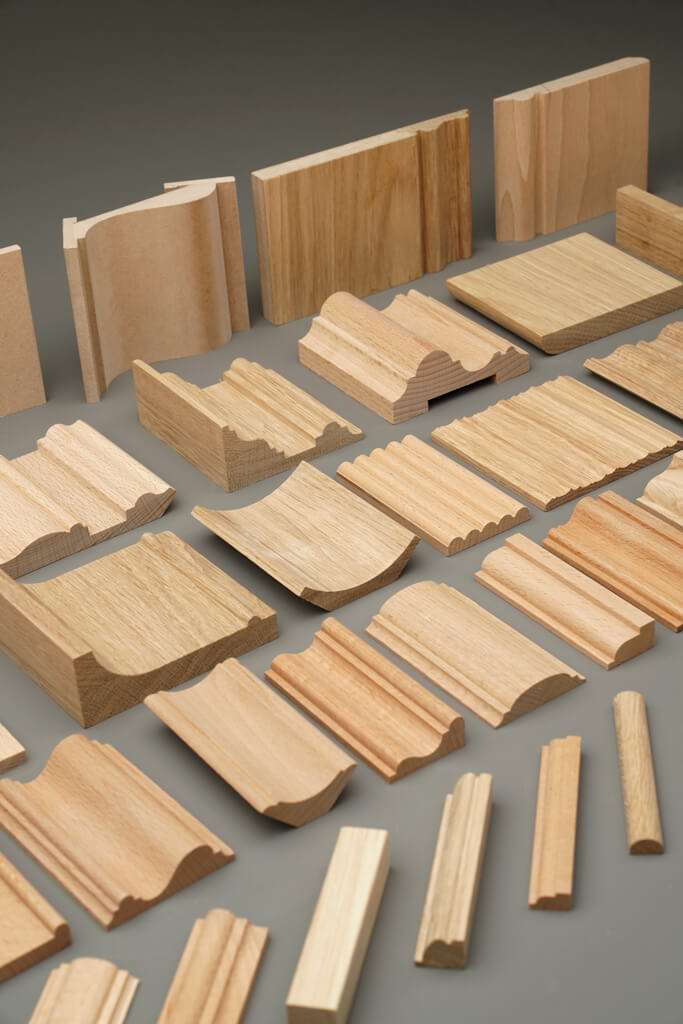


A separate slat and a finished slatted panel are different design systems
These two solutions often look similar, but are designed differently.
Our factory also produces:
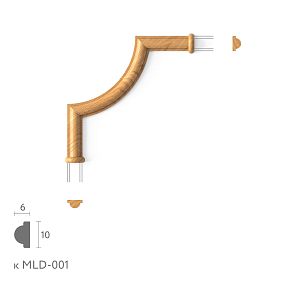
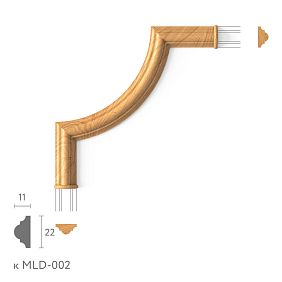



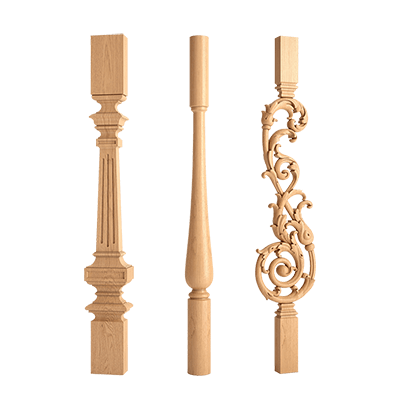
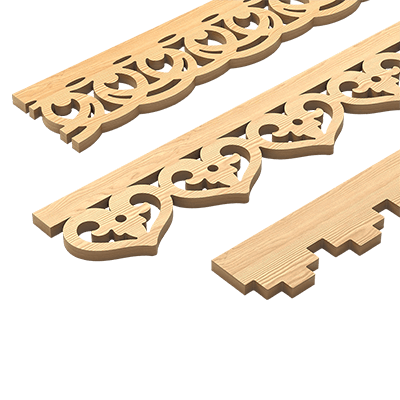
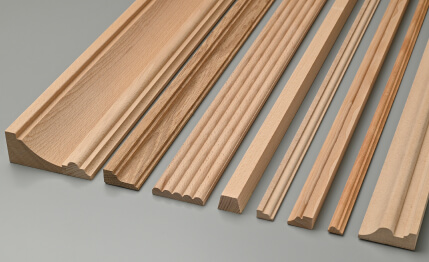
Individual rails
The architect determines it themselves:
- spacing;
- gap;
- quantity;
- base axis;
- start of field;
- end of field;
- behavior near the door;
- corner joints.
Here, each slat is a separate physical element.
Get Consultation
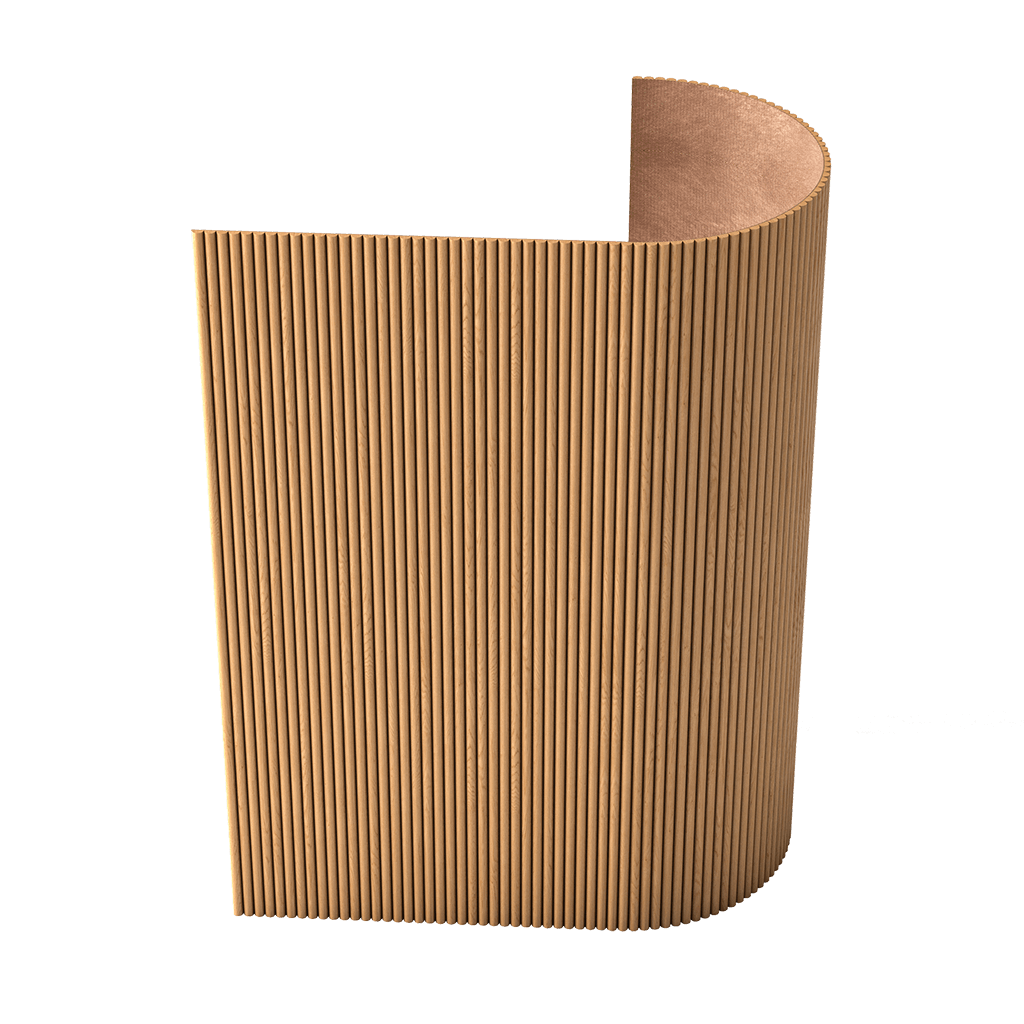
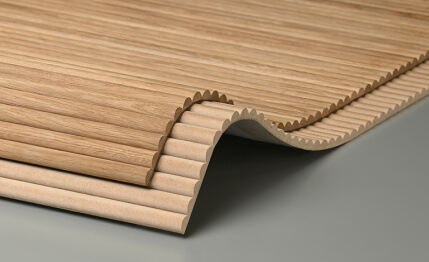
Finished slat panel
Part of the geometry is already built into the module.
The designer works not with each individual slat, but with the width of the finished block.
This affects the calculation.
For an individual slat, the formula is built through the profile and spacing.
For a panel — through the module width and the number of modules.
These two systems cannot be mixed in a single calculation.
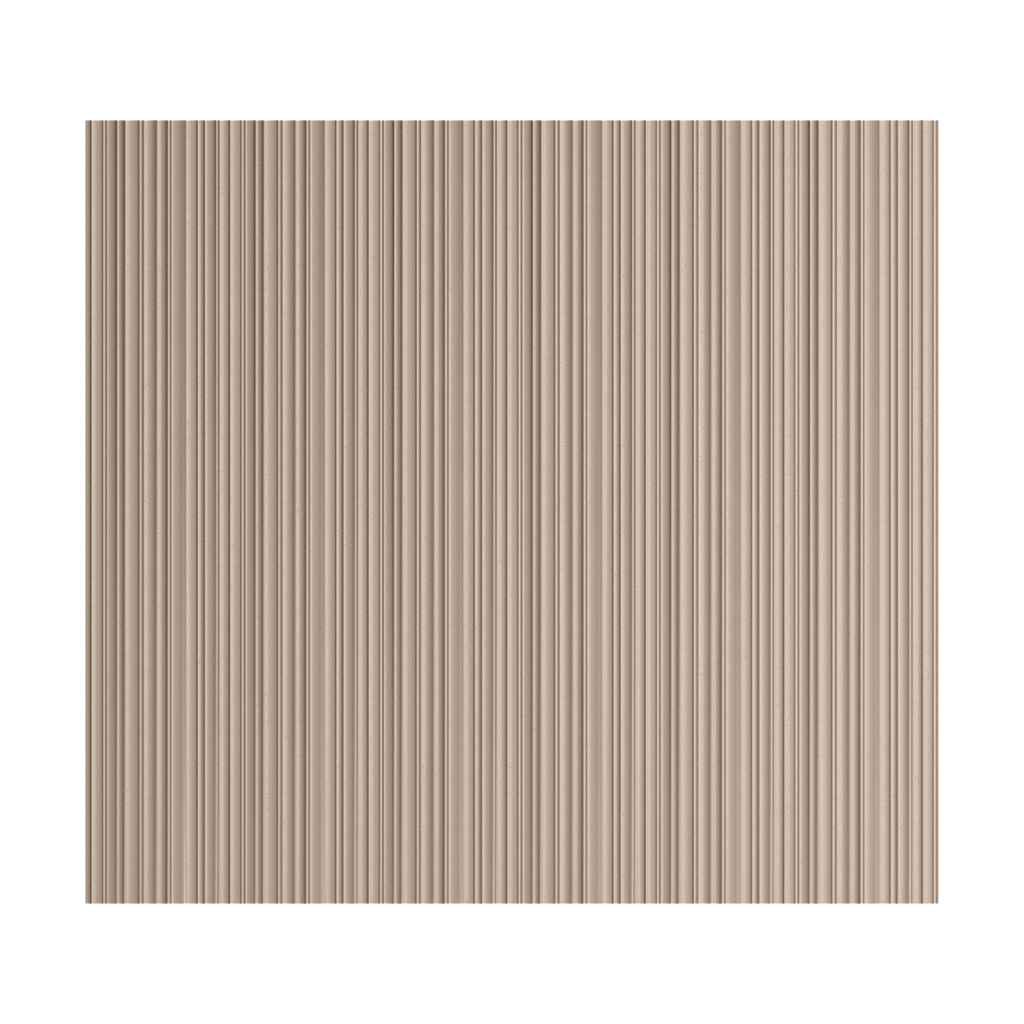
For ready-made solutions, you can browse separately STAVROS slatted panels.
What dimensions of the decorative slat you need to know
Minimum set:
width × depth × length.
But for a working DWG, this is often not enough.
You also need to understand:
- exact cross-section;
- the shape of the edge;
- the chamfer;
- radius;
- an installation surface;
- the material;
- SKU.
If the slat is rectangular, its geometry is simple.
If the profile has a rounding or a complex cross-section, a conventional rectangle no longer describes the actual product.
That is why it is better to insert the actual cross-section into CAD without simplifying the key dimensions.
Width, gap, and pitch are three different values
This is one of the most common sources of errors.
For example:
- slat width — 30 mm;
- gap — 20 mm;
- the pitch is 50 mm.
The pitch is the distance between identical points of adjacent slats, for example between axes or left edges.
It is not equal to the width.
And it is not equal to the gap.
Formula for the simple case:
pitch = slat width + gap.
If the slat is 30 mm and the pitch is 50 mm, then the gap between adjacent profiles is 20 mm.
In DWG, it is better to show which value the designer considers the pitch, so that the installer does not interpret it differently.
Why lines in AutoCAD are not yet a real layout
Let's imagine two walls.
Both have vertical lines with a 60 mm spacing.
In the first system, the rail is 20 mm wide.
The gap is 40 mm.
In the second, the rail is 45 mm.
The gap is only 15 mm.
The centerline layout is the same.
Physically, the walls are completely different.
Therefore, a professional layout must use either the actual rail contour or a block with the real cross-section.
Then it is immediately clear:
- how much material the profile occupies;
- what gap remains;
- how the edge looks;
- whether the profile will land on the socket;
- whether it conflicts with the door casing.
How to choose the layout base
The rhythm must start from something.
The base can be:
- center of the wall;
- TV axis;
- a doorway;
- built-in furniture;
- column;
- the architectural axis of the room.
The main thing is that the base must be specified in the working documentation.
If the installer is simply given the spacing without the first reference point, the field can be started from different points and produce a different result.
For example, a wall 3600 mm wide with a 60 mm spacing allows many mathematically identical options.
But only one of them can be aligned with the TV or the door.
Centered layout
A centered layout works where symmetry matters.
Typical cases:
- TV zone;
- accent wall;
- wall section between identical doors;
- panel behind the bed;
- symmetrical niche.
First, the central axis is fixed.
Then the slats are laid out symmetrically in both directions.
After that, the edge margins are checked.
It is often the outer edges that determine how neat the result looks.
Layout from the edge
Not every wall needs to be centered.
If the slats meet a built-in wardrobe or a door casing, it makes more sense to start from that point.
For example:
- the first slat is aligned to the side of the wardrobe;
- then a fixed spacing follows;
- the remainder is taken on the opposite side.
This approach is especially convenient when one edge is architecturally more important than the other.
Symmetry is not a mandatory rule.
Why you should check the first and last slat first
The middle of a slatted wall almost always looks fine.
The same module repeats there.
Problems appear at the edges.
Typical defects:
- the remaining space is too narrow;
- half a slat;
- a random gap;
- the slat almost touches the casing;
- the end margin differs from the opposite one for no reason.
Therefore, after setting the spacing, immediately check:
the first slat → the last slat.
If the edge is bad, there is no point in continuing with the detailing of the middle.
What to do if the last slat doesn't fit
There are several options.
- Change the spacing.
- Change the outer margins.
- Offset the base axis.
- Change the width of the slatted field.
- Switch to a different profile.
For example, if with a fixed spacing the last slat intersects with the door casing, the solution should not be left to the installer.
The layout on the drawing needs to be reworked.
Often a slight change in spacing across the entire wall looks better than a randomly cut slat at the end.
Slat near the doorway
The junction near the door should be considered separately.
Check:
- the thickness of the casing;
- depth of the slat;
- the width of the outermost gap;
- end face;
- door opening.
It is especially important to compare the depth.
If the slat protrudes beyond the casing, a noticeable step appears on the side.
On the front facade, it is almost invisible.
In the section view, it is immediately visible.
Hidden door and decorative slats
With a hidden door, the scenario must be determined in advance.
Options are possible:
- the slats continue across the door leaf;
- end before the door;
- the door becomes part of the overall rhythm;
- the slatted field frames the opening.
If the slats run across the door leaf, check:
- weight;
- opening;
- edge;
- gap;
- hinge side;
- alignment of the spacing on the wall and the door.
This cannot be decided after the door unit has been installed.
Slats and built-in furniture
A built-in wardrobe often becomes the actual boundary of the slatted field.
Check:
- side panel;
- facades;
- opening;
- handles;
- last rail;
- depth.
If the outermost rail comes too close to the front, opening may look cramped or physically conflict.
It is better to set the minimum required clearance in the drawing.
Lower assembly: rails and plinth
There are several schemes.
The rail can:
- start from the floor;
- start above the plinth;
- reach the top edge of the plinth;
- pass in front of another system.
Each option looks different.
If the batten starts above the baseboard, it is important to show a vertical mark.
If from the floor — decide the end and the junction.
This detail should be shown in a separate section.
Top detail: battens and ceiling
The top of the batten also cannot be left undefined.
Check:
- the top mark;
- cornice;
- shadow gap;
- stretch ceiling;
- suspended structure;
- lighting.
If the batten ends 20 mm before the ceiling, this is one visual effect.
If it goes directly into the ceiling — that's another matter.
Even a small top gap should be by design, not accidental.
Sockets on a slatted wall
A socket is one of the most useful checks of layout quality.
Bad scenario:
- part of the frame falls on a slat;
- part — into the gap;
- the slat has to be cut;
- the block looks random.
Good scenario:
- the block is placed in a pre-planned free field;
- or its position is coordinated with the slat module.
Engineering must be part of the slatted grid.
How to show a socket in DWG
A single layout must include:
- actual slat contours;
- actual gaps;
- electrical mounting frame;
- the axes;
- coordinates.
Then the conflict is immediately visible.
If the drawing shows only the centerlines of the slats, the check will be inaccurate.
Slatted TV zone
For the TV zone, the TV axis is established first.
Then the following are checked:
- mounting;
- cable outlets;
- Outlets;
- screen dimensions;
- edge of the slatted panel;
- symmetry.
Sometimes it is better to build the layout from the TV axis.
Sometimes — from the edge of the furniture beneath it.
The main thing is that the choice is deliberate.
Slats for interior zoning
In zoning, the slat no longer works as wall cladding, but as a spatial element.
Here you need:
- plan;
- facade;
- actual cross-section;
- spacing;
- height;
- passage width;
- bottom mounting;
- top mounting.
The gap between the slats becomes part of the spatial perception.
If the gap is too small, the partition almost turns into a solid wall.
If it is too large, the zoning becomes weak.
Slatted partition for a design project
For a freestanding partition, the position on the plan is always shown.
It is necessary to record:
- overall thickness;
- height;
- spacing;
- the number of elements;
- outer slats;
- junction with the floor;
- junction with the ceiling.
The passage is checked separately.
If the partition is located near a circulation route, its physical depth affects the usable width of the space.
Internal corner
Two rhythm systems meet in the internal corner.
You need to decide:
- whether to continue the overall spacing through the corner;
- whether to count each wall separately;
- what gap to leave in the corner;
- where the last slat of the first wall is positioned;
- where the first slat of the second wall begins.
If both walls have different widths, perfect mathematical symmetry for each may conflict in the corner.
In that case, priority is given to the architectural composition.
External corner
The end face is especially noticeable on the outer corner.
Possible schemes:
- one slat sits directly on the edge;
- two slats form the corner;
- a separate end solution is used;
- the field ends before the corner.
The choice must be shown in the plan and on the elevation.
You cannot expect the installer to determine a beautiful option on their own.
Vertical and horizontal slats
Vertical slats usually enhance the sense of height and vertical rhythm.
Horizontal ones — the length of the wall and the horizontal composition.
But neither option is universally correct.
Both require a working DWG.
In a horizontal system, the following are especially important:
- top and bottom remainder;
- intersections with sockets;
- doorways;
- Furniture.
Wood in the slatted system
For wooden slats, the following are additionally specified:
- wood species;
- grain direction;
- finish;
- Tinting;
- sample.
If the entire interior is tied to wood, the slatted system must be coordinated with furniture, doors, and other trim.
For such solutions, it is useful to check Wooden trim and related categories.
MDF for painting
If the slat or slatted system is painted, do not mix the physical profile and the decorative finish.
The specification separately records:
- the material;
- SKU;
- cross-section;
- design color;
- preparation;
- finish.
Color does not replace the product code.
Two slats painted the same color may have different cross-sections and different depths.
How to name a DWG block
Bad:
reika_final
Better:
STAVROS_SKU_RAIL
Or:
RK-01_STAVROS_SKU_SECTION
The name should link the block to the project code and the actual product.
This is especially useful if the project has multiple types of slats.
Why you cannot change the cross-section with the Scale command
If the actual product has a cross-section of 30 × 20 mm, it cannot be stretched to 40 × 25 mm and continue to use the same SKU.
There is no such product.
You can change:
- spacing;
- quantity;
- position;
- the length of the segment.
You cannot arbitrarily change the geometry of a physical product.
If a different size is needed, a different SKU is selected.
How to count the number of individual slats
For a simple segment, the calculation can start with the field width.
But one division is not enough.
Need to consider:
- rail width;
- gap;
- spacing;
- edge margins;
- Doors;
- Furniture;
- corners;
- cuts.
Example.
Let the field width be 3000 mm.
The slat width is 30 mm.
The gap is 20 mm.
The pitch is 50 mm.
If the field is designed from one edge without additional margins, you will roughly get about 60 steps. But the actual number of slats needs to be checked against the position of the first and last part.
That is why the final calculation is better taken from a finished CAD layout, and not only by formula.
How to calculate ready-made slatted panels
A finished panel follows a different logic:
wall width → module width → number of modules → edge cut.
There, the designer no longer controls each slat individually.
Part of the geometry is defined by the manufacturer.
Therefore, the formula for an individual slat cannot be applied to the panel.
For product selection, you can use the section of slatted panels.
How to specify slats in the specification
Example string:
| Field | Value |
|---|---|
| Code | RK-01 |
| Manufacturer | STAVROS |
| SKU | specific |
| Cross-section | actual |
| Material | wood / MDF |
| Length | actual |
| Step | Project |
| Quantity | pcs. |
| DWG | file |
| URL | Product |
For a complex project, you can add:
- zone;
- color;
- revision;
- sample;
- a comment on the detail.
Checklist before issuing working documentation
Before issuing, check:
- the actual SKU is selected;
- section confirmed;
- base axis specified;
- spacing specified;
- gap specified;
- first batten aligned;
- last batten checked;
- doors approved;
- furniture approved;
- sockets approved;
- top joint resolved;
- the lower node is resolved;
- corners resolved;
- quantity counted;
- The DWG and the specification match.
If any of these points remains undefined, the installation layout is not yet complete.
How to buy decorative slats after design
The commercial stage begins after the CAD system has already been defined.
For selection, you can use slatted panels and decorative slats, Wooden trim, Wooden moldings and baseboards и the STAVROS catalog.
If you need to check the material and scale, you can use Product samples.
For professional work, the section is useful STAVROS for designers and architects.
Workflow: from slat to order
- select a real profile;
- record the SKU;
- get the actual cross-section;
- insert it into the DWG;
- set the base axis;
- determine the slat width;
- set the gap;
- set the spacing;
- check the first slat;
- check the last slat;
- resolve the doors;
- resolve the furniture;
- coordinate the sockets;
- work out the internal corners;
- work out the external corners;
- calculate the quantity;
- add the item to the specification;
- only after that proceed to purchasing.
Decorative slats DWG are not a library of pretty lines for AutoCAD.
It is a way to link the real geometry of the product to a specific wall.
The final logic is simple:
section → width → depth → spacing → gap → first/last slat → assemblies → SKU → DWG → quantity → purchasing.