







































Article Contents:
- Why a furniture project needs a 3D model of real decor, not a similar asset
- What a real SKU brings to the scene
- How to lock in the position before the final visualization
- Central overlays
- Corner Decorative Elements
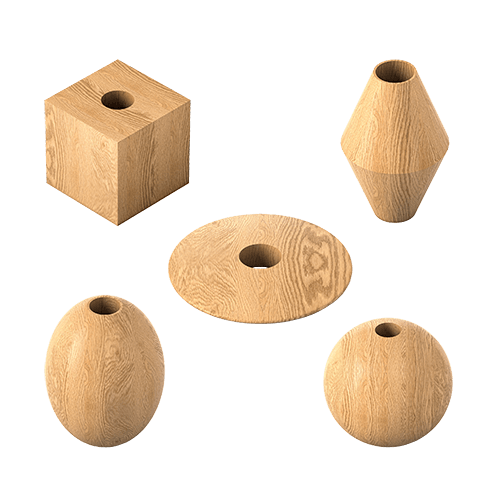
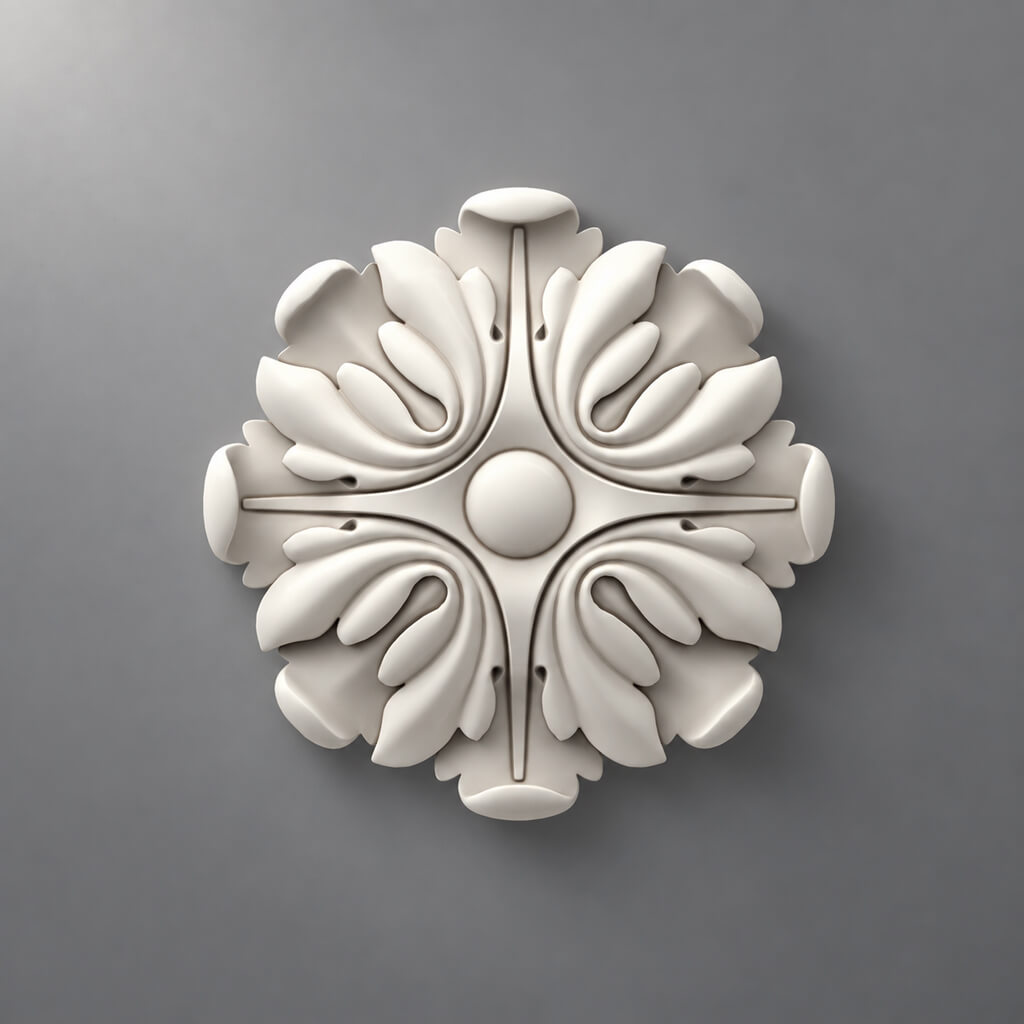
- Furniture rosettes and medallions
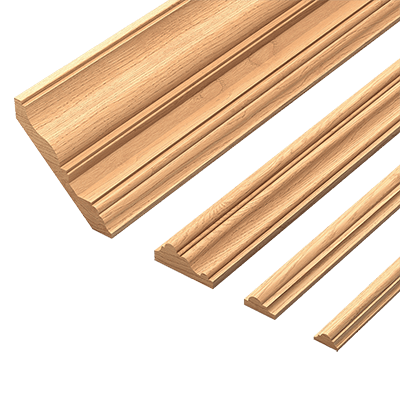
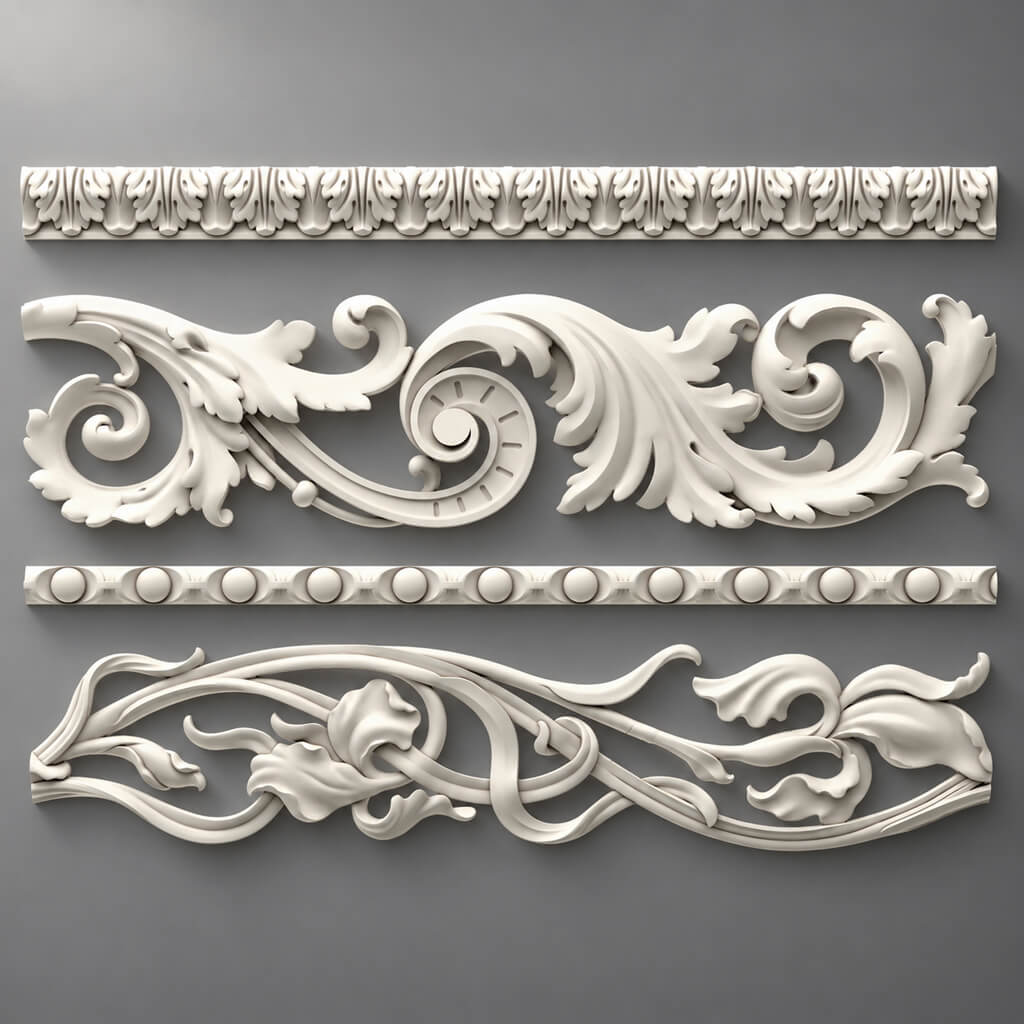
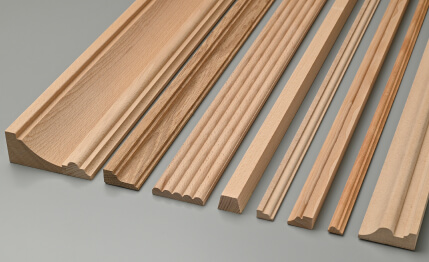
- Moldings
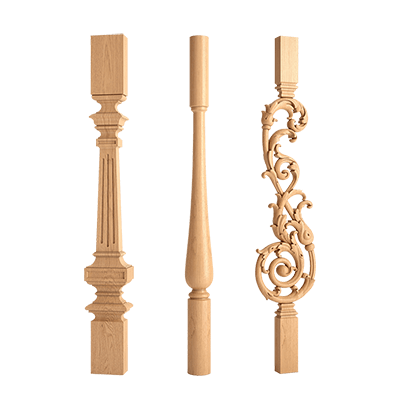
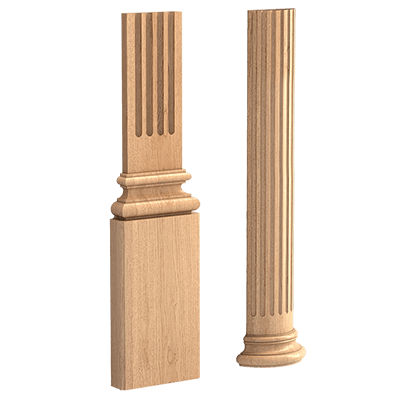
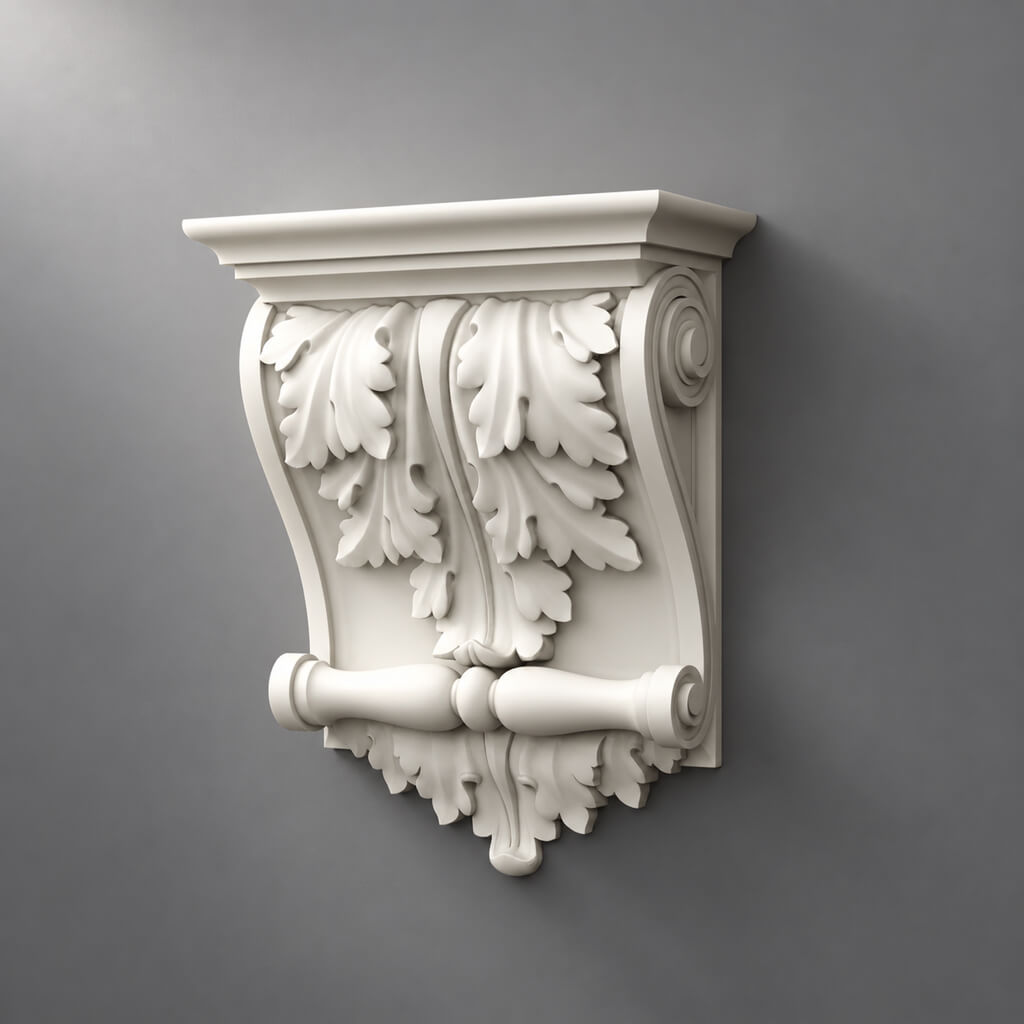
- Capitals and brackets
- Polyurethane furniture decor
- Why a small edit quickly becomes a big one
- What happens after scaling a serial SKU
- Reference dimension
- Unit system
- Anchor point
- X and Y anchoring
- The free field matters more than the overall door size
- Visual conflict
- Physical conflict
- How to check
- How to assemble the frame
- Outer and inner dimensions
- Where depth is especially noticeable
- L and R
- Why Mirror is not always safe
- Instances instead of independent copies
- When repeat needs to be softened
- Why this is more reliable
- Exceptions
- Geometry
- Material
- Oak and beech in the scene
- Fiber direction
- Decor matched to the facade color
- Error: using color as a substitute for identification
- Why side light is especially revealing
- Don't make a decision based on a single "perfect" render
- Kitchen
- Walk-in closet
- Chest of drawers and cabinet
- High-poly and low-poly must describe the same SKU
- Where high-poly is truly needed
- Where you can lighten the load
- What data to store
- When to move on to DWG
- What is transferred from the scene
- Why a render is not enough
- Why DWG without a render is also weaker
- Calculate after master facade approval
- Step 1. Create a master facade
- Step 2. Choose the actual overlay
- Step 3. Place the overlay on the facade axis
- Step 4. Add the handle
- Step 5. Add the frame
- Step 6. Check one facade from different angles
- Step 7. Check the hinge in DWG
- Step 8. Duplicate the master facade
- Step 9. Count the elements
- Step 10. Generate the specification
- Step 11. Hand over to the designer
- Step 12. Purchase
- Product
- Geometry
- Facade
- Repetition
- Material
- Digital workflow
- Specification
- Handoff

In a visualization, a furniture facade is easy to "perfect": enlarge the overlay slightly, make the molding wider, stretch the corner element, and raise the decorative rosette by a few centimeters so the composition looks better. While the project exists only in 3D, such an edit seems harmless. The problem arises later, when the approved image needs to be turned into a real order.
If the scene contains a placeholder decor item, but the specification lists a similar product, the designer has to redesign furniture that has already been approved. The inner field of the facade changes, the handle shifts, the hinge ends up too close, a different relief produces a different shadow, and the number of elements has to be recalculated.
That is why a professional 3D model of furniture decor must describe not an abstract shape, but a specific serial product.
Workflow:
catalog → real SKU → 3D model → furniture facade → 1:1 scale → composition → handle / hinge / panel → repetition → visualization → DWG → specification → quantity → order.
This is the main difference from ordinary decor selection. Here the task is not to "find a beautiful overlay." The task is to keep the same physical part from the first render to the purchase.



Why a furniture project needs a 3D model of real decor, not a similar asset
A placeholder model is useful at the early sketch stage. It shows the idea: here there will be a carved overlay, here a frame made of molding, here a decorative bracket. But as soon as the client approves the composition, the placeholder nature starts to get in the way.
A real SKU differs from a "similar" one in several parameters at once:
- width;
- height;
- thickness;
- depth of the relief;
- ornament proportions;
- mounting surface;
- material;
- orientations;
- presence of a paired L/R element.
In a render, the difference between 180 and 210 mm sometimes seems small. On a 450–500 mm wide facade, it already noticeably changes the free margins.
Therefore, after moving from the sketch stage to the design stage, conditional objects need to be replaced with real product items.
For this, you can use 3D models and DWG STAVROS, and the products themselves should be selected in the product sections.


What a real SKU in the scene provides
If a real product is placed in 3D, the designer can already check at the visualization stage:
- whether the element fits into the facade;
- how much free field remains;
- whether the handle is in the way;
- whether the ornament becomes too large;
- how a series of identical fronts looks;
- what material and finish are required;
- which SKU will then go into the specification.
This saves not render time, but the number of repeated decisions between design and production.
Our factory also produces:


The right workflow: SKU first, then 3D
A reliable sequence looks like this:
catalog → SKU → real dimensions → 3D → furniture.
A weak one:
random model → beautiful front → approval → search for an equivalent.
In the second scenario, the actual product appears too late.
Let's consider a hypothetical example. The visualizer placed a 320 × 110 mm overlay on the cabinet. After approval, the actual product is 270 × 95 mm. If you simply replace the model, the following will change:
- fields on the sides;
- position relative to the handle;
- visual weight;
- the proportion relative to the molding frame.
If you keep the old model, the specification no longer matches the visualization.
Therefore, during design work, the product must appear before the render.
Get Consultation
How to lock in the position before the final visualization
For each candidate, it is useful to store:
| Field | Value |
|---|---|
| Project Code | DEC-01 |
| Manufacturer | STAVROS |
| SKU | real |
| Type | overlay / molding / bracket |
| Material | wood / polyurethane |
| Size | actual |
| 3D | file name |
| DWG | file name |
| Status | CANDIDATE / SELECTED |
| URL | product / category |
This way the designer sees not just a model in the scene, but a project position.
Which types of furniture decor make sense to model as real products
Not every decorative object requires the same depth of detail. But for all elements that affect the facade geometry, a real 3D model is especially useful.
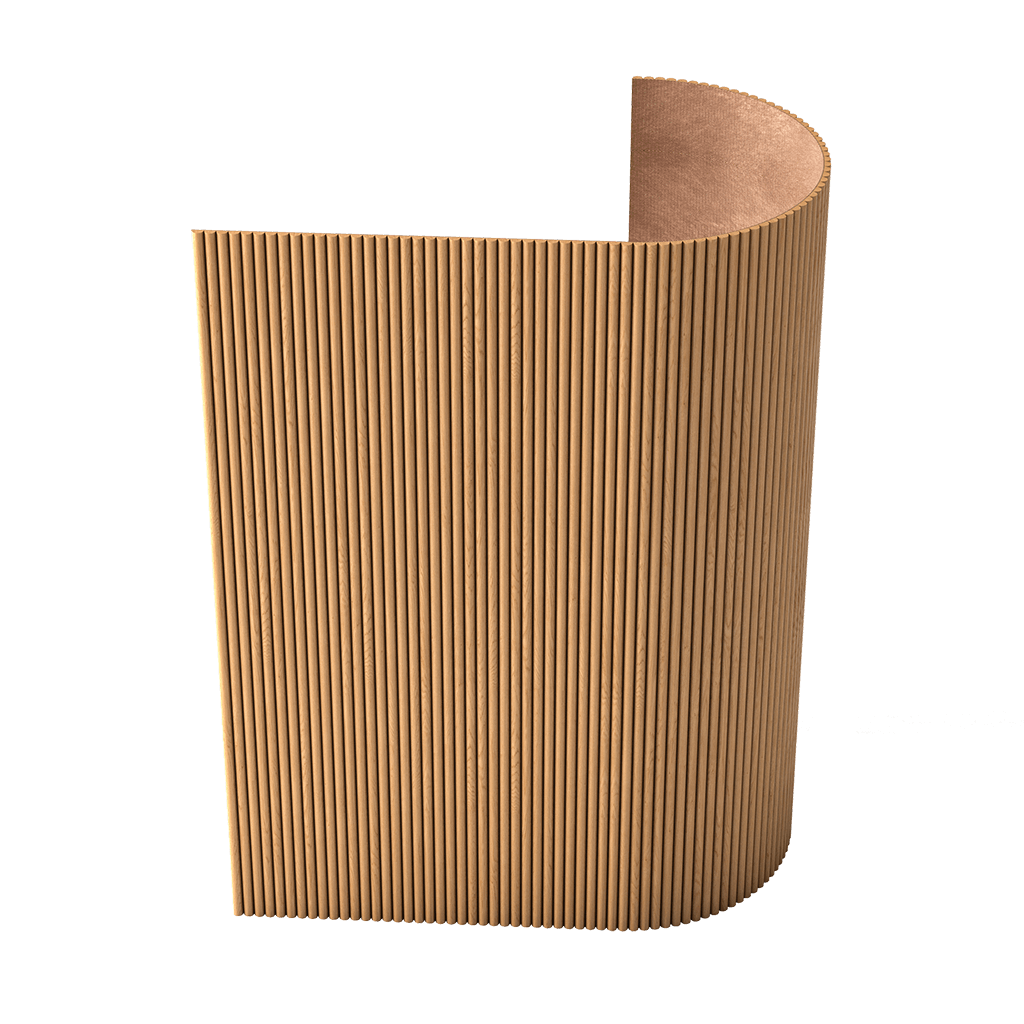
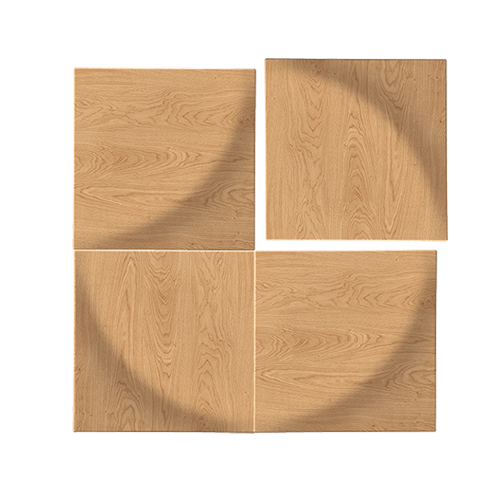
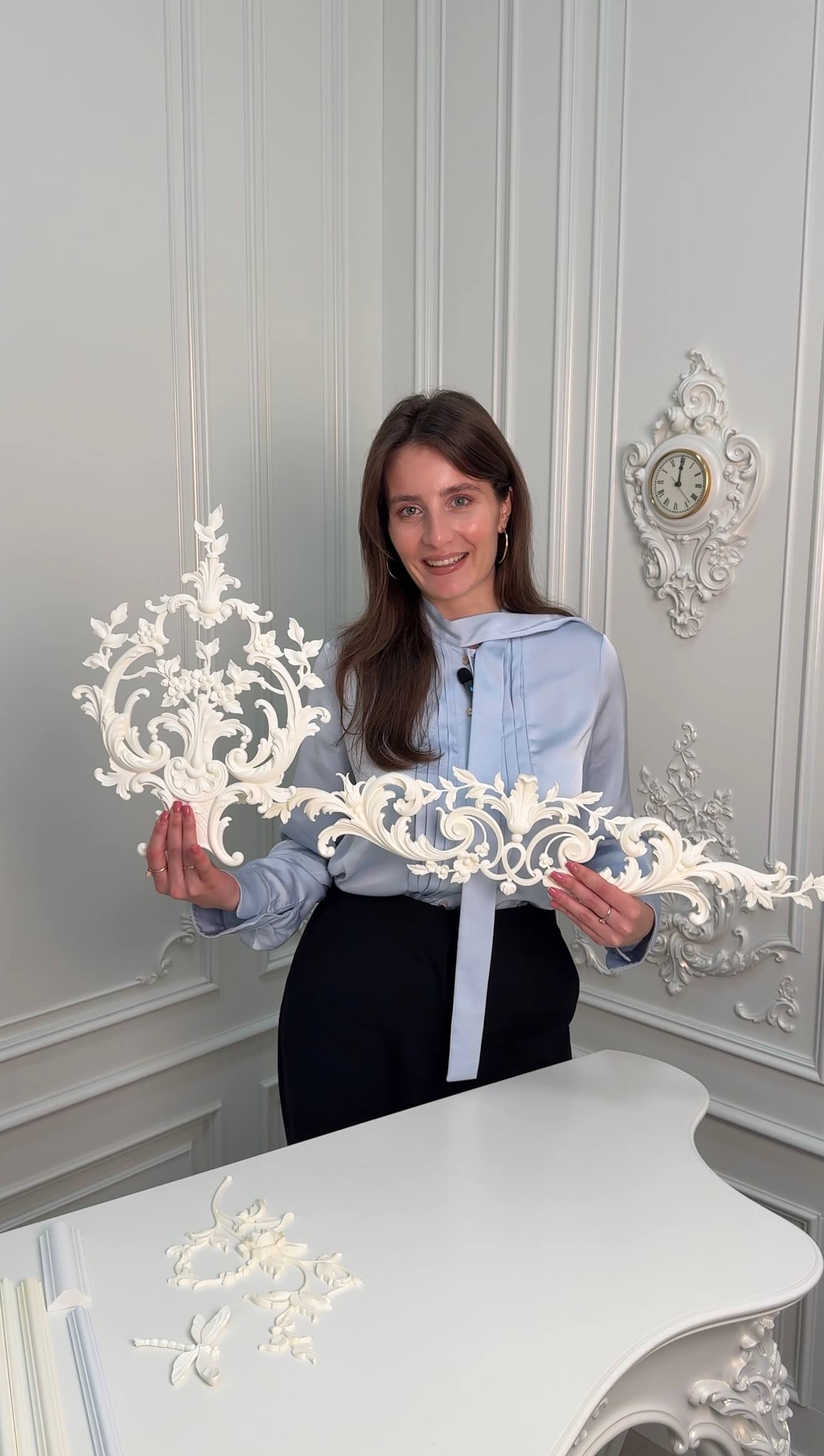
Center overlays
They often define the center of the composition and occupy a significant share of the free field.
To select wooden options, you can use Decorative solid wood overlays.
Corner decorative elements
They work together with the molding frame. Here, the profile width, angle, ornament direction, and orientation are important.
Furniture rosettes and medallions
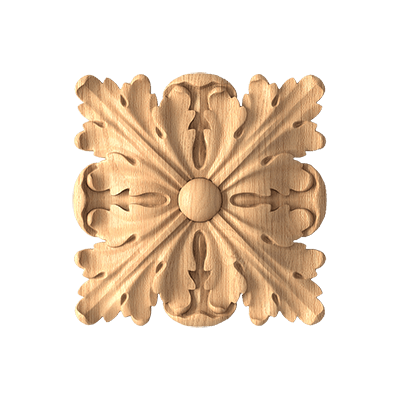
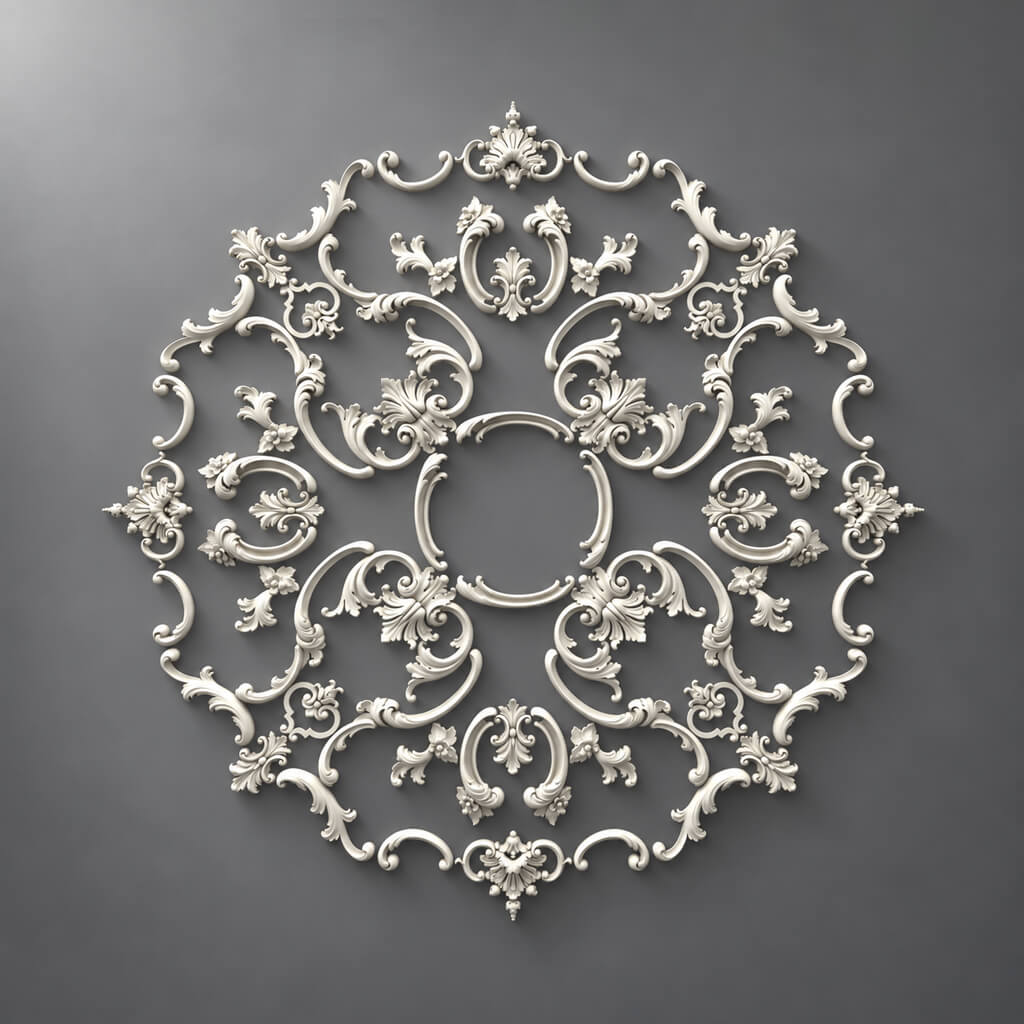
They are used as central or repeating elements on facades, panels, headboards, and decorative furniture surfaces.
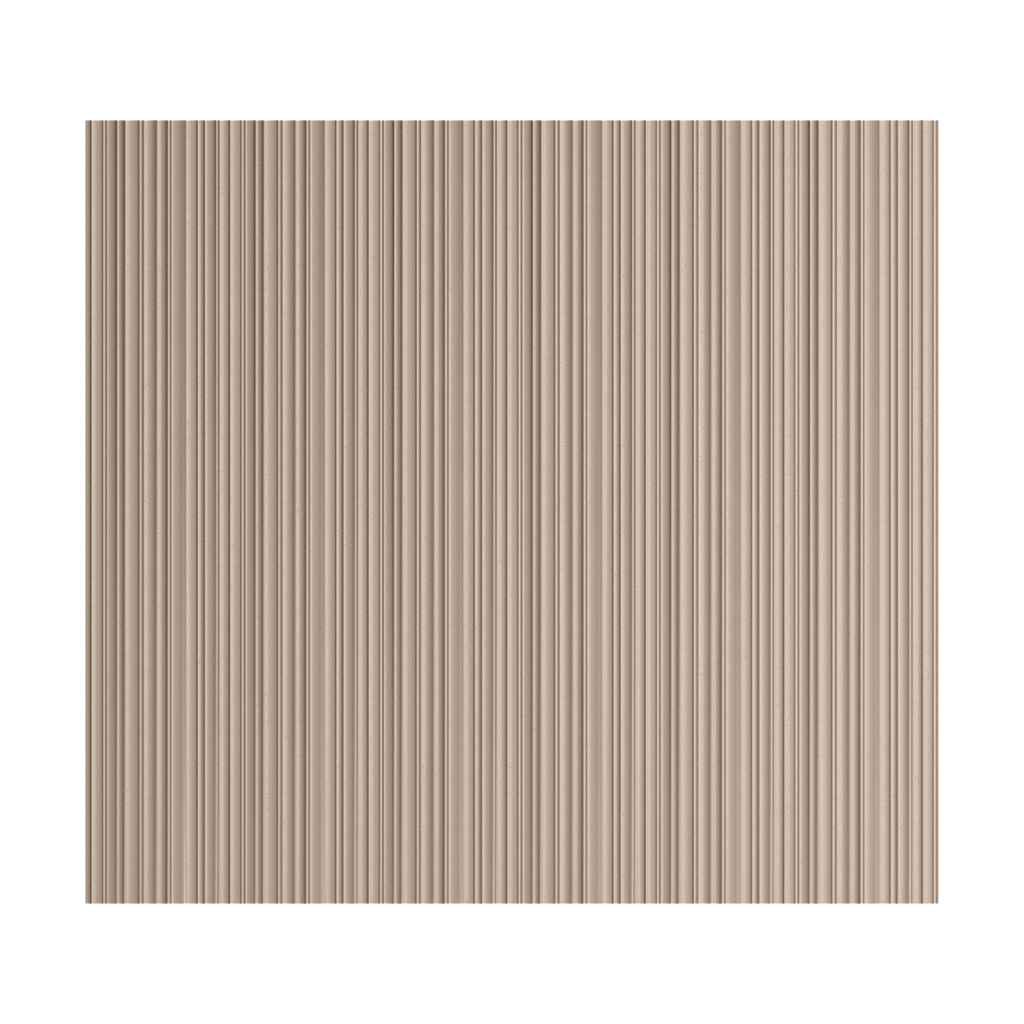
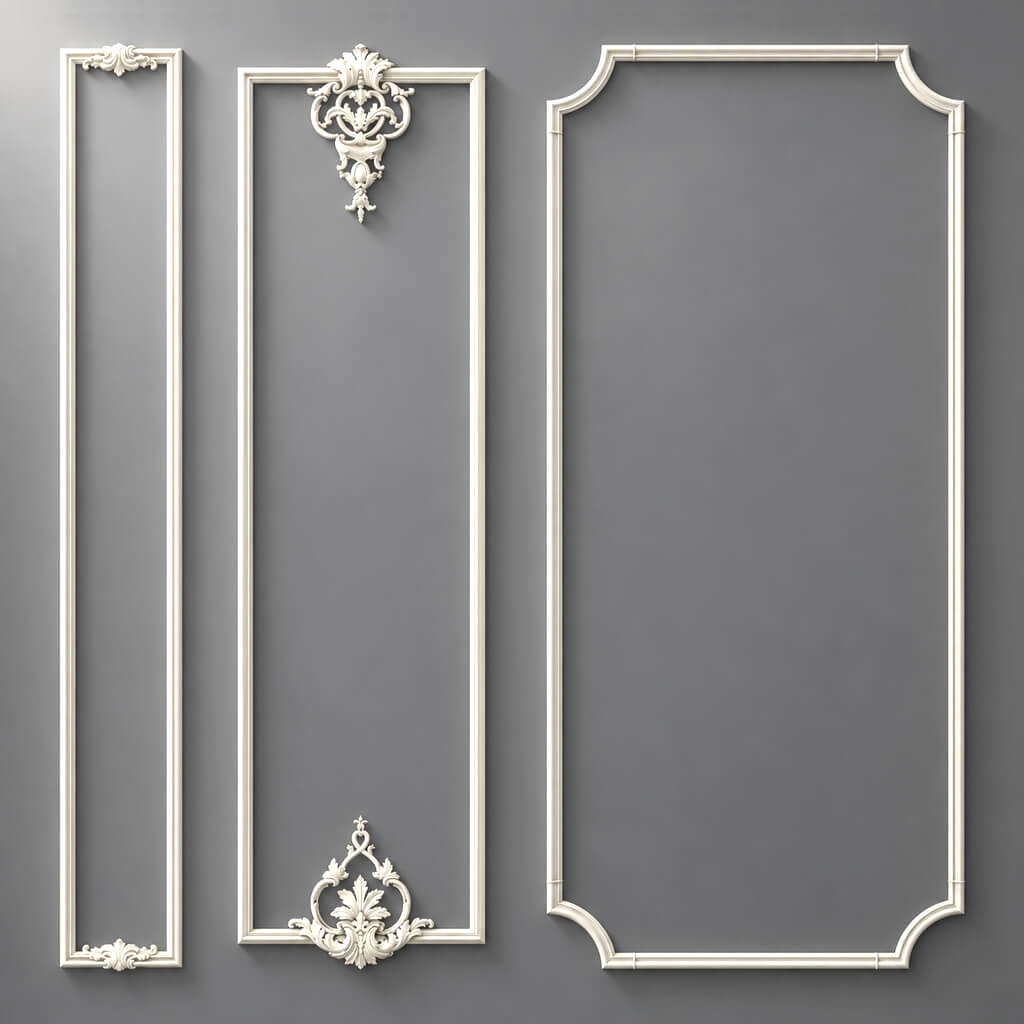
Moldings
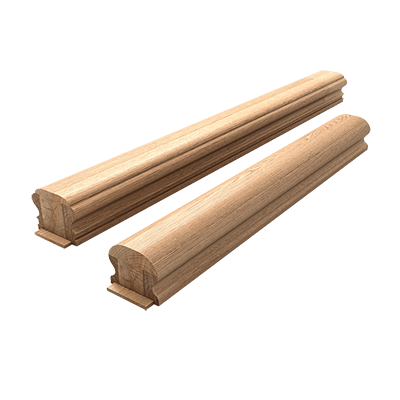
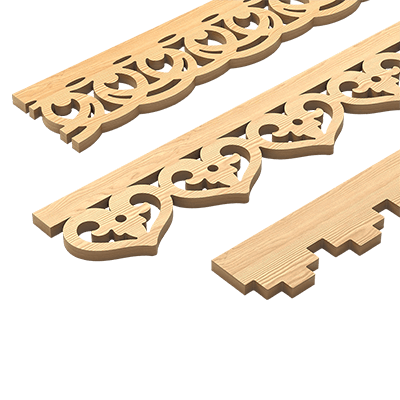
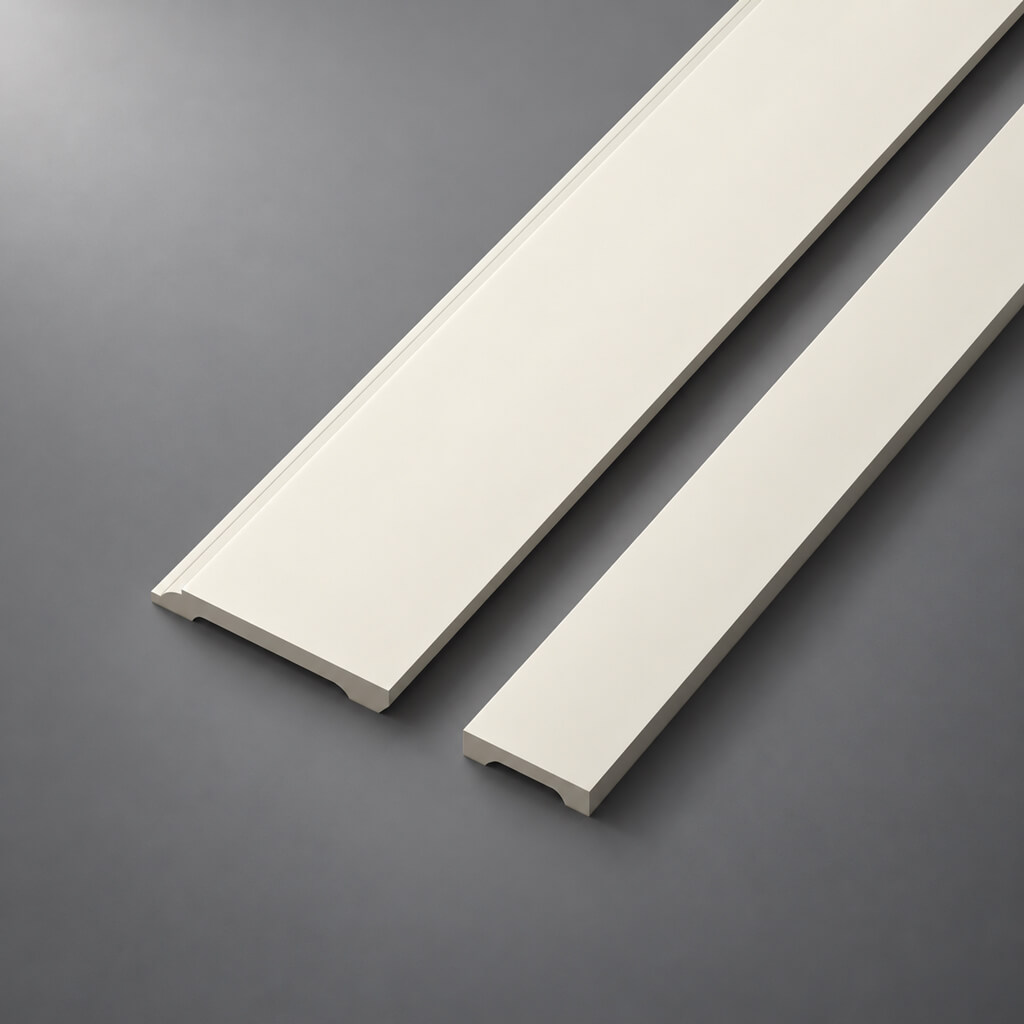
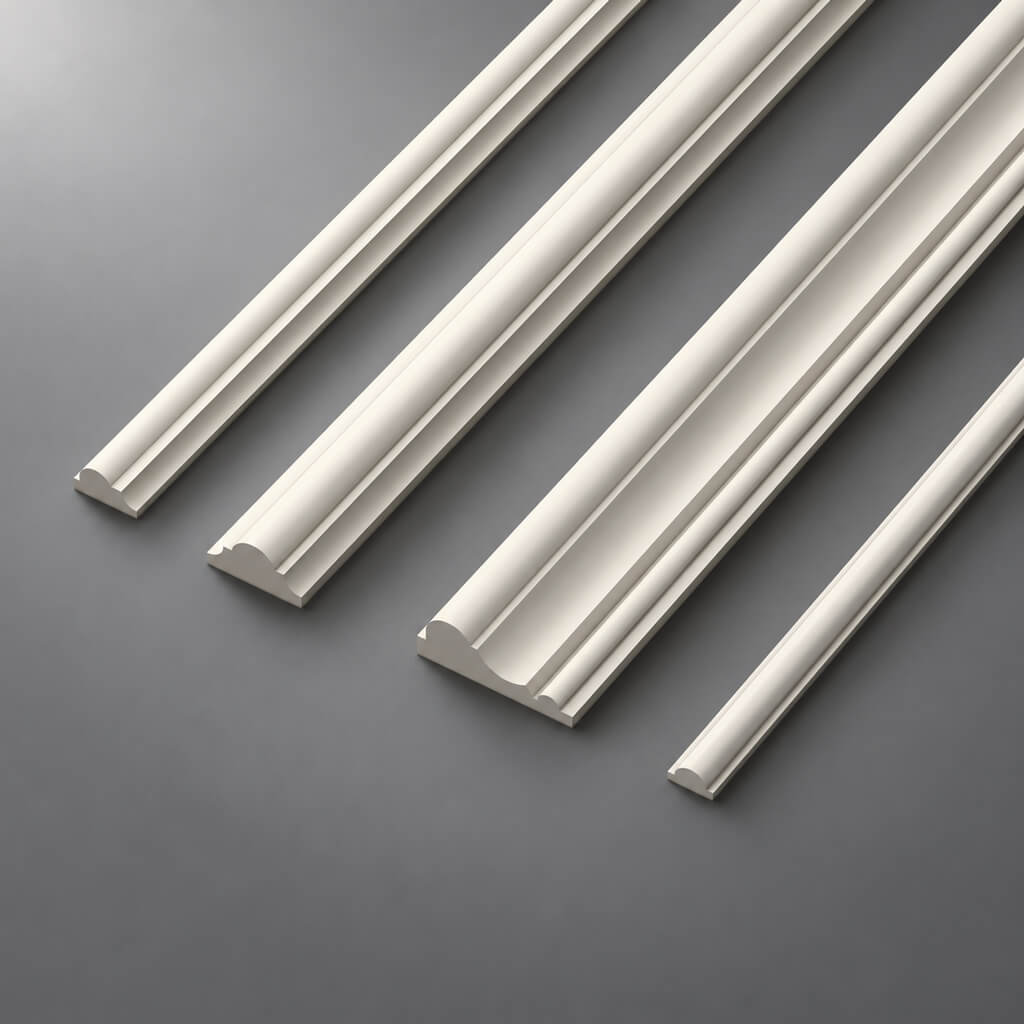
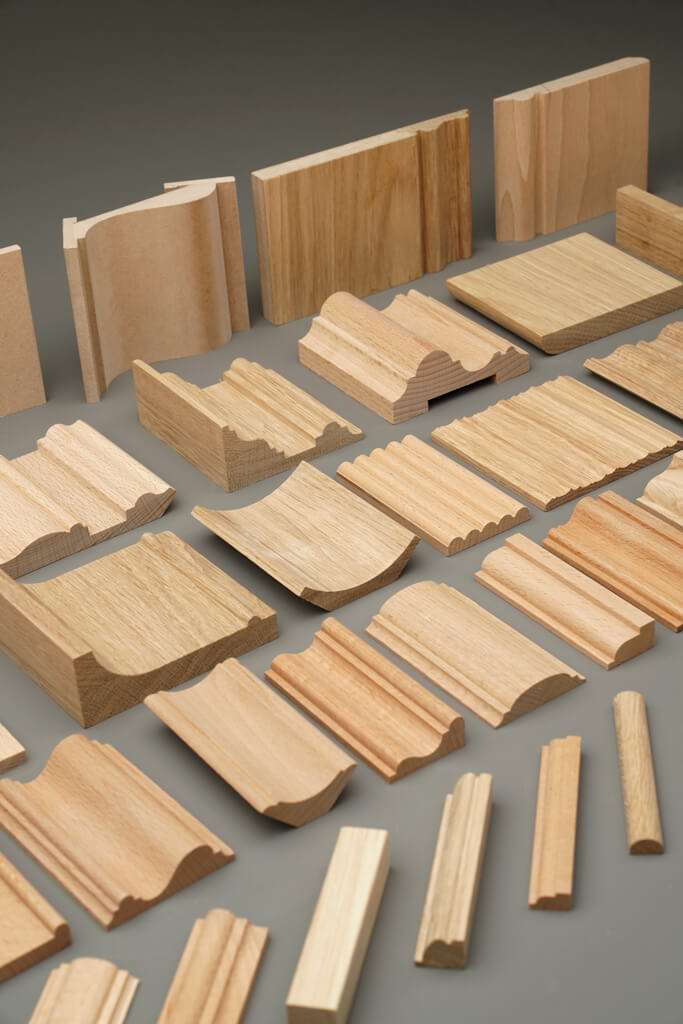
They form the actual frame geometry. For them, the profile and cross-section are critical, not just the frontal width.
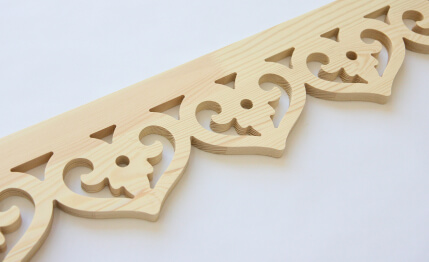
Wooden options can be found in the section moldings, cornices, and baseboards made of solid wood.
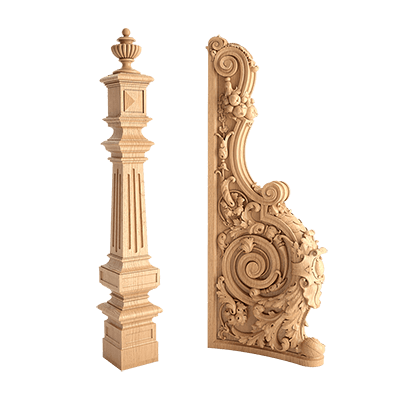
Capitals and brackets
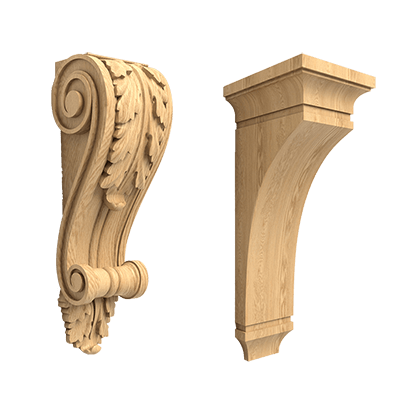
They are used in vertical furniture compositions, consoles, shelves, display cases, and decorative systems.
Polyurethane furniture decor
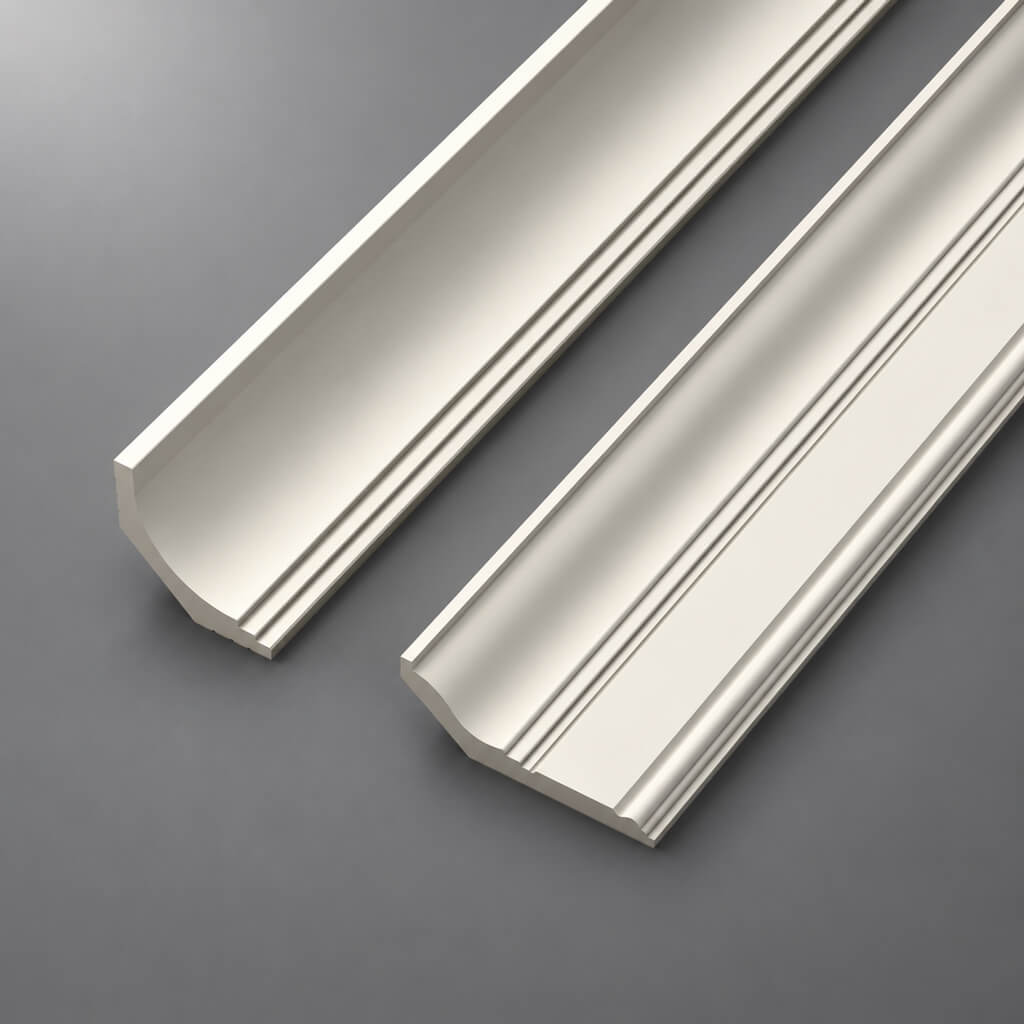
If a project uses moulding on facades, doors, built-in furniture, or decorative panels, the same real SKU rules apply to polyurethane as well.
For selection, you can use STAVROS Polyurethane Decor и Polyurethane decorative appliques.
Scale 1:1 — a rule that must not be broken after selecting an SKU
If the actual overlay is 180 mm wide, it must remain 180 mm in the scene.
Not 205.
Not 230.
Not "slightly larger because it looks better."
After scaling, a serial object stops describing the product.
Why a small edit quickly becomes a big one
Let's imagine a conventional facade 420 mm wide.
The actual overlay is 180 mm.
If you center it:
(420 − 180) / 2 = 120 mm
free space on each side.
If you stretch the model to 230 mm:
(420 − 230) / 2 = 95 mm.
The difference is 25 mm per side.
On a small furniture front, this is already a noticeable change in composition.
And if a molding runs nearby, the actual free space becomes even smaller.
What happens after scaling a serial SKU
A contradiction arises:
One SKU → different geometry.
This affects:
- composition;
- DWG;
- the position of the handle;
- distance to the frame;
- number of repeats;
- the specification;
- purchase.
If the product size does not fit, they choose another article or a custom solution.
They do not stretch the existing SKU.
How to check a 3D model after import
An imported file cannot be automatically considered correct.
Before use, check three basic dimensions:
- width;
- height;
- thickness / depth.
And compare them with the actual product data.
Reference dimension
It is better to choose one parameter that cannot be confused.
For example:
product width in the card = X mm.
In the scene, the model must have the same size.
If not, first determine the unit issue, and only then use the model.
Unit system
For a furniture project, it is convenient to work in millimeters because:
- facade dimensions are specified in millimeters;
- offsets from frames are small;
- furniture hardware requires precise anchoring;
- DWG is most often built using the same logic;
- it is easier for the designer to verify values.
What matters is not the unit name in the interface, but the actual correspondence to the physical scale.
Anchor point
A decorative object must have a clear point relative to which it can be placed on the facade.
For a central overlay, it is convenient to use the center.
For asymmetric L/R parts, it is sometimes more practical to anchor to the mounting side or a controlled axis.
If the pivot is random, errors occur when repeating and replacing models.
Central overlay: design not on a white background, but within a real facade
A central overlay looks convincing only if four levels are aligned:
facade → frame / panel → decor → hardware.
First, the real facade is determined.
Then its inner field.
Only after that — the size of the decorative element.
X and Y anchoring
For the central part, you can use:
X = center of the facade
and set the Y coordinate:
- from the top;
- from the bottom;
- from the center;
- from the axis of the panel;
- from the molding line.
The main thing is not to leave the wording “approximately in the center.”
Free space is more important than the overall door size
A framed facade may have an overall dimension of 600 × 900 mm, but the central panel is substantially smaller.
If the overlay must be positioned inside the panel, choosing by the 600 × 900 size is incorrect.
A chain is needed:
facade dimensions → frame → inner field → actual decor size → margins.
This is exactly the order that is best verified in 3D.
The handle and decor should be placed in the scene at the same time
A handle is not a technical detail that can be added after the decor.
On a small facade, it becomes part of the composition.
Check:
- distance to the overlay;
- the location of the holes;
- hand grip zone;
- protrusion of the decorative relief;
- symmetry;
- Ease of use.
Visual conflict
The handle may not physically intersect the overlay, but it can ruin the composition.
For example, a vertical handle runs too close to the ornamental center.
Physical conflict
When opening, the user's hand may bump into the deep relief.
This is already a functional flaw that the front image may hide.
How to check
Do:
- front view;
- oblique angle;
- close-up fragment of the handle;
- if necessary — a section / DWG detail.
3D shows the user's perception.
DWG captures the exact positioning.
Hinge: the hidden side of the front also affects the decorative solution
On the outside, the overlay and the hinge are on opposite sides of the door, so they do not visually conflict.
Structurally, both parts use a single front.
After the 3D composition check, it is necessary to verify:
- hinge cup;
- fasteners;
- facade thickness;
- drilling zones;
- placement of external decor;
- possible fastening of the overlay;
- front processing.
If the decorative element is large or requires its own fastening, this check is especially important.
3D does not replace a furniture drawing.
It helps to choose and agree on a solution, while DWG records production compatibility.
Molding on a furniture facade: profile matters more than the line
Furniture molding cannot be modeled with a single flat line or texture if it is to be used in a real project.
Required:
- width;
- depth;
- cross-section;
- relief;
- direction;
- real SKU.
How to assemble the frame
Working algorithm:
- select a specific profile;
- check its real dimensions;
- build the path;
- save the section at 1:1;
- form the corners;
- check the outer overall dimensions;
- check the inner field.
Outer and inner size
They solve different tasks.
The outer size determines the position of the frame on the facade.
The inner size shows how much space will remain for the panel, overlay, or other decor.
If the profile becomes wider, the inner field decreases.
Therefore, the molding size must be known before the final layout.
Where depth is especially noticeable
Under side lighting.
Frontally, two moldings may look similar. An angled view shows how far the profile extends from the facade plane and how the shadow changes.
Corner elements and L/R: mirroring in 3D does not equal product interchangeability
If a corner element exists as a separate SKU, it should not be modeled as a random one bend or deformation of the base overlay.
The project must use a real product.
L and R
If the manufacturer produces two SKUs:
L
и
R,
in 3D they must remain separate objects.
Bad logic:
took L → Mirror → got R → in the specification "2 pcs."
This way the visualization may look correct, but product identification is already lost.
Correct:
DEC-01-L / SKU-L
DEC-01-R / SKU-R
Why Mirror is not always safe
Even if the shape appears mirrored, the actual part may differ:
- by the mounting side;
- pattern;
- construction;
- SKU;
- availability.
Therefore, a mirror is a tool for building a scene, but not proof of product interchangeability.
Repetition: a single facade can be beautiful, but a series can be overloaded
Furniture decor is especially sensitive to repetition.
On a single facade, a large overlay looks expressive.
On eight identical doors, the same motif can turn a wardrobe into an ornamental grid.
You need to check not an individual facade, but the entire furniture unit:
- four doors;
- six kitchen facades;
- long wall unit;
- wardrobe;
- set of drawers.
Instances instead of independent copies
For identical parts, it makes sense to use instances.
Benefits for the project:
- single size;
- one SKU;
- unified update;
- less risk that some elements will remain outdated after a revision.
When repeat needs to be relaxed
If the series looks too dense, here are the solutions:
- leave decor only on the central facades;
- reduce the number of decorated doors;
- choose a less active profile;
- use one accent instead of a repeating ornament.
You don't have to change the size of the actual product.
Often the problem is solved by quantity and rhythm.
Master facade: a base for repeating furniture
If a project has several identical facades, first create one standard one.
For example:
F-01.
It should contain:
- actual dimensions;
- the frame;
- molding;
- SKU overlay;
- coordinates;
- the handle;
- hinges;
- the material;
- finish;
- status;
- revision.
after checking:
F-01 = APPROVED.
Only then:
F-01 × 8.
Why this is more reliable
If you assemble eight facades separately, differences gradually appear:
- one overlay has a different offset;
- another has the wrong scale;
- somewhere an old handle was left;
- one object was not replaced after the SKU change.
Master facade reduces the likelihood of such discrepancies.
Exceptions
If one of the eight fronts differs in size or function, it gets its own type:
F-02.
Do not stretch F-01 and continue to treat it as the same project object.
Wooden furniture decor: geometry and material must be checked separately
In 3D, the following must be separated:
product geometry
и
execution material.
Geometry
Checked:
- dimensions;
- relief;
- silhouette;
- installation position;
- scale.
Material
Checked:
- wood species;
- texture;
- grain direction;
- Tinting;
- coating;
- compatibility with the furniture facade.
For a general selection, you can use wooden decorative elements STAVROS и Carved wooden decoration.
Oak and beech in the scene
The material should not be treated simply as a "wood color."
Even if the geometry matches, different finish options must remain clearly indicated in the project.
It is useful to store the material in the object name or metadata.
For example:
DEC-01_STAVROS_[SKU]_OAK
or
DEC-01_STAVROS_[SKU]_BEECH
if this corresponds to the actual product logic of the project.
Grain direction
On adjacent vertical elements, the wood texture should not accidentally rotate.
This is especially noticeable:
- on long moldings;
- on vertical overlays;
- on large carved elements;
- on repeating facades.
UV is not a decorative trifle if the visualization is used to approve the material.
Polyurethane furniture decor: the SKU defines the geometry, the color defines the finish
For furniture, you can also use polyurethane decor, if the specific project task requires it.
For such parts, the following are recorded:
- actual dimensions;
- relief;
- mounting surface;
- SKU;
- design color;
- place of application.
Decor to match the facade color
It is useful to distinguish:
SKU = geometry
Finish = project color.
If the facade is repainted, the 3D model does not need to be changed geometrically.
It is enough to change the material.
Error: using color as a substitute for identification
Object name:
white_decor_final
says nothing about the product.
Better:
DEC-03_STAVROS_[SKU]
and store color separately.
This way, changing the finish does not break the link to procurement.
Light is a tool for checking relief, not a decoration for the render
Furniture decor can look completely different under different lighting directions.
It's useful to check:
- frontal light;
- side;
- top;
- evening;
- light from a window;
- local accent lighting.
Why side light is especially revealing
It highlights:
- the depth;
- edge;
- ornament;
- thickness;
- the wrong scale.
If the overlay on the front frame appears thin, under side lighting it can cast a heavy shadow.
This is not a lighting issue.
This is a real property of the relief.
Do not make a decision based on a single "perfect" render
Approval is better carried out across several angles:
- general view;
- front facade;
- oblique view;
- close-up fragment.
The client sees not only a beautiful shot, but also the real behavior of the decor.
Furniture decor should be checked within the interior, not against a white background
A standalone cabinet can look convincing.
In the room, it turns out that its decorative language clashes with the walls, doors, and architectural moldings.
Compare the furniture with:
- the baseboard;
- doors;
- wall moldings;
- panels;
- the neighboring furniture;
- the light fixtures;
- the floor.
Kitchen
Check together:
- upper cabinets;
- lower fronts;
- built-in appliances;
- handles;
- cornices;
- side panels;
- base.
The ornament should not accidentally break off at the refrigerator or oven just because the front was modeled separately.
Wardrobe
Repeatability is especially important.
On a single facade, the decor can be expressive.
On ten, it becomes excessive.
Chest of drawers and bedside table
Small facades require even stricter scale verification.
If a decorative element occupies most of the free field, it becomes the main object of the facade.
This is acceptable only if it is intended.
Scene optimization: high-poly can be simplified, product geometry cannot
Carved decor with a large number of polygons can weigh down the scene, especially with dozens of repetitions.
You can use:
- instances;
- proxy;
- lighter geometry in the background;
- LOD;
- simplified hidden elements.
But you cannot change:
- overall dimensions;
- silhouette;
- the depth;
- main relief forms;
- position relative to the facade.
High-poly and low-poly must describe the same SKU
Low-poly is a technical representation of the same product.
Not a new product.
If simplification makes the silhouette noticeably different, it already affects approval.
Where high-poly is actually needed
- close-up;
- close angle;
- relief under side lighting;
- presentation render;
- approval of complex threading.
Where it can be simplified
- distant cabinets;
- repeating elements in the background;
- facades that occupy a few percent of the frame.
Scene performance should not come at the cost of losing product accuracy.
Naming objects and metadata: the SKU must survive the entire project
Bad names:
decor_final_final2
nakladka_new
ornament_ok
After a few months, it is impossible to understand what exactly was used.
A good scheme:
STAVROS_[SKU]
Or:
DEC-01_STAVROS_[SKU]
For the material:
DEC-01_STAVROS_[SKU]_OAK
if the project needs it.
What data to store
Minimum:
- manufacturer;
- SKU;
- project code;
- the material;
- model version;
- the status.
Additional Items:
- URL;
- verification date;
- revision;
- DWG name.
If the software supports custom object properties, this data can be stored there.
If not — at least in the name and the project table.
3D, DWG, and the specification must describe the same product
Critical project formula:
3D = DWG = SPEC = SKU.
Prohibited:
3D = SKU A
DWG = SKU B
specification = SKU C
Even if all three parts look visually similar.
When to switch to DWG
After the composition is approved.
3D shows:
- scale;
- ornament;
- light;
- handle relationships;
- furniture rhythm.
DWG captures:
- coordinates;
- dimensions;
- the axes;
- technological fields;
- constraints.
To convey the actual geometry, you can use DWG furniture decor and other project files.
What is transferred from the scene
- project code;
- SKU;
- X/Y;
- dimensions;
- orientation;
- quantity;
- facade type;
- the material;
- note.
The scene should not be the only source of truth.
What to hand over to the furniture designer after the 3D is approved
The package should allow work to continue without re-selection.
Minimum:
- render;
- facade;
- project code;
- SKU;
- DWG;
- actual dimensions;
- quantity;
- the material;
- finish;
- L/R;
- revision.
For a complex element — a separate node.
Why a render is not enough
You cannot accurately measure from an image:
- center position;
- distance to the handle;
- technological gap;
- inner field;
- element thickness.
The designer must not reconstruct these values "from the picture".
Why DWG without rendering is also weaker
The drawing shows precision, but conveys less effectively:
- visual weight;
- rhythm;
- repetition;
- the behavior of light;
- relationships with the interior.
Therefore, a strong package is:
render + DWG + SKU + spec.
How to turn a 3D scene into a specification
After APPROVED you need to collect all unique decorative objects.
Example:
| Field | Value |
|---|---|
| Code | DEC-01 |
| Manufacturer | STAVROS |
| SKU | specific |
| Material | Oak |
| Facade | F-01 |
| Qty per facade | 2 |
| Facades | 6 |
| Total Qty | 12 |
| 3D | file |
| DWG | file |
| Status | APPROVED |
| URL | Product |
Calculate after master facade approval
Until the geometry is approved, the quantity is constantly changing.
After APPROVED a simple formula appears:
elements per front × number of fronts.
For example, conditionally:
2 overlays × 6 fronts = 12 pcs.
For L/R:
1 L × 6 = 6 L
1 R × 6 = 6 R
For the molding, the logic is different:
geometric linear meters → product length → cutting → strips.
Therefore, piece decor and linear trim cannot be combined into a single formula.
Practical example: a wardrobe with eight fronts from catalog to order
Below is a conditional example that demonstrates the process. All dimensions and codes are used for explanation only and are not characteristics of specific STAVROS products.
Project: a built-in wardrobe with eight hinged fronts.
Architectural task — a calm framed composition with a decorative overlay on the central four doors.
Step 1. Create a master facade
Type:
F-01.
It contains:
- external dimension;
- molding frame;
- handle;
- central field;
- the selected overlay.
Step 2. Select the actual overlay
A specific SKU is selected from the catalog.
Checking:
- width;
- height;
- thickness;
- the material;
- 3D;
- DWG.
After import, verify the control dimension.
Status:
CANDIDATE.
Step 3. Place the overlay on the facade axis
X — centered.
Y — at the design elevation.
Check the free fields above and below.
If, after installing the actual product, the lower field becomes too small, we do not stretch the front and do not reduce the overlay.
We revise the composition or choose a different SKU.
Step 4. Add the handle
The handle is placed in its actual position.
Checking:
- distance to the relief;
- holes;
- grip area;
- visual axis.
If the handle conflicts, we change its position or the decorative system before approval.
Step 5. Add the frame
A real molding is selected.
A 1:1 profile is built.
Checking:
- outer dimension;
- inner field;
- distance to the overlay;
- corners;
- edges of the facade.
Step 6. Check one facade from different angles
Required:
- frontal;
- angled;
- close-up;
- general with furniture.
If the composition works, F-01 gets the status SELECTED.
Step 7. Checking the loop in DWG
After visual verification, we transfer the geometry to the working drawing.
Checking:
- technological zone;
- fasteners;
- reverse side;
- façade thickness.
If there are no conflicts, the facade receives APPROVED.
Step 8. Replicating the master facade
Of the eight doors, the four central ones are — F-01.
The four side ones are a simplified type F-02 without a central overlay.
Now 3D shows not just one beautiful facade, but the entire wardrobe.
This is exactly where the repetition rhythm is checked.
Step 9. Count the elements
If on F-01 One overlay:
1 × 4 = 4 pcs.
If the frame is repeated on all eight facades, its linear footage is calculated separately based on actual dimensions F-01 и F-02.
Step 10. Create the specification
Example:
| Code | Type | SKU | Facade | Qty |
|---|---|---|---|---|
| DEC-01 | Overlay | real | F-01 | 4 |
| MLD-01 | Molding | real | F-01/F-02 | By cutting |
Step 11. Hand over to the designer
Package:
- overall render;
- master facade F-01;
- master facade F-02;
- DWG;
- SKU;
- decor table;
- the material;
- finish;
- quantity.
Step 12. Purchase
You are not ordering "decor as in the picture," but a specific SKU that has already passed:
catalog → 3D → approval → DWG → specification.
This is the goal of the entire process.
How to buy exactly the furniture decor that is in the 3D
The commercial stage should be a continuation of the project, not a second round of searching.
For wooden decor, you can proceed to:
For polyurethane solutions:
For professional project work — go to the section STAVROS for designers and architects.
Queries like "buy wooden decor for furniture," "buy decorative wooden elements for furniture," "buy polyurethane furniture decor," and "buy furniture overlays" logically appear here — after the SKU is established, not at the beginning of the article.
Final checklist: is the 3D model of furniture decor ready for the project
Product
- SKU is real;
- size is confirmed;
- material specified;
- URL preserved;
- the model corresponds to the selected product.
Geometry
- scale 1:1;
- width matches;
- height matches;
- depth matches;
- silhouette is not distorted.
Facade
- clearance checked;
- X axis defined;
- Y defined;
- handle checked;
- hinge checked;
- panel checked;
- the frame is built with a real profile.
Repetition
- master facade approved;
- instances are correct;
- the ornament does not overload the series;
- exceptions are highlighted as separate types.
Material
- wood / polyurethane are specified;
- finish is separated from SKU;
- texture direction is verified;
- color matches the project.
Digital workflow
- 3D matches the SKU;
- DWG matches the same SKU;
- project code is the same;
- metadata or object name is clear;
- revision is up to date.
Specification
- unique items are collected;
- L/R are separated;
- Qty per facade is determined;
- number of facades is determined;
- Total Qty is calculated;
- linear length is calculated separately.
Transfer
- render attached;
- DWG attached;
- SKU specified;
- material specified;
- finish specified;
- Status
APPROVED.
If these points are covered, the decorative asset stops being just an object in the scene and becomes a full-fledged part of the project documentation.
3D models of furniture decor: the final logic
A 3D model of furniture decor is useful not because it makes the facade more beautiful.
Its real value is preserving the actual product in the project.
First, a specific SKU is selected.
Then it is checked at a 1:1 scale.
After that, the element is placed on the actual facade together with the handle, frame, and furniture structure.
Next, a series of facades, the material, the light, and the interior context are checked.
And only after APPROVED the same item moves into DWG, the specification, and purchasing.
Final chain:
SKU → 3D → facade → 1:1 scale → light → repetition → DWG → specification → quantity → purchase.
If the item code changes at any stage, the project changes. This is exactly the rule that allows 3D to be used not as a pretty illustration, but as a precise furniture design tool.