














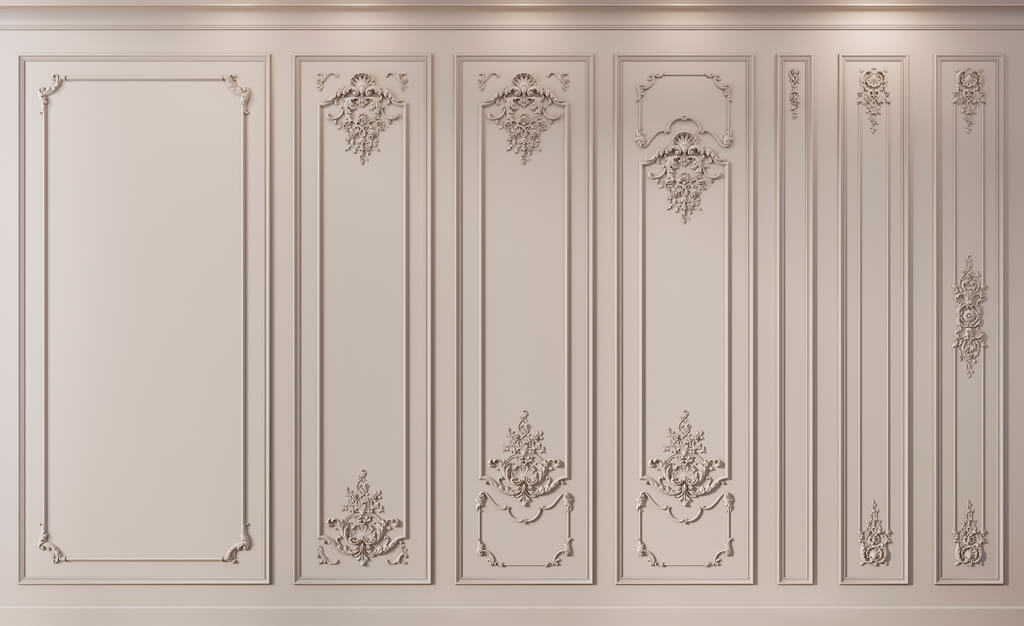
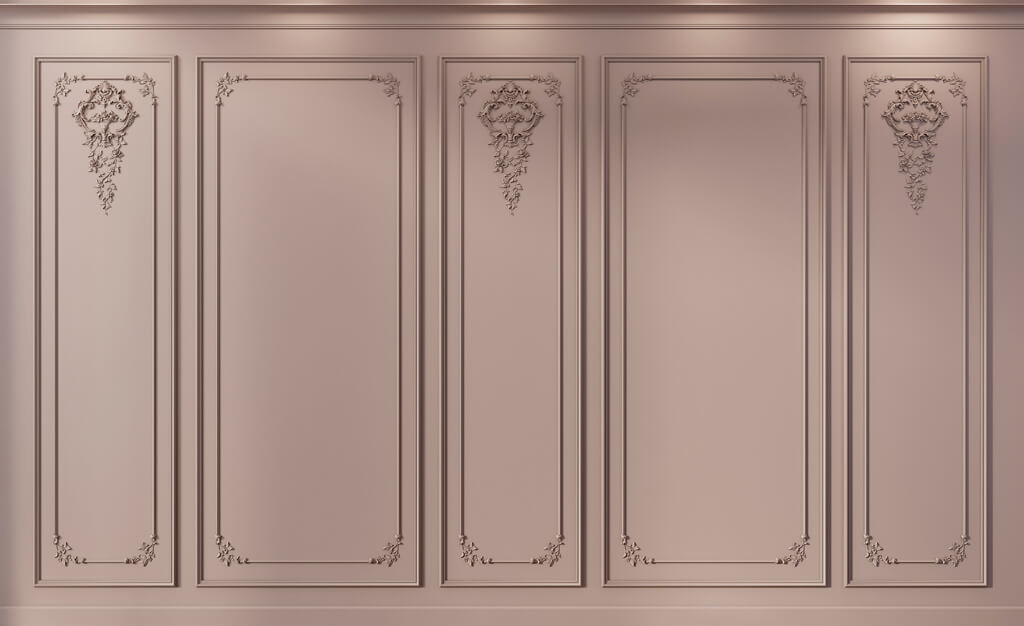
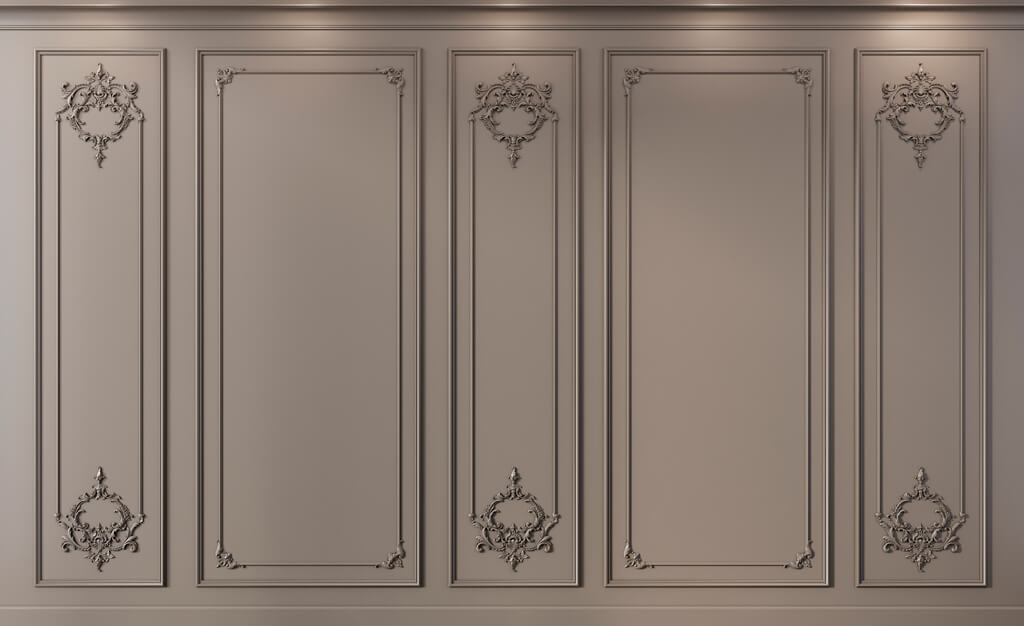

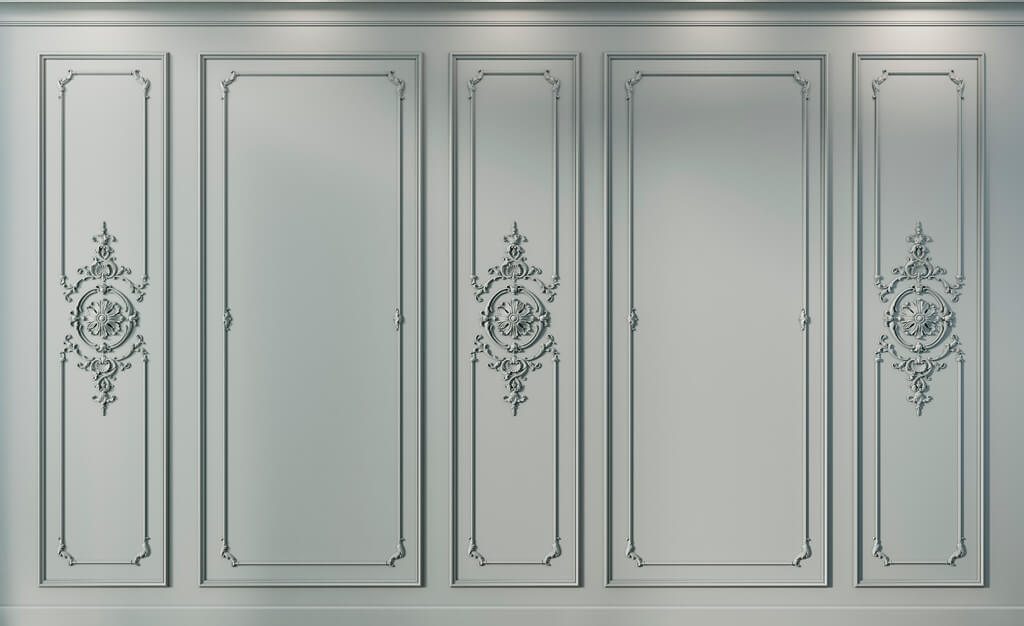


























Article Contents:
- What “material ready for design” means
- Five levels of material maturity
- When molding is truly ready for a project
- Checking a panel on the elevation
- Wall material and furniture material are not the same thing
- Doorway
- Built-in wardrobe
- Electrical installation products
- When you need DWG
- When a 3D model is needed
- When a physical sample is needed
- How to lock in an approved material
- Why can't you just erase the old line
- The material exists only as an image
- The size is approximate
- The 3D model is scaled to the image
- Panel is not broken down by modules
- Wood is approved only by screen
- DWG belongs to a different product
- SKU replaced without revision
- The specifier was left with "find an analogue"

In a visualization, a material can be convincing long before it becomes suitable for a working project. The relief already looks right, the molding neatly frames the border, the wall panel sets the desired rhythm — but the item still has no SKU, exact thickness, confirmed module, or file with real geometry. At this point, the project exists only at the level of an image.
For working documentation, this is not enough. A few months later, the specifier must open the specification and clearly understand what exactly to buy, and the contractor must see how exactly this material joins with the door, furniture, baseboard, cornice, and engineering points. Therefore, interior materials for design are best evaluated not on a "like / dislike" basis, but by their degree of readiness for the project.
The working chain looks like this:
idea → candidate material → actual parameters → SKU → sample → 3D/DWG → node verification → APPROVED → working documentation → specification → order.
There is a fundamental boundary in this chain. Before it, the material can be changed relatively freely. After it, any change to the molding width, panel thickness, article number, or module can already affect the drawings, visualization, quantity, and procurement.
That is precisely why a good reference is not yet equal to a project material.


What “material ready for design” means
A photograph answers the question “what effect do we want to achieve.” A project position must answer a different set of questions: who the manufacturer is, what this product is, what its SKU is, what it is made of, what its actual dimensions are, how it is installed in a specific node, and whether this exact position can be purchased by the time of procurement.
The minimum material passport includes:
- manufacturer;
- product category;
- exact SKU or article number;
- actual dimensions;
- the material;
- thickness, profile, or cross-section — depending on the product;
- module or commercial length, if they affect the layout;
- surface variant or intended finish;
- a sample, if the decision depends on texture, color, or scale;
- a DWG or other technical drawing, when geometry is part of the assembly;
- a 3D model, if the product needs to be shown correctly in a visualization;
- verified junctions;
- the status of the item in the project.
У interior materials for design there is one more requirement: the item must survive transfer between project participants. As long as only the concept author understands the information, the system is unreliable. A good entry in the schedule must remain unambiguous for the architect, the visualizer, the specifier, and the contractor.
The entry "classic white molding" does not withstand such a transfer. It does not state the width, depth, pattern, material, length, or manufacturer, and it does not rule out dozens of visually similar products.
The entry STAVROS / specific SKU / actual size / material / approved finish can already become part of a working system.



Five levels of material maturity
It's convenient not to divide items into just "selected" and "not selected." There are several different states between a reference and a purchase.
| Level | Status | What is already known | Can it be released into working documentation |
|---|---|---|---|
| 1 | REFERENCE | There is an image or an idea | No |
| 2 | CANDIDATE | A real product category or several suitable options has been found | No |
| 3 | IDENTIFIED | The manufacturer and specific SKU have been identified | It's too early |
| 4 | VERIFIED | Dimensions, components, a sample, and technical files have been checked, if needed | Almost |
| 5 | APPROVED | The item is approved and unambiguously linked to the project documentation | Yes |
This separation is especially useful in large projects where dozens of options are being considered at once. If two moldings and three panels are stored as equally "selected," it's easy to lose the decision a month later. Statuses remove ambiguity: CANDIDATE can be discussed; APPROVED can be specified.
And there is an important rule: APPROVED is not an emotional assessment of the material. It is confirmation of its design readiness.
Our factory also produces:




Why a working project cannot be built on references
A reference shows the intent well and the physics of the product poorly.
It is impossible to reliably determine the depth of a molding from a photograph. An accurate cornice projection cannot be taken from a perspective image. The scale of a wall panel almost always depends on what is next to it: doors, furniture, wall height. Even the color of natural wood can look different on two screens.
The problem manifests late. While only a concept exists, a conditional panel "approximately 300 mm" wide doesn't get in the way. Then a door with a specific casing appears, an outlet that lands on an edge, a wardrobe up to the ceiling, and a real baseboard. After that, every approximate parameter starts to affect its neighbor.
The "we'll find something similar later" scenario is especially dangerous. A similar profile may be 10–15 mm wider, have a different relief and a different depth. In a standalone image, the difference is small. On the wall, this difference changes the distances between frames, the position of corner joints, and the relationship of the decor to the casing. A similar story applies to panels: a visually similar modular surface may have a different pitch, which means the cut at a corner or door will end up in a different place.
Therefore, a reference is useful up to the moment of choosing a real product. Once a specific item appears, it must give way to actual data.
A reliable sequence is as follows:
- Save the reference as a description of the visual task.
- Find the actual product category.
- Narrow the selection down to specific items.
- Lock in the manufacturer and SKU.
- Verify dimensions and components.
- If the surface is critical, approve a physical sample.
- Link working files to the same SKU.
- Only after verification, move the item to APPROVED.
В interior materials catalog it makes sense to look not for "something similar," but for a specific system of elements that can be linked to working drawings and further procurement.
Get Consultation
SKU — the point that links the catalog, the drawing, and procurement
A project may have an internal code, such as M-01, M-02, or DEC-03. It is convenient on elevations and in schedules because it is short and readable. But an internal code does not replace the manufacturer's SKU.
They serve different functions:
- The Project Code shows the role of an item within a specific project;
- The manufacturer's SKU identifies the actual product.
A good linkage looks like this:
M-01 → STAVROS → specific SKU → actual size → DWG file → 3D → product page URL → APPROVED.
If you change only the image in the visualization but leave the old SKU in the schedule, a discrepancy arises. If you replace the SKU but do not update the DWG, the old geometry will remain on the drawings. If you change the size without recalculating the elevation, the frame grid or panel field will no longer match the specification.
Therefore, it is useful to use the SKU as a control identifier across all related data. The 3D file name, CAD block name, schedule row, and project database card must all point to the same product.
The URL should also be stored, but its role is auxiliary. The link helps quickly verify the card and pass the item to the procurement specialist. The main identifier is still the SKU: the site structure may change, but the project specification must remain readable even without following the link.
Actual dimensions: which parameters different categories require
The phrase "check the size" is too general. Different materials have different critical measurements.
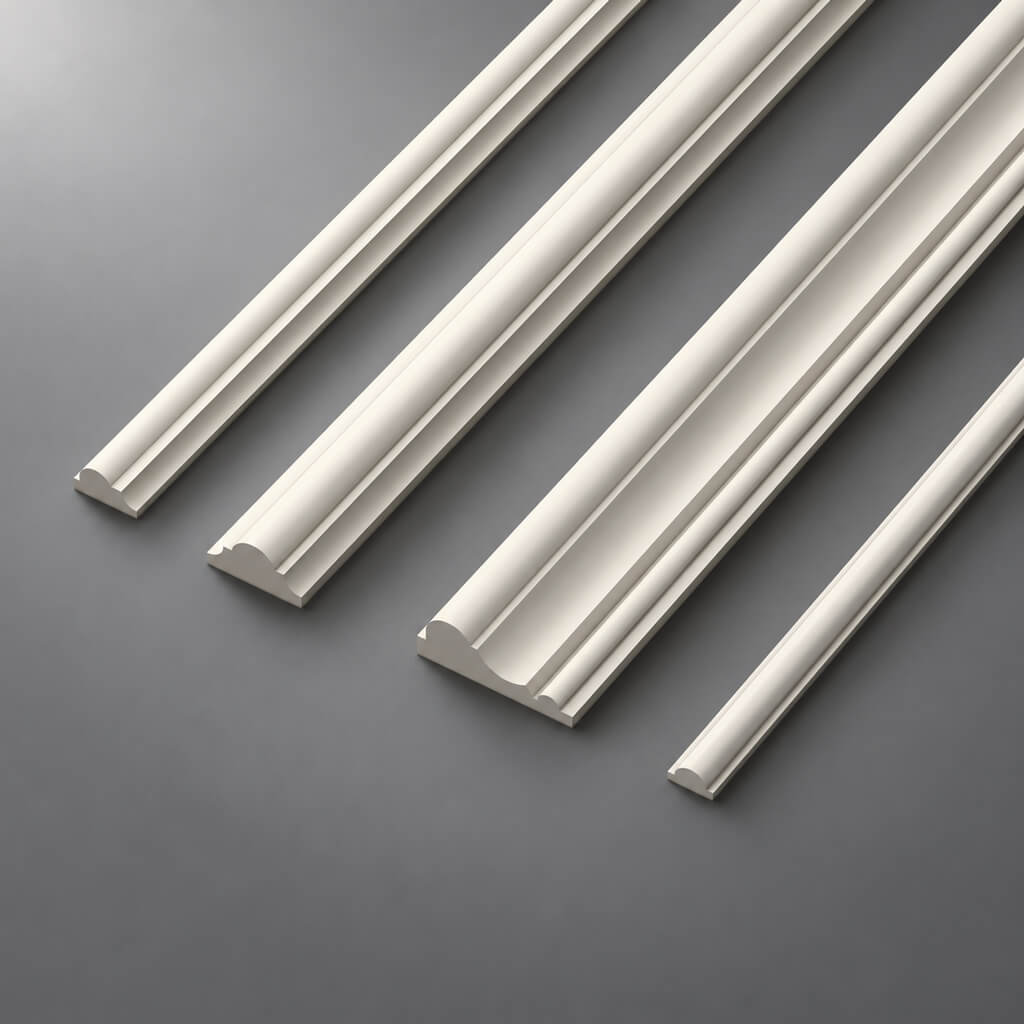
For moulding, width alone is not enough. Depth is also required: it determines the projection above the wall plane and affects the joint with the architrave, panel, or furniture.
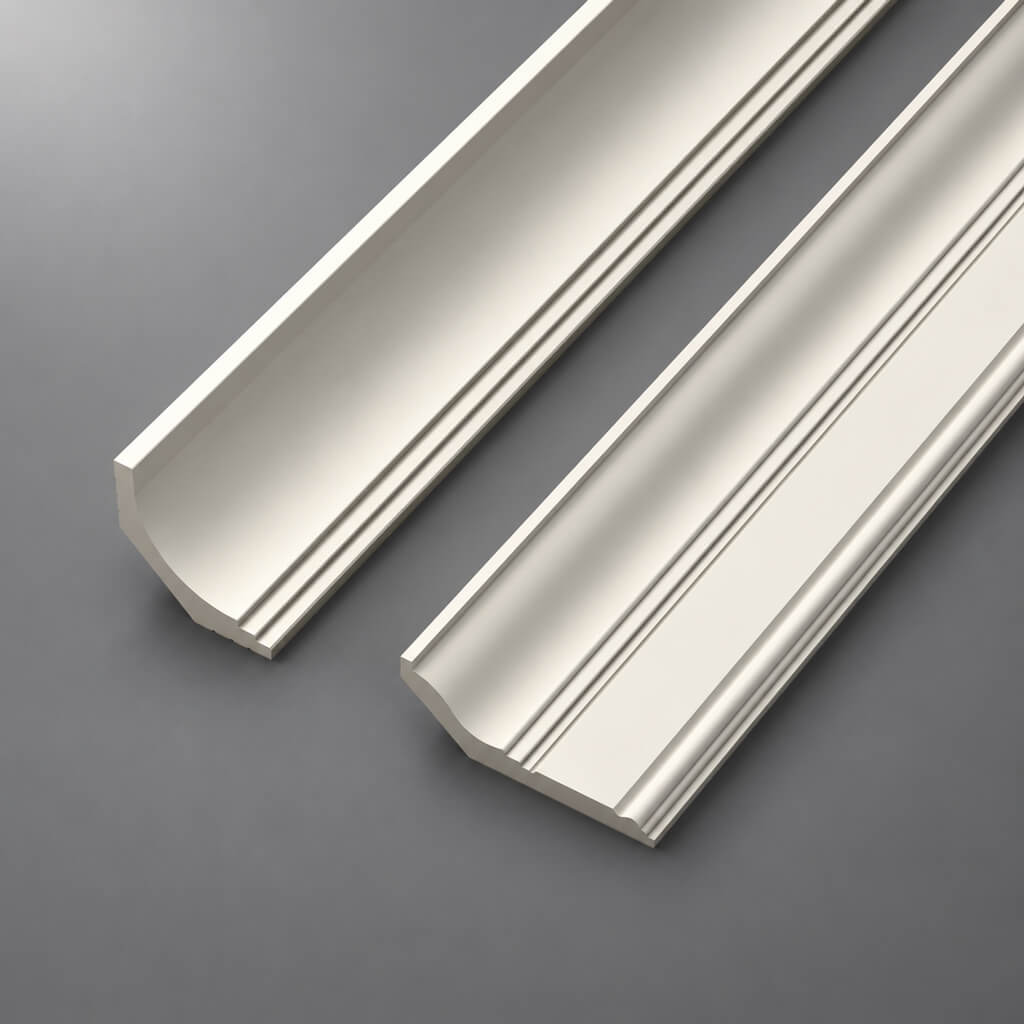
For a cornice, at least two coordinates matter — the height along the wall and the projection along the ceiling. A cornice may visually suit the interior but conflict with a curtain niche or the top of a wardrobe.
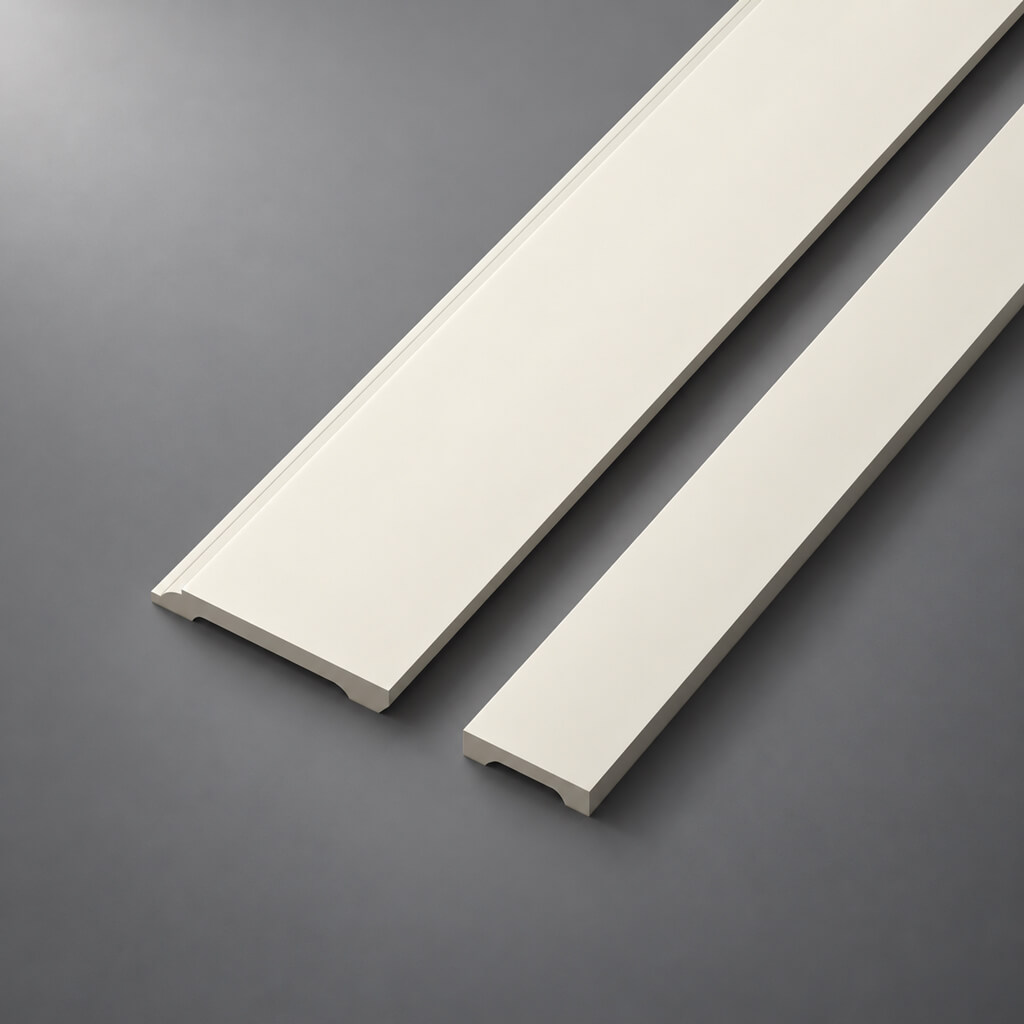
For a skirting board, height and thickness are required. Height affects the lower field of the wall, while thickness affects the junction with the architrave and furniture plinth.
For an overlay or a separate decorative element, the full dimensions are usually required: width, height, and depth.
For a panel — module, thickness, actual pattern repeat, and the joining principle. If the panel is modular, not only the wall area matters. The number of whole modules, cut locations, and the start of the pattern are important.
| Category | Minimum parameters for the project | What depends on the error |
|---|---|---|
| Molding | width + depth + profile | frame grid, joint with architrave and furniture |
| Cornice | height along the wall + projection along the ceiling | wardrobe, niche, lighting, ceiling unit |
| Baseboard | height + thickness | lower wall margin, casing, furniture plinth |
| Overlay | width × height × depth | free margin, centering, protrusion |
| Wall panel | module + thickness + direction + joint diagram | layout, trimming, doors, sockets |
| Pilaster / column | overall dimensions + profile + element composition | axes, portal, junctions |
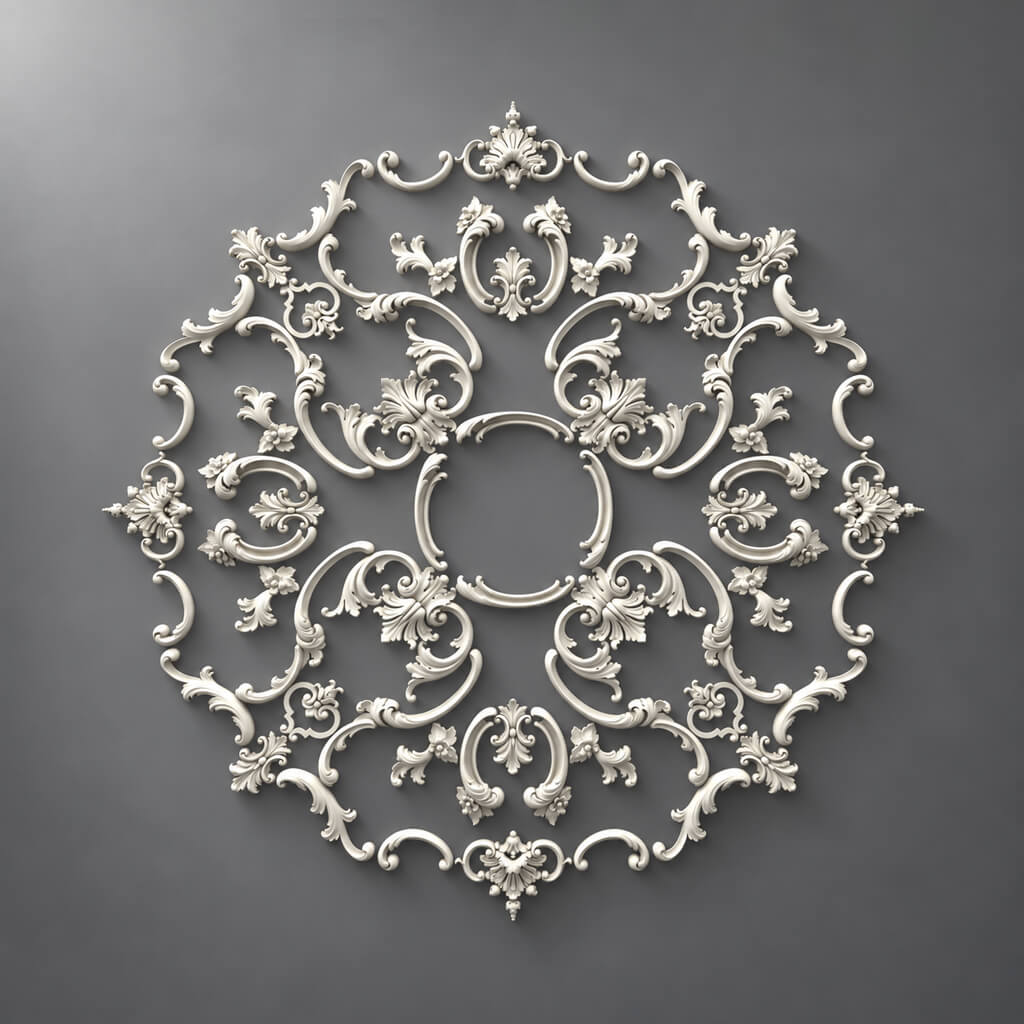
| Rosette | diameter / dimensions + relief | ceiling center, light fixture, composition |
A small difference in size is especially noticeable where there is rigid geometry. On a free wall, the molding can be shifted. Between the door casing and a built-in wardrobe — it can no longer be.
That is why, before approval, it is useful to check not only whether the element fits, but also what margin remains after its installation. If a 300 mm wide decorative overlay is placed on a 360 mm facade, the free edge is only 30 mm on each side when precisely centered. This is no longer an abstract assessment of proportion, but a concrete constraint.
Thickness is often more important than the facade
A frontal visualization almost always hides depth. Because of this, a material may look perfect in the render and assemble poorly in the actual junction.
Let us imagine a wall where the panel ends near the door casing. On the facade, they form a neat vertical line. But the panel protrudes more than the casing. In reality, an end face appears that was not visible in the visualization. It must either be deliberately finished or one of the elements must be changed.
The same problem arises in other combinations:
- the baseboard is thicker than the door casing;
- the molding crosses the side panel of the built-in wardrobe;
- the wall panel reaches the socket, and the frame of the electrical fitting partially overlaps the relief;
- the cornice has an overhang that extends into the plane of the upper fronts;
- the decorative element visually fits on the front, but its relief interferes with the handle or opening.
A proper check is not done only on the frontal elevation. You need a section or at least a scaled diagram where the physical thicknesses are visible.
For any protruding material, ask four questions:
- By how many millimeters does it extend beyond the base plane?
- What is to the left, right, above, and below?
- How is the exposed end processed?
- Does the protrusion intersect the path of a door, front, curtain, or equipment?
After such a check, some of the "beautiful" solutions usually change. And this is a normal design stage: it is better to lose an option before APPROVED than to redo a detail during installation.
Polyurethane decor as a design material
Polyurethane decor is convenient because it turns an artistic idea into a set of repeatable products: moldings, cornices, rosettes, overlays, and other elements. But it becomes a design material only after a specific item ceases to be abstract "stucco" and receives precise parameters.
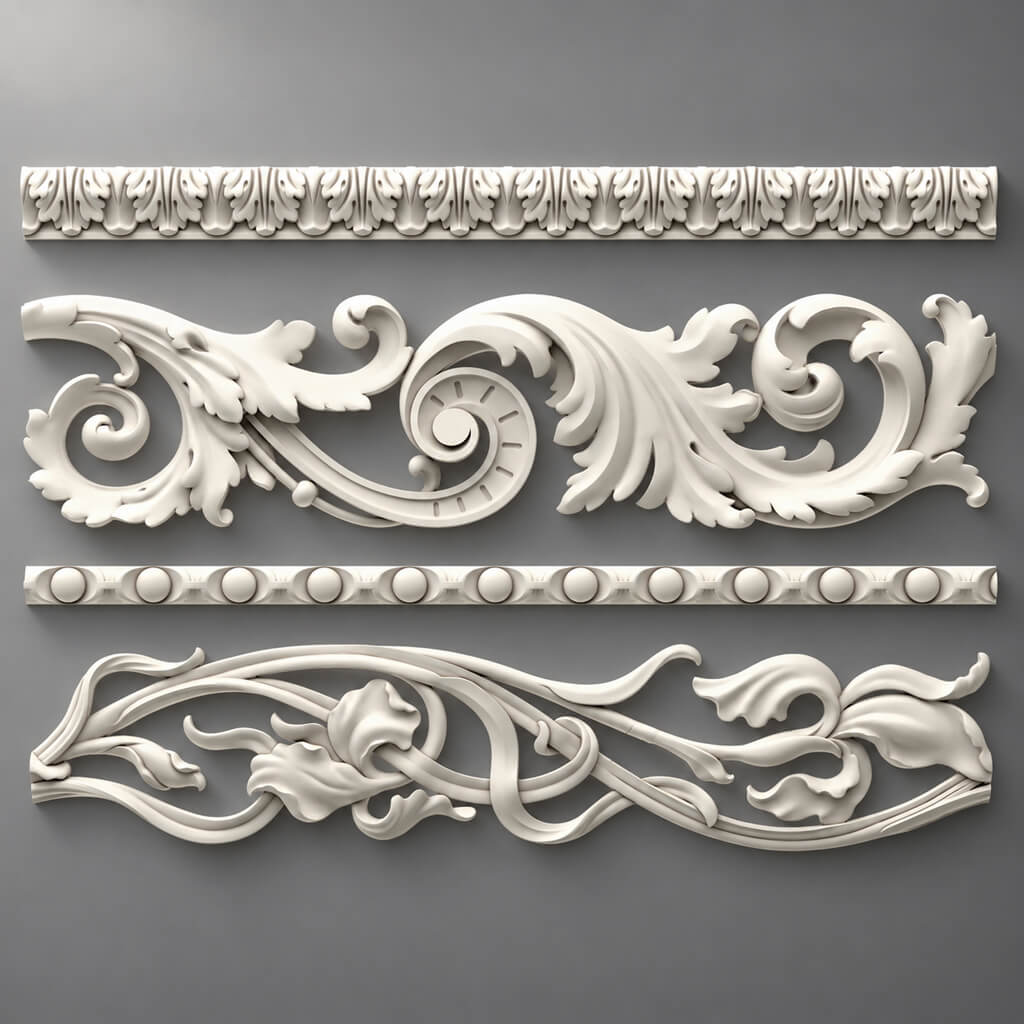
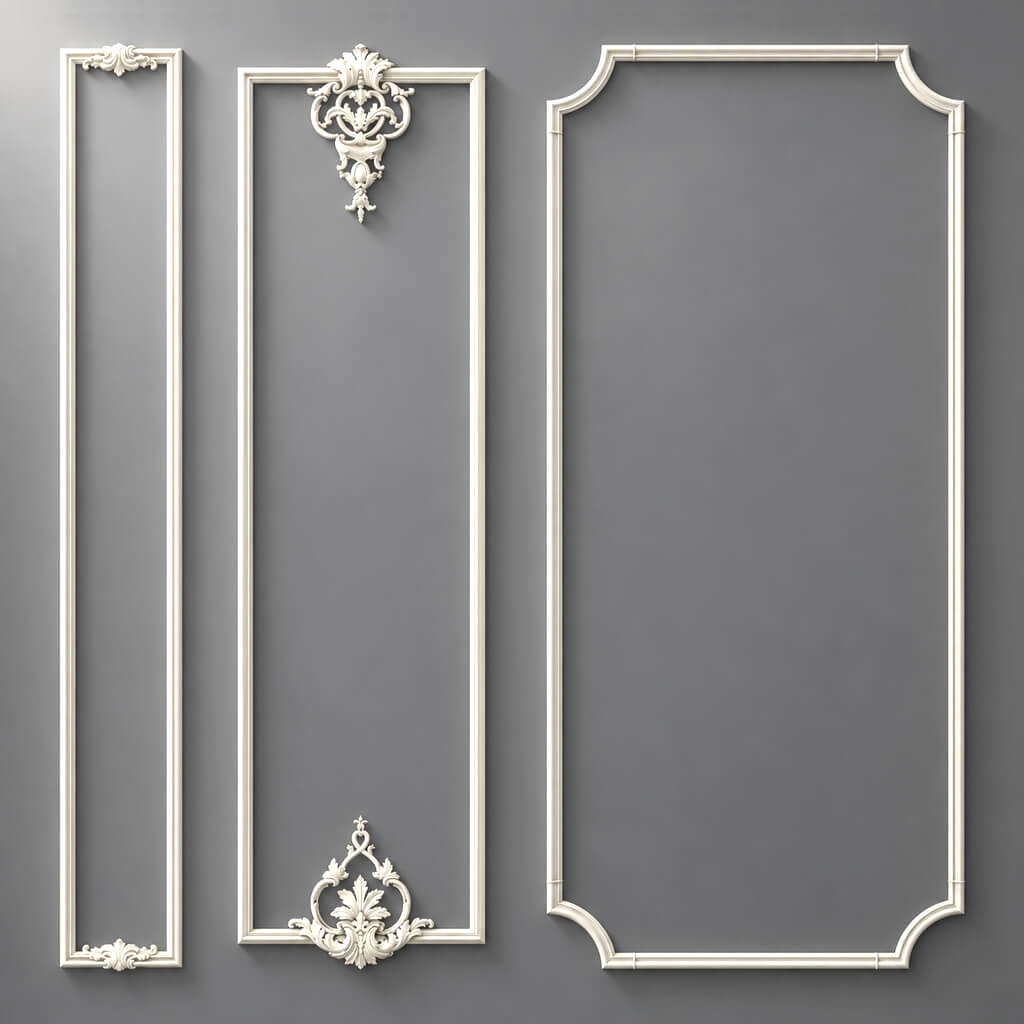
for moldings from polyurethane in the project, it is necessary to record not only the category but also the actual geometry. Two visually similar elements may have different relief depth, width, length, and edge character. On the wall, this affects the shadow, the joint, the scale of the composition, and the amount of material.
This is especially noticeable with of polyurethane moldings. Choosing a profile in the catalog is only the beginning. Before APPROVED, you need to check:
- actual width;
- profile depth;
- cross-section shape;
- commercial length;
- pattern and repeat, if the profile is ornamental;
- position on the layout;
- distance to the door casing, baseboard and cornice;
- conflict with switches, sockets and wall lights;
- joints at internal and external corners;
- compliance of 3D/DWG with the specific SKU.
Let's imagine a framed composition on a wall 4.2 m wide. The visualization uses a conventional profile 40 mm wide, while at the ordering stage a real 65-millimeter one is selected. Each side of the frame becomes 25 mm wider. If the frames are located close to the door casing or to each other, the free margins decrease not just "slightly", but by an amount that is noticeable in the overall geometry of the wall. With several frames, the error is repeated many times over.
This is where the difference between CANDIDATE and VERIFIED shows. You may like a CANDIDATE. A VERIFIED one has already been tested on a real wall.
When moulding is truly ready for the project
Moulding can be considered project-ready if four independent checks have been completed.
Geometry. The real dimensions are known and the profile has not been scaled arbitrarily.
Composition. The layout is built using the actual width of the product, not a conventional line.
Interfaces. Door, skirting board, cornice, furniture and engineering points have been checked.
Identification. The SKU in the specification matches the SKU of the technical files and the selected product.
If at least one item is not closed, the APPROVED status is premature.
The same principle applies to decorative overlays. In foam decor made of polyurethane not only the frontal shape is critical, but also the depth. An overlay may look good in the center of the panel, but protrude too much relative to the adjacent molding or intersect with furniture hardware. In projects with dense geometry, it is useful to check not only the facade, but also the side profile.
Ceiling cornice: checking by the assembly, not by the picture
The cornice is often chosen by its front part. For a project this is not enough: it simultaneously relates to the wall and the ceiling, so it must be checked in two planes.
Minimum control includes:
- height along the wall;
- ceiling projection;
- cross-section shape;
- position relative to the ceiling level;
- the curtain niche;
- top of built-in furniture;
- air diffusers and other ceiling elements;
- lighting, if it is provided next to the profile.
The most typical mistake occurs with a floor-to-ceiling wardrobe. On the elevation drawing, the wardrobe and the cornice may appear independent. In plan, it turns out that the cornice protrudes into the area of the fronts or the side panel. If the wardrobe has already been designed at full size, the decorative profile will not "fit itself" — you need to determine in advance what ends first, where the end face runs, and how the junction is arranged.
A similar situation occurs with a curtain niche. Visually, the cornice may run along the entire perimeter, but the actual niche changes the geometry. Here you cannot leave the decision to the installer, because he will be forced to choose between cutting off the profile, an unplanned miter cut, or modifying the niche.
For a complex cornice, a DWG section is useful. If there is no precise geometry, the designer is effectively drawing an assumption. This is acceptable at an early concept stage, but not at the VERIFIED stage.
MDF wall panel: the category is not yet a project material
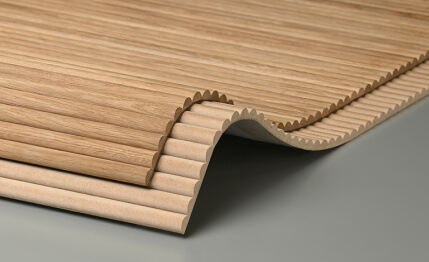
The entry "MDF wall panel" is too broad for working documentation. Within a single category there may be systems with different thickness, module, rhythm, relief shape, and assembly method. Therefore MDF wall panels it must be checked as a geometric system.
The first question is what is considered a module. It could be a single finished panel, a set of slats, an individual tile, or a repeating element. Until the module is defined, it is impossible to correctly calculate the quantity and the locations of cuts.
The second question is where the layout starts. If you simply divide the wall width by the panel pitch, the outermost module will almost always end up cut. Sometimes this is fine. Sometimes the cut falls in a visible place near a door or corner and disrupts the rhythm.
The third question is what the thickness is. Thickness affects:
- the projection of the architrave;
- the fit of sockets and switches;
- baseboard position;
- the exposed end at the niche;
- the joint with the wardrobe;
- the transition to a smooth painted wall.
A panel cannot be approved based on area alone. A layout is needed.
Checking the panel on the layout drawing
Let's take a conventional wall 3,640 mm wide. If the module has a pitch of 300 mm, mathematically 12 full steps fit and 40 mm remains. But those 40 mm do not disappear. They will have to be either left as a margin, distributed at the edges, the starting point of the layout changed, or a cut-down module used.
The options produce different results:
- 40 mm on one side — pronounced asymmetry;
- 20 mm on both sides — narrow edge margins;
- grid offset relative to the door — a different pattern around the opening;
- changing the orientation — different consumption and different joint logic.
Therefore, a “wall area of 10 m²” does not give the project quantity. For actual purchasing, you will need a layout of modules, cuts, and reserve.
If the panel runs behind furniture, this also needs to be decided in advance. Sometimes there is no point in running an expensive decorative surface behind a built-in wardrobe. But you cannot simply reduce the area by eye: the panel boundary must coincide with the actual geometry of the furniture, and the exposed edge after installation must not unexpectedly end up visible.
For modular surfaces, it is useful to check the elevation and the plan at the same time. The elevation shows the pattern; the plan shows the thickness and junctions.
Wood decor: geometry is not enough
Solid wood gains an additional layer that is almost absent in a solid-color paintable material: the natural surface itself becomes part of the design solution.
for of solid wood in addition to dimensions and SKU, it is useful to record:
- wood species;
- surface preparation option;
- intended finish;
- the direction of the grain where it is visible;
- the acceptable variability of the natural pattern;
- a physical sample if the shade and texture are critical.
For wood, a photograph is especially unreliable as the sole approval tool. A screen changes the color, lighting changes the contrast of the grain, and natural wood is by definition not absolutely identical from piece to piece.
That is why sample approval here is not a formality. It answers the question that a DWG cannot resolve: how the material is perceived physically.
for wooden decorative elements the orientation of the piece also matters. If a composition is built from several repeating elements, you need to understand in advance how the direction of the texture will be perceived and whether visual symmetry is required. What is not visible in a grey 3D model becomes noticeable after finishing.
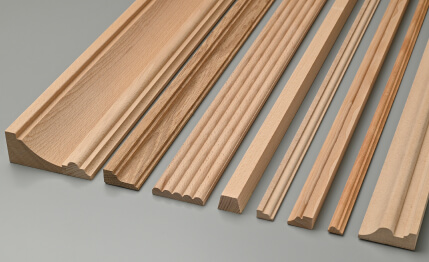
У wooden trim cutting optimization is added to this. Linear material cannot be calculated as just the total length of lines. The commercial length, the number of joints, the angles, and the direction of the pattern determine how many actual planks will be required.
Material for a wall and material for furniture are not the same thing
A match in material does not yet mean interchangeability.
On a wall, a wooden element is assessed as part of an architectural surface: rhythm, joints, extent, and adjacency to corners and doors all matter.
On furniture fronts, other constraints matter: part thickness, opening direction, handle placement, radii, repeatability across multiple doors, and distance to the edge.
The same decorative motif may be appropriate in both places, but the design check must be performed separately. You cannot transfer a piece from the wall to a furniture front just because it is "made of the same wood."
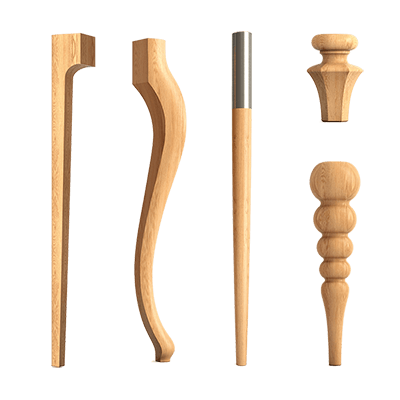
If carved plastic forms are required, Carved wooden decoration it must also pass a check of overall dimensions, depth, the margin around the element, and the intended finish. This is especially important in furniture compositions, where free space is usually less than on a wall.
How to check a material against neighboring elements
A material taken in isolation almost always looks simpler than a system within an interior. The real check begins at the junction point.
It helps to think not in terms of a single piece, but as a chain:
baseboard → wall → panel → molding → door → furniture → cornice → ceiling.
Each subsequent element has its own thickness, axis, and boundary. The design task is not to make each element good on its own, but to ensure that all of them are physically compatible.
Door opening
For a door, the following are checked simultaneously:
- wall panel thickness;
- casing overhang;
- baseboard thickness;
- molding depth;
- distance from the frame composition to the opening;
- top margin above the door;
- junction of decorative lines with the baseboard.
If the panel protrudes relative to the casing, a deliberate detail must be introduced: an extension piece, an end profile, a shadow gap, a change in thickness, or another joining logic. "Cutting on site" is not a design solution but a transfer of responsibility to the construction site.
Built-in wardrobe
In the wardrobe area, check:
- the actual depth of the side panel;
- opening of the end facade;
- plinth;
- cornice;
- start or end of the panel field;
- molding on the adjacent wall;
- visibility of end faces after installation.
Projects where the cabinet visually "merges" with the wall are especially tricky. The cleaner the picture, the less acceptable a random step at the junction.
Electrical installation products
The socket or switch must land on a flat and predictable surface. If the frame partially sits on a panel protrusion or crosses the molding, after installation it can no longer be hidden with graphics.
There are usually several solutions:
- move the engineering point;
- change the panel layout;
- change the frame size made of molding;
- choose a different profile;
- provide for a local smooth insert.
The right option depends on the priority. But the choice must be made before the release of the working documentation.
A sample, DWG, and 3D answer different questions
In design work, these tools are sometimes put into a single folder called "materials," although their functions are different. If one tool tries to replace another, a blind spot appears.
| Tool | What it checks | What it does not confirm |
|---|---|---|
| Physical sample | surface, texture, actual relief, perception of color and scale | the exact geometry of the assembly and the quantity |
| DWG / technical drawing | section, dimensions, alignments, junctions | texture and the real perception of the surface |
| 3D model | scale in space, relief, light and shadow, composition | availability of the product, SKU, and procurement identity in itself |
| SKU | a specific product for specification and ordering | quality of visual perception |
That is why the entry “3D available” does not yet mean the material has been verified. The model could have been scaled, created from approximate geometry, or belong to a similar product. Likewise, a single sample does not tell you how the profile will behave in a corner.
When DWG is needed
DWG is not needed for every interior material. It becomes critical where the shape of the product is part of a working detail.
First of all, these are:
- Moldings;
- cornices;
- skirting boards;
- pilasters;
- Columns and half-columns;
- profiled decorative elements;
- elements of a complex door portal.
For such items, a technical drawing allows you to see not only the overall dimensions but also the cross-section. It can be used to check the mounting surface, maximum protrusion, bevels, and the actual junction with the adjacent plane.
If the designer uses DWG and 3D models, the file must be linked to the SKU. The working logic is simple: the name of the block or file should make it possible to unambiguously understand which product it belongs to.
A dangerous scenario looks like this: the CAD library contains an unnamed profile "molding_05" that visually resembles the selected product. Six months later, no one remembers where it came from. The specification lists one SKU, but the section shows the geometry of a different profile.
It is better to spend a minute on correct naming than to check dozens of sheets manually later.
When a 3D model is needed
3D is especially useful for objects where perception depends on relief and light. A thin molding on a flat elevation looks like two lines. In the model, you can see what shadow it creates and how noticeable it is next to a door or panel.
A 3D model is needed when you need to check:
- the visual mass of the profile;
- depth of the relief;
- behavior under side lighting;
- scale relative to furniture and doors;
- repetition of elements;
- the overall composition of several types of decor.
But 3D cannot be stretched to the required size while keeping the same SKU. If the real molding has one width, but in the scene it was enlarged by 20%, the visualization already shows a product that does not exist.
The rule is strict, but useful:
SKU = actual size = DWG = 3D = specification line.
If one of the components changes, the others need to be checked.
When a physical sample is needed
A sample is needed not because it is "more professional," but when there is a question in the project that the screen does not answer.
Such a question arises when choosing:
- natural wood;
- surfaces with pronounced texture;
- deep relief;
- a tinted material with a critical finish;
- wall panels whose scale is difficult to judge from a photograph;
- several similar profiles that differ in depth and modeling.
В product samples it is useful to check more than just the color. Place the sample next to its likely neighbors: a door casing, a furniture front, a paint chip. Look at it in daylight and artificial light. Rotate it relative to the light source. Relief that almost disappears under frontal lighting can cast a deep shadow when lit from the side.
For wood, sample approval is especially needed when the customer is approving the very character of the surface. Here, a screenshot from a catalog should not become the only reference.
CANDIDATE: how to work with several options and not lose the decision
At an early stage, there is rarely a single unconditional option. The normal situation is three suitable moldings, two types of panels, and several wooden elements. The mistake begins when all of them end up in the working documentation at the same time.
The CANDIDATE status is useful for this.
For example:
- M-01A — narrow molding;
- M-01B — deeper profile;
- M-01C — ornamented version.
All three are tied to a single design task, but only one should reach APPROVED.
It is convenient to compare candidates not by the general wording “which one is prettier,” but by the same parameters:
| Parameter | M-01A | M-01B | M-01C |
|---|---|---|---|
| SKU defined | Yes | Yes | Yes |
| Actual size verified | Yes | Yes | Yes |
| Fits at the door casing | Yes | No | Yes |
| Compatible with skirting board | Yes | Yes | Yes |
| Frame adjustment needed | No | Yes | Yes |
| Sample approved | Yes | No | No |
| Status | VERIFIED | CANDIDATE | CANDIDATE |
Such a table quickly shows that "likes it more" and "ready for the project" are different criteria.
If option B requires moving an electrical point and reassembling the frame grid, it can still be chosen. But the consequences must be visible before approval.
What moves a material to APPROVED
The APPROVED status makes sense to assign only after completing the checks that are actually needed for this category.
Universal minimum:
- A real product exists, not just a reference.
- Manufacturer is recorded.
- SKU is recorded.
- Actual dimensions verified.
- Material confirmed.
- Critical junctions resolved.
- Sample approved if the surface requires physical verification.
- 3D matches the product if used in visualization.
- DWG matches the product if the assembly depends on geometry.
- The item can be unambiguously transferred to working documentation and further specification.
The set will differ slightly for different materials. A paintable molding may not require sample approval of color if the finish is specified separately. For natural wood, on the contrary, a sample may be more critical than 3D.
Status is not a bureaucratic checkbox. It shows that the item has passed the level of verification it specifically needs.
How to record approved material
A working line might look like this:
| Field | Value |
|---|---|
| Project Code | M-01 |
| Manufacturer | STAVROS |
| SKU | specific SKU |
| Category | MOLDING |
| Material | PU |
| Size | actual size |
| Sample | APPROVED / NOT REQUIRED |
| DWG | file name / link |
| 3D | file name / link |
| URL | Product card |
| Status | APPROVED |
| Revision | REV01 |
Not all fields have to be in the same table. In BIM or another system, some information may be stored in the object's properties. The point is not the form, but the unambiguous link.
If the specifier sees code M-01, they should be able to understand which product corresponds to this code without exchanging messages with the project author.
REVISION: replacing a material is a project change
Replacing a SKU after APPROVED is not a cosmetic edit to a line. Even if the new product is similar to the previous one, it must be treated as a project change until proven otherwise.
The reason is simple: along with the article number, the following may change:
- width;
- depth;
- profile;
- module;
- product length;
- the material;
- finish;
- the method of adjoining;
- quantity.
A reliable record looks like this:
OLD SKU → NEW SKU → REV02.
After replacement, all places where the item is physically involved are checked. For molding, these are frames and junctions. For a panel, the layout and cuts. For a cornice, the ceiling junction. For wooden decor, also the sample and finish.
The most dangerous replacement is the one considered "equivalent" without checking the geometry. If the new element is a few millimeters deeper, this may be insignificant on an open wall and critical at a furniture facade.
Why you can't just overwrite the old line
Change history isn't about keeping an archive for its own sake. It answers a practical question: which version did the client see and approve, which version made it into the visualization, and why a different SKU appeared in the specification.
If the old value disappears without a trace, it's hard to reconstruct the chain of decisions. This is especially noticeable in long-term projects, where months pass between concept and procurement.
The simplest change log already solves the problem:
| Revision | Was | Became | Reason | Which documents were updated |
|---|---|---|---|---|
| REV01 | CANDIDATE A | SKU-1 | initial approval | 3D, unfolded view, schedule |
| REV02 | SKU-1 | SKU-2 | item replacement | 3D, DWG, unfolded view, quantity |
This way the project retains its history, not just the latest state.
How a material moves into the finish schedule
Until the APPROVED status, the schedule may contain working candidates, but the issued document must be unambiguous.
For an interior material, it is useful to record:
- project code;
- room;
- the specific application area;
- manufacturer;
- SKU;
- the material;
- actual size;
- finish;
- the quantity or calculation principle;
- a link to the product card;
- status and revision.
The application area is especially useful when one material is not used throughout the entire room. The wording "living room" is too broad if the panel is only on the TV wall. The more precise the application area, the lower the risk of ordering material for an extra surface or forgetting a local section.
For complex decor, you can add a link to a detail or an elevation number. Then the specification and working drawings become mutually verifiable.
Where design review ends and the procurement specification begins
After APPROVED, the material is ready to be passed on, but this does not yet mean that the final purchase figure is known.
At the next stage, parameters related to the order itself appear:
- product length;
- packaging;
- cutting map;
- technological reserve;
- batch;
- current price;
- production or delivery lead time;
- logistics.
This is exactly where it is often discovered that the project's linear meterage and the quantity to order are not the same thing.
For example, the total length of the moulding according to the drawings is 23.4 m. This is the mathematical meterage. You cannot order exactly 23.4 m if the product is sold in fixed-length strips. Offcuts after cutting, mitred sections, and the need to select whole strips for the long sides of the frames come into play.
Panels produce a different type of discrepancy: the area may match, but the modular grid requires additional elements for trimming.
Therefore, the article on material preparation ends at the right point: APPROVED → ready for specification. Everything related to the actual quantity to order and the price on the purchase date already belongs to the next stage.
Typical mistakes when preparing interior materials for a project
Mistakes here rarely look dramatic at the concept stage. Usually it's a small inaccuracy that only becomes expensive later — when the drawings have already been issued, furniture ordered, or finishing has begun.
The material exists only as a picture
Pinterest, Behance, a catalog, or a visualization provide direction, but not a product. If a material has no manufacturer, SKU, and actual dimensions, it remains REFERENCE.
The consequence is simple: at the end of the project, you have to look for the "closest possible" option. Along with it, dimensions and details change.
What to do: convert the reference to CANDIDATE as early as possible, and before issuing working documentation — to IDENTIFIED and VERIFIED.
The size is taken approximately
The problem often starts with conditional geometry in 3D. While the visualization is being built quickly, the molding is drawn with a width of "about 50 mm," and the panel — as a module of "approximately 300 mm." If these conditional dimensions survive into the working elevations, the error becomes systemic.
What to do: immediately after selecting a specific SKU, replace all conditional dimensions with actual ones and recheck the composition.
The 3D model is scaled to fit the picture
This is one of the most unnoticeable mistakes. The visualizer slightly enlarges or reduces the decor so that it looks better in the frame. In the render, everything looks good. The real SKU remains in the specification.
It turns out that the client approved one scale, but a different one will have to be purchased.
What to do: do not scale the product model arbitrarily. If a different size is needed, look for a different SKU.
The panel is not laid out by modules
The area has been calculated and the model selected, but there is no layout with whole modules and cuts. During installation, the pattern starts to drift away from the door, corner, or center of the wall.
What to do: build the grid from the chosen architectural axis and check the edge modules before APPROVED.
The wood was approved only on screen
For a natural material, this is a weak basis. The texture, shade, and sheen depend on the light, camera, image processing, and the monitor itself.
What to do: for critical wood items, use a physical sample and record exactly what was approved — species, treatment, finish, shade.
The DWG refers to a different product
A similar profile is easy to confuse if there is no article number in the library. As a result, the schedule lists one product, while the detail shows a different section.
What to do: link the file name or CAD block to the SKU and do not keep unnamed "similar" profiles in the working library.
SKU replaced without revision
This error is especially dangerous after project approval. A new item may seem equivalent, but its geometry is already different.
What to do: any change to the SKU after APPROVED must go through a revision and re-check of the related sheets, 3D, DWG, and quantity.
The specifier is left to "find an analogue"
Such a phrase means the decision is not complete. The specifier can select a quality item, but they are not obliged to guess the architectural logic of the project author.
If substitution is allowed, it is better to describe the equivalence criteria in advance: material, maximum size, depth range, profile character, allowable module. Then substitution becomes a controlled procedure rather than free interpretation.
When material does not need to be moved to APPROVED
Sometimes the right decision is to keep the item at the CANDIDATE stage.
Material should not be approved if:
- there is no actual product or SKU;
- dimensions are known only approximately;
- an important node has not yet been resolved;
- the material conflicts with the door, furniture, or an engineering point;
- the 3D and the product do not match in scale;
- a sample is required for the natural surface, but it has not yet been approved;
- the item formally exists, but does not fit the project geometry;
- a replacement with "something similar" is assumed, but the criteria for an equivalent are not defined.
The CANDIDATE status in these cases does not mean failure. It honestly shows that the decision is still in progress.
It is far more dangerous to assign APPROVED too early. Then an unfinished decision begins to spread through the documentation: it is copied into schedules, 3D, estimates, and procurement tables. Fixing one line turns into a search for all dependencies.
Final project-readiness checklist
Before releasing the material into working documentation, you can go through a short checklist.
Identification
- There is a real manufacturer.
- There is a specific SKU.
- The product category is defined precisely.
- The product page URL is saved as a reference link.
Geometry
- Actual dimensions have been verified.
- For a profiled product, the cross-section has been verified.
- For a panel, the module and layout scheme have been verified.
- For a cornice, the height and projection have been verified.
- For moulding, the commercial length is known.
Joints
- Doorways do not conflict with the material.
- Built-in furniture is coordinated.
- Skirting and cornice are coordinated.
- Sockets, switches, wall lights and other service points do not fall on critical relief.
- Exposed ends and terminations are resolved.
Visual check
- The 3D matches the actual SKU.
- The model is not scaled arbitrarily.
- The sample is approved if it is really needed.
Technical files
- The DWG belongs to the same SKU.
- The file or block name allows identifying the product.
- All linked drawings use the same geometry.
Status
- The item has received APPROVED status.
- The current REVISION has been locked in.
- The material can be unambiguously transferred to the bill of materials and specification.
If at least one of the critical points is not closed, it is better to leave the material in VERIFIED or CANDIDATE until the review is complete.
Where to buy interior materials after project approval
The commercial stage logically begins not with the question "what to buy," but with an already approved design item. Once the SKU, size, and details are verified, the catalog turns from a source of inspiration into a procurement tool.
For polyurethane decor, you can go to the selected category and order exactly the type of products specified in the project. If moldings are approved in the project, you need to search within a specific category of polyurethane moldings, rather than starting the selection from the entire catalog again.
If the composition includes individual elements for walls, you can use the section . Clear lines, created using modern technologies, emphasize the strict aesthetics of the room. Each decorative element harmoniously fits into the overall concept, creating a sense of order and thoughtfulness.. For a ceiling composition — ceiling rosettes. The principle here is the same: the project code should lead to a specific SKU, not to a general category without a selected item.
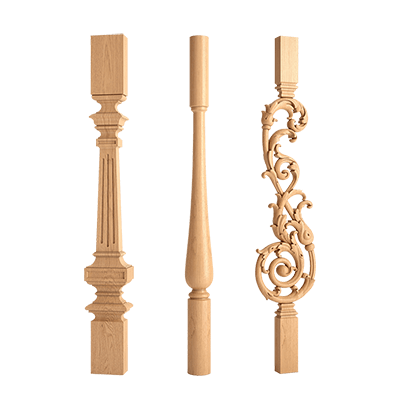
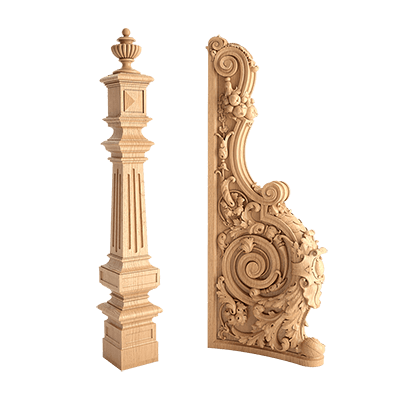
For a wooden project, after the material is approved, you can go to the corresponding product groups: wooden overlays, pilasters and columns or capitals, if these particular elements are part of the approved architectural system.
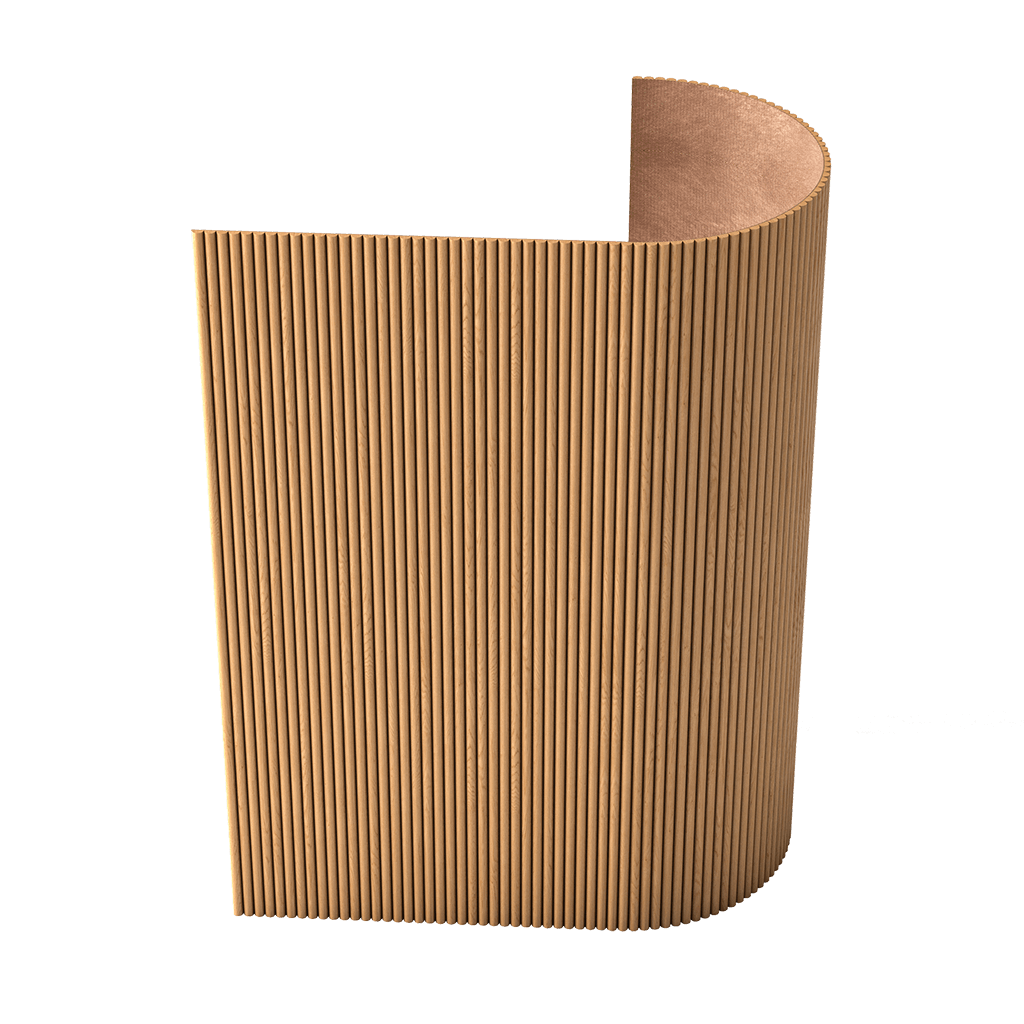
For panels, the sequence matters even more. First, the system, module, direction, and layout are approved, then the actual quantity is determined. Only after that does the query "buy MDF wall panels" turn from general commercial interest into a precise project purchase.
Before ordering, it is useful to check three things once more:
- the SKU has not changed since the last revision;
- the quantity has already been calculated based on the actual layout and product format;
- the current characteristics of the specific item match those used in the project.
After that, the chain becomes closed:
CANDIDATE → verification → APPROVED → specification → purchase.
The material must remain recognizable from the first idea to the order
A strong design project does not have to start with a catalog. It may well start with an image, a historical prototype, an interior photograph, or abstract geometry. But by the working stage, every significant material must travel the reverse path from image to physical product.
The material acquires a manufacturer. Then a SKU. Then a real size. Then it becomes clear how it meets the door, furniture, baseboard, and ceiling. If necessary, a sample, 3D, and DWG are added. After verification, the item receives APPROVED status and ceases to be a hypothesis.
This is the practical point of preparing materials for design: not to assemble a beautiful folder and not to fill out the specification as early as possible, but to ensure that months after approval, the project still points to the same physical product.
If the visualization shows one profile, the DWG shows a second, the schedule shows a third, and the specifier is asked to find a similar fourth — the project link is lost. But if the SKU, size, sample, 3D, DWG, assembly detail, and specification all refer to the same item, the decision can be passed along without guesswork.
It is at this moment that an interior material becomes truly ready for the project.