











































Article Contents:
- What a finish materials schedule is in a real design project
- How a finish schedule differs from a specification
- Finish schedule
- Specification
- Procurement table
- Trim
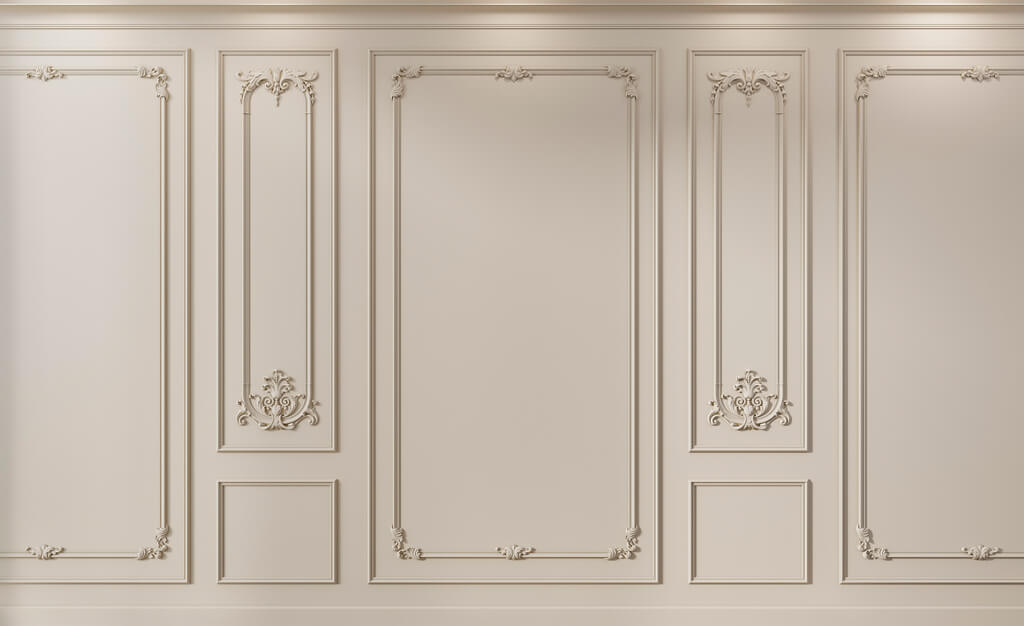
- Piece items
- Paired items
- Compositions

A project can be well drawn and still poorly prepared for procurement. The elevations already show moldings, wall panels, outlets, baseboards, and wooden decor. In 3D everything looks coordinated. But if a month later the procurement specialist opens the documentation and sees lines like "white molding," "MDF panel," and "classic decor," the project turns back into a search.
A good finish materials schedule should allow someone who did not draw the project to understand three things without additional explanation:
what is used → where it is used → what exactly needs to be purchased.
The working chain looks like this:
room → surface → finish code → material → specific SKU → size → finish → quantity → URL → status → procurement.
In other words, a schedule is not an appendix "for the sake of order." It is a document that links working drawings, actual products, quantities, and the future order.




What a finish materials schedule is in a real design project
A dictionary definition does not help much here.
A practical criterion is simpler:
a person opening the schedule should understand which material is used in a specific place in the project and which product corresponds to that decision.
If the table only states:
living room / molding / white
this is not enough.
If it states:
ML-01 / STAVROS / specific SKU / PU / actual dimensions / for painting / living room / wall 02 / Order Qty / URL
the row already becomes workable.
The schedule connects:
drawing → finish code → specific material → item number → quantity → purchasing.



How a finish schedule differs from a specification
These documents are often combined, but their logic is different.
Our factory also produces:




Finish schedule
Answers the question:
where is the material used?
For example:
PN-01 — living room, wall 03
Get Consultation
Specification
responsible:
what exactly is used?
For example:
PN-01 — STAVROS / SKU / MDF / size / color
Purchasing table
responsible:
how much to buy and how much does it cost?
In a small project, everything can be put together in one table.
But the fields must retain these three functions.
If a single document mixes the place of application, product description, and price without structure, the table quickly becomes inconvenient.
Why names like "white molding" are not enough
A description is not product identification.
Bad line:
White molding — living room
does not answer the questions:
- which manufacturer;
- which SKU;
- what width;
- what is the depth;
- what length;
- where exactly it is used;
- how much is needed;
- which profile is used in 3D.
A good line:
ML-01 / STAVROS / SKU / polyurethane / A × C × L / for painting / living room / walls 01, 03 / quantity / URL
The working name can be kept.
But procurement must be based on the product entity.
Finish code system
A project code is needed so that one item is called the same in all documents.
For example:
| Code | Category |
|---|---|
| ML-01 | Molding |
| CR-01 | Cornice |
| PL-01 | Baseboard |
| PN-01 | Wall panel |
| RK-01 | Rail |
| ROS-01 | Ceiling rosette |
| DEC-01 | Decorative element |
The code must be repeated:
on the plan → on the elevation → in the schedule → in the specification → in procurement.
If the elevation shows ML-01, but in the schedule the same profile is called “living room molding,” the link becomes manual.
One code — one approved material type
You cannot use one code for two different products just because they belong to the same category.
For example:
ML-01
must not designate one molding in the living room and another in the bedroom.
If the actual SKU changes, a separate line item must be created.
For example:
ML-01
ML-02
Even if both items look visually similar.
Otherwise, the total quantity for one code will be impossible to verify.
Which columns should the working schedule contain
The basic structure might look like this:
| Field | What to specify |
|---|---|
| Code | ML-01 |
| Category | Molding |
| Manufacturer | STAVROS |
| SKU | specific |
| Name | as per catalog |
| Material | PU / MDF / wood |
| Size | actual |
| Finish | approved |
| Room | Living room |
| Zone | wall 02 |
| Unit | m / pcs. / module |
| Calculated Qty | planned quantity |
| Order Qty | Purchase quantity |
| Status | APPROVED |
| Revision | REV02 |
| URL | Product |
For a large project, you can add:
- verification date;
- sample;
- batch number;
- supplier;
- price;
- comment;
- DWG;
- 3D;
- responsible person.
But the basic logic should remain transparent.
Room and zone are different fields
The field "living room" is too general.
The following can be used simultaneously in one room:
- wall panels;
- molding;
- ceiling rosette;
- plinth;
- portal decor;
- slats.
Therefore, it is better to separate:
Room: living room
Zone: wall 02
Or:
Zone: TV area
Or:
Zone: ceiling
Or:
Zone: door portal
This is how the installer and the kit assembler know where to find the item.
How to list wall panels in the schedule
For wall panels, area alone is not enough.
It is necessary to record:
- SKU;
- panel type;
- size;
- the material;
- module;
- direction;
- color;
- finish;
- specific wall;
- calculated quantity;
- purchase quantity.
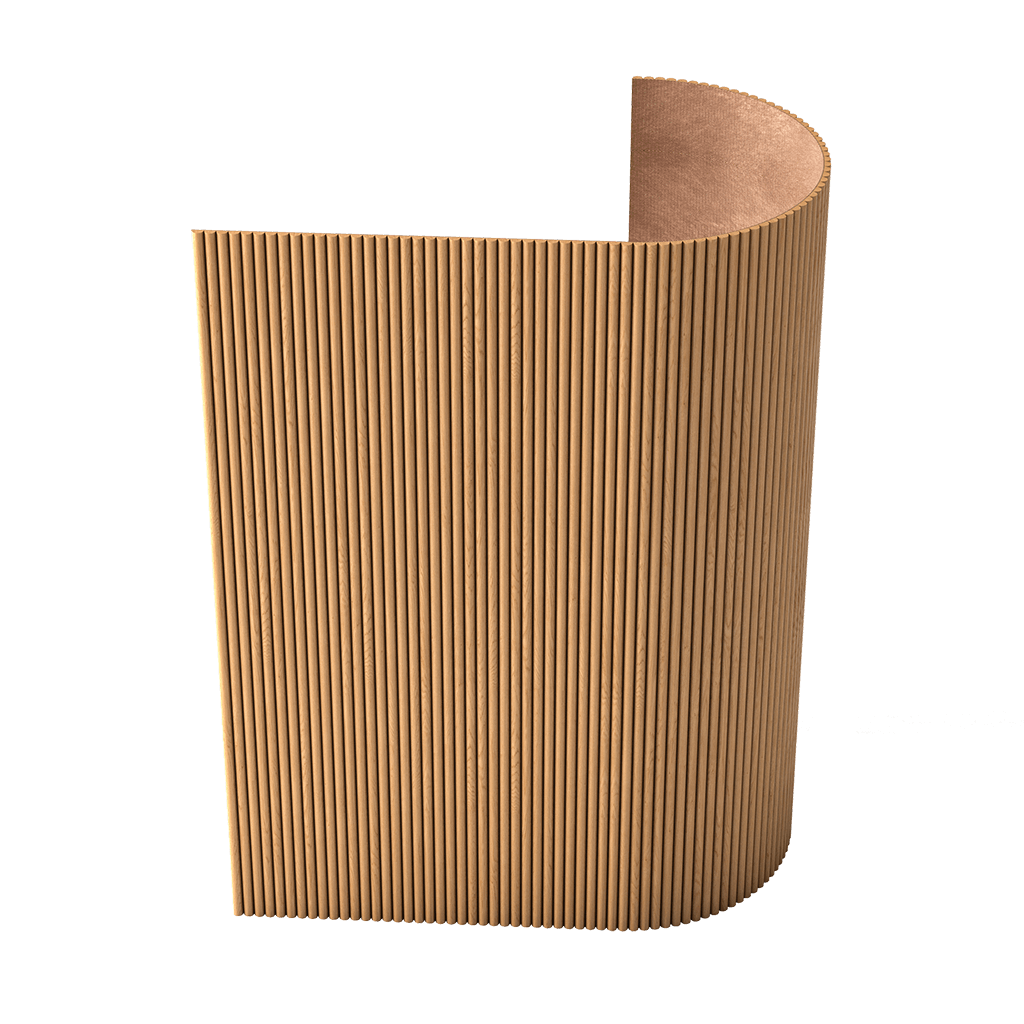
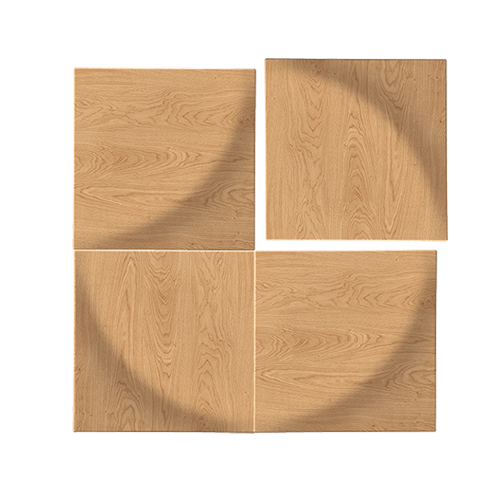
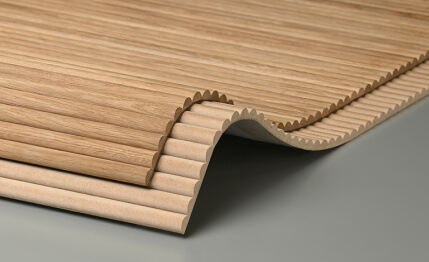
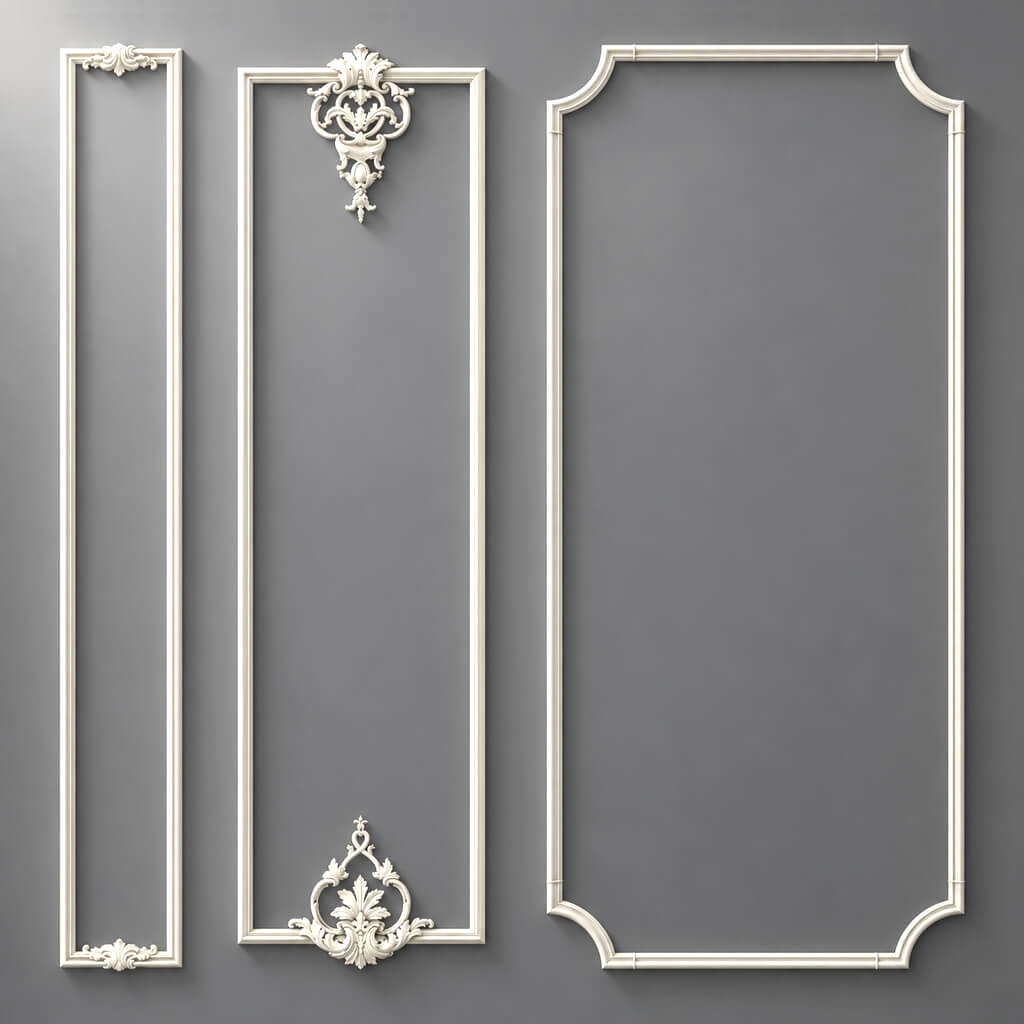
For actual selection, you can use STAVROS wall panels и Slatted wall panels.
It is especially important to distinguish:
Calculated Qty
и
Order Qty.
A project may geometrically require 17 modules, while the order requires 18 physical panels due to cutting or reserve.
Why panel area and product quantity are different values
Entry:
12.8 m²
does not yet mean an order.
Area is a geometric characteristic of a surface.
Purchasing requires physical product units.
Therefore, the working line must answer:
- how many modules;
- which SKU;
- what size;
- where it is used;
- how many can actually be ordered.
This is especially critical for panels with a fixed module.
How to install moldings
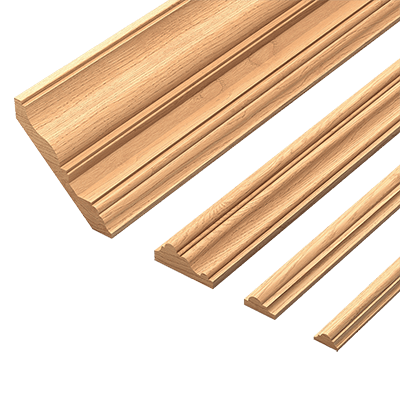
Molding cannot be listed as a single line:
molding — 48 m
This entry does not show how much to buy.
Better to store:
- SKU;
- width;
- the depth;
- commercial length;
- color or finish;
- room;
- zone;
- geometric length;
- Order Qty in pieces.
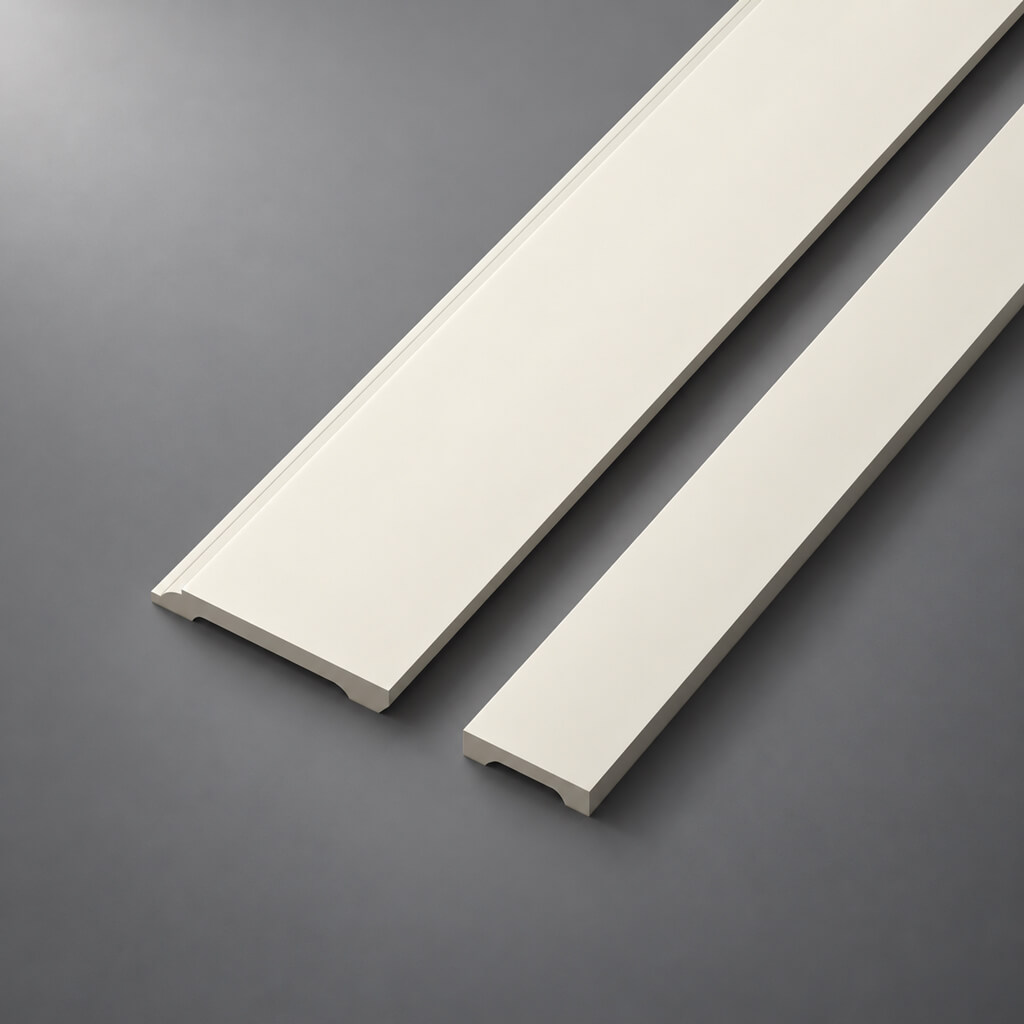
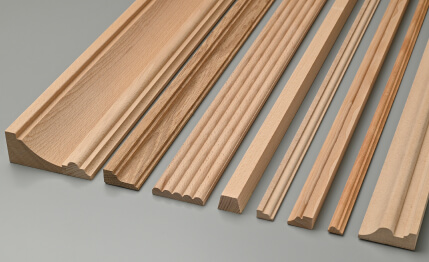
To select the actual profile, you can use Moldings made of polyurethane.
For example:
ML-01 / 42.3 m calculated / 24 pieces order
already much more useful than a line molding — 42 m.
How to design stucco
Stucco decor is best divided immediately by calculation type.
Linear trim
Moldings, cornices, skirting boards.
meters → cutting → strips.
Piece items
Rosettes, overlays, brackets.
Number of pieces.
Paired items
Left and right positions.
L и R are tracked separately.
Compositions
If the system consists of multiple SKUs, each purchased item gets its own line.
For selection, you can use polyurethane molding и Decorative Inserts.
How to manage decorative wooden elements
For wood, it is useful to add additional fields:
- wood species;
- direction of the texture;
- Tinting;
- coating;
- sample;
- application area.
This is especially important if the wooden decor is related to furniture or doors.
The same SKU in different finishes may be visually perceived as two different materials.
Therefore, the finish should be a separate approvable parameter.
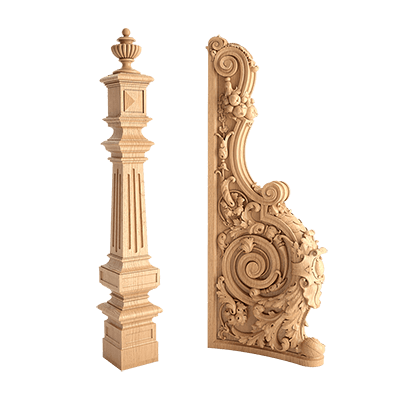
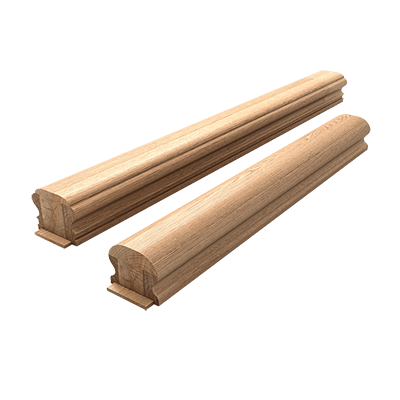
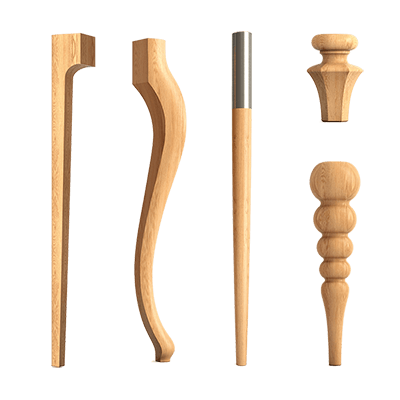
For product linking, you can use wooden decorative elements, Solid Wood Items и Wooden trim.
How to design ceiling roses
Bad line:
ceiling rose — 3 pcs.
A good structure:
SKU → size → depth → room → light fixture / zone → quantity → status.
For example:
ROS-01 / STAVROS / SKU / living room / above the table / 1 pc. / APPROVED
If the same socket is used in several rooms, the quantity can then be summed by SKU.
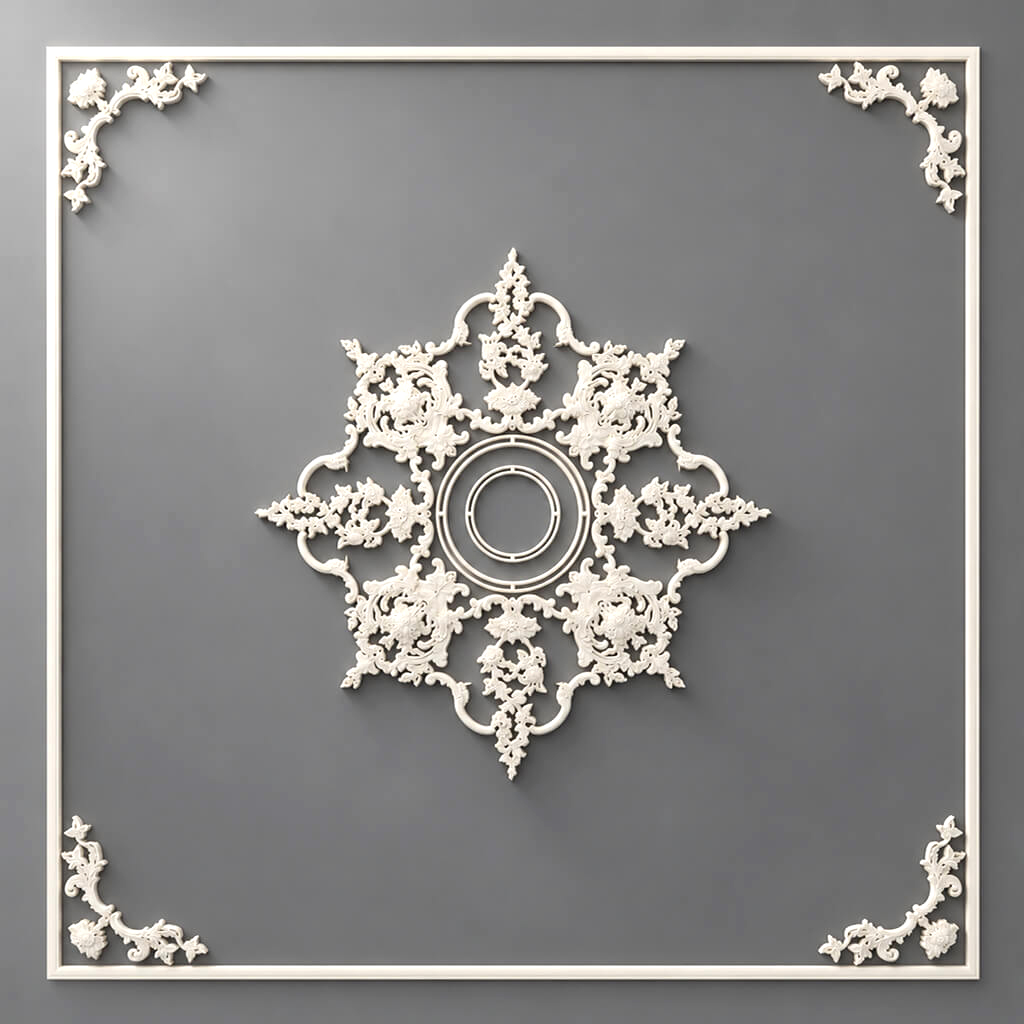
For selection, you can use ceiling rosettes.
How to handle pilasters and columns
A pilaster is often not a single product.
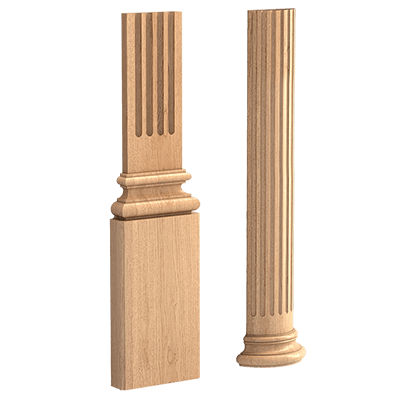
It may consist of:
- base;
- shaft;
- capital.
If these are three separate SKUs, the specification must have three lines.
Not:
pilaster — 4 sets
But:
PIL-01-BASE — 4
PIL-01-SHAFT — 4
PIL-01-CAP — 4
This way, purchasing does not depend on the assembler's guesses.
For linking, you can use pilasters and columns и Capitals.
Material and product are not the same thing
Field:
Material = polyurethane
does not replace the field:
Product = a specific STAVROS molding.
The material answers the question:
what is it made of?
The SKU answers:
what exactly are we buying?
Both levels are needed.
The same applies to MDF and wood.
Entry MDF does not say which wall panel is used.
Why the URL should be a separate field
After a few months, the item name may be forgotten.
The link helps you quickly return to the source.
But the URL does not replace the SKU.
Working link:
Manufacturer + SKU + URL.
If one of the parts is temporarily unavailable, the other two help restore the item.
You should use clean links without UTM and tracking parameters.
How to link DWG and 3D with the schedule
One project code should designate the same item across all environments.
For example:
ML-01
must be the same product:
- in 3D;
- in DWG;
- on the drawing;
- in the schedule;
- in the procurement.
Must not be allowed:
3D of one profile → DWG of another → procurement of a third.
For the digital part of the project, you can use DWG and STAVROS 3D models.
How to use samples
For some materials, digital approval is not enough.
It is useful to add to the specification:
Sample Status
Finish Approved
Approval Date
This is especially important for:
- wood;
- panels to be painted;
- complex stucco molding;
- materials with a noticeable texture.
A physical sample captures the actual color and finish.
For verification, you can use STAVROS product samples.
Item statuses
A working schedule should show not only what has been selected, but also what stage the item is at.
For example:
CANDIDATE
→ SELECTED
→ SAMPLE APPROVED
→ APPROVED
→ ORDERED
→ DELIVERED
This makes it possible to see what can already be purchased and what is still in approval.
Without statuses, the table remains a snapshot rather than a working tool.
Schedule revisions
Any significant change needs to be recorded.
For example:
REV01 → ML-01 = SKU A
REV02 → ML-01 = SKU B
If this is not done, after a few weeks it is difficult to understand which version was actually approved.
It is especially dangerous when the old SKU remains in the DWG, the new one is in Excel, and a third is used in 3D.
Why SKUs must not be replaced silently
Replacing an item can change:
- width;
- the depth;
- frame grid;
- joint;
- quantity;
- Cutting;
- price;
- visualization;
- DWG.
Therefore, replacing an item is a change to the design data.
Even if the new profile is "almost the same."
How to link the bill of materials to the calculation
The bill of materials must store two quantities:
Calculated Qty — how much the project requires.
Order Qty — how much to actually purchase.
For molding:
42.3 m calculated
24 planks order
For the panel:
17 modules calculated
18 panels order
For a rosette:
6 pcs. calculated
6 pcs. order
This way you can see where the reserve appeared.
How to link the statement to the estimate
The price should appear after the following are approved:
SKU + Quantity.
Only after that does it make sense to add:
- unit price;
- line cost;
- delivery;
- reserve;
- total.
If the estimate is built earlier, it relies on items that are still changing.
As a result, the designer compares draft numbers rather than real options.
How to use the same material in multiple rooms
A single SKU does not need to be artificially duplicated as a separate product for each room.
You can use a single code:
ML-01
and multiple application lines:
living room
bedroom
hallway
After that, the total quantity is summarized by SKU.
This preserves both the place of use and the total procurement volume.
Typical rooms
On large projects, a standardized approach is useful.
For example:
TYPE-A
contains an approved finishing set.
If there are 20 such rooms:
- fully check one;
- record the revision;
- multiply the typical quantities;
- count exceptions separately.
One cannot assume that all similar rooms are automatically identical.
How to check the schedule before release
Before adding to the specification, check:
- each code corresponds to a SKU;
- all dimensions are actual;
- material specified;
- the finish is approved;
- the room is specified;
- the zone is defined;
- the unit of measurement is correct;
- Calculated Qty is filled in;
- Order Qty is filled in;
- the URL is specified;
- DWG and 3D match;
- status is up to date;
- revision is specified.
If at least a few items remain empty, the bill of materials is not yet ready for procurement.
How to turn a bill of materials into an order
Final chain:
APPROVED → merging identical SKUs → final Order Qty → price request → commercial proposal → order.
At this stage, commercial requests become natural because the project already knows exactly what to buy.
For panels — MDF wall panels and slatted panels.
For mouldings — Polyurethane moldings.
For moldings — Moldings made of polyurethane.
For wooden decor — Solid wood decorative elements.
That is, queries like "buy MDF wall panels," "buy polyurethane stucco," "buy polyurethane molding," and "buy decorative elements" do not appear at the beginning of the article, but after the project has formed precise product line items.
Working algorithm for assembling the bill of materials
- Break the project down by room.
- Within the rooms, identify zones.
- Assign a code to each type of finish.
- Link the code to a specific SKU.
- Fix the material.
- Record the actual dimensions.
- Record the finish.
- Add a URL.
- Link the item to DWG and 3D.
- Specify the unit of measurement.
- Enter the Calculated Qty.
- Convert it to Order Qty.
- Set the status.
- Specify the revision.
- Consolidate identical SKUs.
- Add the price after approval.
- Create the order.
A professional finishing materials schedule should answer not the question "what materials are in the project," but a more practical one:
which specific product is used, where it goes, how much is needed, and whether it can already be purchased.
Final structure:
ROOM → ZONE → FINISH CODE → SKU → MATERIAL → FINISH → CALCULATED QTY → ORDER QTY → STATUS → URL → PROCUREMENT.