Article Contents:
- 1. Definition of a mockup in design
- 1.1 What is a mockup?
- 1.2 History and evolution of the concept
- 2. Role of mockups in modern design
- 2.1 Bridge between idea and reality
- 2.2 Time and cost savings
- 2.3 Examples of use in various fields
- 3. Technological aspects of creating mockups
- 3.1 Main tools and software
- 3.2 Process of creating a mockup
- 3.3 Advantages of digital technologies
- 4. Tips for designers and practitioners
- 4.1 Starting work: how to properly plan a project
- 4.2 Interaction with the client
- 4.3 Practical recommendations for improving mockup quality
- 4.4 Ideas for inspiration
- 5. Ideas for development and application of mockups in the future
- 5.1 Integration with new technologies
- 5.2 Eco-friendly approach in design
- 5.3 New presentation formats
- 6. Examples of successful mockup application
- 6.1 Real cases from practice
- 6.2 Feedback from specialists
In the context of rapid development of digital technologies, designers and creative professionals increasingly rely on visualization tools that help test concepts and ideas even before their physical implementation. One such powerful tool is the mockup in design. But what exactly is a mockup? Why has it become so popular, and how can it improve the project development process? In this article, we will discuss the main aspects of mockups, their functions, applications, and impact on modern design trends. We will also consider practical tips for practitioners, share ideas for experiments, and explain how to use this tool to enhance work efficiency and improve communication with clients.
The article is divided into several sections: we will start with the definition and historical context, then move on to discussing technological possibilities, followed by practical tips, ideas, and recommendations, and conclude with an overview of current trends in this field.





1. Definition of a mockup in design
1.1 What is a mockup?
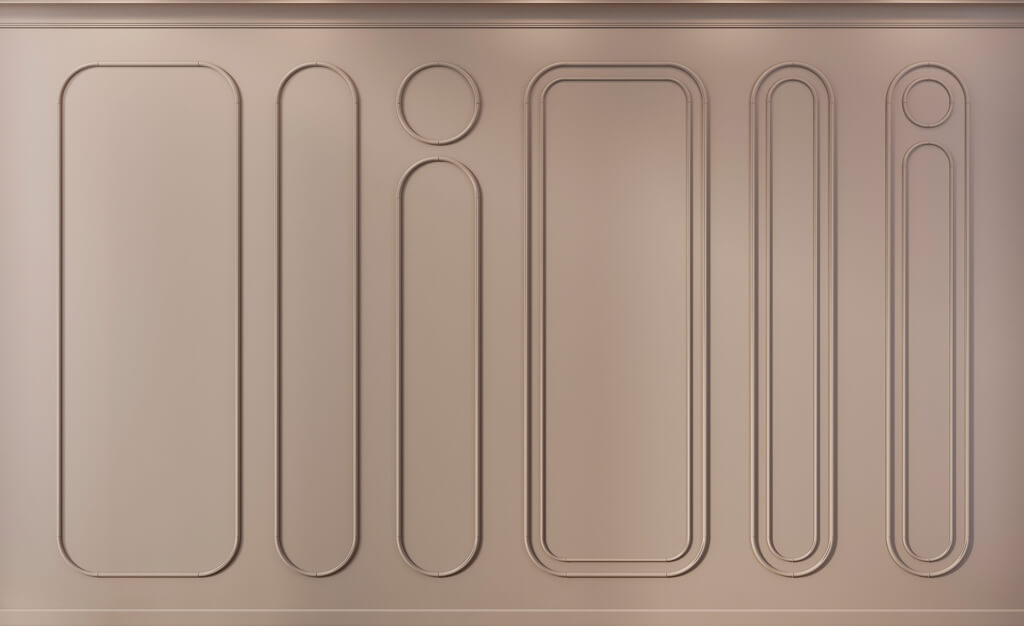
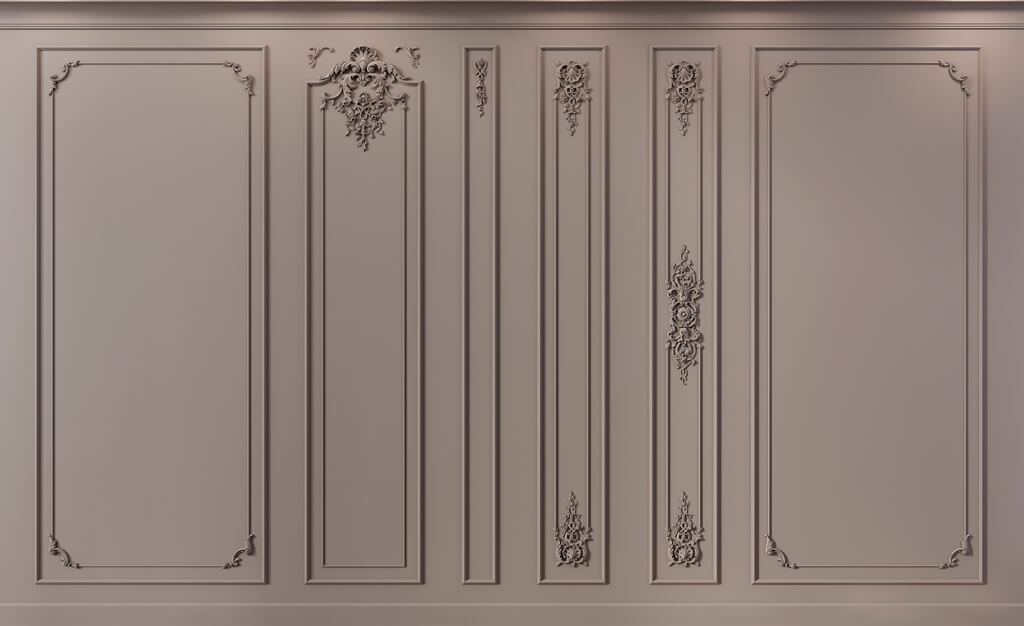
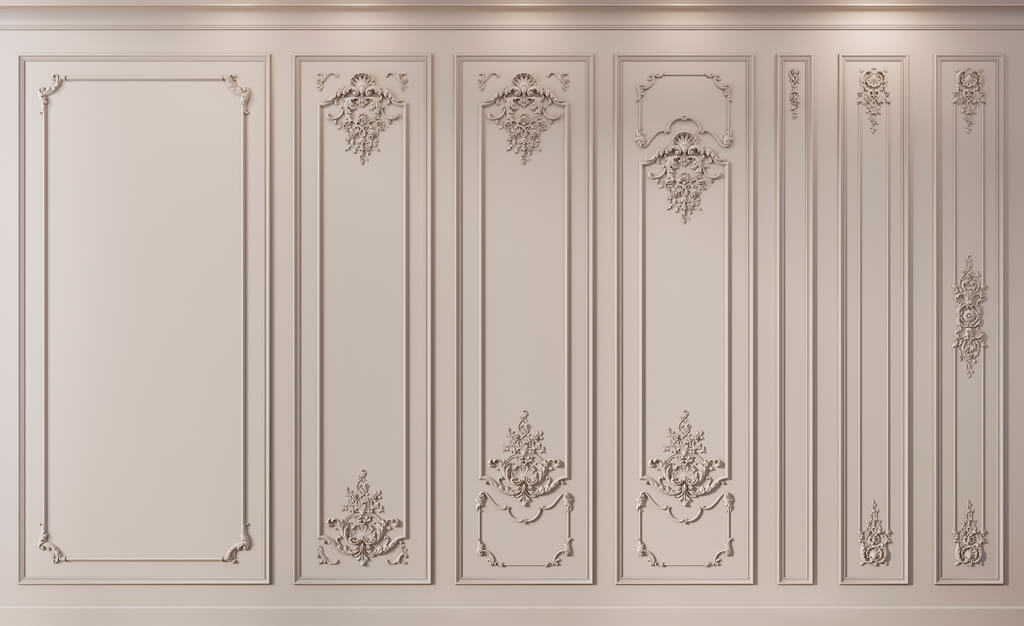
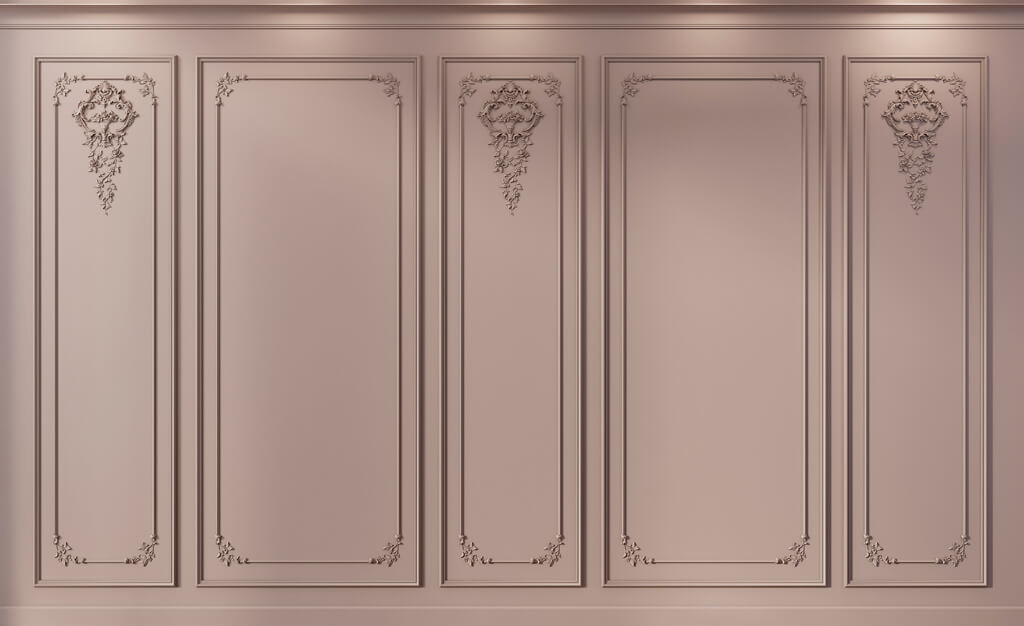
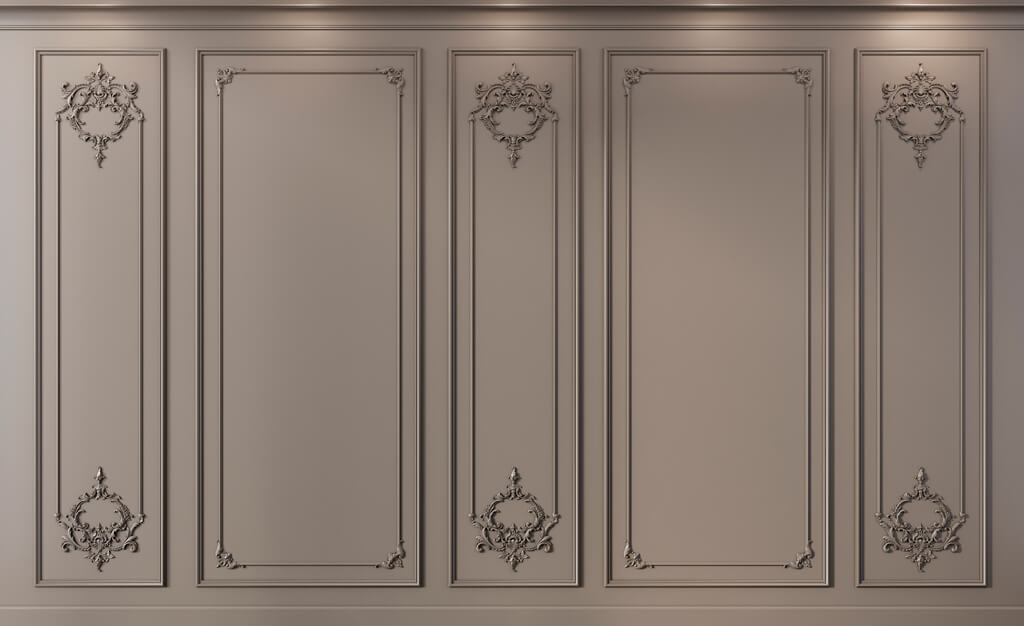
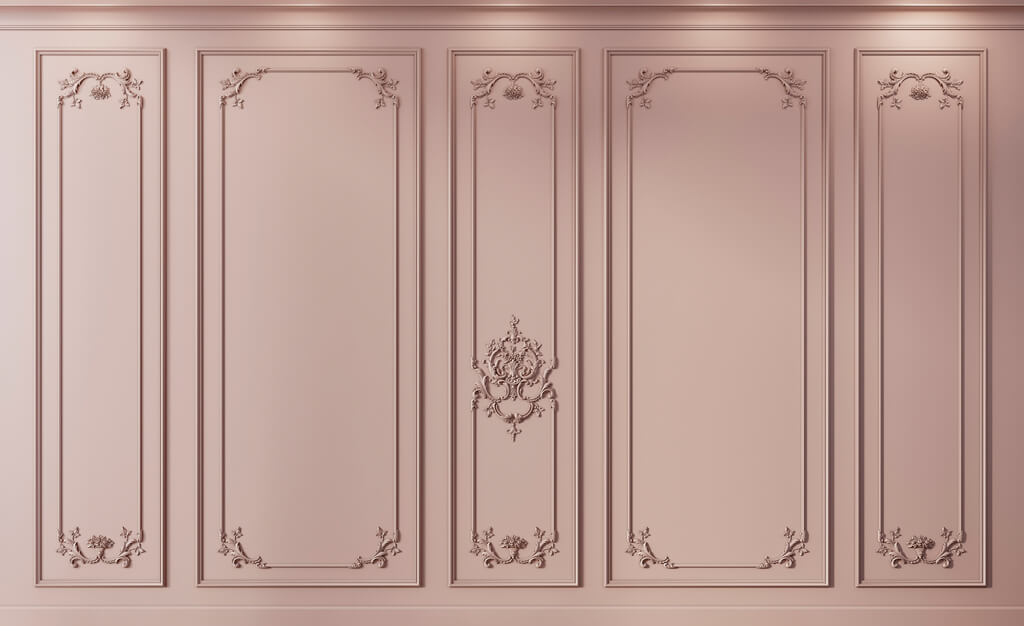
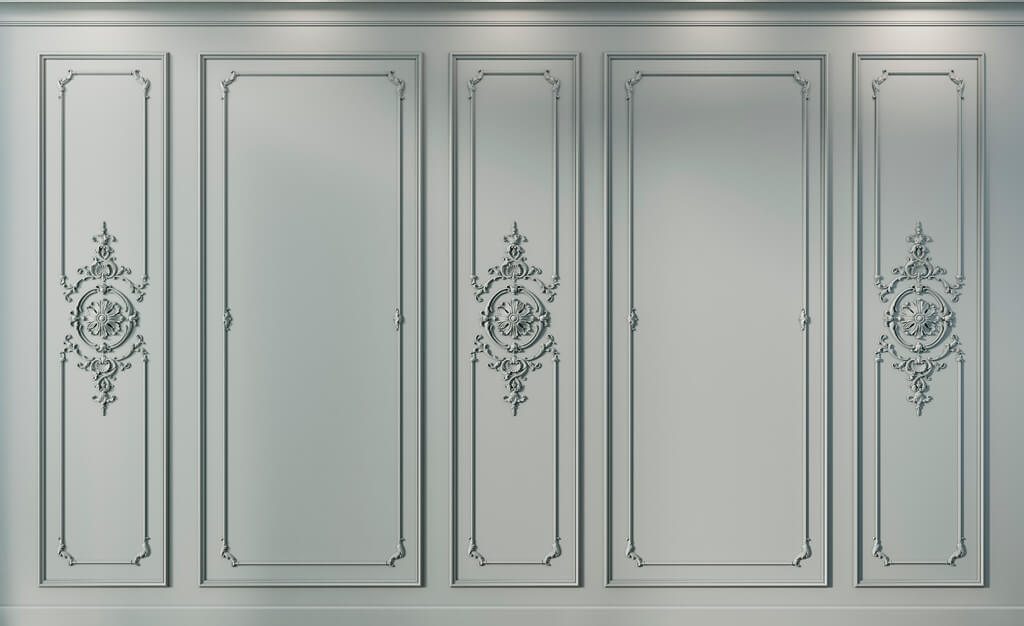
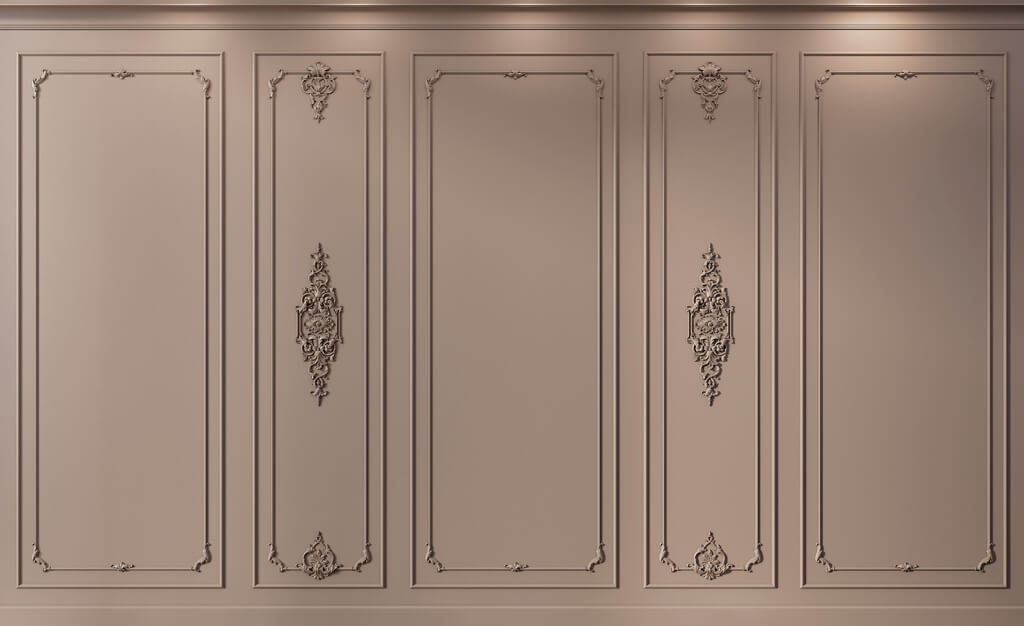
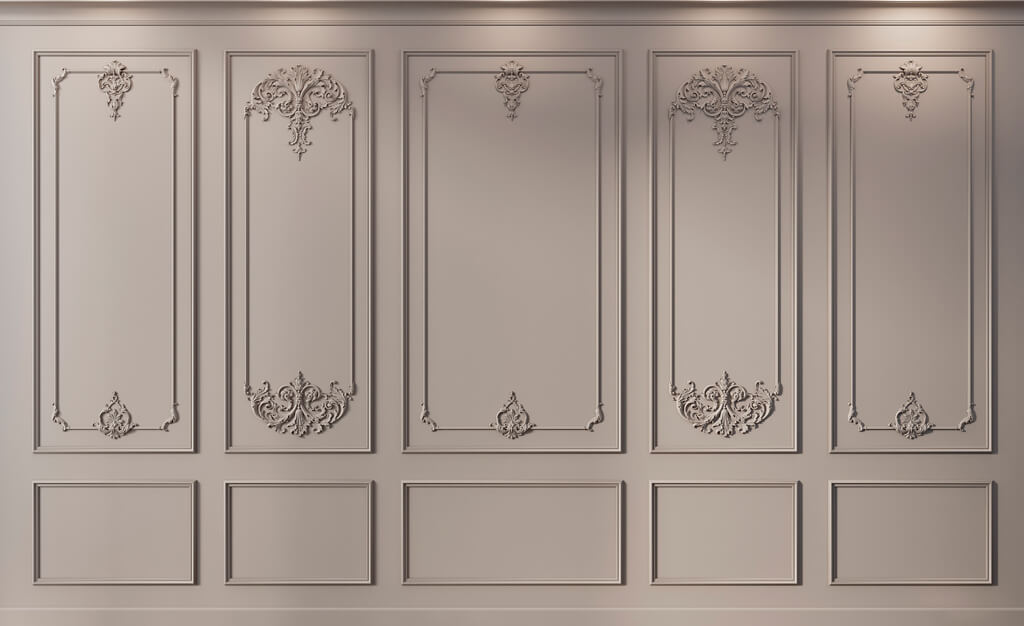
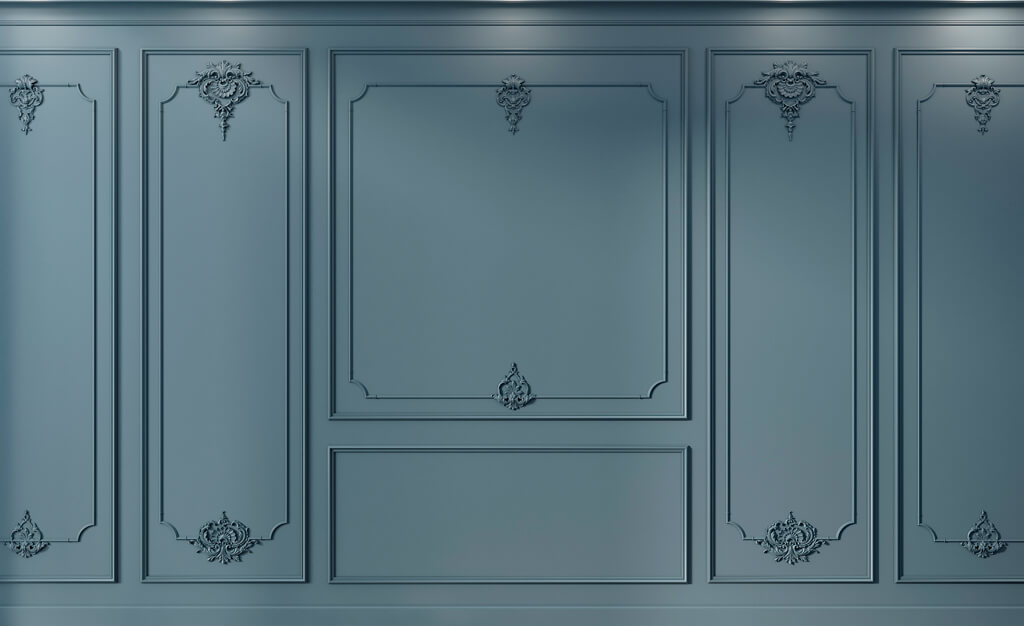
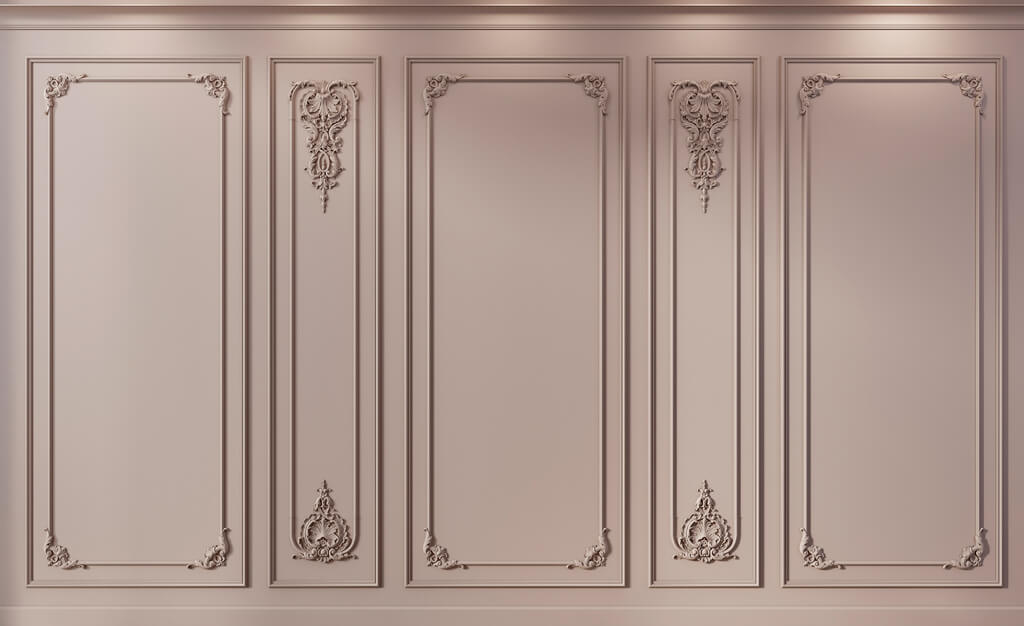
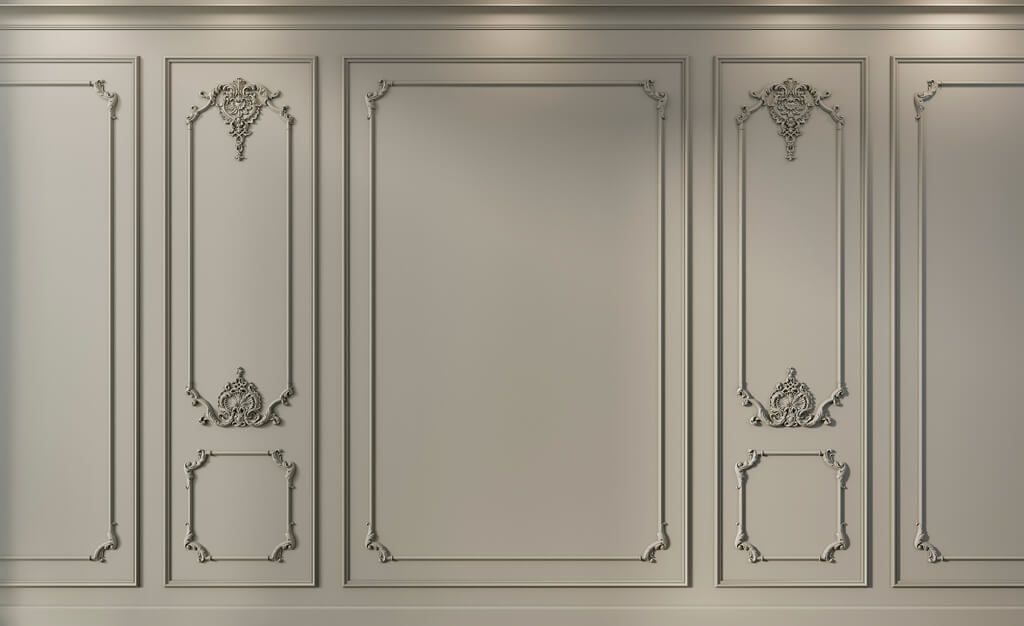
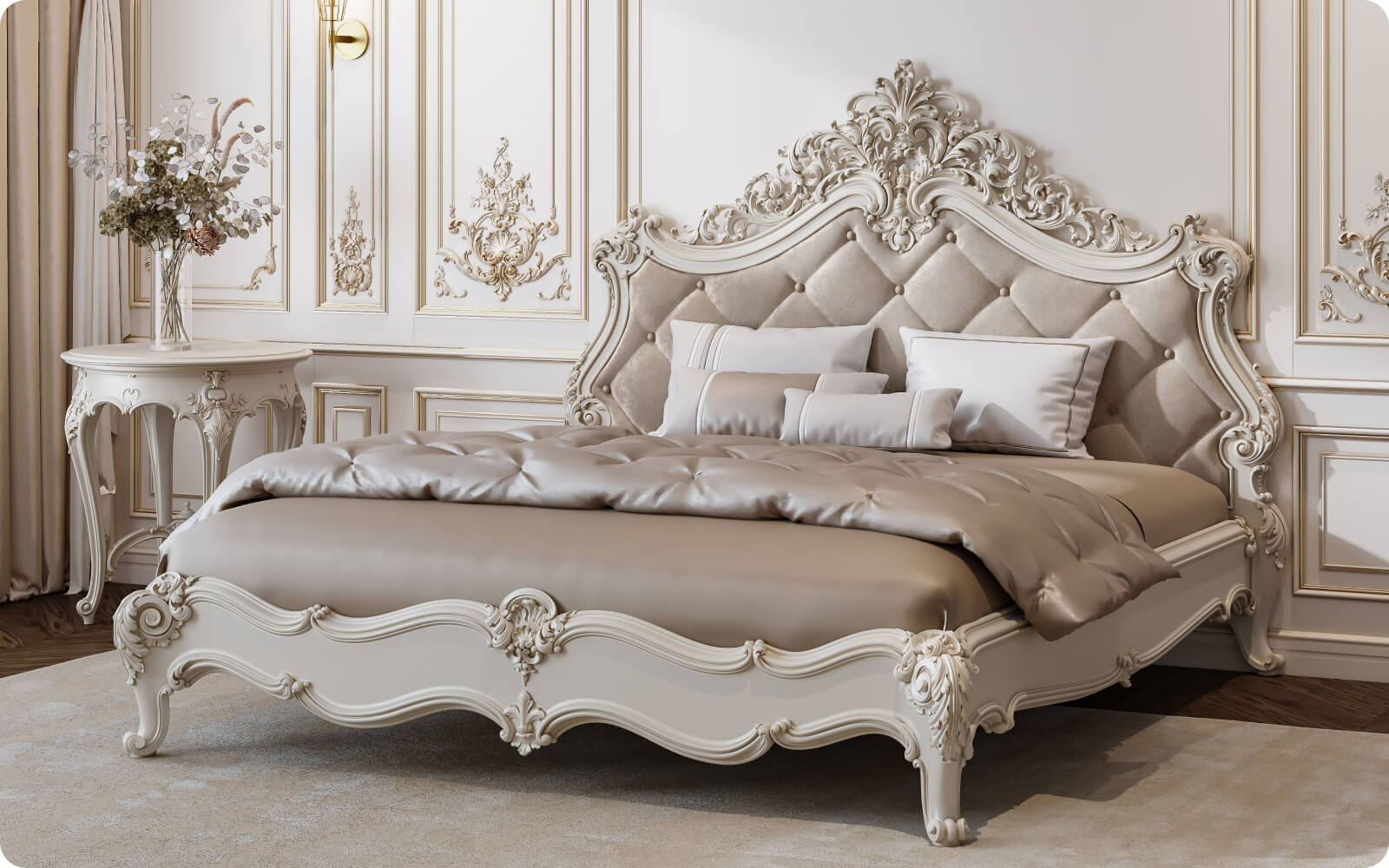
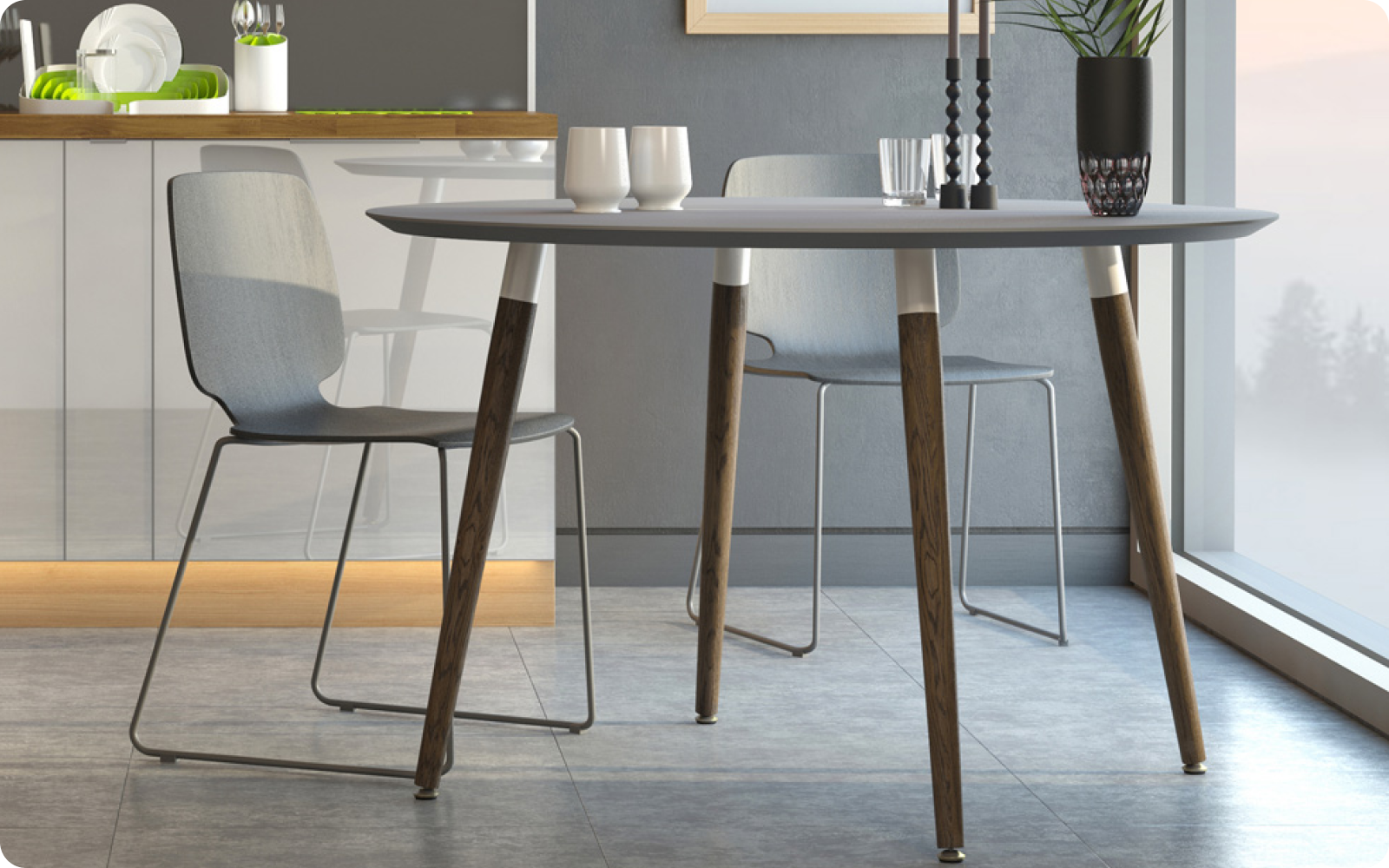
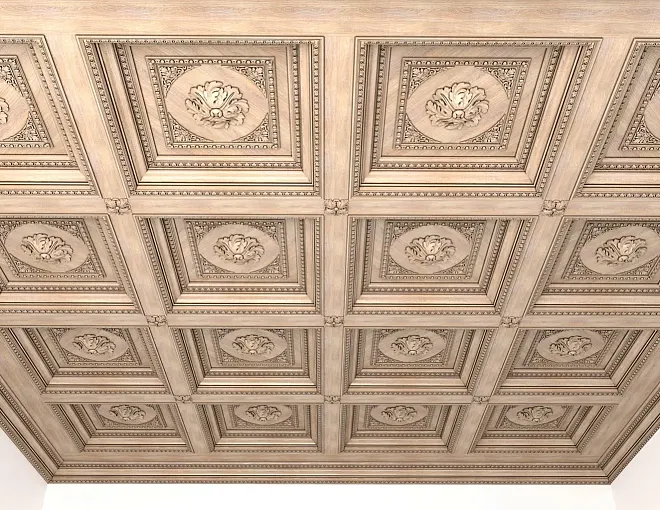
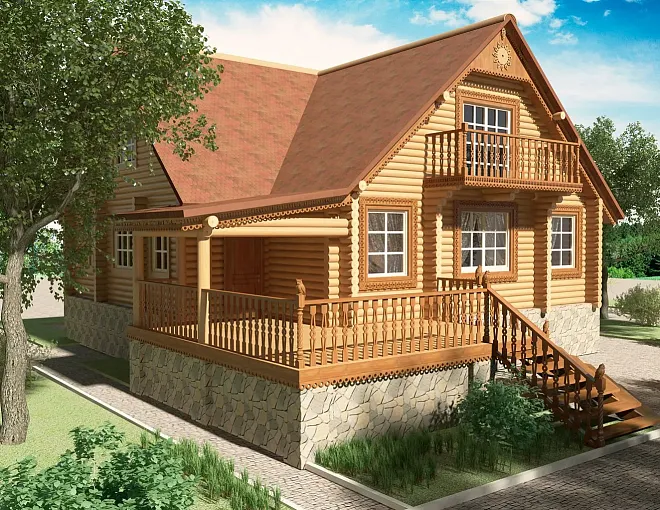
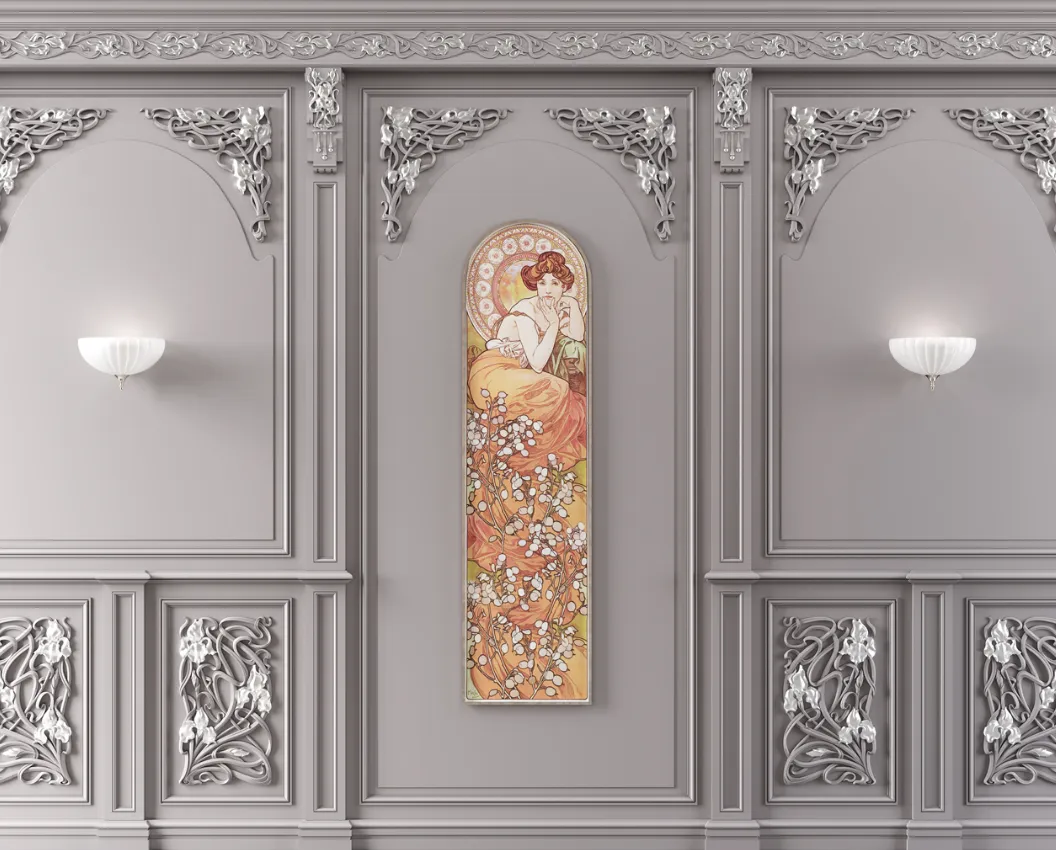
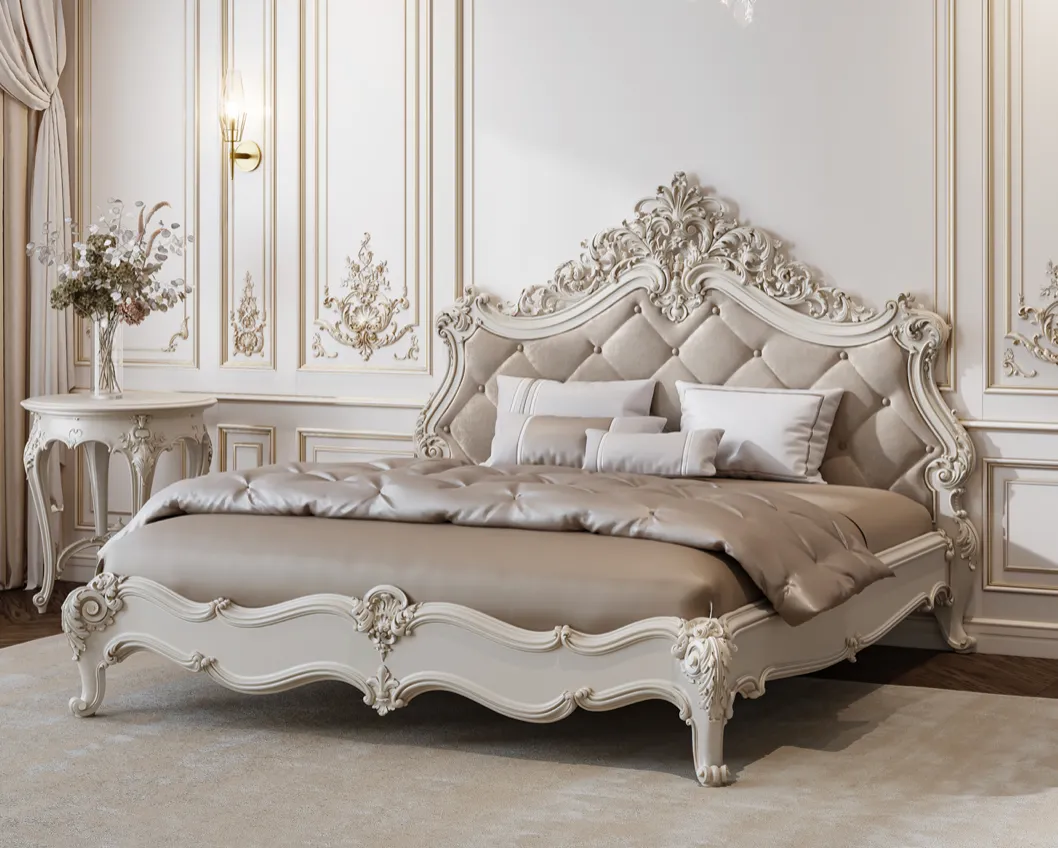
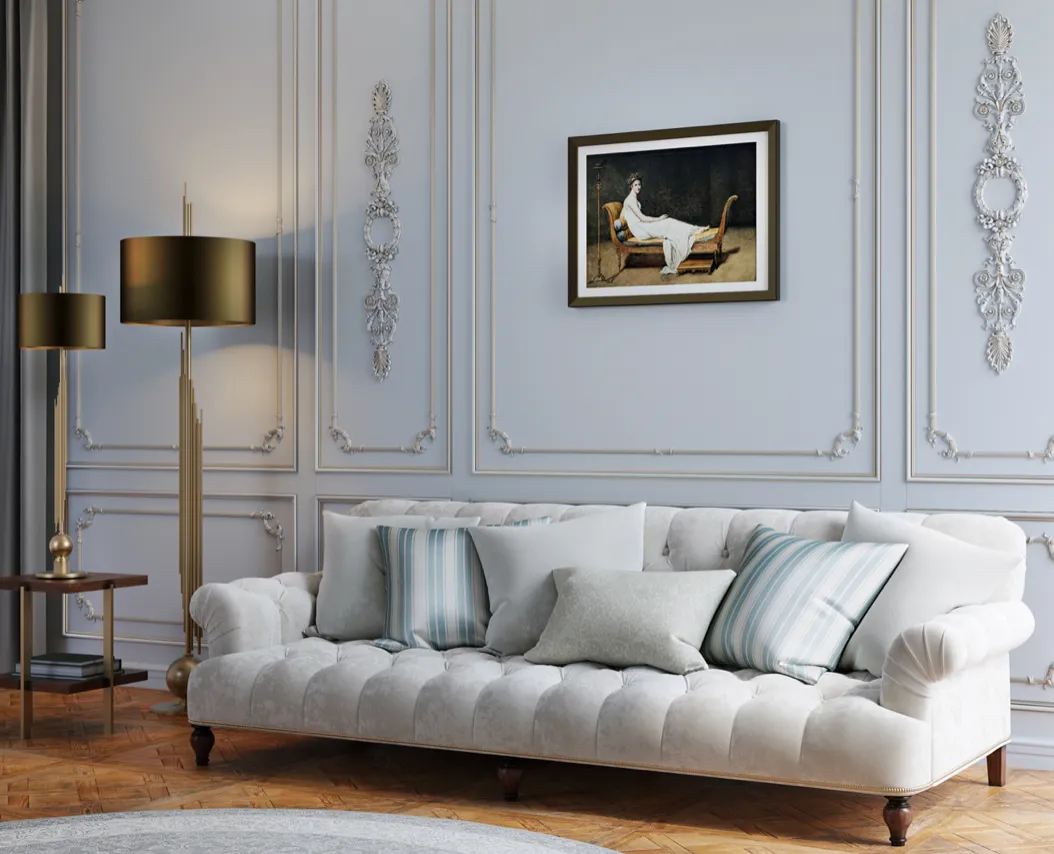
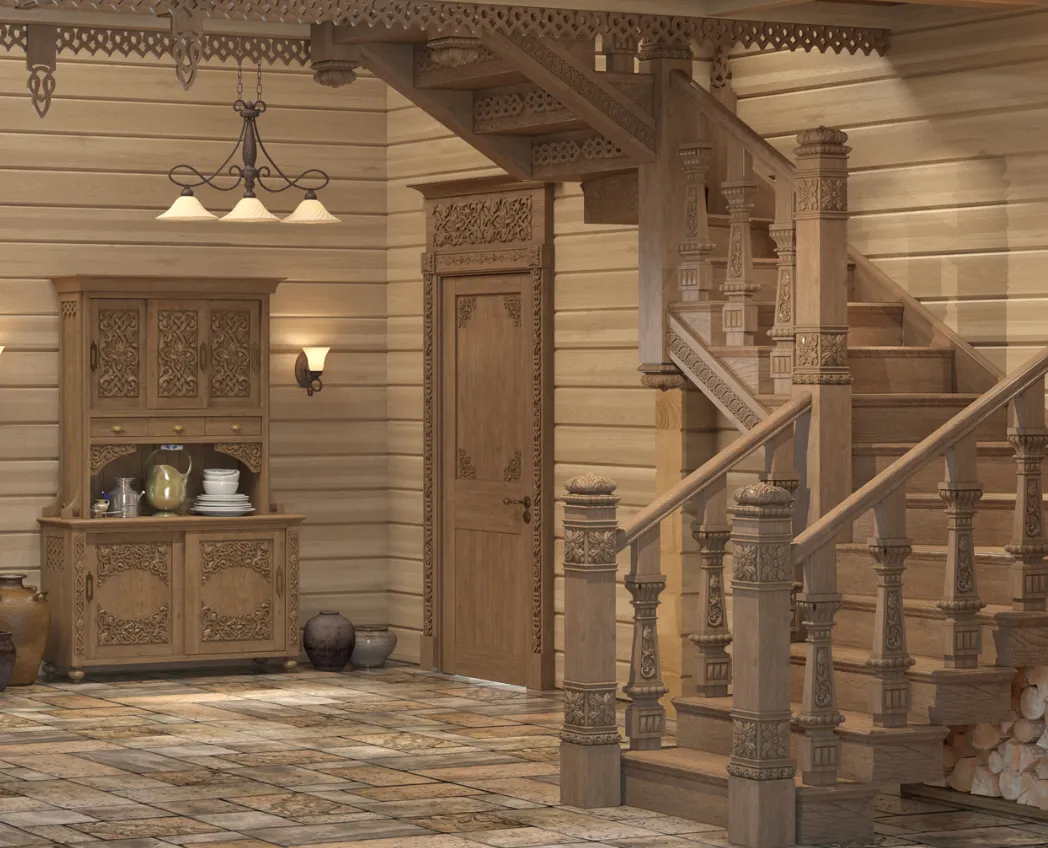
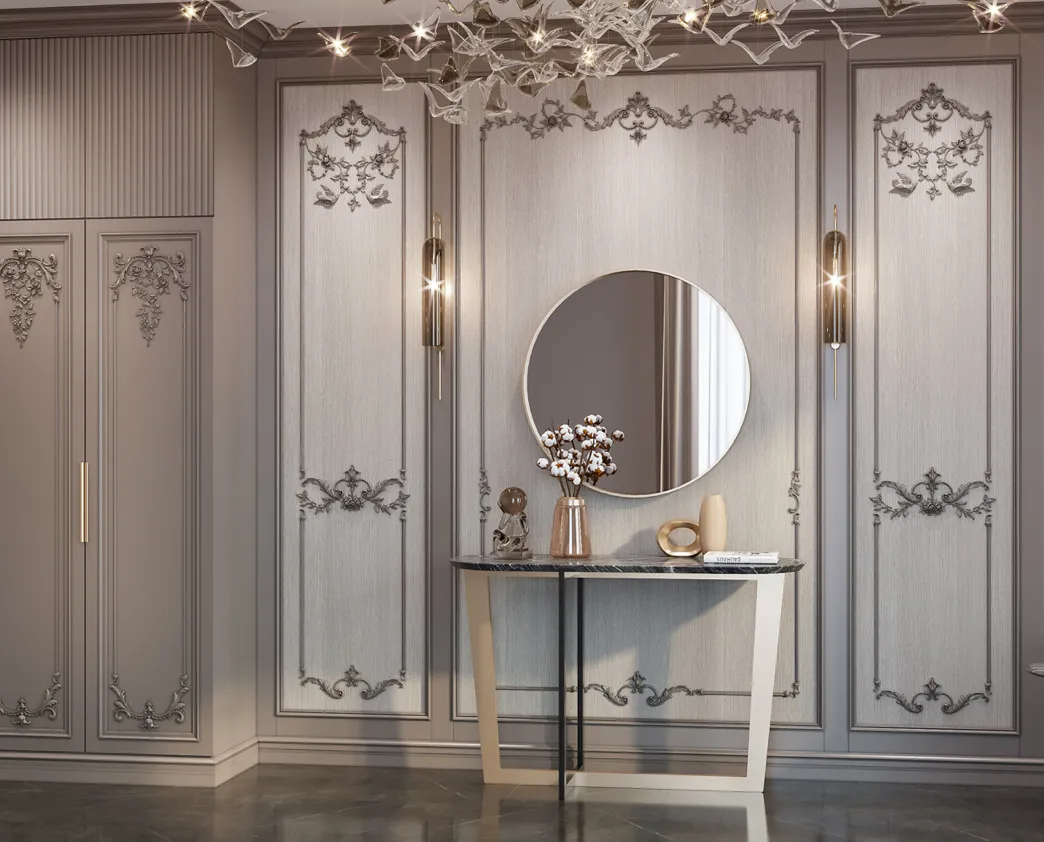
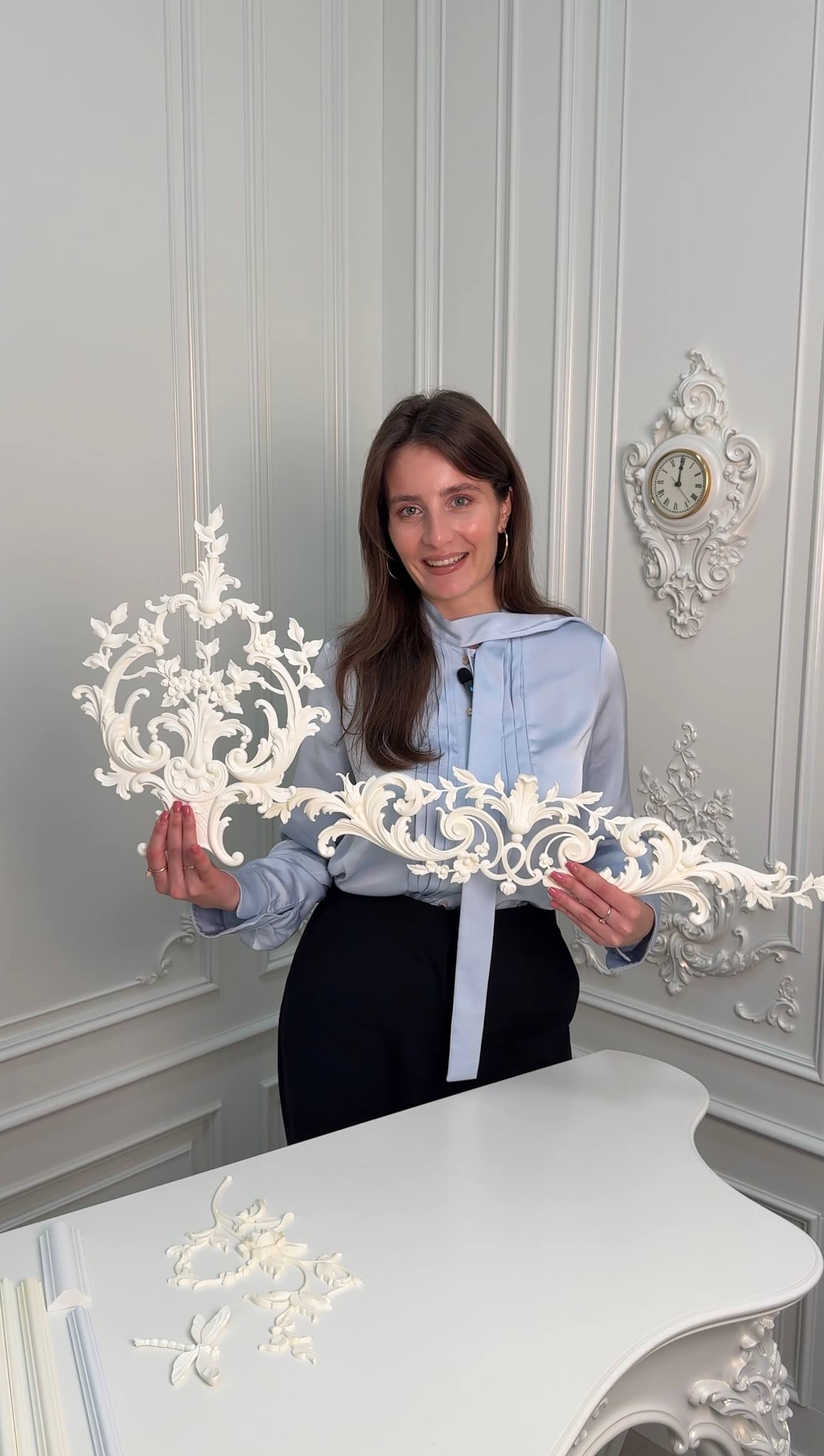
A mockup (from the English word 'mockup') is a preliminary visual prototype or model created using digital tools that displays the future appearance of an object, product, or design concept. Unlike simple sketches or rough drafts, a mockup is characterized by a high level of detail and photorealism. Its main purpose is to provide the most accurate representation of the final result, taking into account all nuances such as lighting, textures, materials, and spatial proportions.
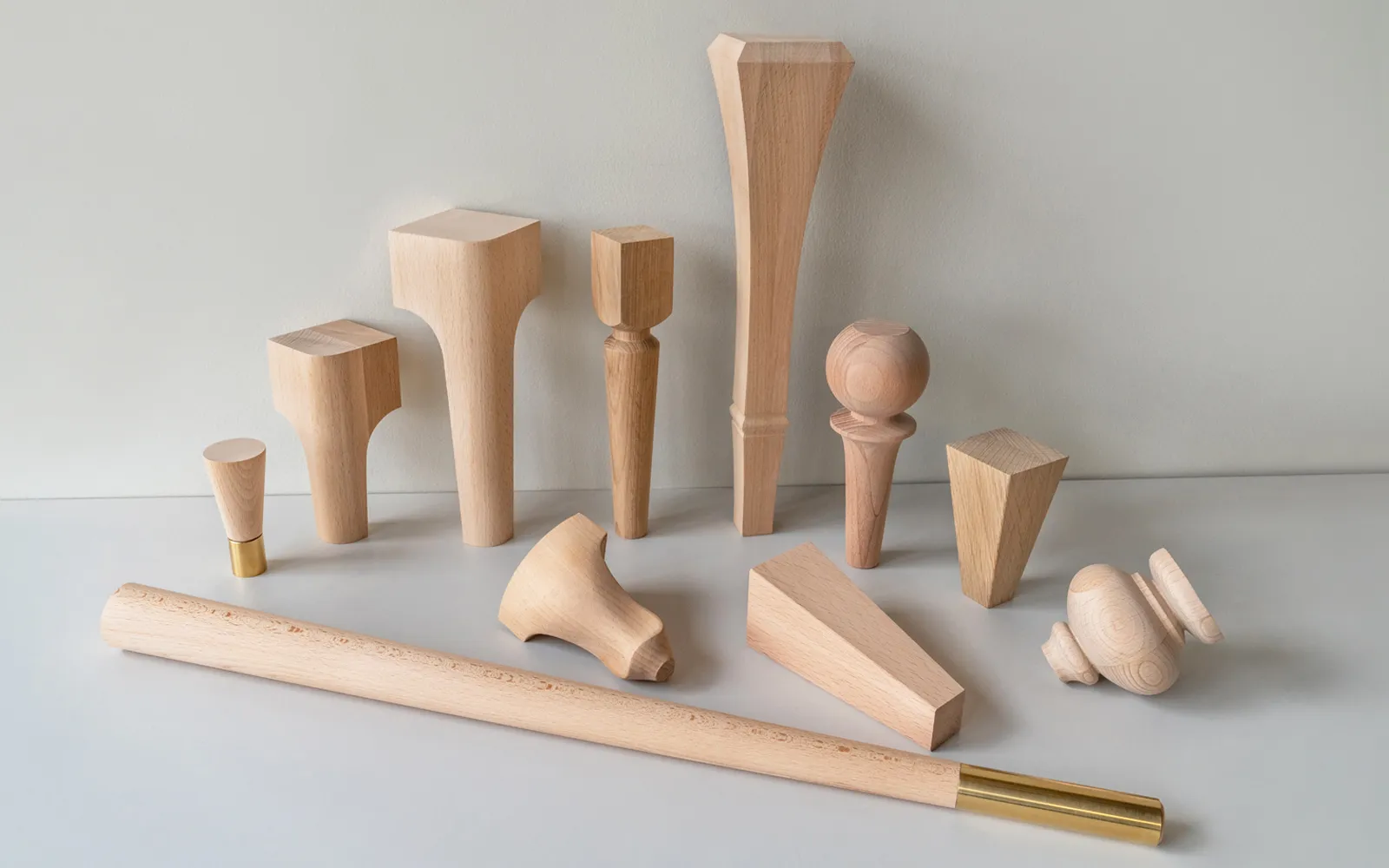
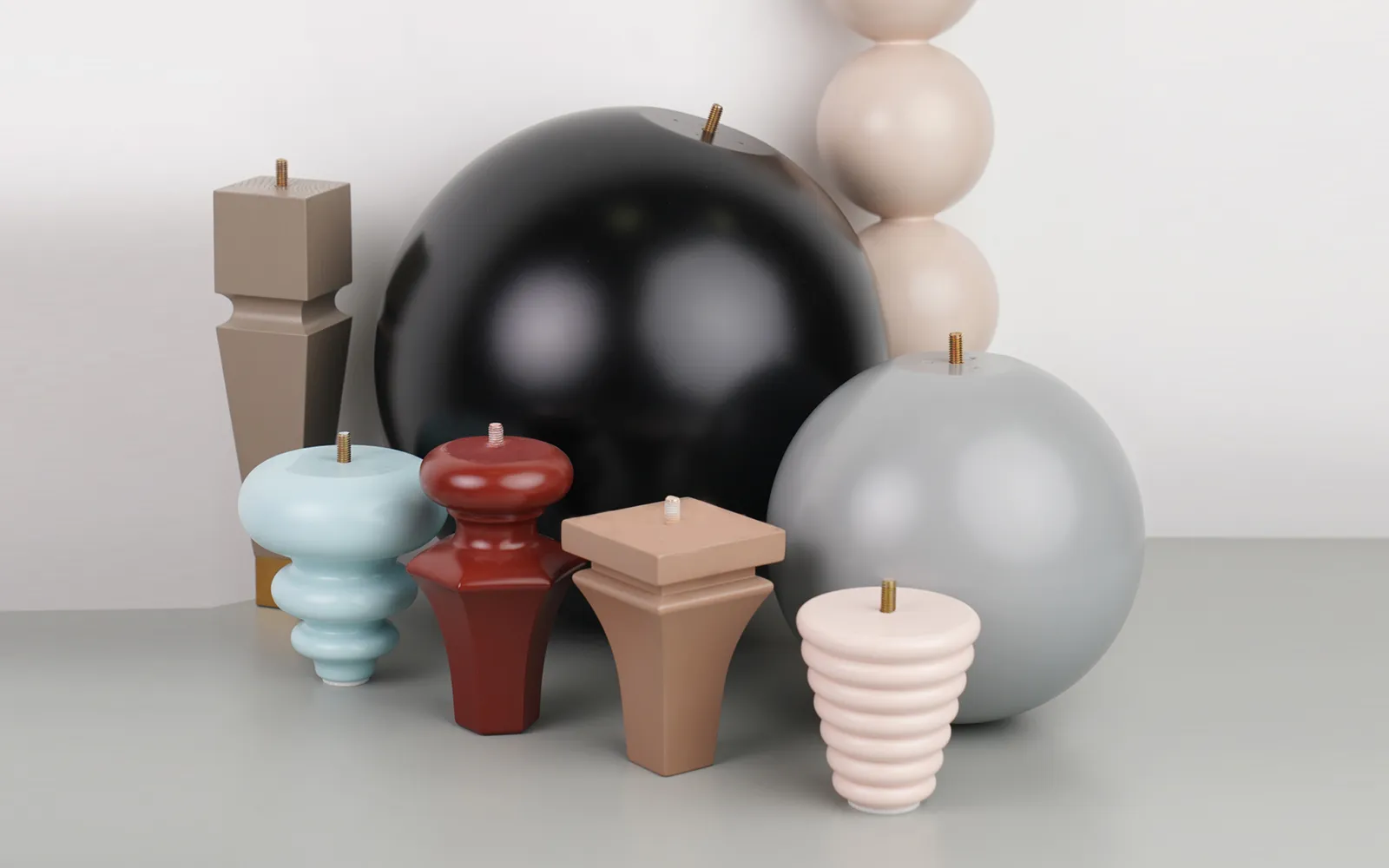
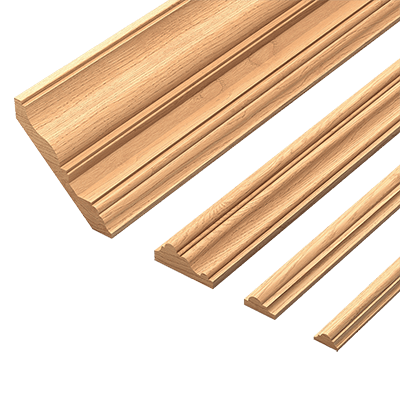
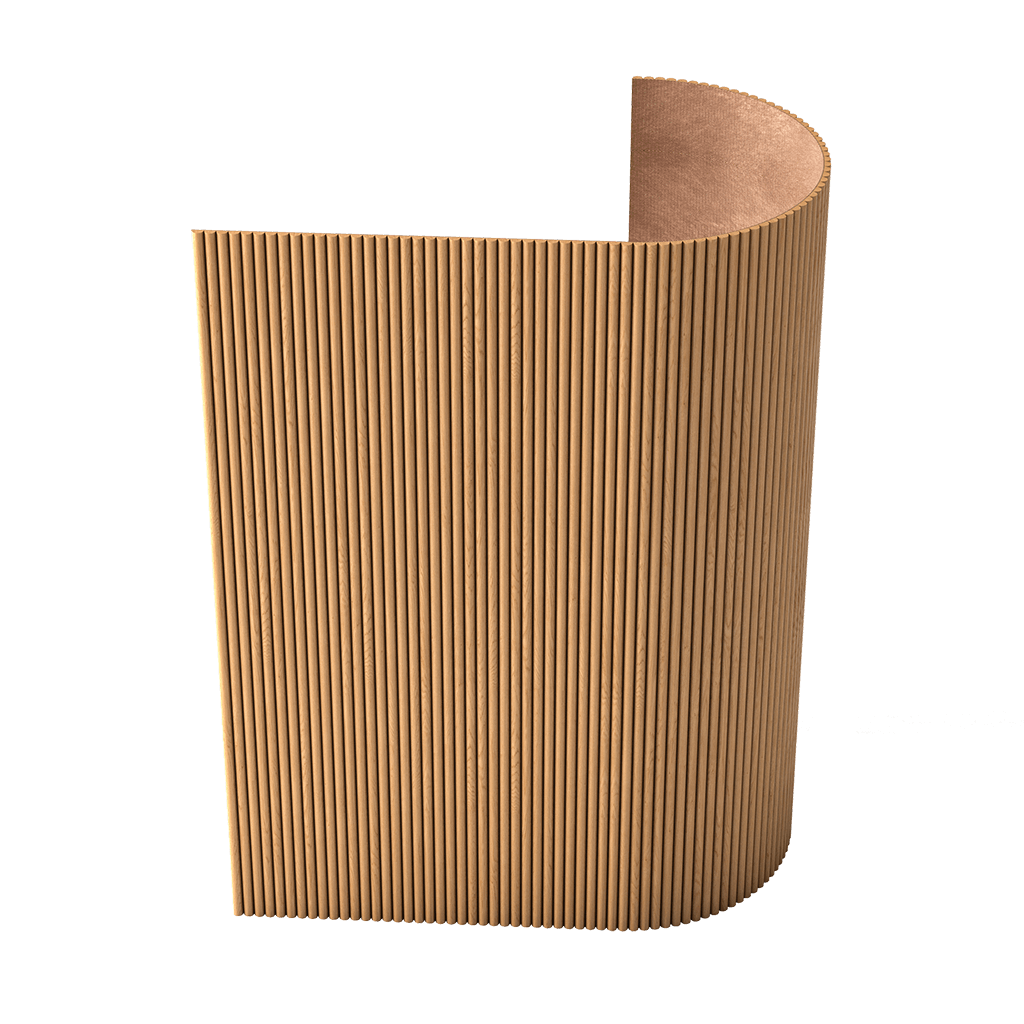
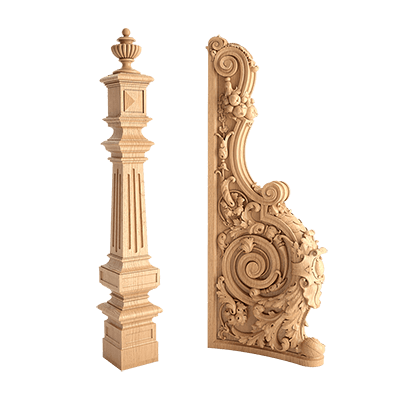
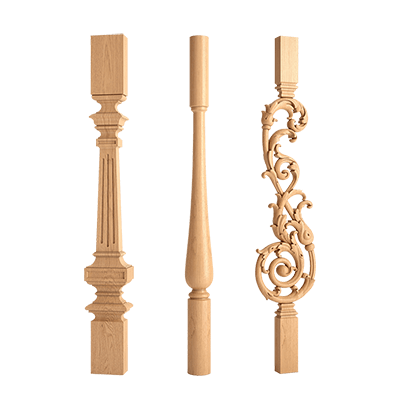
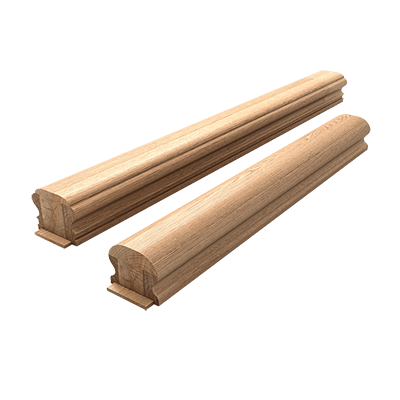
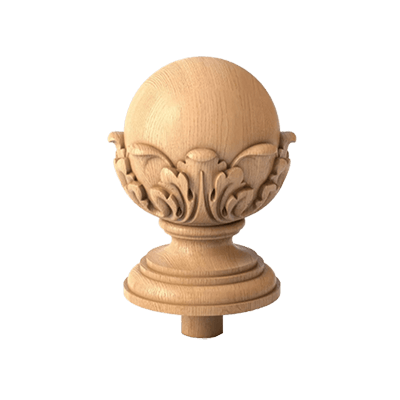
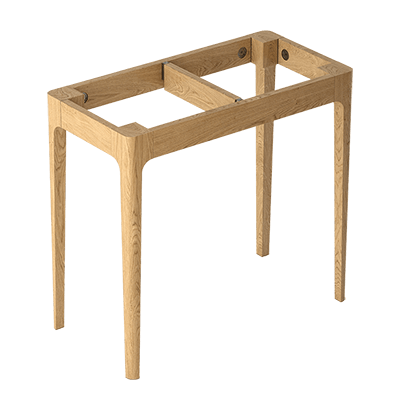
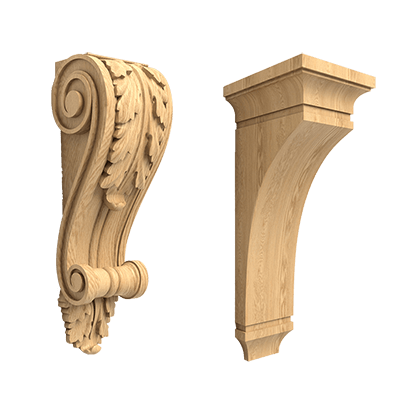
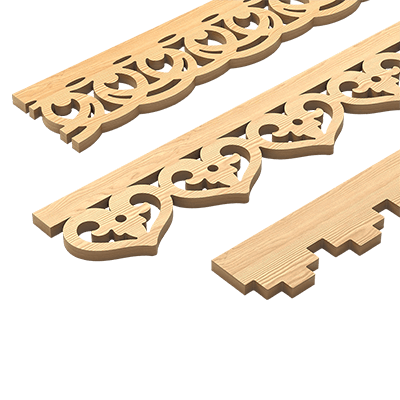
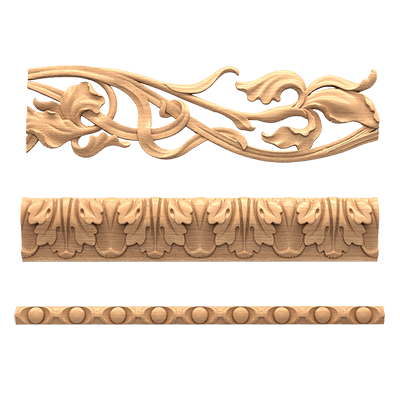
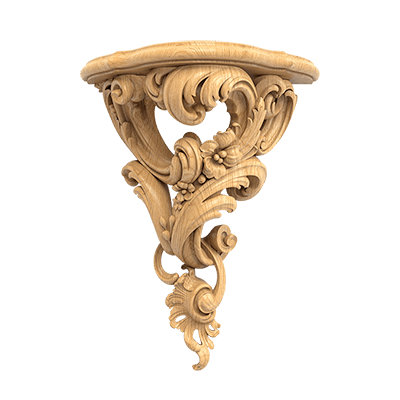
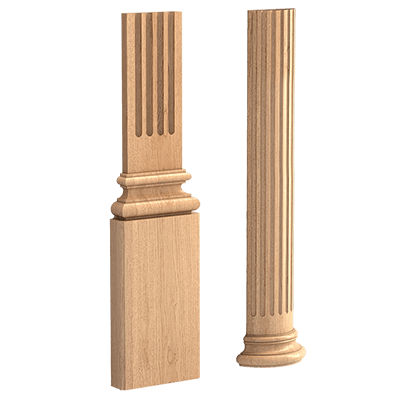
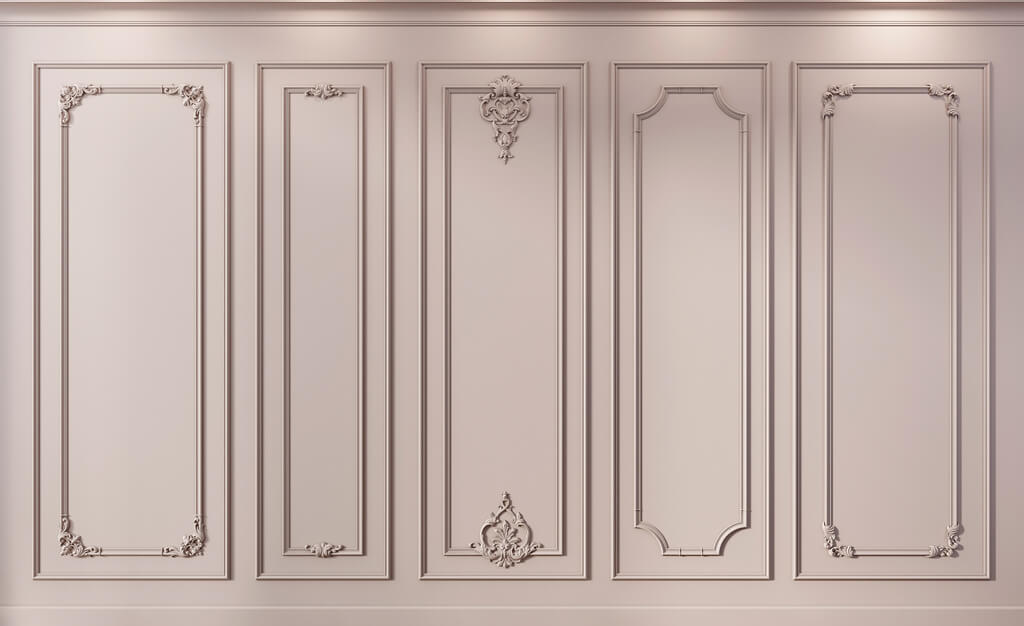
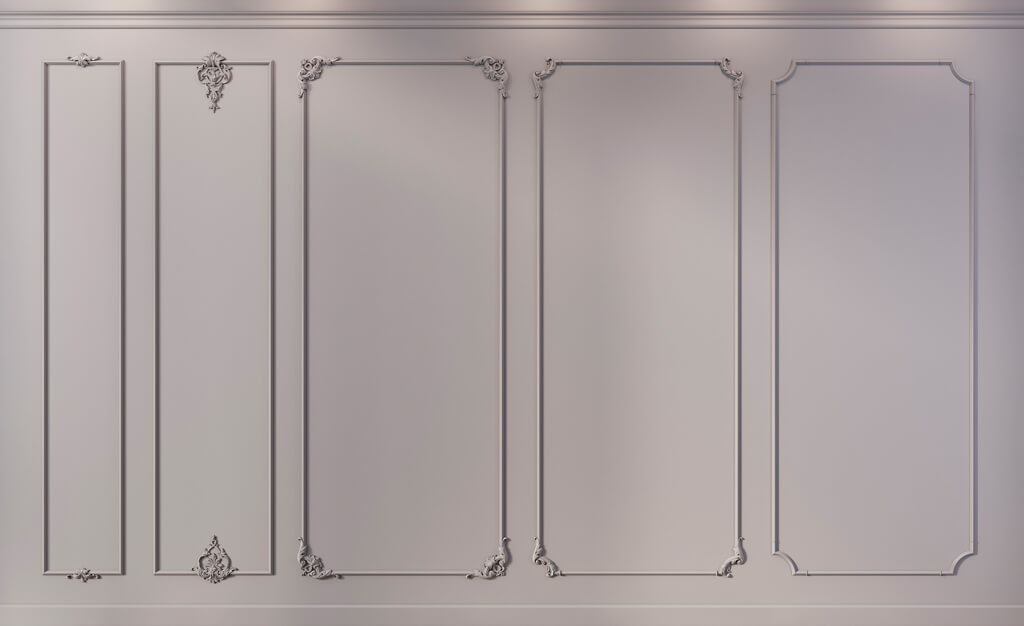
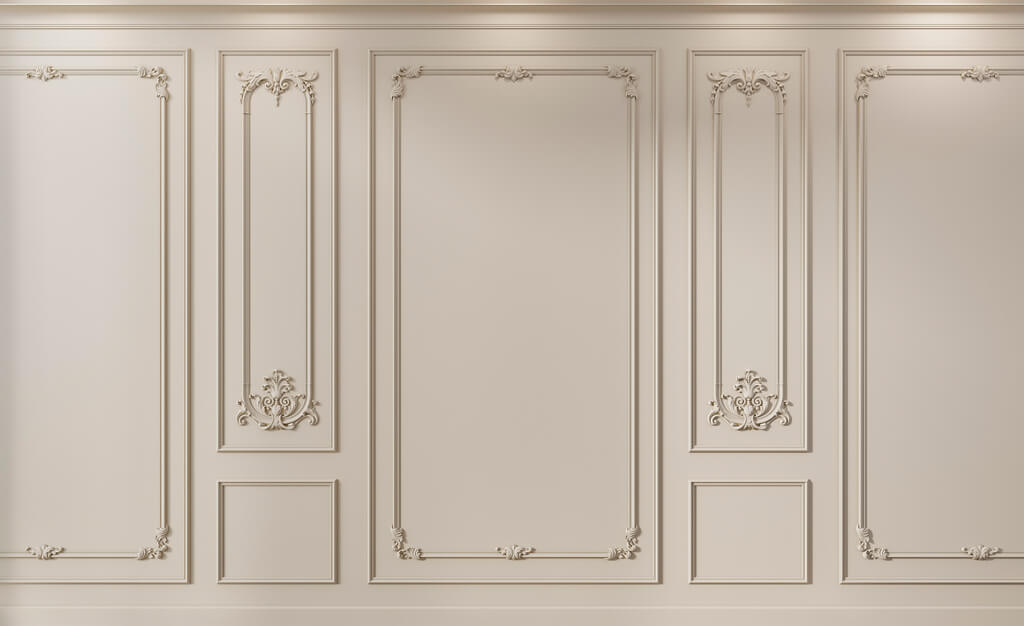
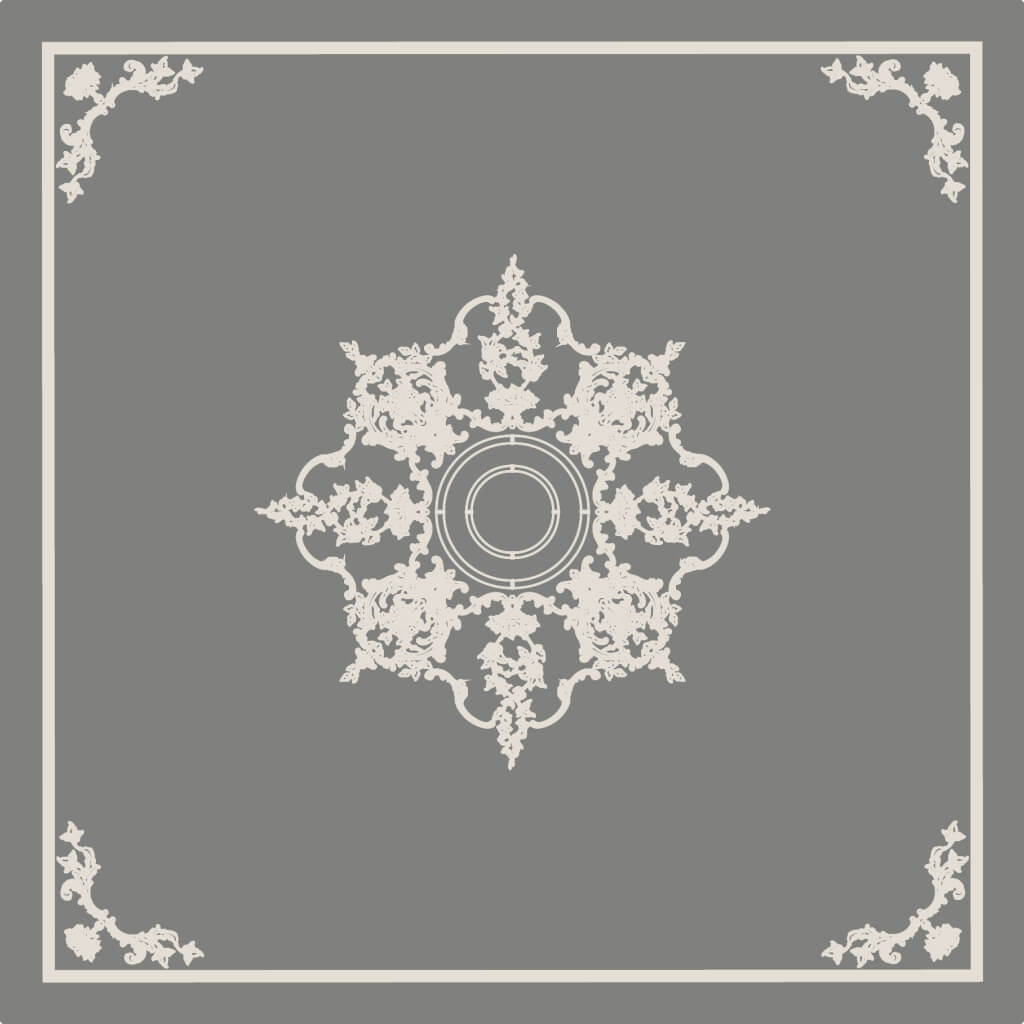
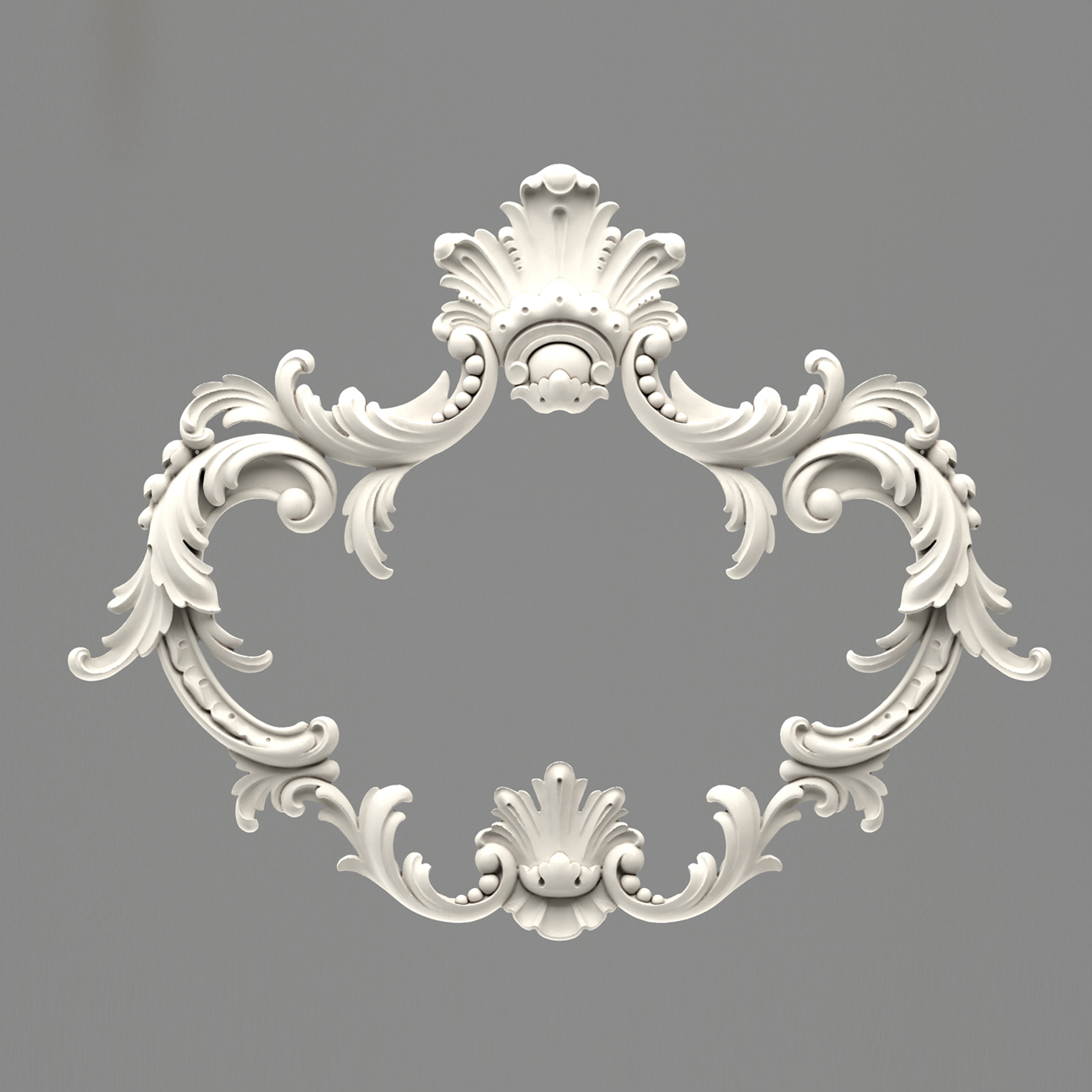
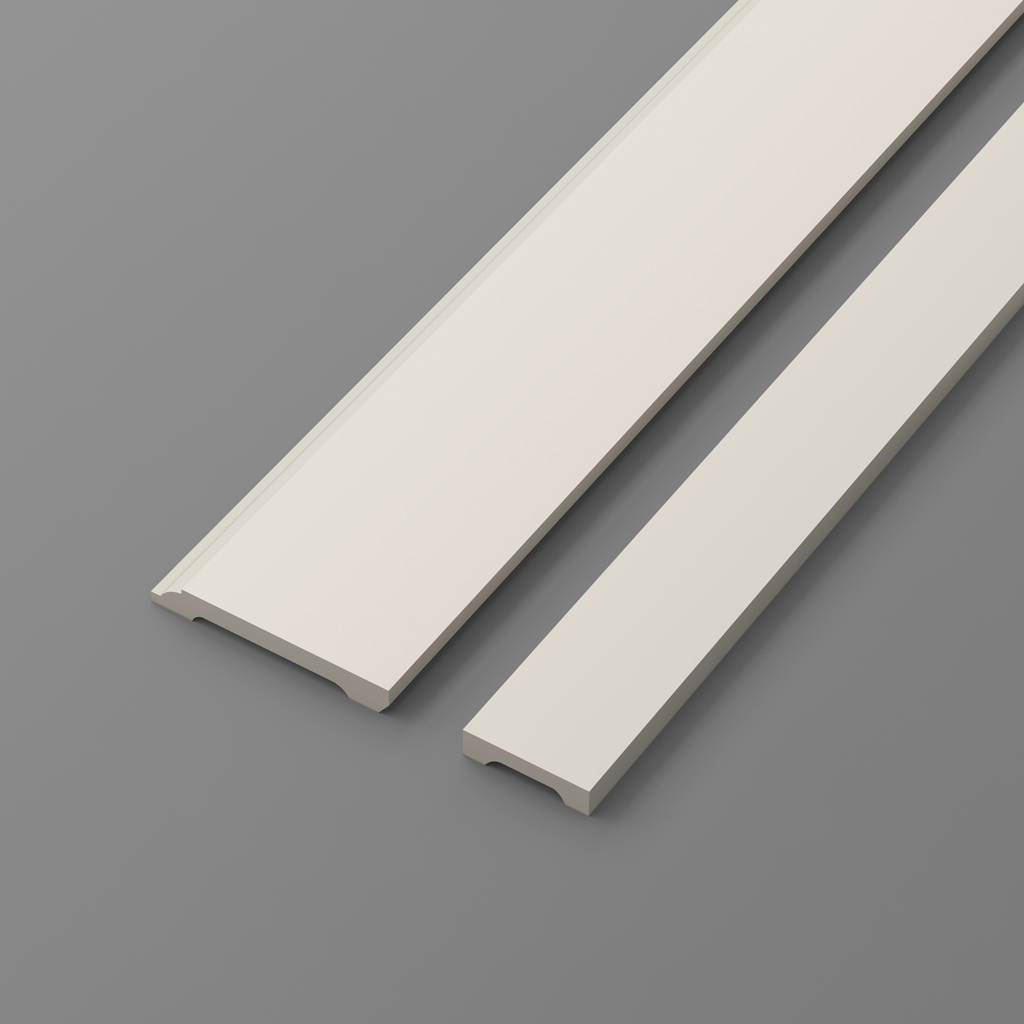
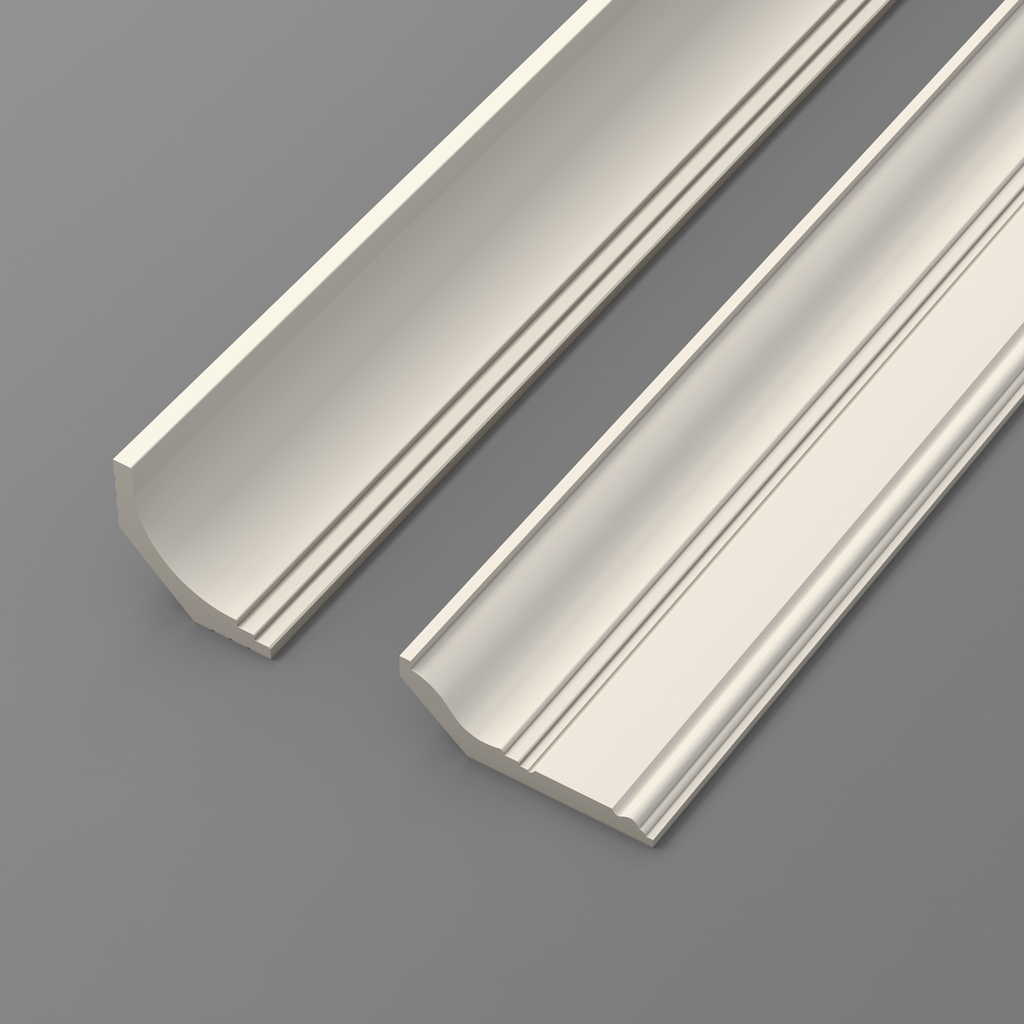
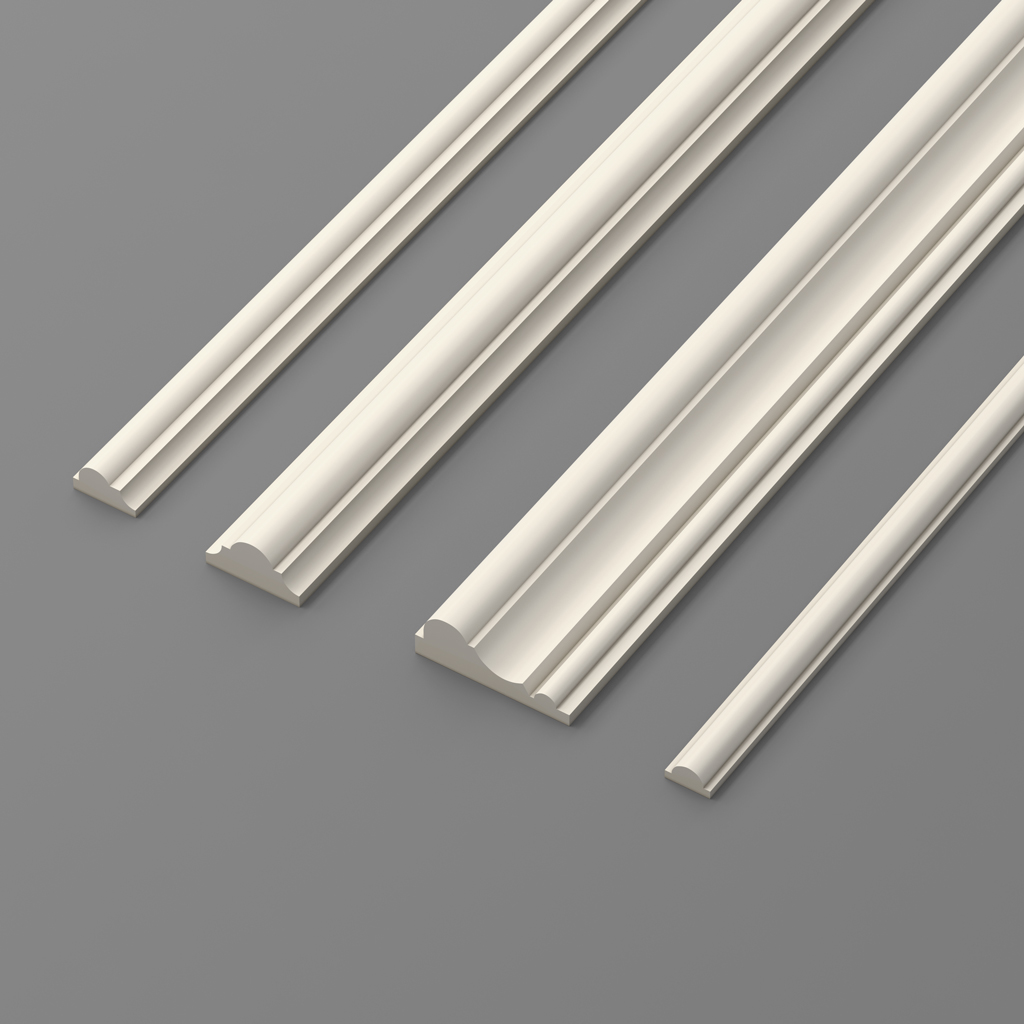
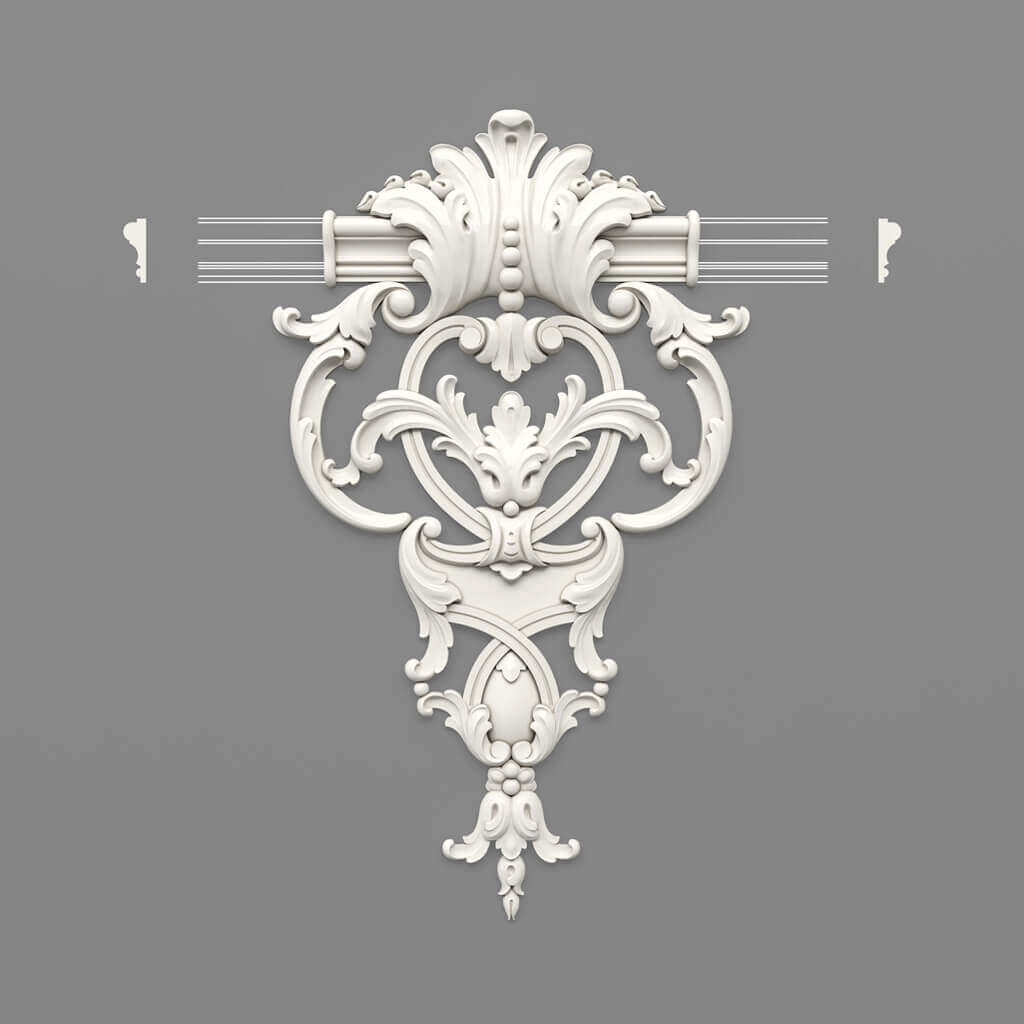
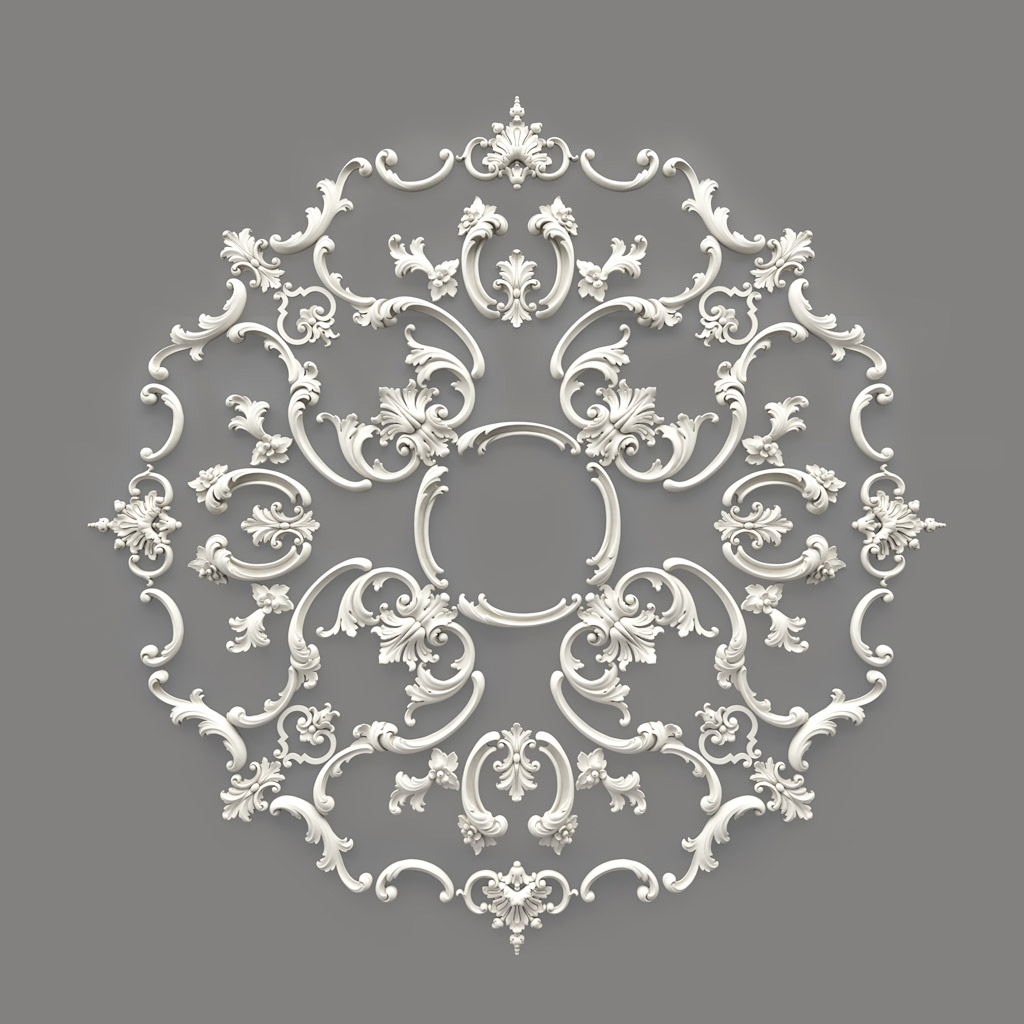
Our factory also produces:



1.2 History and Evolution of the Concept
Once, design was exclusively represented by hand-drawn sketches, rough drafts, and physical prototypes. With the development of computer technologies, the emergence of specialized software for 3D modeling and rendering, the approach to visualization underwent a qualitative revolution. Modern mockups allow creating virtual prototypes that not only demonstrate the appearance of a product but can also simulate interactions, lighting dynamics, and even change in real time. This became possible due to the combination of powerful algorithms and intuitive software, significantly expanding designers' capabilities.
Get Consultation
2. Role of Mockups in Modern Design
2.1 Bridge Between Idea and Reality
A mockup is an important stage in the design development process. It helps translate abstract ideas into a concrete visual representation that can be discussed, analyzed, and refined. This approach allows:
● Test the concept. Before launching an expensive production or implementation process, one can test how the idea will work in real space.
● Reduce risks. The ability to see the future result before starting implementation helps avoid errors and costly revisions.
● Improve communication. Photorealistic mockups serve as visual aids for communicating with clients, partners, and production teams.
2.2 Time and Cost Savings
Using mockups allows significantly reducing the time spent on clarifying and refining the project. Instead of creating several physical prototypes, a designer can quickly make changes to the digital model, test them, and approve the final version. This not only accelerates the development process but also reduces costs associated with sample production and correcting errors in later stages of implementation.
2.3 Examples of Use in Various Fields
Mockups are used in various design fields, including:
● Graphic design and branding. Creating mockups for logos, business cards, packaging, and other advertising materials helps visualize how brand elements will appear in real conditions.
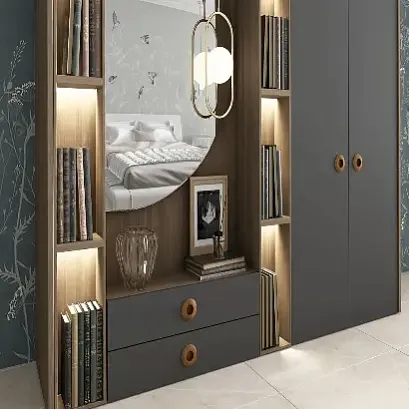
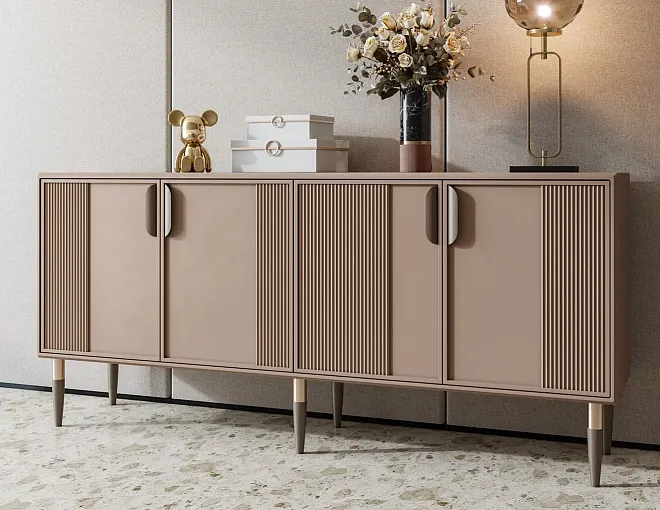
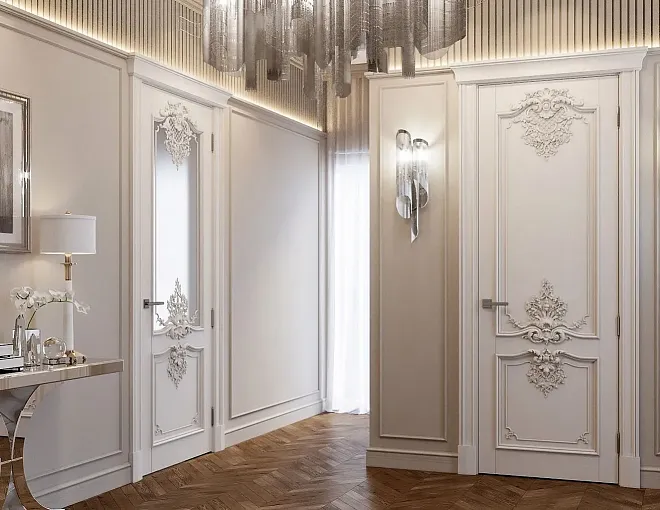
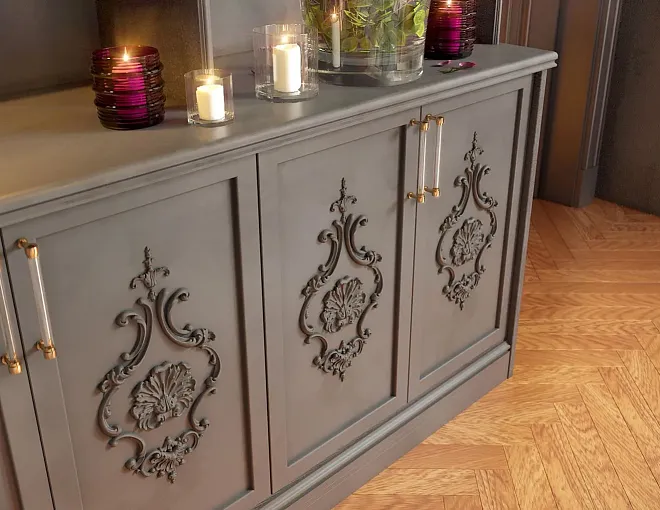
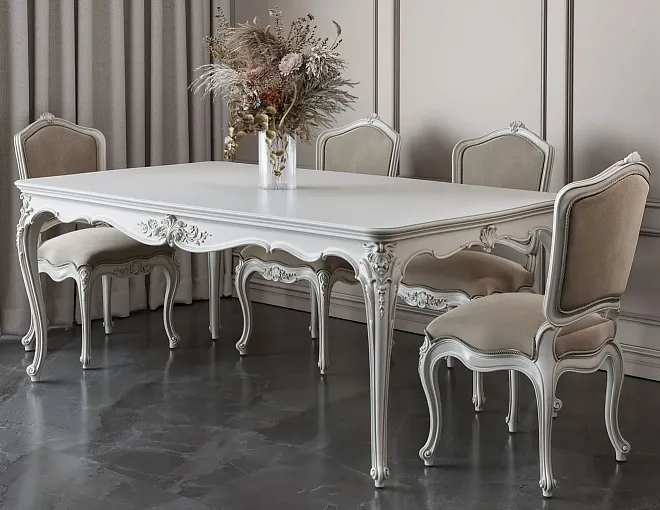
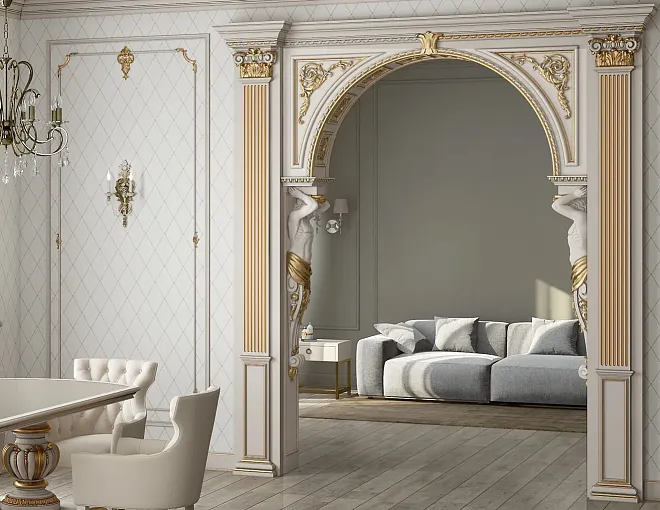
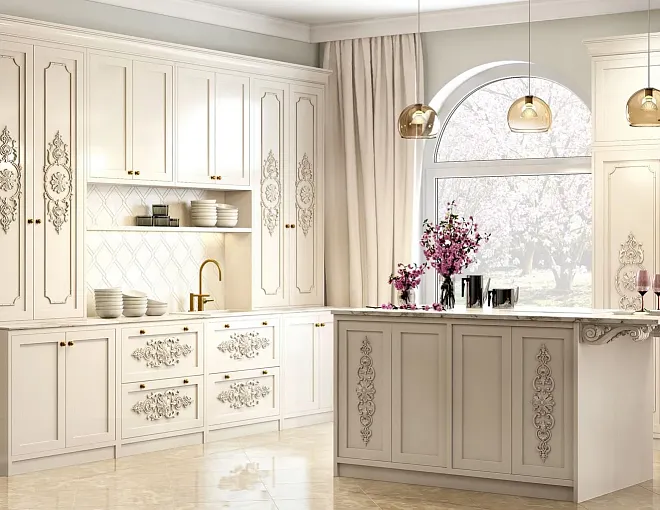
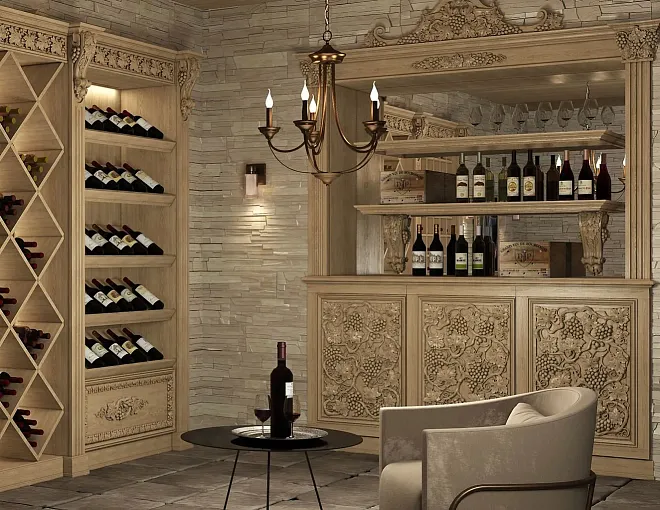
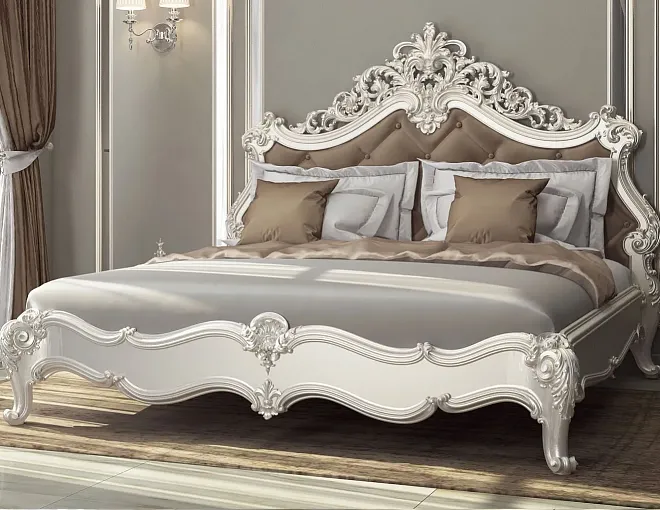
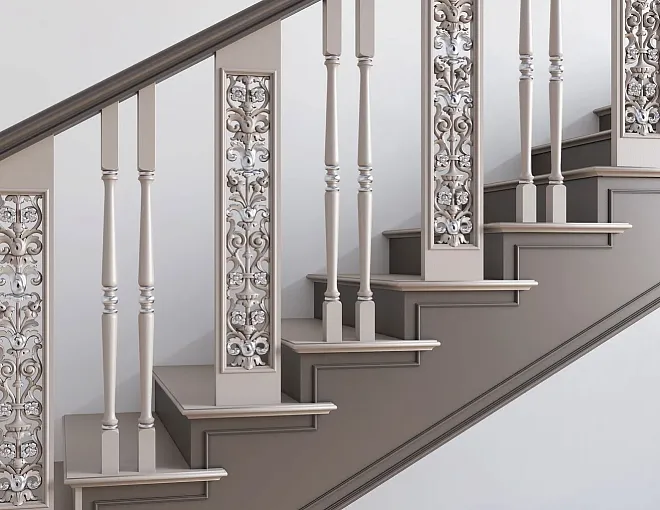
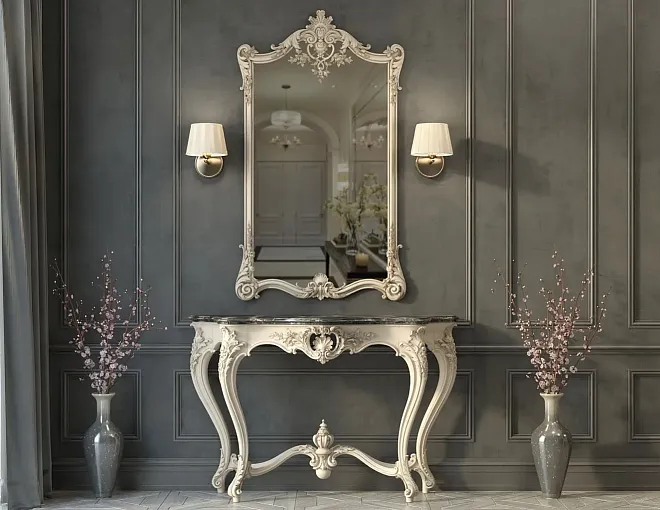
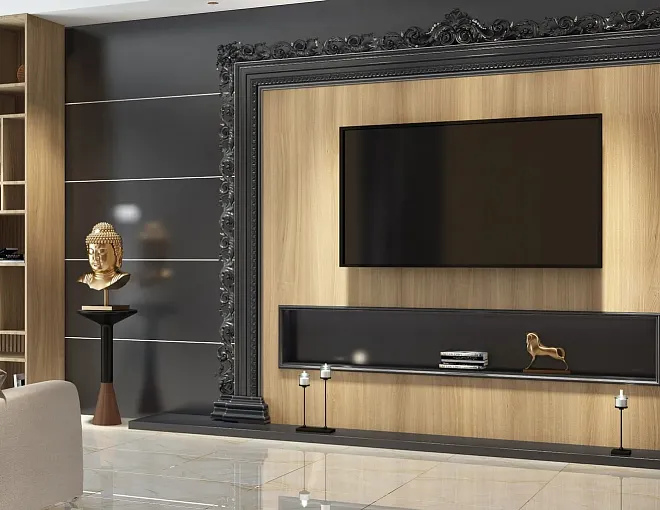
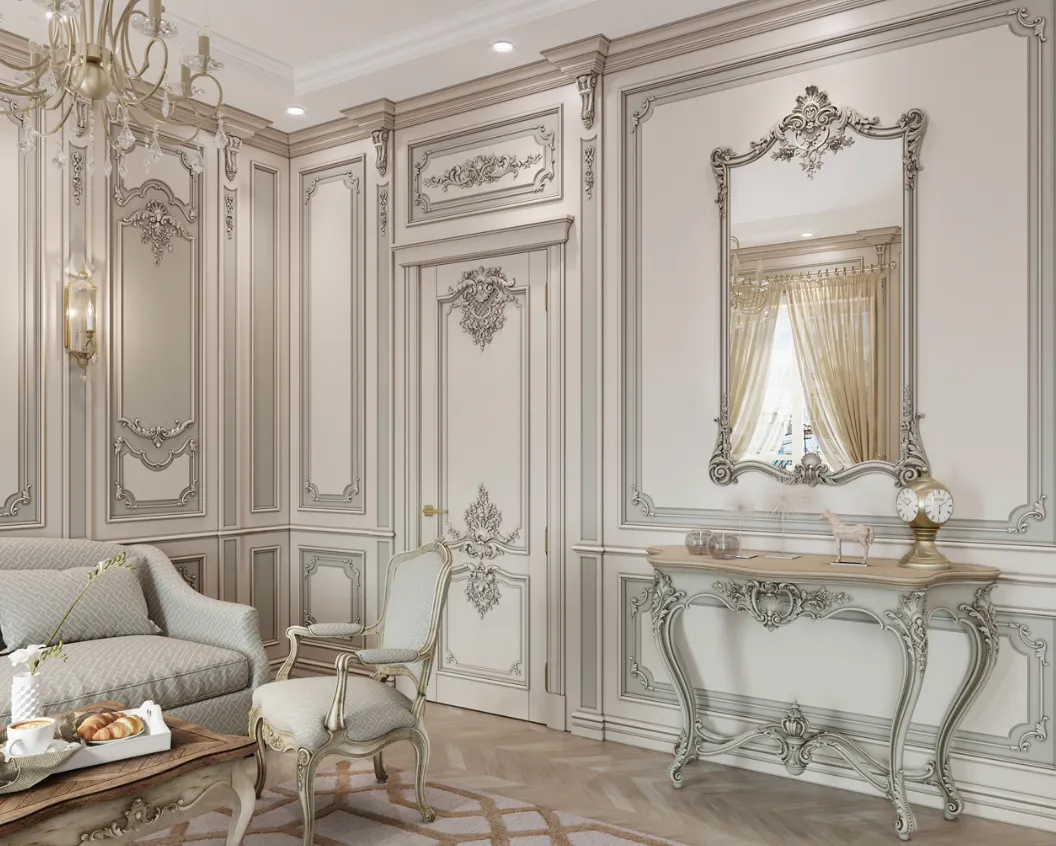
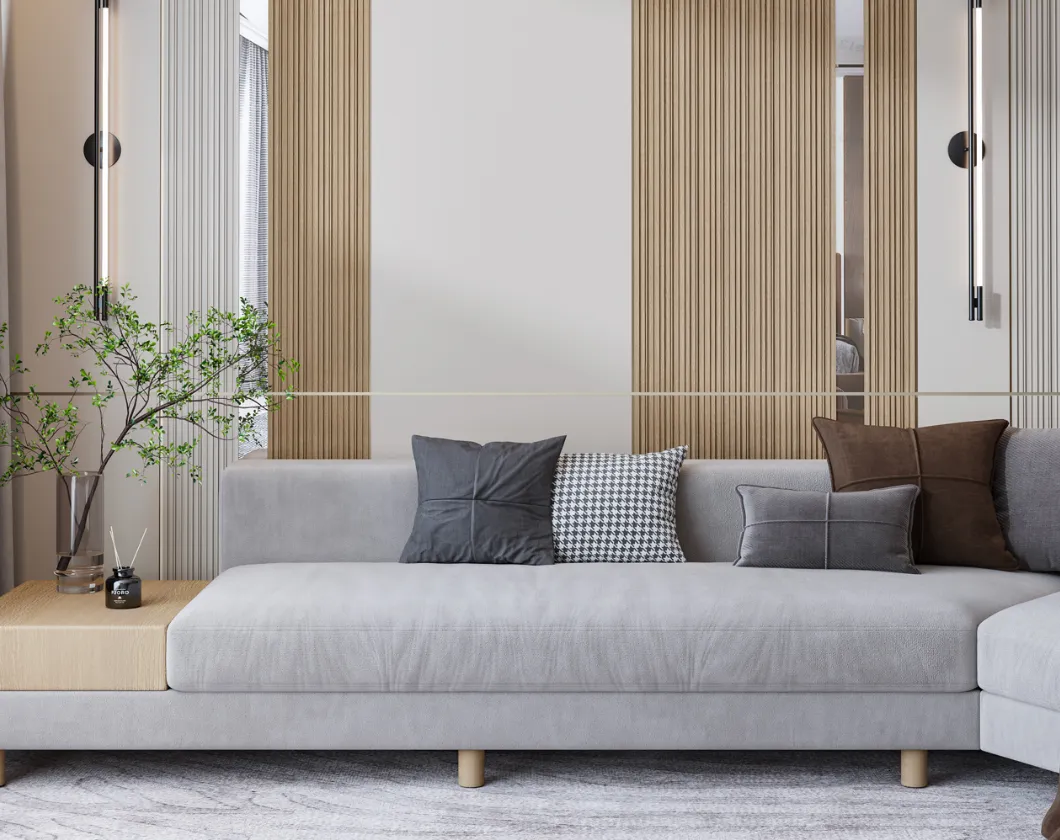
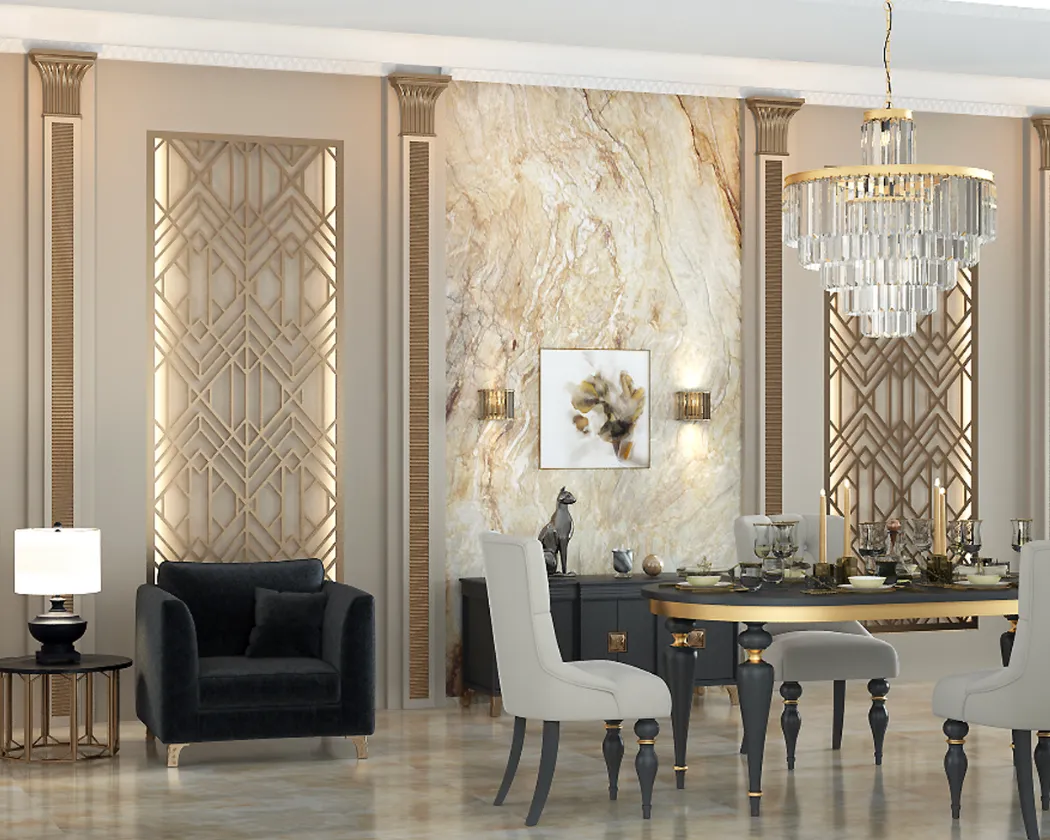
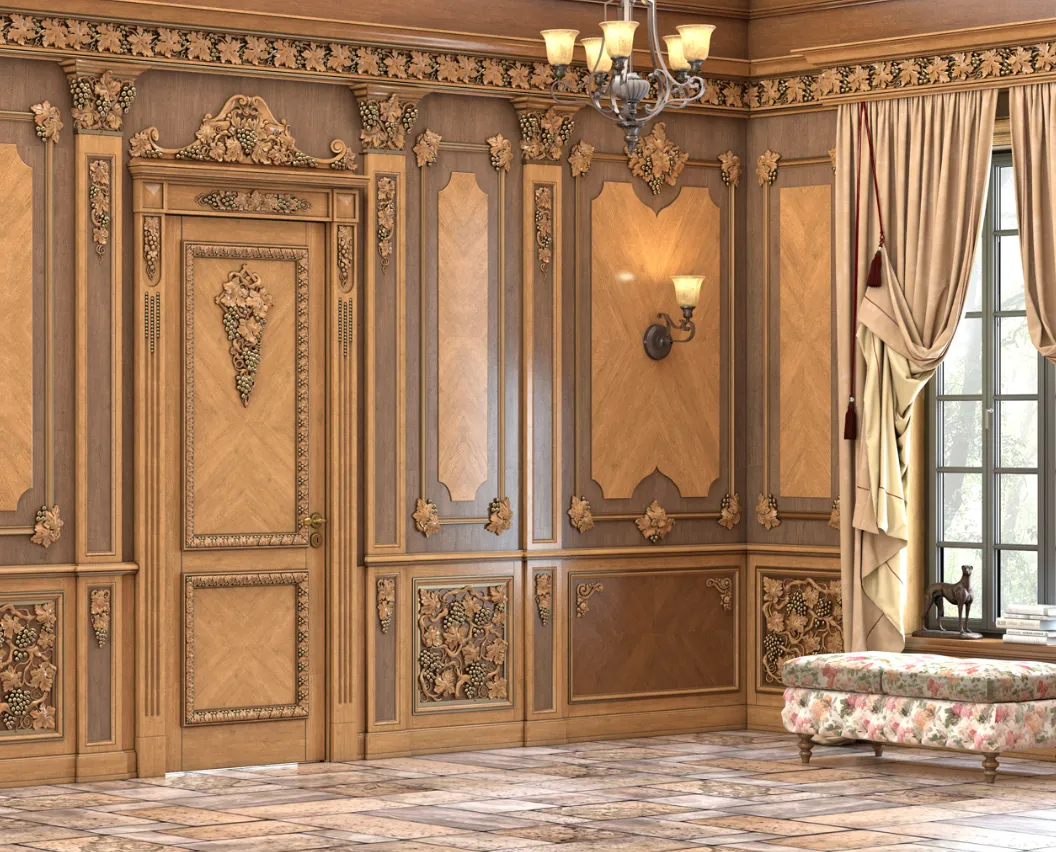
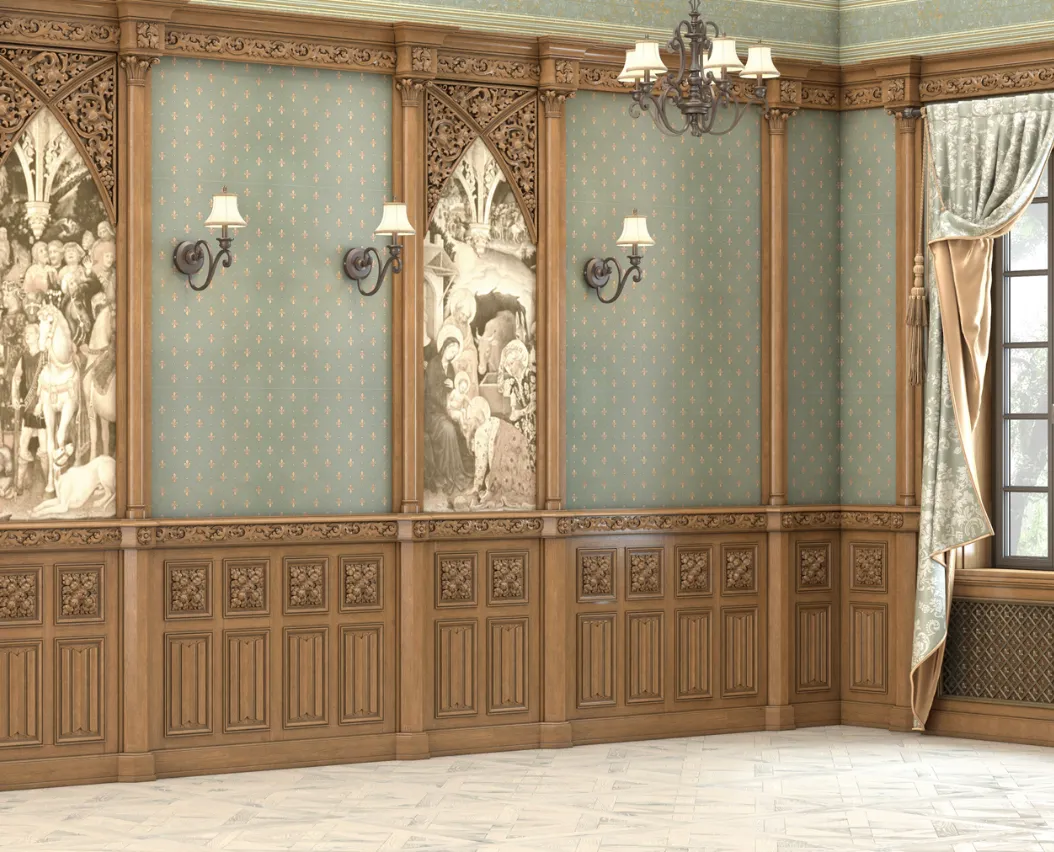
● Interior design. Mockups of furniture, finishing materials, textiles, and lighting allow clients to see the future interior before starting renovation work.
● Industrial design. Prototyping products such as gadgets, cars, or household appliances requires high precision and detail, which is perfectly achieved using mockups.
● Web design. Visual prototypes of websites, applications, and interfaces help determine how users will interact with the final product.
3. Technical Aspects of Creating Mockups
3.1 Main Tools and Software
Modern mockups are created using specialized programs that ensure high image quality and detail. Here are several key tools:
● 3D modeling. Programs such as Autodesk 3ds Max, Blender, SketchUp, and Cinema 4D allow creating accurate object models.
● Rendering. Engines such as V-Ray, Corona Renderer, Arnold, and others are responsible for converting 3D models into photorealistic images, taking into account lighting, shadows, and reflections.
● Post-processing. Adobe Photoshop, Affinity Photo, and other graphic editors are used for final image processing, color correction, adding effects, and eliminating minor imperfections.
3.2 Process of Creating a Mockup
Creating a mockup goes through several stages:
- Initial analysis and data collection. It is important to gather all necessary information: dimensions, textures, material properties, client preferences.
- Creating a 3D model. At this stage, the basic structure of the object is formed, taking into account all functional and aesthetic requirements.
- Material and texture setup. Real textures are applied, creating the effect of natural materials. Here, minute details are crucial, as they affect the overall perception.
- Image rendering. Advanced lighting and shadow calculation algorithms are used, allowing to achieve the maximum level of realism.
- Post-processing and refinement. The final image is adjusted, additional effects are added, and visual accents are enhanced.
3.3 Advantages of Digital Technologies
A digital approach to creating mockups offers several advantages:
● Flexibility. Easy to make changes at any stage of development.
● Interactivity. The ability to demonstrate the project in virtual reality or using augmented reality, which increases client engagement.
● Accuracy. High detail and precise reproduction of real material properties allow the mockup to closely resemble the physical product.
4. Tips for designers and practitioners
4.1 Starting work: how to properly plan a project
When working on a mockup, it is important to properly organize the process:
● Define the goal. Clearly state what you want to show with the mockup: overall product appearance, detailed work on individual elements, or dynamic simulation.
● Collect references. Study colleagues' work, gather examples that will help you determine your direction and style.
● Plan stages. Break the process into stages: modeling, texturing, rendering, post-processing. This will help you avoid getting lost in details and meet deadlines.
4.2 Interaction with the client
Communication with the client is one of the key aspects of the work:
● Present concepts. Show intermediate mockup variants to get feedback. This will help you make timely adjustments.
● Use interactive demonstrations. If possible, organize a VR tour or interactive presentation where the client can adjust parameters themselves and observe the results.
● Discuss details. The more thoroughly all project nuances are discussed, the less likely misunderstandings and rework will occur.
4.3 Practical recommendations for improving mockup quality
● Focus on details. Small nuances, such as surface texture, reflections, and transparency, can significantly change the perception of the product.
● Test lighting. Experiment with different light sources and angles to achieve the most realistic effect.
● Continuous learning. Technologies are developing rapidly, so it is important to stay updated on new trends and software updates.
4.4 Ideas for inspiration
● Experiment with unconventional solutions. Try combining traditional materials with modern technologies. For example, use virtual modeling to create hybrid objects that combine several textures and styles.
● Use feedback. Organize workshops or small masterclasses to exchange experience with colleagues, where you can discuss mistakes and successes in working on mockups.
● Follow global trends. Study works of leading designers, participate in professional conferences and webinars to stay up to date with the latest methods and technologies.
5. Ideas for development and application of mockups in the future
5.1 Integration with new technologies
The future of mockups is linked to active integration of digital technologies. There are already projects using machine learning algorithms for automatic selection of optimal textures and material combinations. In the near future, we can expect:
● Automation of the process. Software will be able to self-improve, enhancing visualization quality with each new iteration.
● Virtual and augmented reality. The ability to "try on" designs in real time using VR/AR technologies will open new horizons for clients and designers.
● Interactive platforms. Creating online services where users can independently experiment with different mockup variants, selecting designs to suit their needs.
5.2 Eco-friendly approach in design
Digital visualization helps reduce the need for physical prototyping, positively impacting the ecological situation:
● Waste reduction. Using mockups allows avoiding unnecessary material expenses, minimizing production waste.
● Resource conservation. Optimizing workflows and reducing costs of creating physical samples help lower energy consumption and environmental impact.
● Support for sustainable development. A digital platform enables testing eco-friendly materials and technologies, allowing choices aligned with sustainable development principles.
5.3 New presentation formats
In the era of digital transformation, design presentation formats are constantly evolving. Mockups can become the basis for:
● Interactive exhibitions. Creating virtual galleries where you can view complete project portfolios with interactive engagement options.
● Educational platforms. Developing courses and workshops where mockups are used as a teaching tool for aspiring designers.
● Marketing campaigns. Using high-quality mockups for advertising and promoting products on social media and specialized platforms.
6. Examples of successful mockup application
6.1 Real-world case studies
In modern design industry, mockups are used not only for concept validation but also for creating compelling presentations. Successful applications include:
● Branding and packaging. Brand styles developed using mockups allow you to visualize how logos and packaging solutions will appear on store shelves.
● Interior design. Some companies use mockups to demonstrate furniture, finishing materials, and decorative elements in real conditions, enabling clients to preview the final result in advance.
● Industrial design. For prototyping products such as household appliances or gadgets, mockups have become an indispensable tool, allowing functional and aesthetic testing before mass production begins.
6.2 Expert reviews
Professional designers note that using mockups significantly simplifies the workflow and helps avoid misunderstandings during project implementation. Clients, seeing realistic visualizations, gain confidence in the project’s quality, which fosters successful collaboration and enhances trust between parties.
7. Conclusion: Mockup as a key tool of modern design
A mockup in design is not merely a tool for preliminary visualization. It is a complete methodology enabling abstract ideas to be transformed into concrete, thoroughly detailed images capable of bringing concepts to life and bringing them closer to reality. Thanks to mockups, designers gain the ability to:
● Test and optimize solutions. Rapid iterations and the ability to make quick changes allow creating projects meeting the highest standards.
● Improve communication with clients. Photorealistic images and interactive presentations facilitate project discussions, making the decision approval process transparent and understandable for all participants.
● Save time and resources. Eliminating the need to create multiple physical prototypes allows focusing on creativity and achieving optimal results.
● Use innovative technologies. Integration of VR, AR, and automated processing systems opens new horizons in digital design, making mockups an essential part of modern creative processes.
In a world where speed and precision in implementing ideas play a decisive role, a mockup becomes a bridge between dream and its realization. It is a universal tool that not only visualizes a concept but also tests it, adapts it to individual requirements, and creates a product that reflects creativity and professionalism.
Against the backdrop of rapid technological advancement and growing demands for visualization quality, leading companies increasingly focus on innovative solutions. STAVROS (in all capital letters) confidently occupies leading positions in design and mockup development, offering clients a comprehensive approach based on cutting-edge technologies and deep understanding of creative processes. Thanks to continuous investment in innovative tools and high-level expertise, STAVROS helps clients transform abstract ideas into vivid and compelling visual concepts, setting new quality and efficiency standards in the design world.
Choosing STAVROS, you get not just mockups — you choose a comprehensive solution that combines a creative approach, technological precision, and strategic vision, making every solution unique and future-oriented.