






Article Contents:
- Why furniture design programs are so important
- Main types of furniture design programs
- 1. General-purpose 3D modeling programs
- 2. CAD/CAM systems for design
- 3. Specialized 'furniture' programs
- 4. Online platforms and AR/VR solutions
- 1. PRO100
- 2. Basis Мебельщик
- 3. Woody
- 4. bCAD Мебель
- 5. KitchenDraw
- 1. 3ds Max and Blender
- 2. SketchUp
- 3. Autodesk AutoCAD
- Planner 5D
- Roomstyler (formerly My Deco 3D Planner)
- IKEA Planner
The modern furniture market is developing rapidly: new materials, styles, and technologies are emerging, and users are becoming more demanding in terms of details and quality. Under such conditions, furniture design and design programs play a decisive role. They allow you to accurately model the future product, calculate the optimal cutting layout, control the cost, and even visualize the interior according to the client's wishes.
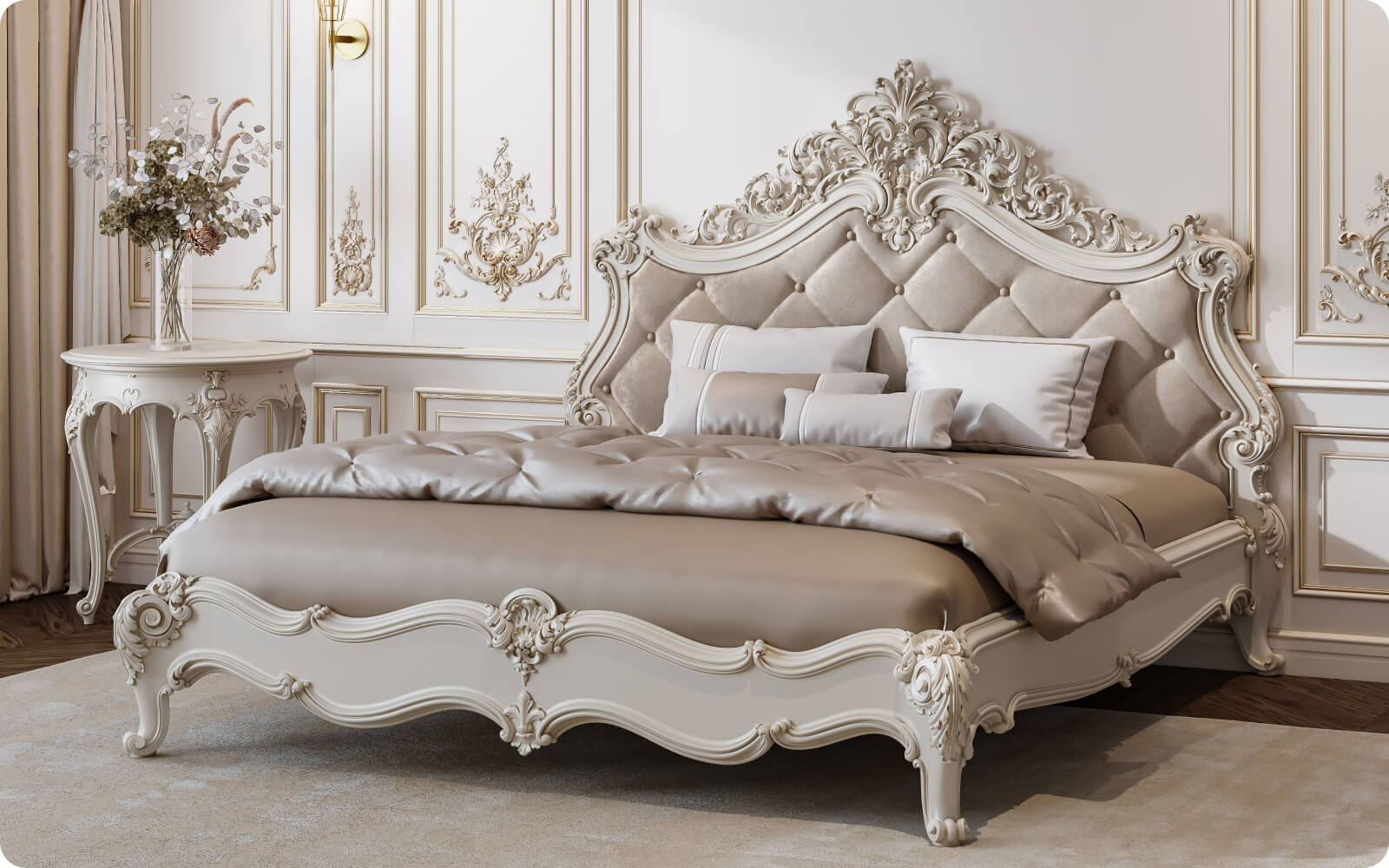
But how to choose the right software for designing a new kitchen, a sliding wardrobe, or evenClassic Furniture? Which tools are considered the 'gold standard' in the furniture industry, and which are better suited for beginner designer enthusiasts? In this article, we will provide a detailed overview of furniture programs: from free online services to powerful professional CAD/CAM systems used by large factories.
(Please note that the article is long and aims to reach at least 2000 words to comprehensively cover the topic.)


Why furniture design programs are so important
Before diving into a list of specific software, it's worth understanding why specialized furniture design and design programs are needed. After all, one could use a regular graphic editor or paper and pencil, right?
In fact, 'furniture' software performs several key functions:
- Accurate visualization. On the screen, you see the future piece of furniture in real proportions, taking into account materials, hardware, and color schemes. This significantly simplifies communication with the client, as you can immediately show how a particular cabinet, table, or setclassic furniture will look in the interior.
- Size and specification calculation. A good program can automatically calculate details and generate a material list (wood, MDF, laminate, glass, hardware). This simplifies production and reduces the risk of errors.
- Time-saving. Instead of lengthy manipulations with drawings and design sketches, a designer can change parameters (height, width, depth) in seconds, try different construction options, without starting the project from scratch.
- Ease of collaboration. Many programs allow integration with CNC machines and cutting lines, speeding up production. And when working in a team, the project can be easily transferred to other specialists: technologists, engineers, designers.
- Marketing tool. Beautiful 3D visualizations, renders, and even VR models help "sell" the idea to the client. This is especially relevant in the era of online communication, when the client may not always be able to visit a showroom.
Thus, furniture design programs are not just a trend, but a real way to increase the efficiency and competitiveness of the furniture business, as well as make the designer's work more comfortable and professional.

Main types of furniture design programs
The entire spectrum of "furniture" software can be conditionally divided into several categories, differing in functionality, complexity, and application area. Of course, such classification is conditional — some programs go beyond one category, offering a modular structure.
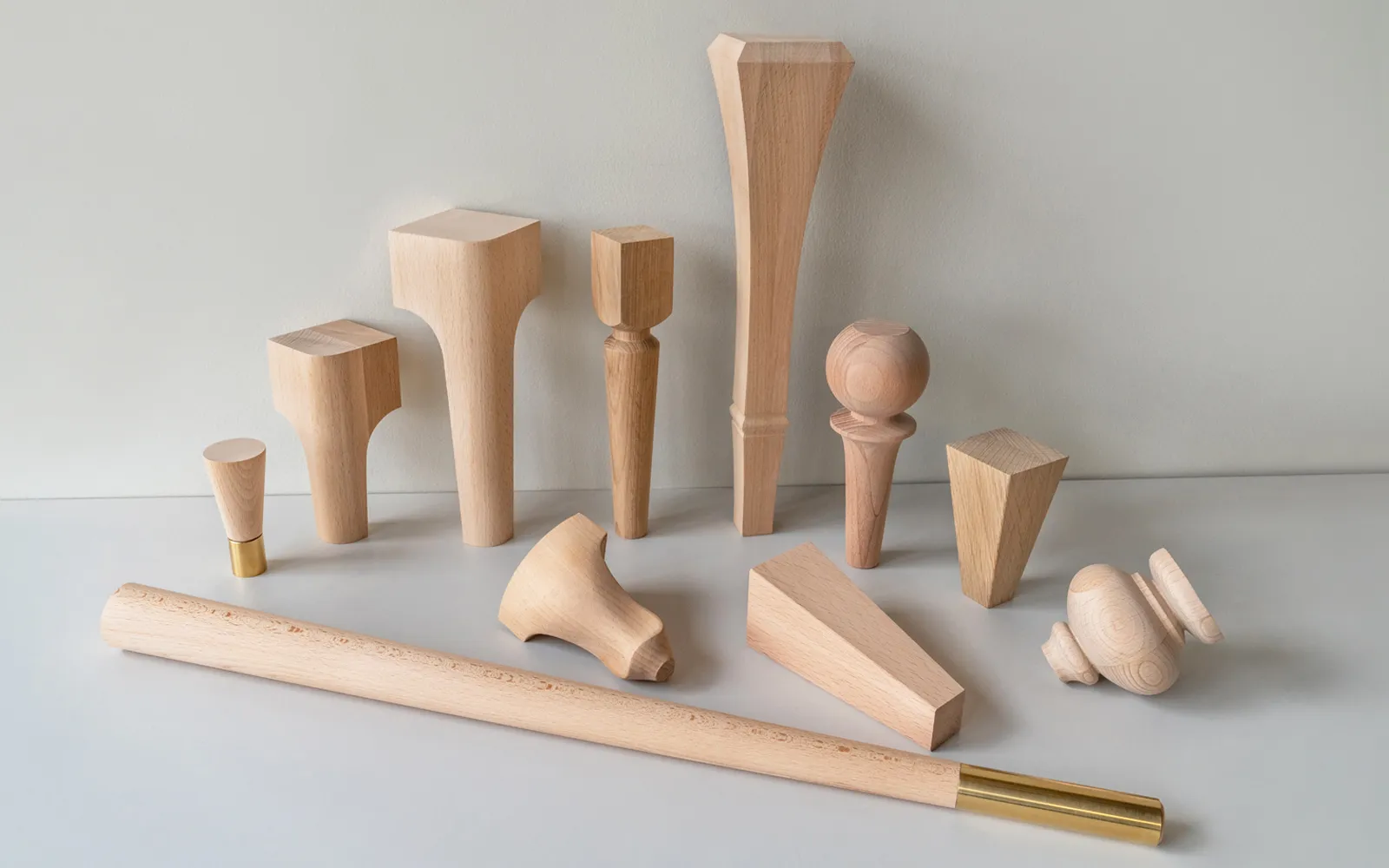
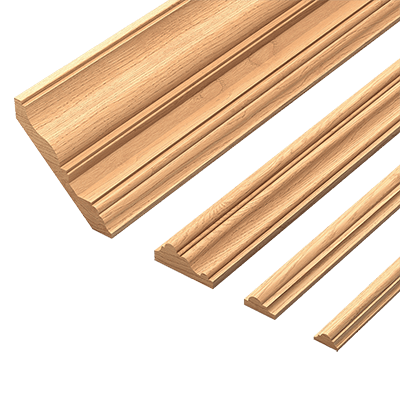
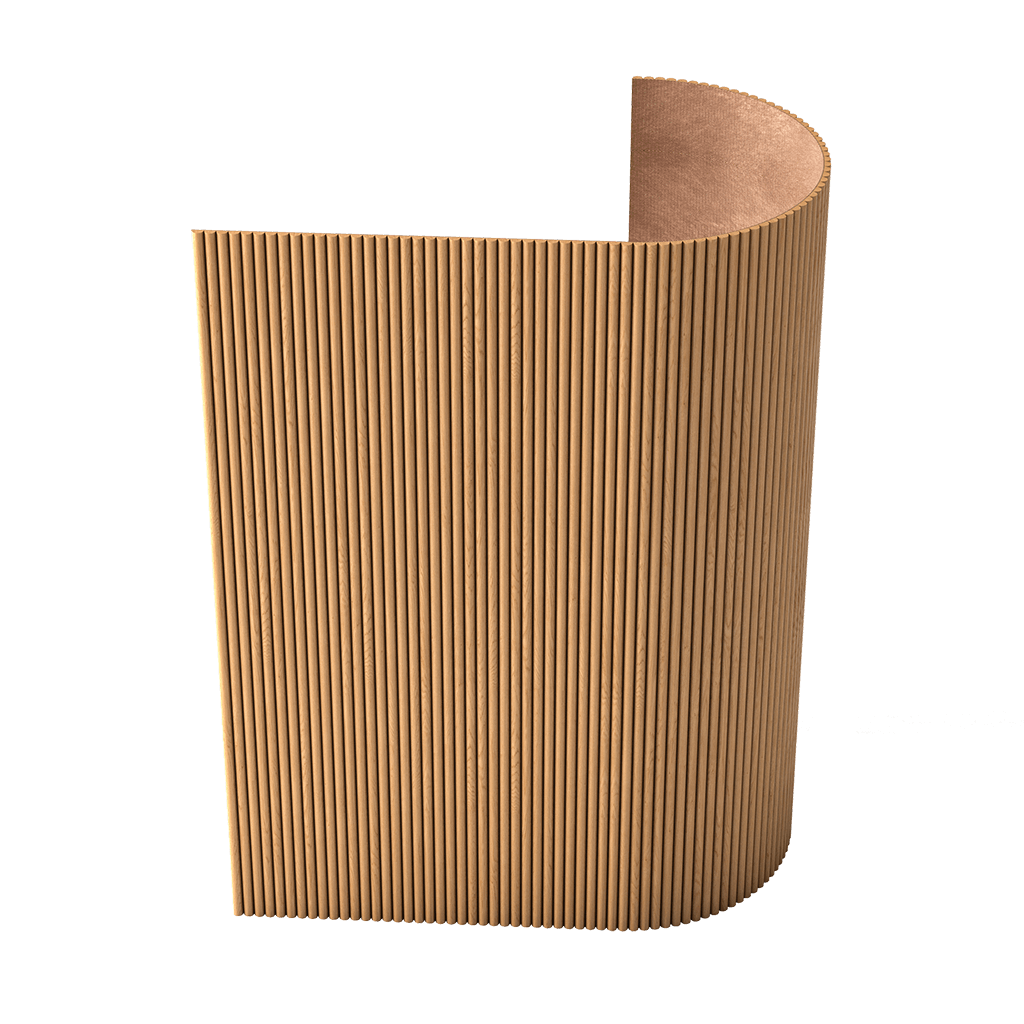
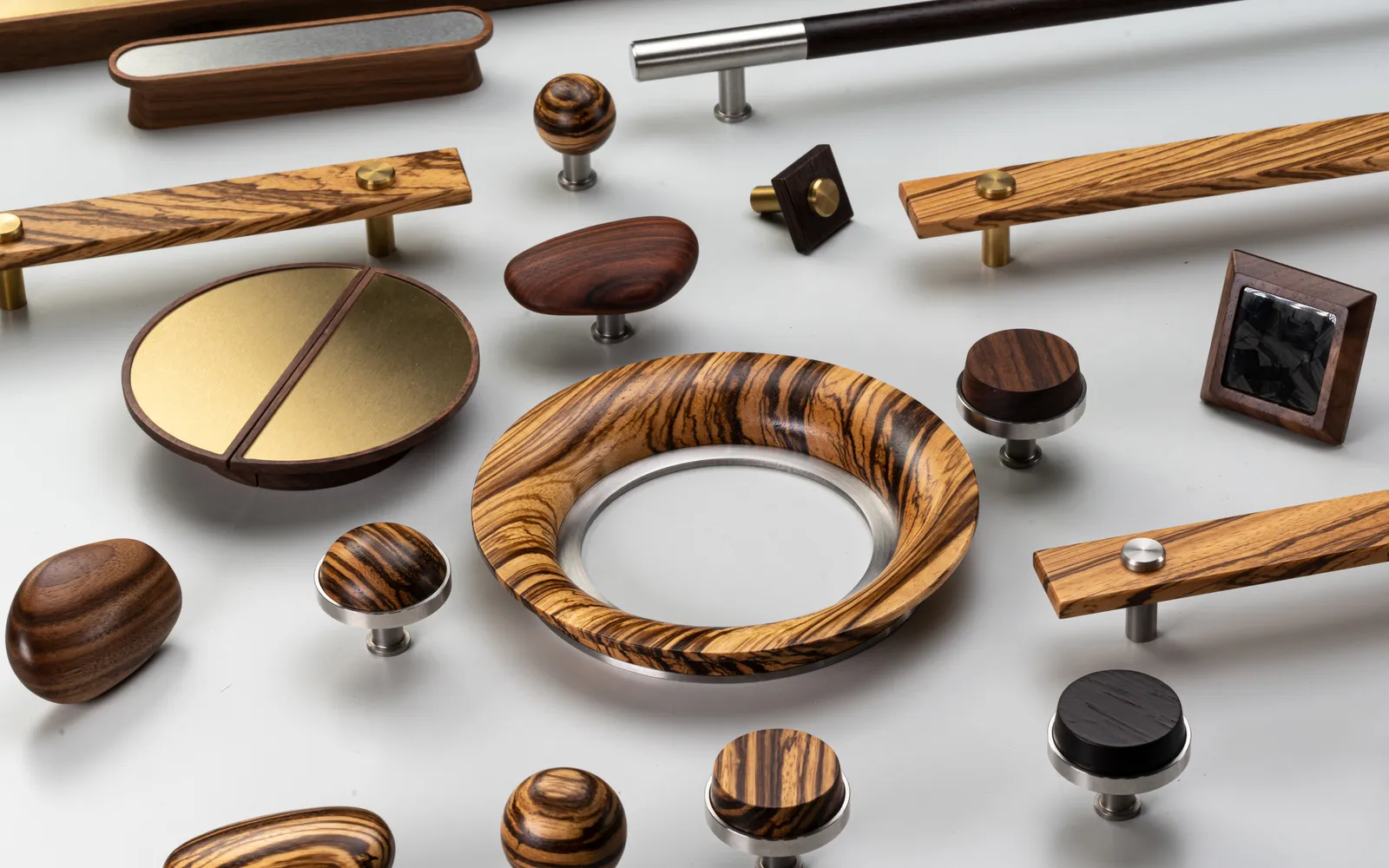
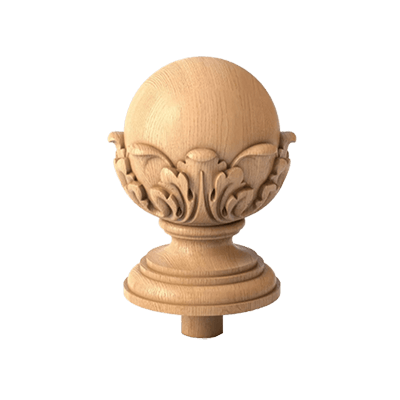
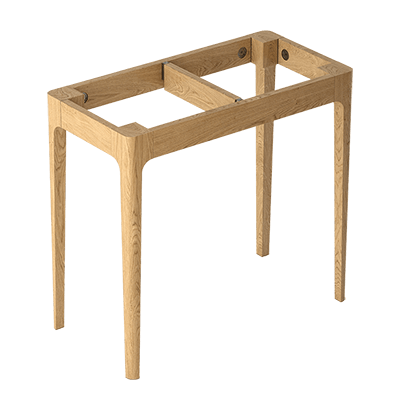
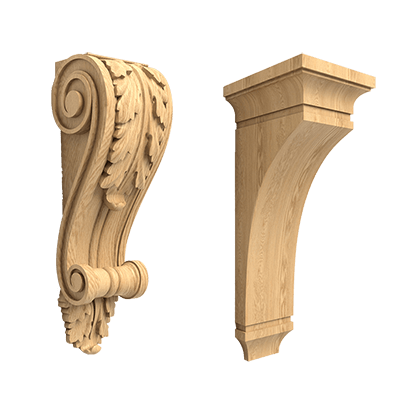
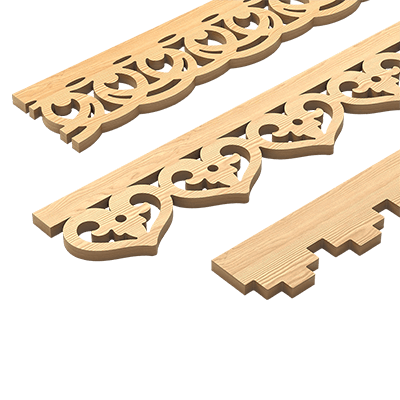
Our factory also produces:


1. General-purpose 3D modeling programs
Examples: Autodesk 3ds Max, Blender, SketchUp, Cinema 4D.
● What they can do: create 3D models of any complexity, visualize them in photorealistic renders, and also animate.
● Pros: large user communities, plenty of educational materials, flexibility in modeling complex shapes.
● Cons: lack (or limited availability) of ready-made tools for calculating cutting layouts, specifications, and hardware. Drawings will need to be done manually or supplemented with third-party plugins.
These programs are suitable for designers who want to create impressive visualizations, but for purely "engineering" stages (when it is necessary to account for technological clearances, fasteners, etc.) it is often necessary to switch to more specialized software.
Get Consultation
2. CAD/CAM systems for design
Examples: Autodesk AutoCAD, SolidWorks, Inventor, Fusion 360.
● What they can do: precisely create drawings, calculate dimensions, generate specifications, prepare data for CNC. Suitable not only for furniture, but also for mechanical engineering, architecture, etc.
● Pros: high accuracy, "industrial" standard, presence of tools for assemblies, load calculations, creation of engineering documentation.
● Cons: may be too complex and "overloaded" for designers without an engineering background, high licensing costs for commercial use.
CAD/CAM systems are often used in large furniture factories, where the technological process, integration with production lines, and minimizing errors in drawings are important. However, for small businesses or independent designers, such solutions may be excessive and expensive.
3. Specialized "furniture" programs
Examples: Woody, PRO100, Basis Mебельщик, bCAD Мебель, KitchenDraw, Kitchen Planner (online services).
● What they can do: designed specifically for furniture makers. Aimed at quickly modeling cabinets, kitchen sets, tables, chairs, as well as generating drawings, cutting layouts, and specifications.
● Pros: optimized for furniture production, often contain built-in libraries of hardware, profiles, materials, mechanisms. Easier to learn compared to universal CAD packages.
● Cons: sometimes limited in capabilities for complex 3D modeling. Photorealistic visualization may lag behind 3ds Max or Cinema 4D.
Such software is often chosen by those who focus on speed and convenience of designing "case" or classic furniture, without spending time studying large engineering systems. Thanks to built-in assistants, master groups, and libraries, one can create, say, a kitchen or wardrobe sketch in half an hour, get a cutting layout and cost estimate.
4. Online platforms and AR/VR solutions
Examples: Planner 5D, IKEA Planner, HomeByMe, Roomstyler.
● What they can do: through a browser or app, you can place furniture in a 3D room plan, change dimensions, experiment with wall and floor finishes. Some support augmented reality (AR), allowing you to "try on" furniture at home via smartphone camera.
● Pros: simplicity and accessibility, do not require installing heavy software on a computer. Intuitive interface, oriented toward mass users.
● Cons: oriented more toward interior layout than precise furniture design. Tools for cutting layouts, specification calculations, and hardware are often absent.
Online platforms are useful for "rough" work and quick selection of stylistic solutions. For example, if you want to show the client how it will look likeClassic Furniture in his living room, you can upload a sample 3D model object and immediately demonstrate the arrangement.
Overview of popular furniture design programs
Let's examine in detail a series of solutions most in demand among professionals and hobbyist designers. We will pay attention both to functionality and 'hidden pitfalls'.
1. PRO100
One of the most popular programs among furniture makers in the CIS. Developed by Ecru Software (Poland) and adapted for the Russian language.
● Functionality:
○ Fast furniture modeling: cabinets, shelves, kitchens, chests of drawers.
○ Material, hardware, and facade libraries.
○ Automatic calculation of cutting layouts and specifications (though for more advanced calculations, additional modules are often used).
○ Simple 3D visualization with shadows and textures.
● Advantages:
○ Low entry barrier, training programs, and a large number of YouTube video tutorials.
○ Not overly demanding on hardware.
○ Convenient for quickly developing custom cabinetry.
Disadvantages:
○ Limited capabilities for photorealistic rendering (images often appear simplified).
○ Lack of built-in complex modules for CNC interaction (though files can be exported and processed in other systems).
○ Commercial license may seem less cost-effective for small entrepreneurs.
PRO100 is ideal for those just starting their career in furniture, as well as small workshops that need to quickly design custom cabinets, sets, kitchens, and see the final material cost.
2. Basis Мебельщик
A Russian program designed for producing cabinet furniture. It is sometimes compared to PRO100 for ease of use, but Basis Мебельщик offers deeper calculation capabilities.
● Functionality:
○ Creating 'assemblies' from panels (MDF, HDF), adding hardware (hinges, guides), calculating holes.
○ Cutting sheet materials (includes built-in cutting tool).
○ Generating reports, specifications, and technological operation cards.
○ Support for non-standard shapes, corner modules, and decorative edge processing.
● Advantages:
○ Powerful toolset for cabinet furniture, detailed specifications.
○ Ability to configure tolerances, edge profiles, thickness, hole systems — everything needed by the technician.
○ Good integration with CNC.
Disadvantages:
○ Interface is not the most modern.
○ Photorealistic rendering is weaker compared to 3D modeling programs (requires exporting the model separately).
○ Requires training to use all features.
Basis Мебельщик is often chosen by medium and large manufacturers who value calculation accuracy and wish to automate production preparation. It may seem 'complex' and overloaded for individual designers, but for professionals working regularly with cabinet furniture, it is an excellent solution.
3. Woody
Another specialized program developed in Russia. Often mentioned alongside PRO100 and Basis Мебельщик.
● Functionality:
○ Designing cabinet furniture taking into account material thickness and edge profiles.
○ Automatic cutting.
○ Report generation, cost calculation, material warehouse management.
○ Integration with graphic editors for visualization.
● Advantages:
○ Convenient modules for calculating wardrobes and kitchen sets.
○ Does not require "monster" computational resources.
○ Russian development, Russian language support, and updates available.
Disadvantages:
○ Interface may appear outdated.
○ Less popular (compared to PRO100 and Basis), so fewer community learning materials.
○ Woody, despite all its advantages, has not achieved such "massive" popularity, but deserves attention from furniture manufacturers who wish to optimize their workflow without switching to bulky CAD/CAM systems.
4. bCAD Furniture
○ bCAD Solutions series is often used in the furniture industry. There is a version of bCAD Furniture, adapted for furniture production.
● Functionality:
○ 3D design of furniture and interiors.
○ Automatic cutting.
○ Hardware and profile catalogs.
○ Visualization plugins.
● Advantages:
○ Flexible customization for specific furniture maker tasks.
○ Modules for PVC film, bending operations, etc.
○ Ability to manually adjust details.
Disadvantages:
○ May be expensive for individual entrepreneurs.
○ Less popular than some competitors, making it harder to find free tutorials.
○ bCAD Furniture is a universal option for those who want everything in one environment: visualization, calculation, and export to production. But you will need to invest time in learning and setup.
5. KitchenDraw
○ As the name suggests, this software is focused on kitchen design. Developers claim it is suitable for "cabinet" furniture in general, but it is most valued for its convenient work with kitchen sets.
● Functionality:
○ Ready-made module catalogs (cabinets, countertops, hardware).
○ Simple placement of appliances and plumbing fixtures.
○ Automatic specification and cost calculation.
○ Visualization and tile layout on backsplash.
● Advantages:
○ Tailored for kitchen-specific tasks.
○ Easy to learn for those specializing in kitchen design.
○ Ability to quickly show the client a 3D kitchen plan.
Disadvantages:
○ Limited if you need to design something radically non-standard (no universal modeling tools).
○ May lack flexibility for full interior design projects.
○ If your niche is specifically kitchen sets, KitchenDraw or similar narrow-specialized products can significantly simplify your work. But when expanding your scope, you will need to look for additional solutions.
Universal 3D programs: when you can't do without them
We already mentioned that in the world of furniture, non-specialized programs — 3ds Max, Blender, SketchUp, Fusion 360, AutoCAD — are often used. Why?
1. 3ds Max and Blender
● Why needed: for creating detailed and photorealistic visualizations. If you want to show your client how a classic kitchen with complex decorative elements, glass inserts, and exclusive carving will look — you can't do without powerful rendering.
● Advantages: rich capabilities for lighting, material, and animation setup. You can create a portfolio at the level of a "design studio".
● Disadvantages: difficulty in learning. Plus, for engineering calculations (angles, holes, fasteners), you’ll have to do everything manually or use additional plugins.
3ds Max is often chosen by professional 3D artists and architects. Blender, however, is free, which attracts beginners, but it is also becoming increasingly popular in the commercial sphere.
2. SketchUp
● Feature: intuitive interface and simple 3D modeling logic (suitable for beginners).
● Pros: large repository of free models, ability to quickly "build" a room and place furniture.
● Cons: basic functionality for cutting and specifications is absent (requires third-party plugins or export).
SketchUp is loved by interior designers and architects who need a fast tool for sketches. Detailed engineering furniture design is often carried out in another environment.
3. Autodesk AutoCAD
● Why choose: "golden" standard for drafting, familiar to many engineers. You can create accurate 2D drawings and 3D models.
● Cons: absence of specialized "furniture" modules; everything must be set up manually.
● Where used: at large enterprises where AutoCAD is already integrated into production and 2D drawings remain the main planning tool.
Online services and mobile applications
In addition to desktop programs, in recent years, services operating through web browsers or smartphones have been actively developing. They are useful for quickly demonstrating ideas and room layouts.
Planner 5D
● Description: popular online platform allowing you to "draw" a room plan, place furniture, and change finishes. Available in a free basic version with a limited set of models.
● Pros: simplicity, accessibility from anywhere (as long as you have internet). You can export images or share links with clients.
● Cons: not designed for engineering design. Functionality is narrow for furniture production.
Roomstyler (formerly My Deco 3D Planner)
● Description: another online service similar in functionality to Planner 5D. Allows visually placing items, selecting wall and upholstery colors.
● Pros: large library of interior items. Intuitive control.
● Cons: again, oriented toward interior design, not precise furniture construction.
IKEA Planner
● Feature: developed by IKEA for planning kitchens, closets, and other zones using this company's product range.
● Pros: convenient if you plan to purchase IKEA furniture or want to show your client examples from this brand's catalog.
● Cons: "tied" to IKEA products, no mechanism for free modeling.
Thus, online services primarily serve as marketing tools and assistance for clients who want to visually "experiment" with furniture placement. They cannot replace powerful specialized solutions for professional furniture makers.
How to choose the right program
There are many criteria to consider when choosing software for furniture design:
- Level of tasks: are you a beginner designer, owner of a small workshop, a large factory, or a private "enthusiast" who wants to make a kitchen for yourself? This determines whether you need deep calculation modules, integration with CNC, or whether simple 3D visualization is sufficient.
- Budget: professional solutions can cost tens (or even hundreds) of thousands of rubles per year. There are also free programs or freemium (limited-functionality access).
- Interface convenience: if the program is too complex, you will lose time on learning. On the other hand, overly simplistic software may limit your creative possibilities.
- Community and support: presence of active forums, training courses, technical support in your language — a very important factor, especially for beginners.
- Integration capability: if you have CNC machines, laser cutting, or CNC technologies, check whether the program supports corresponding export formats (DXF, DWG, CAM modules).
Tips for working with furniture design programs
- Start with a library of standard modules. Many programs offer ready-made blocks for cabinets, kitchens, shelves. Study them to save time on basic projects and understand the system's logic.
- Create your own library. If you frequently designclassic furniture with specific panels, legs, decorative elements — save these models as a library. This will speed up reuse.
- Track materials. Correctly filling parameters (thickness of laminate, edges, hardware list) will allow the program to automatically calculate material consumption and suggest optimal cutting layouts.
- Don't forget about the human factor. The program can help with calculation accuracy, but the final decision rests with the designer or technologist. Check whether doors open comfortably, whether gaps are sufficient, and whether the furniture fits real room dimensions.
- Test renders. Even if the program doesn't provide a "photorealistic" image, try to get a sufficiently detailed view. This is important for presenting to clients: often people cannot visualize the finished product from a set of flat drawings.
The future of furniture design programs: VR, AR, and generative design
Technologies are not standing still, and in furniture design, the outlines of future trends are already visible:
- Virtual Reality (VR): a designer, wearing a VR headset, can literally "walk" through a future kitchen or living room. The client can also wear such a headset to assess scale and proportions.
- Augmented Reality (AR): the user points the smartphone camera at an empty corner of a room, and the program "places" a 3D furniture model in real scale. IKEA already actively promotes such tools.
- Generative design: special algorithms (often based on artificial intelligence) help automatically generate hundreds of variations of shape, cutting, and construction, optimizing parameters according to specified conditions (material savings, strength, aesthetics).
- Real-time collaboration: several people from different locations can jointly edit one furniture project, making edits in real-time online.
All these innovations are already appearing in industry news, and in the coming years, they will likely become part of the daily workflow for furniture makers and designers.
Conclusion
Furniture design and planning software — this is a key tool that allows professionals and enthusiasts to bring ideas to life, avoid production errors, and impress clients with realistic visualizations. Choosing a specific software depends on many factors: budget, production scale, specialization, and experience.
● If you are oriented toward a small business and fast design of cabinets, kitchens andclassic furniture● you will likely find specialized programs such as PRO100, Basis Мебельщик or Woody suitable.
● Large factories or companies integrated with CNC will likely choose powerful CAD/CAM systems with extended functionality.
● Designers who prioritize photorealistic rendering cannot do without 3ds Max, Blender or other rendering engines, sometimes paired with SketchUp or AutoCAD.
● Online services like Planner 5D are useful for quickly creating interior layouts when you need to show clients ideas without deep technical analysis.
In the future, we can expect even tighter integration of technologies: virtual reality, mobile apps with augmented reality, artificial intelligence in project generation. However, even now, using the right software, you can create detailed projects of any complexity — from a simple kitchen set to an original designer’s furniture collection. This is real progress: just 20–30 years ago, such capabilities seemed like science fiction, and furniture makers relied on hand-drawn sketches and decades of master experience.
A well-chosen and mastered "furniture" software opens new horizons, simplifies production processes, and helps realize the boldest creative ideas. Whether you are designing a classic chest with carved patterns or a cutting-edge minimalist cabinet, 21st-century technical tools allow you to work faster, more accurately, and more effectively, improving the quality of the final product and client satisfaction.


